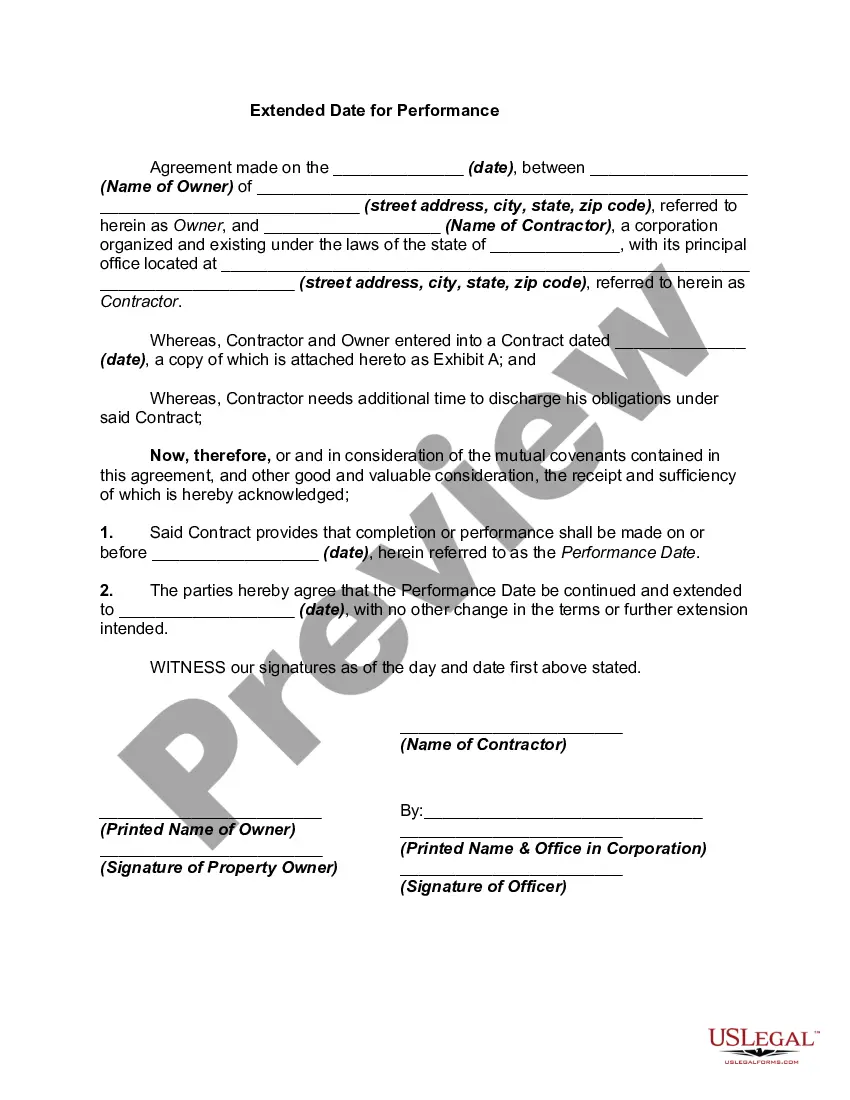
Form Modification Contract With Special
Description
Get your form ready online
Our built-in tools help you complete, sign, share, and store your documents in one place.
Make edits, fill in missing information, and update formatting in US Legal Forms—just like you would in MS Word.
Download a copy, print it, send it by email, or mail it via USPS—whatever works best for your next step.
Sign and collect signatures with our SignNow integration. Send to multiple recipients, set reminders, and more. Go Premium to unlock E-Sign.
If this form requires notarization, complete it online through a secure video call—no need to meet a notary in person or wait for an appointment.
We protect your documents and personal data by following strict security and privacy standards.

Make edits, fill in missing information, and update formatting in US Legal Forms—just like you would in MS Word.

Download a copy, print it, send it by email, or mail it via USPS—whatever works best for your next step.

Sign and collect signatures with our SignNow integration. Send to multiple recipients, set reminders, and more. Go Premium to unlock E-Sign.

If this form requires notarization, complete it online through a secure video call—no need to meet a notary in person or wait for an appointment.

We protect your documents and personal data by following strict security and privacy standards.
Looking for another form?






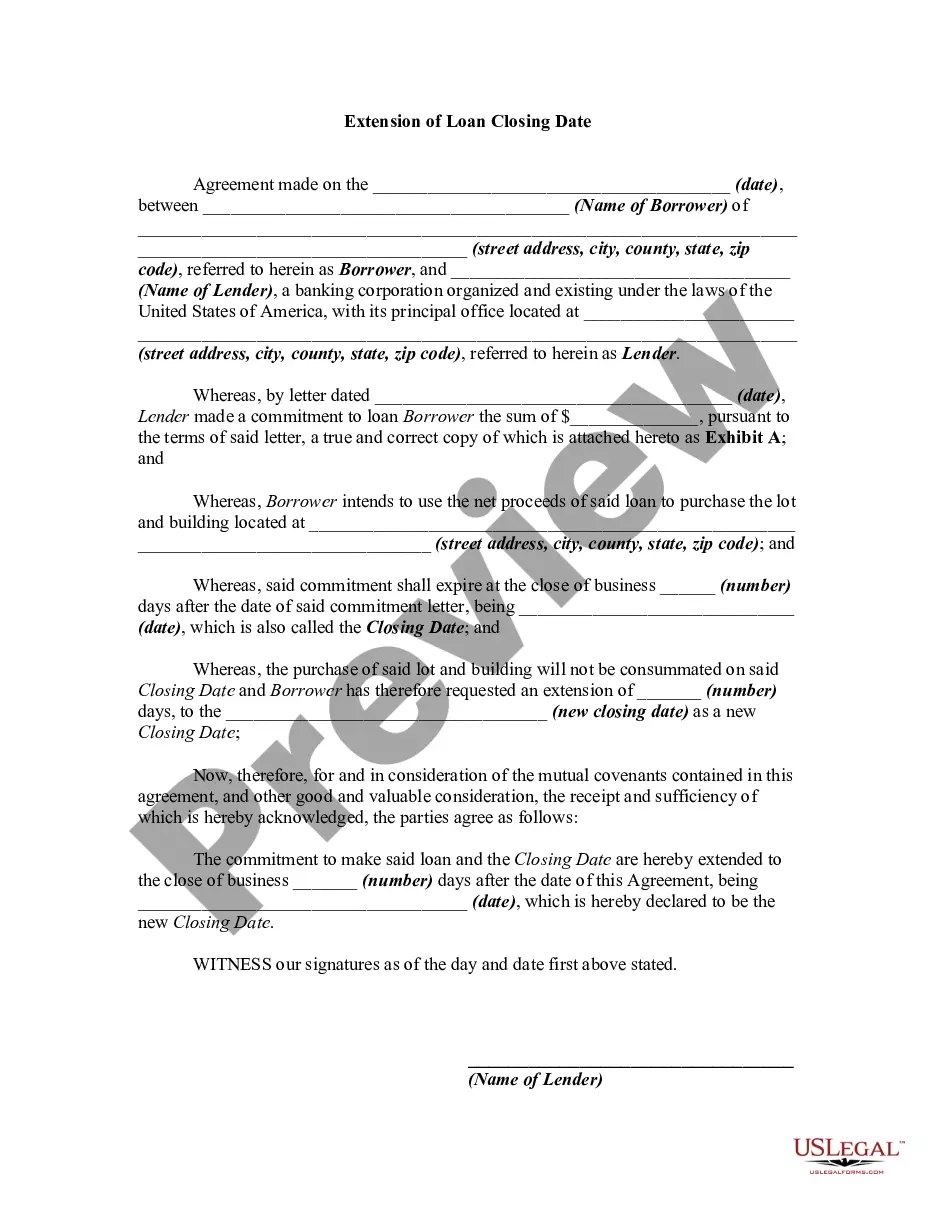
How to fill out Extended Date For Performance?
Navigating through the red tape of official documents and templates can be daunting, particularly if one does not engage in that professionally.
Even selecting the appropriate template for a Form Modification Agreement With Special will be labor-intensive, as it needs to be valid and accurate to the very last numeral.
Nonetheless, you will need to invest considerably less time picking a fitting template if it originates from a source you can rely on.
Obtain the correct form in a few straightforward steps: Enter the title of the document in the search bar. Find the appropriate Form Modification Agreement With Special on the list of results. Review the description of the sample or view its preview. If the template fulfills your criteria, click Buy Now. Proceed to select your subscription option. Use your email to set up a password to register an account at US Legal Forms. Select a credit card or PayPal payment method. Download the template file on your device in your preferred format. US Legal Forms will save you time and energy investigating whether the form you discovered online meets your needs. Create an account and gain unlimited access to all the templates you need.
- US Legal Forms is a platform that streamlines the process of locating the right forms online.
- US Legal Forms is a singular location you require to obtain the most recent examples of forms, seek guidance on their usage, and download these examples to complete them.
- It is a repository with over 85K forms that are applicable in diverse domains.
- Searching for a Form Modification Agreement With Special, you will not have to doubt its authenticity as all the forms are validated.
- Having an account at US Legal Forms will guarantee you possess all the essential examples at your fingertips.
- Store them in your history or append them to the My documents catalog.
- You have access to your saved forms from any device by clicking Log In at the library website.
- If you still lack an account, you can always search again for the template you seek.
Form popularity
FAQ
Contract modifications are of the following types:(a) Bilateral.(1) Make negotiated equitable adjustments resulting from the issuance of a change order;(2) Definitize letter contracts; and.(3) Reflect other agreements of the parties modifying the terms of contracts.(b) Unilateral.(1) Make administrative changes;More items...
Administrative changes are unilateral changes that do not affect the substantive rights of the parties. They are used to make changes such as change in the paying office or name of the contracting officer. A contracting officer may need to issue an out-of-scope modification.
A contract modification (mod) is any written change by the contracting officer to the contract terms and conditions. A mod can be issued at any time after the contract is awarded.
While the general proposition of the court is correct that modification of a contract requires new consideration, that rule applies when one party to the contract is making the modification. Here, both parties mutually agreed to modify the existing contract to change the original purchase price.
There are two types of contract modifications: unilateral and bilateral. Unilateral modifications are signed only by a contracting officer and are generally used to make administrative changes, issue change orders, make changes authorized by clauses other than the Changes clause, and issue termination notices.