Receipt For Purchase Of Land
Description
Get your form ready online
Our built-in tools help you complete, sign, share, and store your documents in one place.
Make edits, fill in missing information, and update formatting in US Legal Forms—just like you would in MS Word.
Download a copy, print it, send it by email, or mail it via USPS—whatever works best for your next step.
Sign and collect signatures with our SignNow integration. Send to multiple recipients, set reminders, and more. Go Premium to unlock E-Sign.
If this form requires notarization, complete it online through a secure video call—no need to meet a notary in person or wait for an appointment.
We protect your documents and personal data by following strict security and privacy standards.
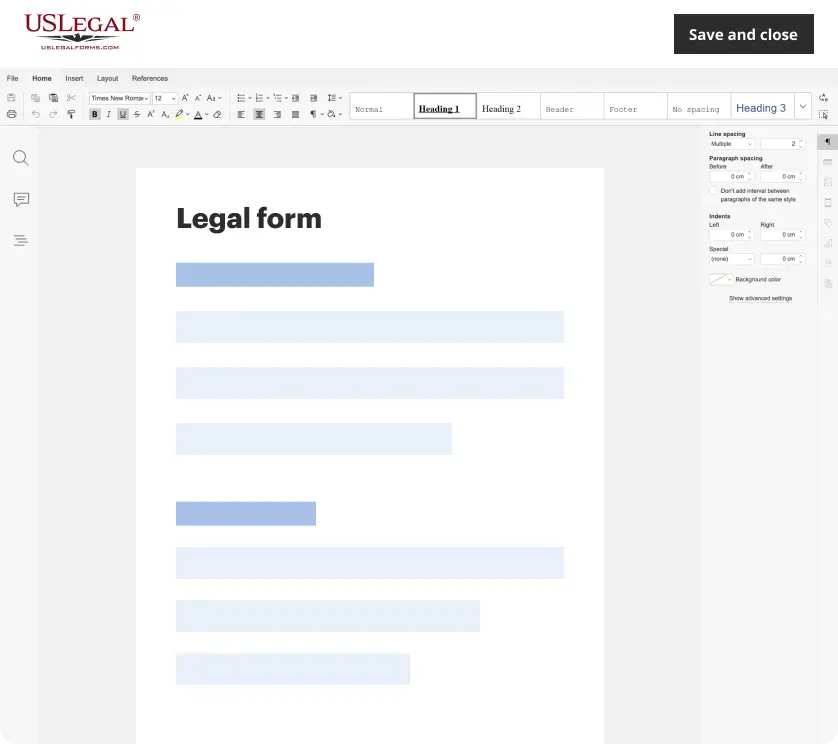
Make edits, fill in missing information, and update formatting in US Legal Forms—just like you would in MS Word.
Download a copy, print it, send it by email, or mail it via USPS—whatever works best for your next step.
Sign and collect signatures with our SignNow integration. Send to multiple recipients, set reminders, and more. Go Premium to unlock E-Sign.

If this form requires notarization, complete it online through a secure video call—no need to meet a notary in person or wait for an appointment.
We protect your documents and personal data by following strict security and privacy standards.
Looking for another form?
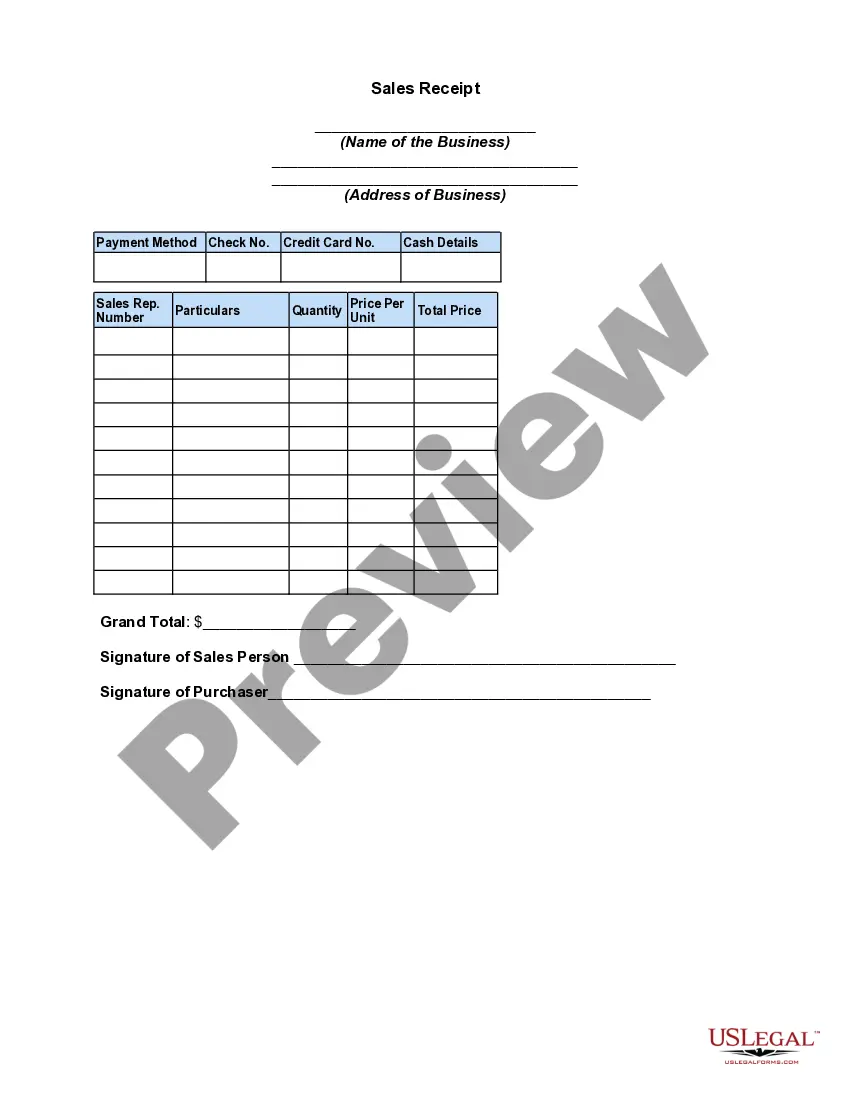
How to fill out Sales Receipt?
It’s well-known that becoming a legal authority does not happen instantly, nor can you easily learn how to swiftly prepare a Receipt For Purchase Of Land without possessing a unique set of abilities.
Generating legal documents is a protracted undertaking that necessitates specific training and expertise. So why not delegate the creation of the Receipt For Purchase Of Land to the professionals.
With US Legal Forms, which hosts one of the largest collections of legal documents, you can discover everything from court forms to templates for organizational communication.
Click Buy now. After the payment is completed, you can download the Receipt For Purchase Of Land, complete it, print it, and submit or dispatch it to the relevant individuals or organizations.
You can regain access to your documents from the My documents tab at any time. If you are an existing client, simply Log In, and find and download the template from the same section. Regardless of the reason for your paperwork—whether financial, legal, or personal—our website meets your needs. Experience US Legal Forms today!
- Navigate to our website and find the form you need in just a few minutes.
- Utilize the search bar at the top of the page to locate the form you seek.
- Examine it (if this feature is available) and read the accompanying description to ascertain if Receipt For Purchase Of Land is indeed what you are looking for.
- If you require a different form, start your search again.
- Create a free account and select a subscription plan to acquire the template.
Form popularity
FAQ
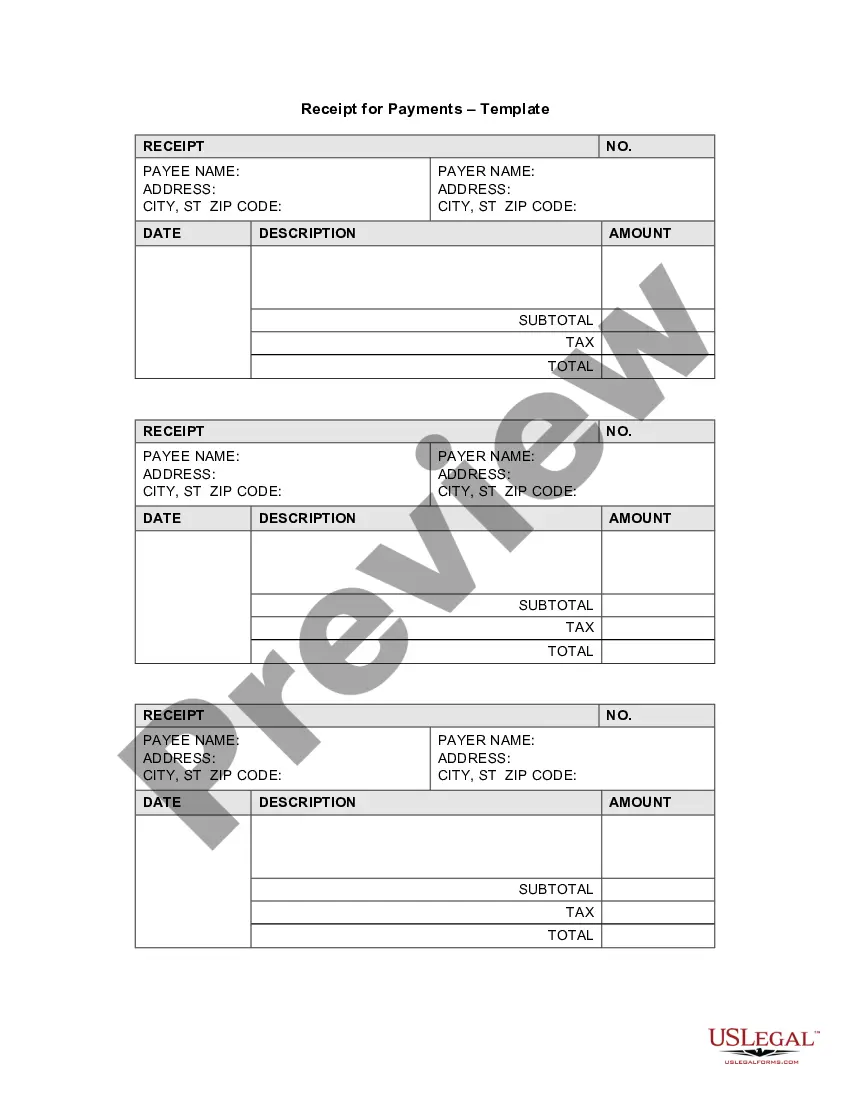
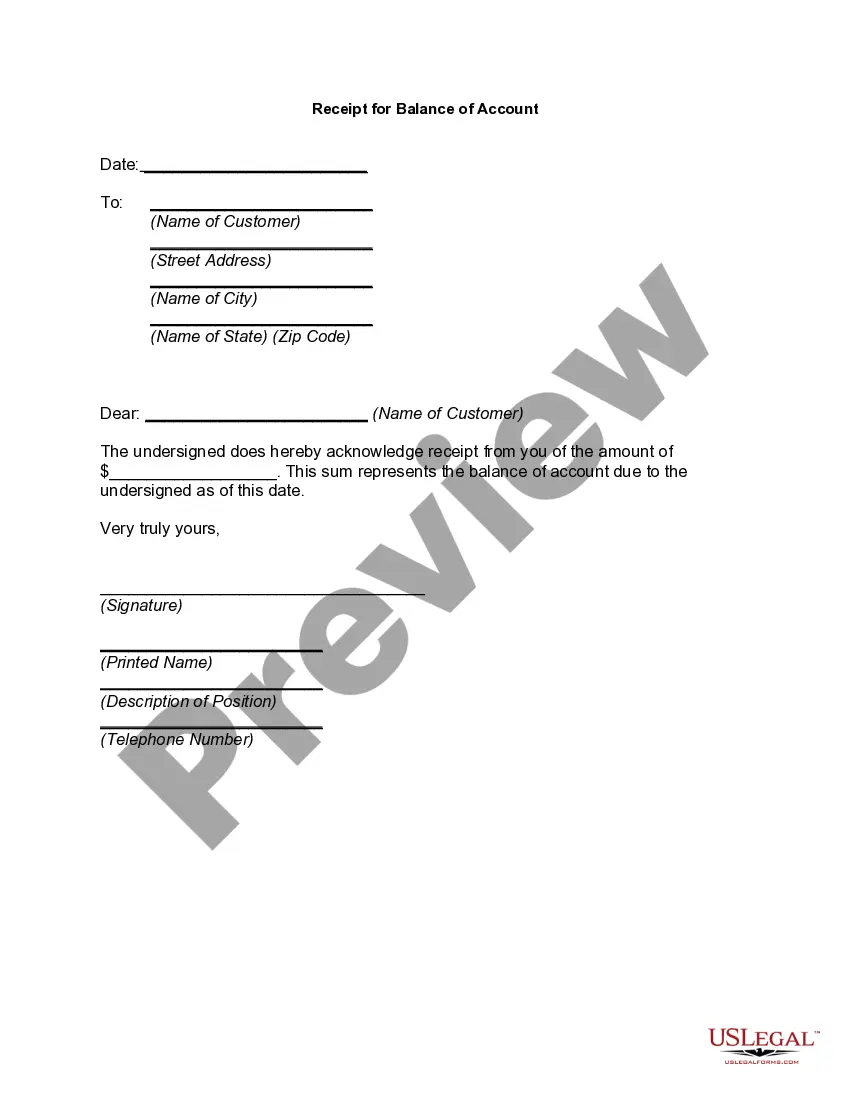
When filling out a receipt example, start by entering the transaction date at the top. Next, list both the payer and recipient names, along with the payment amount. Ensure you describe the payment clearly, like receipt for purchase of land. Lastly, if this example is for your reference, add your contact information at the bottom to provide clarity.
Filling up a payment receipt involves entering essential details like payer and payee names, the amount, and the date of payment. Include a clear description, such as receipt for purchase of land, to specify what the payment covers. Don't forget to include any applicable reference numbers or transaction IDs for easy tracking. Once completed, provide a copy to the payer and retain one for your records.
An invoice and a receipt serve different purposes in transactions. An invoice is a request for payment, itemizing the goods or services provided and the amounts owed. In contrast, a receipt is proof of payment for a transaction, including details such as the receipt for purchase of land. Understanding these distinctions helps ensure proper record-keeping and compliance with legal requirements.
Typically it will show: the date and time of the purchase. the number of items purchased and price totals. the name and location of the business the items have been bought from. Any VAT charged. method of payment. returns policy.
Receipts Name of vendor (person or company you paid) Transaction date (when you paid) Detailed description of goods or services purchased (what you bought) Amount paid. Form of payment (how you paid ? cash, check, or last four digits of credit card)
How can I make my own receipt? The number, date, and time of the purchase. Invoice number or receipt number. The number of items purchased and price totals. The name and location of the business the items have been bought from. Any tax charged. The method of payment. A return policy.
How to write a receipt of payment The label ?Payment Receipt? Your business name and contact details. The original invoice number. The payment date. The amount paid. Any remaining balance due.
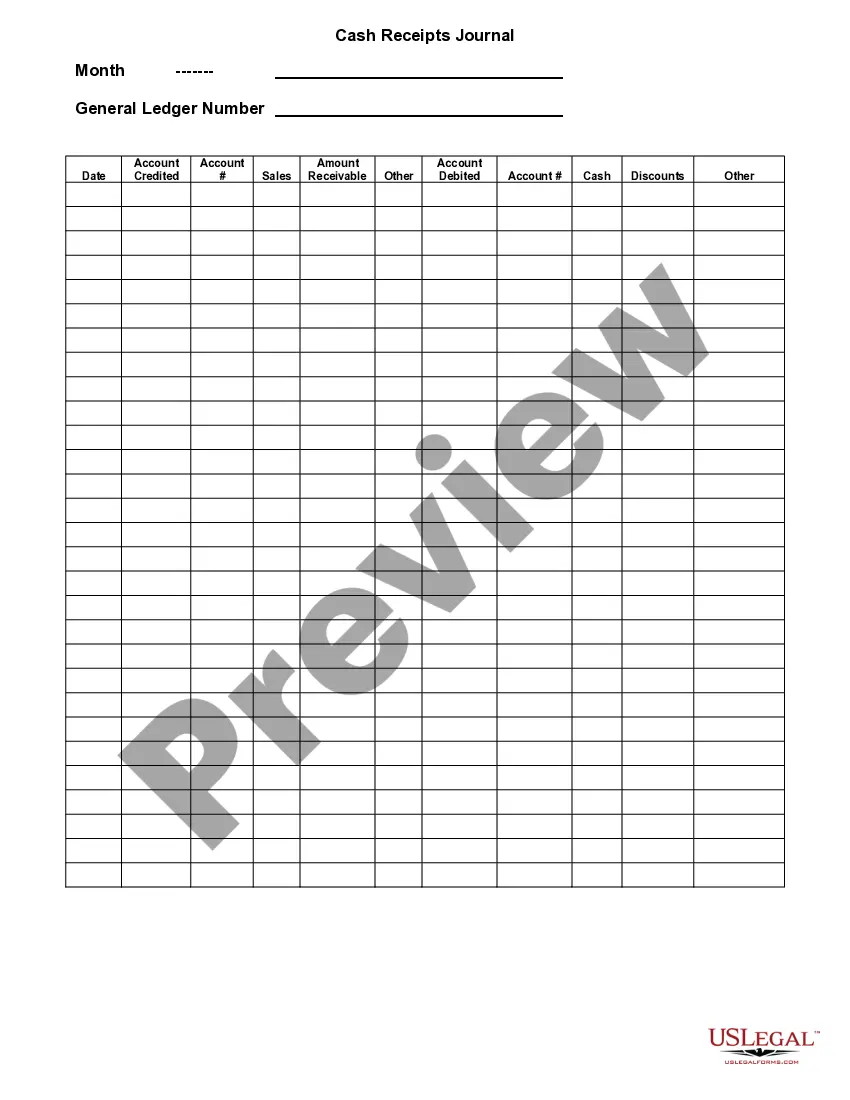
What to include in a receipt template PDF? Your name and contact information, so customers can reach you. The date of the transaction. Credit card information or check number. The number of items sold. A description of the items sold. Any sales terms and conditions, such as a refund policy or warranty.