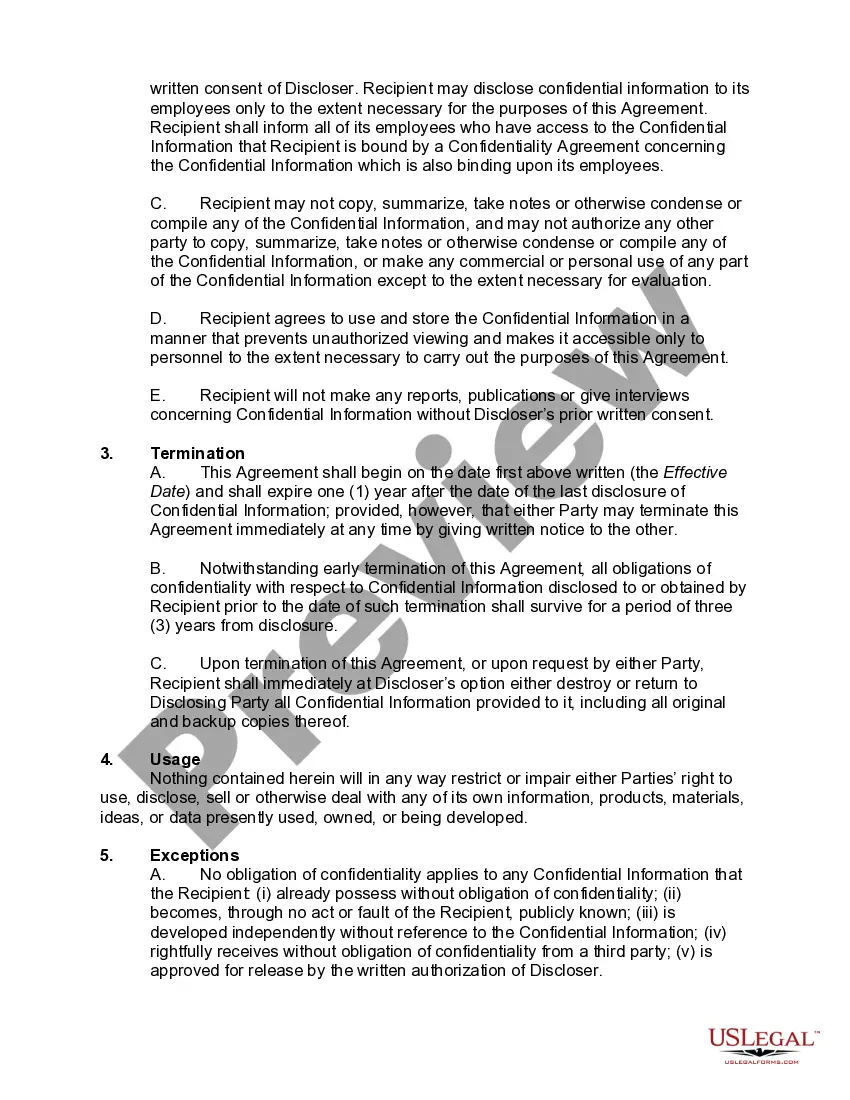
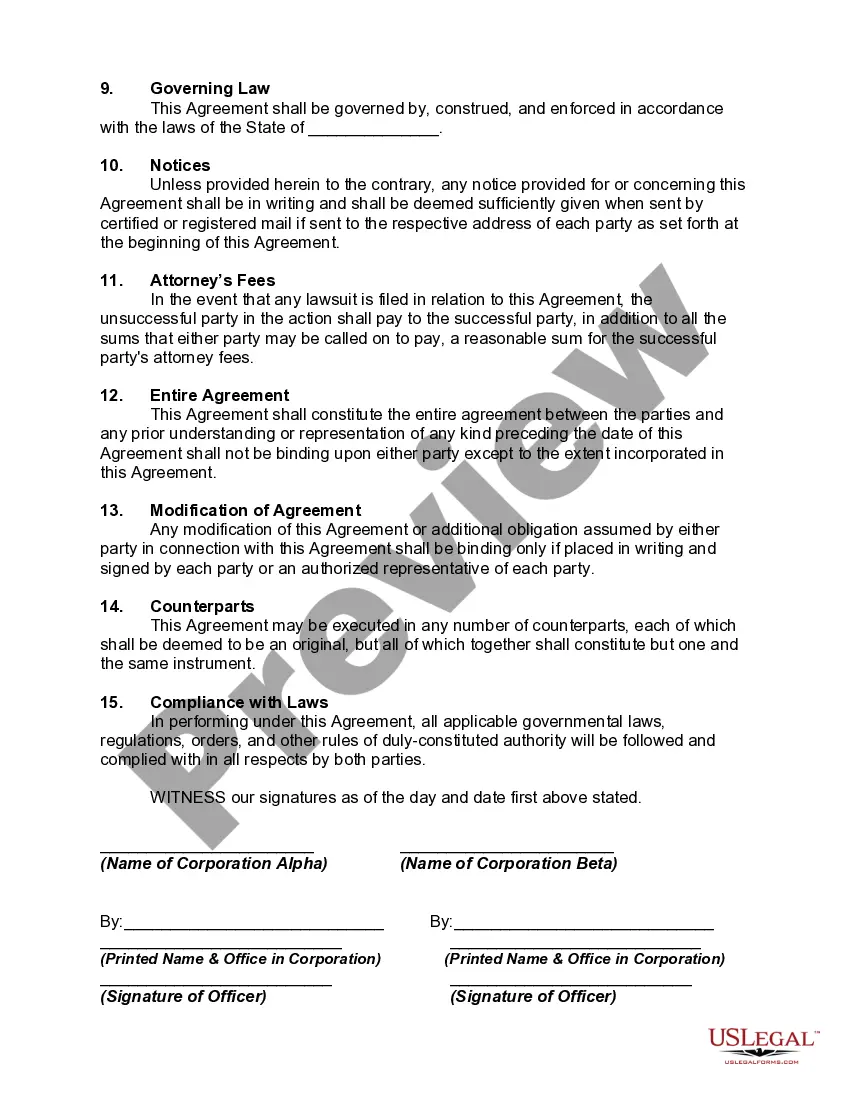
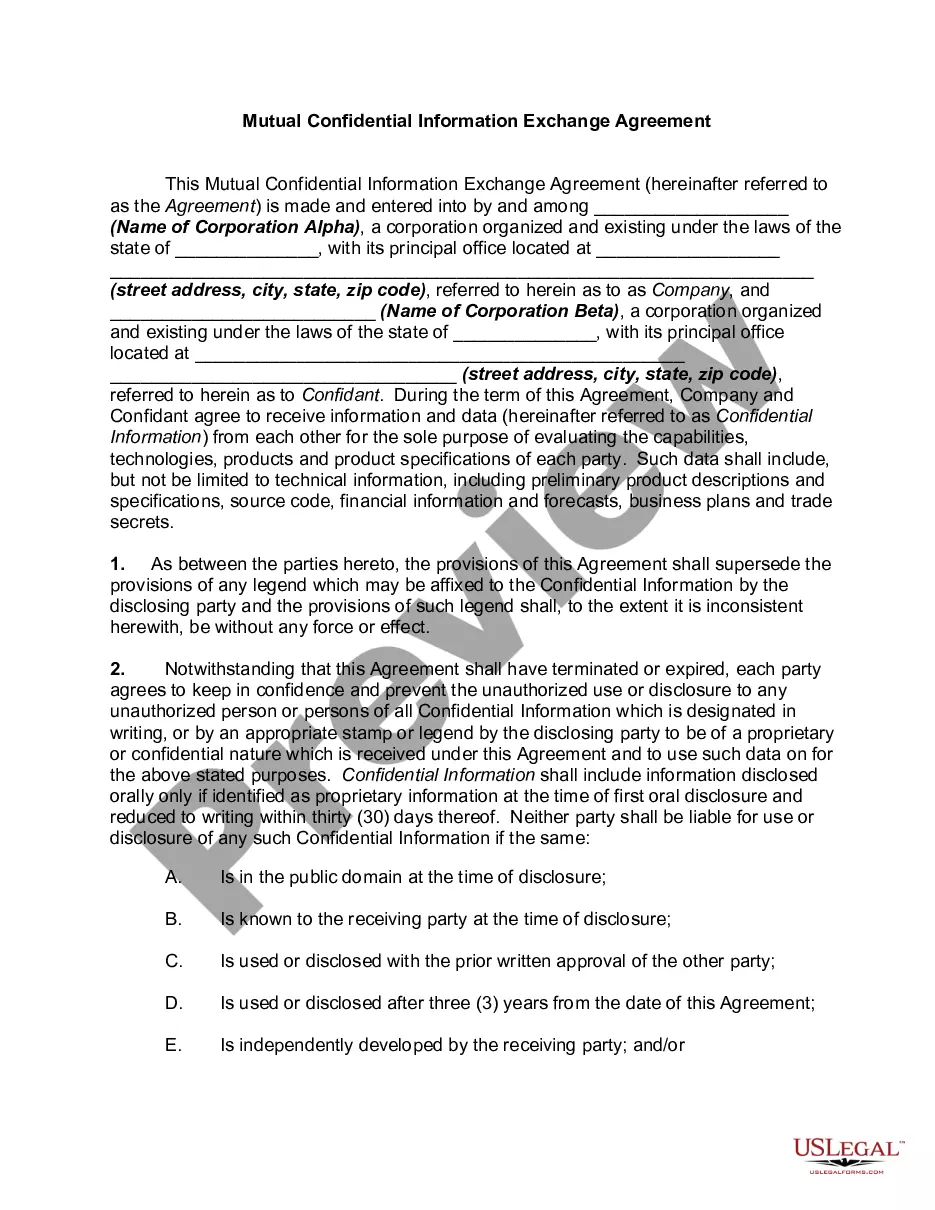
Confidential Information Agreement Within A Business
Description

Get your form ready online
Our built-in tools help you complete, sign, share, and store your documents in one place.
Make edits, fill in missing information, and update formatting in US Legal Forms—just like you would in MS Word.
Download a copy, print it, send it by email, or mail it via USPS—whatever works best for your next step.
Sign and collect signatures with our SignNow integration. Send to multiple recipients, set reminders, and more. Go Premium to unlock E-Sign.
If this form requires notarization, complete it online through a secure video call—no need to meet a notary in person or wait for an appointment.
We protect your documents and personal data by following strict security and privacy standards.

Make edits, fill in missing information, and update formatting in US Legal Forms—just like you would in MS Word.

Download a copy, print it, send it by email, or mail it via USPS—whatever works best for your next step.

Sign and collect signatures with our SignNow integration. Send to multiple recipients, set reminders, and more. Go Premium to unlock E-Sign.

If this form requires notarization, complete it online through a secure video call—no need to meet a notary in person or wait for an appointment.

We protect your documents and personal data by following strict security and privacy standards.
Looking for another form?








How to fill out Confidential Information Exchange Agreement?
Red tape necessitates exactness and correctness.
If you do not manage completing documents like the Confidential Information Agreement Within A Business on a daily basis, it may lead to some misunderstanding.
Choosing the accurate sample from the outset will ensure that your document submission proceeds seamlessly and avert any troubles of re-sending a document or redoing the entire task from the beginning.
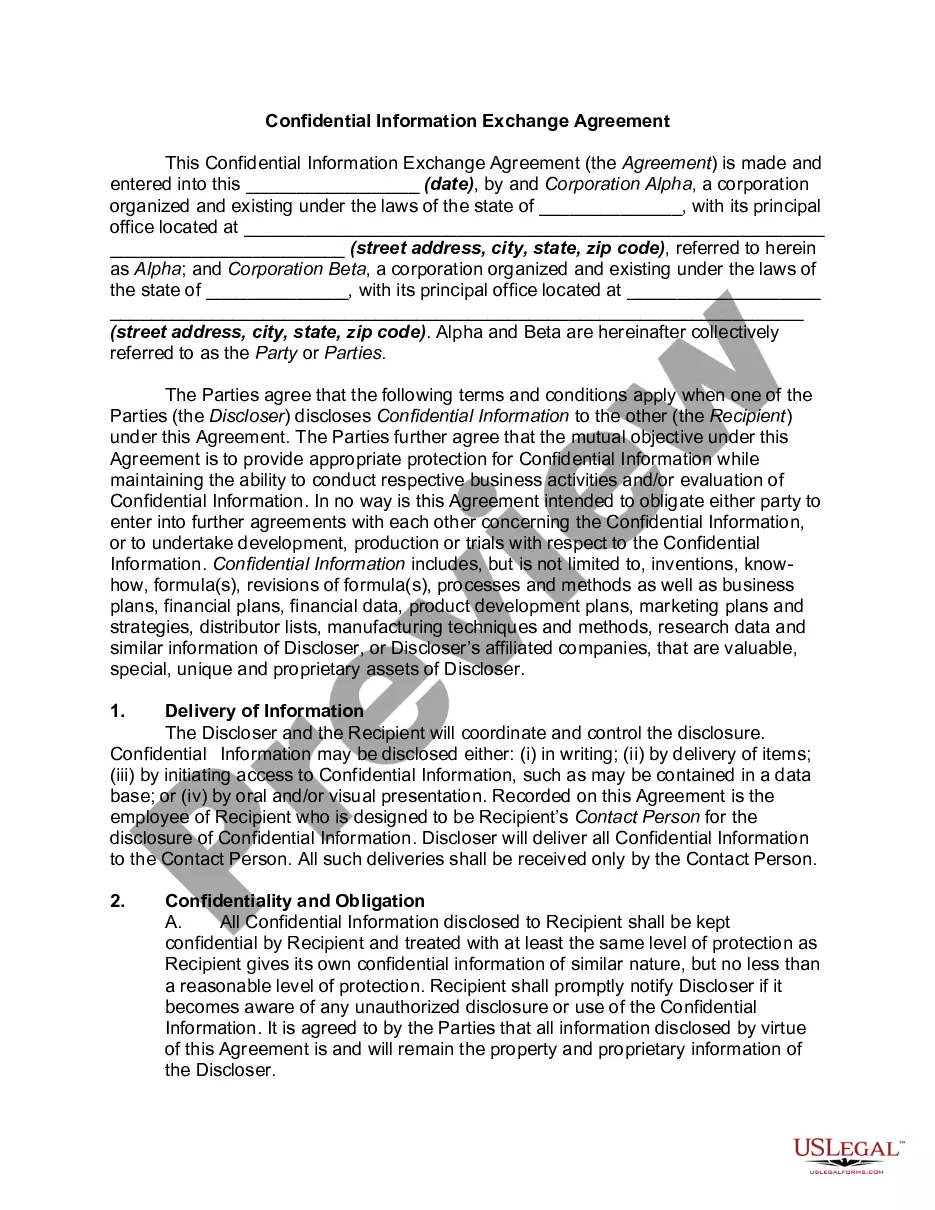
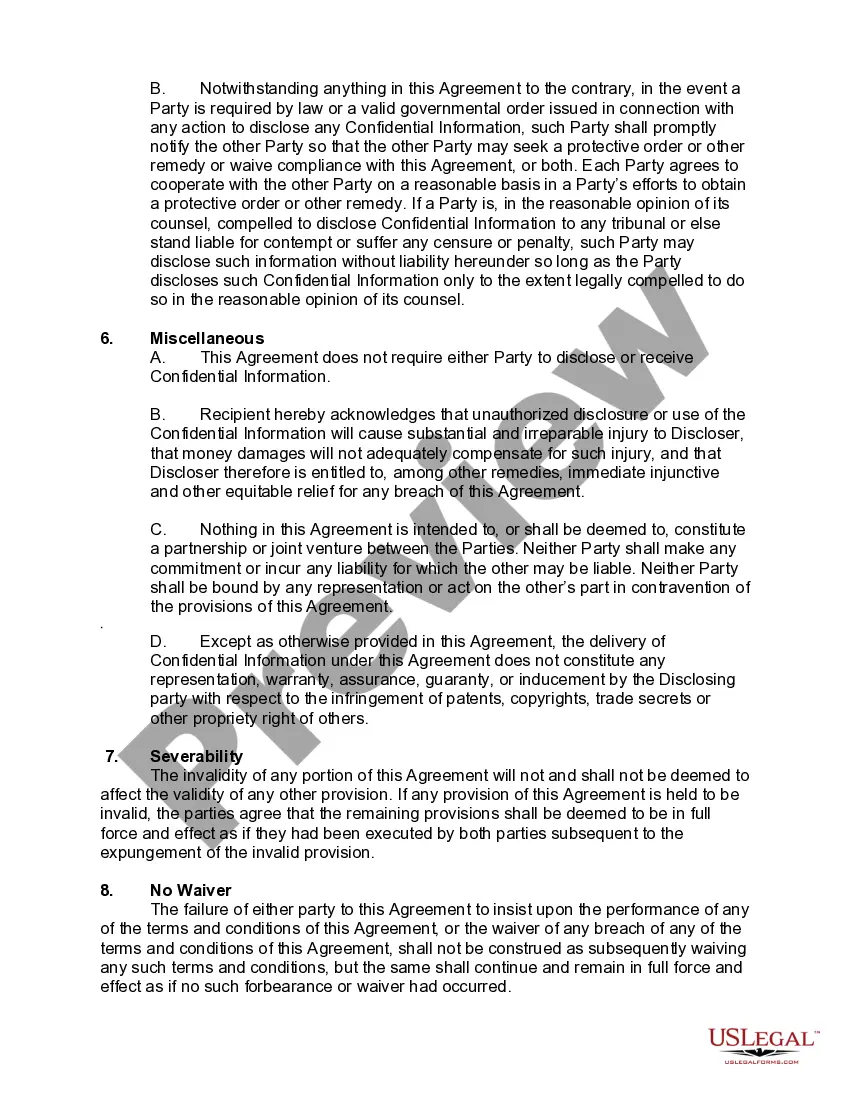
If you are not a subscribed user, finding the required template may require a few additional steps: Locate the template using the search bar, ensure the Confidential Information Agreement Within A Business you found is applicable for your state or area, check the preview or read the description that provides details on the usage of the template, if the outcome aligns with your search, click the Buy Now button, choose the suitable option from the available subscription plans, Log In to your account or create a new one, complete the purchase using a credit card or PayPal account, download the form in your preferred format. Obtaining the correct and up-to-date samples for your documentation takes only a few minutes with an account at US Legal Forms. Eliminate the bureaucratic uncertainties and simplify your form management.
- Discover the suitable sample for your paperwork at US Legal Forms.
- US Legal Forms is the largest online repository of forms that houses over 85 thousand templates for various fields.
- You can procure the latest and most pertinent version of the Confidential Information Agreement Within A Business by simply searching on the website.
- Find, save, and store templates in your account or review the description to confirm you have the correct one available.
- With an account at US Legal Forms, you can gather, store in one place, and browse through the templates you save for quick access.
- When on the website, click the Log In button to authenticate.
- Next, navigate to the My documents section, where the record of your documents is preserved.
- Examine the descriptions of the forms and save the ones you need whenever necessary.
Form popularity
FAQ
How to write a confidentiality statement?Use a standard format for contracts.Decide what type of confidentiality statement you should use.Identify the involved parties in the agreement.Define the information to keep confidential.List the information excluded from the agreement.
Describe what the other party is agreeing to.Exercising reasonable precautions against disclosure of the information.Not disclosing Confidential Information without the written consent of the Disclosing Party.Using the information only for business purposes, and only on a need to know basis.More items...?
The Contracting Parties and their respective counsel represent and agree that, except for matters of public record as of the date of this Agreement, they will keep the terms and contents of this Agreement confidential, and that they will not hereinafter disclose the terms of this Agreement to other persons except as
I agree to treat as confidential all information about clients or former clients and their families that I learn during the performance of my duties as (position title), and I understand that it would be a violation of policy to disclose such information to anyone without checking first with my
A legally-binding confidentiality agreement must feature the following components:A definition of confidential information.Who is involved.Why the recipient knows the information.Exclusions or limits on confidential information.Receiving party's obligations.Time frame or term.Discloser to the recipient.More items...