Not Profit Statement For Small Business
Description
Get your form ready online
Our built-in tools help you complete, sign, share, and store your documents in one place.
Make edits, fill in missing information, and update formatting in US Legal Forms—just like you would in MS Word.
Download a copy, print it, send it by email, or mail it via USPS—whatever works best for your next step.
Sign and collect signatures with our SignNow integration. Send to multiple recipients, set reminders, and more. Go Premium to unlock E-Sign.
If this form requires notarization, complete it online through a secure video call—no need to meet a notary in person or wait for an appointment.
We protect your documents and personal data by following strict security and privacy standards.

Make edits, fill in missing information, and update formatting in US Legal Forms—just like you would in MS Word.

Download a copy, print it, send it by email, or mail it via USPS—whatever works best for your next step.

Sign and collect signatures with our SignNow integration. Send to multiple recipients, set reminders, and more. Go Premium to unlock E-Sign.

If this form requires notarization, complete it online through a secure video call—no need to meet a notary in person or wait for an appointment.

We protect your documents and personal data by following strict security and privacy standards.
Looking for another form?










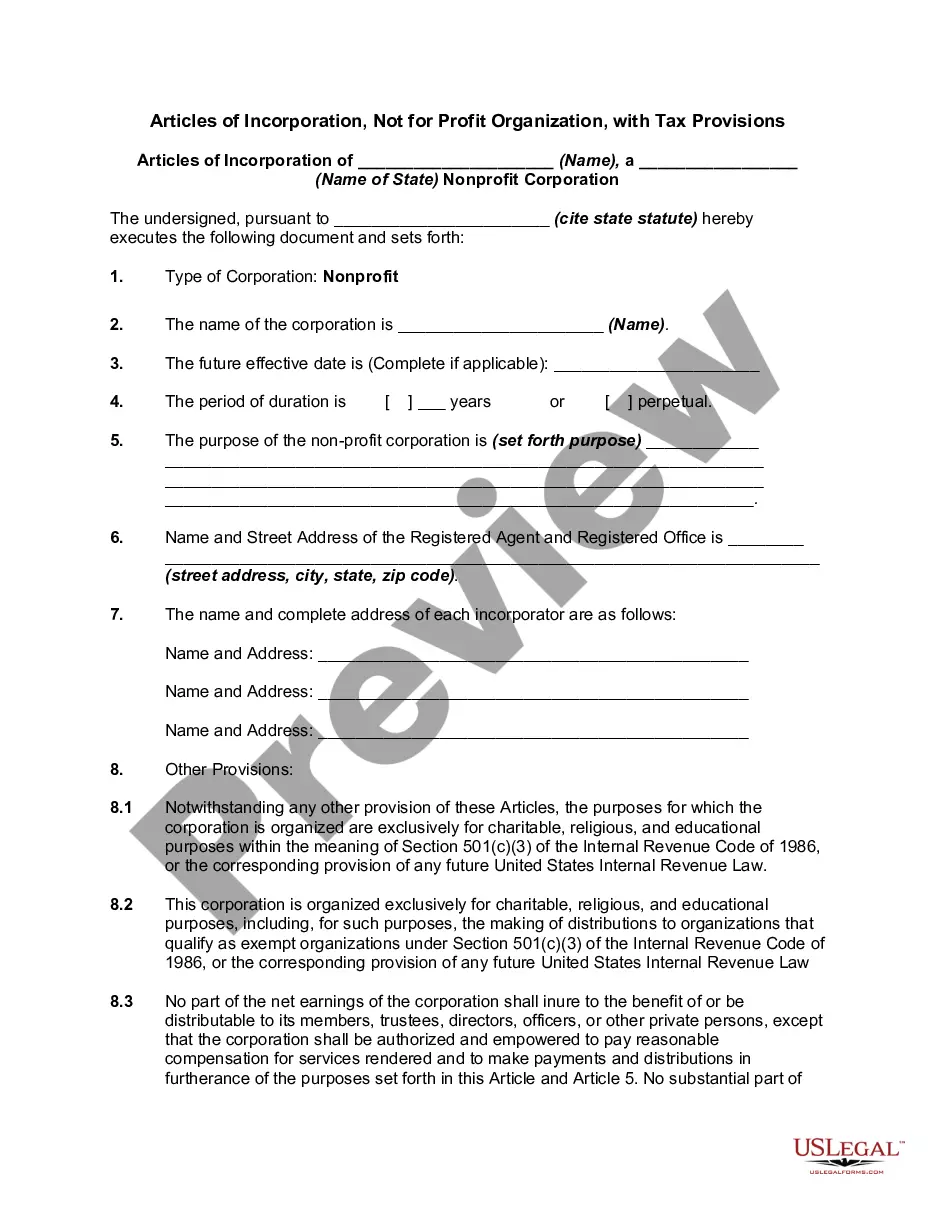
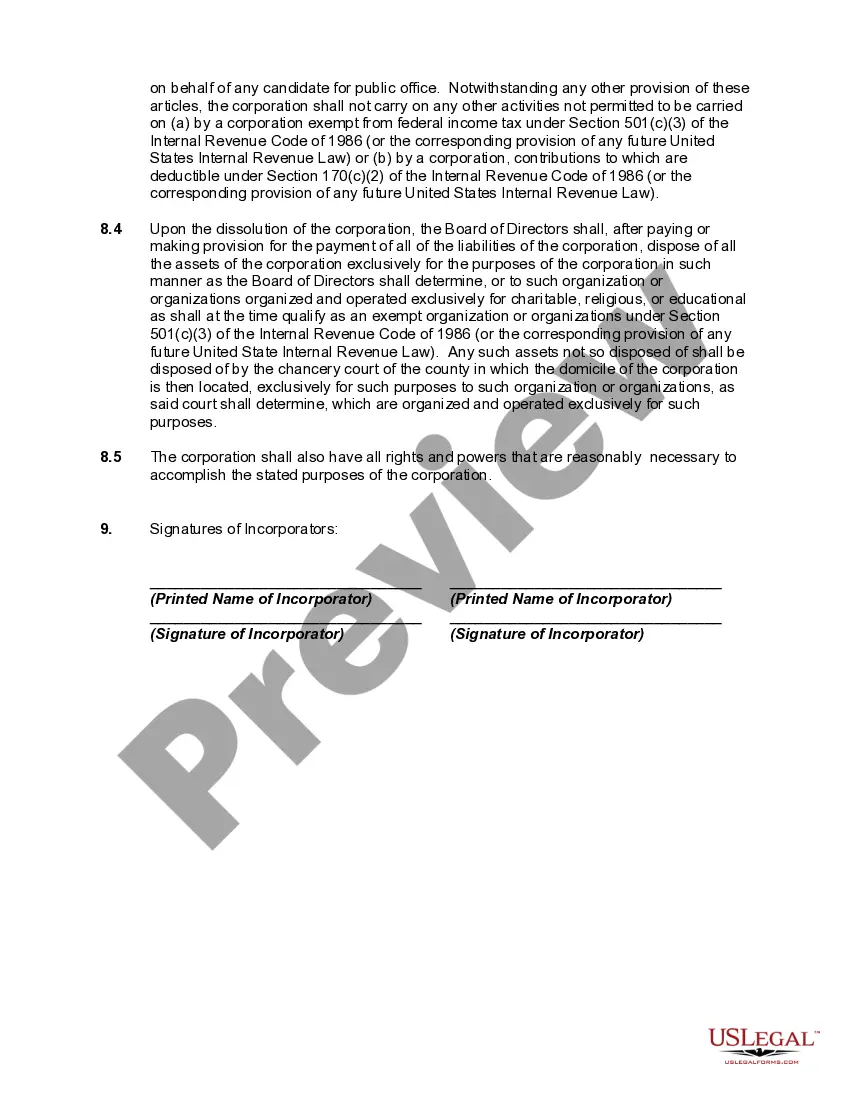
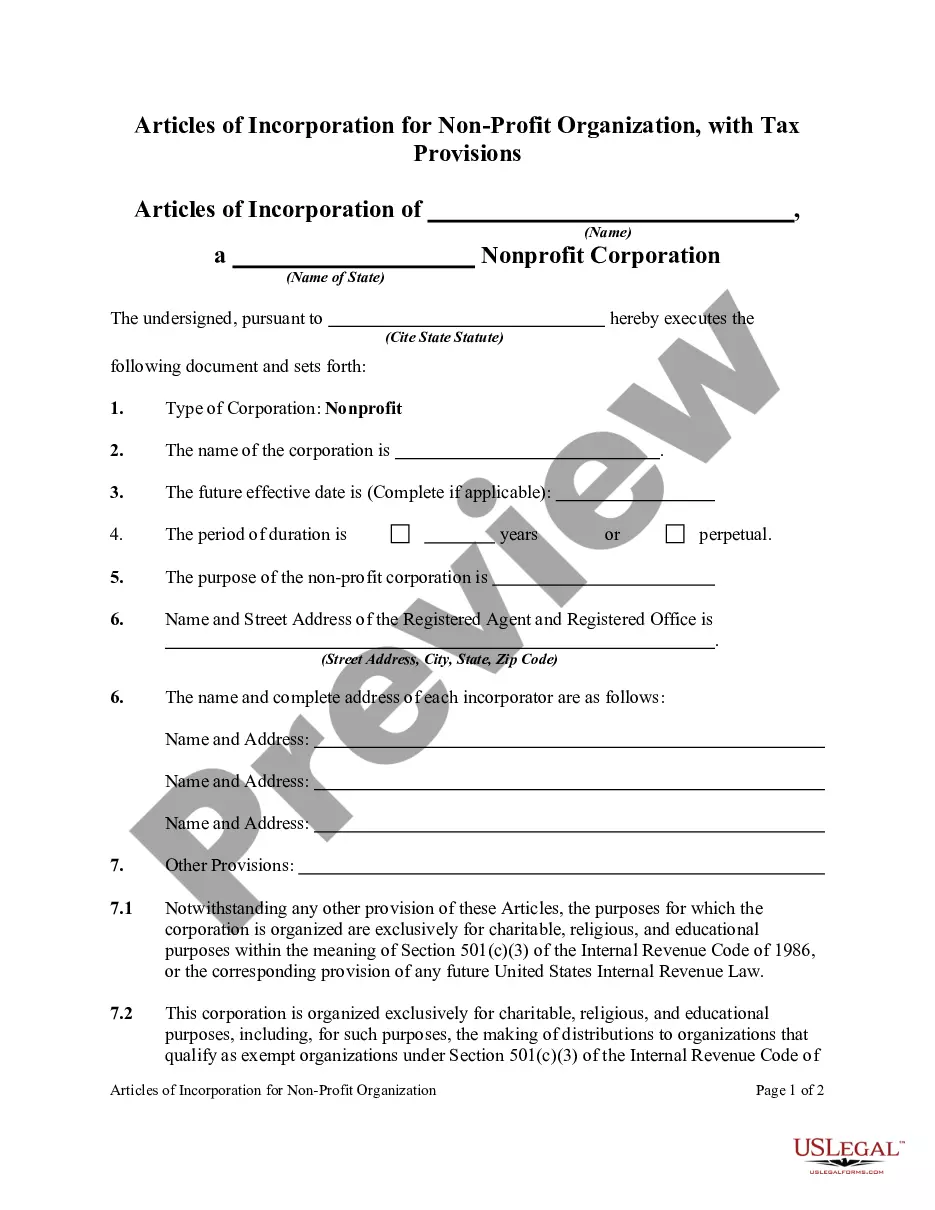
How to fill out Articles Of Incorporation, Not For Profit Organization, With Tax Provisions?
Acquiring legal templates that comply with federal and state regulations is essential, and the internet provides numerous choices.
However, what's the benefit of spending time searching for the right Not Profit Statement For Small Business template online when the US Legal Forms digital library already compiles such templates in one location.
US Legal Forms is the largest online legal repository with more than 85,000 fillable templates created by attorneys for various professional and personal situations.
All documents you find via US Legal Forms are reusable. To re-download and complete previously obtained forms, visit the My documents section in your profile. Experience the most comprehensive and user-friendly legal documentation service!
- They are simple to navigate, with all documents categorized by state and intended use.
- Our experts keep up with legislative changes, ensuring you can trust that your form is current and compliant when obtaining a Not Profit Statement For Small Business from our site.
- Acquiring a Not Profit Statement For Small Business is fast and straightforward for both existing and new users.
- If you already possess an account with an active subscription, Log In and download the document template you require in the appropriate format.
- If you are new to our site, follow the steps outlined below.
Form popularity
FAQ
A P&L statement shows a company's revenues and expenses related to running the business, such as rent, cost of goods sold, freight, and payroll. Each entry on a P&L statement provides insight into how much money a company made and spent.
The following are easy steps in creating a comprehensive Profit and Loss Statement for your business: Track Operating Revenue. ... Record Cost of Sales. ... Calculate Gross Profit. ... Determine Overhead. ... Add Up Operating Income. ... Consider Other Income and Expenses. ... Finally Arrive at Your Net Profit.
First, you can pull together your own statement and create the document using a spreadsheet. Tools like Excel and Google Sheets have templates. We've created a simple profit and loss statement template for you to use here. Or, you can use small business accounting software like Freshbooks.
Accounts payable (AP) refer to the obligations incurred by a company during its operations that remain due and must be paid in the short term. As such, AP is listed on the balance sheet as a current liability. Typical payables items include supplier invoices, legal fees, contractor payments, and so on.
How to Write a Profit and Loss Statement How to Create a P&L Statement. ... Step 1 ? Track Your Revenue. ... Step 2 ? Determine the Cost of Sales. ... Step 3 ? Figure Out Your Gross Profit. ... Step 4 ? Add Up Your Overhead. ... Step 5 ? Calculate Your Operating Income. ... Step 6 ? Adjust for Other Income and/or Expenses.