Staging Contract With Google
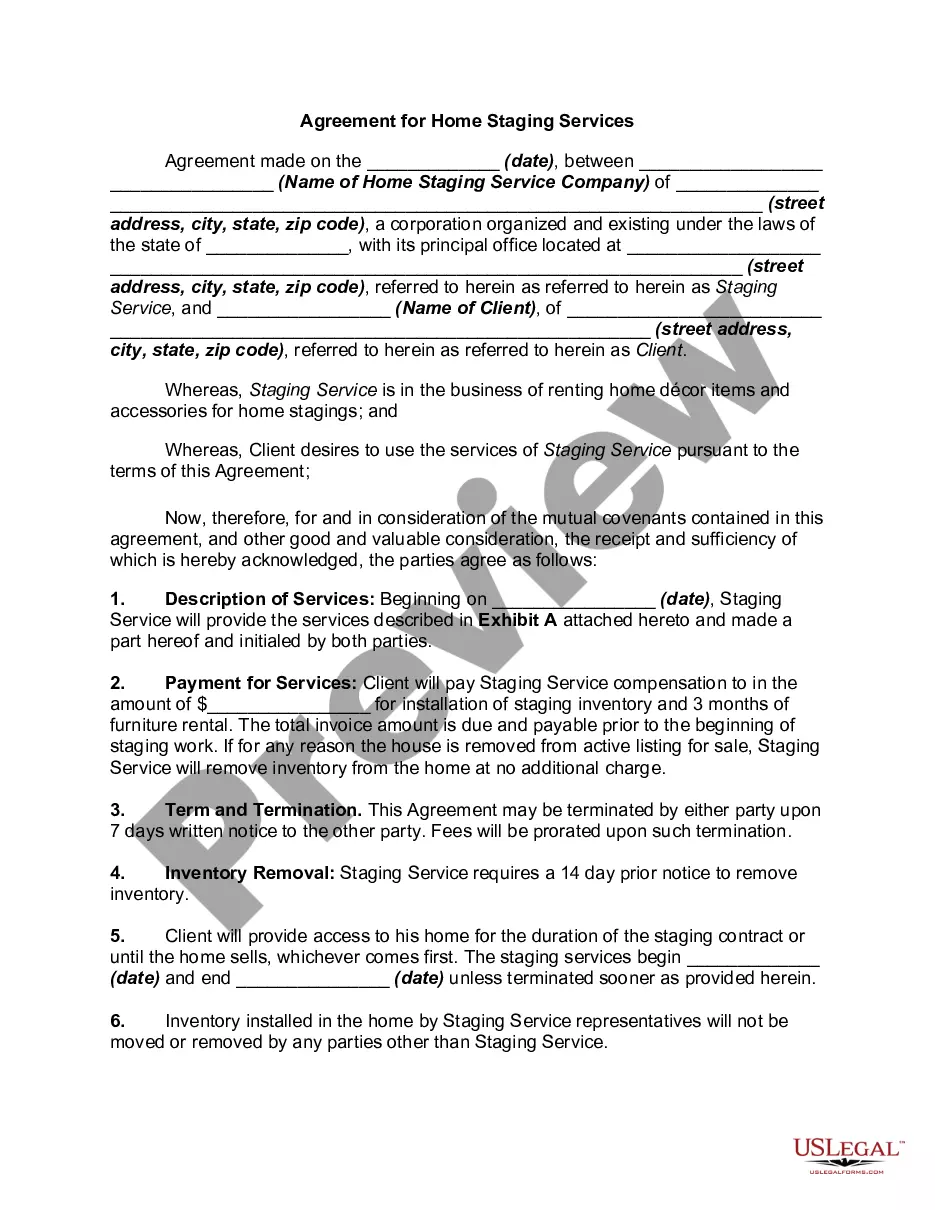
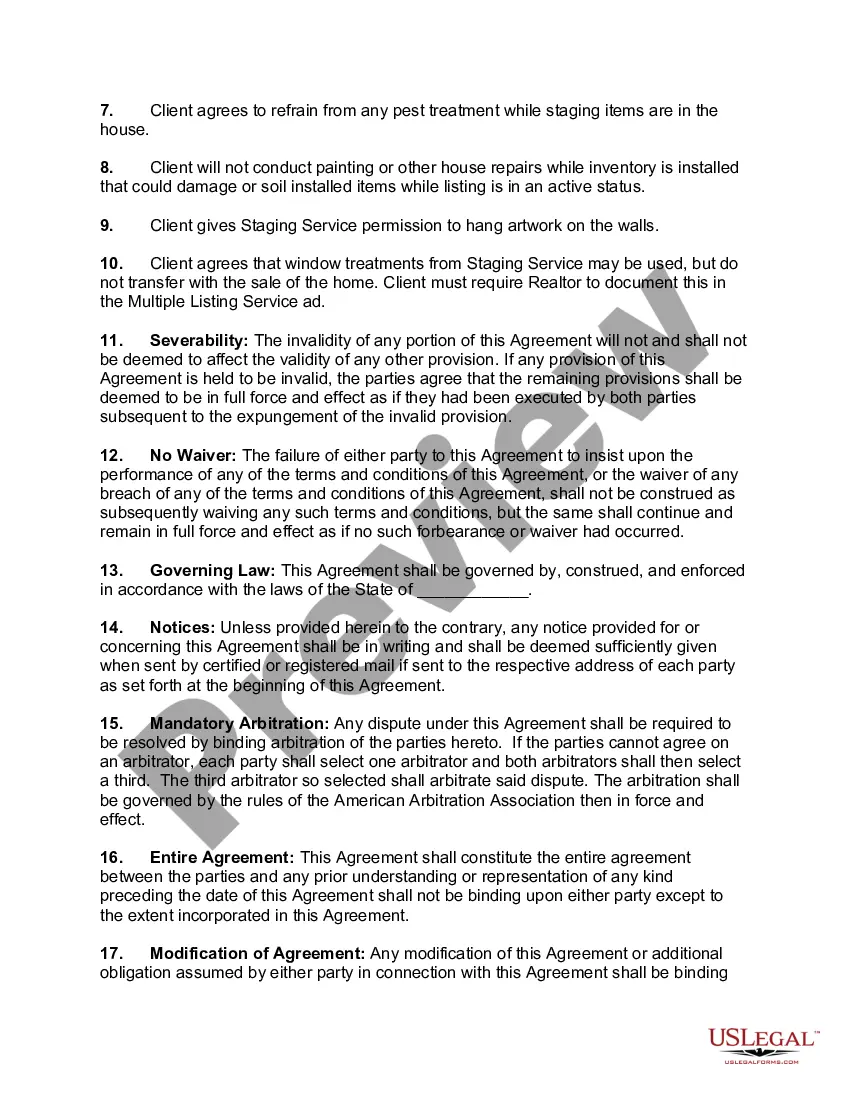
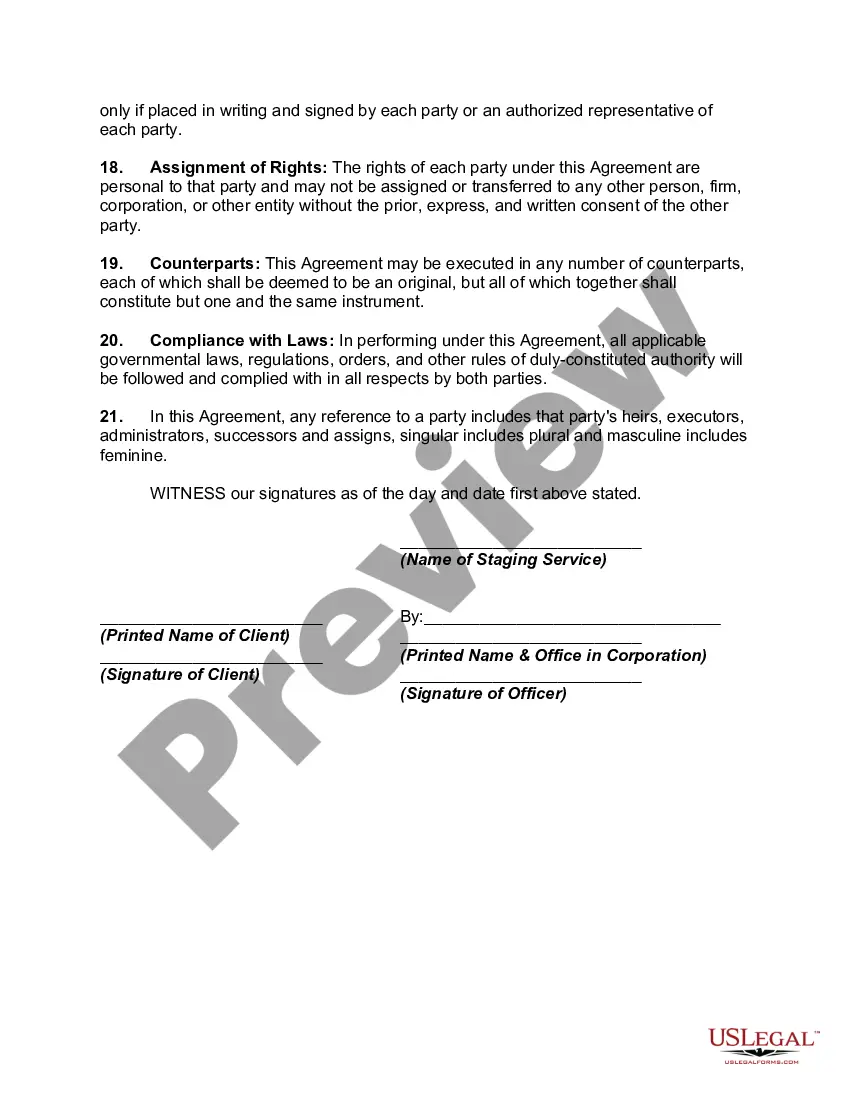
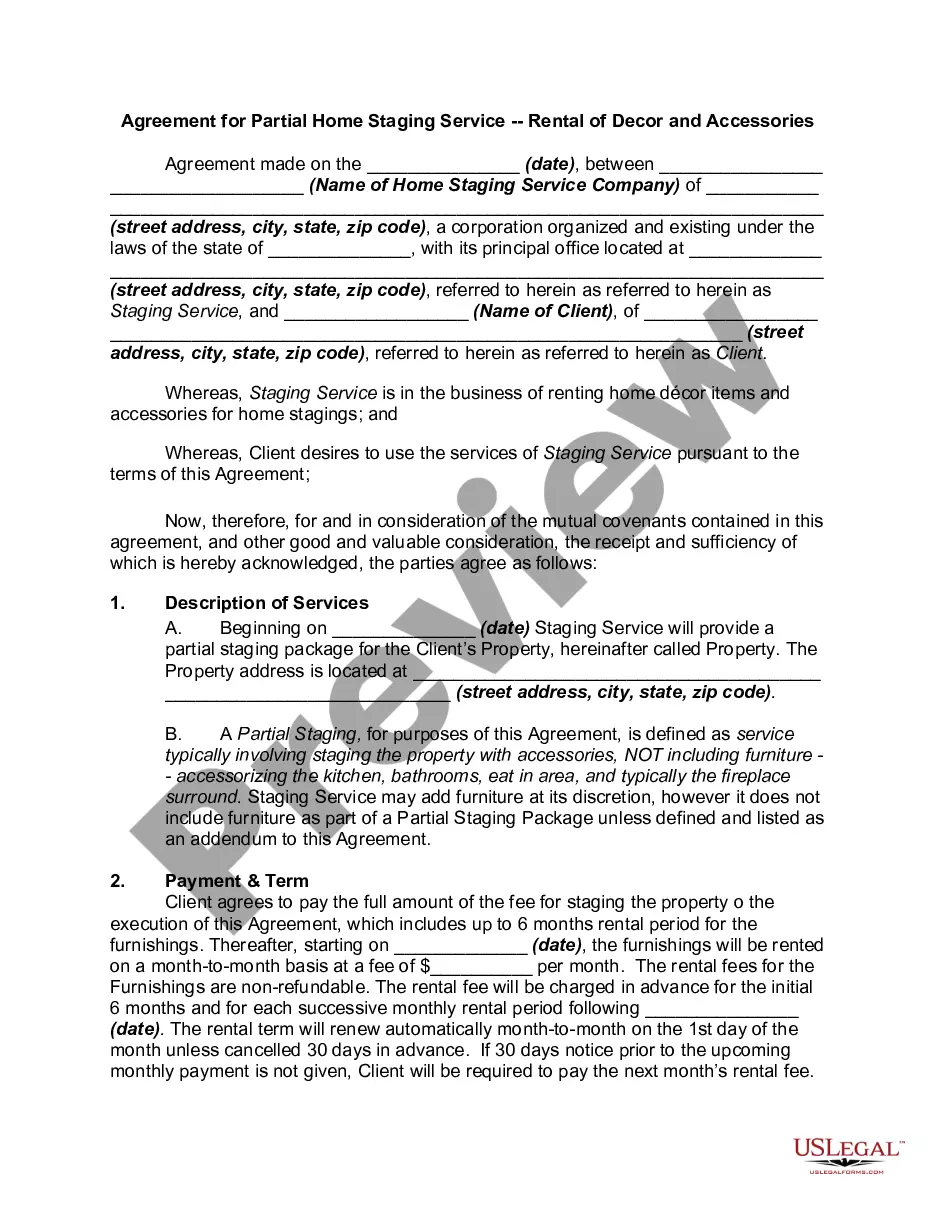
Description
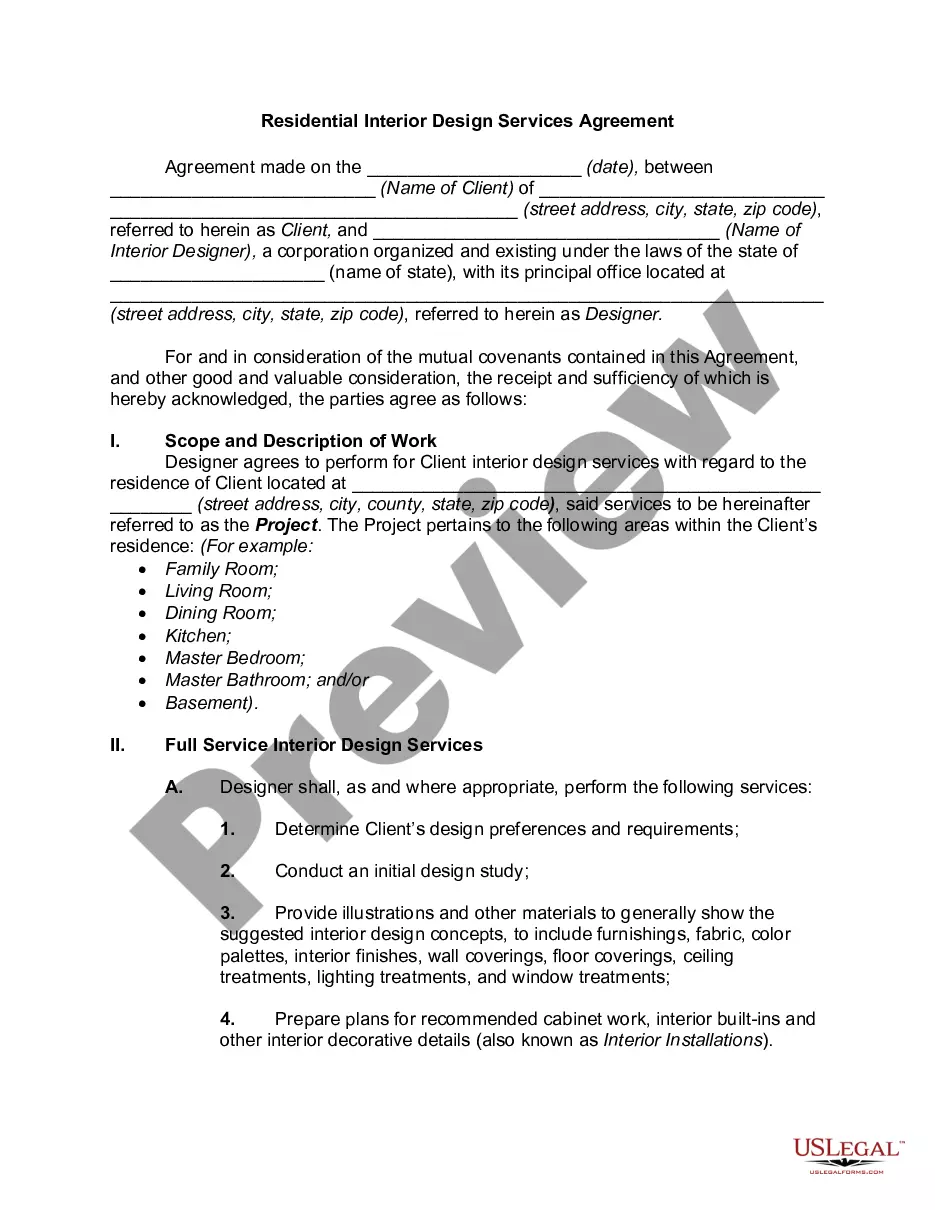
Get your form ready online
Our built-in tools help you complete, sign, share, and store your documents in one place.
Make edits, fill in missing information, and update formatting in US Legal Forms—just like you would in MS Word.
Download a copy, print it, send it by email, or mail it via USPS—whatever works best for your next step.
Sign and collect signatures with our SignNow integration. Send to multiple recipients, set reminders, and more. Go Premium to unlock E-Sign.
If this form requires notarization, complete it online through a secure video call—no need to meet a notary in person or wait for an appointment.
We protect your documents and personal data by following strict security and privacy standards.

Make edits, fill in missing information, and update formatting in US Legal Forms—just like you would in MS Word.

Download a copy, print it, send it by email, or mail it via USPS—whatever works best for your next step.

Sign and collect signatures with our SignNow integration. Send to multiple recipients, set reminders, and more. Go Premium to unlock E-Sign.

If this form requires notarization, complete it online through a secure video call—no need to meet a notary in person or wait for an appointment.

We protect your documents and personal data by following strict security and privacy standards.
Looking for another form?
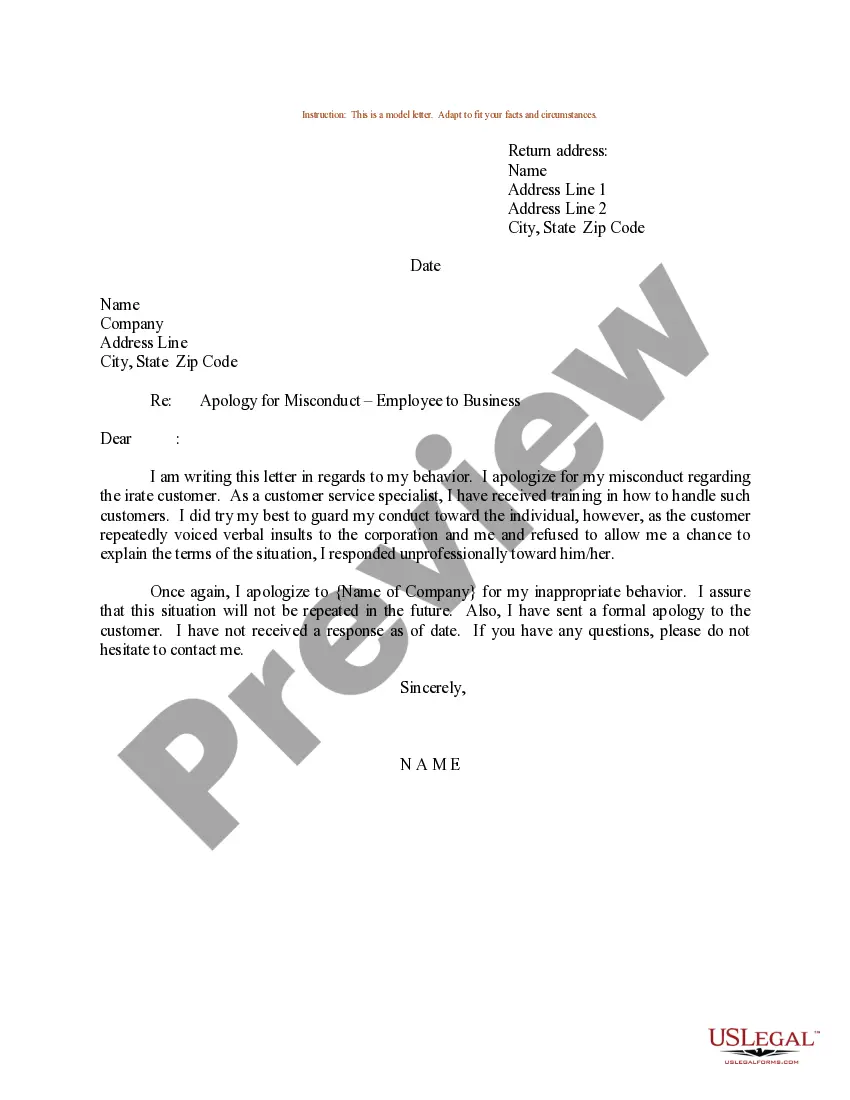

How to fill out Agreement For Home Staging Services?
Creating legal documents from the ground up can frequently feel somewhat daunting.
Specific situations may require extensive research and substantial financial investment.
If you seek a simpler and more economical method of generating a Staging Contract With Google or any other documents without the hassle, US Legal Forms is always accessible to you.
Our online collection of over 85,000 current legal templates covers nearly every aspect of your financial, legal, and personal matters. With just a few clicks, you can quickly access state- and county-compliant templates carefully prepared for you by our legal experts.
Check the document preview and descriptions to confirm that you are viewing the document you need. Ensure the template you choose complies with your state and county's regulations and laws. Select the most appropriate subscription plan to purchase the Staging Contract With Google. Download the form, then complete, sign, and print it. US Legal Forms prides itself on a flawless reputation and over 25 years of expertise. Join us now and make document completion a straightforward and efficient process!
- Utilize our platform anytime you require dependable and trustworthy services to swiftly find and download the Staging Contract With Google.
- If you’re already familiar with our services and have previously registered with us, just Log In to your account, find the template, and download it or re-download it at your convenience later in the My documents tab.
- Not registered yet? Not a problem. Registering takes minimal time and allows you to navigate the library effortlessly.
- Before proceeding to download the Staging Contract With Google, follow these suggestions.
Form popularity
FAQ
To make a contract with Google, first determine the specific terms you need to outline. Use Google Docs to draft your contract, taking advantage of collaboration features for team input. Consider incorporating Google services or additional resources for verification. Creating a staging contract with Google can simplify the review process and help finalize arrangements quickly.
Google does facilitate contracts, particularly through its document platform. Users can draft, share, and collaborate on contracts efficiently using Google Docs. While Google provides the tools, it's vital to ensure that the contract you create fulfills your needs, especially when considering a staging contract with Google for legal clarity.
Making a contract with Google Docs is straightforward. Start a new document and utilize the tools available for formatting and editing. You can add tables for clear presentation of terms and use comments for collaborative input. A staging contract with Google here ensures that real-time teamwork enhances the clarity of your agreement.
To accept the Google product agreement, navigate to the Google service you want to use. You will find a prompt to review and accept the terms presented on the screen. Make sure to read through all clauses carefully. Understanding this agreement is crucial when you're working on a staging contract with Google for your projects.
To create a contract on Google, start by opening Google Docs. You can choose a template or create a document from scratch. Incorporate necessary elements such as parties involved, terms of the agreement, and signatures. For a more streamlined approach, consider using a staging contract with Google feature to ensure all legal requirements are met efficiently.
Google does not offer a specific standalone contract app; however, you can use Google Workspace tools to manage contracts effectively. Tools like Google Docs and Google Drive allow you to create, edit, and store your staging contract with Google conveniently. Additionally, integrating with services like US Legal Forms can further enhance your document management experience. This combination empowers you to handle contracts efficiently.
Google provides templates for various business documents, including contracts. These templates can serve as a useful starting point for drafting your staging contract with Google. By using Google’s resources, you can save time and ensure compliance with standard practices. This is particularly beneficial for both small businesses and individuals looking for structured documentation.
Yes, Google Docs offers various templates, including options for contracts. You can easily access these templates through the Google Docs interface. By selecting a contract template, you can efficiently create a staging contract with Google that meets your needs. This helps streamline your workflow and ensures that you use a professional format.
Creating a contract on Google is straightforward and user-friendly. You can start by using Google Docs to draft your staging contract with Google, ensuring you have a clear outline of all necessary terms. After drafting, share the document easily with all parties involved for their input and approval. This method allows for seamless collaboration, ensuring everyone is on the same page.
Staging contracts typically vary in length depending on the scope of the project. Generally, these agreements last anywhere from a few weeks to several months, based on your specific needs. When utilizing a staging contract with Google, it’s essential to include clear deadlines and expectations to ensure successful outcomes. Consistent communication throughout the process can also help you gauge any needed adjustments to the timeline.