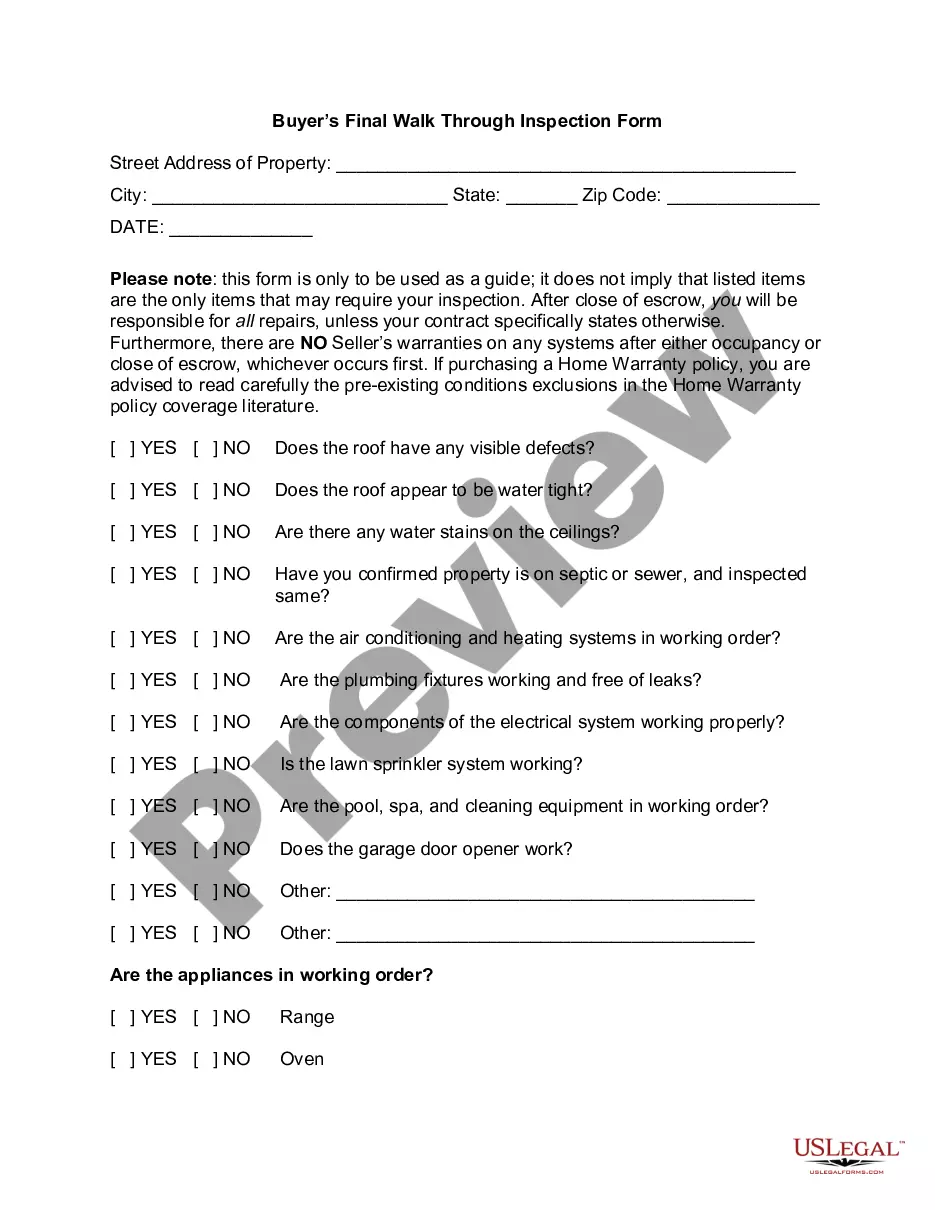
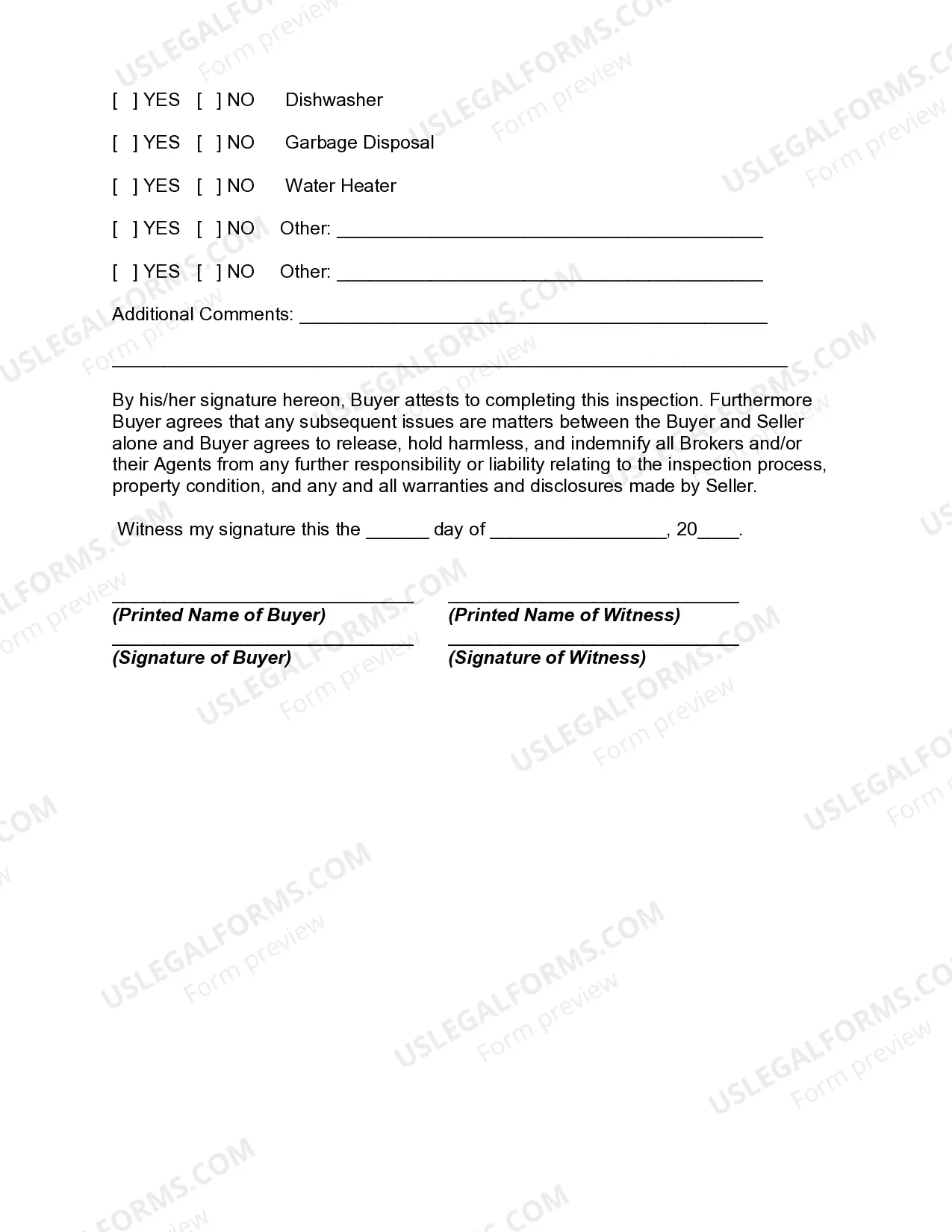
Walk Through Form With Two Points
Description
Get your form ready online
Our built-in tools help you complete, sign, share, and store your documents in one place.
Make edits, fill in missing information, and update formatting in US Legal Forms—just like you would in MS Word.
Download a copy, print it, send it by email, or mail it via USPS—whatever works best for your next step.
Sign and collect signatures with our SignNow integration. Send to multiple recipients, set reminders, and more. Go Premium to unlock E-Sign.
If this form requires notarization, complete it online through a secure video call—no need to meet a notary in person or wait for an appointment.
We protect your documents and personal data by following strict security and privacy standards.

Make edits, fill in missing information, and update formatting in US Legal Forms—just like you would in MS Word.

Download a copy, print it, send it by email, or mail it via USPS—whatever works best for your next step.

Sign and collect signatures with our SignNow integration. Send to multiple recipients, set reminders, and more. Go Premium to unlock E-Sign.

If this form requires notarization, complete it online through a secure video call—no need to meet a notary in person or wait for an appointment.

We protect your documents and personal data by following strict security and privacy standards.
Looking for another form?


How to fill out Buyer's Final Walk Through Inspection Form?
Utilizing legal document examples that adhere to national and local regulations is essential, and the internet provides numerous alternatives to choose from.
However, what is the purpose of expending effort scouring the web for the appropriate Walk Through Form With Two Points example when the US Legal Forms online repository already compiles such templates in one location.
US Legal Forms is the largest online legal directory with over 85,000 editable templates created by attorneys for any professional and personal need. They are easy to navigate with all documents categorized by state and intended use.
All templates available through US Legal Forms are repeatable. To re-download and complete previously acquired forms, access the My documents section in your account. Take advantage of the most comprehensive and user-friendly legal document service!
- Our experts keep pace with legal changes, ensuring you can trust your documents are current and compliant when obtaining a Walk Through Form With Two Points from our site.
- Acquiring a Walk Through Form With Two Points is straightforward and rapid for both existing and new users.
- If you already have an account with an active subscription, Log In and store the document sample you need in the desired format.
- If you are new to our platform, follow the steps outlined below.
- Examine the template using the Preview function or via the text outline to confirm it satisfies your requirements.
Form popularity
FAQ
Can I look up an EIN number? The IRS doesn't provide a public database you can use to look up EIN numbers for your own company or others. However, you can look at your EIN confirmation letter or other places your number may be recorded, including previously filed tax returns or old financing documents.
Your Employer Identification Number (EIN) is your federal tax ID. You need it to pay federal taxes, hire employees, open a bank account, and apply for business licenses and permits. It's free to apply for an EIN, and you should do it right after you register your business.
You can apply for your FEIN online through the IRS Website or obtain the paper application for FEIN by downloading SS-4, Application for Employer Identification Number (pdf).
Use form IA 1040X. Be sure to enter the year of the return you are amending at the top of Form IA 1040X. If you cannot access the IA 1040X, you may send an IA 1040 for the year you are amending with the corrections made. Write "AMENDED" clearly on the top of the IA1040 and attach an IA 102 Amended Return Schedule.
Your employer identification number (EIN), or FEIN, allows you to do business and report financial information to the Internal Revenue Service. However, an EIN number is a public record, making your company vulnerable to people who care less about your business.
Contact the company's accountant or financing office and ask for the EIN, though they don't have to provide it. Search for the company on the secretary of state's website or seek out other local or federal filings that may be online. Hire a service or use a paid database to do the EIN search.
The IRS maintains a list of EINs. Public listed company EINs are available via the Securities and Exchange Commission (SEC). Other EINs may be available by asking the organisation concerned, and are sometimes published on their websites.
For public companies, you can look up the EIN on the SEC's website. Search the company's name, and pull up the most recent 10-Q or 10K. All non-profit EINs are public information, and you can find them in the IRS database.