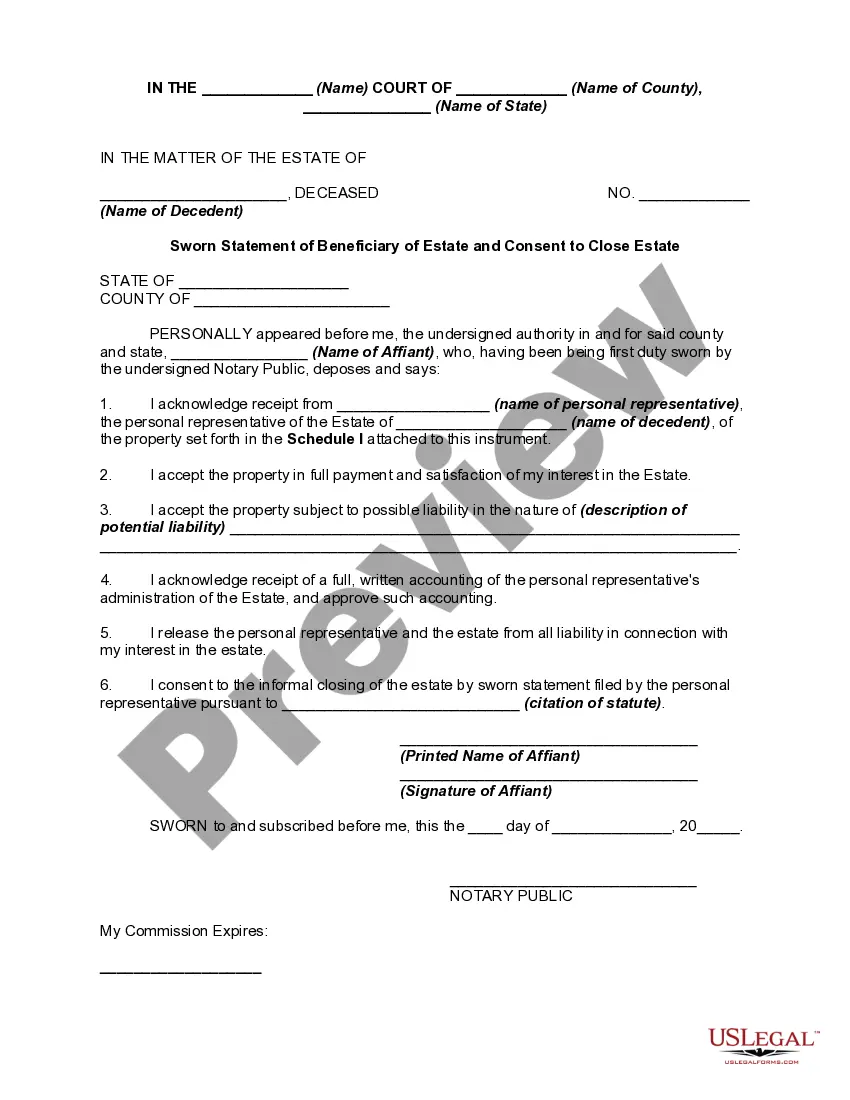
Beneficiary Estate Form With Trust
Description
Get your form ready online
Our built-in tools help you complete, sign, share, and store your documents in one place.
Make edits, fill in missing information, and update formatting in US Legal Forms—just like you would in MS Word.
Download a copy, print it, send it by email, or mail it via USPS—whatever works best for your next step.
Sign and collect signatures with our SignNow integration. Send to multiple recipients, set reminders, and more. Go Premium to unlock E-Sign.
If this form requires notarization, complete it online through a secure video call—no need to meet a notary in person or wait for an appointment.
We protect your documents and personal data by following strict security and privacy standards.

Make edits, fill in missing information, and update formatting in US Legal Forms—just like you would in MS Word.

Download a copy, print it, send it by email, or mail it via USPS—whatever works best for your next step.

Sign and collect signatures with our SignNow integration. Send to multiple recipients, set reminders, and more. Go Premium to unlock E-Sign.

If this form requires notarization, complete it online through a secure video call—no need to meet a notary in person or wait for an appointment.

We protect your documents and personal data by following strict security and privacy standards.
Looking for another form?






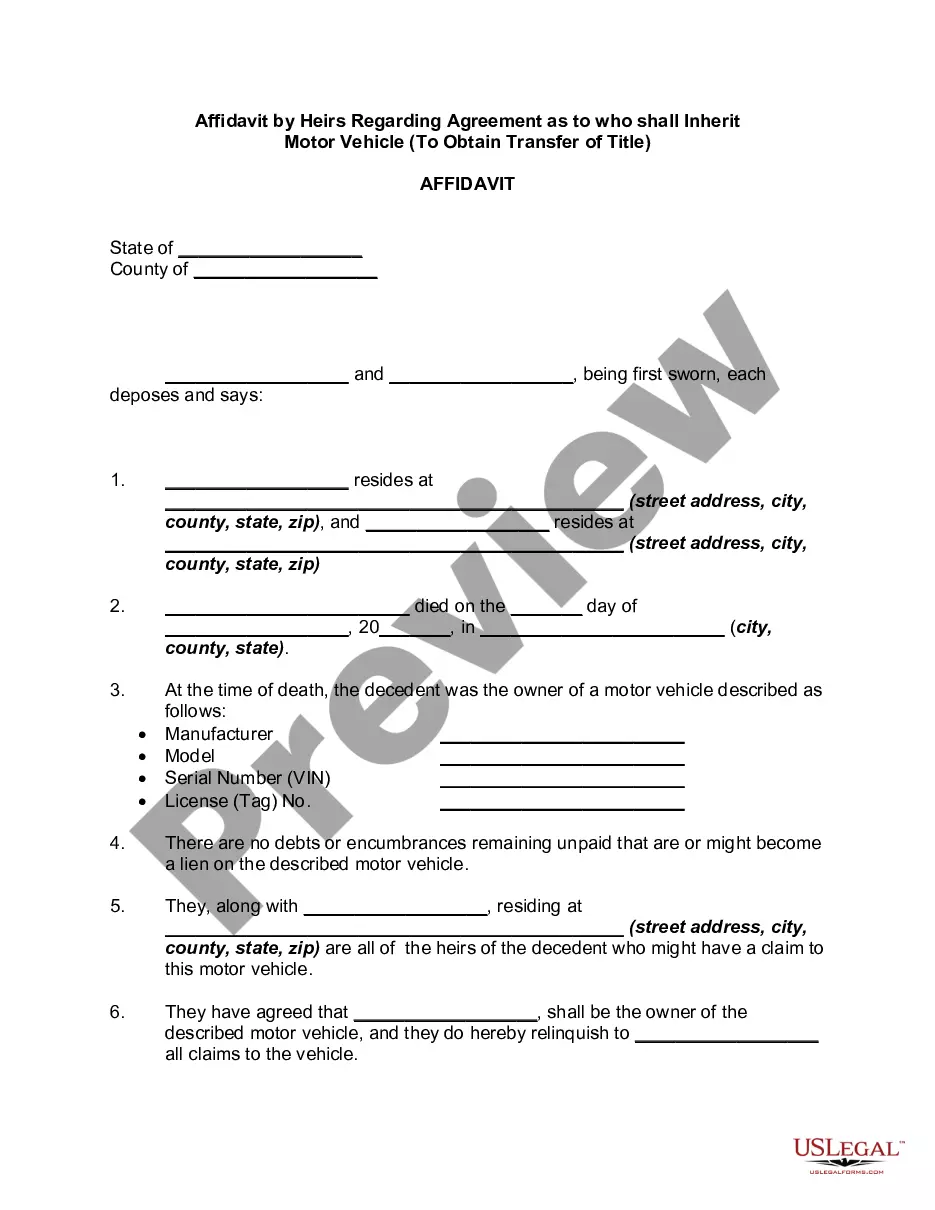
How to fill out Sworn Statement Of Beneficiary Of Estate And Consent To Close Estate - Uniform Probate Code?
Whether for corporate objectives or personal issues, everyone must confront legal matters at some stage in their lives.
Completing legal documentation requires meticulous care, starting with selecting the correct form template.
Once downloaded, you can fill out the form with editing software or print it out to complete by hand. With an extensive collection available at US Legal Forms, you will never have to waste time searching for the right template online. Utilize the library’s straightforward navigation to find the suitable form for any scenario.
- For instance, if you choose an incorrect version of the Beneficiary Estate Form With Trust, it will be declined upon submission.
- Thus, it is essential to source trustworthy legal documents like US Legal Forms.
- If you need to acquire a Beneficiary Estate Form With Trust template, follow these straightforward steps.
- Obtain the template you need by utilizing the search bar or browsing the catalog.
- Review the information of the form to confirm it corresponds with your circumstance, state, and county.
- Click on the form’s preview to inspect it.
- If it is not the right form, return to the search feature to locate the Beneficiary Estate Form With Trust sample you need.
- Download the file if it suits your requirements.
- If you possess a US Legal Forms account, click Log in to access previously stored templates in My documents.
- If you do not have an account yet, you can procure the form by clicking Buy now.
- Choose the correct pricing plan.
- Complete the account registration form.
- Select your payment method: a bank card or a PayPal account.
- Choose the file format you desire and download the Beneficiary Estate Form With Trust.
Form popularity
FAQ
A beneficiary of trust is the individual or group of individuals for whom a trust is created. The trust creator or grantor designates beneficiaries and a trustee, who has a fiduciary duty to manage trust assets in the best interests of beneficiaries as outlined in the trust agreement.
Naming a trust as a beneficiary is a good idea if beneficiaries are minors, have a disability, or can't be trusted with a large sum of money. The major disadvantage of naming a trust as a beneficiary is required minimum distribution payouts.
If you decide to have more than one beneficiary, you will allocate a percentage of the death benefit for each, so that the total allocation equals 100%. A simple example of this would be allocating 50% to your partner, and 25% to each of your two children, for a total of 100%.
My answer to this questions is that ?it depends?. However, in most cases, it is best to list your revocable trust as the primary beneficiary of your life insurance policy.
Write only one beneficiary on each line. Make sure that you write the full names of all beneficiaries. For example, if you name you children as beneficiaries, DO NOT merely write ?children? on one of the lines; instead write the full names of each of your children on separate lines.