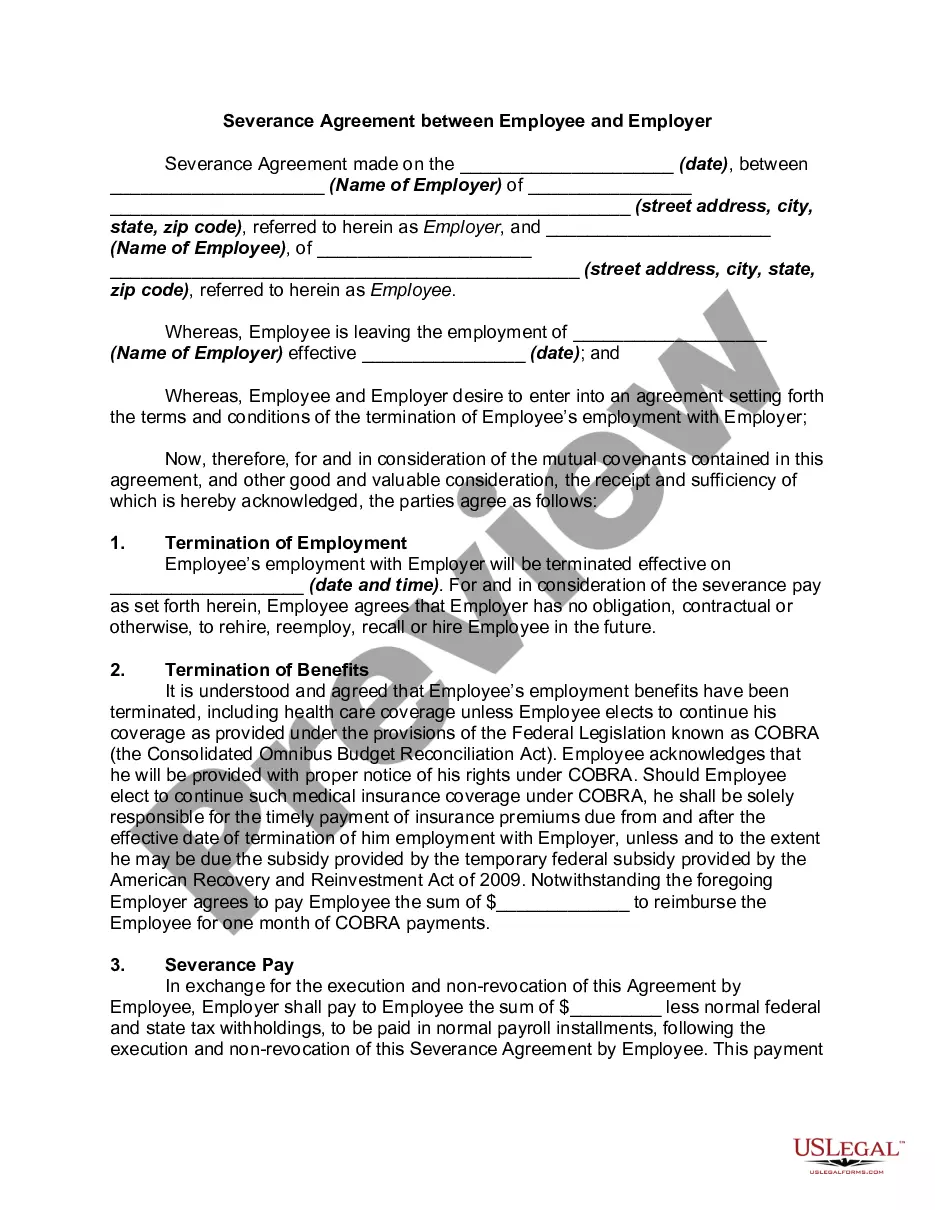
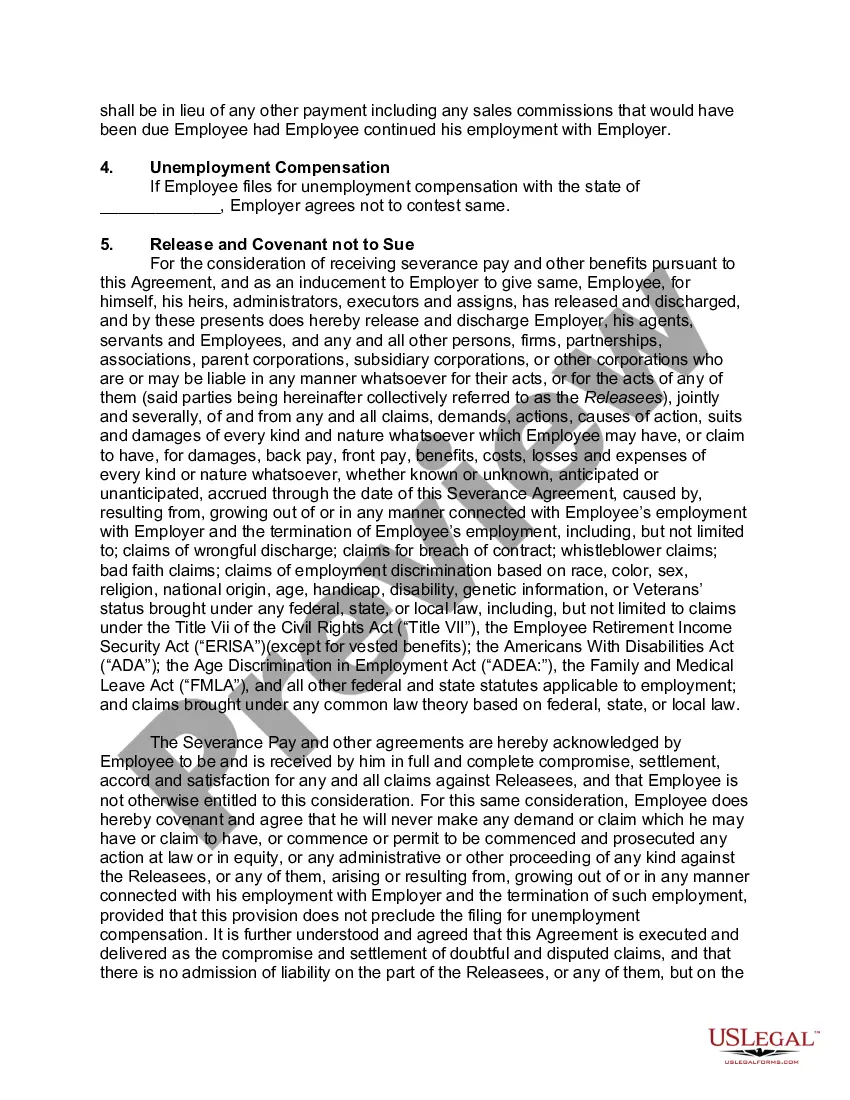
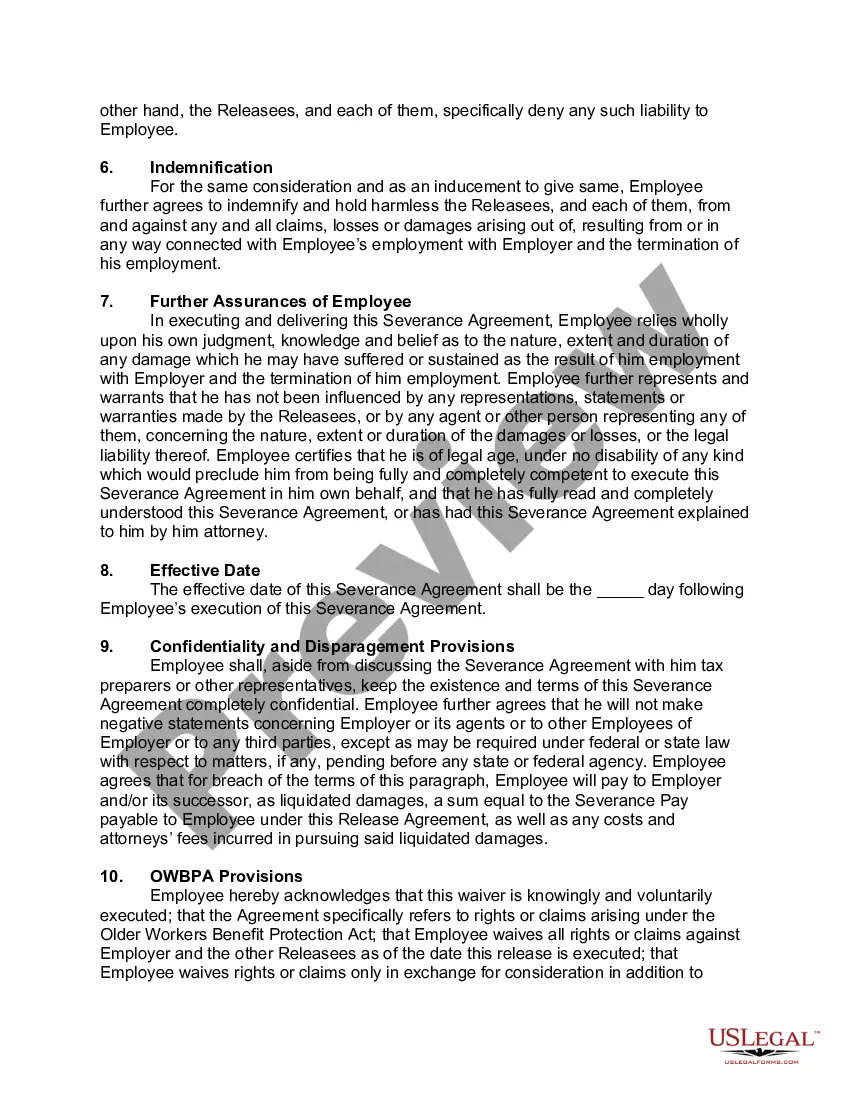
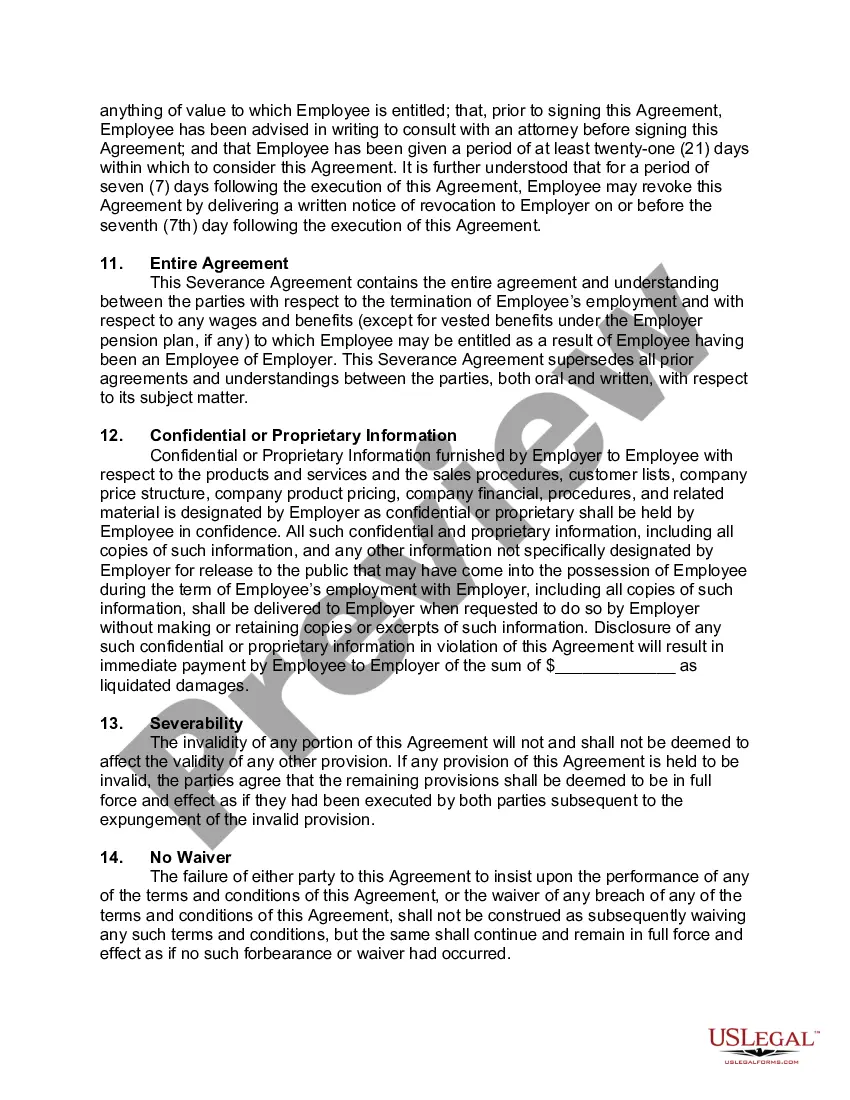
Typical Severance For Executives For National Security
Description
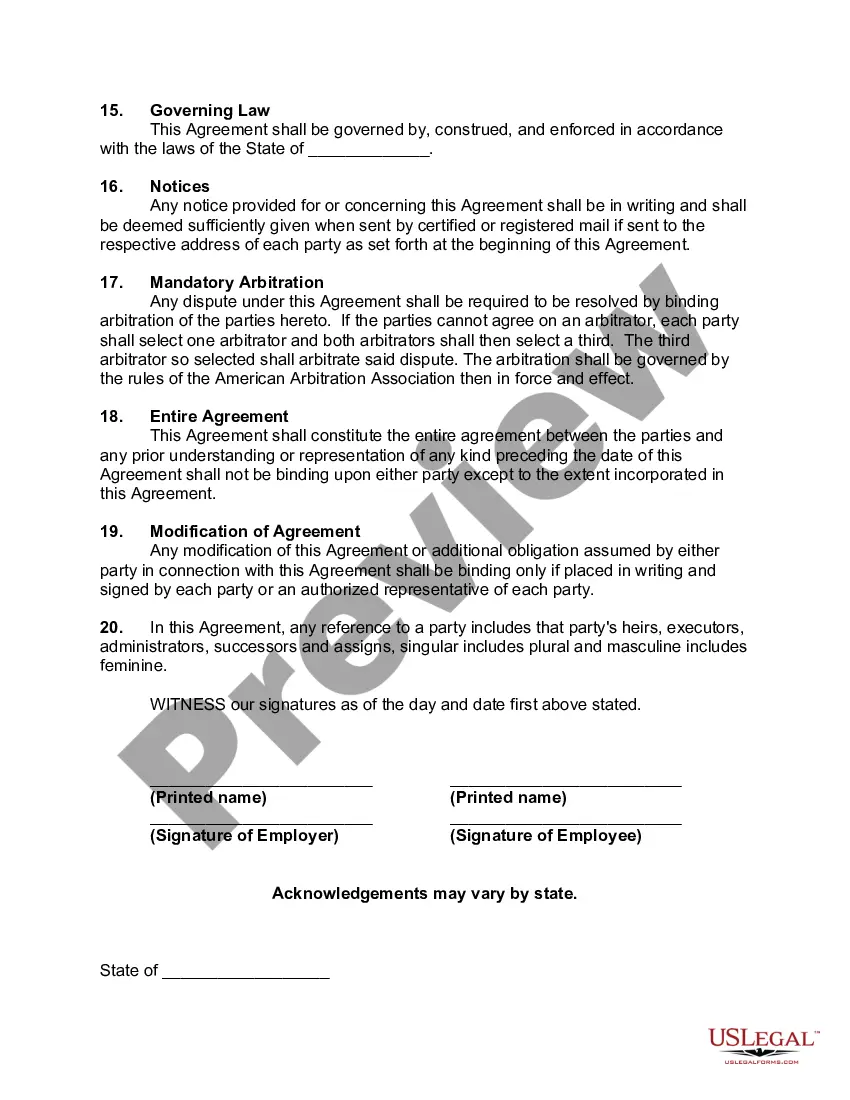
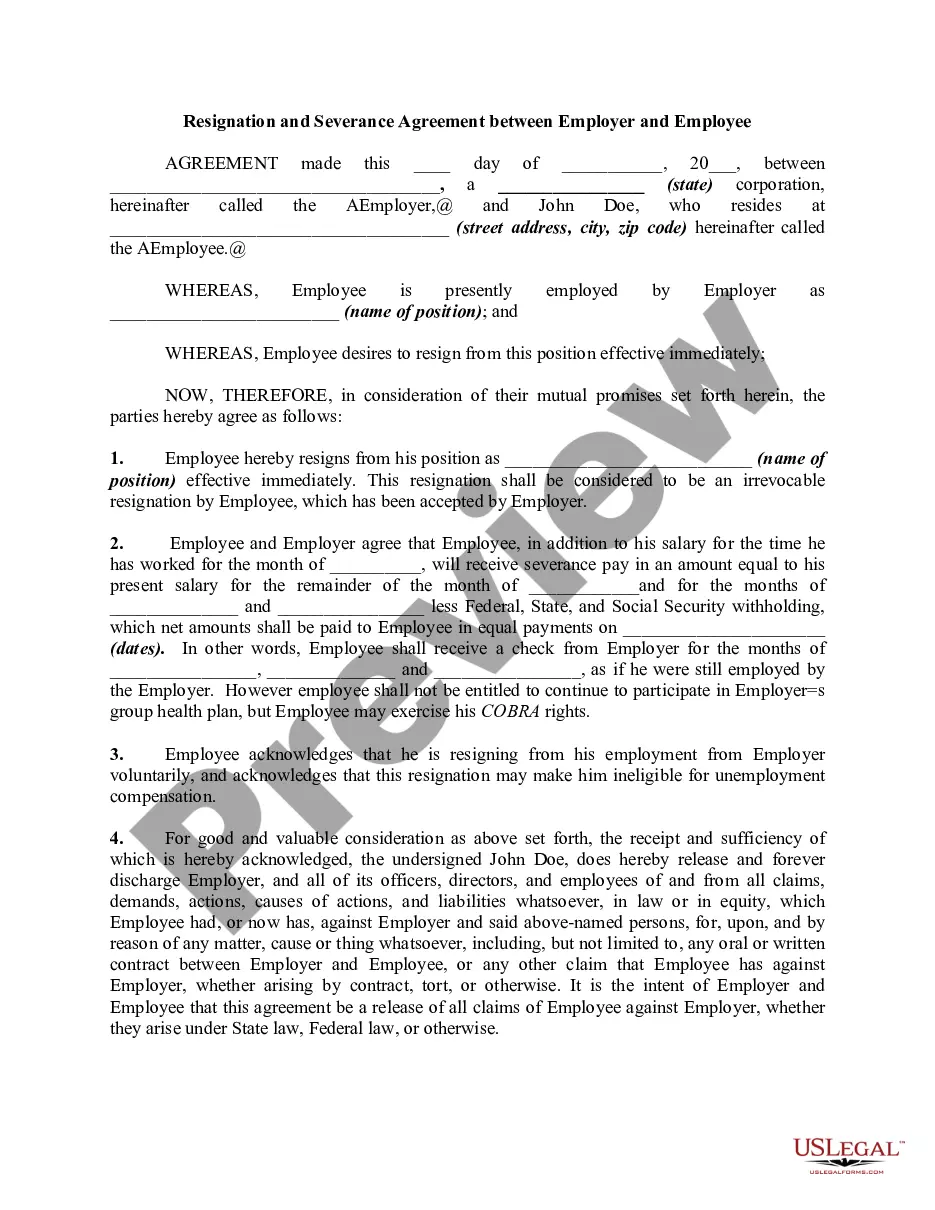
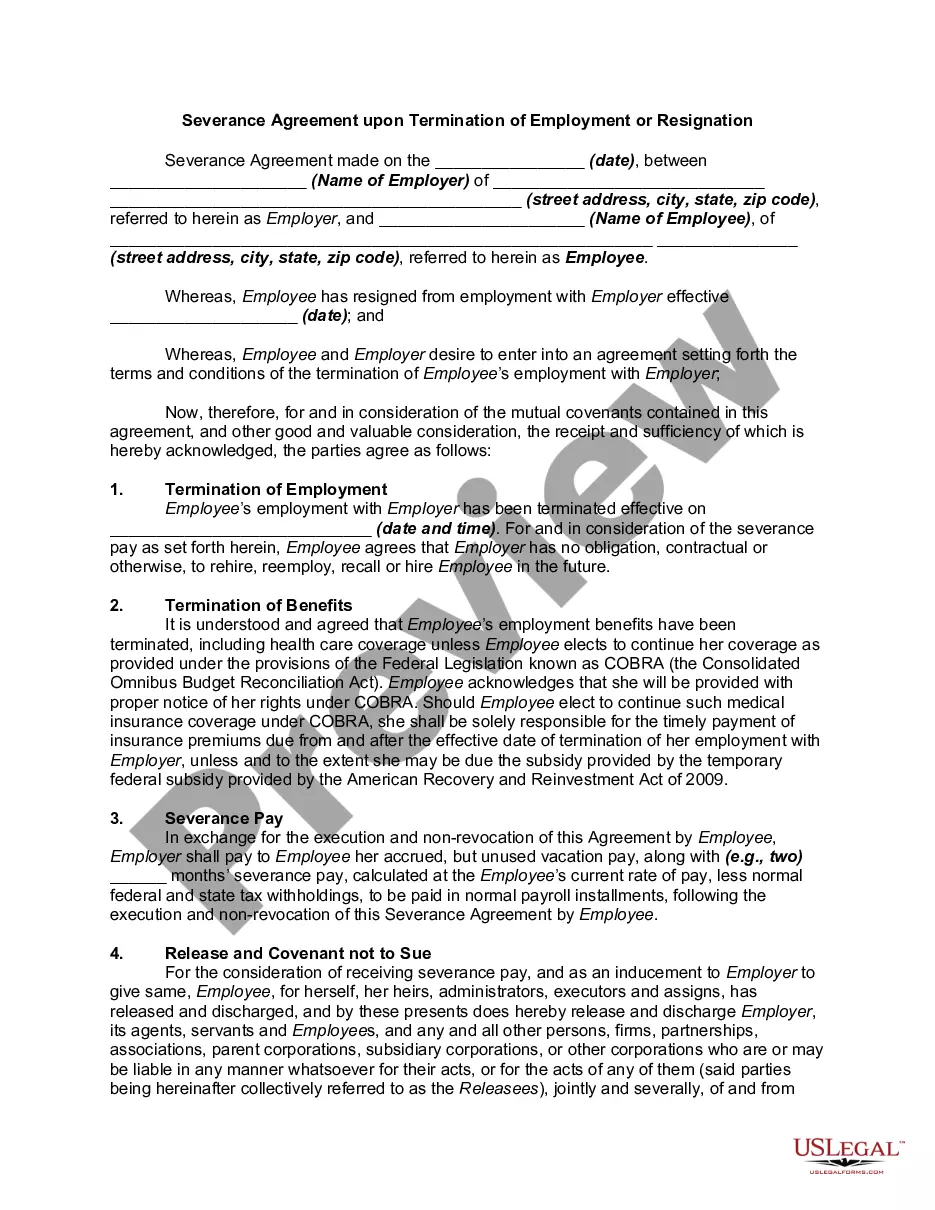
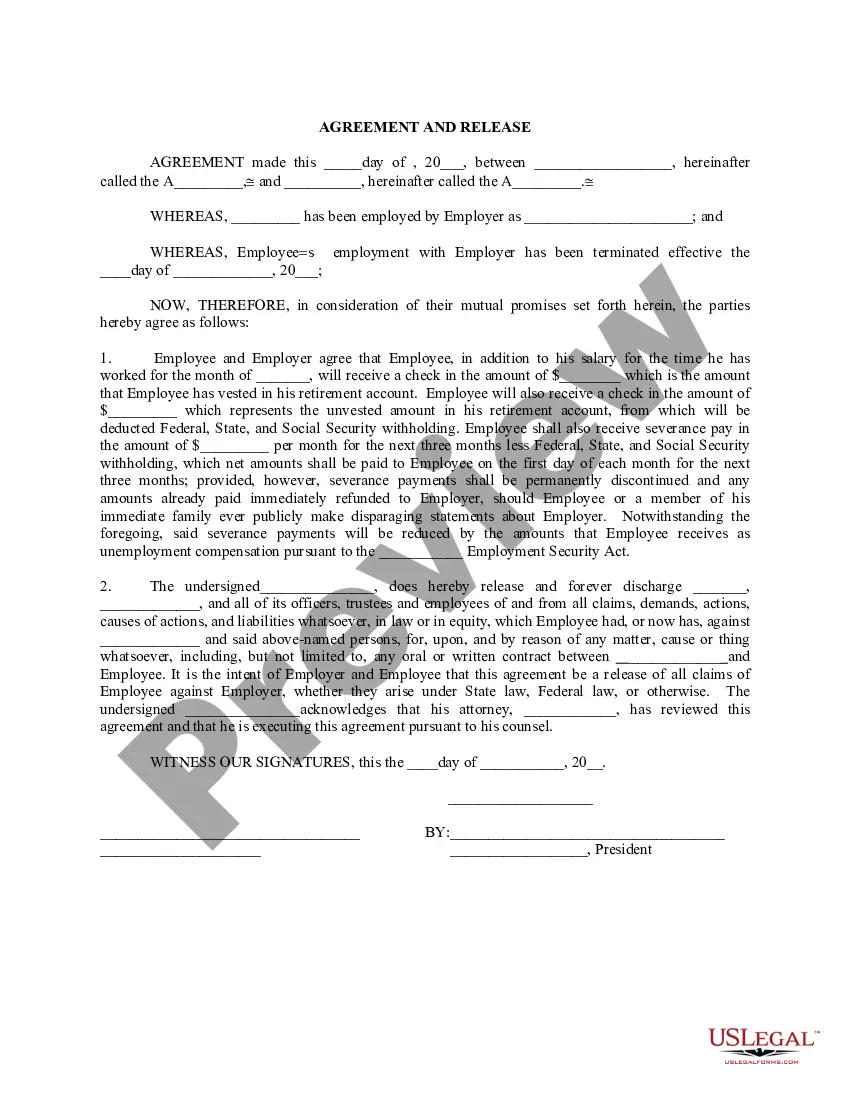
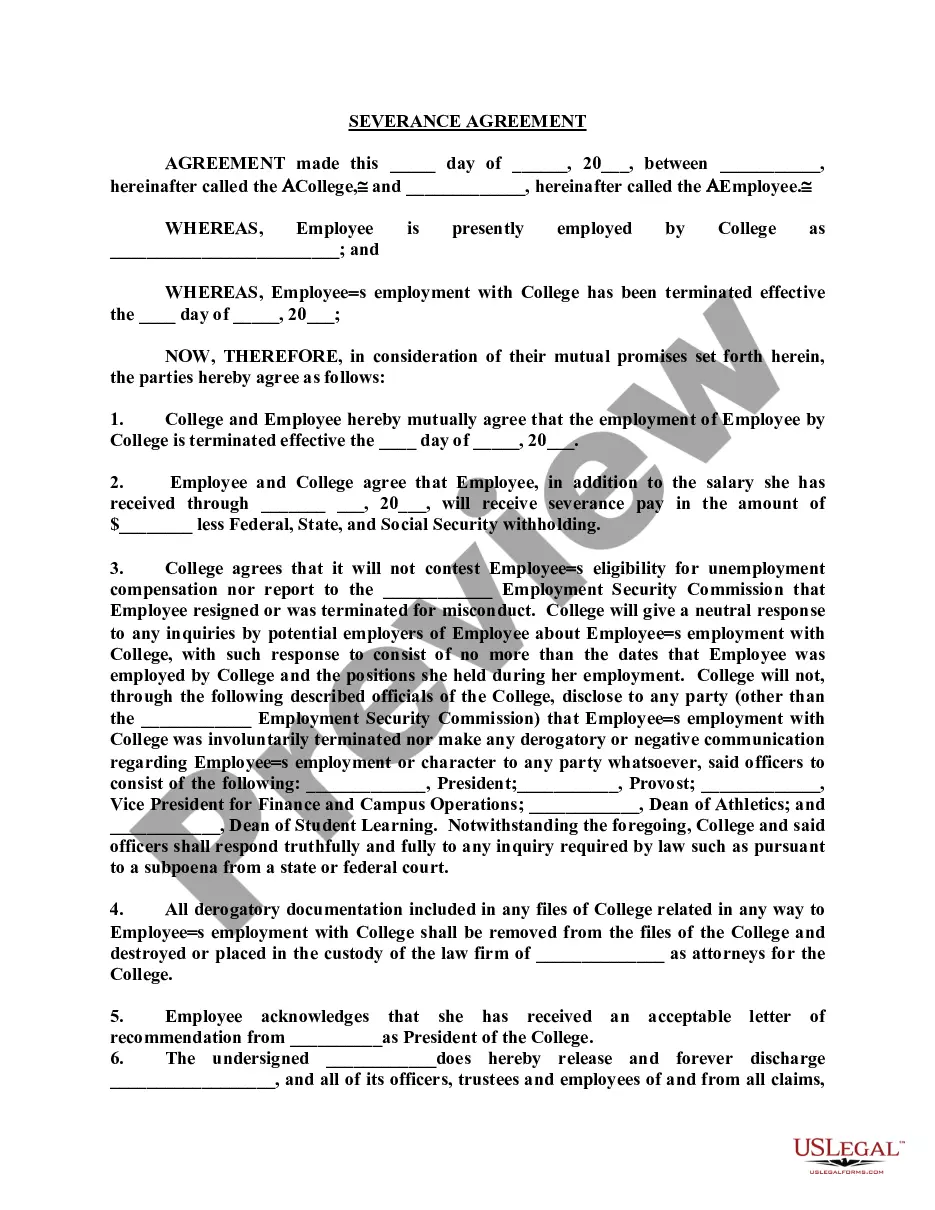
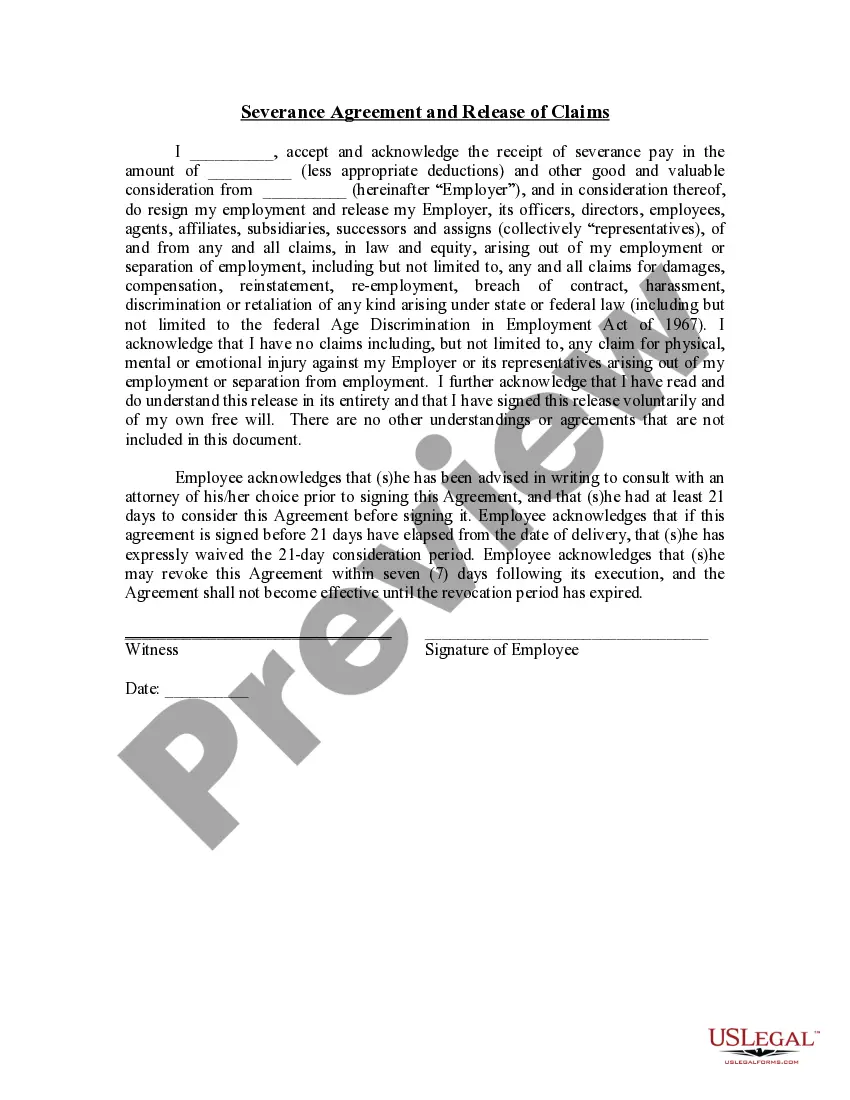
Get your form ready online
Our built-in tools help you complete, sign, share, and store your documents in one place.
Make edits, fill in missing information, and update formatting in US Legal Forms—just like you would in MS Word.
Download a copy, print it, send it by email, or mail it via USPS—whatever works best for your next step.
Sign and collect signatures with our SignNow integration. Send to multiple recipients, set reminders, and more. Go Premium to unlock E-Sign.
If this form requires notarization, complete it online through a secure video call—no need to meet a notary in person or wait for an appointment.
We protect your documents and personal data by following strict security and privacy standards.

Make edits, fill in missing information, and update formatting in US Legal Forms—just like you would in MS Word.

Download a copy, print it, send it by email, or mail it via USPS—whatever works best for your next step.

Sign and collect signatures with our SignNow integration. Send to multiple recipients, set reminders, and more. Go Premium to unlock E-Sign.

If this form requires notarization, complete it online through a secure video call—no need to meet a notary in person or wait for an appointment.

We protect your documents and personal data by following strict security and privacy standards.
Looking for another form?









How to fill out Severance Agreement Between Employee And Employer?
Creating legal documents from the beginning can often feel overwhelming.
Some situations may require extensive research and substantial expenses.
If you seek a more uncomplicated and budget-friendly method of generating Typical Severance For Executives For National Security or any other forms without unnecessary obstacles, US Legal Forms is always available to assist you.
Our online collection of over 85,000 current legal documents encompasses nearly every aspect of your financial, legal, and personal affairs.
Before rushing to download Typical Severance For Executives For National Security, consider these recommendations: Review the document preview and descriptions to confirm you have located the document you need. Ensure that the template you select meets the standards of your state and county. Select the appropriate subscription option to acquire the Typical Severance For Executives For National Security. Download the file, then complete, validate, and print it. US Legal Forms has a solid reputation and over 25 years of experience. Join us today and simplify the document execution process!
- With just a few clicks, you can effortlessly access state- and county-compliant templates meticulously assembled for you by our legal specialists.
- Utilize our platform whenever you require trustworthy and dependable services through which you can conveniently find and download the Typical Severance For Executives For National Security.
- If you’re already familiar with our services and have created an account, simply Log In, find the template, and download it now or re-download it any time later in the My documents section.
- Not yet registered? No problem. Setting up an account and browsing the library takes minimal time.
Form popularity
FAQ
Right now unfortunately, you can recover the entire Form from recycle bin if, it was deleted. however, recovering only a deleted question from the Form is currently not supported.
Google Forms does not have version history like Google Docs or Sheets. When you delete responses in Google Forms, it will be deleted permanently. The deleted form responses cannot be restored later.
Re: Restoring a prior version of your Form that has been edited and autosaved. @MarciAngela there's no way to restore a previous version of a form.
To copy a form within List view, hover to the right of the form, select More options > Copy. You'll see a duplicate form at the top of your list under All My Forms. It will have the same name as your original form.
How to Undo in Google Forms Step 1: Open your Google Form. Step 2: Make any changes to the form. Step 3: Click the ?Undo? button. Step 4: (optional) Click the ?Redo? button to bring it back.
There is also no version history which makes it very difficult to reset the questions that have been overwritten.
Click the Microsoft Forms application. Click "All my Forms" Click "Deleted Forms" Click the 3 dots of the quiz you'd like to restore and click "Restore"