Vacate Judgment Form For California
Description







Get your form ready online
Our built-in tools help you complete, sign, share, and store your documents in one place.
Make edits, fill in missing information, and update formatting in US Legal Forms—just like you would in MS Word.
Download a copy, print it, send it by email, or mail it via USPS—whatever works best for your next step.
Sign and collect signatures with our SignNow integration. Send to multiple recipients, set reminders, and more. Go Premium to unlock E-Sign.
If this form requires notarization, complete it online through a secure video call—no need to meet a notary in person or wait for an appointment.
We protect your documents and personal data by following strict security and privacy standards.

Make edits, fill in missing information, and update formatting in US Legal Forms—just like you would in MS Word.

Download a copy, print it, send it by email, or mail it via USPS—whatever works best for your next step.

Sign and collect signatures with our SignNow integration. Send to multiple recipients, set reminders, and more. Go Premium to unlock E-Sign.

If this form requires notarization, complete it online through a secure video call—no need to meet a notary in person or wait for an appointment.

We protect your documents and personal data by following strict security and privacy standards.
Looking for another form?


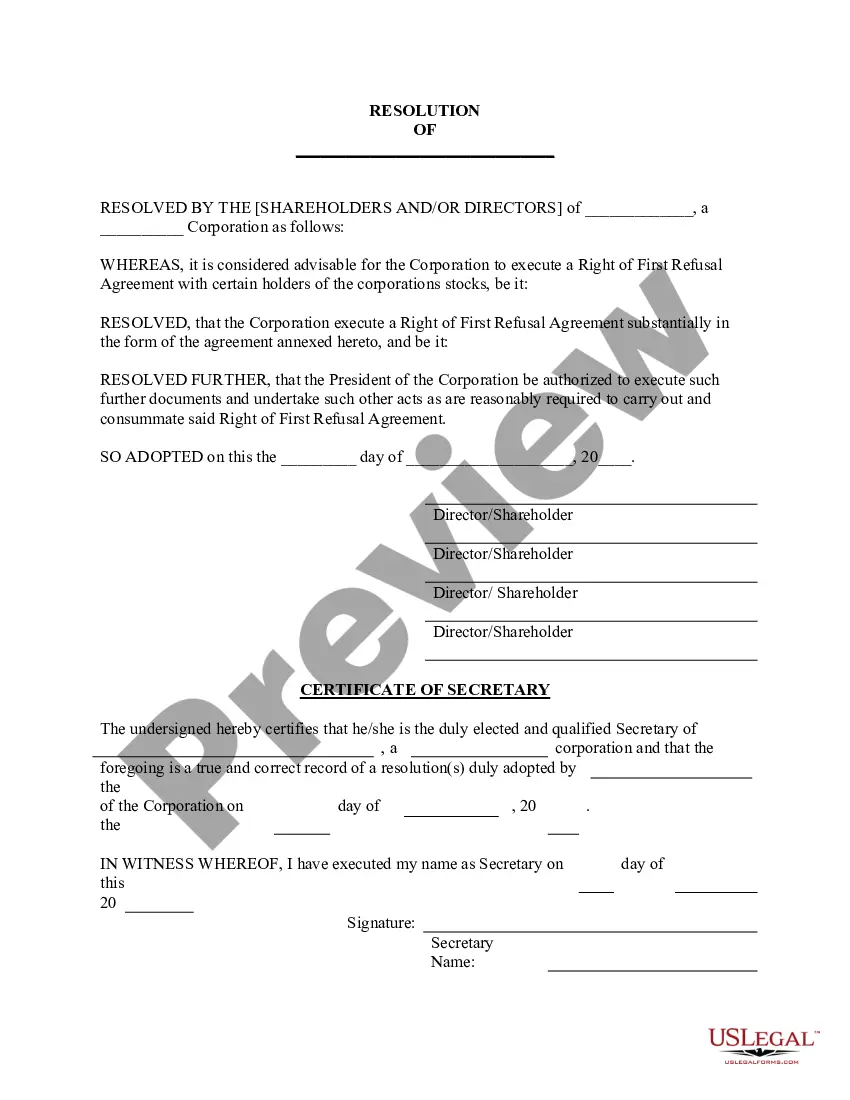






How to fill out Motion To Vacate Judgment, Quash Subpoena Duces Tecum, Dismiss Writ Of Garnishment, And For Leave To File An Answer To Complaint?
Managing legal documents can be daunting, even for the most experienced practitioners.
If you are searching for a Vacate Judgment Form for California and lack the opportunity to search for the correct and current version, the process can be stressful.
US Legal Forms addresses all your needs, whether personal or business-related, all within a single location.
Utilize advanced tools to fill out and manage your Vacate Judgment Form for California.
Here are the steps to follow after obtaining the desired form: Verify this is the correct template by previewing it and reviewing its details.
- Access a collection of articles, guides, and handbooks pertaining to your situation and needs.
- Save time and energy in locating the documents you require, using US Legal Forms’ sophisticated search and Review tool to find the Vacate Judgment Form for California.
- If you have a monthly subscription, Log In to your US Legal Forms account, search for the form, and download it.
- Check the My documents tab to view the documents you have previously downloaded and manage your folders as needed.
- If this is your first experience with US Legal Forms, create a free account for unlimited access to all platform benefits.
- A comprehensive online form library can be transformative for anyone looking to handle these matters effectively.
- US Legal Forms stands as a leader in online legal forms, with over 85,000 state-specific legal forms accessible at any time.
- With US Legal Forms, you can access a range of legal and business documents tailored to your state or county.
Form popularity
FAQ
To vacate a judgment in California, you must first identify the grounds for your request, such as improper service or new evidence that affects the case. Next, fill out the necessary vacate judgment form for California and submit it to the court along with supporting documents. Keep track of filing deadlines and be prepared to attend a hearing, if necessary. Utilizing resources like US Legal Forms can simplify the process by providing the correct forms and guidance.
To remove a judgment from public record in California, you typically need to file a motion to vacate the judgment. This involves supporting your request with valid reasons, such as fraud or lack of jurisdiction. By completing and submitting the appropriate vacate judgment form for California, you can present your case before the court. Professional assistance can help improve your chances of success in this process.
In California, a judgment does not disappear automatically; it remains on your record for a set period unless you actively take steps to remove it. Depending on the type of judgment, it may stay for five to ten years. However, you can seek to vacate the judgment or have it expunged by filing a vacate judgment form for California. Consulting legal assistance can facilitate this process.
How to ask to cancel the judge's decision Fill out the Notice. Fill out a Notice of Motion to Vacate Judgment and Declaration (form SC-135) ... Make copies. Make 2 copies of the Notice. File the Notice and pay the filing fee. Give the original and the 2 copies to the court clerk. ... Go to your new court date.
You must file an appeal within 30 days from when the judge's decision (the Notice of Entry of Judgment (form SC-130 or SC-200)) was handed or mailed to you.
TIME LIMIT: The request to correct or vacate the judgment must be filed with the court no later than 30 days after the clerk mailed the Notice of Entry of Judgment (SC-130) to the parties.
Write the name and last known address of the judgment debtor in the space provided. You may also include any known aliases used by the judgment debtor. Fill in the last 4 digits of the judgment debtor's driver license number and state where it was issued, if you know them.
Get the form SC-135: Notice of Motion to Vacate Judgment. You must explain on the form why you did not come to court. File the form with the Small Claims Court Clerk's Office at the court where your case was heard. Pay the filing fee.