Motion To Vacate Vs Motion To Dismiss
Description







Get your form ready online
Our built-in tools help you complete, sign, share, and store your documents in one place.
Make edits, fill in missing information, and update formatting in US Legal Forms—just like you would in MS Word.
Download a copy, print it, send it by email, or mail it via USPS—whatever works best for your next step.
Sign and collect signatures with our SignNow integration. Send to multiple recipients, set reminders, and more. Go Premium to unlock E-Sign.
If this form requires notarization, complete it online through a secure video call—no need to meet a notary in person or wait for an appointment.
We protect your documents and personal data by following strict security and privacy standards.

Make edits, fill in missing information, and update formatting in US Legal Forms—just like you would in MS Word.

Download a copy, print it, send it by email, or mail it via USPS—whatever works best for your next step.

Sign and collect signatures with our SignNow integration. Send to multiple recipients, set reminders, and more. Go Premium to unlock E-Sign.

If this form requires notarization, complete it online through a secure video call—no need to meet a notary in person or wait for an appointment.

We protect your documents and personal data by following strict security and privacy standards.
Looking for another form?


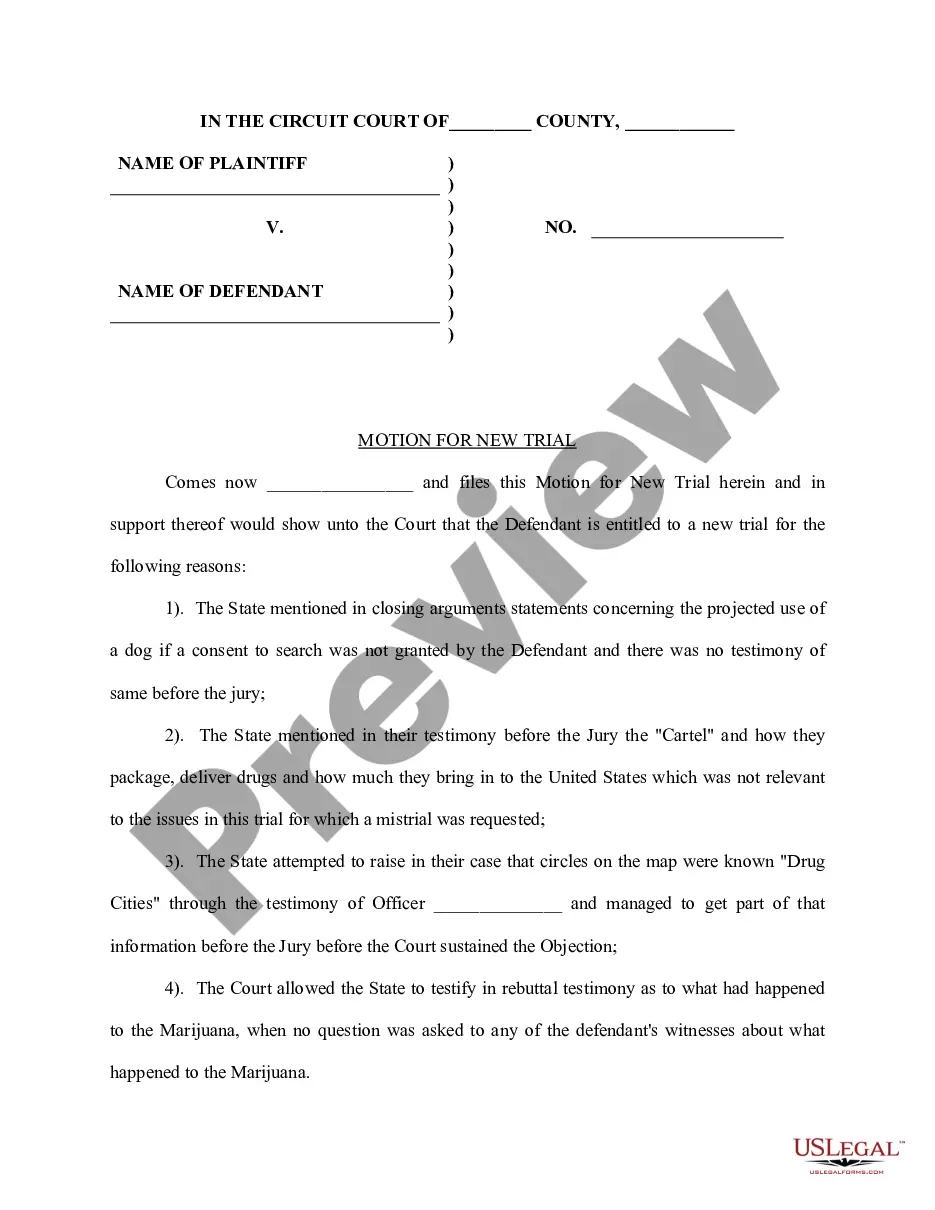






How to fill out Motion To Vacate Judgment, Quash Subpoena Duces Tecum, Dismiss Writ Of Garnishment, And For Leave To File An Answer To Complaint?
Finding a reliable source to obtain the latest and pertinent legal templates is a significant part of navigating bureaucracy.
Identifying the appropriate legal documents requires accuracy and meticulousness, which is why it is crucial to source examples of Motion To Vacate Vs Motion To Dismiss exclusively from trustworthy providers, such as US Legal Forms. An incorrect template will squander your time and delay the matter at hand. With US Legal Forms, you have minimal concerns.
Once you have the form on your device, you can modify it using the editor or print it out and fill it in by hand. Eliminate the hassle associated with your legal documentation. Explore the comprehensive US Legal Forms catalog to locate legal templates, assess their applicability to your situation, and download them immediately.
- Utilize the directory navigation or search bar to find your template.
- Examine the form’s description to ensure it meets the criteria of your state and county.
- Preview the form, if available, to confirm it is indeed what you need.
- Return to the search and find the appropriate template if the Motion To Vacate Vs Motion To Dismiss does not align with your requirements.
- If you are confident about the form’s applicability, download it.
- If you are a registered user, click Log in to verify and access your chosen forms in My documents.
- If you do not have an account yet, click Buy now to acquire the form.
- Select the pricing plan that fits your needs.
- Proceed to the registration to finalize your purchase.
- Complete your purchase by choosing a payment method (credit card or PayPal).
- Select the file format for downloading Motion To Vacate Vs Motion To Dismiss.
Form popularity
FAQ
To vacate a court order or judgment means to cancel it or render it null and void. ?DISMISSED? the ruling by a judge that all or a portion (one or more of the causes of action) of the plaintiff's lawsuit is terminated (thrown out) at that point without further evidence or testimony.
The motion to dismiss is a defendant's request that the case be thrown out, usually because of a deficiency in the complaint or the way the complaint was served on the defendant. Failure to state a claim is the most common grounds for dismissal. A judge can dismiss a claim with or without prejudice.
In civil and criminal procedure: To set aside or annul a previous judgment or order.
*Examples of mistake, inadvertence, surprise, or excusable neglect may include: Illness of Defendant. Attorney's abandonment of client. Fraud by the Plaintiff.
'Vacating' or 'setting aside' is used when referring to nullifying a specific judgment from the judge (in this case, a guilty or 'no contest' judgment). On the other hand, 'dismissing' applies to the entire case. It means that the case is thrown out for reasons other than its factual merits.