Filing An Answer To A Complaint With The Government
Description







Get your form ready online
Our built-in tools help you complete, sign, share, and store your documents in one place.
Make edits, fill in missing information, and update formatting in US Legal Forms—just like you would in MS Word.
Download a copy, print it, send it by email, or mail it via USPS—whatever works best for your next step.
Sign and collect signatures with our SignNow integration. Send to multiple recipients, set reminders, and more. Go Premium to unlock E-Sign.
If this form requires notarization, complete it online through a secure video call—no need to meet a notary in person or wait for an appointment.
We protect your documents and personal data by following strict security and privacy standards.

Make edits, fill in missing information, and update formatting in US Legal Forms—just like you would in MS Word.

Download a copy, print it, send it by email, or mail it via USPS—whatever works best for your next step.

Sign and collect signatures with our SignNow integration. Send to multiple recipients, set reminders, and more. Go Premium to unlock E-Sign.

If this form requires notarization, complete it online through a secure video call—no need to meet a notary in person or wait for an appointment.

We protect your documents and personal data by following strict security and privacy standards.
Looking for another form?


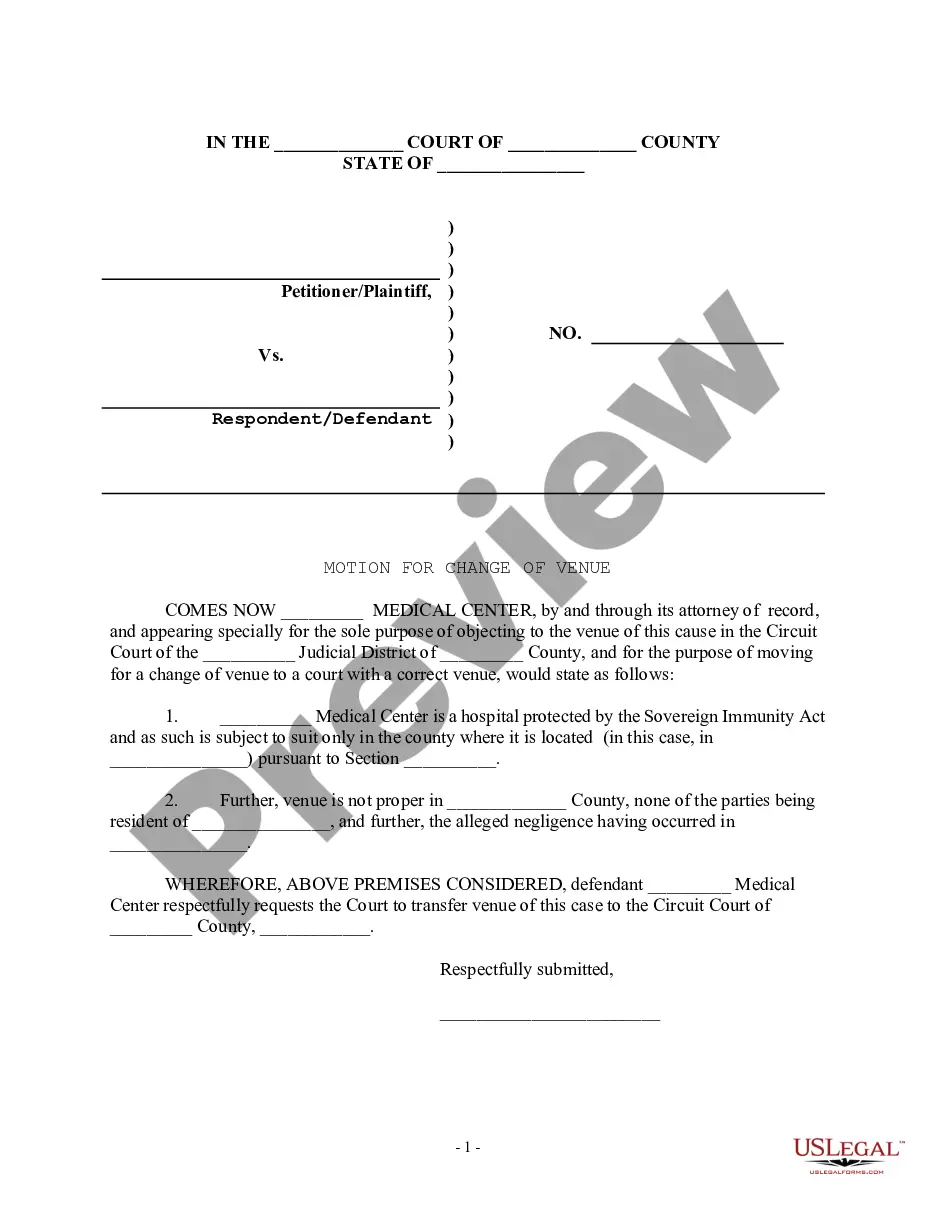




How to fill out Motion To Vacate Judgment, Quash Subpoena Duces Tecum, Dismiss Writ Of Garnishment, And For Leave To File An Answer To Complaint?
Dealing with legal documents and procedures can be a lengthy addition to your day.
Submitting a Response to a Government Complaint and similar forms often require you to locate them and comprehend how to fill them out accurately.
For this reason, if you are managing financial, legal, or personal issues, having a comprehensive and user-friendly online directory of forms at your disposal will be extremely beneficial.
US Legal Forms is the premier online platform for legal documents, featuring over 85,000 state-specific forms and a variety of resources to help you complete your documentation swiftly.
Is this your first experience with US Legal Forms? Register and create a free account in a few minutes to gain access to the form directory and Submitting a Response to a Government Complaint. Then, follow these steps to complete your form: Ensure you have the correct document using the Preview function and reviewing the form description. Click Buy Now when you're ready, and select the subscription plan that best fits your needs. Choose Download and then fill out, eSign, and print the form. US Legal Forms has 25 years of expertise helping users manage their legal documents. Find the form you need today and streamline any process effortlessly.
- Explore the collection of relevant documents accessible to you with just one click.
- US Legal Forms provides state- and county-specific forms available for download at any time.
- Safeguard your document management processes using a high-quality service that allows you to compile any form within minutes without additional or concealed charges.
- Simply Log In to your account, search for Submitting a Response to a Government Complaint, and obtain it instantly from the My documents section.
- You can also retrieve previously saved forms.
Form popularity
FAQ
Tips for writing a formal complaint Date the letter of complaint. Provide your name and address. Give a clear account of what happened and what went wrong. Include all the relevant facts such as dates and names but try to keep the letter concise.
Thank you for your email. Firstly we would like to apologize for the inconvenience and disappointment that you experienced in dealing with our ________recently. We assure you that your complaint and feedback will give the opportunity to remedy any problem that may exist and help to improve our service further.
Hello, [Customer Name], I've had a chance to review your complaint, and I'd like to apologize for [Issue]. Thank you for taking the time to share that with me so I can make it right. [Rephrase issue] is something that our team at [Company] doesn't take lightly.
How to Complain Effectively Focus on feelings, not facts. "The difference comes down to whether you discuss the facts about a situation or your feelings about it," she says. ... Talk through what's frustrating you. ... Sandwich your complaint. ... Lead with how you feel.
When responding, detail the customer's concerns one by one. Use bold headings to structure the response around the details of the complaint. It is also important to give an explanation of what evidence you have looked at and what your conclusions are.