Stay For Arbitration
Description
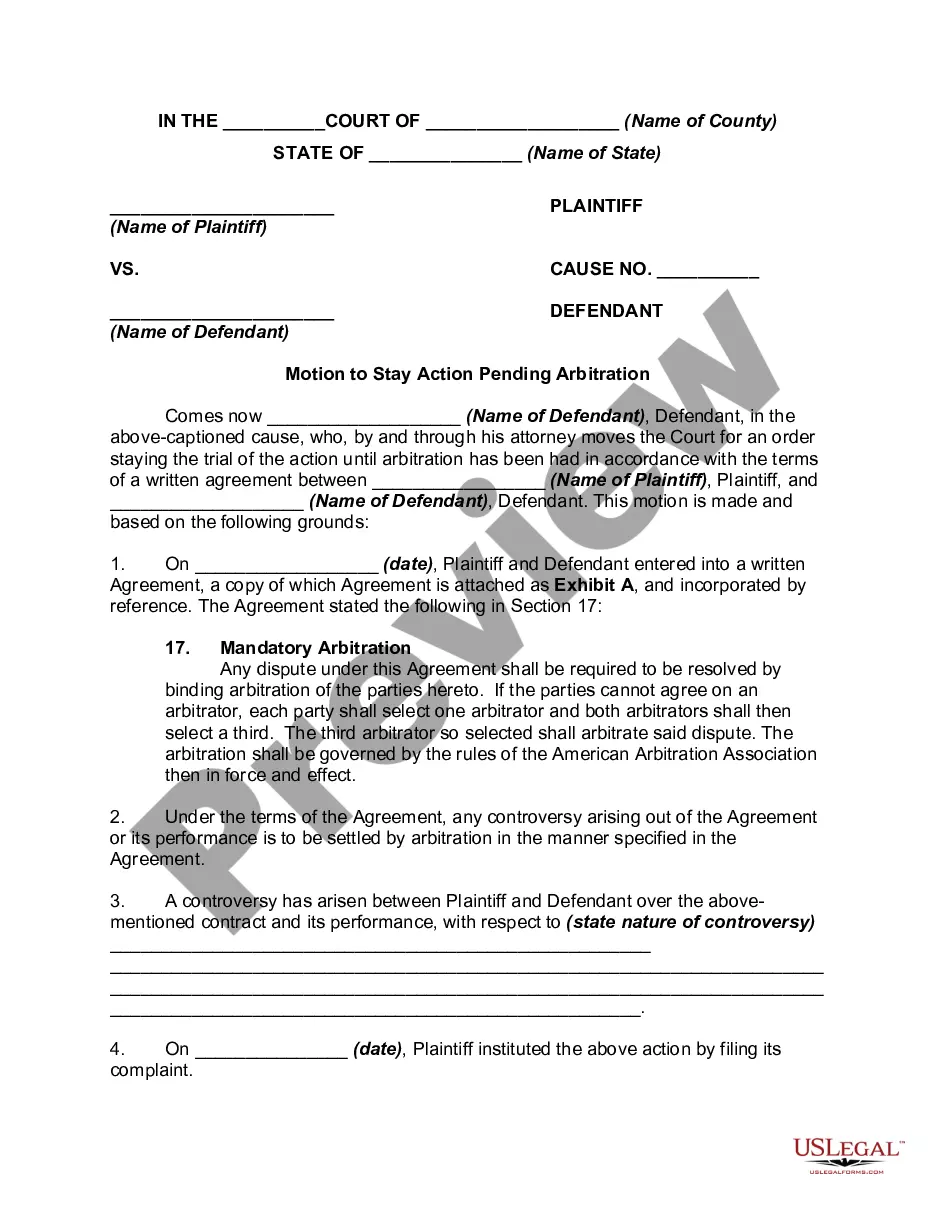
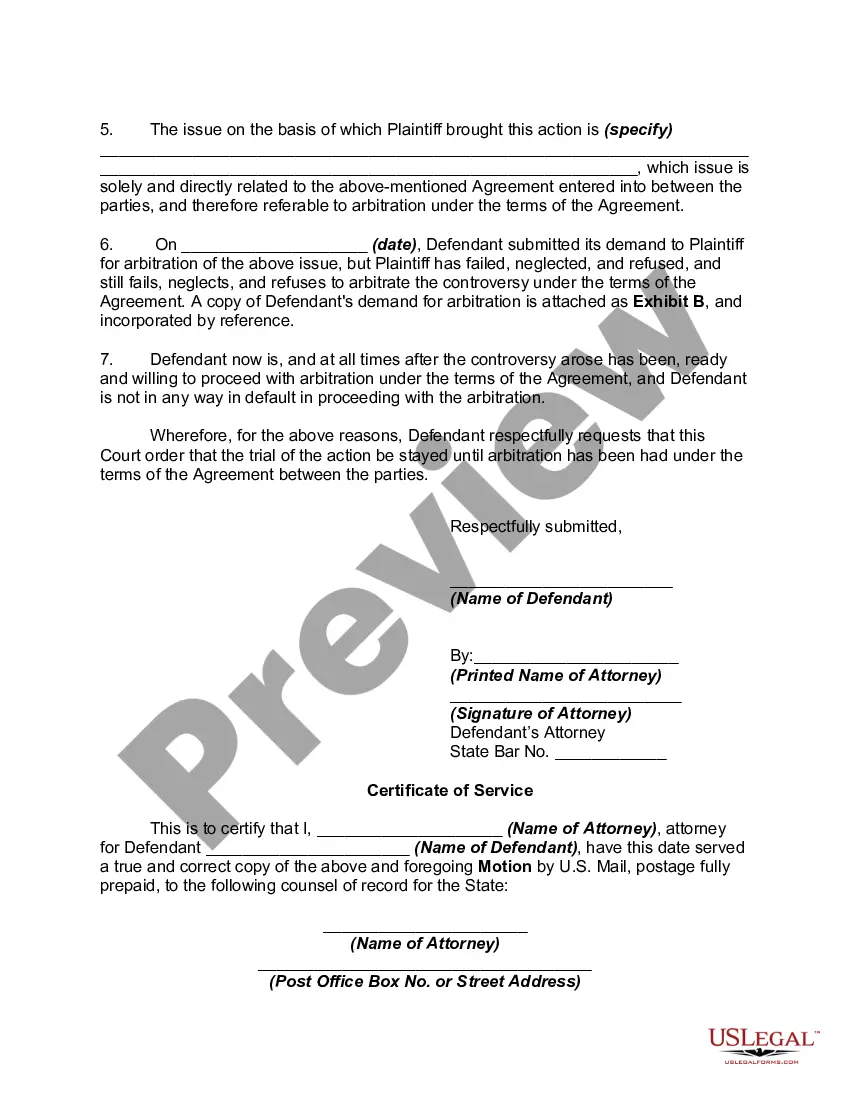
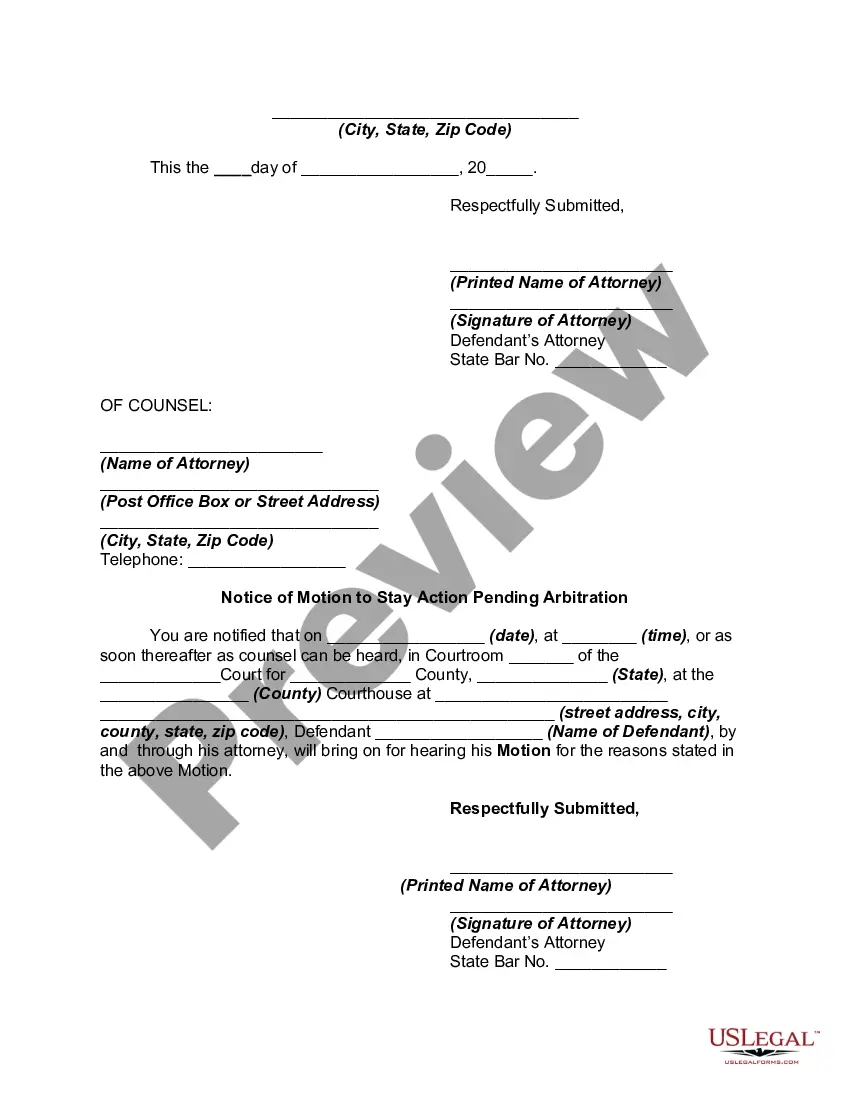
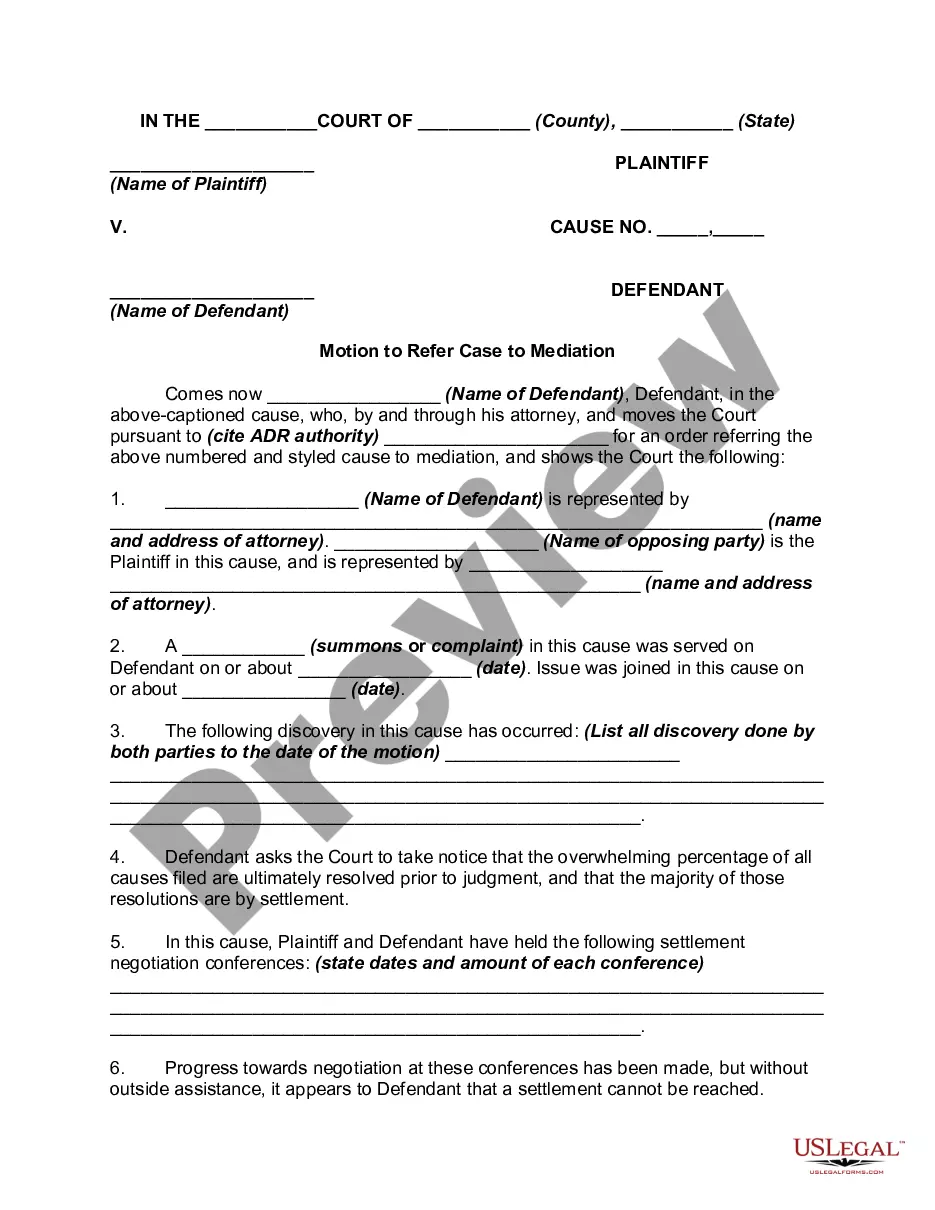
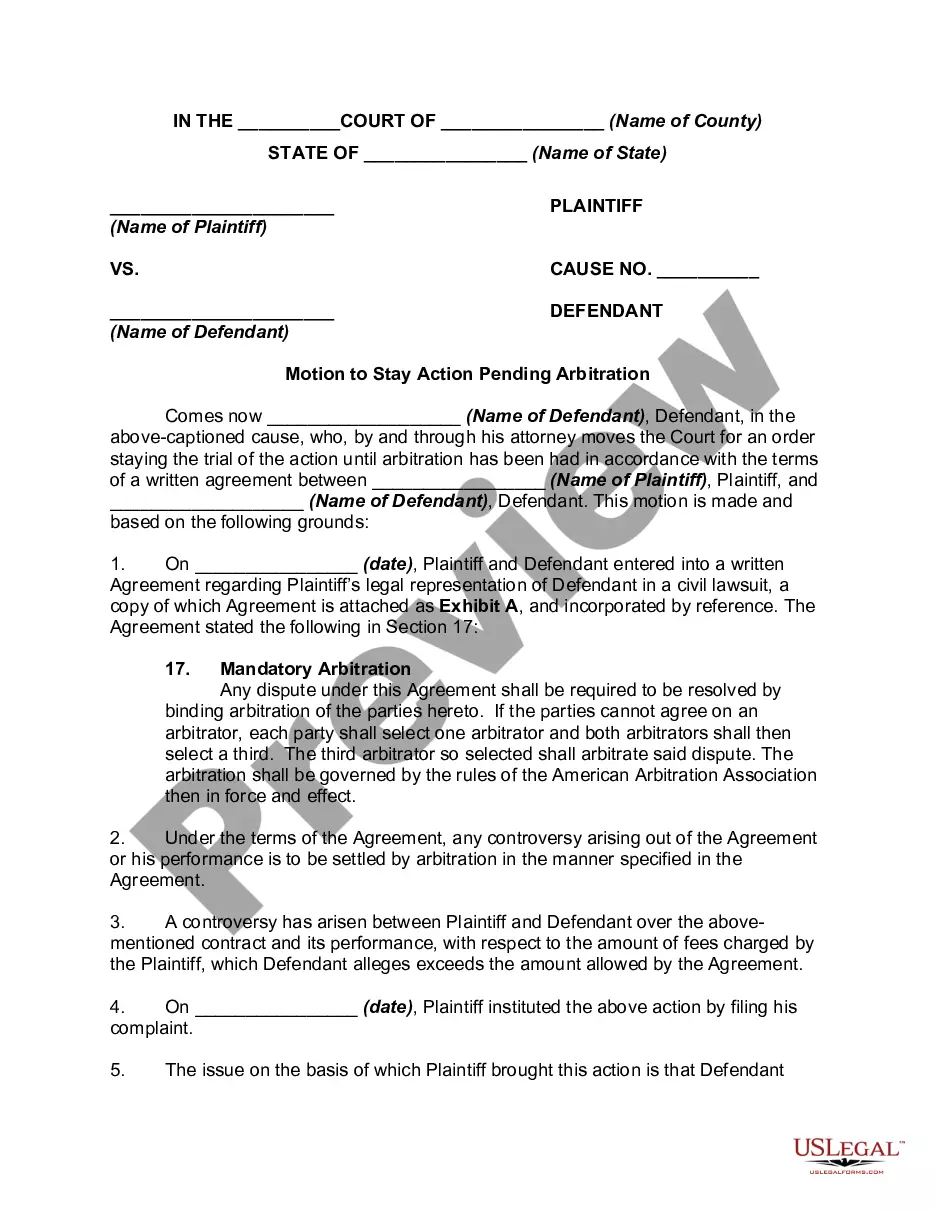
Get your form ready online
Our built-in tools help you complete, sign, share, and store your documents in one place.
Make edits, fill in missing information, and update formatting in US Legal Forms—just like you would in MS Word.
Download a copy, print it, send it by email, or mail it via USPS—whatever works best for your next step.
Sign and collect signatures with our SignNow integration. Send to multiple recipients, set reminders, and more. Go Premium to unlock E-Sign.
If this form requires notarization, complete it online through a secure video call—no need to meet a notary in person or wait for an appointment.
We protect your documents and personal data by following strict security and privacy standards.

Make edits, fill in missing information, and update formatting in US Legal Forms—just like you would in MS Word.

Download a copy, print it, send it by email, or mail it via USPS—whatever works best for your next step.

Sign and collect signatures with our SignNow integration. Send to multiple recipients, set reminders, and more. Go Premium to unlock E-Sign.

If this form requires notarization, complete it online through a secure video call—no need to meet a notary in person or wait for an appointment.

We protect your documents and personal data by following strict security and privacy standards.
Looking for another form?




How to fill out Motion To Stay Action Pending Arbitration?
Identifying a reliable source for obtaining the latest and most suitable legal templates is a significant part of navigating administration. Locating the correct legal documents requires precision and careful consideration, which is why it is essential to acquire Stay For Arbitration samples only from trustworthy providers like US Legal Forms. An incorrect template can squander your time and delay the situation you are facing.
With US Legal Forms, you don’t have much to worry about. You can access and verify all details regarding the document’s applicability and significance for your circumstances in your state or county.
Once you have the form on your device, you can modify it using the editor, or print it out and complete it manually. Eliminate the hassle associated with your legal paperwork. Discover the extensive US Legal Forms library where you can find legal templates, assess their relevance to your case, and download them instantly.
- Utilize the library navigation or search functionality to find your template.
- Review the form’s description to determine if it meets the requirements of your state and area.
- Access the form preview, if available, to confirm that the template is indeed the one you are seeking.
- Continue your search and identify the correct document if the Stay For Arbitration does not meet your criteria.
- If you are confident about the form’s applicability, download it.
- If you are a registered user, click Log in to verify your account and access your chosen templates in My documents.
- If you do not have an account yet, click Buy now to acquire the form.
- Select the pricing plan that suits your requirements.
- Proceed to the registration to complete your transaction.
- Conclude your purchase by choosing a payment method (credit card or PayPal).
- Select the file format for downloading Stay For Arbitration.
Form popularity
FAQ
Ask them if they will allow you to sign the contract without the arbitration clause. If they say yes, then take advantage of this, and opt out of the arbitration clause. One step you can take, is simply, to take your pen and cross out all of the languages that mention arbitration.
A claimant initiates an arbitration by filing a statement of claim that specifies the relevant facts and remedies requested. A respondent responds to an arbitration claim by filing an answer that specifies the relevant facts and available defenses to the statement of claim.
Some contracts give you the right to opt out of the forced arbitration clause within a certain period of time, often 30 to 60 days, after signing the agreement by notifying the company that you wish to opt out. Check your contract for the deadline and for specific instructions for opting out.
First, the party can request a stay that takes effect when the court orders the matter to arbitration. Second, the party can request a stay that is effective while the motion to compel arbitration is pending.
Under most arbitration rules, an Answer or Response to a Request for Arbitration must include the respondent's name and contact details, the name and contact details of its representative, its preliminary comments on the dispute, its response to the relief sought by the claimant, its observations and proposals ...