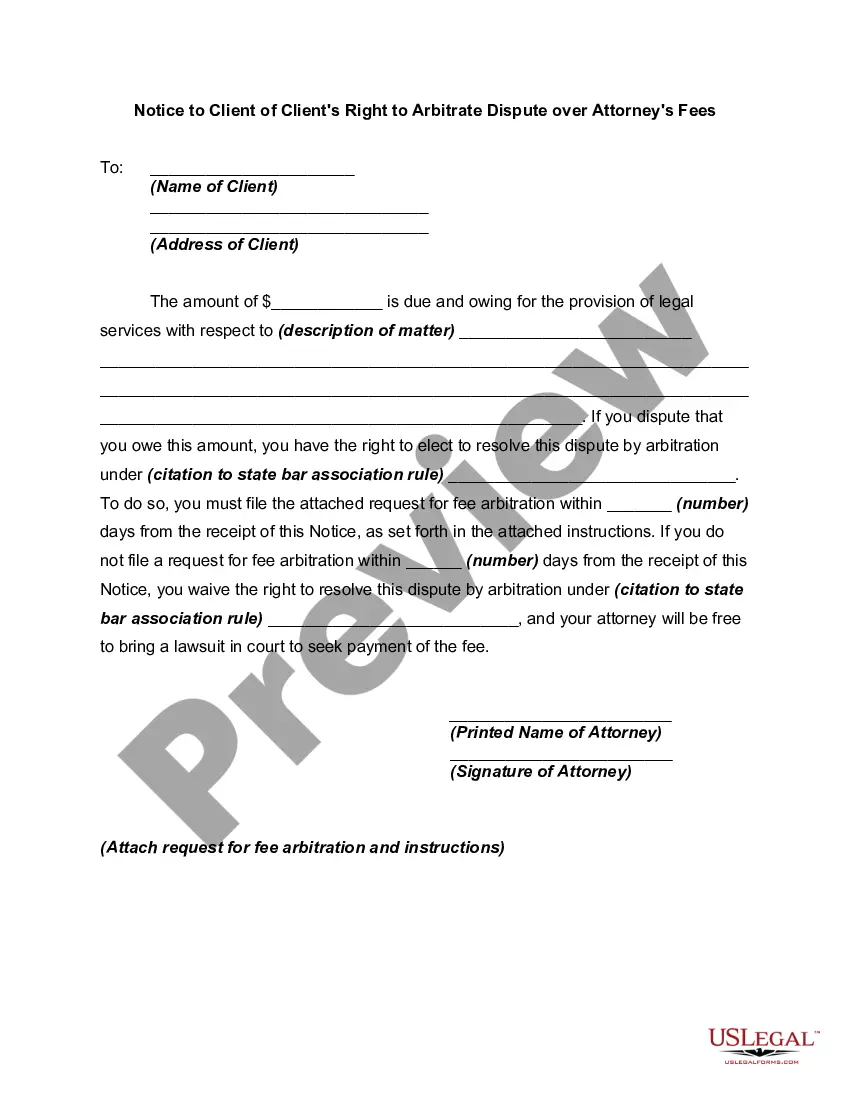
Arbitration For Dispute Resolution
Description
Get your form ready online
Our built-in tools help you complete, sign, share, and store your documents in one place.
Make edits, fill in missing information, and update formatting in US Legal Forms—just like you would in MS Word.
Download a copy, print it, send it by email, or mail it via USPS—whatever works best for your next step.
Sign and collect signatures with our SignNow integration. Send to multiple recipients, set reminders, and more. Go Premium to unlock E-Sign.
If this form requires notarization, complete it online through a secure video call—no need to meet a notary in person or wait for an appointment.
We protect your documents and personal data by following strict security and privacy standards.

Make edits, fill in missing information, and update formatting in US Legal Forms—just like you would in MS Word.

Download a copy, print it, send it by email, or mail it via USPS—whatever works best for your next step.

Sign and collect signatures with our SignNow integration. Send to multiple recipients, set reminders, and more. Go Premium to unlock E-Sign.

If this form requires notarization, complete it online through a secure video call—no need to meet a notary in person or wait for an appointment.

We protect your documents and personal data by following strict security and privacy standards.
Looking for another form?






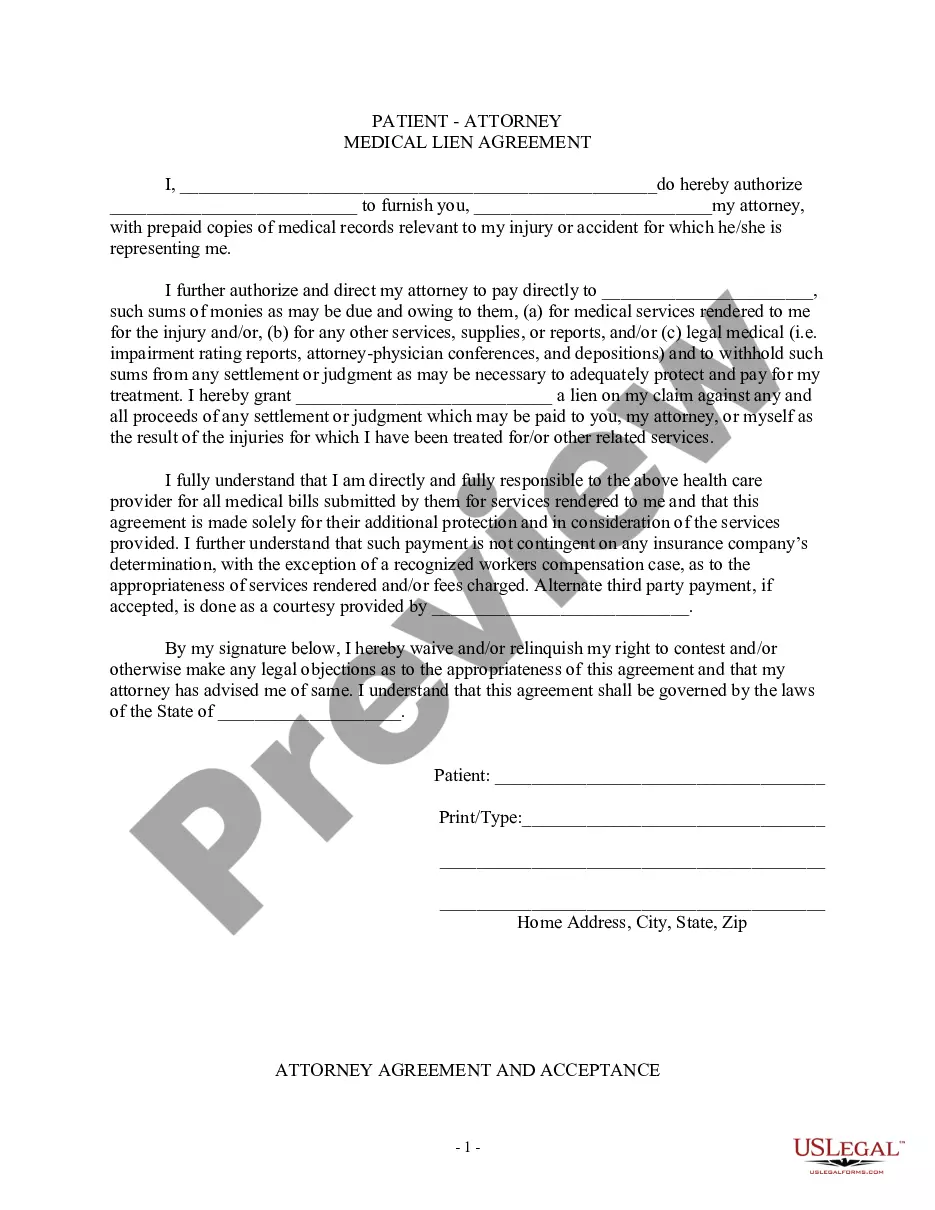

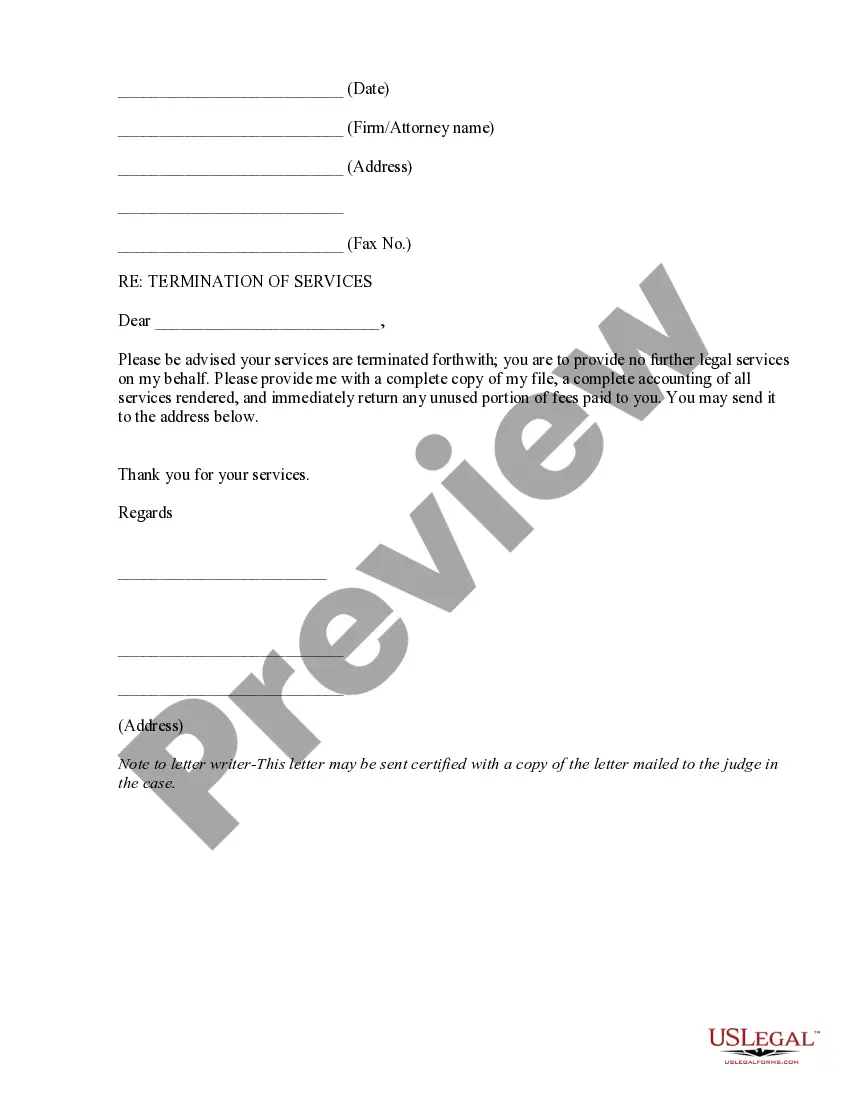
How to fill out Notice To Client Of Client's Right To Arbitrate Dispute Over Attorney's Fees?
Creating legal documents from the ground up can occasionally be overwhelming.
Certain situations may require extensive research and significant financial investment.
If you're looking for a more straightforward and budget-friendly method of producing Arbitration For Dispute Resolution or any other documentation without hassle, US Legal Forms is consistently available for you.
Our online repository of over 85,000 current legal documents covers nearly every aspect of your financial, legal, and personal matters. With just a few clicks, you can swiftly obtain state- and county-compliant templates carefully crafted for you by our legal professionals.
US Legal Forms boasts a strong reputation and over 25 years of expertise. Join us today to simplify and streamline your form completion process!
- Utilize our website whenever you need dependable and trustworthy services through which you can swiftly find and download the Arbitration For Dispute Resolution.
- If you are an existing user of our website and have previously registered with us, simply Log In to your account, choose the form, and download it immediately or re-download it later in the My documents section.
- Not signed up yet? No issue. Setting up your account takes minimal time, allowing you to browse the library.
- Before proceeding with the download of Arbitration For Dispute Resolution, adhere to these recommendations.
- Examine the form preview and descriptions to ensure you've located the correct form.
Form popularity
FAQ
In South Dakota, "You just write your current name," adds Wolff. "You can make any of [your ID name] changes as long as you have a valid marriage certificate." Your wedding officiant should turn in the completed marriage license to the Register of Deeds after the ceremony.
The cost for changing your name varies by state. In some states the fee is under $100, but other states may charge up to $500. Keep in mind that you may also have to pay a fee to a newspaper for publication in addition to the court filings. Check your state court website for filing fee details.
Still, every state except Hawaii will provide you with a Court Order that can be used to make changes with your ID and Official Records. Because of Full Service, by EZ Name Change, California, Georgia and Illinois are considered among the easiest and surest ways to get a name legally changed.
A marriage license in South Dakota costs $10, while an official name change through court costs $70.
In order to legally change a name you must file a Verified Petition For Adult Name Change form with the clerk of court's office in the county where you reside provided you have resided there for more than six months. You will also be required to pay the civil case filing fee.
Getting Help Filing Your South Dakota Divorce If you'd like to DIY your divorce, the state has information, instructions, and forms available online. You can also get forms from your court clerk.
In South Dakota, the standard parenting guidelines will set out the custody arrangement to be followed by the parents. You can object to the standard guidelines and the judge will order a hearing within thirty days.
A South Dakota durable statutory power of attorney form allows a principal to select another person (?agent?) to act in their place for financial-related matters. The designation will last the lifetime of the principal unless revoked.