Trustpilot Widget
Description

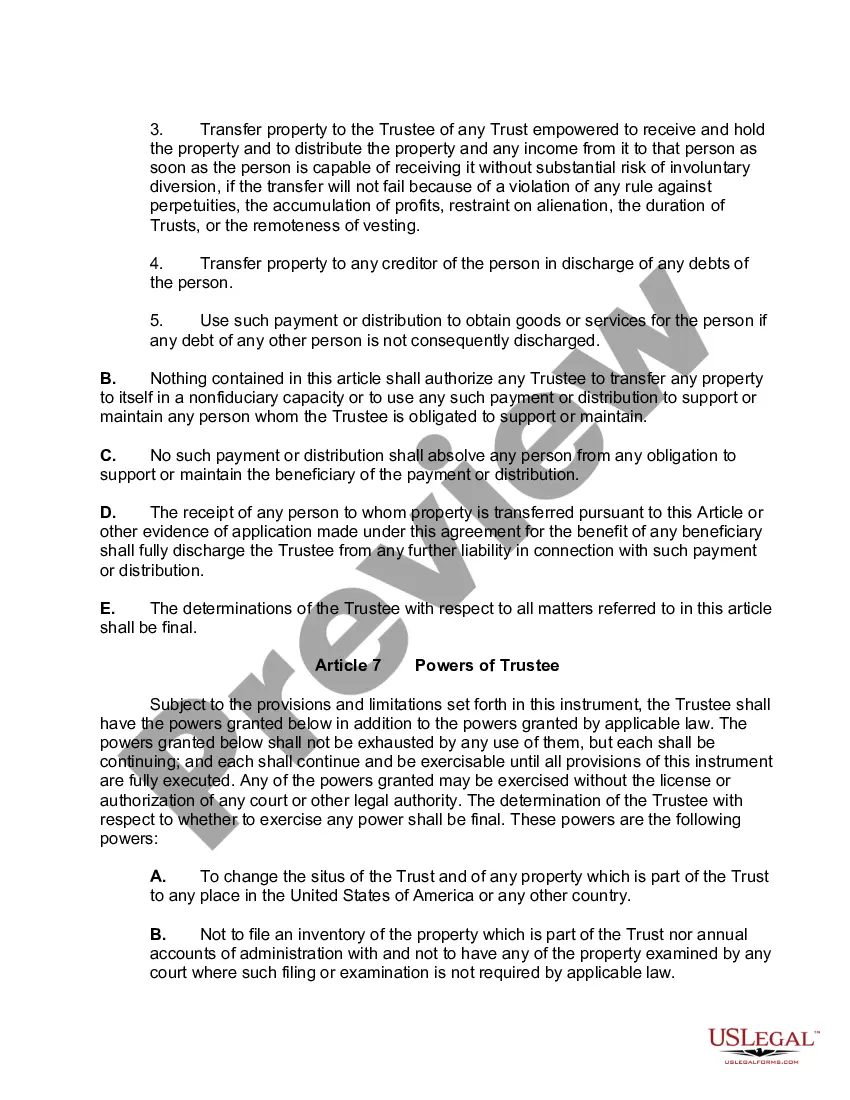
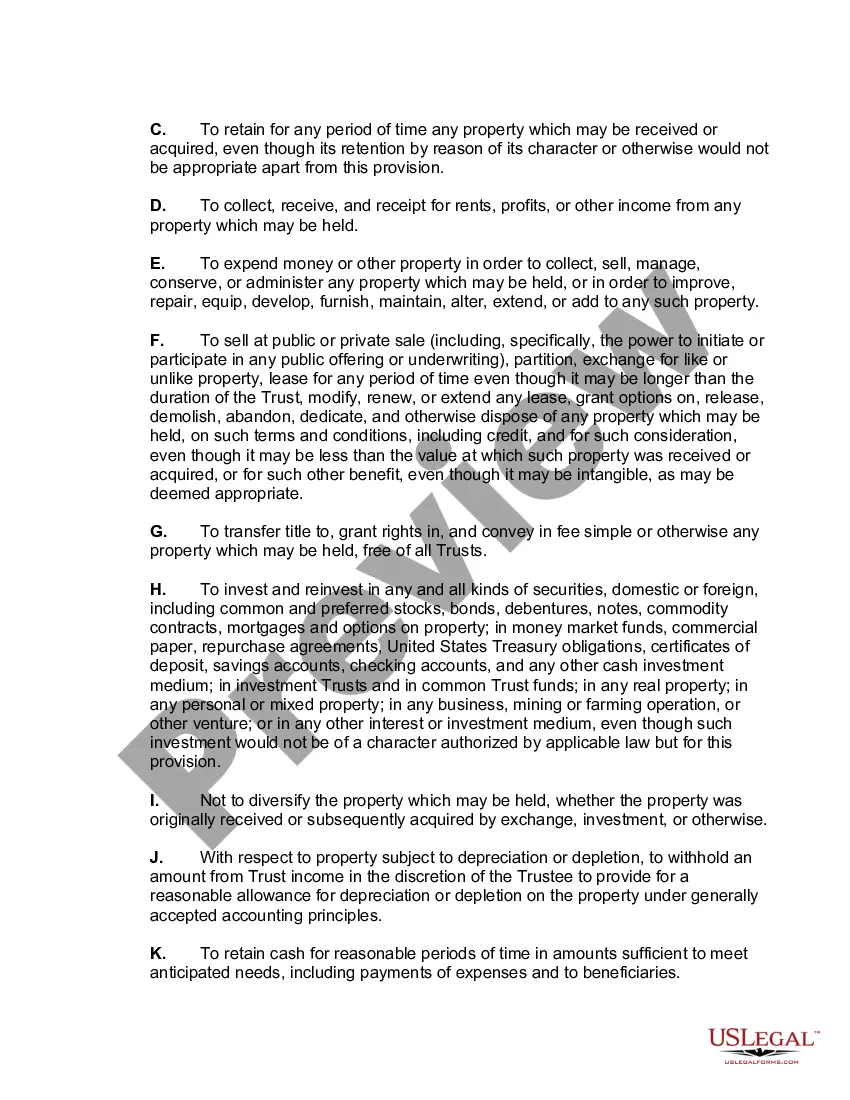
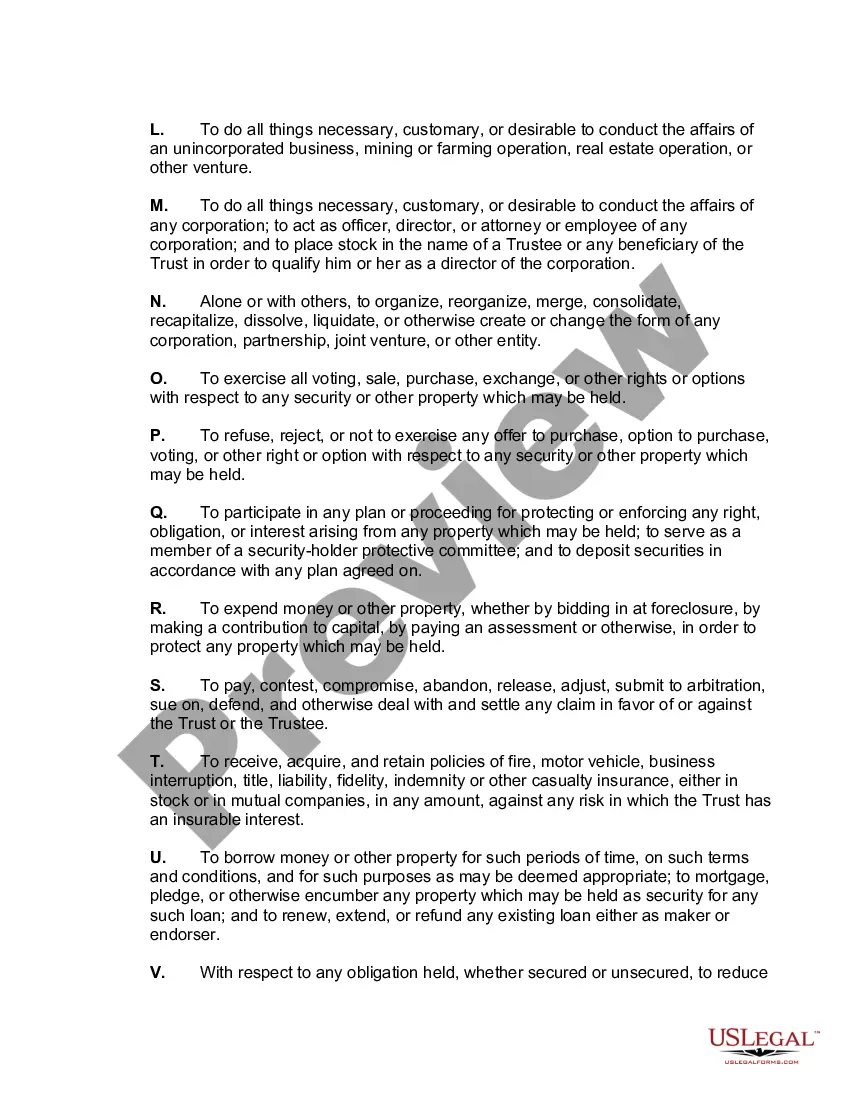
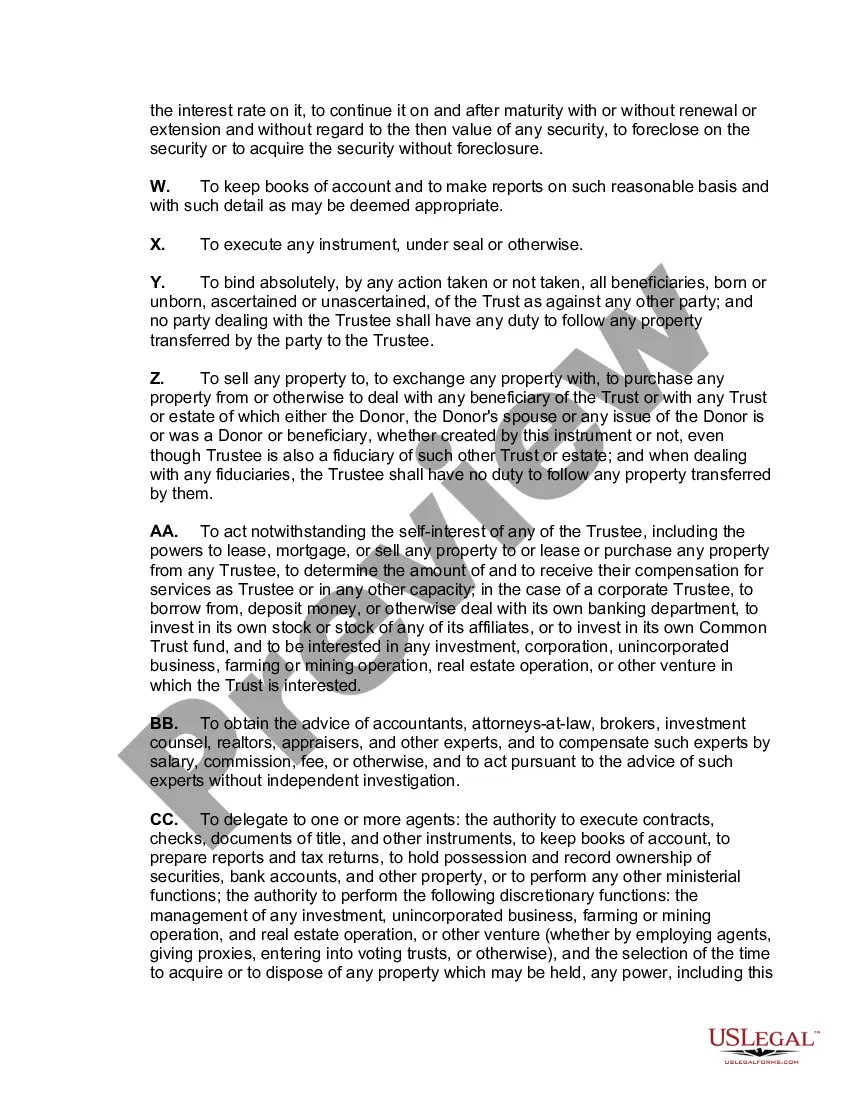
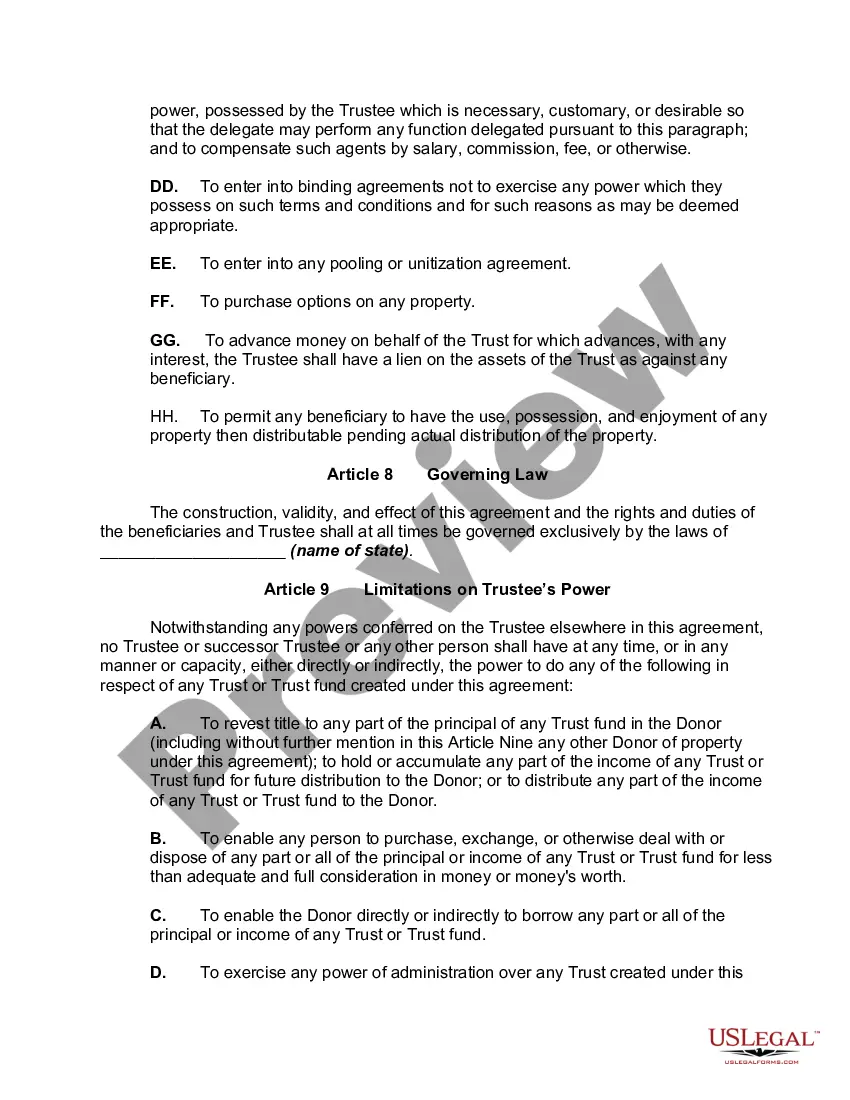


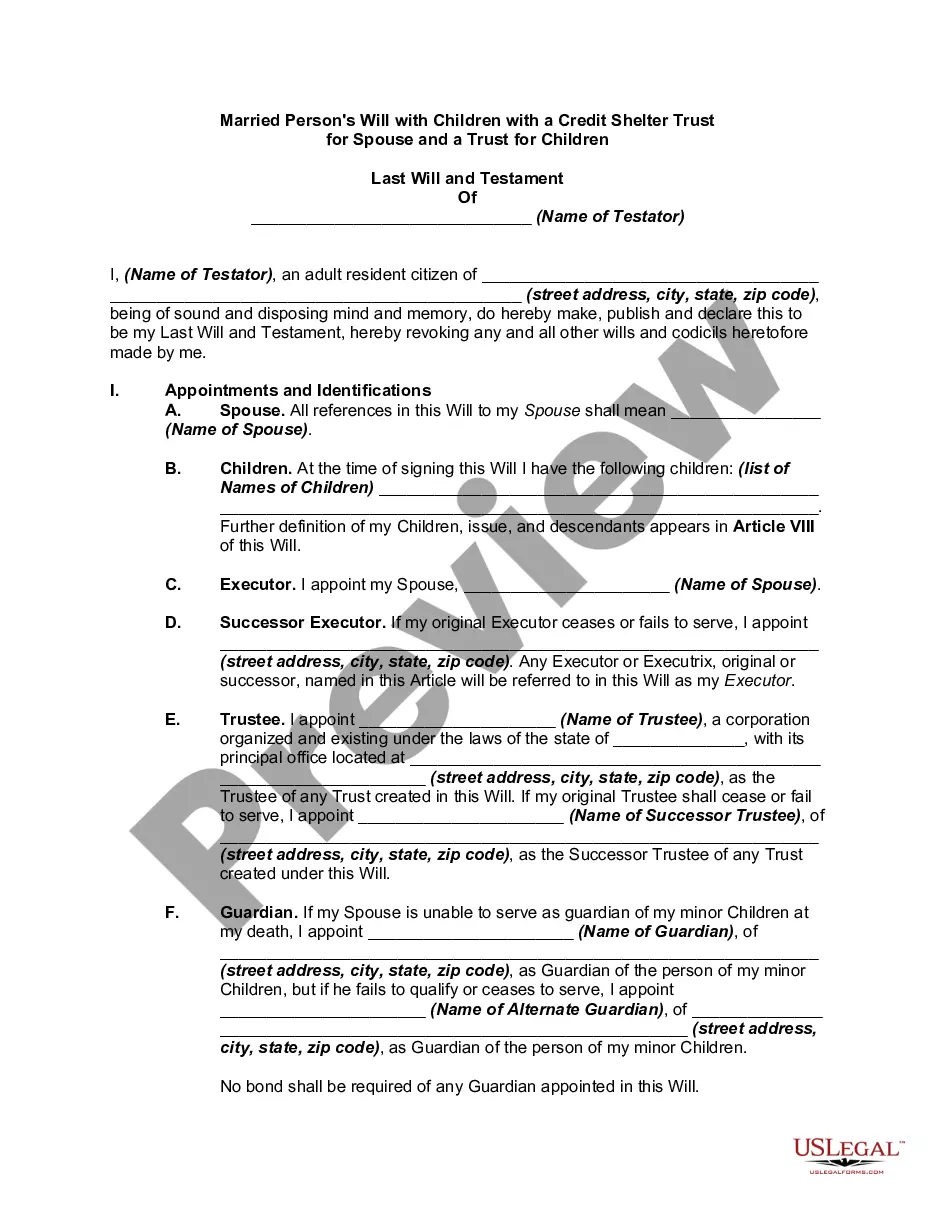

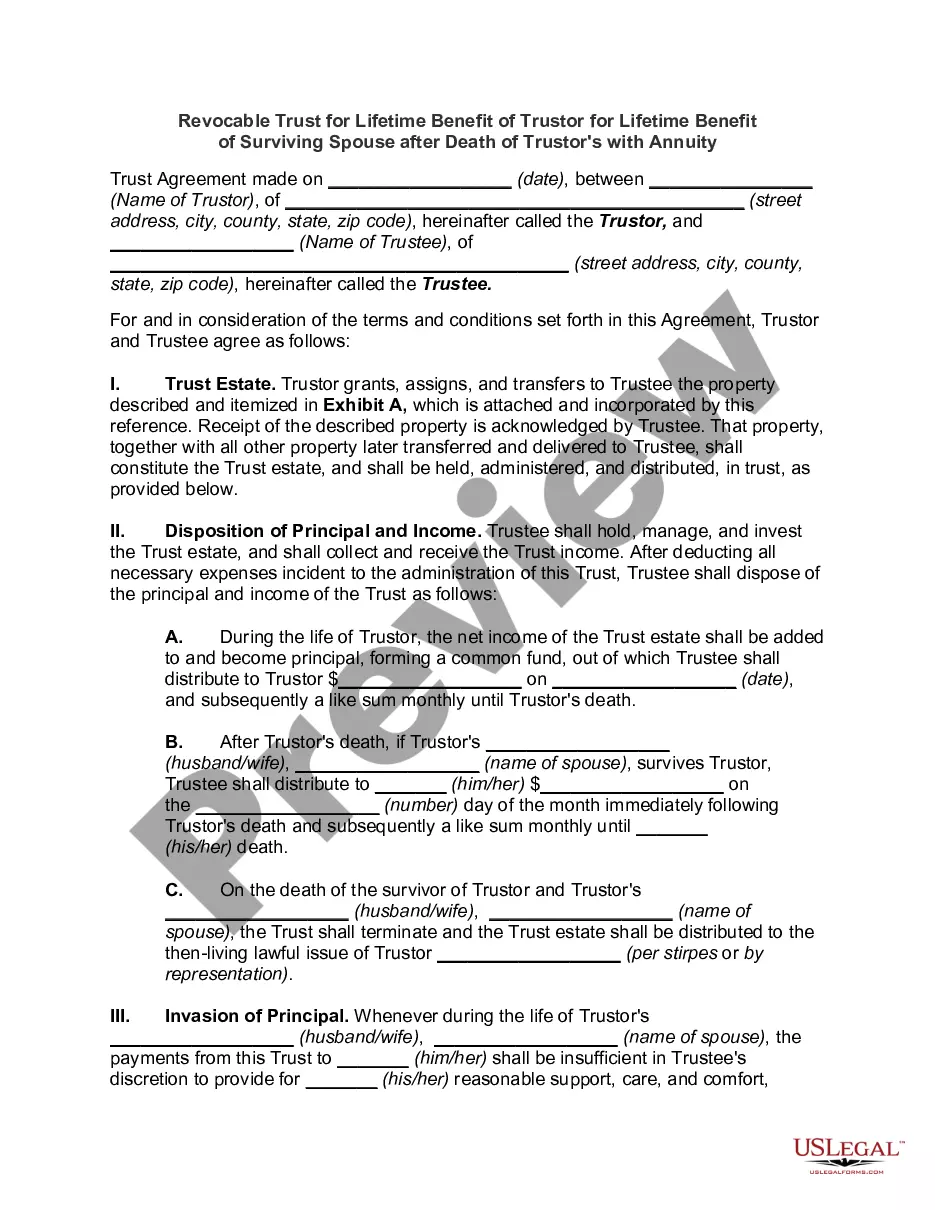
Get your form ready online
Our built-in tools help you complete, sign, share, and store your documents in one place.
Make edits, fill in missing information, and update formatting in US Legal Forms—just like you would in MS Word.
Download a copy, print it, send it by email, or mail it via USPS—whatever works best for your next step.
Sign and collect signatures with our SignNow integration. Send to multiple recipients, set reminders, and more. Go Premium to unlock E-Sign.
If this form requires notarization, complete it online through a secure video call—no need to meet a notary in person or wait for an appointment.
We protect your documents and personal data by following strict security and privacy standards.

Make edits, fill in missing information, and update formatting in US Legal Forms—just like you would in MS Word.

Download a copy, print it, send it by email, or mail it via USPS—whatever works best for your next step.

Sign and collect signatures with our SignNow integration. Send to multiple recipients, set reminders, and more. Go Premium to unlock E-Sign.

If this form requires notarization, complete it online through a secure video call—no need to meet a notary in person or wait for an appointment.

We protect your documents and personal data by following strict security and privacy standards.
Looking for another form?
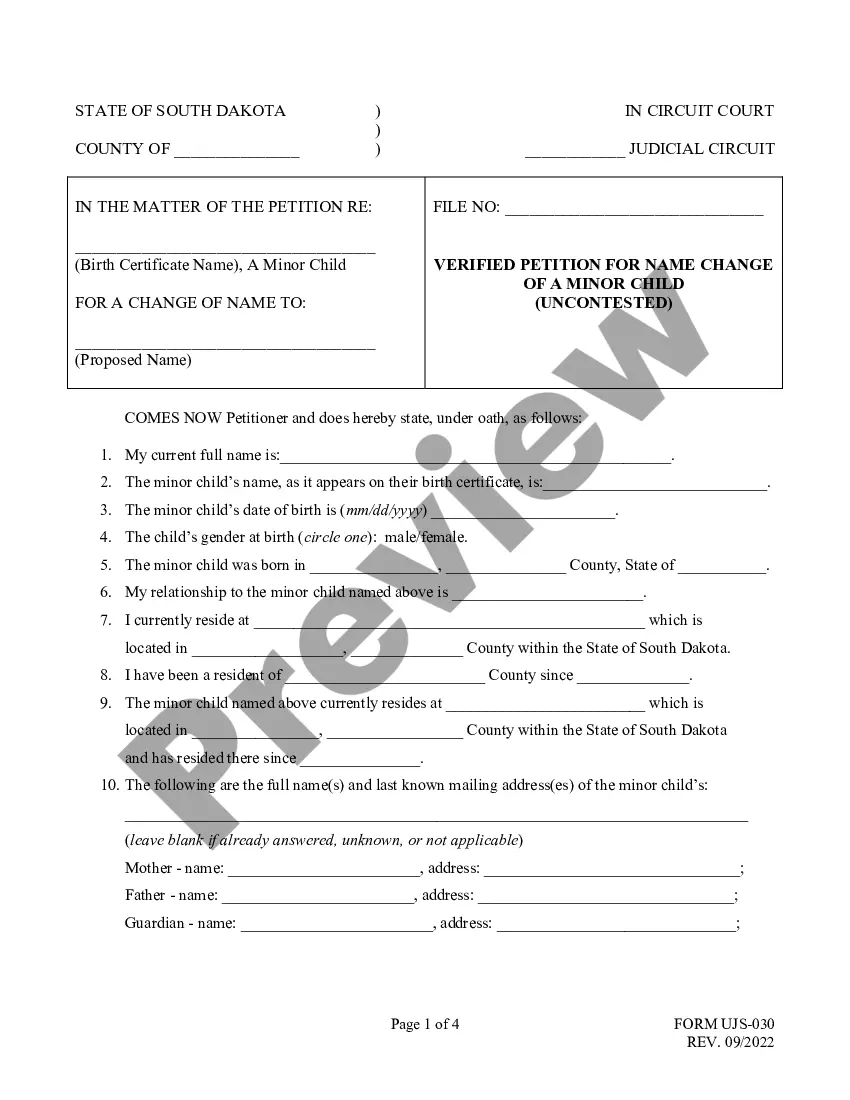



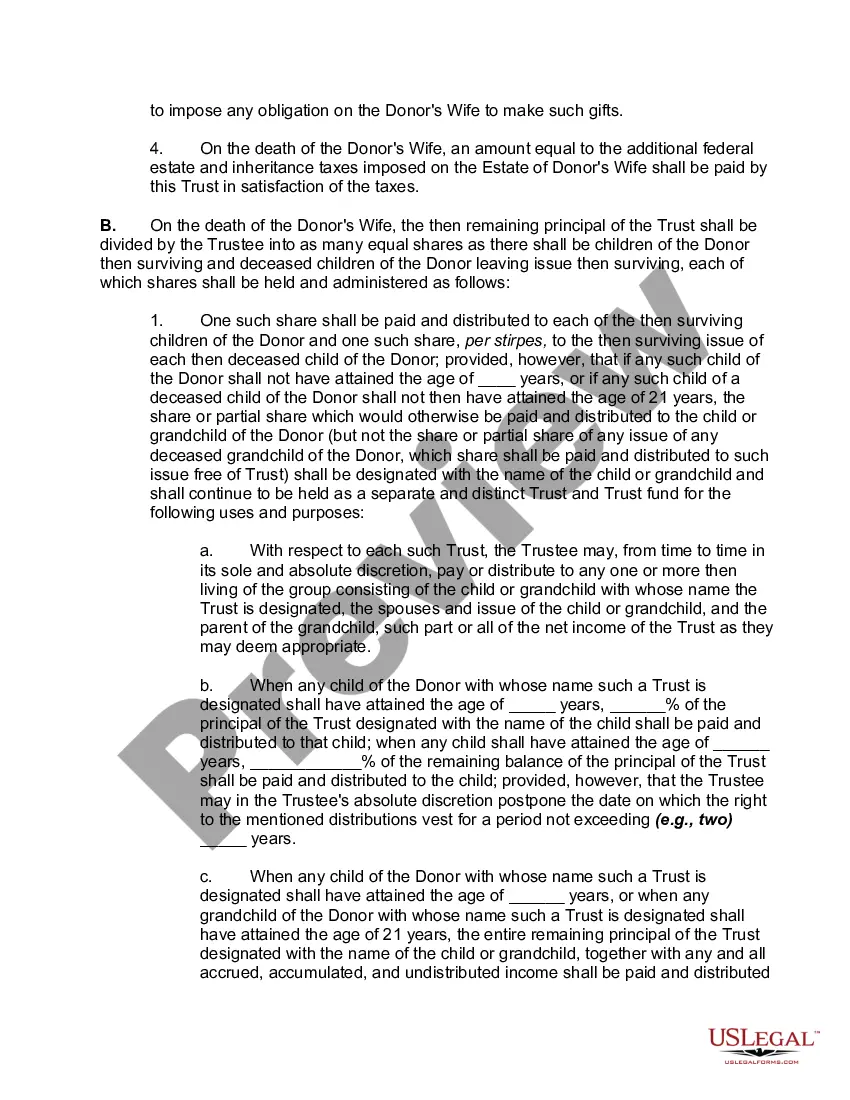
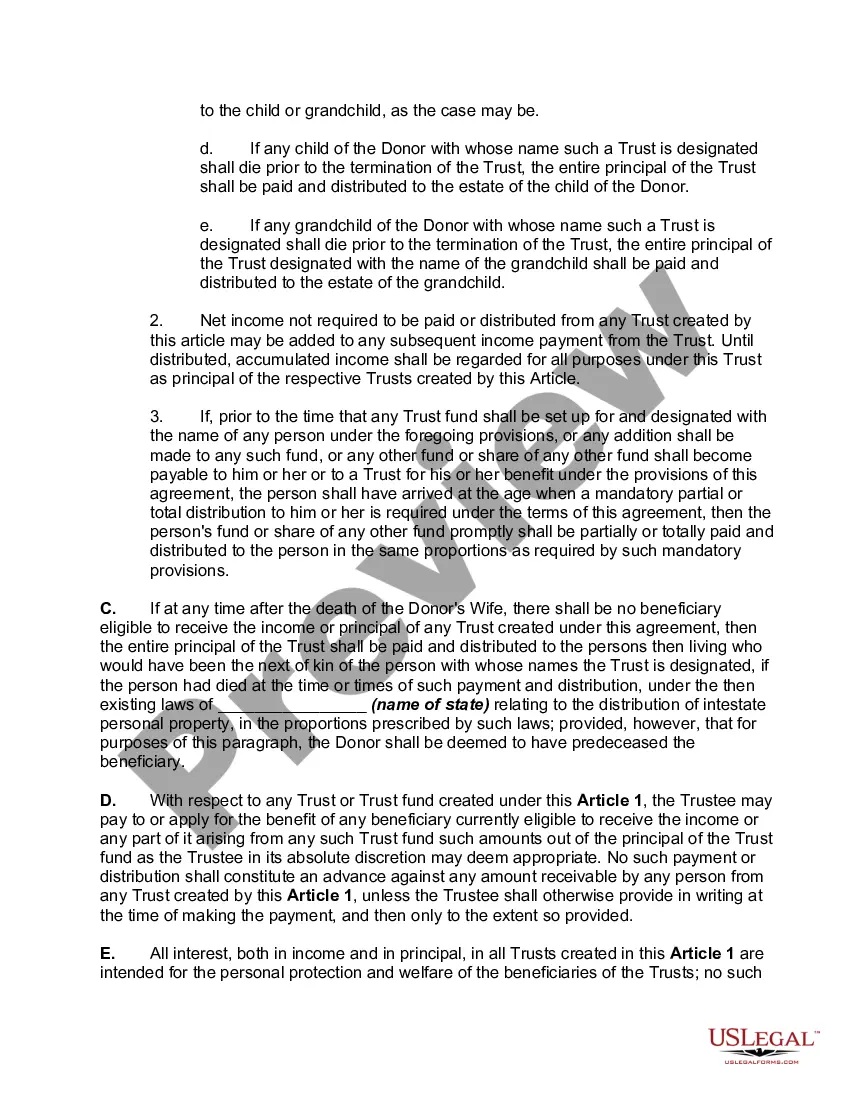
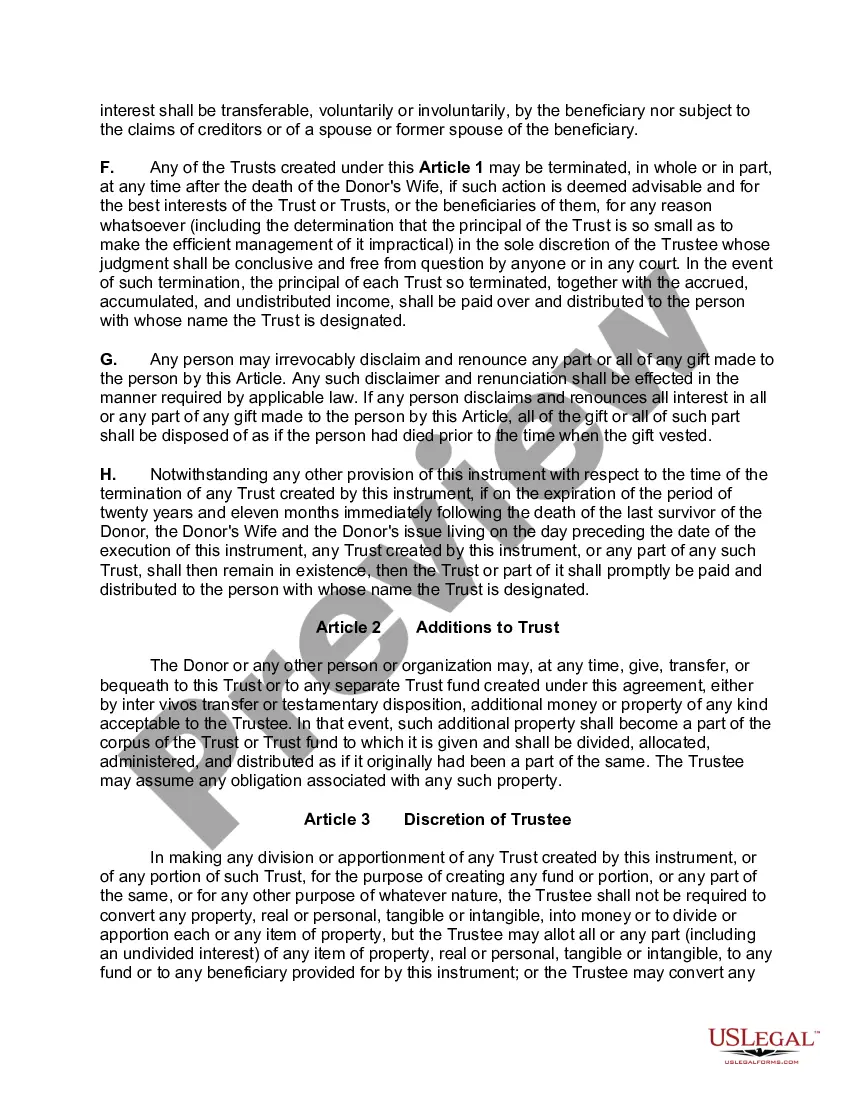
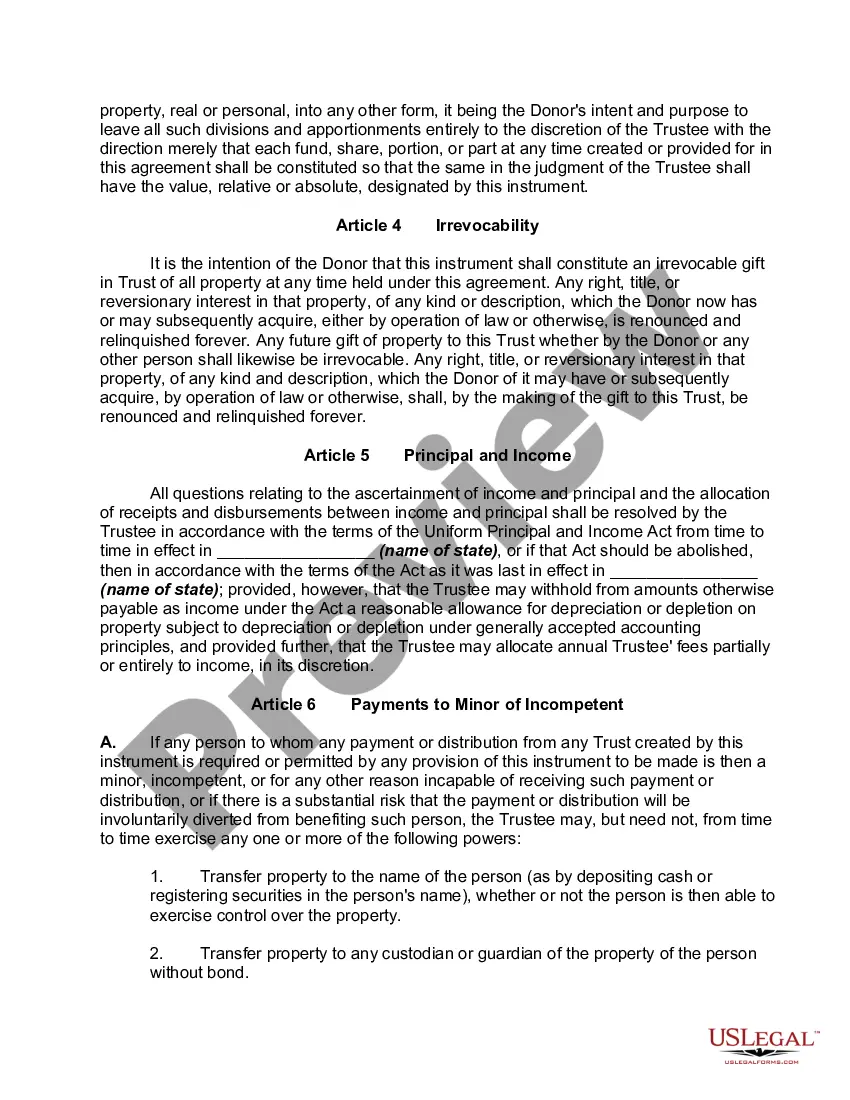
How to fill out Inter Vivos QTIP Trust With Principal To Donor's Children On Spouse's Death?
- If you are a returning user, log in to your account to retrieve the necessary form template by clicking the Download button. Verify that your subscription is active and renew it if needed.
- For new users, start by browsing the Preview mode to read form descriptions. Make sure to select the document that aligns with your specific needs and complies with local laws.
- Should you need a different template, utilize the Search tab above to find a suitable document. Confirm its appropriateness before proceeding.
- To purchase your selected document, click on the Buy Now button. Choose your desired subscription plan and create an account to access the library.
- Complete the payment process by entering your credit card information or using your PayPal account.
- Finally, download your chosen form to your device. You can access it later in the My Forms section of your profile.
In conclusion, US Legal Forms offers you an extensive collection of over 85,000 legal documents that can empower individuals and attorneys alike. With premium support for document completion, you can ensure accuracy and legality.
Start your journey today with the Trustpilot widget and experience the convenience of US Legal Forms!
Form popularity
FAQ
Using the Trustpilot widget is straightforward. First, you need to sign up for a Trustpilot account and collect your reviews. Next, you simply customize the widget to fit your website's design preferences. Finally, you copy and paste the provided code into your website where you want the Trustpilot widget to appear. This integration allows you to showcase customer feedback elegantly, enhancing your site's credibility.
You can get Trustpilot widgets directly from your Trustpilot business account. Once logged in, check the 'Integrations' or 'Widgets' section, where you can find a variety of options. Customize the one that suits your needs and easily copy the embed code provided. With these widgets, you can effectively display your Trustpilot reviews, boosting your online reputation.
Exporting Trustpilot reviews is a straightforward process within your business account. Navigate to the review management section, where you can select the reviews you wish to export. You can typically download them as a CSV file. This feature allows you to manage and utilize customer feedback for reporting or integration into your website.
If Trustpilot is not working for you, it could be a temporary technical issue or an internet connectivity problem. Check to see if the Trustpilot website is down or if there are updates on their social media about any outages. Additionally, clear your browser cache and cookies, which can sometimes resolve issues with loading. For persistent problems, reaching out to Trustpilot's customer support can help you find a solution.
To embed a Trustpilot widget, first, log in to your Trustpilot business account and navigate to the widgets section. From there, you can customize your widget and copy the provided embed code. Once copied, paste this code into the HTML of the page where you want the widget to appear. That’s it! Your Trustpilot widget will enhance your website, showcasing your customer reviews.
If your Trustpilot widget is not loading, it may be due to an integration issue or a technical problem with your website. Check to ensure that the widget's code is correctly placed in your site’s HTML. Additionally, ensure that there are no conflicts with other scripts or blocks that might prevent it from displaying. If issues persist, consider consulting the Trustpilot support or the documentation for help.
Yes, you can create your own Trustpilot widget easily using Trustpilot's available tools. The platform offers customizable options that allow you to tailor the widget to fit your website's design. You can choose the style, size, and content to display. This level of customization helps enhance your site's credibility by showcasing your reviews effectively.
Your Trustpilot review may have disappeared due to changes in moderation or it not complying with Trustpilot's guidelines. Trustpilot regularly updates its policies to maintain high-quality content. Sometimes, technical issues or glitches may also cause reviews to not appear. If you feel your review should still be visible, reach out to Trustpilot support for clarification.
If your Trustpilot review is not showing, it could be due to various reasons, including moderation processes or content guidelines. Trustpilot reviews are subject to checks to ensure they meet community standards and authenticity. Additionally, if you submitted a review recently, it might still be in the review queue. Consider checking your Trustpilot dashboard for any notifications regarding your review.
Setting up Trustpilot for your business is straightforward. First, sign up for an account and input your business details. After verifying your account, you can customize your Trustpilot widget according to your preferences and embed it on your site. This process enhances your credibility and encourages customer reviews, benefiting your overall business reputation.