Trust Operação
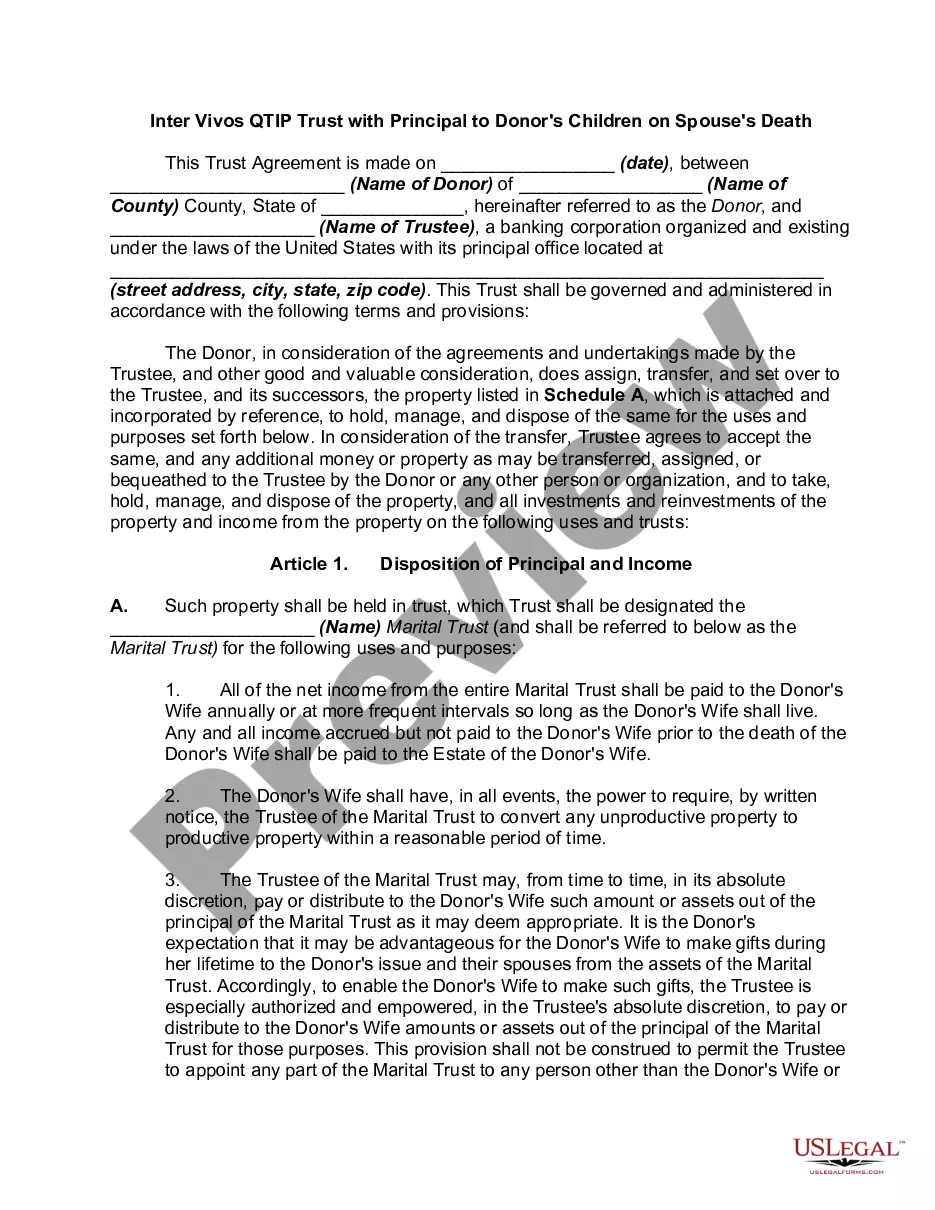
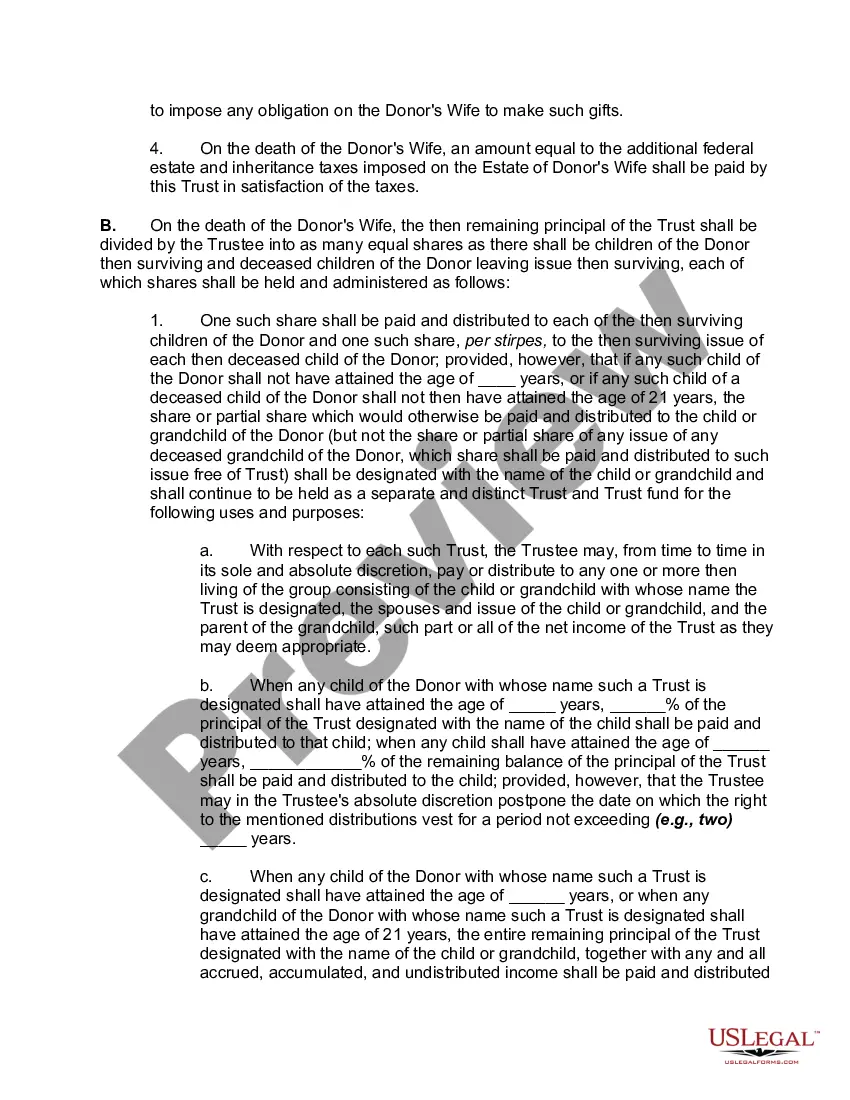
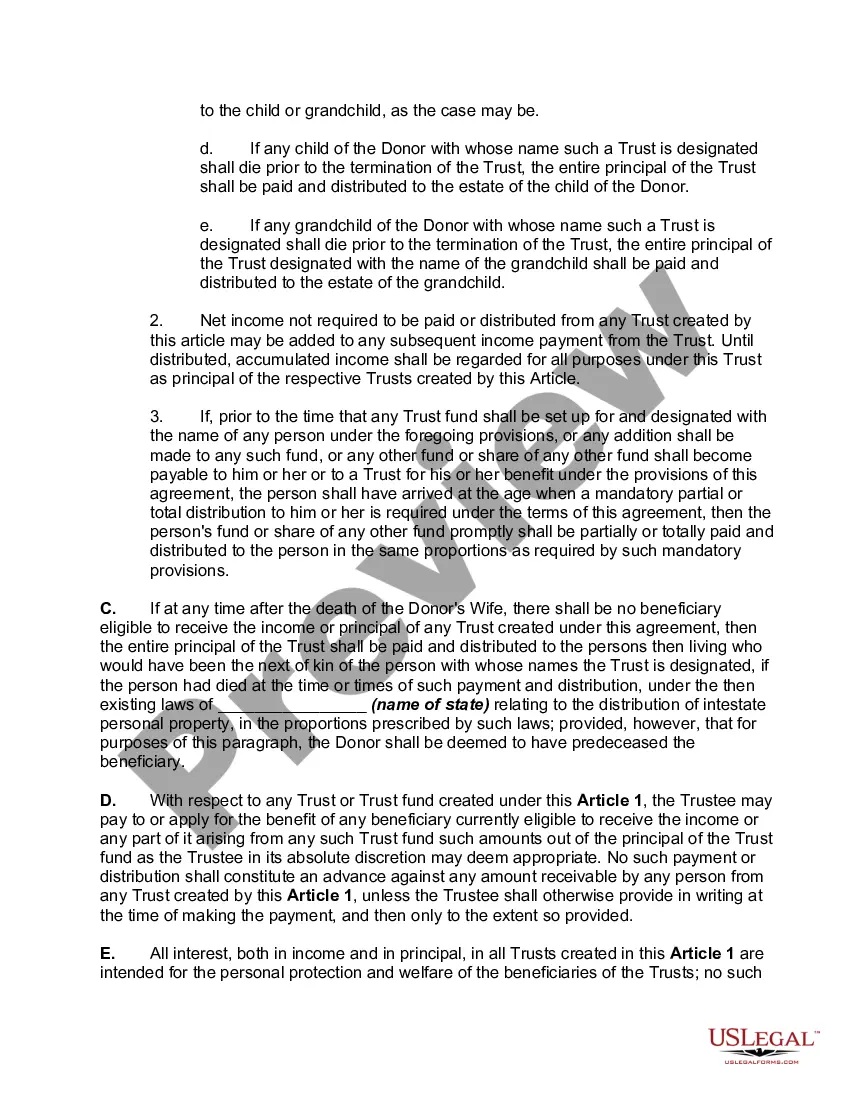
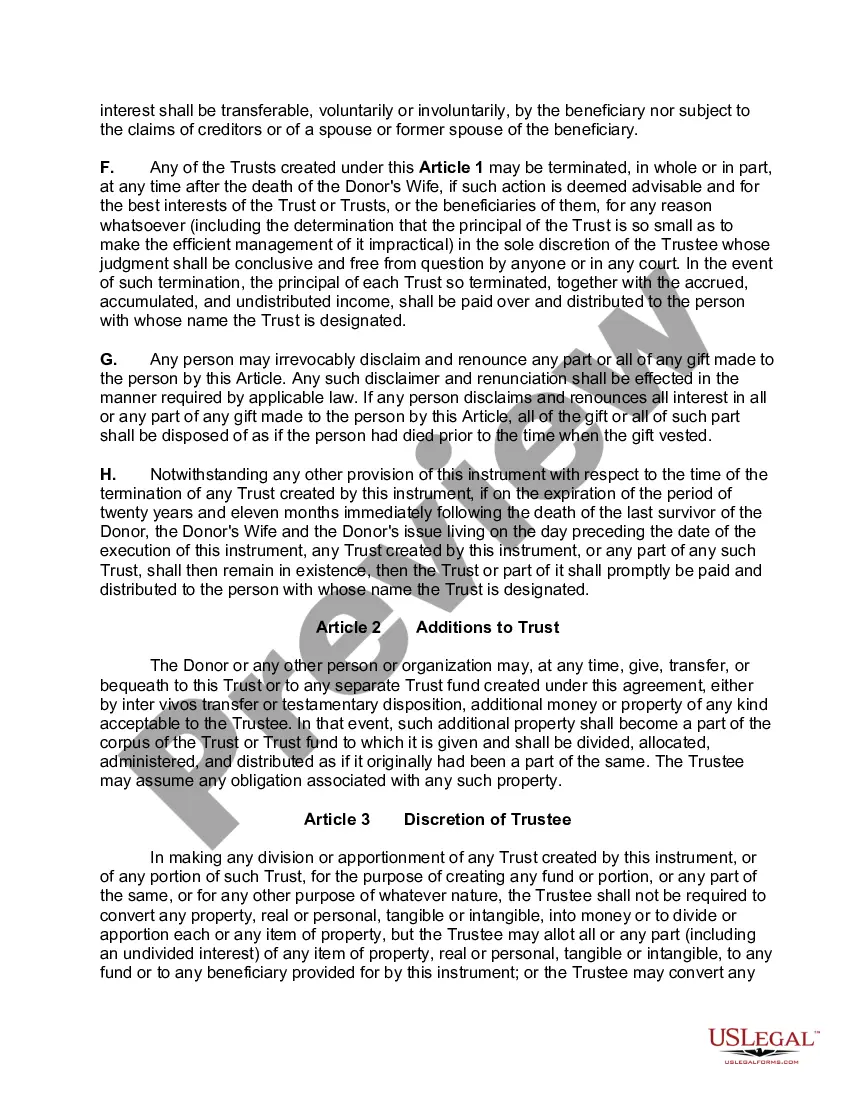
Description



Get your form ready online
Our built-in tools help you complete, sign, share, and store your documents in one place.
Make edits, fill in missing information, and update formatting in US Legal Forms—just like you would in MS Word.
Download a copy, print it, send it by email, or mail it via USPS—whatever works best for your next step.
Sign and collect signatures with our SignNow integration. Send to multiple recipients, set reminders, and more. Go Premium to unlock E-Sign.
If this form requires notarization, complete it online through a secure video call—no need to meet a notary in person or wait for an appointment.
We protect your documents and personal data by following strict security and privacy standards.

Make edits, fill in missing information, and update formatting in US Legal Forms—just like you would in MS Word.

Download a copy, print it, send it by email, or mail it via USPS—whatever works best for your next step.

Sign and collect signatures with our SignNow integration. Send to multiple recipients, set reminders, and more. Go Premium to unlock E-Sign.

If this form requires notarization, complete it online through a secure video call—no need to meet a notary in person or wait for an appointment.

We protect your documents and personal data by following strict security and privacy standards.
Looking for another form?






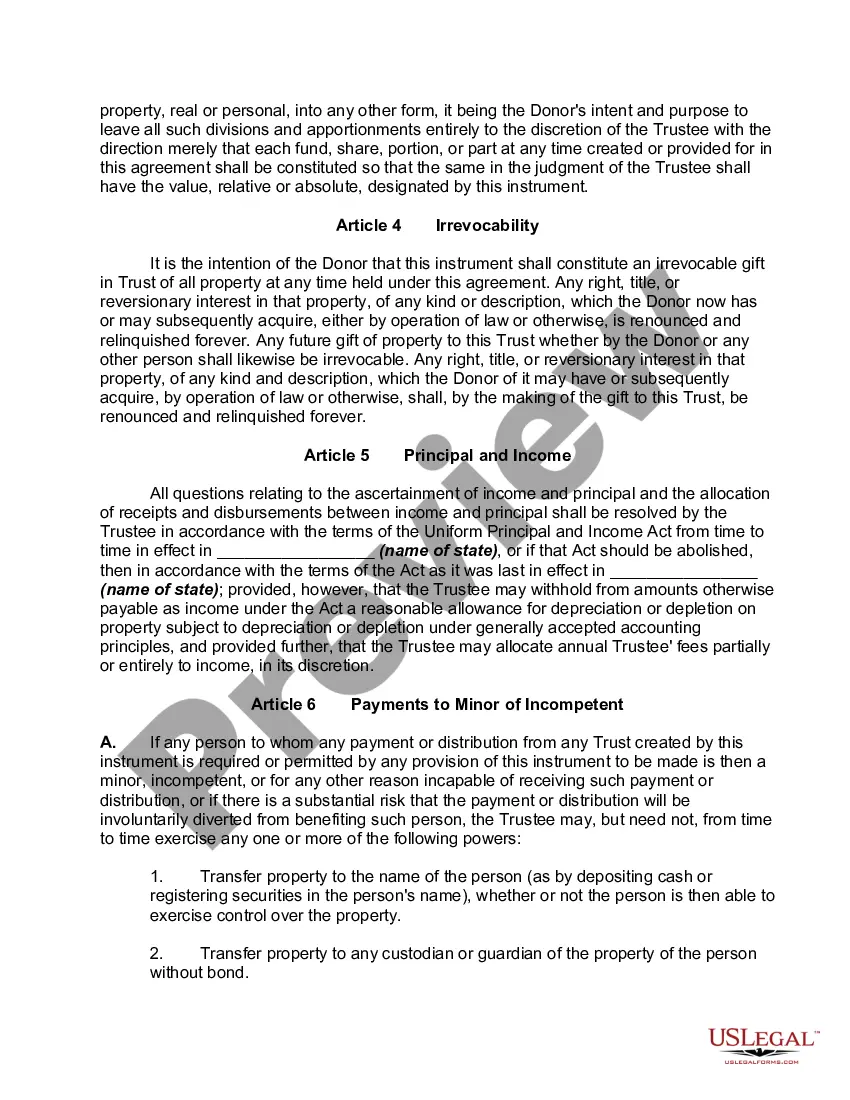
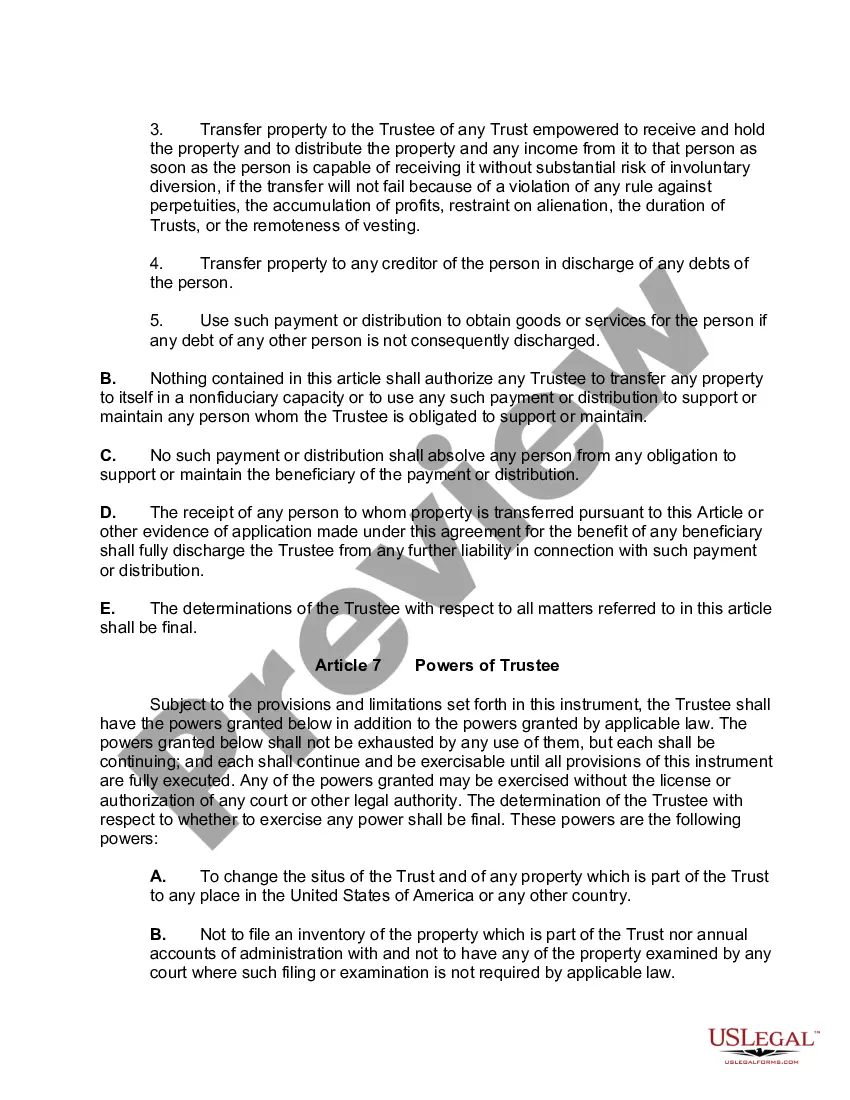
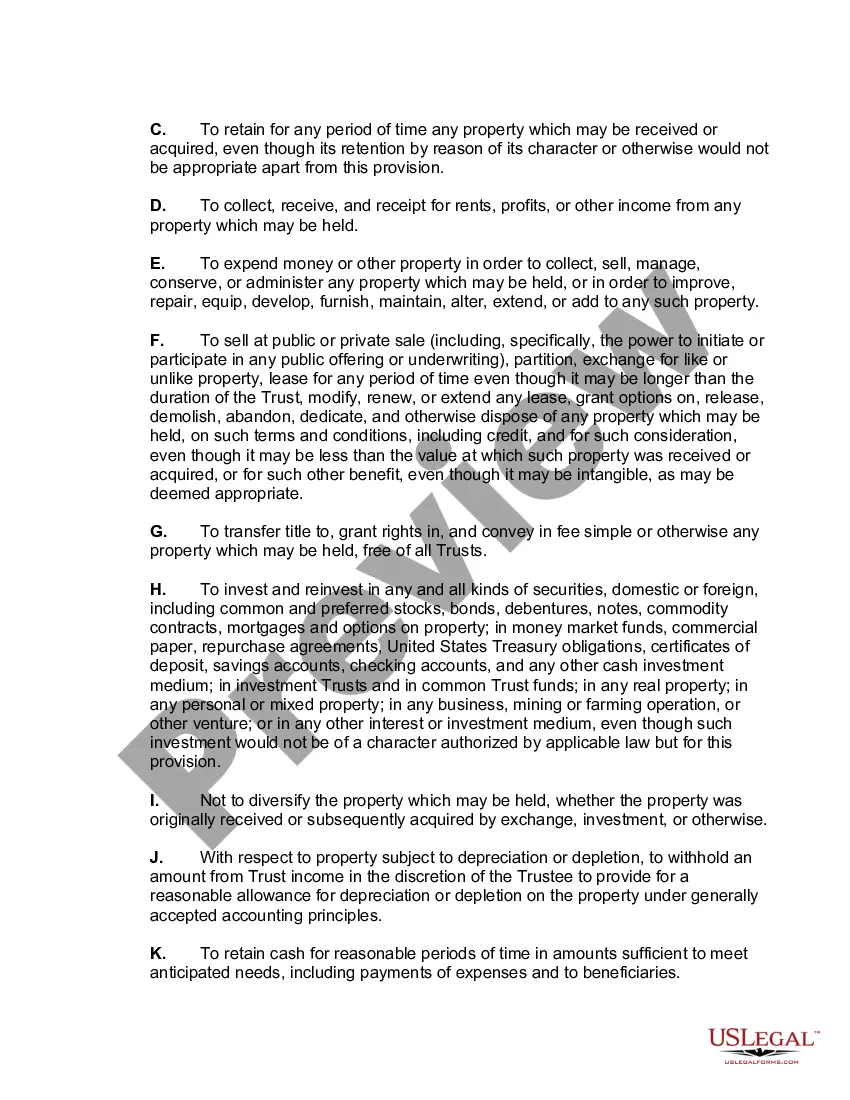
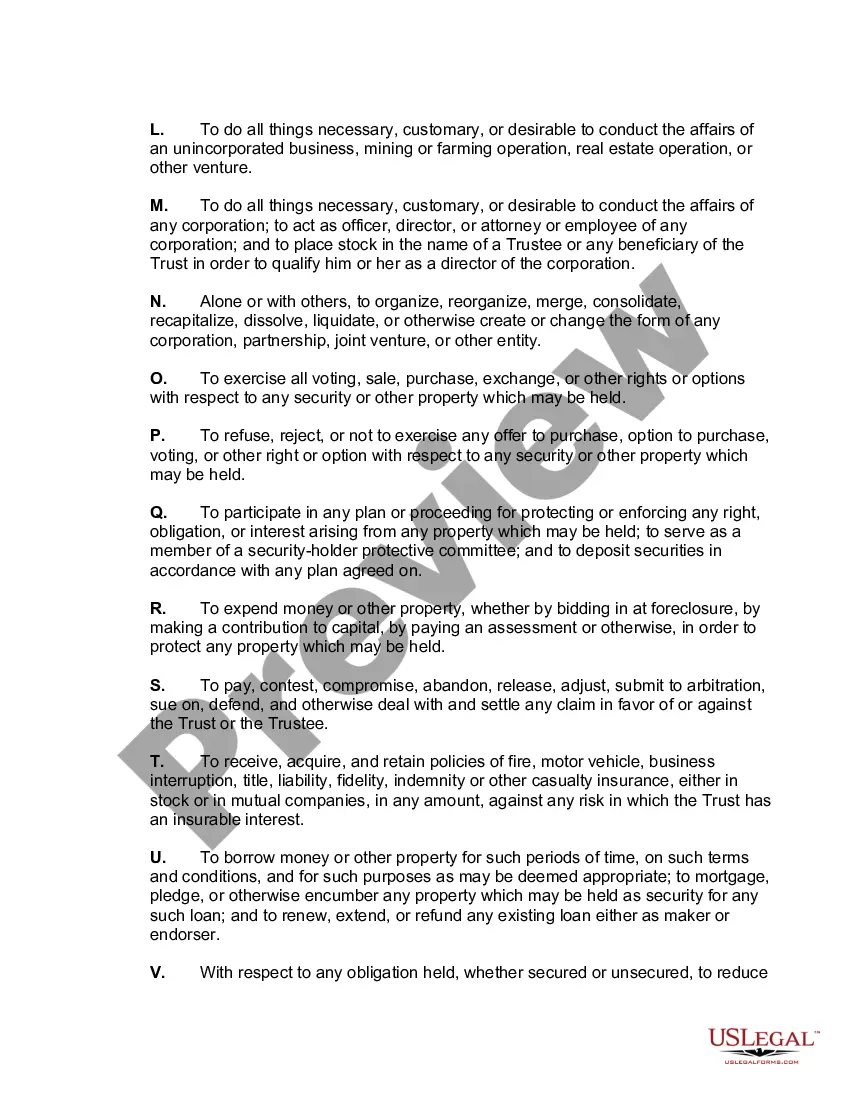
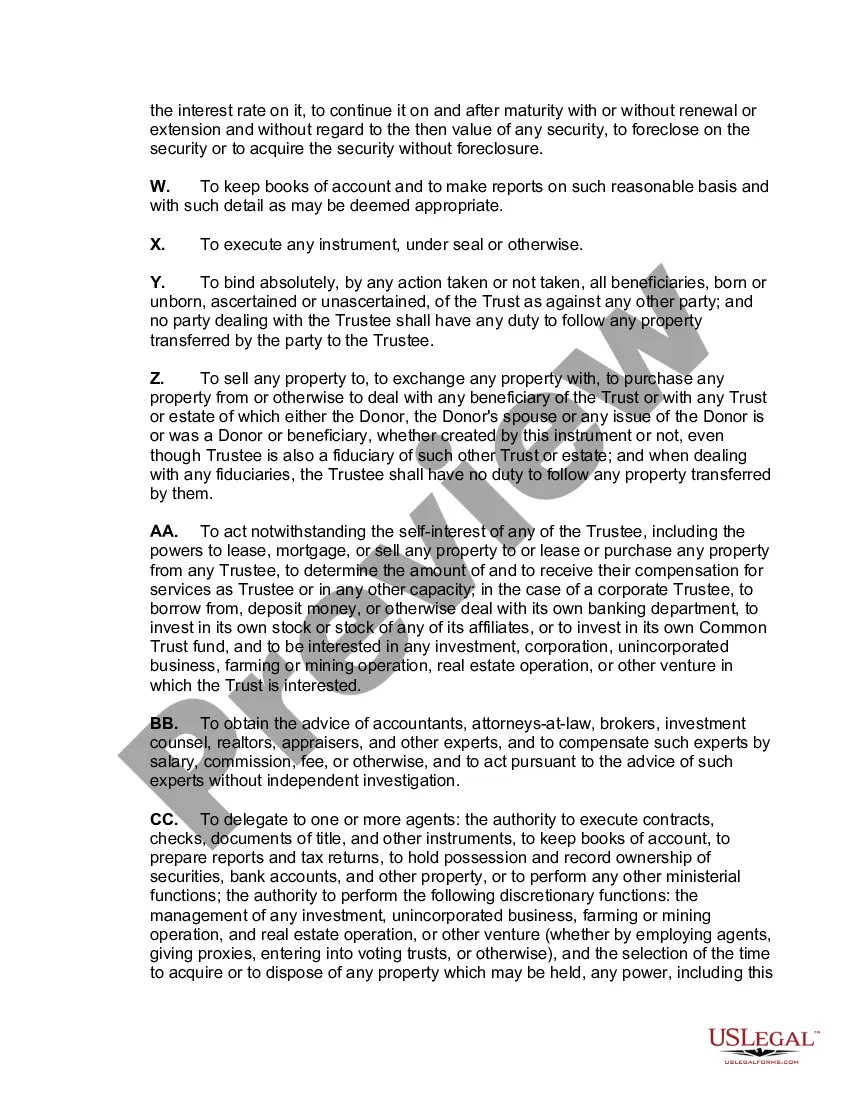
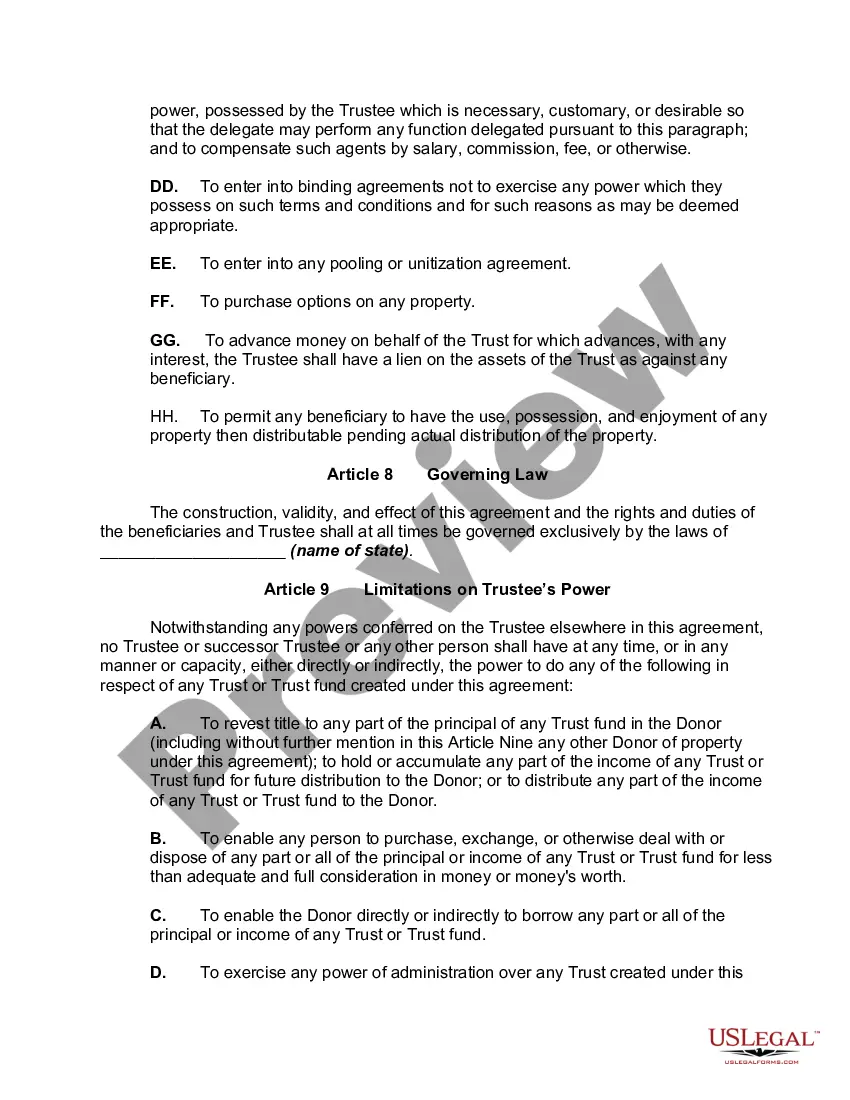
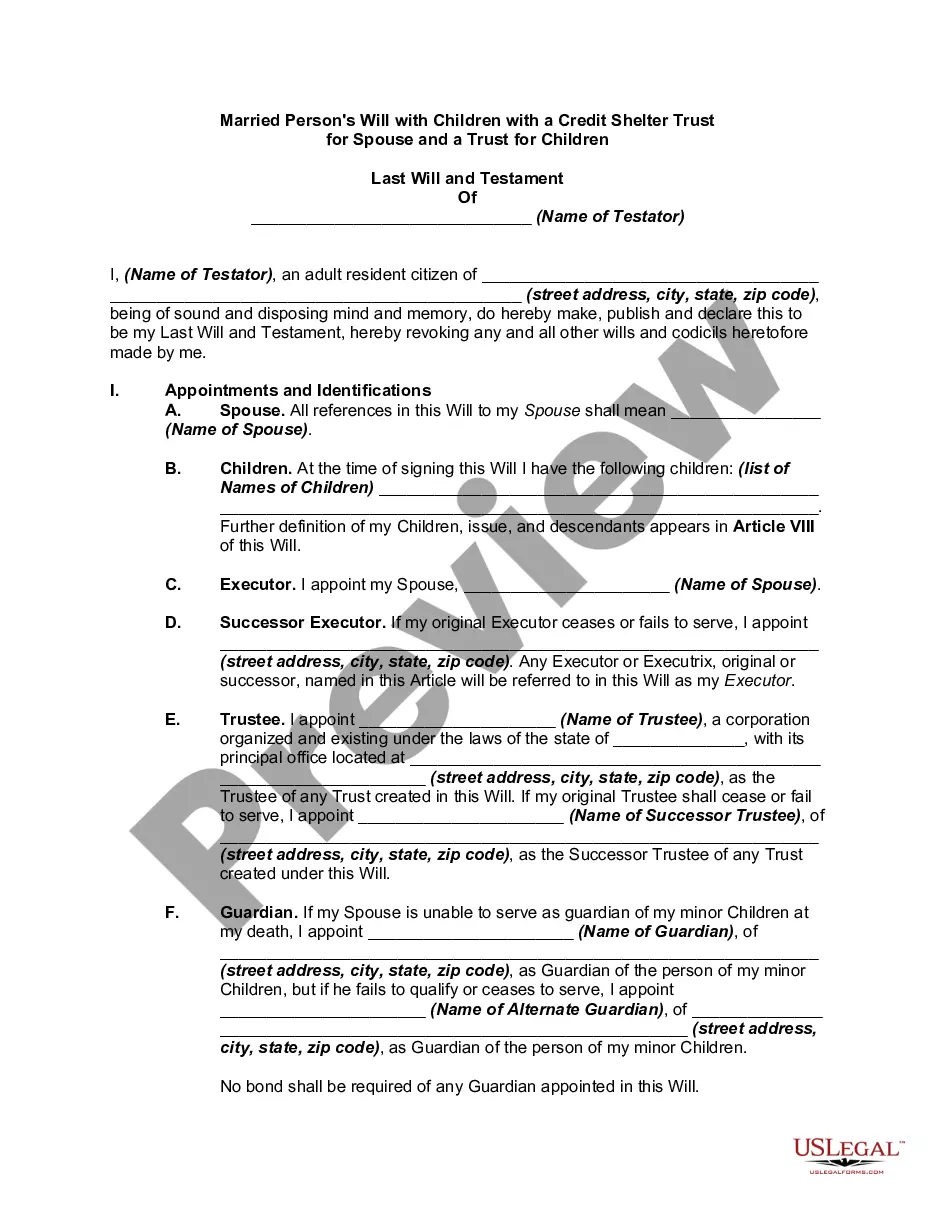
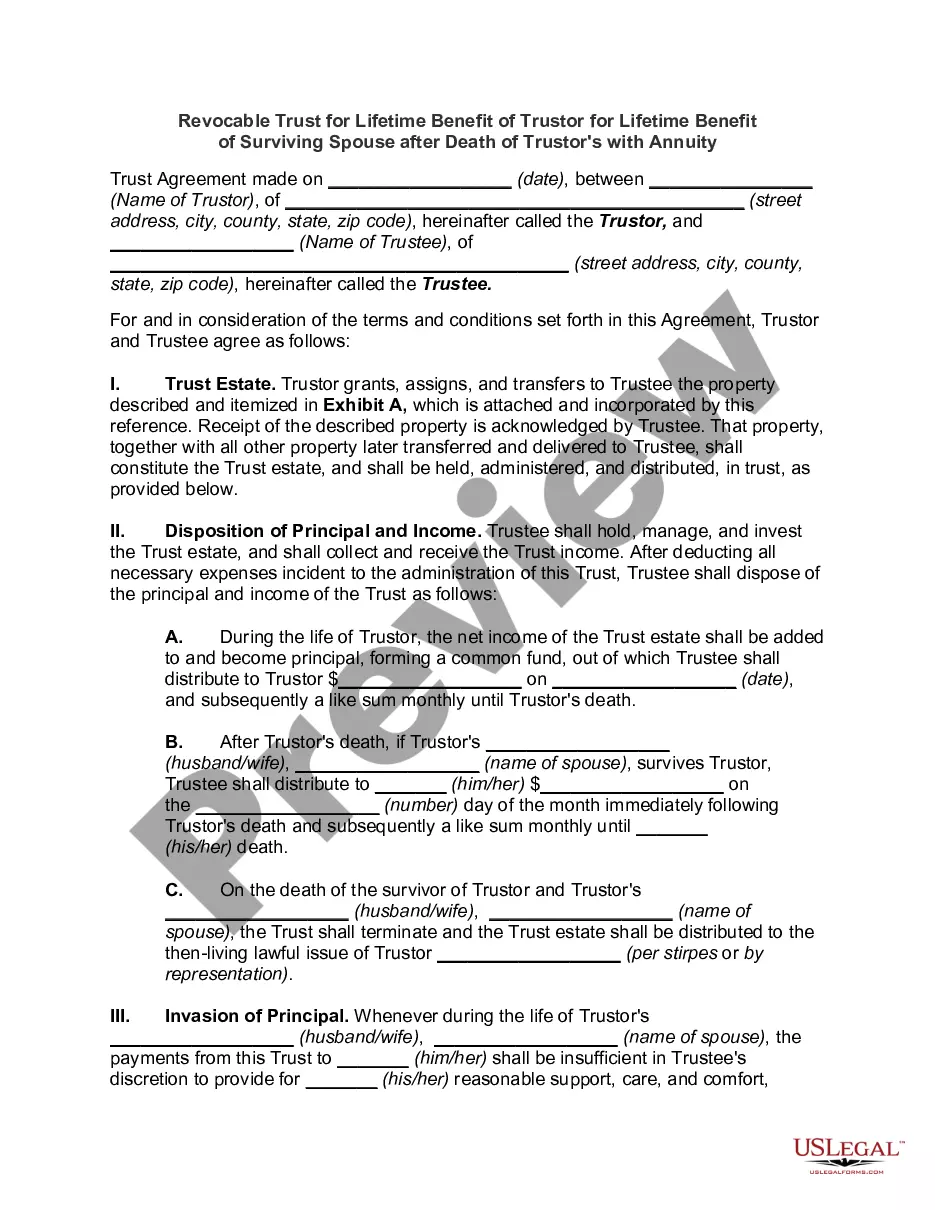
How to fill out Inter Vivos QTIP Trust With Principal To Donor's Children On Spouse's Death?
- If you're already a user, log in to your account and navigate to the form template you need. Click the Download button to save it to your device. Ensure that your subscription is active; if it has expired, renew it according to your payment plan.
- For first-time users, start by checking the Preview mode and description of the forms available. Confirm that the selected template meets your requirements and complies with your local jurisdiction.
- If you don't find the right form, use the Search tab to explore additional options until you locate a suitable template.
- Once you find the correct document, click the Buy Now button. Choose your preferred subscription plan and create an account to access the comprehensive library.
- Complete your purchase by entering your payment information using a credit card or PayPal.
- After payment, download your selected form and save it on your device. You can also access it later from the My Forms section of your profile.
US Legal Forms provides a vast collection with more forms than its competitors, making it an invaluable resource for any legal document needs. With over 85,000 forms available, users can easily customize documents while receiving expert assistance for precise completion.
Start leveraging the benefits of US Legal Forms today to create legally sound documents with confidence. Visit the site and get started!
Form popularity
FAQ
Yes, you can delete Opera from your computer if you no longer need it. Simply navigate to your control panel to uninstall the program. However, consider keeping it if you appreciate its unique features, including the Trust operação, which provides better security and privacy while you browse.
While having a web browser is essential for accessing the internet, whether you choose Opera depends on your preferences. Opera offers various features like a built-in WhatsApp and Facebook Messenger, making communication easier. Additionally, by utilizing the Trust operação, you can enhance your online security, making it a strong candidate for your browsing needs.
Opera is a web browser designed for fast and secure browsing. It may be on your computer due to its inclusion in software bundles or user downloads. With features like built-in ad blocking and VPN, Opera can enhance your online experience significantly. Moreover, the Trust operação function within it ensures safe browsing.
To autofill passwords in Opera, first, you need to ensure that the feature is enabled in your settings. Go to 'Settings,' then 'Autofill,' and toggle on the 'Passwords' option. By using the Trust operação feature, you can securely manage your passwords, making login seamless and efficient.
Turning on secret mode in Opera involves just a few clicks. Open the menu by selecting the icon in the top left corner and choose 'New private window'. This mode prevents your browsing data from being saved. Enjoy enhanced privacy with secret mode, ensuring a secure and trusted operação while you surf the web.
Unlocking your Opera VPN is quite simple. Open browser settings by clicking on the menu, and navigate to 'Privacy & Security'. Locate the VPN section, toggle the option to enable it, and you are ready to browse securely. By using the VPN, you can trust operação to protect your online activities.
Your Opera connection code can be found in the settings menu. Click on the menu, go to 'Settings', and then select 'Privacy & Security'. Under this section, you'll see options related to your connection and VPN, providing you the code needed for secure web interactions and a trustworthy operação.
To trust a website on Opera, start by visiting the site in question. Look for the padlock icon in the address bar; clicking this will present you with security details. You can manage settings to allow cookies or enable specific permissions, thus enhancing your browsing experience and ensuring a safe and trusted operação.
Accessing developer options in Opera requires a few simple steps. Click on the menu at the top left and navigate to 'Settings'. Under 'Advanced', find 'Browser', then look for 'Developer options'. This allows you to customize your experience and utilize tools that enhance your web development process, leading to a more trusted operação.
To open secret mode in your browser, look for the menu icon, often found in the upper corner. From there, select 'New Private Window' or an equivalent option depending on your browser. Using this feature ensures your online activities remain private, allowing you to trust operação for confidential browsing.