Qtile
Description



Get your form ready online
Our built-in tools help you complete, sign, share, and store your documents in one place.
Make edits, fill in missing information, and update formatting in US Legal Forms—just like you would in MS Word.
Download a copy, print it, send it by email, or mail it via USPS—whatever works best for your next step.
Sign and collect signatures with our SignNow integration. Send to multiple recipients, set reminders, and more. Go Premium to unlock E-Sign.
If this form requires notarization, complete it online through a secure video call—no need to meet a notary in person or wait for an appointment.
We protect your documents and personal data by following strict security and privacy standards.

Make edits, fill in missing information, and update formatting in US Legal Forms—just like you would in MS Word.

Download a copy, print it, send it by email, or mail it via USPS—whatever works best for your next step.

Sign and collect signatures with our SignNow integration. Send to multiple recipients, set reminders, and more. Go Premium to unlock E-Sign.

If this form requires notarization, complete it online through a secure video call—no need to meet a notary in person or wait for an appointment.

We protect your documents and personal data by following strict security and privacy standards.
Looking for another form?






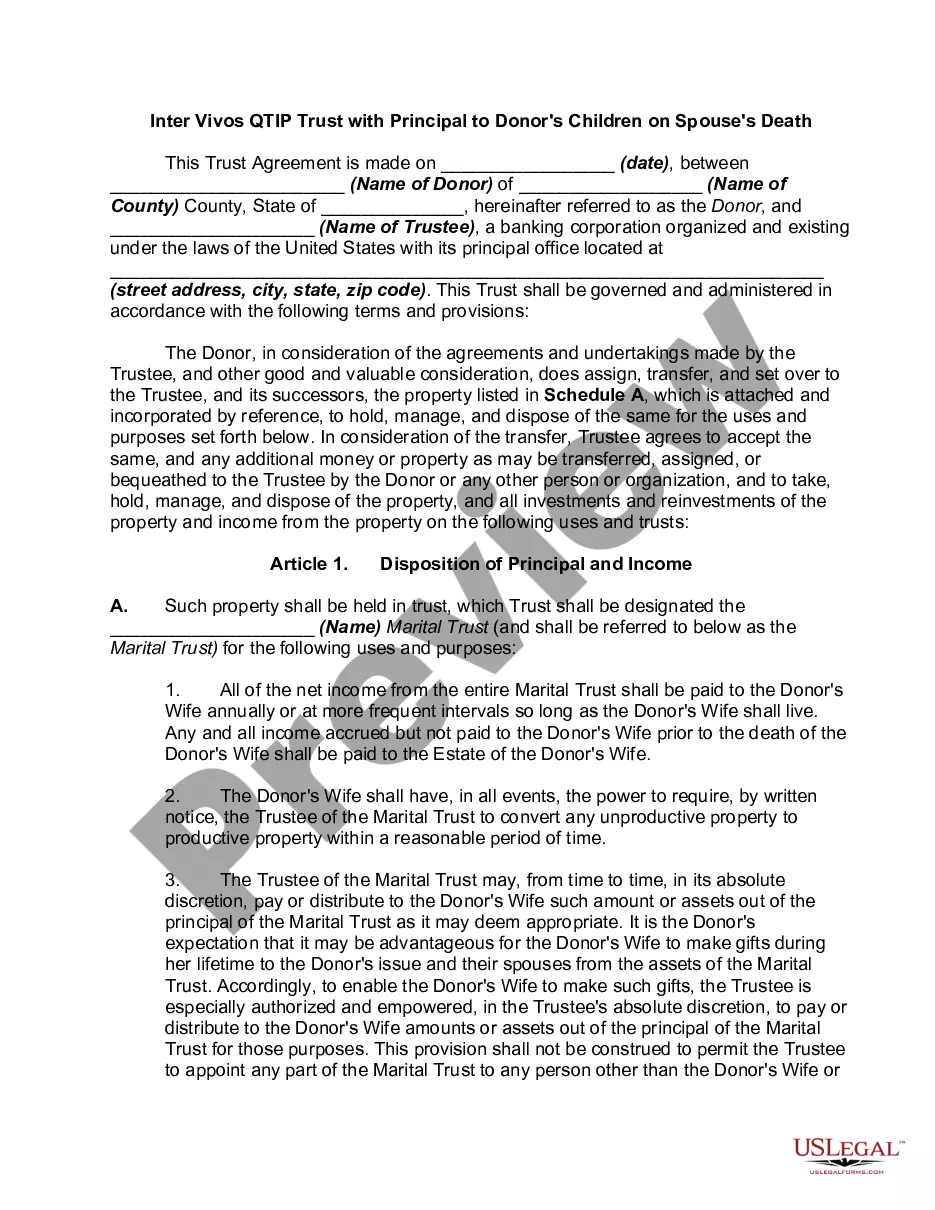
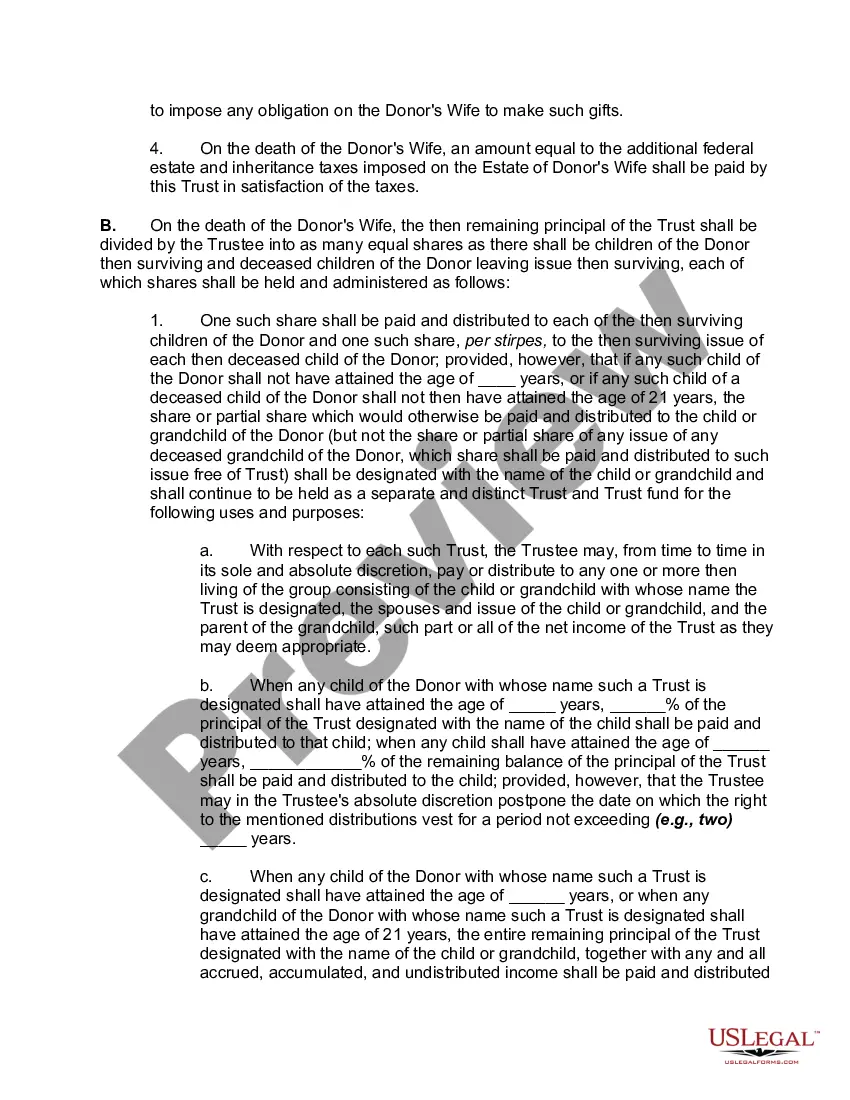
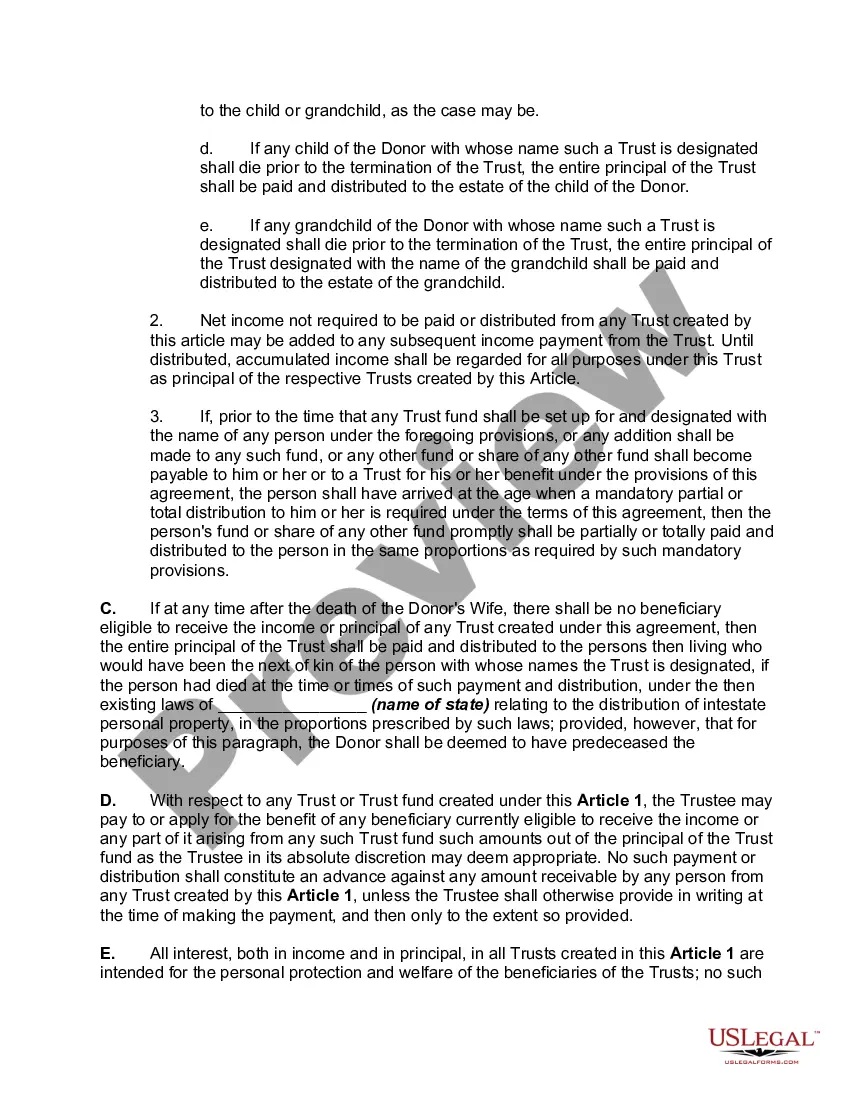
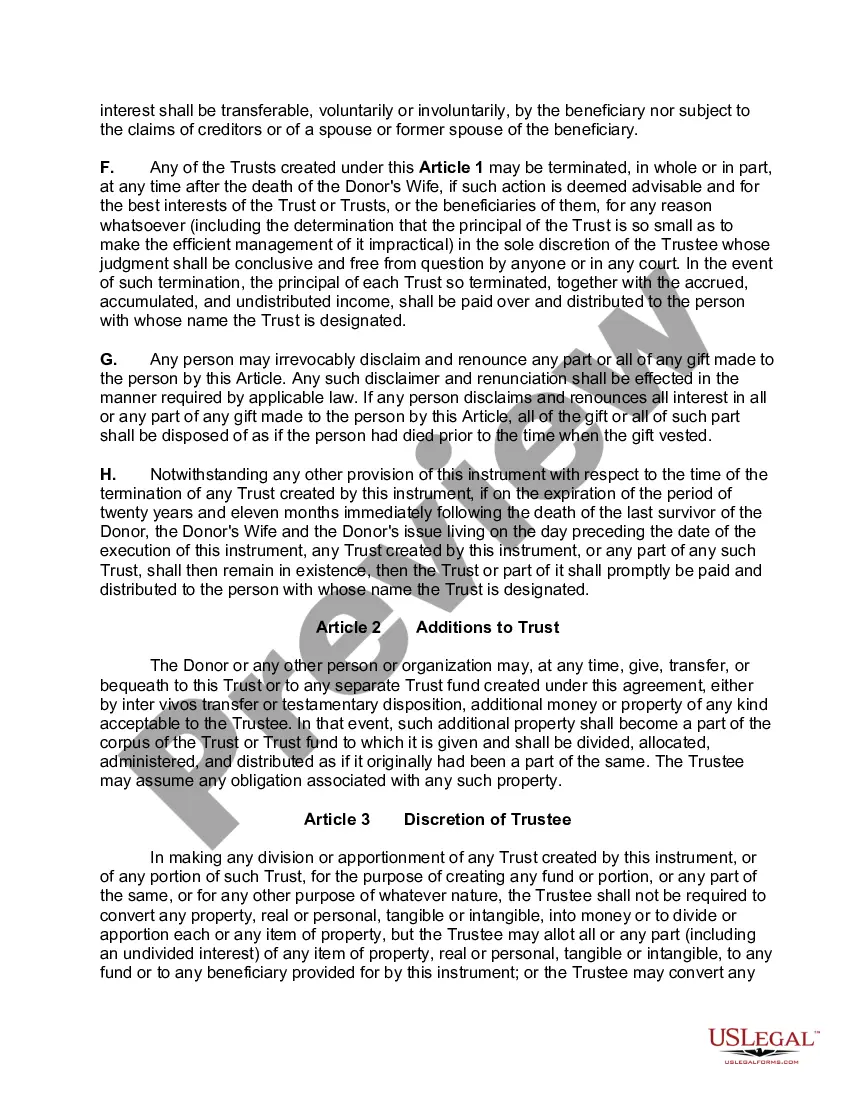
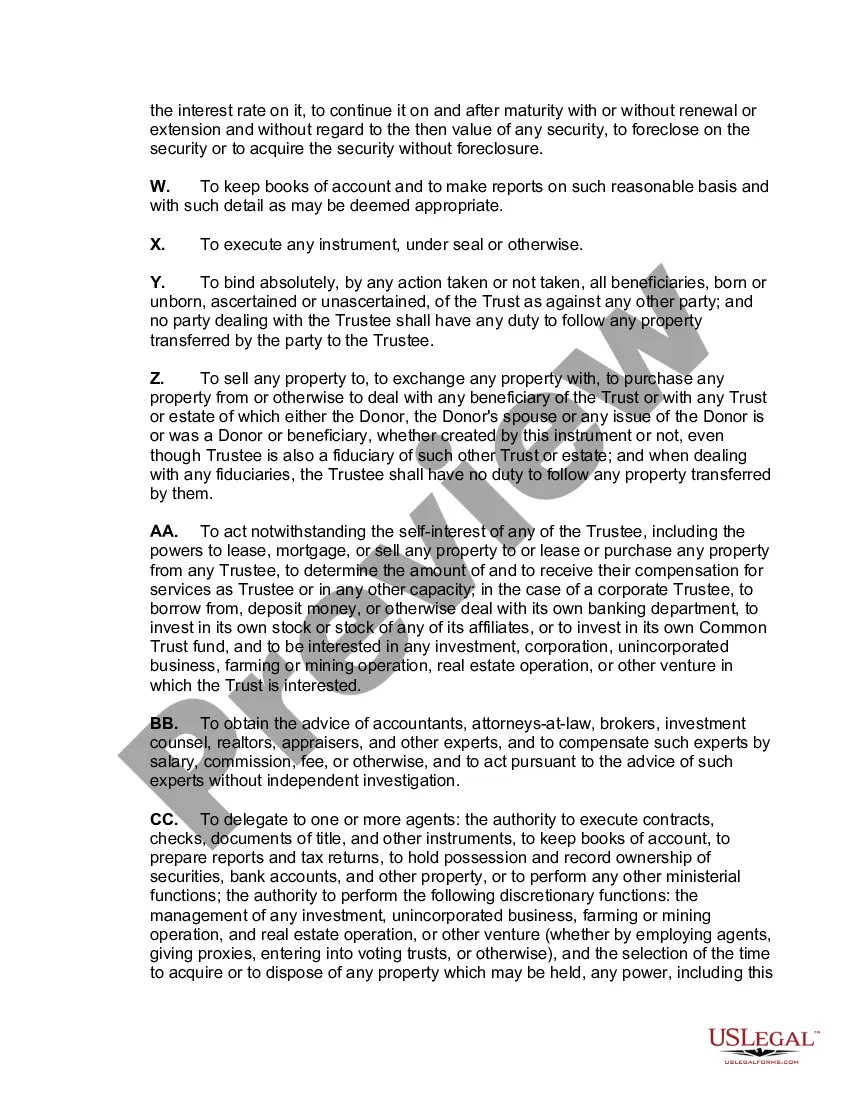
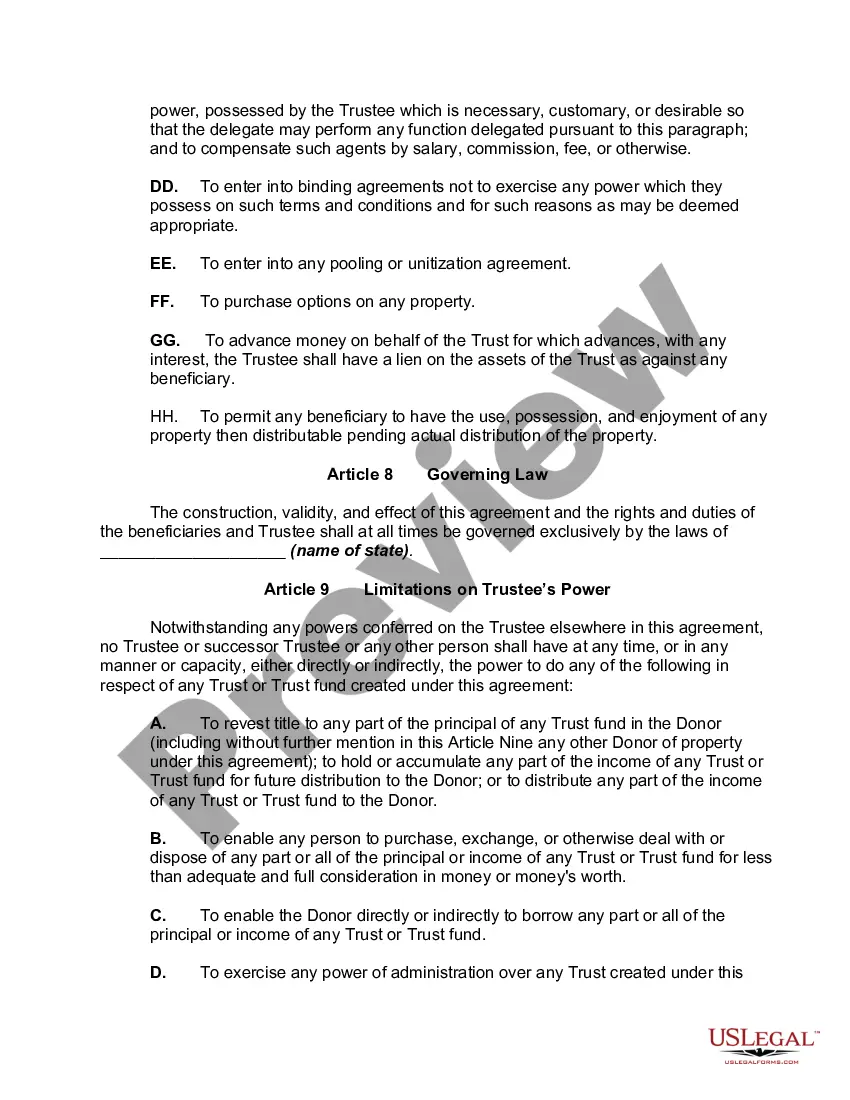
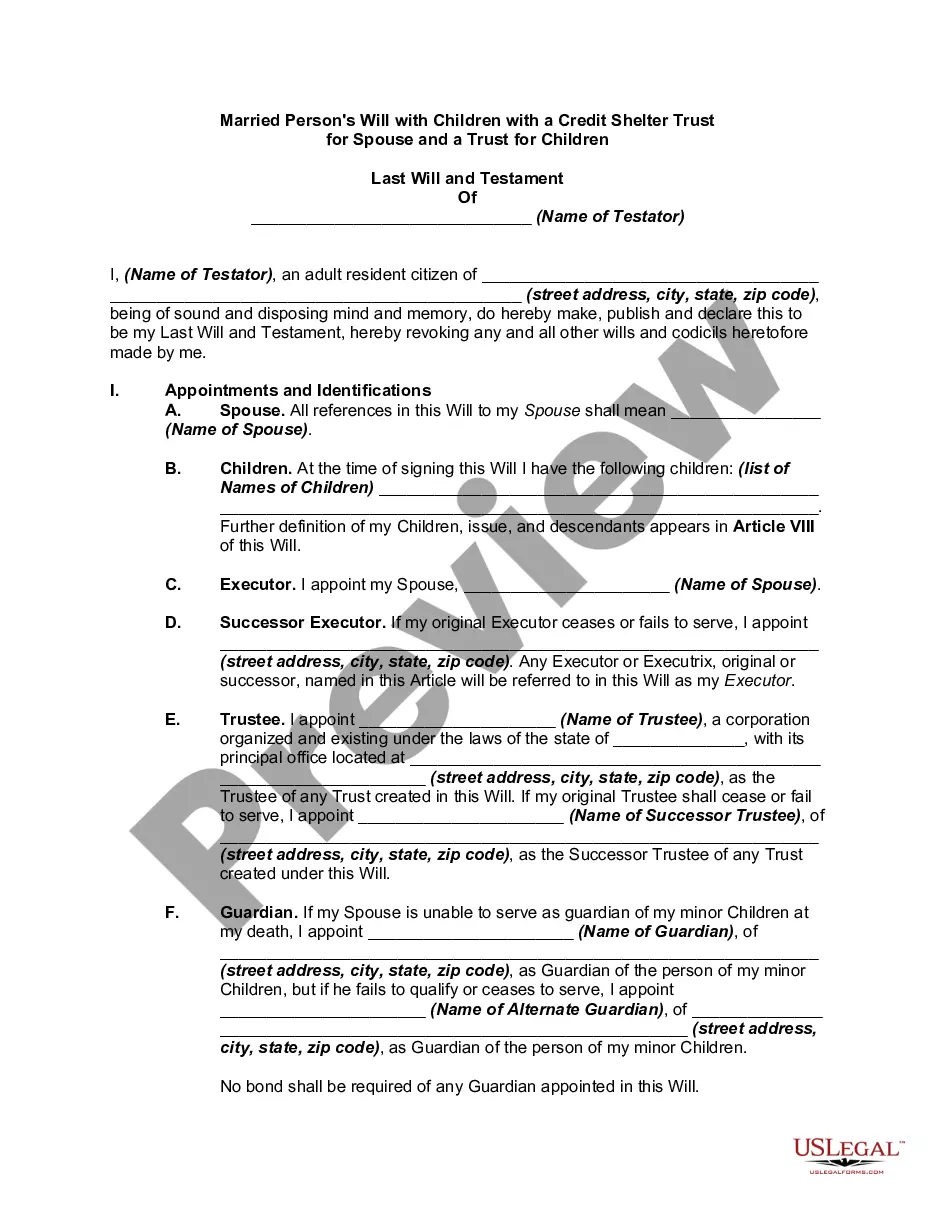
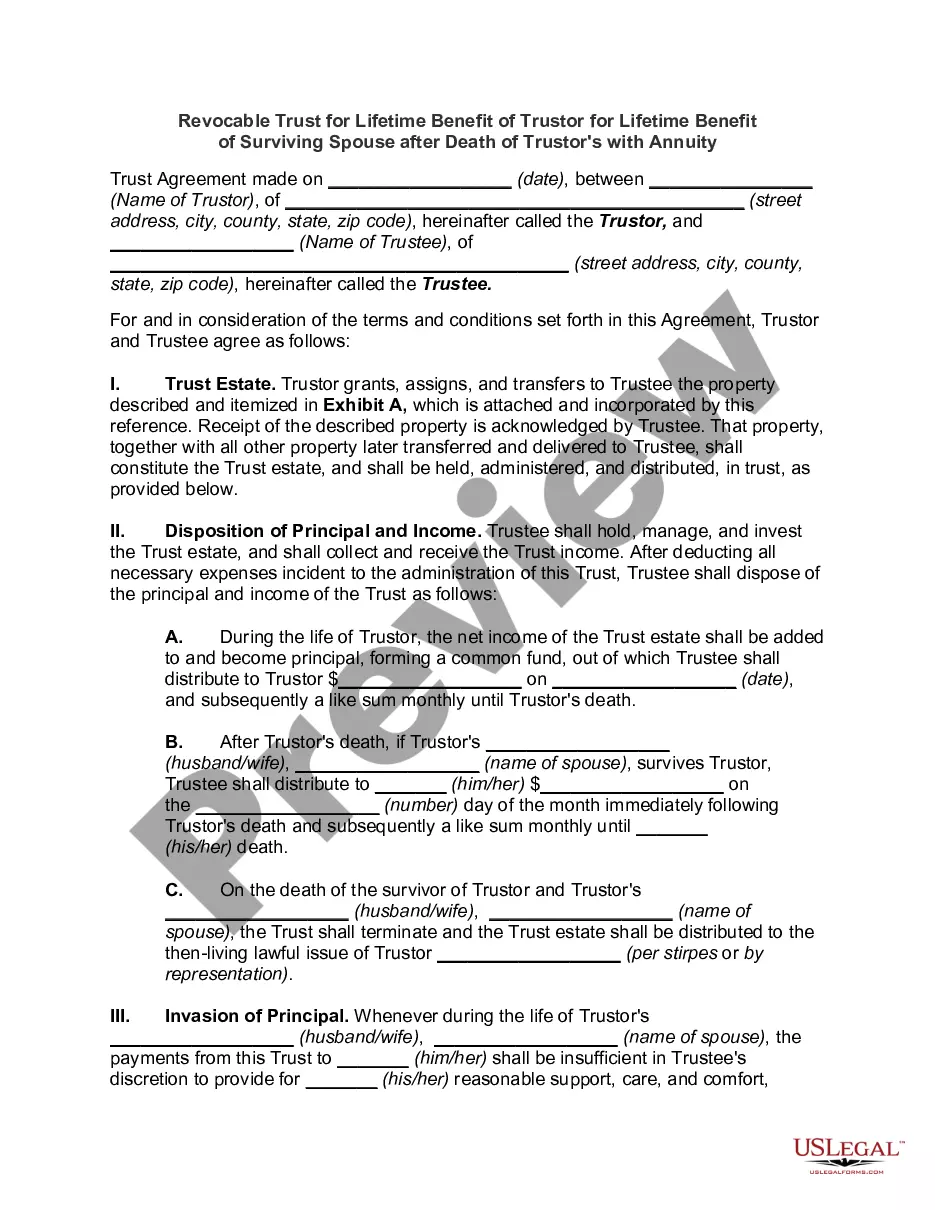
How to fill out Inter Vivos QTIP Trust With Principal To Donor's Children On Spouse's Death?
- If you're a returning user, log in to your account to access your desired form template. Ensure that your subscription is active and renew it if necessary.
- For first-time users, start by selecting a legal form that meets your needs. Use the Preview mode to check the description and legality for your jurisdiction.
- If you need a different template, utilize the Search tab to find the precise form required. Proceed when you find a suitable option.
- Purchase the form by clicking on the Buy Now button. Choose your preferred subscription plan and create an account for full access.
- Complete your transaction by entering your payment details through credit card or PayPal for expedience.
- Download your selected form to your device. You can conveniently access it anytime from the My Forms section of your profile.
In conclusion, Qtile enhances the functionality of US Legal Forms, allowing users to quickly and effectively obtain and manage necessary legal documents. With a vast array of templates and expert assistance at your fingertips, completing legal paperwork has never been easier. Start your journey with US Legal Forms today!
Form popularity
FAQ
Qtile is primarily written in Python, which allows for easy customization and scripting. Its use of a popular programming language is one of the many reasons why developers and users appreciate Qtile. This focus on Python means you can modify and extend functionality even if you are not a professional coder, making your desktop experience more personalized and effective.
Qtile is a dynamic window manager designed for X11, emphasizing simplicity and flexibility. It enables users to control their entire desktop experience efficiently, tailored to individual preferences without the complexity found in traditional desktop environments. Whether you're a minimalist user or someone who appreciates customization, Qtile offers a reliable platform for managing your Linux desktop.
Determining whether X11 or Wayland is better often depends on specific use cases. X11 has a long history and proven stability, making it suitable for many applications, especially in the gaming community. Wayland offers a more modern approach and enhancements in performance and security, which can enhance your Qtile experience as developers integrate new technologies.
Currently, Qtile is focused on supporting the X11 display server. There is an ongoing discussion and development regarding future Wayland support. Users interested in Qtile should keep an eye on its updates, as the developers plan improvements for various platforms, including possibly implementing Wayland in the future.
Wayland has not completely replaced X11; both display servers coexist today. While many modern environments and applications are transitioning to Wayland for its improvements, X11 remains popular due to its widespread support. As a Qtile user, you can benefit from exploring both options, depending on your performance needs and software compatibility.
The Steam Deck primarily utilizes the X11 display server. This choice has been made due to its compatibility with a wide range of games and applications. However, users can explore Wayland, a modern replacement that offers enhanced performance and security features. If you want to ensure the best experience while using Qtile, consider how it interacts with your chosen display server.
To reset your Qtile config, you need to remove or rename the existing config.py file in the ~/nfig/qtile directory. After that, you can create a new default configuration by copying the example config file provided in the Qtile repository. Once you reload Qtile, you'll find yourself back at the default settings, ready to customize again.
Opening a terminal in Qtile can be done effortlessly using a keyboard shortcut. The default shortcut is often Mod + Enter, which opens the terminal specified in your configuration file. This quick access facilitates efficient multitasking and maintains your workflow.
Changing the terminal in Qtile is straightforward. You need to locate and edit the terminal command in your Qtile config file, which allows you to set your preferred terminal emulator. After saving your changes, go ahead and reload the configuration to start using your new terminal.
To reload the configuration in Qtile, simply press the provided key combination, usually Mod + Control + R. This action triggers Qtile to read the updated config file you edited. Make sure your changes are saved first, allowing you to see the impact of your adjustments immediately.