Transfer Documents For Pc
Description
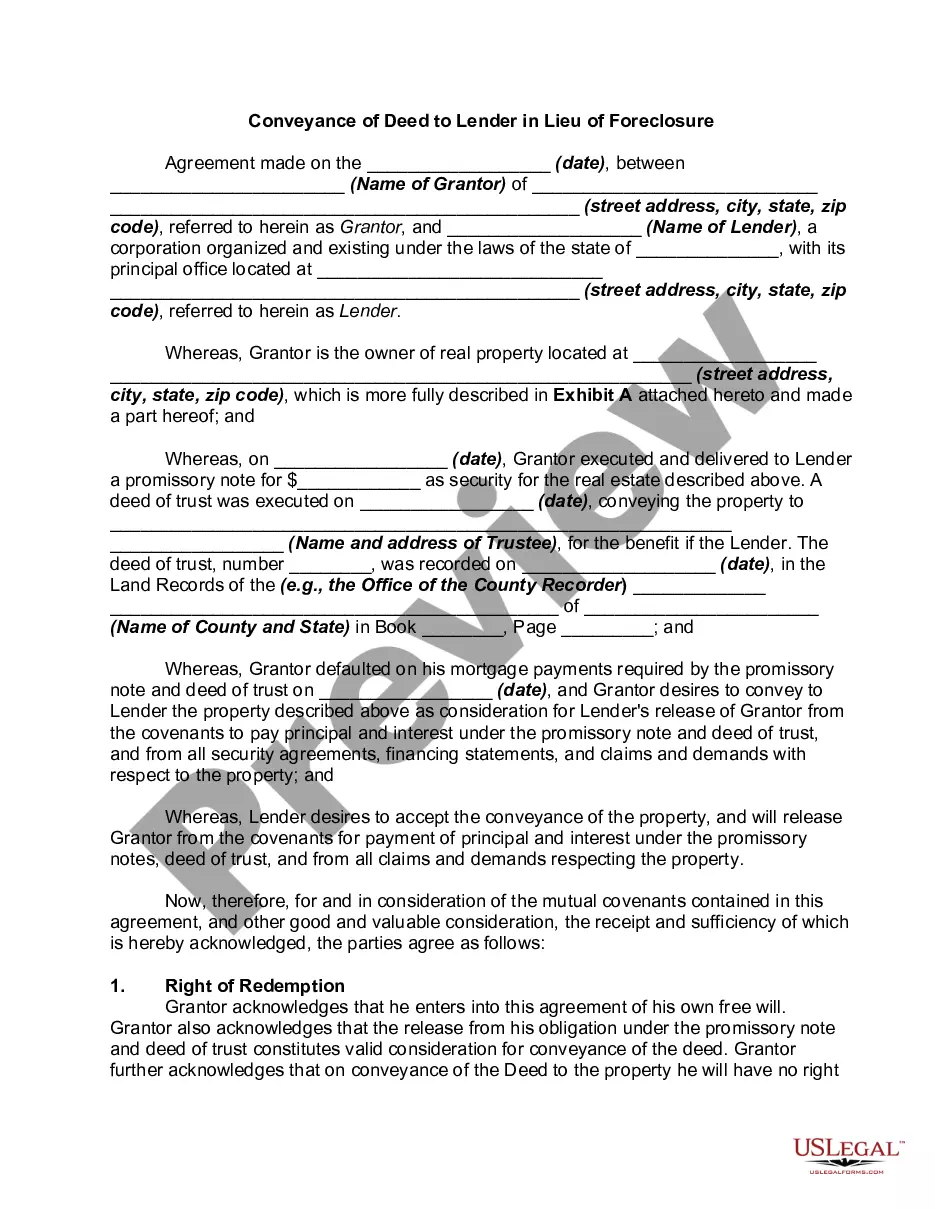
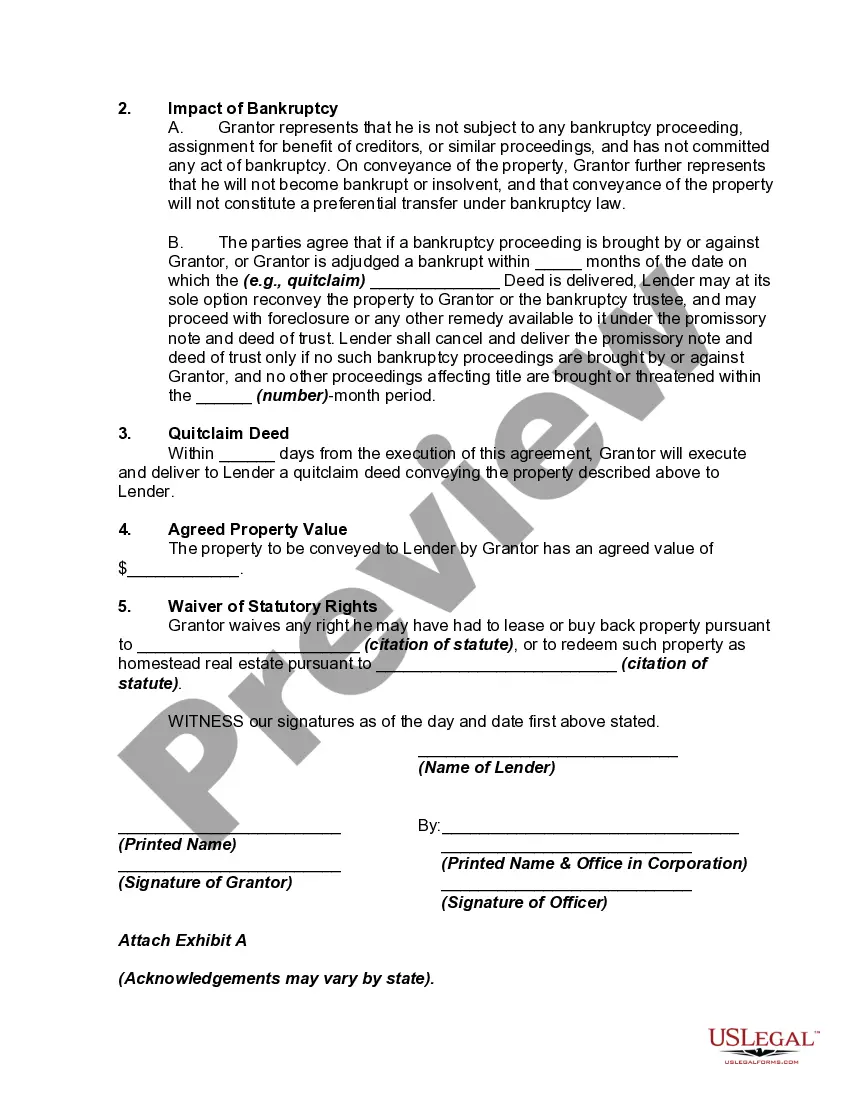
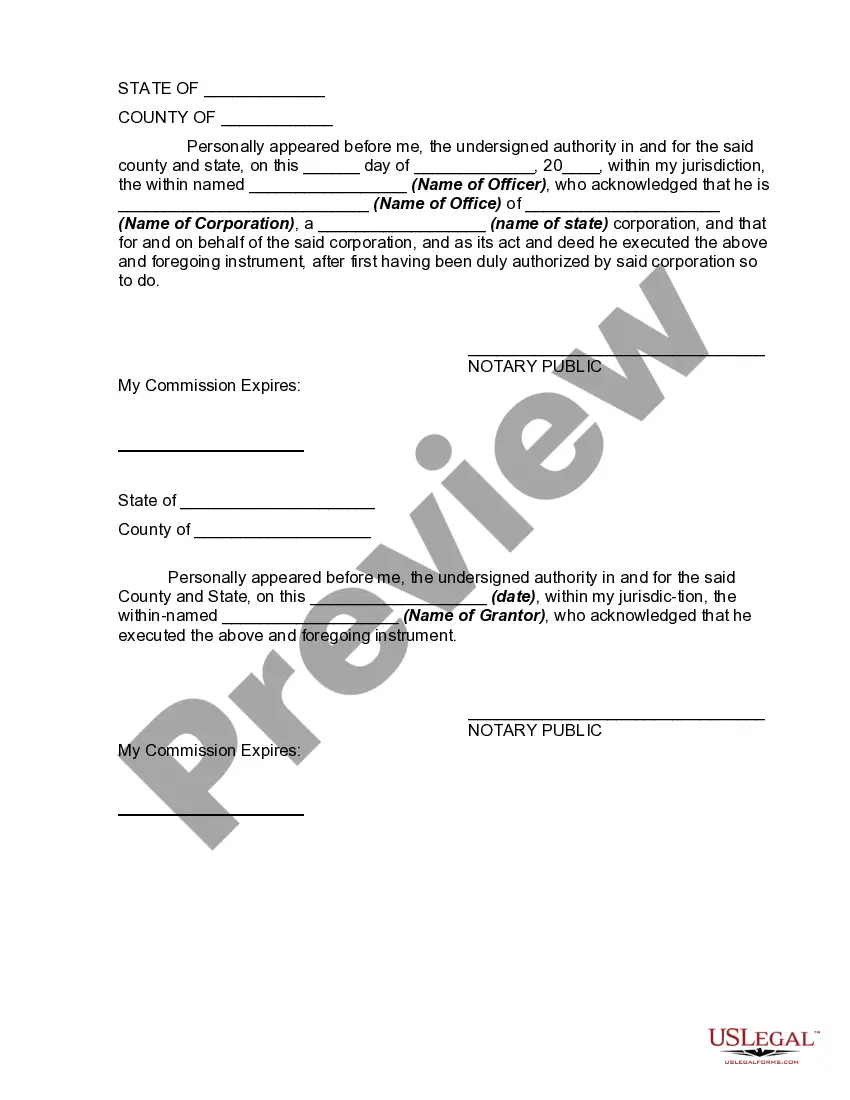
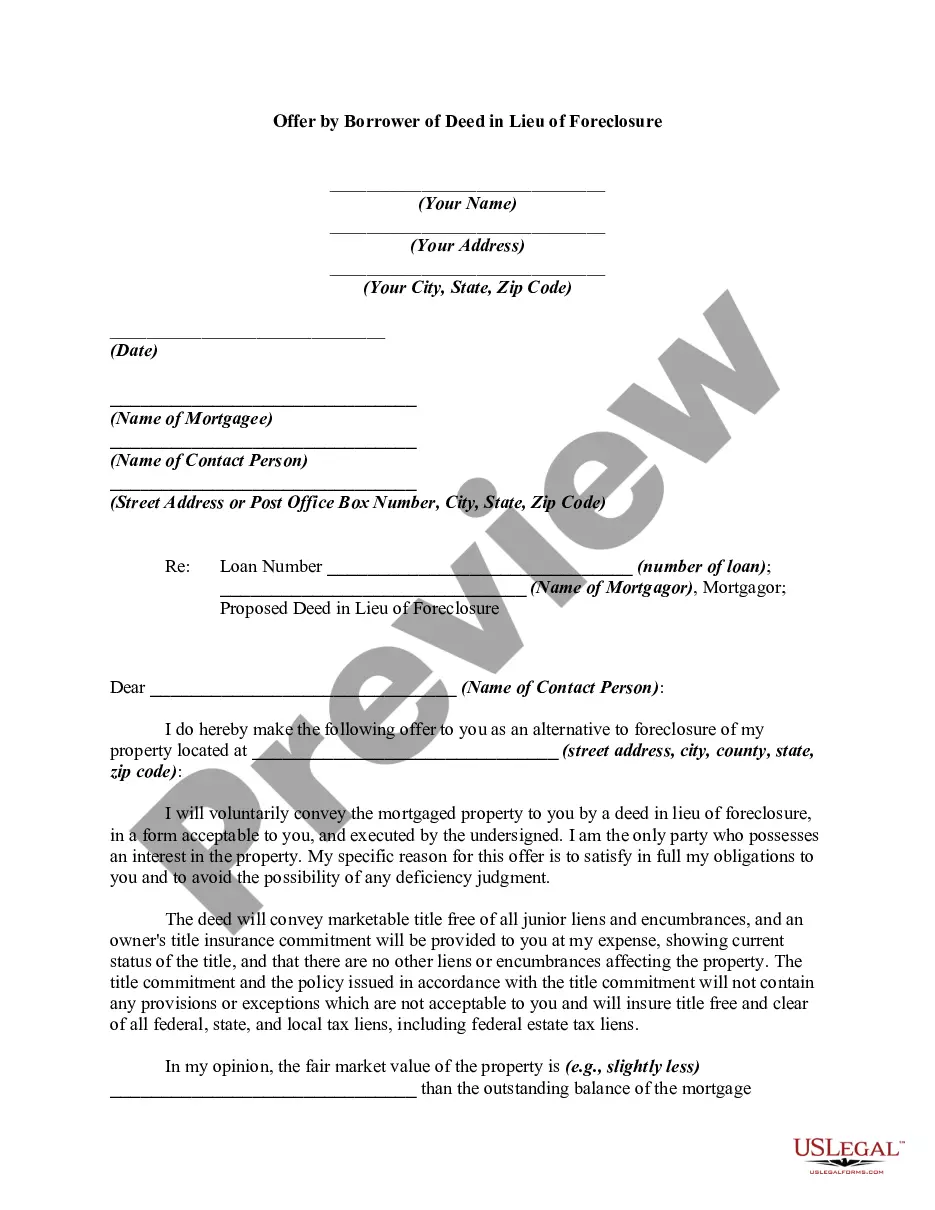

Get your form ready online
Our built-in tools help you complete, sign, share, and store your documents in one place.
Make edits, fill in missing information, and update formatting in US Legal Forms—just like you would in MS Word.
Download a copy, print it, send it by email, or mail it via USPS—whatever works best for your next step.
Sign and collect signatures with our SignNow integration. Send to multiple recipients, set reminders, and more. Go Premium to unlock E-Sign.
If this form requires notarization, complete it online through a secure video call—no need to meet a notary in person or wait for an appointment.
We protect your documents and personal data by following strict security and privacy standards.

Make edits, fill in missing information, and update formatting in US Legal Forms—just like you would in MS Word.

Download a copy, print it, send it by email, or mail it via USPS—whatever works best for your next step.

Sign and collect signatures with our SignNow integration. Send to multiple recipients, set reminders, and more. Go Premium to unlock E-Sign.

If this form requires notarization, complete it online through a secure video call—no need to meet a notary in person or wait for an appointment.

We protect your documents and personal data by following strict security and privacy standards.
Looking for another form?

How to fill out Conveyance Of Deed To Lender In Lieu Of Foreclosure?
It’s clear that you cannot transform into a legal expert in a single night, nor can you swiftly learn how to efficiently create Transfer Documents For Pc without having a specific set of expertise.
Assembling legal paperwork is a lengthy undertaking that necessitates specialized training and skills. So why not entrust the preparation of the Transfer Documents For Pc to the experts.
With US Legal Forms, which hosts one of the largest collections of legal documents, you can discover everything from court forms to templates for internal business communication. We recognize the significance of compliance and adherence to federal and local laws and regulations. That’s why all forms on our site are tailored to specific locations and kept current.
You can access your documents from the My documents section at any time. If you are an existing customer, simply Log In to find and download the template from the same section.
Regardless of your forms' purpose—be it related to finances and legal matters, or personal—our platform has it all. Experience US Legal Forms today!
- Commence by using the search feature at the top of the page to locate the form you need.
- Preview the document (if this option is available) and review the accompanying description to ascertain whether the Transfer Documents For Pc matches your requirements.
- If you need a different form, start your search again.
- Create a complimentary account and choose a subscription plan to obtain the template.
- Click Buy now. Once the payment is processed, you can acquire the Transfer Documents For Pc, complete it, print it, and send it to the appropriate individuals or organizations.
Form popularity
FAQ
Conduct the Search. Search on TESS--the USPTO's web-based Trademark Electronic Search System-at your local Patent and Trademark Resource Center (.uspto.gov/ptrc) or at home if you have Internet access.
Open the USPTO Trademark Electronic Search System online Start your trademark search on the US Patent and Trademark Office's "TESS" (Trademark Electronic Search System) database. Start at the USPTO Trademarks homepage and click on "TESS - Search Trademarks" - that's the first icon in the "Tools" section.
You can search federally-registered marks online at the U.S. Patent and Trademark Office (USPTO) (.uspto.gov) or in person at a designated Patent and Trademark Resource Center.
Step 1: Choose a field to search. Tell TESS which type of information to search for. Step 2: Choose your search term. ... Step 3: (Optional) Add more search criteria. Step 4: Choose ?yes? or ?no? from the plurals drop down box. Step 5: Submit. Step 6: (Optional) Expand and filter your results. ... Step 7: View your results.
You may conduct a free online search of the USPTO database at the Public Search Facility (Madison East, 1st Floor; 600 Dulany Street, Alexandria, Virginia) between a.m. and p.m. USPTO personnel may not conduct trademark searches for the public. Private trademark search firms will conduct searches for a fee.
Where Do You Do a Trademark Lookup? The USPTO Trademark Database ? TESS. ... State Trademark Databases. ... Google Trademark Search.
How to Conduct a Trademark Search Open the USPTO Trademark Electronic Search System online. ... Select "Word and/or Design Mark Search (Free Form)". ... Try the obvious first. ... Make sure you're covering all the bases. ... Expand the field of search. ... Combining terms. ... Narrow the search to reduce distractions. ... Review the records you found.
A reasonable trademark search costs from $500-$1500 or more. The search would include an attorney analysis of the results at this price. Many trademark attorneys have the trademark search in their overall trademark package.