Deed Foreclosure Form For New York State
Description

Get your form ready online
Our built-in tools help you complete, sign, share, and store your documents in one place.
Make edits, fill in missing information, and update formatting in US Legal Forms—just like you would in MS Word.
Download a copy, print it, send it by email, or mail it via USPS—whatever works best for your next step.
Sign and collect signatures with our SignNow integration. Send to multiple recipients, set reminders, and more. Go Premium to unlock E-Sign.
If this form requires notarization, complete it online through a secure video call—no need to meet a notary in person or wait for an appointment.
We protect your documents and personal data by following strict security and privacy standards.

Make edits, fill in missing information, and update formatting in US Legal Forms—just like you would in MS Word.

Download a copy, print it, send it by email, or mail it via USPS—whatever works best for your next step.

Sign and collect signatures with our SignNow integration. Send to multiple recipients, set reminders, and more. Go Premium to unlock E-Sign.

If this form requires notarization, complete it online through a secure video call—no need to meet a notary in person or wait for an appointment.

We protect your documents and personal data by following strict security and privacy standards.
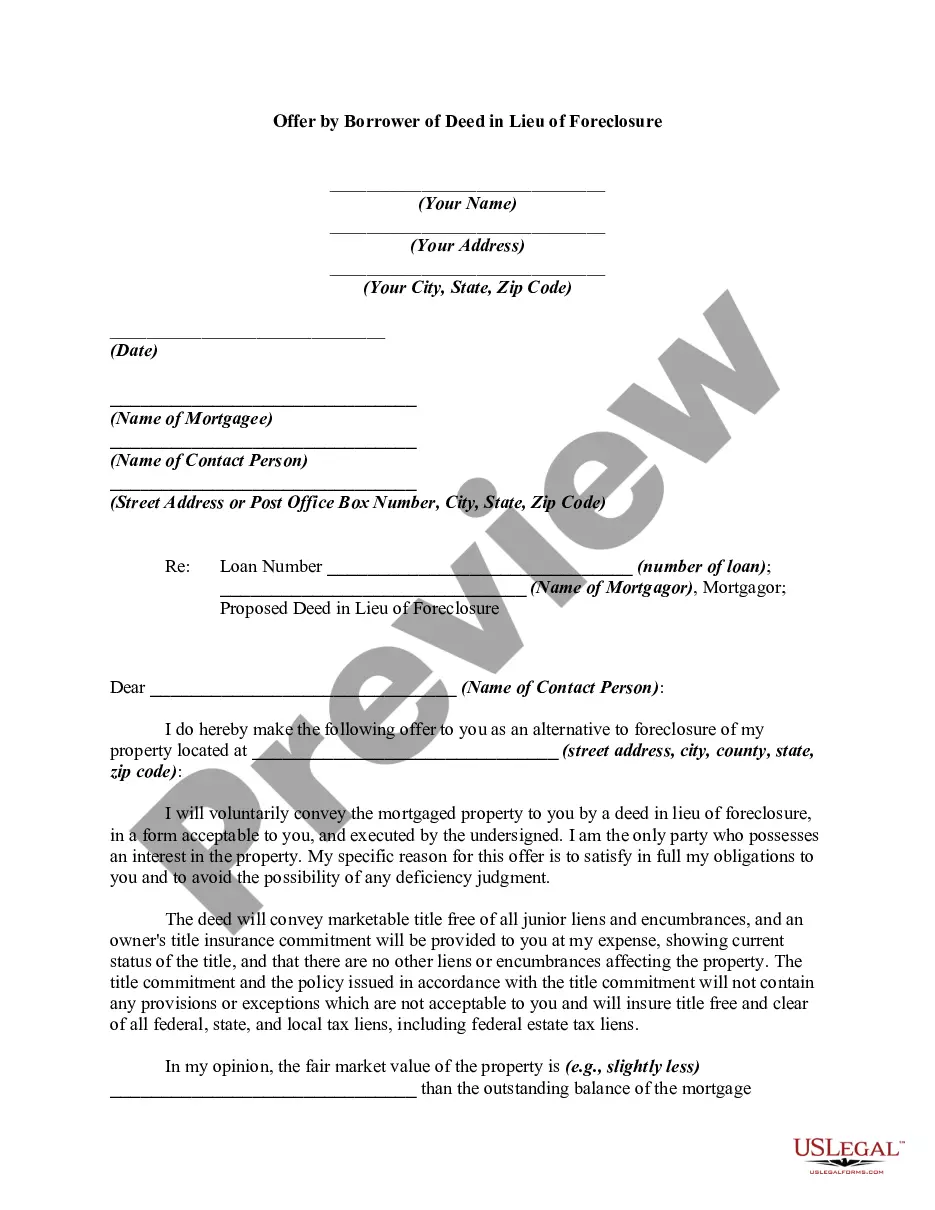
Looking for another form?






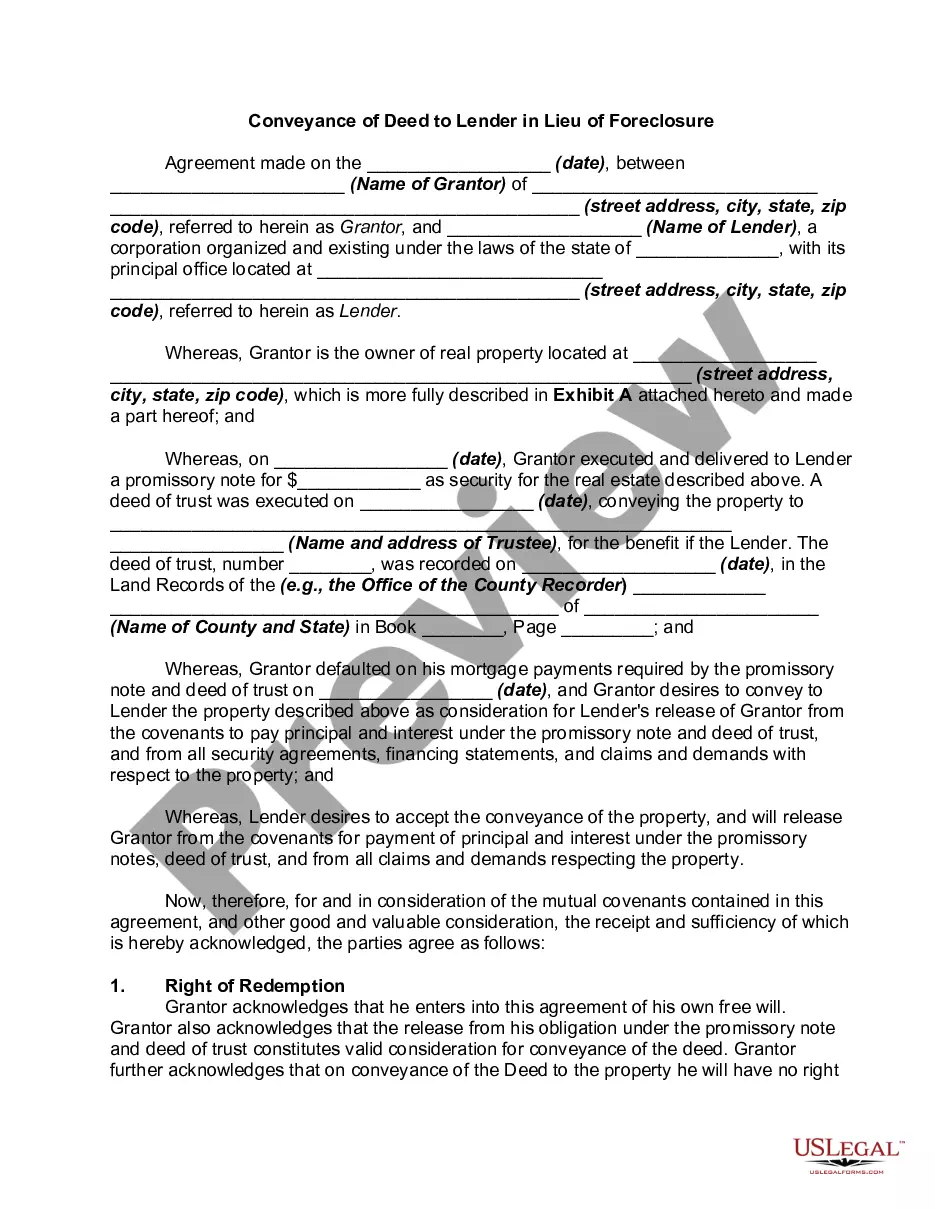
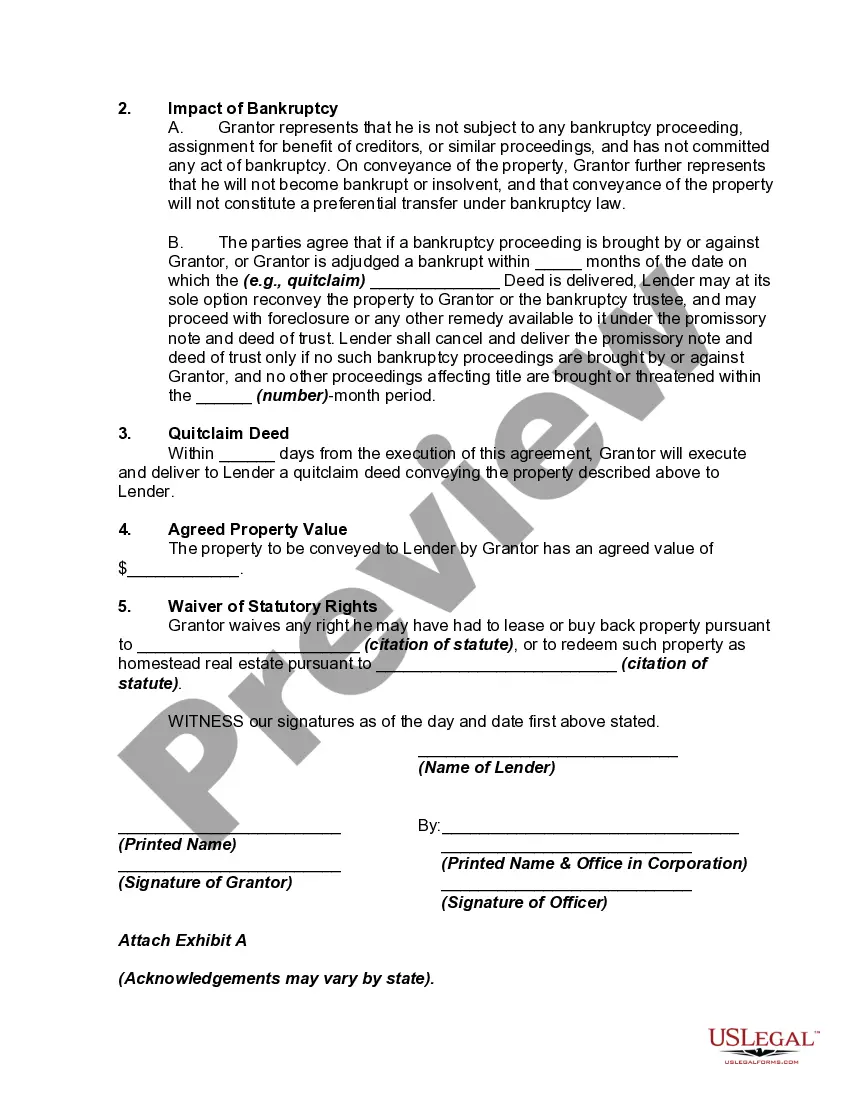
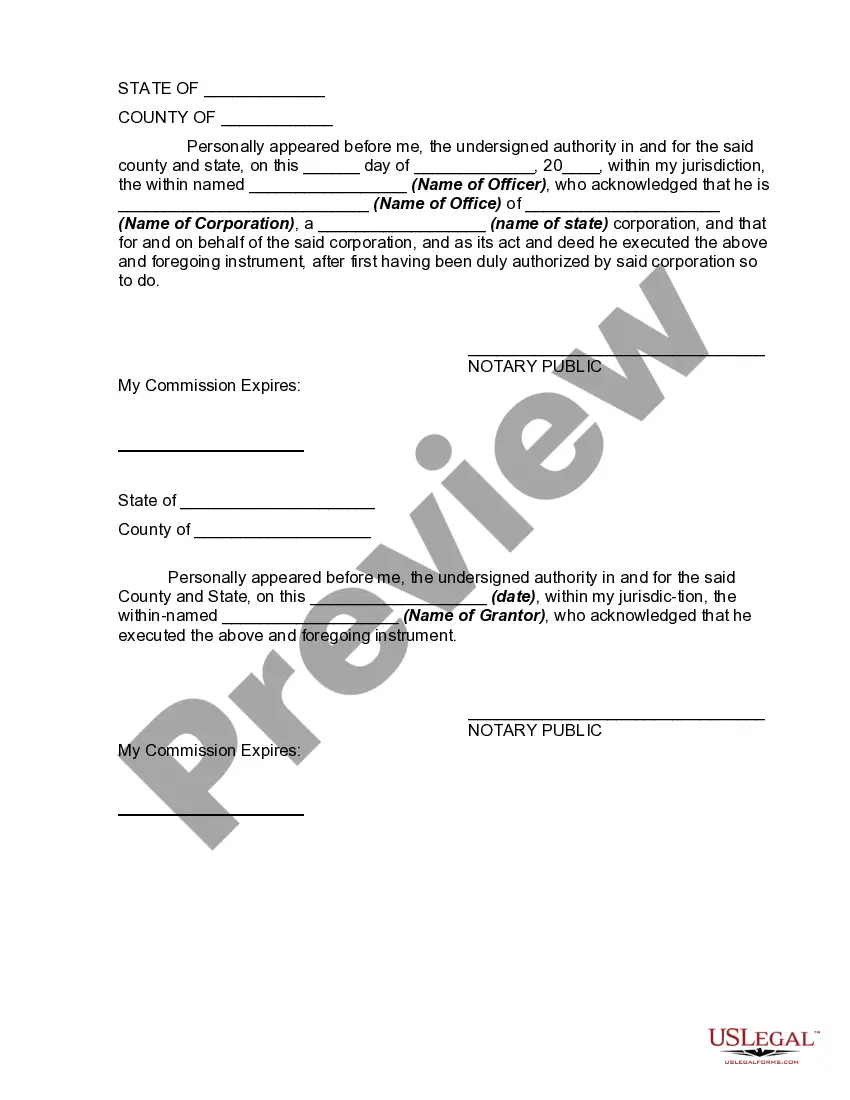
How to fill out Conveyance Of Deed To Lender In Lieu Of Foreclosure?
The Deed Foreclosure Document for New York State you see on this page is a reusable formal template crafted by experienced attorneys in line with federal and local statutes.
For over 25 years, US Legal Forms has supplied individuals, businesses, and legal practitioners with more than 85,000 validated, state-specific documents for any commercial and personal situation. It’s the quickest, simplest, and most reliable method to acquire the documents you require, as the service ensures bank-level data security and anti-malware safeguards.
Subscribe to US Legal Forms to have verified legal templates for every situation in life readily available.
- Look for the document you need and examine it.
- Choose the pricing plan that works best for you and create an account. Use PayPal or a credit card for a quick payment.
- Select the format you desire for your Deed Foreclosure Document for New York State (PDF, DOCX, RTF) and save the file on your device.
- Print the template to complete it by hand. Alternatively, use an online multifunctional PDF editor to swiftly and accurately fill out and sign your form with an eSignature.
- Use the same document again whenever necessary. Access the My documents tab in your profile to redownload any previously downloaded documents.
Form popularity
FAQ
There is also no version history which makes it very difficult to reset the questions that have been overwritten.
I'm afraid to inform you that version history feature for Microsoft Forms is not yet available but this feature is currently up for a vote for a possible future implementation. You may check on this link for more information: ...
How to Undo in Google Forms Step 1: Open your Google Form. Step 2: Make any changes to the form. Step 3: Click the ?Undo? button. Step 4: (optional) Click the ?Redo? button to bring it back.
View Responses to a Google Form Complete the Google Form. Click Submit to proceed. You will be directed to a new page. Click See Previous Responses. A new page will show you the results of all responses submitted. Previous Article. Next Article. Google Workspace (Google Apps) Google Drive in Google Workspace 5.
If you make a change you later regret, there's no way to find the version before this change. The only way to revert these changes is by doing so manually or simply clicking the Undo button a few times. Now that you know why you might need to undo in Google Forms, let's take a look at how to do it.