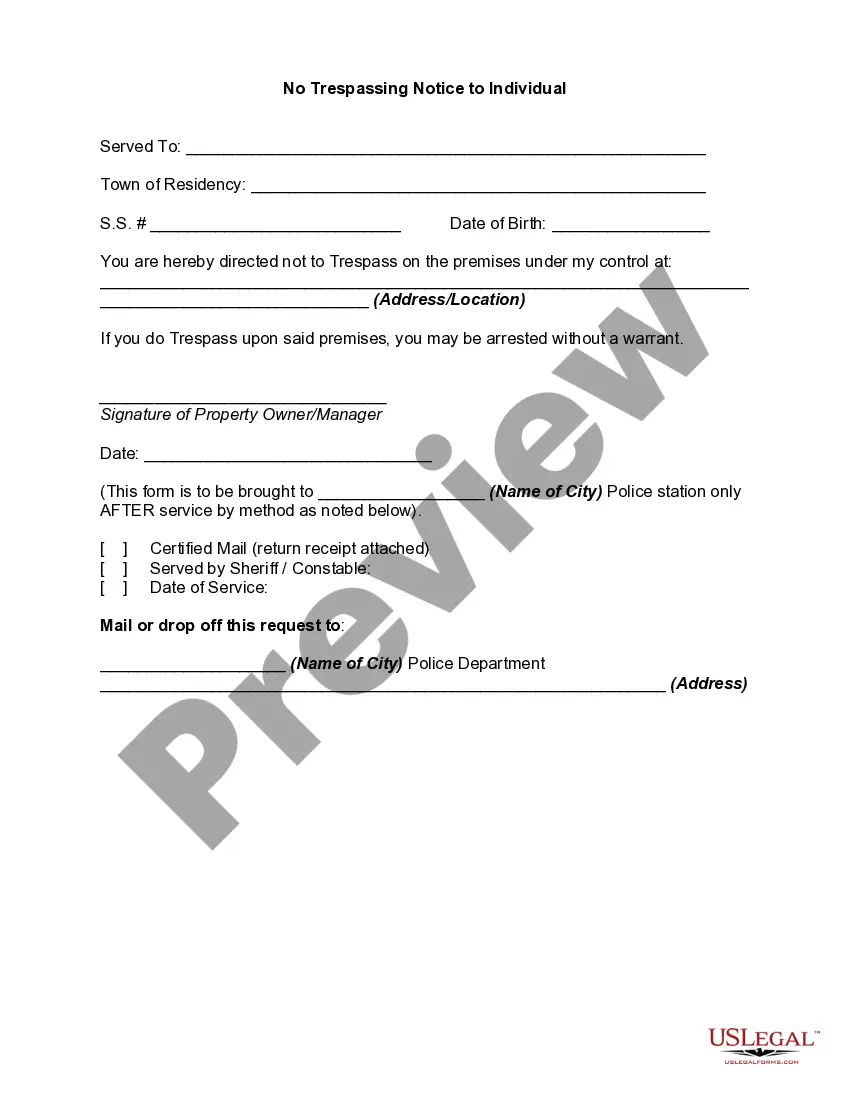
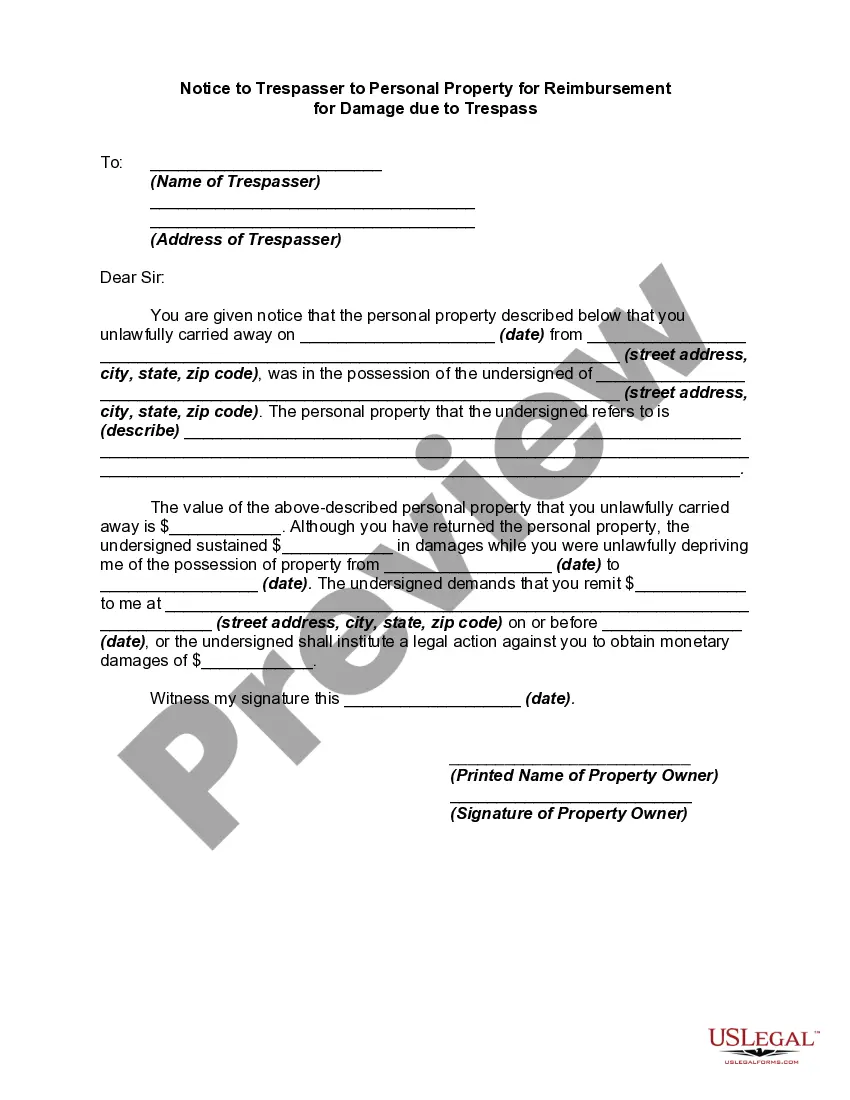
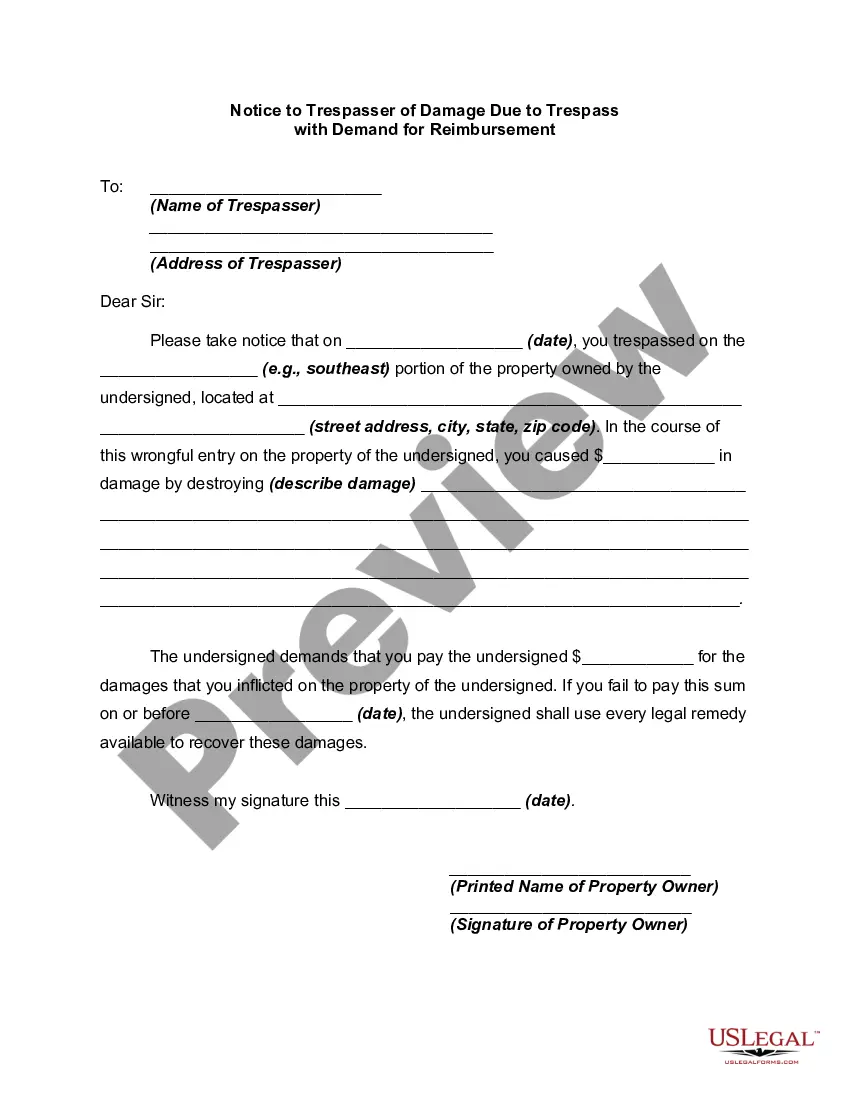
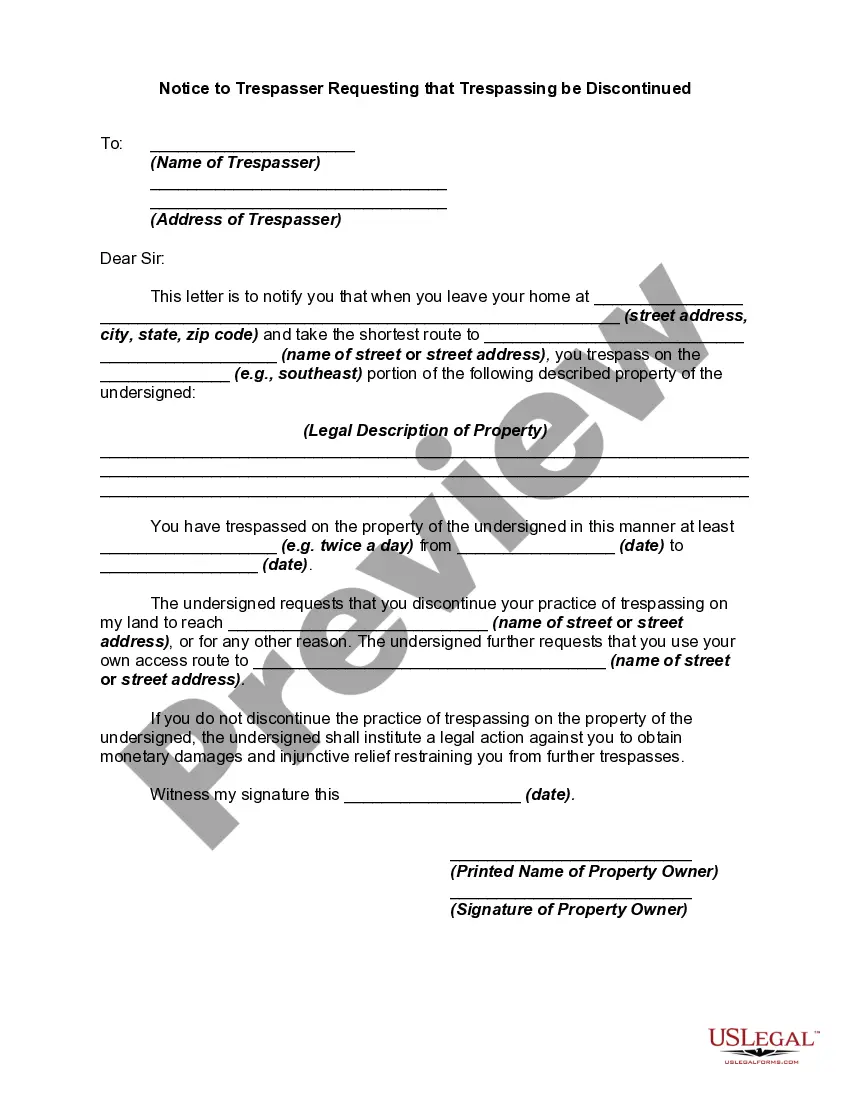
No Trespassing Template With Signs
Description
Get your form ready online
Our built-in tools help you complete, sign, share, and store your documents in one place.
Make edits, fill in missing information, and update formatting in US Legal Forms—just like you would in MS Word.
Download a copy, print it, send it by email, or mail it via USPS—whatever works best for your next step.
Sign and collect signatures with our SignNow integration. Send to multiple recipients, set reminders, and more. Go Premium to unlock E-Sign.
If this form requires notarization, complete it online through a secure video call—no need to meet a notary in person or wait for an appointment.
We protect your documents and personal data by following strict security and privacy standards.

Make edits, fill in missing information, and update formatting in US Legal Forms—just like you would in MS Word.

Download a copy, print it, send it by email, or mail it via USPS—whatever works best for your next step.

Sign and collect signatures with our SignNow integration. Send to multiple recipients, set reminders, and more. Go Premium to unlock E-Sign.

If this form requires notarization, complete it online through a secure video call—no need to meet a notary in person or wait for an appointment.

We protect your documents and personal data by following strict security and privacy standards.
Looking for another form?


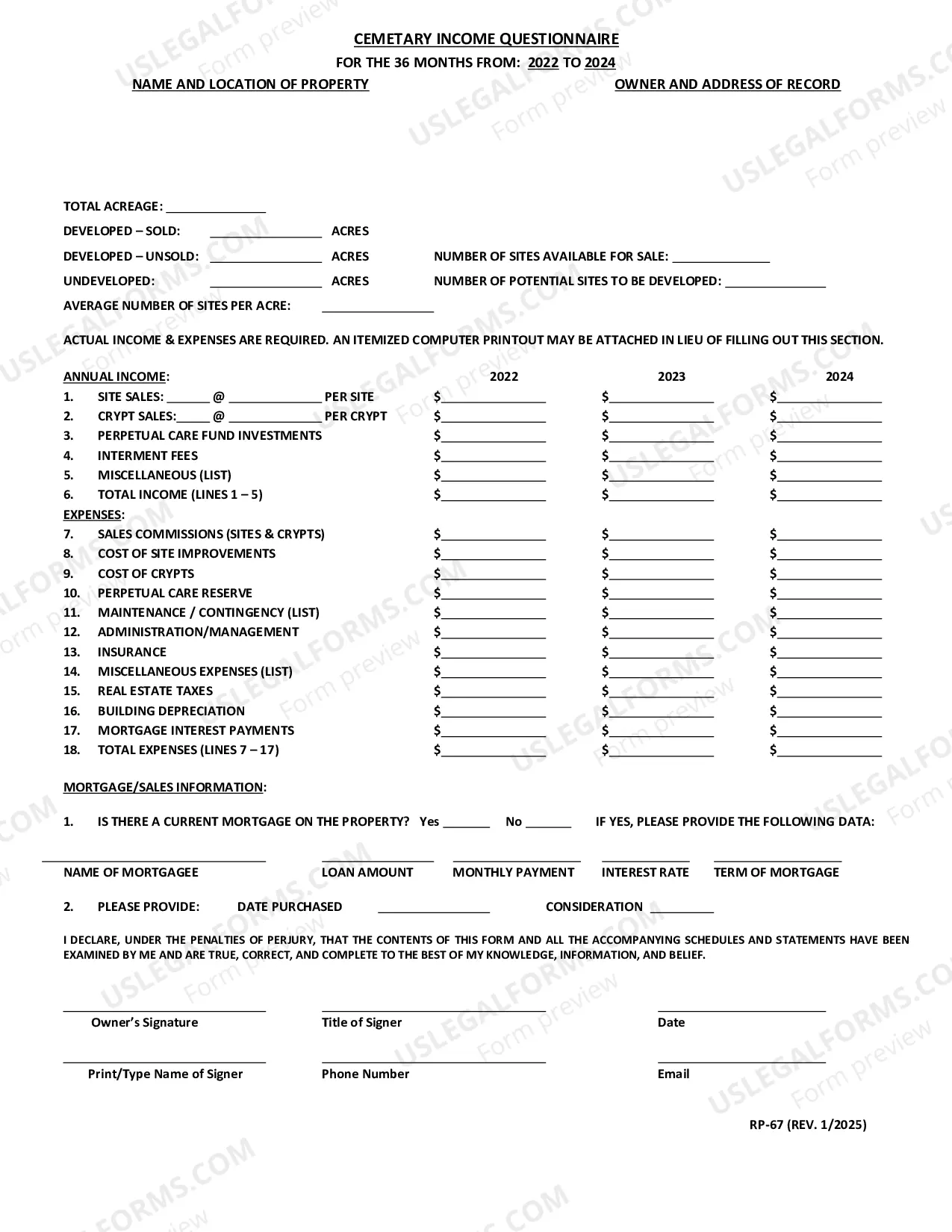
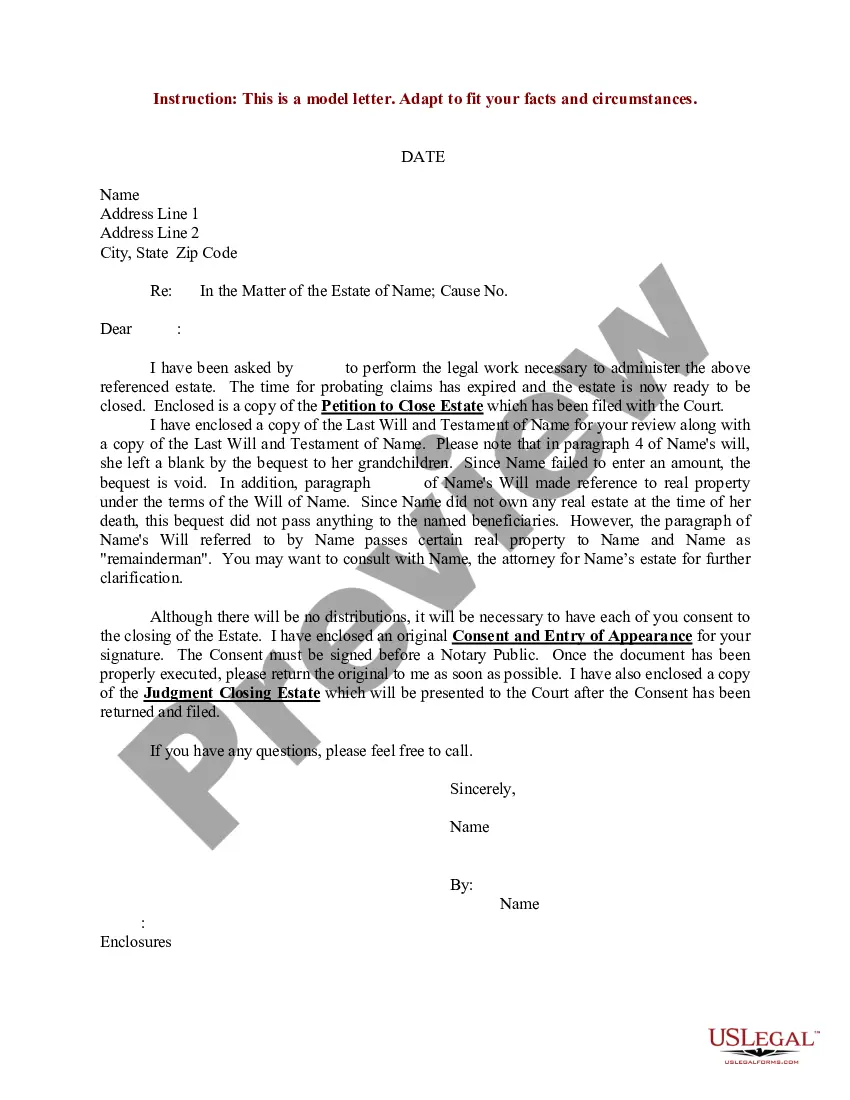
How to fill out No Trespassing Notice To Individual?
The No Trespassing Template With Signs presented on this page is a versatile official template created by qualified attorneys in accordance with federal and state legislation.
For over 25 years, US Legal Forms has supplied individuals, businesses, and lawyers with more than 85,000 verified, state-specific forms for any commercial and personal situation. It’s the quickest, easiest, and most reliable method to obtain the documents you require, as the service ensures bank-level data protection and anti-malware safeguards.
Acquire the editable template. Choose the format you desire for your No Trespassing Template With Signs (PDF, Word, RTF) and store the sample on your device. Complete and sign the documents. Print the template to fill it out by hand. Alternatively, use an online multifunctional PDF editor to quickly and accurately fill out and sign your form with a legally-binding electronic signature. Download your documents again. Use the same document whenever needed. Access the My documents section in your profile to redownload any previously acquired forms. Register for US Legal Forms to have confirmed legal templates for all of life's circumstances at your fingertips.
- Search for the document you require and evaluate it.
- Browse through the file you searched and preview it or check the form description to confirm it meets your needs. If it does not, use the search option to find the correct one.
- Click Buy Now when you have found the template you need.
- Subscribe and Log In.
- Choose the pricing plan that best fits you and create an account. Utilize PayPal or a credit card for a swift payment. If you already have an account, Log In and review your subscription to continue.
Form popularity
FAQ
Download an advance directive form from floridahealthfinder.gov. Make sure that someone, like a PCP, lawyer, family member or care manager knows about the advance directive and its location. If there are any changes in the law about advance directives, the CMS Health Plan will notify people within 90 days.
Florida and federal law give every competent adult, 18 years or older, the right to make their own health care decisions, including the right to decide what medical care or treatment to accept, reject, or discontinue.
Legal Aspects of Advance Directives An advance directive does not need to be notarized. Neither this hospital nor your physician may require you to execute an advance directive as a condition for admittance or receiving treatment in this or any other hospital.
The health care proxy statute provides the legal ability for the family and others to take over someone's health decisions if the incapacitated person is unable to make health care decisions themselves.
Must an attorney prepare the advance directive? No, the procedures are simple and do not require an attorney, though you may choose to consult one. However, an advance directive, whether it is a written document or an oral statement, needs to be witnessed by two individuals.
Living wills and other advance directives are written, legal instructions regarding your preferences for medical care if you are unable to make decisions for yourself.
Generally, any adult can be a witness, but a spouse or blood relative can be only ONE of the witnesses. The second witness should be someone who is not related to you.
If you become unable to make your own healthcare decisions and do not have a legal guardian or someone designated under a Medical Power of Attorney, then certain family members and others can make medical treatment decisions on your behalf. An advance directive does not need to be notarized.