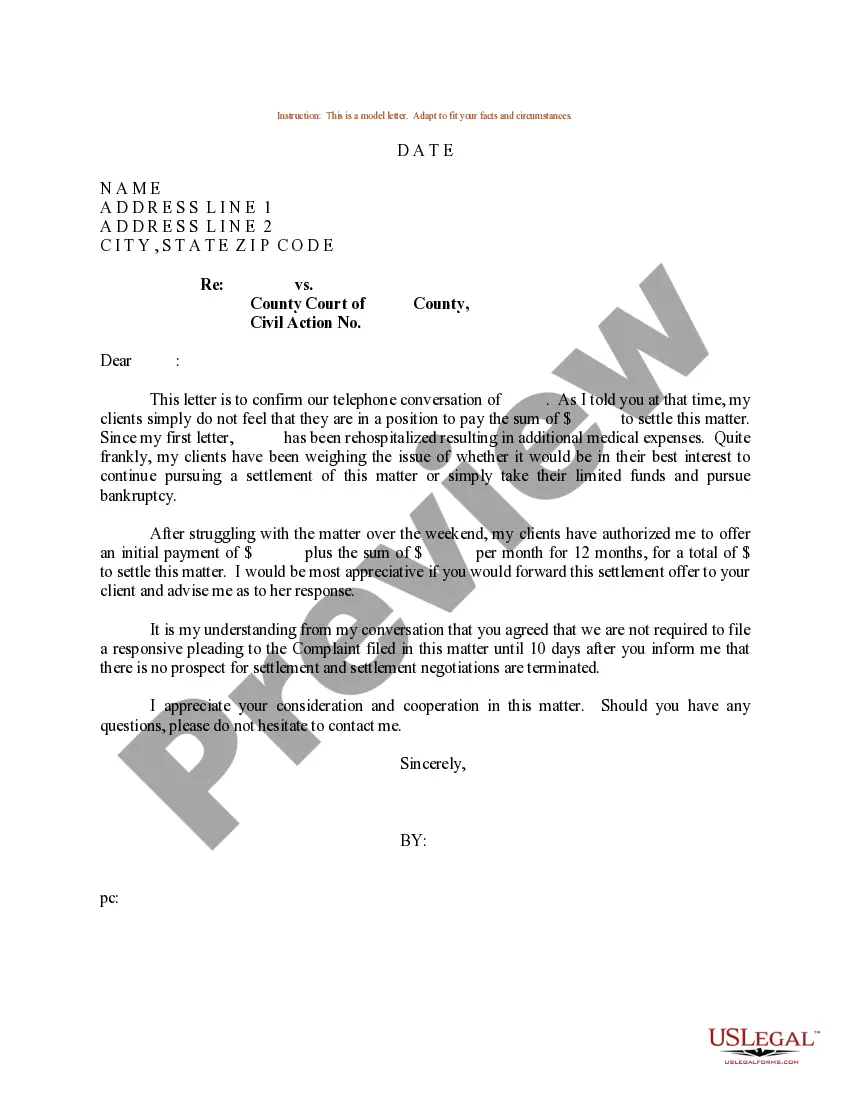
Sample Letter Form With The Same Address
Description

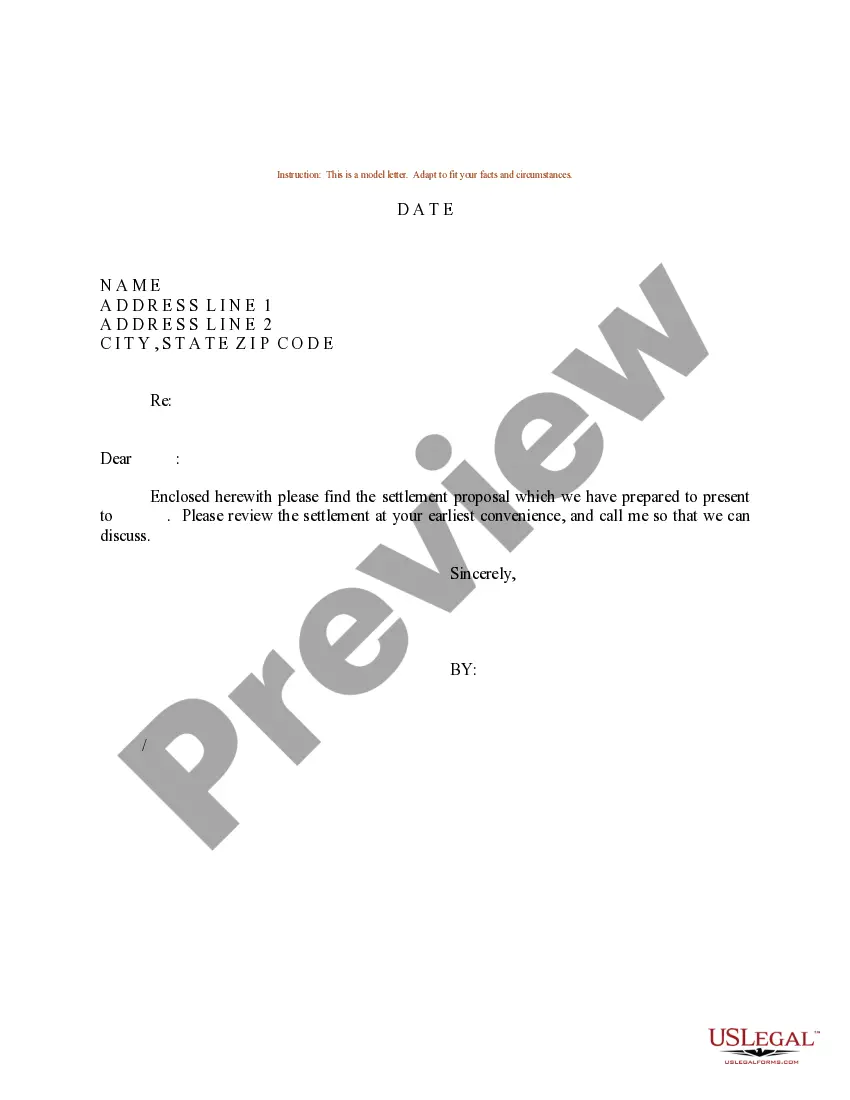
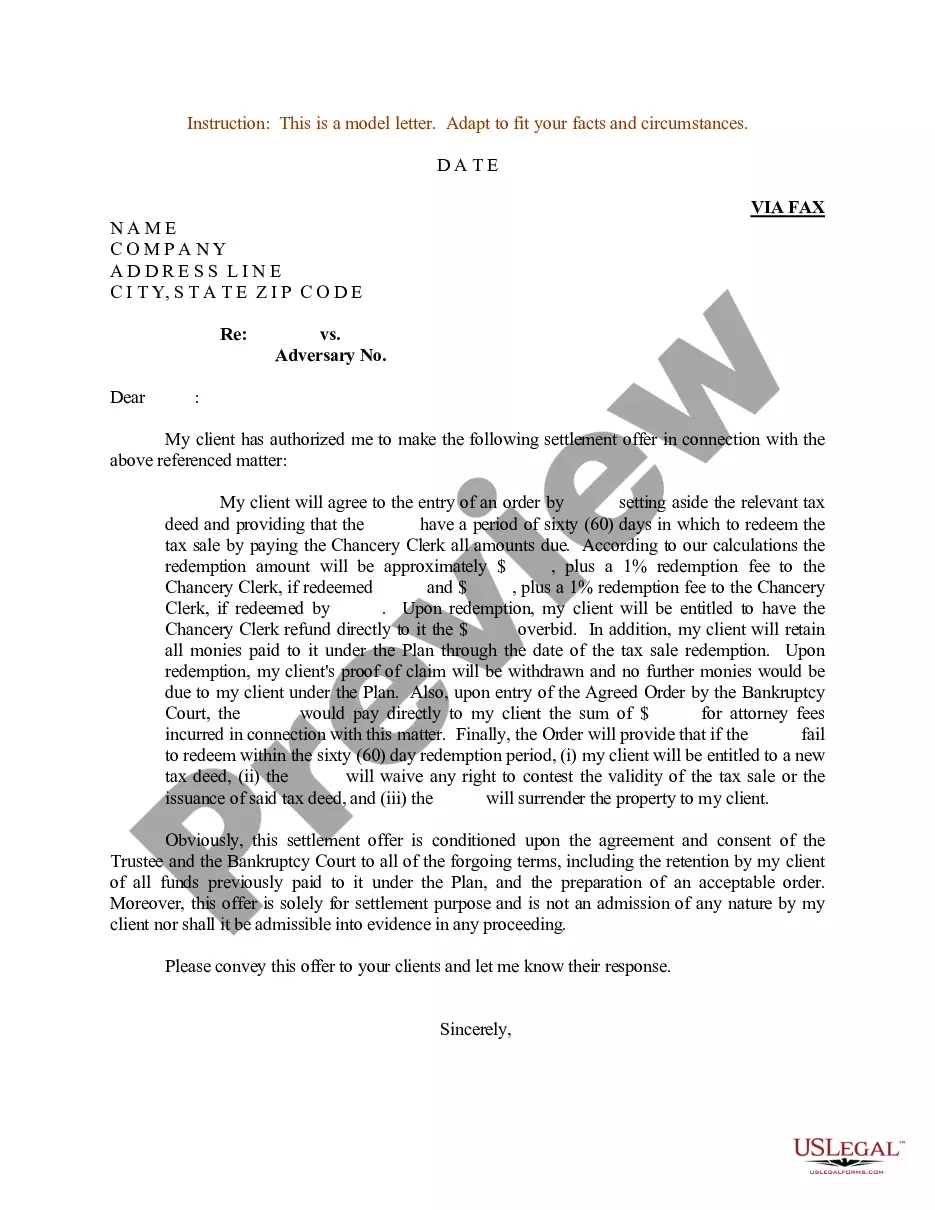

Get your form ready online
Our built-in tools help you complete, sign, share, and store your documents in one place.
Make edits, fill in missing information, and update formatting in US Legal Forms—just like you would in MS Word.
Download a copy, print it, send it by email, or mail it via USPS—whatever works best for your next step.
Sign and collect signatures with our SignNow integration. Send to multiple recipients, set reminders, and more. Go Premium to unlock E-Sign.
If this form requires notarization, complete it online through a secure video call—no need to meet a notary in person or wait for an appointment.
We protect your documents and personal data by following strict security and privacy standards.

Make edits, fill in missing information, and update formatting in US Legal Forms—just like you would in MS Word.

Download a copy, print it, send it by email, or mail it via USPS—whatever works best for your next step.

Sign and collect signatures with our SignNow integration. Send to multiple recipients, set reminders, and more. Go Premium to unlock E-Sign.

If this form requires notarization, complete it online through a secure video call—no need to meet a notary in person or wait for an appointment.

We protect your documents and personal data by following strict security and privacy standards.
Looking for another form?
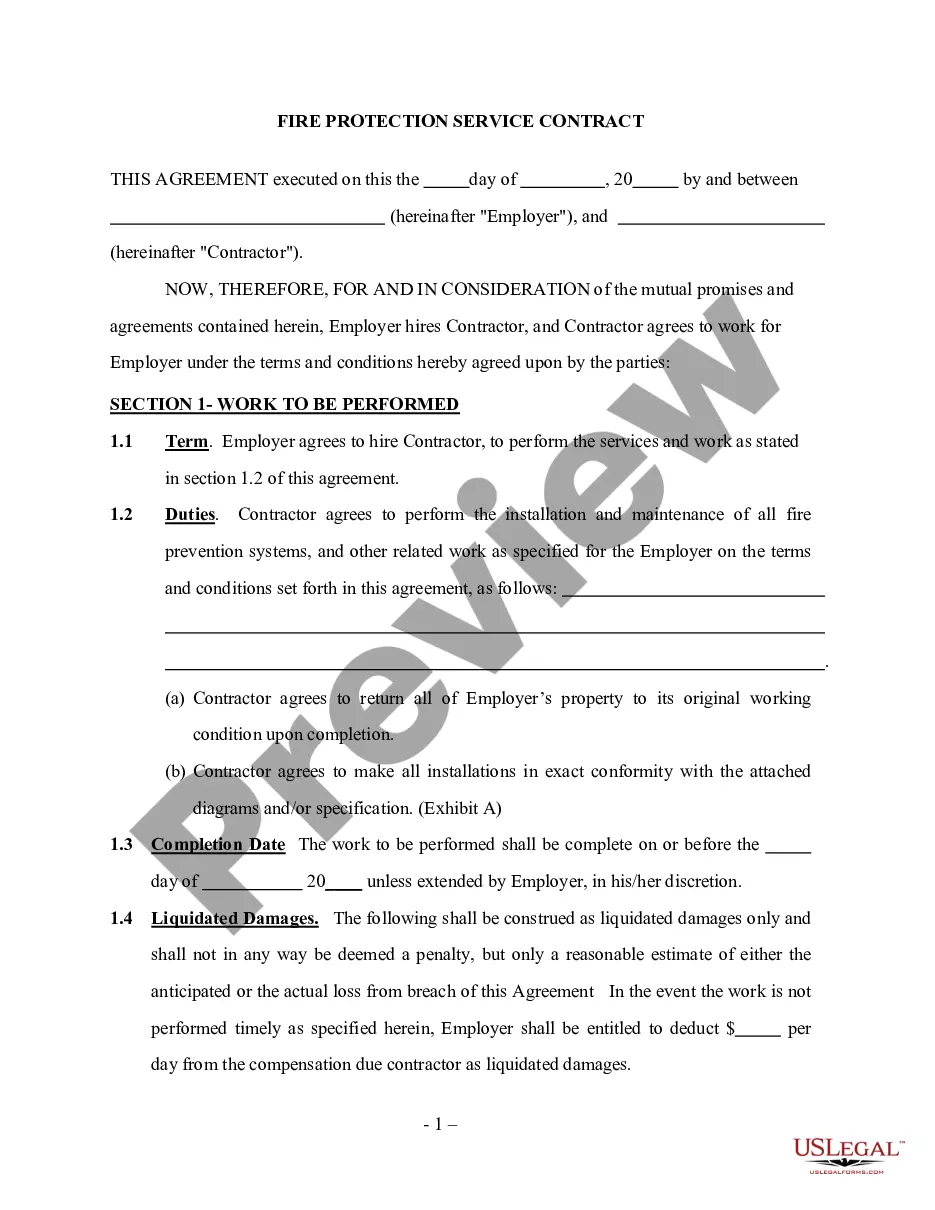








How to fill out Sample Letter For Settlement - Counter Offer?
- Log in to your US Legal Forms account if you have used their service previously. Ensure your subscription is valid. If needed, renew it based on your selected payment plan.
- If you're a new user, start by checking the Preview mode and form description, ensuring that the selected document fits your requirements and complies with local jurisdiction.
- If any discrepancies arise, make use of the Search tab to locate the correct template. Once you find a suitable option, proceed to the next step.
- Purchase the document by clicking the 'Buy Now' button and selecting your preferred subscription plan, which will require you to create an account for full access.
- Complete your purchase by entering your payment details via credit card or PayPal to activate your subscription.
- Download your completed form directly to your device, allowing you to access it anytime in the 'My Forms' section of your account for future use.
In conclusion, US Legal Forms empowers users by providing a comprehensive library of more than 85,000 legal forms. Their robust collection and access to premium experts ensure you create legally sound documents with ease.
Start your journey today and discover how US Legal Forms can simplify your legal documentation needs!
Form popularity
FAQ
To correctly write an address on a letter, you should position your address at the top left corner. Include all necessary details such as your name, street address, city, state, and postal code. This format is especially useful in a sample letter form with the same address, maintaining professionalism and clarity.
The correct format for an address typically includes the sender's name, street number, street name, city, state, and zip code. It’s important to follow this order as it facilitates postal delivery. When using a sample letter form with the same address, ensure you present the information clearly and consistently.
Yes, you can send a letter with the same return address as your recipient's address. This is often done in business correspondence or when sending invitations. Utilizing a sample letter form with the same address helps ensure that your letter meets this requirement while maintaining clarity.
Formatting an address on a letter involves placing your address at the top, followed by the date. Next, write the recipient’s address, ensuring it is aligned to the left. This method provides clarity and alignment with best practices for a sample letter form with the same address.
To create a formal letter with an address, start with your address followed by the date, and then include the recipient's address. Be sure to use a clear and formal salutation, such as 'Dear Recipient’s Name.' Following these steps will enhance your letter’s professionalism, making it effective and relevant, especially in a sample letter form with the same address.
When writing an address in a letter format, begin with your address in the top left corner. After writing your address, add the recipient's name and address directly below it. This structure not only looks professional, but it also aligns well with a sample letter form with the same address.
To write a letter that includes your address, start with your address at the top of the page. Ensure you include the street number, street name, city, state, and zip code. Following your address, leave a space and then write the date. This layout is crucial in a sample letter form with the same address.
When writing an address formally, include the recipient's name, followed by their street address, city, state, and ZIP code. Ensure each part is on a separate line to enhance readability. Utilizing a sample letter form with the same address can help you ensure that your formatted address meets professional standards, making your letter appear polished and respectful.
A formal letter generally begins with your address, followed by the date, and then the recipient's address. After this, include a proper salutation such as 'Dear Recipient's Name'. Using a sample letter form with the same address can simplify this process as it assists in guiding you through maintaining the correct structure for clarity and professionalism.
To start a formal letter, begin by including your address at the top, followed by the date. Next, add the recipient's address, ensuring both addresses are clear and formatted properly. This sets a professional tone, especially when using a sample letter form with the same address, which helps maintain consistency throughout the document.