Staff Review Form With Answer Key
Description
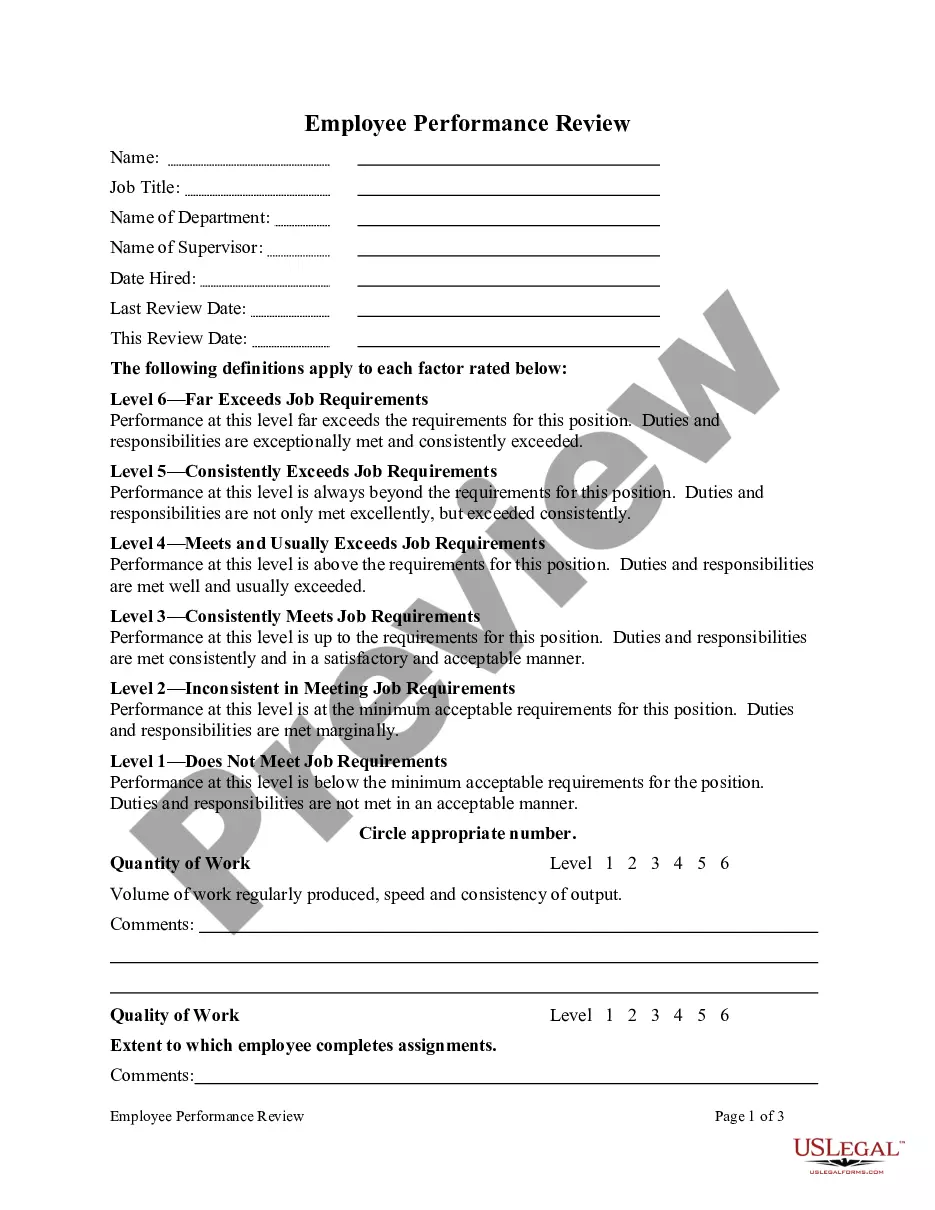
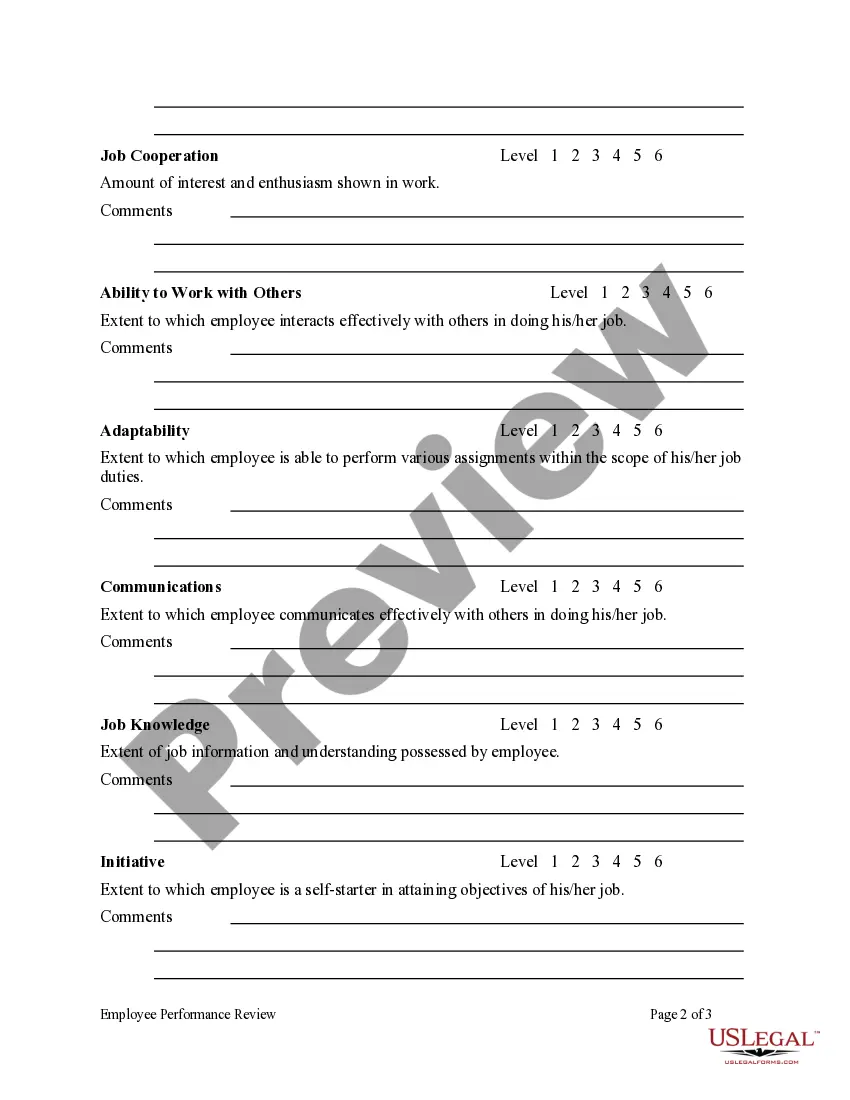
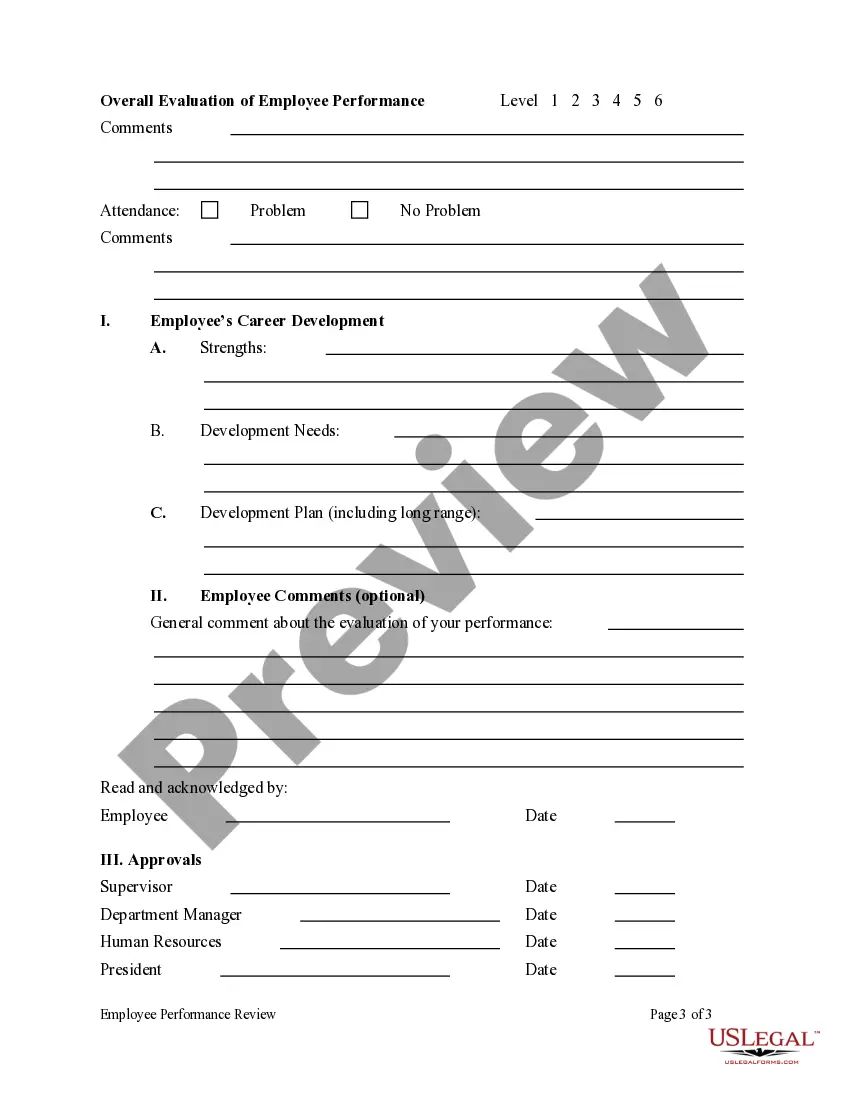

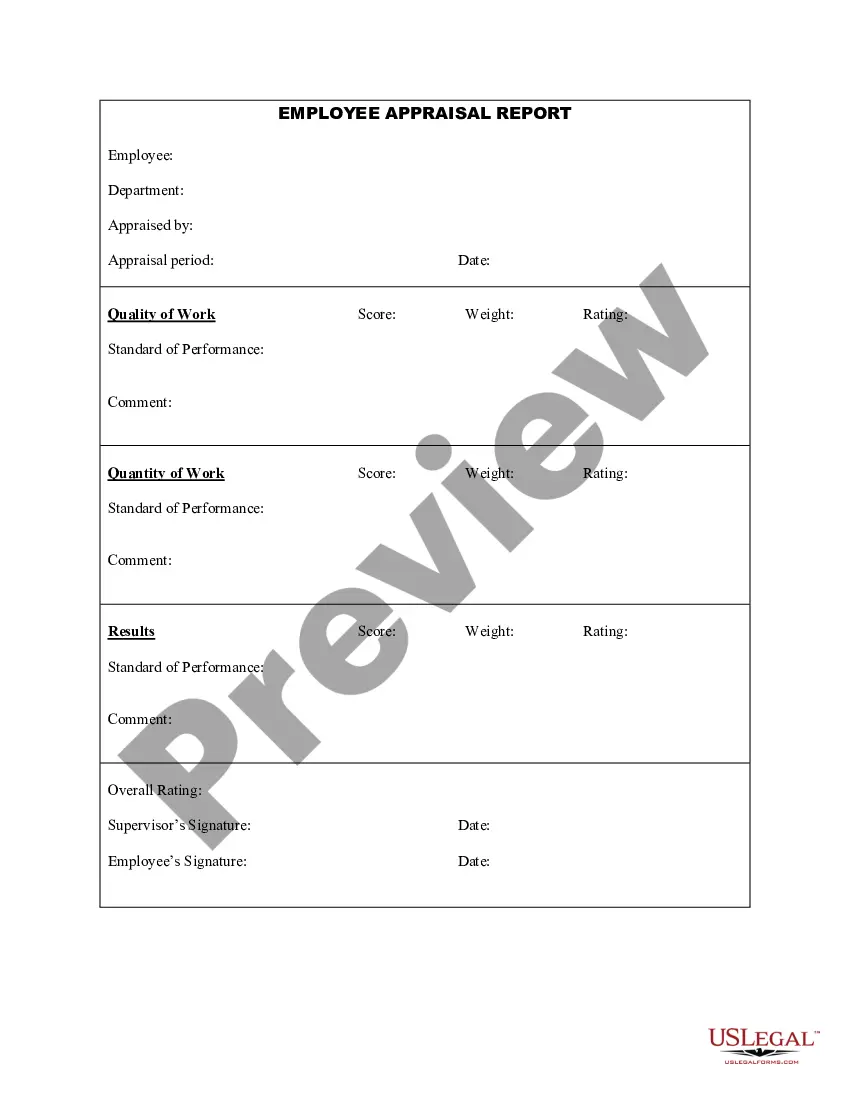
Get your form ready online
Our built-in tools help you complete, sign, share, and store your documents in one place.
Make edits, fill in missing information, and update formatting in US Legal Forms—just like you would in MS Word.
Download a copy, print it, send it by email, or mail it via USPS—whatever works best for your next step.
Sign and collect signatures with our SignNow integration. Send to multiple recipients, set reminders, and more. Go Premium to unlock E-Sign.
If this form requires notarization, complete it online through a secure video call—no need to meet a notary in person or wait for an appointment.
We protect your documents and personal data by following strict security and privacy standards.

Make edits, fill in missing information, and update formatting in US Legal Forms—just like you would in MS Word.

Download a copy, print it, send it by email, or mail it via USPS—whatever works best for your next step.

Sign and collect signatures with our SignNow integration. Send to multiple recipients, set reminders, and more. Go Premium to unlock E-Sign.

If this form requires notarization, complete it online through a secure video call—no need to meet a notary in person or wait for an appointment.

We protect your documents and personal data by following strict security and privacy standards.
Looking for another form?





How to fill out Employee Performance Review?
Utilizing legal document examples that adhere to federal and local laws is essential, and the web provides a wealth of choices to select from.
But why spend time searching for the perfect Staff Review Form With Answer Key template online when the US Legal Forms digital library already compiles such forms in one location.
US Legal Forms is the premier online legal repository featuring over 85,000 customizable templates created by attorneys for various business and personal situations.
Evaluate the template using the Preview function or through the text layout to confirm it satisfies your needs.
- They are easy to navigate, with all documents grouped by state and intended use.
- Our specialists keep pace with legal changes, so you can be assured your documents are current and compliant when acquiring a Staff Review Form With Answer Key from our platform.
- Obtaining a Staff Review Form With Answer Key is straightforward and quick for both existing and new users.
- If you possess an account with an active subscription, Log In and download the document template you require in the preferred format.
- If you are new to our website, adhere to the instructions below.
Form popularity
FAQ
The required addback is the amount of the state income tax deduction claimed on the taxpayer's federal return or the amount by which a taxpayer's total itemized deductions exceed the standard deduction otherwise allowable to the taxpayer, whichever is less.
For 2020, Taxpayer has a $159,000 bonus depreciation addback. For 2021, Taxpayer has a $641,000 bonus depreciation addback minus the $320,000 deduction otherwise permitted for Indiana purposes, for a net 2021 adjustment of $321,000.
Meal Deduction Add-Back (3-digit code: 149) If you: ? claimed a deduction for meal expenses with regard to food and beverages provided by a restaurant in computing your federal taxable income; AND ? the deduction would have been limited to 50% of the meal expenses if the expenses had been incurred before Jan.
Tax Add-Back If you claimed a deduction on a Schedule C, C-EZ, E, or F for taxes paid based on, or measured by income and levied at a state level by any state in the U.S., you must add this deduction back to your Indiana return. DO NOT INCLUDE PROPERTY TAXES ON THIS LINE.
Meal Deduction Add-Back (3-digit code: 149) 1, 2021, add back the amount deducted for federal purposes in excess of 50% of the food or beverage expenses.
A new deduction (634) is available to deduct certain expenses for which a deduction is not permitted for federal income tax purposes because an employer claimed a COVID-related employee retention credit.