Medical Release Form For Minor Traveling With Friends
Description
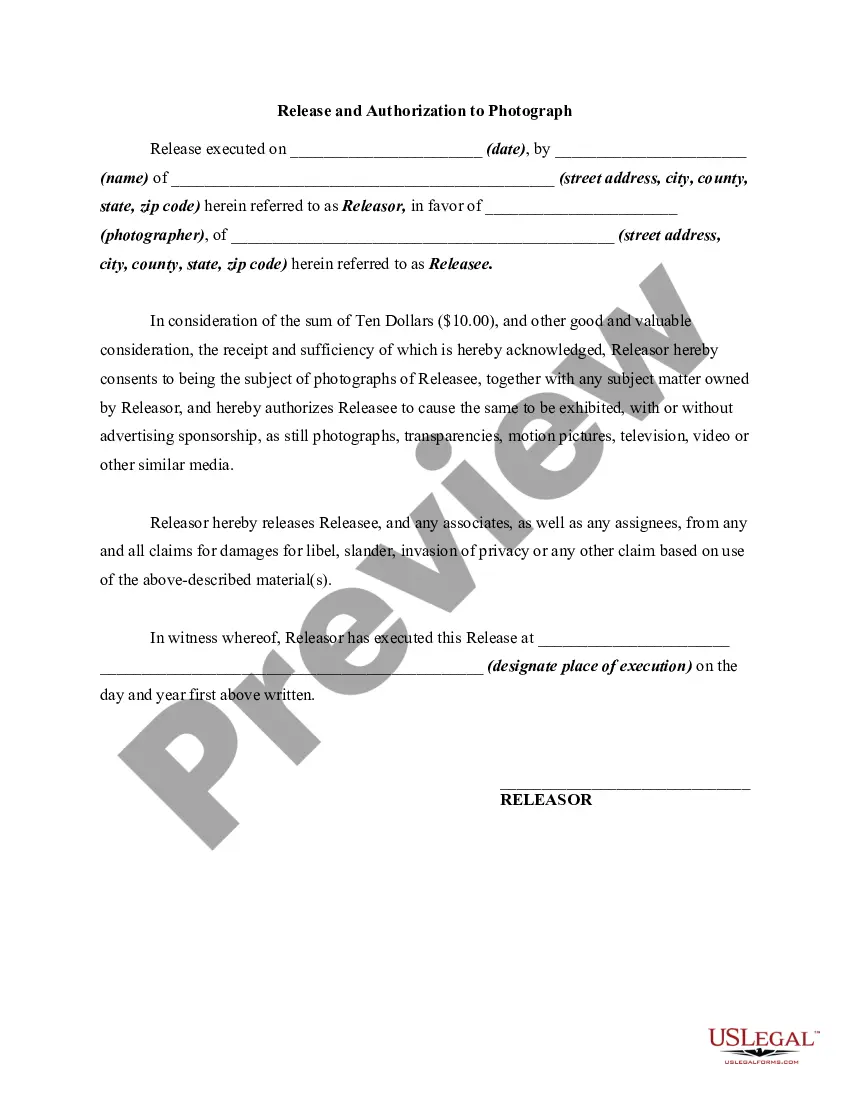
Get your form ready online
Our built-in tools help you complete, sign, share, and store your documents in one place.
Make edits, fill in missing information, and update formatting in US Legal Forms—just like you would in MS Word.
Download a copy, print it, send it by email, or mail it via USPS—whatever works best for your next step.
Sign and collect signatures with our SignNow integration. Send to multiple recipients, set reminders, and more. Go Premium to unlock E-Sign.
If this form requires notarization, complete it online through a secure video call—no need to meet a notary in person or wait for an appointment.
We protect your documents and personal data by following strict security and privacy standards.
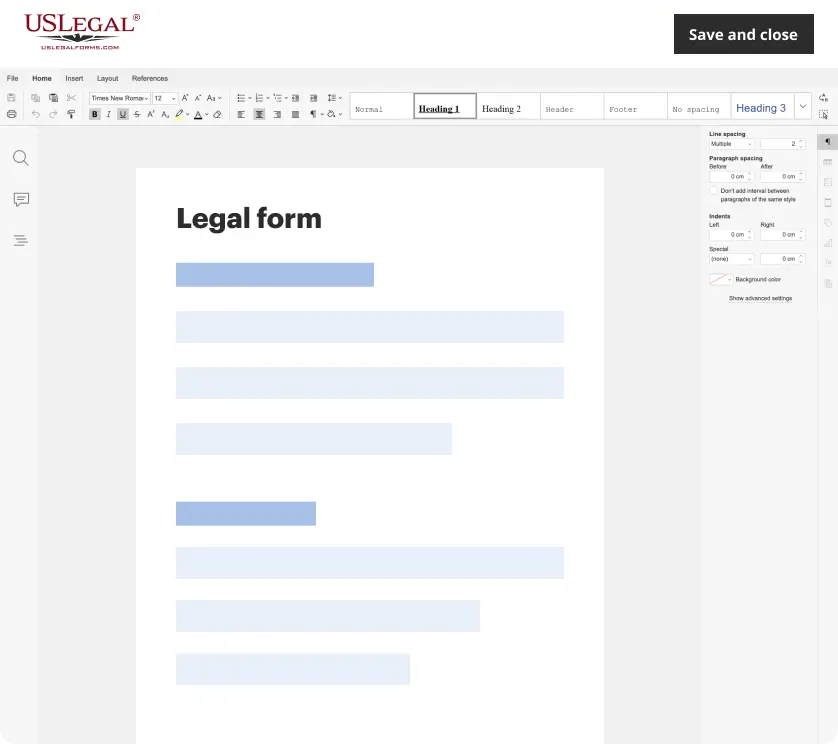
Make edits, fill in missing information, and update formatting in US Legal Forms—just like you would in MS Word.
Download a copy, print it, send it by email, or mail it via USPS—whatever works best for your next step.
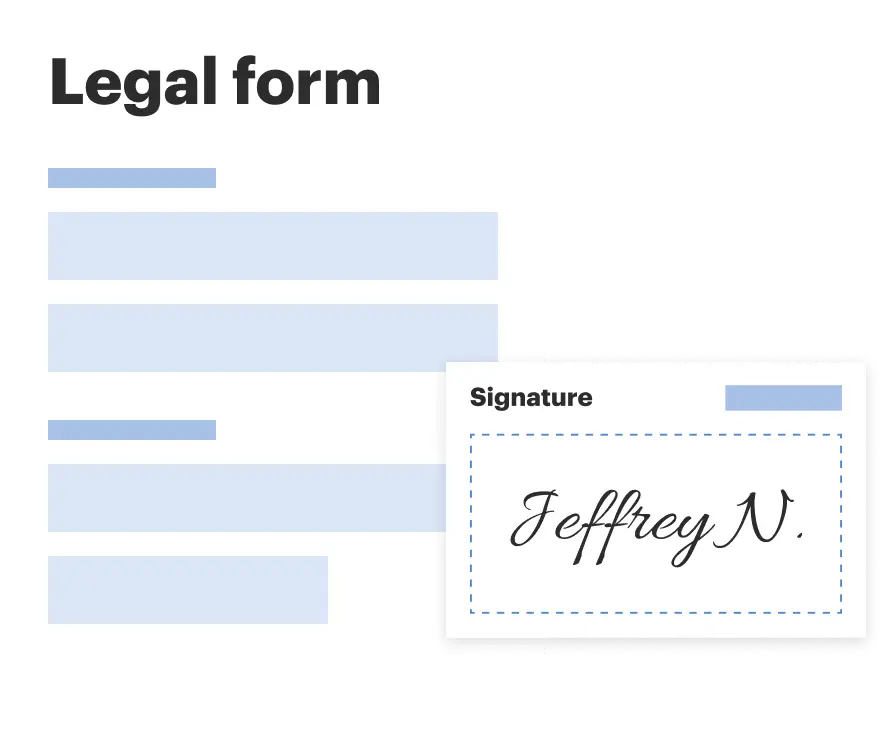
Sign and collect signatures with our SignNow integration. Send to multiple recipients, set reminders, and more. Go Premium to unlock E-Sign.
If this form requires notarization, complete it online through a secure video call—no need to meet a notary in person or wait for an appointment.
We protect your documents and personal data by following strict security and privacy standards.
Looking for another form?
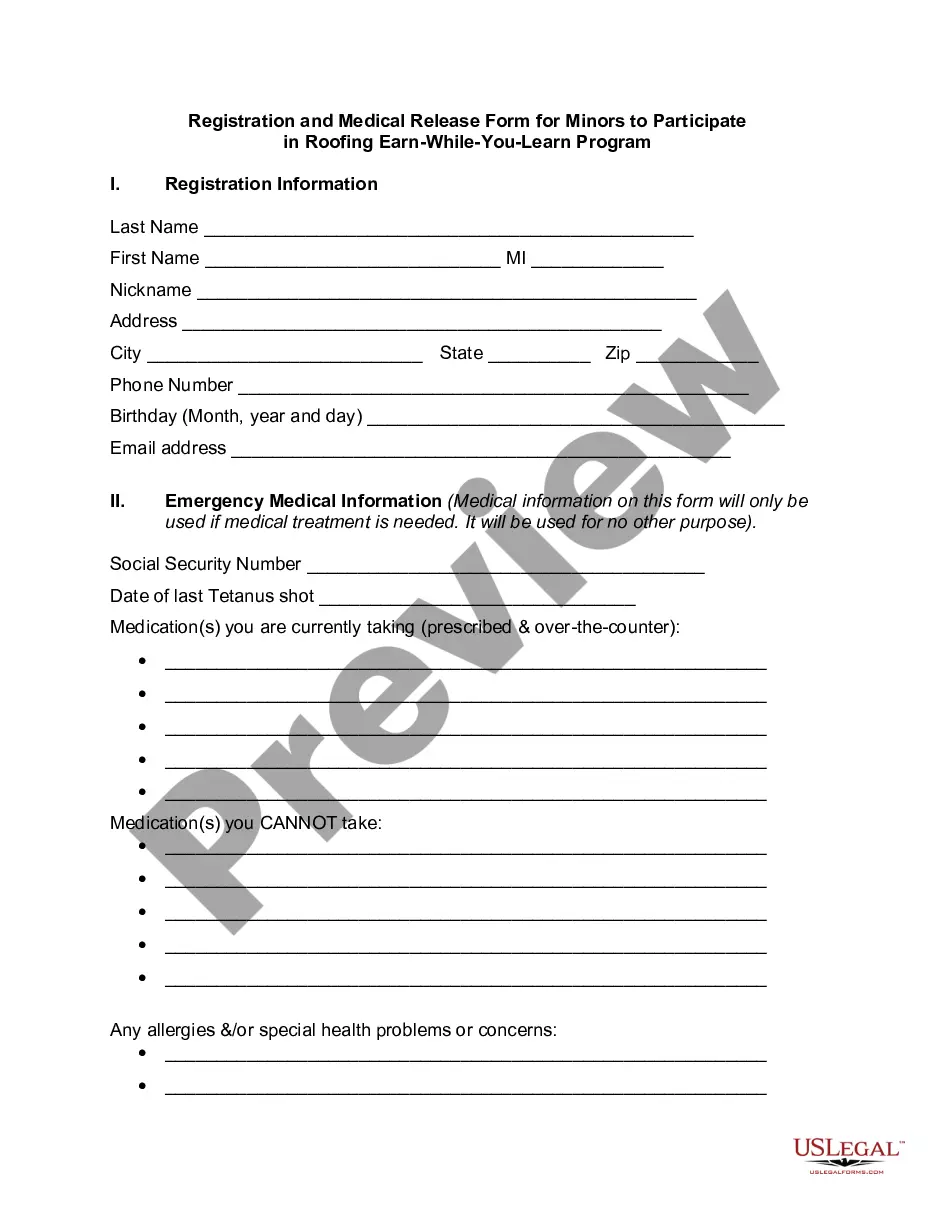
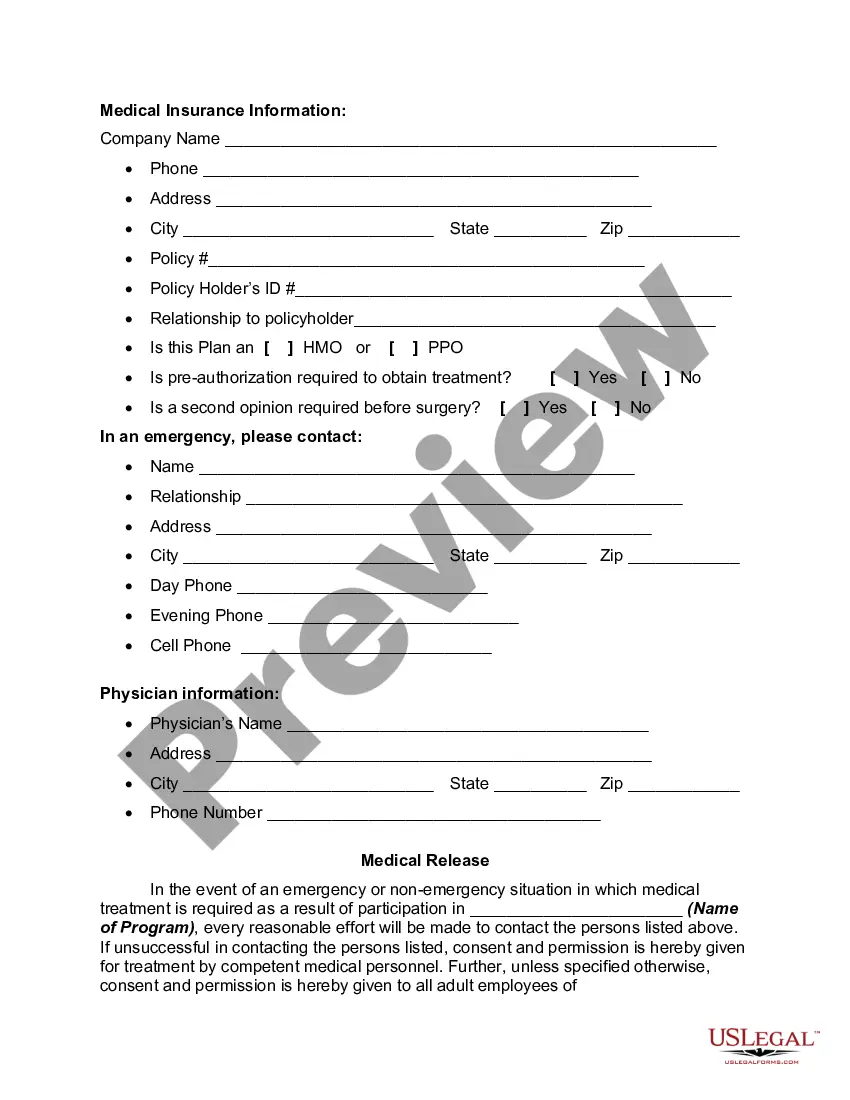
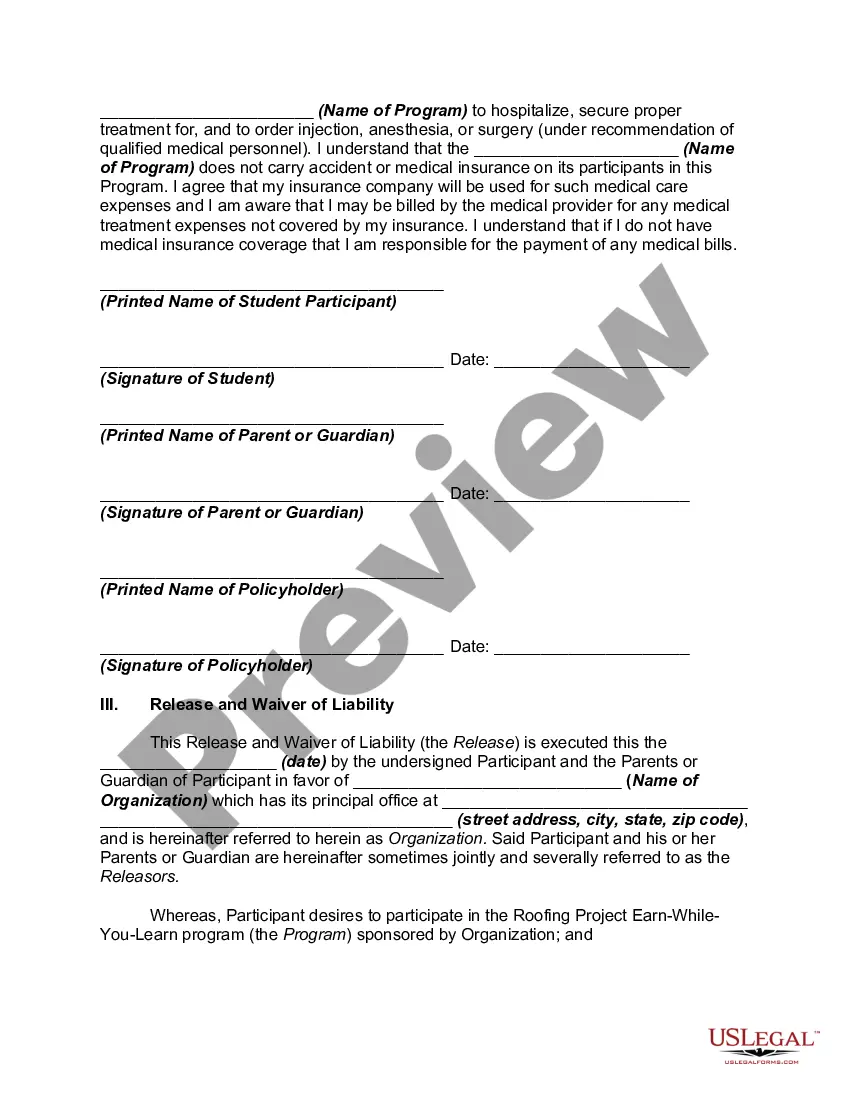
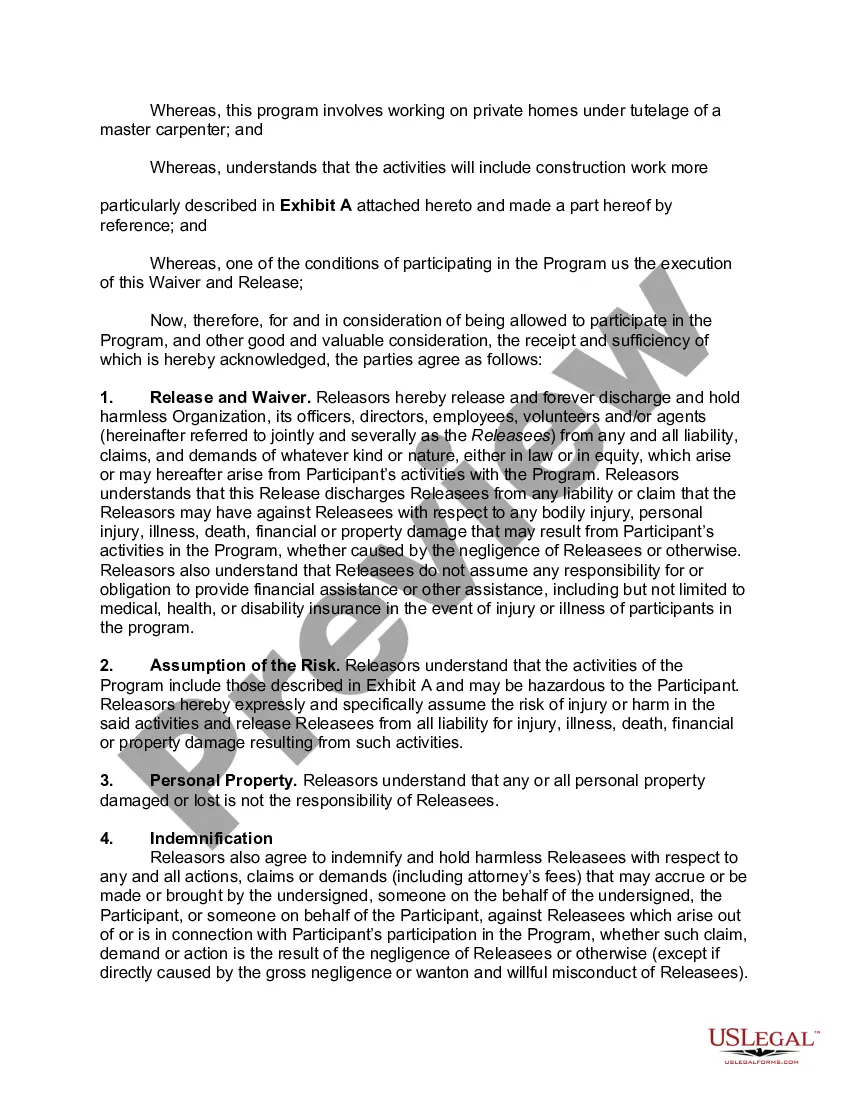
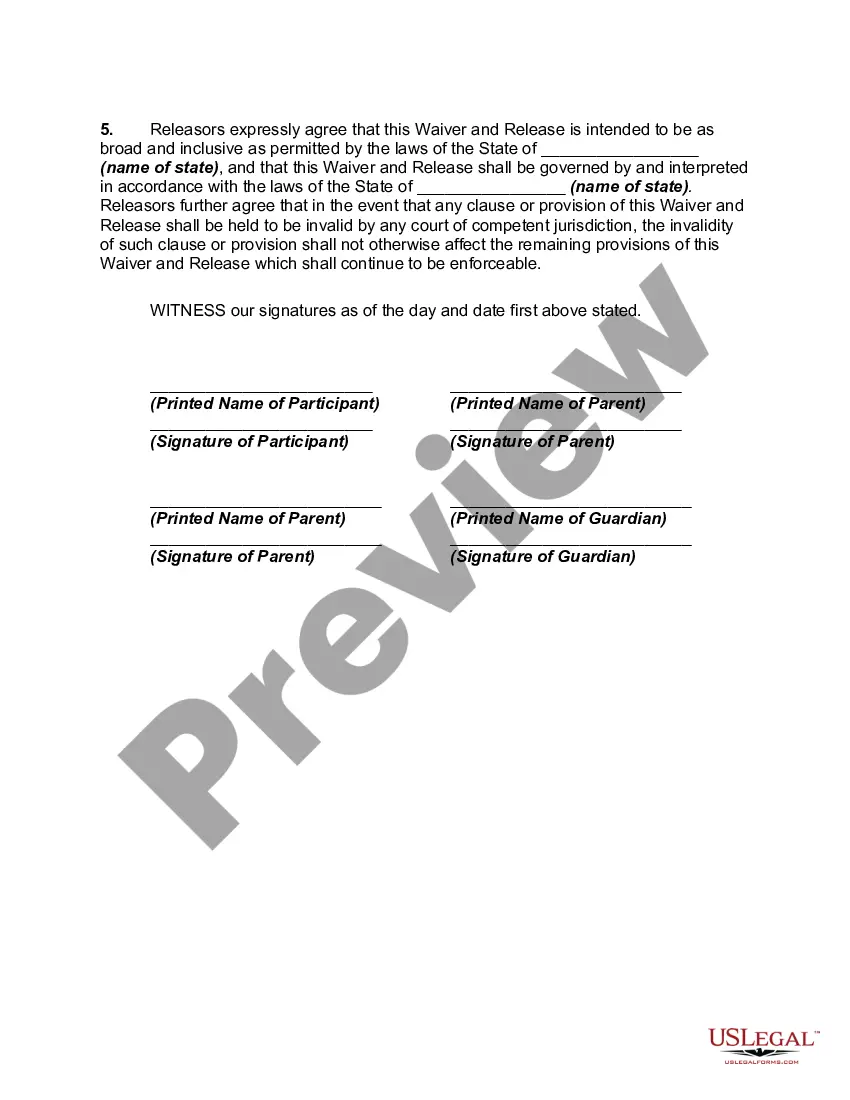
How to fill out Registration And Medical Release Form For Minors To Participate In Roofing Earn-While-You-Learn Program?
What is the most trustworthy service to procure the Medical Release Form For Minor Traveling With Friends and other updated versions of legal documentation? US Legal Forms is the solution! It boasts the most comprehensive assortment of legal documents for any event. Each template is expertly crafted and verified for adherence to federal and local laws. They are organized by region and state of application, so locating the one you require is a straightforward task.
Seasoned users of the platform only need to Log In to their account, confirm if their subscription is active, and click the Download button adjacent to the Medical Release Form For Minor Traveling With Friends to acquire it. Once saved, the template remains accessible for further use within the My documents section of your profile. If you have not yet established an account with our library, here are the steps you should take to create one.
US Legal Forms is an ideal solution for anyone who needs to handle legal documentation. Premium users receive even more benefits, as they can complete and sign previously saved documents electronically at any time using the integrated PDF editing tool. Explore it today!
- Form compliance review. Prior to acquiring any template, you must ensure that it fulfills your specific requirements and complies with your state or county's regulations. Read the template description and utilize the Preview if provided.
- Alternative document search. In the event of any discrepancies, utilize the search bar in the page header to find another template. Click Buy Now to select the appropriate one.
- Registration and subscription purchase. Choose the most suitable pricing option, Log In or register for your account, and process your subscription payment via PayPal or credit card.
- Downloading the documents. Choose the format in which you wish to save the Medical Release Form For Minor Traveling With Friends (PDF or DOCX) and click Download to obtain it.
Form popularity
FAQ
I First and last name of the parent authorize my child The child's first and last name and their date of birth to travel with Full name of the individual or organization that's accompanying the child on the travel to Travel location from Date to Date. You should then sign the letter and get it notarized.
The permission letter should give the child's name, date of birth, the dates of travel, the name of the adult companion, the allowed travel destinations and the reason for travel. Contact phone numbers for both parents, their full names and their signatures should also be included.
I, , parent or legal guardian of , born , do hereby consent to any medical care and the administration of anesthesia determined by a physician to be necessary for the welfare of my child while said child
A Child Travel Consent gives a minor child permission to travel without both of their parents or legal guardians. Use this form when your child needs to travel alone, with only one parent, or with another adult who is not their legal guardian (e.g., a grandparent, friend, or teacher).
How to create a parental consent form for travel.Child's full name.Date of birth.Place of birth.Passport number and information (for international travel)Who is accompanying the child, their contact information, and relationship (if any)Destination, including timeframes and addresses.Parent signatures.