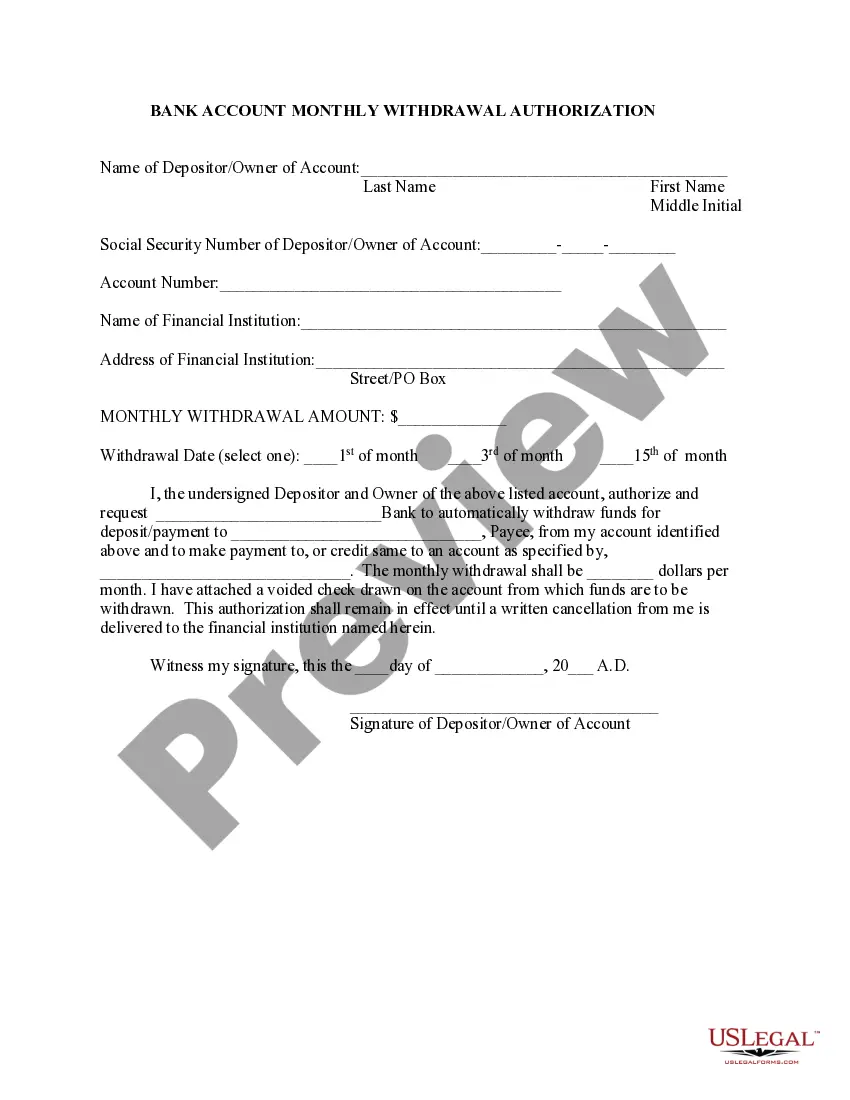
Form Bank Statement With Your Checkbook
Description
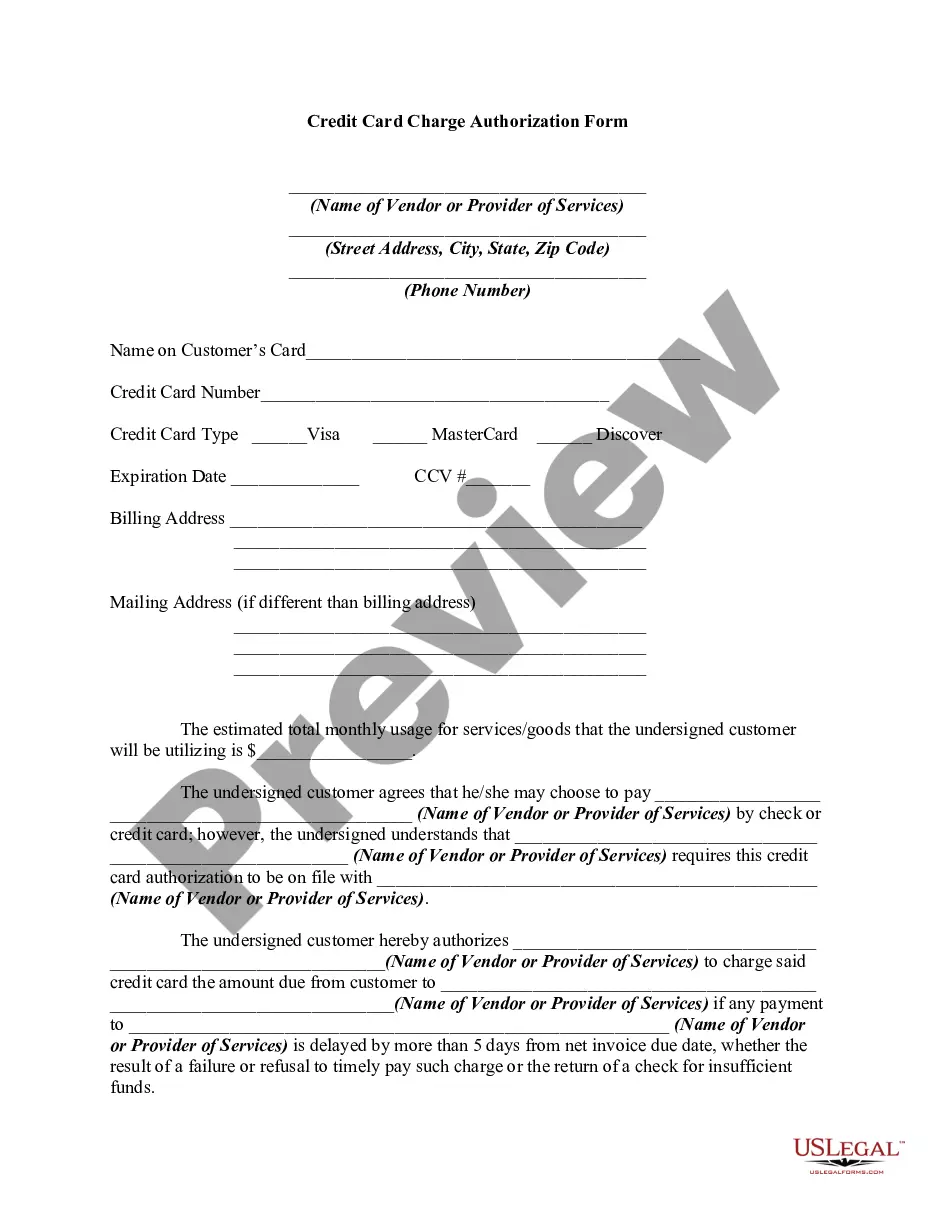
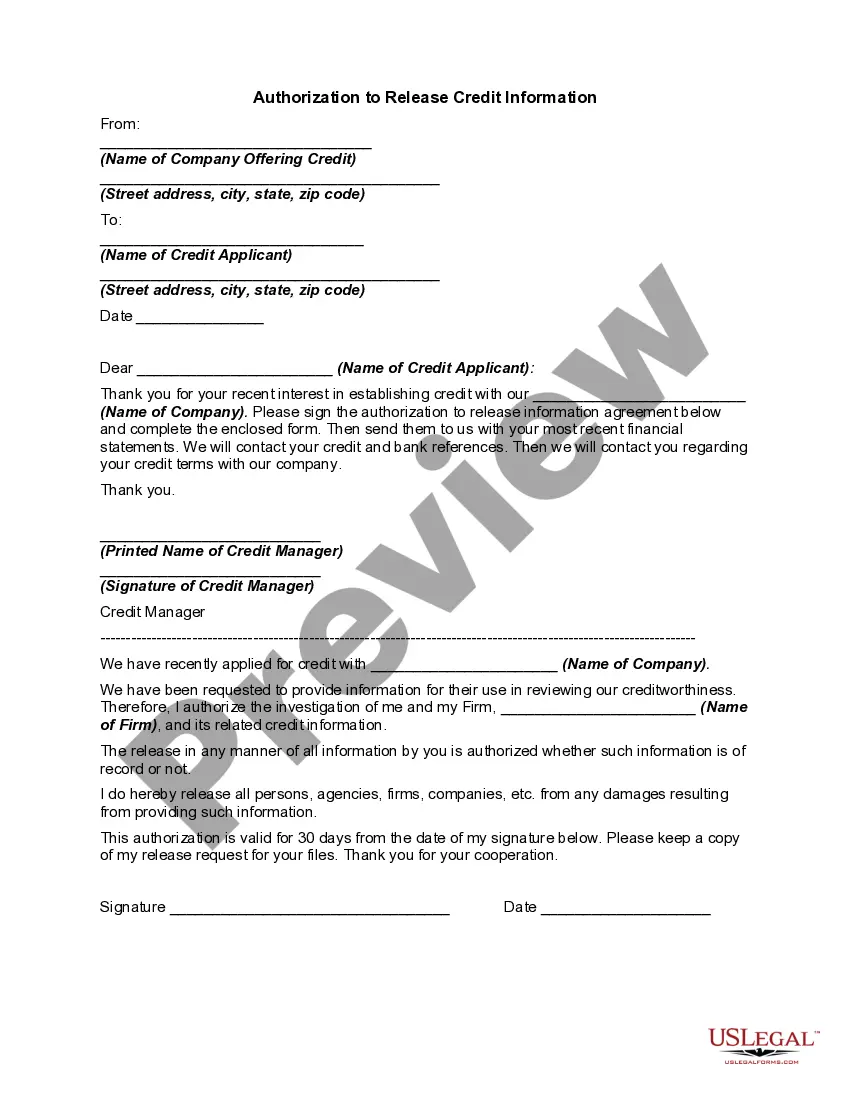
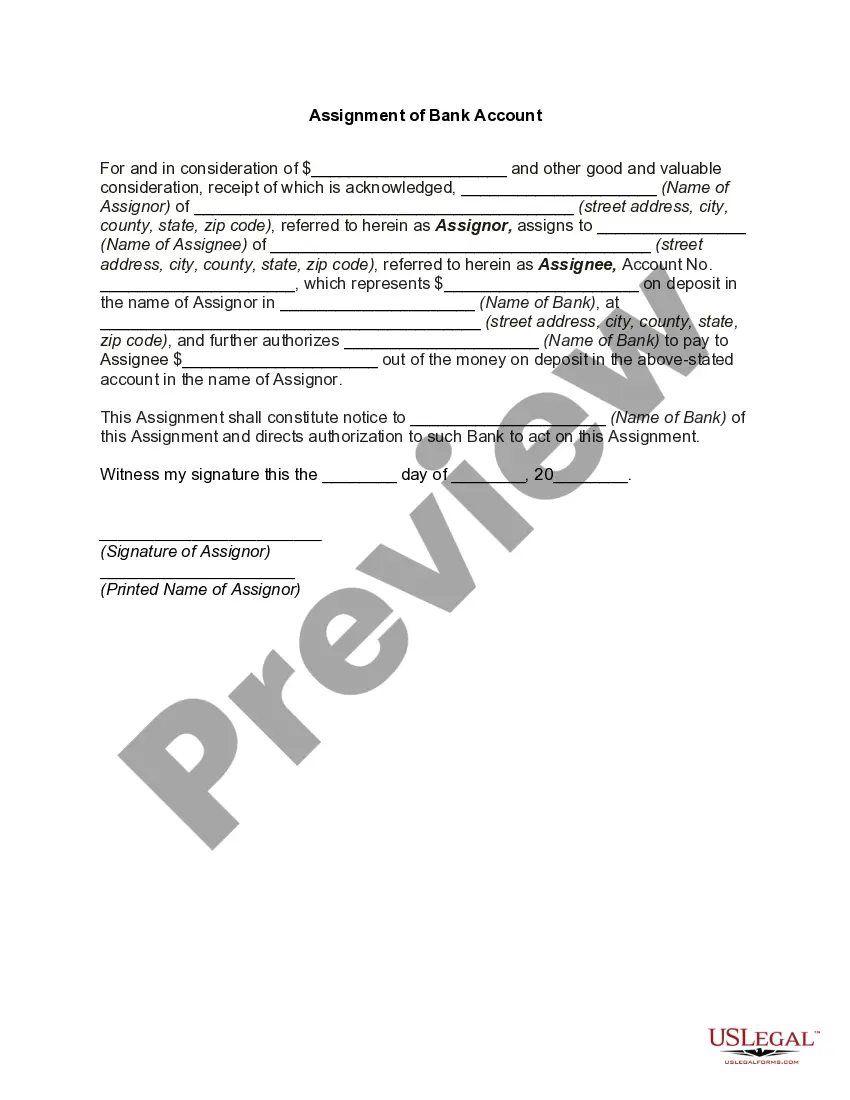
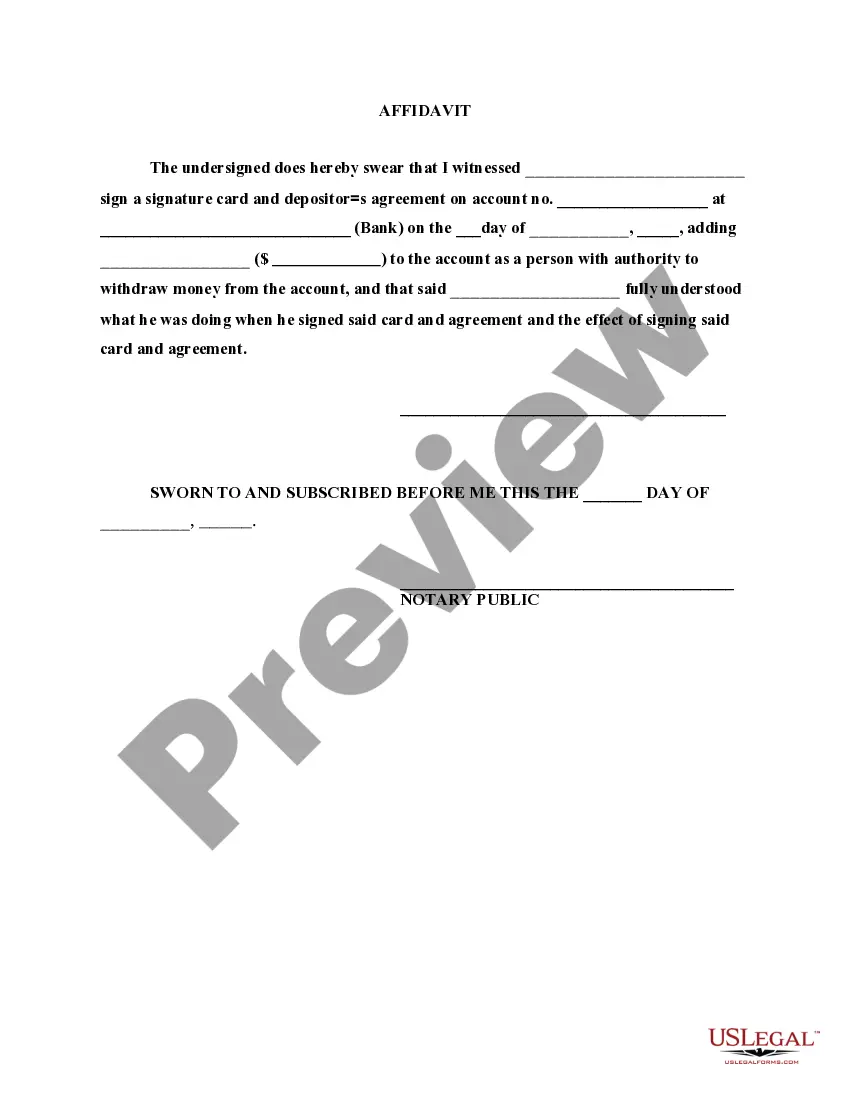
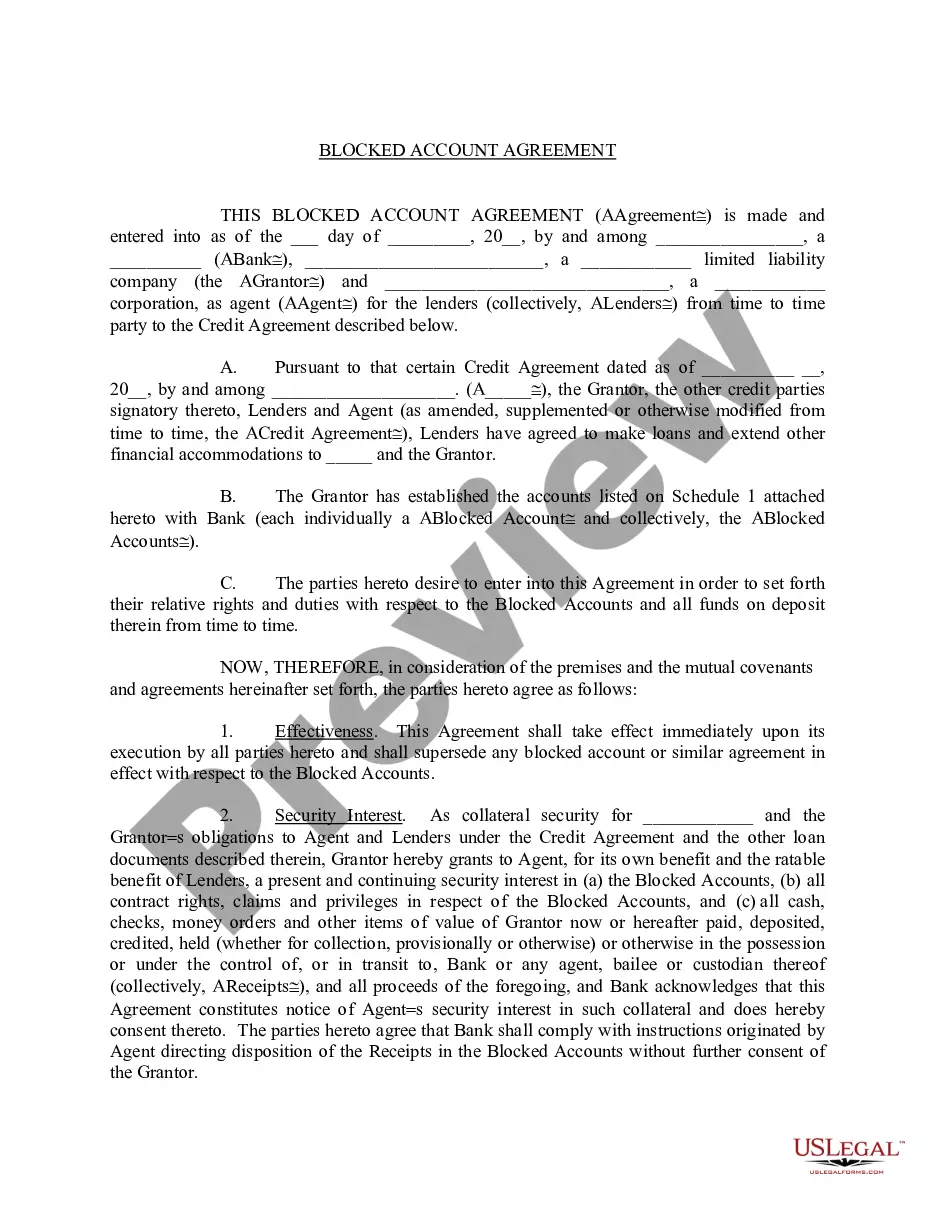
Get your form ready online
Our built-in tools help you complete, sign, share, and store your documents in one place.
Make edits, fill in missing information, and update formatting in US Legal Forms—just like you would in MS Word.
Download a copy, print it, send it by email, or mail it via USPS—whatever works best for your next step.
Sign and collect signatures with our SignNow integration. Send to multiple recipients, set reminders, and more. Go Premium to unlock E-Sign.
If this form requires notarization, complete it online through a secure video call—no need to meet a notary in person or wait for an appointment.
We protect your documents and personal data by following strict security and privacy standards.

Make edits, fill in missing information, and update formatting in US Legal Forms—just like you would in MS Word.

Download a copy, print it, send it by email, or mail it via USPS—whatever works best for your next step.

Sign and collect signatures with our SignNow integration. Send to multiple recipients, set reminders, and more. Go Premium to unlock E-Sign.

If this form requires notarization, complete it online through a secure video call—no need to meet a notary in person or wait for an appointment.

We protect your documents and personal data by following strict security and privacy standards.
Looking for another form?


How to fill out Bank Account Monthly Withdrawal Authorization?
Legal documents handling can be daunting, even for the most seasoned professionals.
When you are looking for a Form Bank Statement With Your Checkbook and don’t have the time to search for the appropriate and updated version, the processes can become overwhelming.
Access a repository of articles, guides, handbooks, and resources pertinent to your situation and needs.
Conserve time and energy searching for the forms you require, and utilize US Legal Forms’ advanced search and Review tool to find Form Bank Statement With Your Checkbook and obtain it.
Select Buy Now when you are ready. Choose a subscription plan. Locate the format you need, and Download, complete, eSign, print, and forward your documents. Benefit from the US Legal Forms web library, supported by 25 years of expertise and reliability. Transform your daily document management into a seamless and intuitive experience today.
- If you have a monthly subscription, Log In to your US Legal Forms account, search for the document, and retrieve it.
- Check your My documents tab to view the documents you've previously downloaded and manage your folders as necessary.
- If it’s your first time using US Legal Forms, create an account to gain unlimited access to all the advantages of the library.
- Here are the next steps after you obtain the form you need.
- Ensure it is the correct document by previewing it and reviewing its details.
- Confirm that the template is accepted in your state or county.
- Utilize state- or county-specific legal and business documents.
- US Legal Forms accommodates any requests you may have, from personal to corporate papers, all in one location.
- Employ advanced tools to fill out and manage your Form Bank Statement With Your Checkbook.
Form popularity
FAQ
Filling in a bank statement form requires you to enter your personal and account information at the top. Next, include the details of the transactions you wish to record, specifying amounts and dates. Make sure you keep your entries organized and consistent, as this reflects your financial activity accurately. Using tools like uslegalforms, you can easily form a bank statement with your checkbook for streamlined management.
The process of matching your bank statement with your checkbook is known as reconciliation. This essential financial practice ensures that your documented transactions correspond with your bank's records. By reconciling regularly, you can catch mistakes early and maintain a healthy understanding of your finances. Ultimately, this allows you to efficiently form a bank statement with your checkbook.
When comparing your bank statement with your checkbook register, you are verifying that your recorded transactions align with what your bank shows. This includes checking each check, withdrawal, and deposit for accuracy. If differences arise, identify their reasons to correct any errors. This careful comparison aids in forming a bank statement with your checkbook, ensuring accurate financial records.
Filling in a checkbook register starts with writing the date of each transaction. Next, include a description of the transaction and the amount spent or received. Always record the balance after each entry to maintain an accurate overview of your finances. This practice simplifies the process when you need to form a bank statement with your checkbook.
To ensure your checkbook and bank statement match, regularly update your check register with every transaction. At the end of your statement period, cross-reference each entry in your checkbook with your bank statement. If discrepancies occur, investigate these using records like receipts or invoices. This process helps you effectively form a bank statement with your checkbook.
Balancing a checkbook involves comparing your recorded transactions with your bank statement. First, review your checkbook entries while matching them against your bank statement. Ensure you account for any outstanding checks or deposits not yet reflected in the statement. Once this is done, you can accurately form a bank statement with your checkbook for a complete financial overview.
The process of matching your bank statement with your checkbook is commonly referred to as reconciliation. When you reconcile your accounts, you verify that the records you maintain in your checkbook align with the bank's records. This step is crucial for ensuring accurate financial tracking and helps identify any discrepancies. Using our platform, you can easily form a bank statement with your checkbook, making reconciliation straightforward and efficient.
Though both a bank statement and a checkbook register track account activity, their roles differ. A bank statement consolidates your financial activity for a set period, while your checkbook register captures real-time transaction details. By utilizing both tools, you can easily form a bank statement with your checkbook to maintain accurate financial records and monitor your spending habits.
Yes, you can typically visit your bank and request a blank check. Banks usually provide checks to account holders, but policies may vary by institution. If you need to quickly form a bank statement with your checkbook, ensure you have proper identification and account information to facilitate the process.
A bank statement is a summary of your account activity over a specific period, usually a month. It shows deposits, withdrawals, and your ending balance. In contrast, a check register is a record you maintain to track individual transactions made with your checkbook. To effectively manage your finances, you can form a bank statement with your checkbook to reconcile your records and ensure accuracy.