Copyright Book Rights Within A Company
Description
Get your form ready online
Our built-in tools help you complete, sign, share, and store your documents in one place.
Make edits, fill in missing information, and update formatting in US Legal Forms—just like you would in MS Word.
Download a copy, print it, send it by email, or mail it via USPS—whatever works best for your next step.
Sign and collect signatures with our SignNow integration. Send to multiple recipients, set reminders, and more. Go Premium to unlock E-Sign.
If this form requires notarization, complete it online through a secure video call—no need to meet a notary in person or wait for an appointment.
We protect your documents and personal data by following strict security and privacy standards.

Make edits, fill in missing information, and update formatting in US Legal Forms—just like you would in MS Word.

Download a copy, print it, send it by email, or mail it via USPS—whatever works best for your next step.

Sign and collect signatures with our SignNow integration. Send to multiple recipients, set reminders, and more. Go Premium to unlock E-Sign.

If this form requires notarization, complete it online through a secure video call—no need to meet a notary in person or wait for an appointment.

We protect your documents and personal data by following strict security and privacy standards.
Looking for another form?









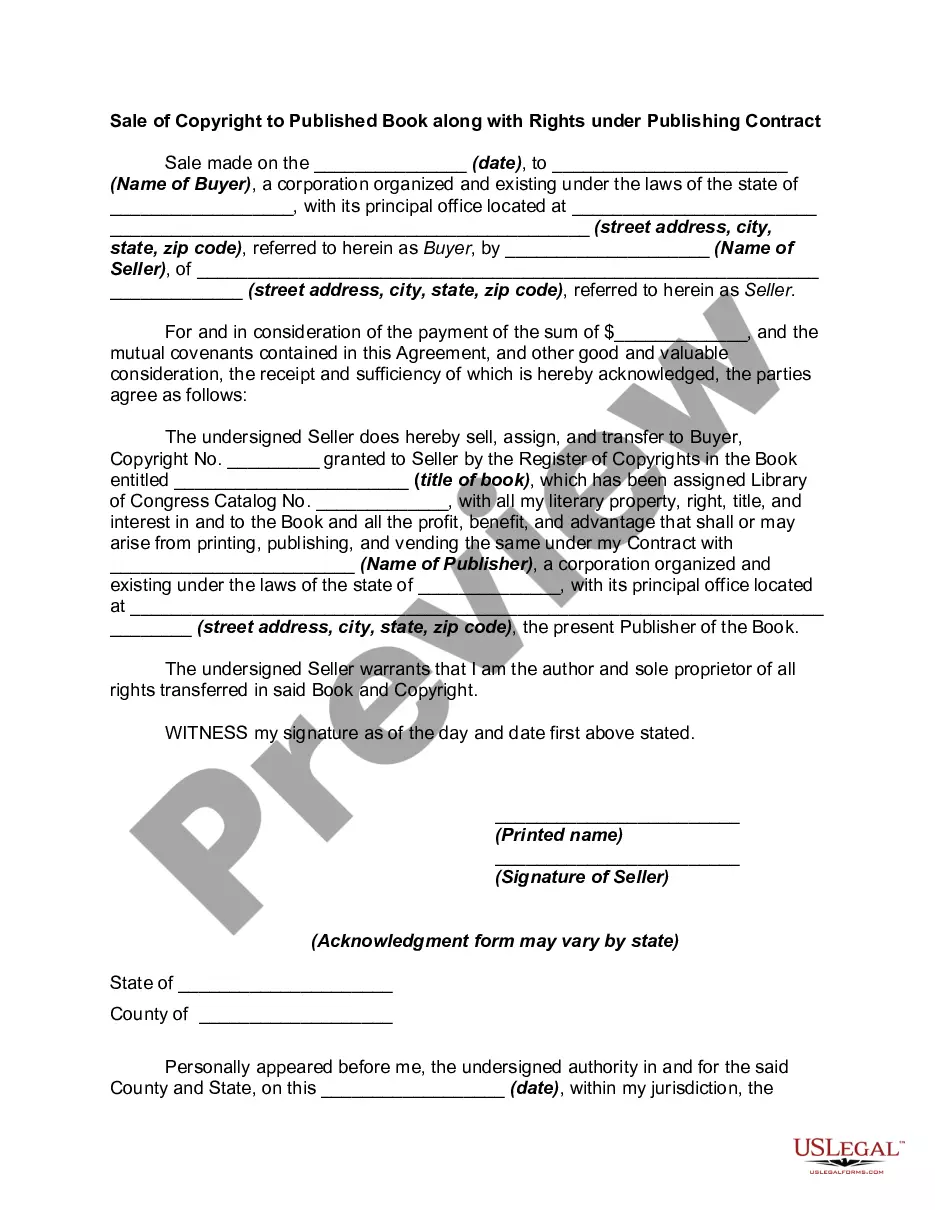
How to fill out Sale Of Copyright To Published Book Along With Rights Under Publishing?
Creating legal documents from the ground up can occasionally be intimidating.
Certain situations may require extensive investigation and substantial financial investment.
If you're seeking a more uncomplicated and economical method of producing Copyright Book Rights Within A Company or any other documentation without having to navigate through complexities, US Legal Forms is perpetually accessible to you.
Our online repository of over 85,000 contemporary legal documents covers nearly every aspect of your fiscal, legal, and personal concerns. With just a handful of clicks, you can swiftly access state- and county-specific forms meticulously prepared for you by our legal authorities.
US Legal Forms is well-regarded and has over 25 years of experience. Join us now and make document completion straightforward and efficient!
- Utilize our platform whenever you require dependable and trustworthy services through which you can effortlessly find and download the Copyright Book Rights Within A Company.
- If you’re already familiar with our services and have established an account with us, simply Log In to your account, select the form, and download it, or retrieve it at any time from the My documents section.
- Don’t possess an account? No worries. It only takes a few minutes to create one and browse the catalog.
- However, before directly downloading Copyright Book Rights Within A Company, adhere to these recommendations.
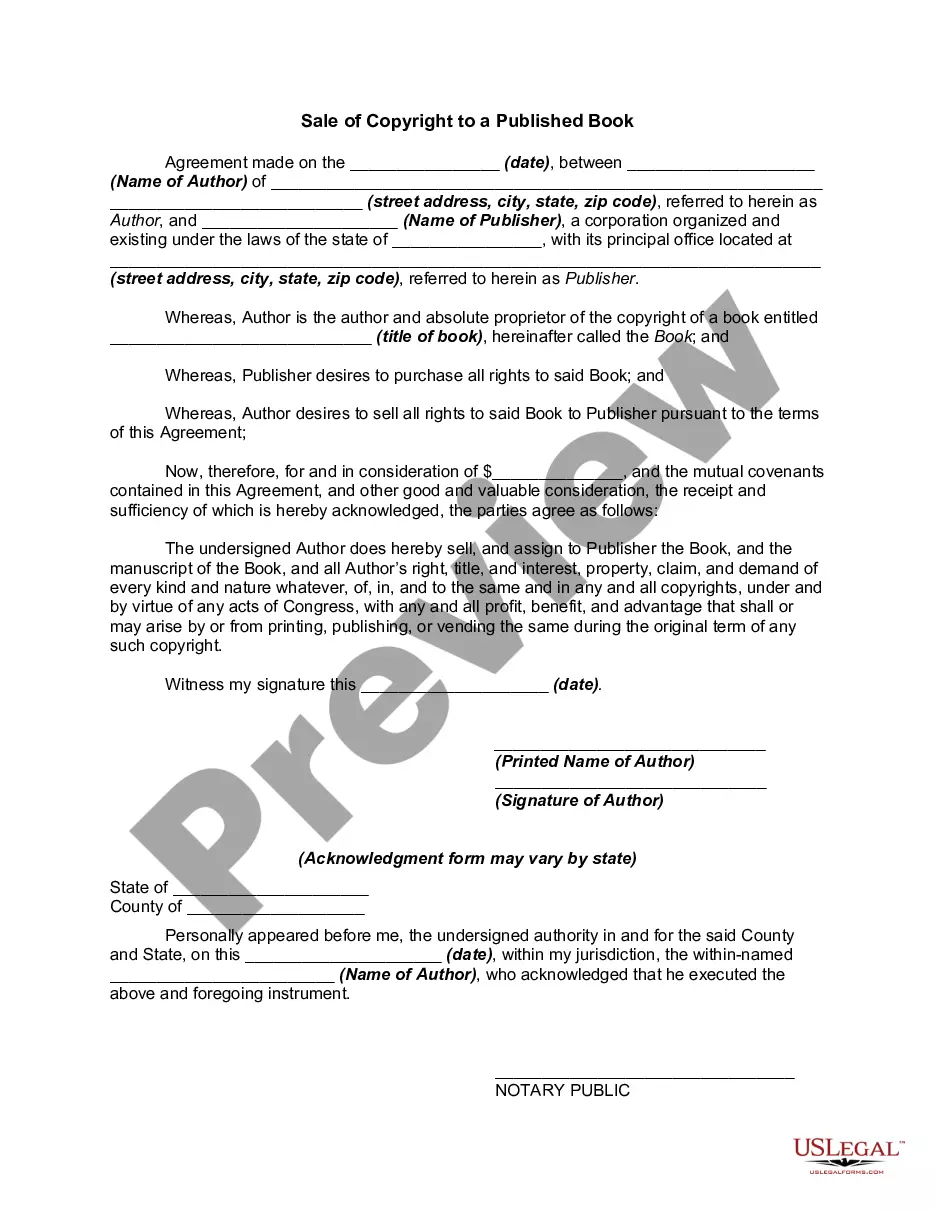
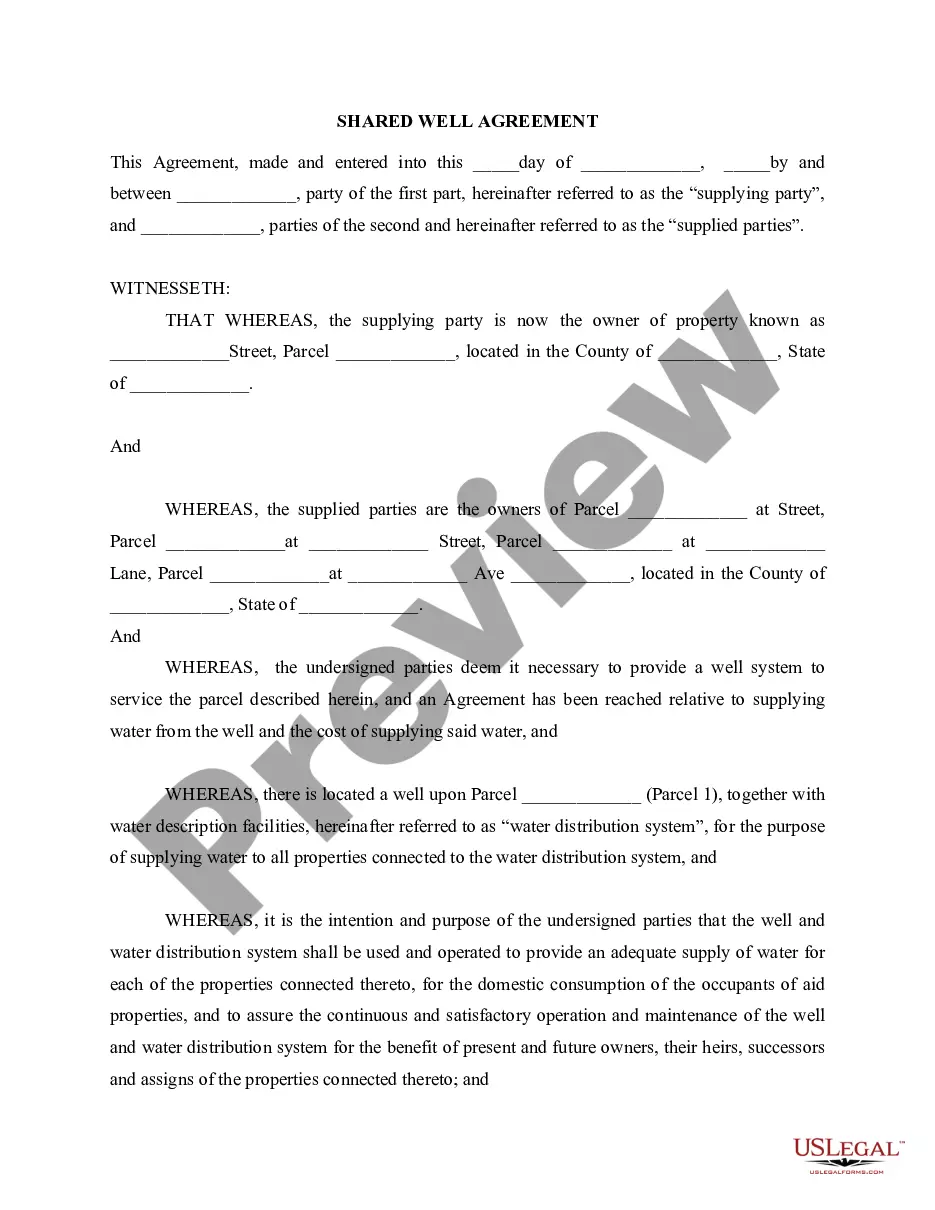
- Examine the document preview and descriptions to confirm that you have located the document you need.
Form popularity
FAQ
It's easy. If you want to reserve all the rights you're entitled to hold, simply write "All Rights Reserved." You should put this phrase after the symbol, the date, and your name. Sample Copyright Notice - Privacy Policies privacypolicies.com ? blog ? sample-copyri... privacypolicies.com ? blog ? sample-copyri...
The copyright notice. This has the little © symbol or you can use the word ?copyright.? So it would look like this: ©2018 Jane Doe. The year of publication of the book. The name of the owner of the works, which is usually the author or publishing house name. How to Copyright a Book in 5 Minutes [Examples] Self Publishing School ? how-to-copyright... Self Publishing School ? how-to-copyright...
As you write new books, you can register your company as the copyright owner from the beginning. The copyright registration assets help add value to your publishing company. How to Copyright a Book in 3 Simple Steps [Lawyer-Approved] Kindlepreneur ? Book Publishing Kindlepreneur ? Book Publishing
Form and Placement of the Copyright Notice: The copyright notice generally consists of three elements: The symbol © (the letter C in a circle), or the word "Copyright" or the abbreviation "Copr."; The year of first publication of the work; and. The name of the owner of copyright in the work. Copyright Notice and Registration - BitLaw bitlaw.com ? copyright ? formalities bitlaw.com ? copyright ? formalities
Also, a corporate copyright has a limited term before it expires as opposed to a personal copyright where it is registered in the author's name. So if you register the copyright as owned by your LLC (or its imprint), your copyright will expire within your lifetime.