Trademark App
Description
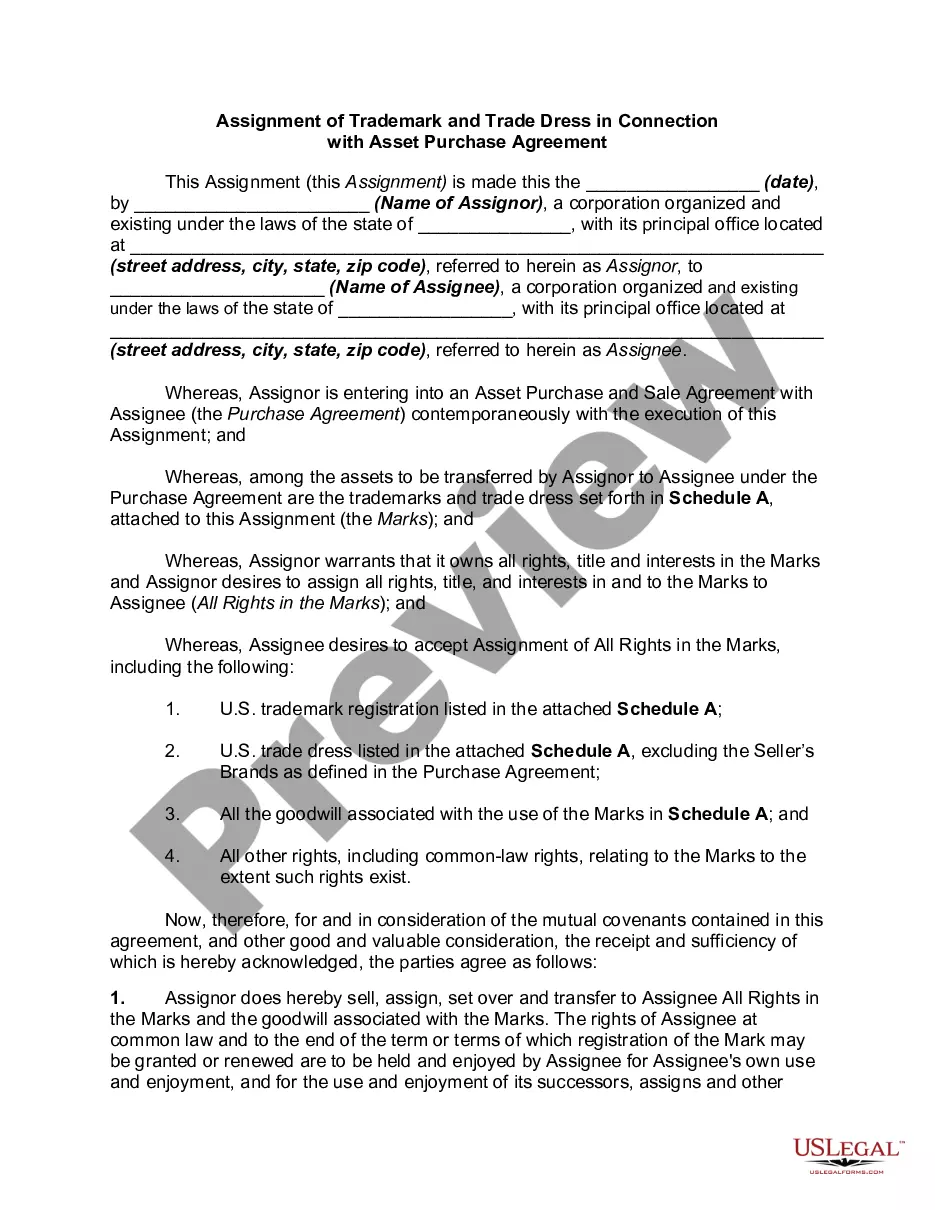
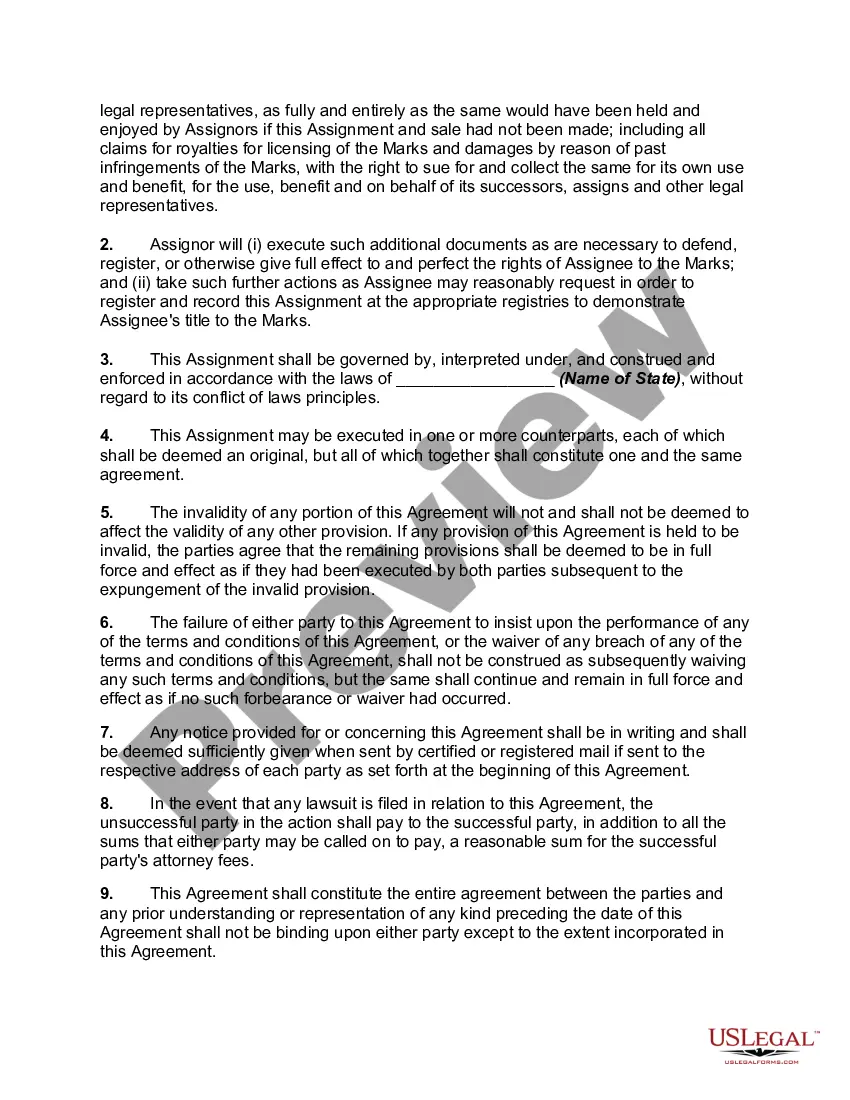
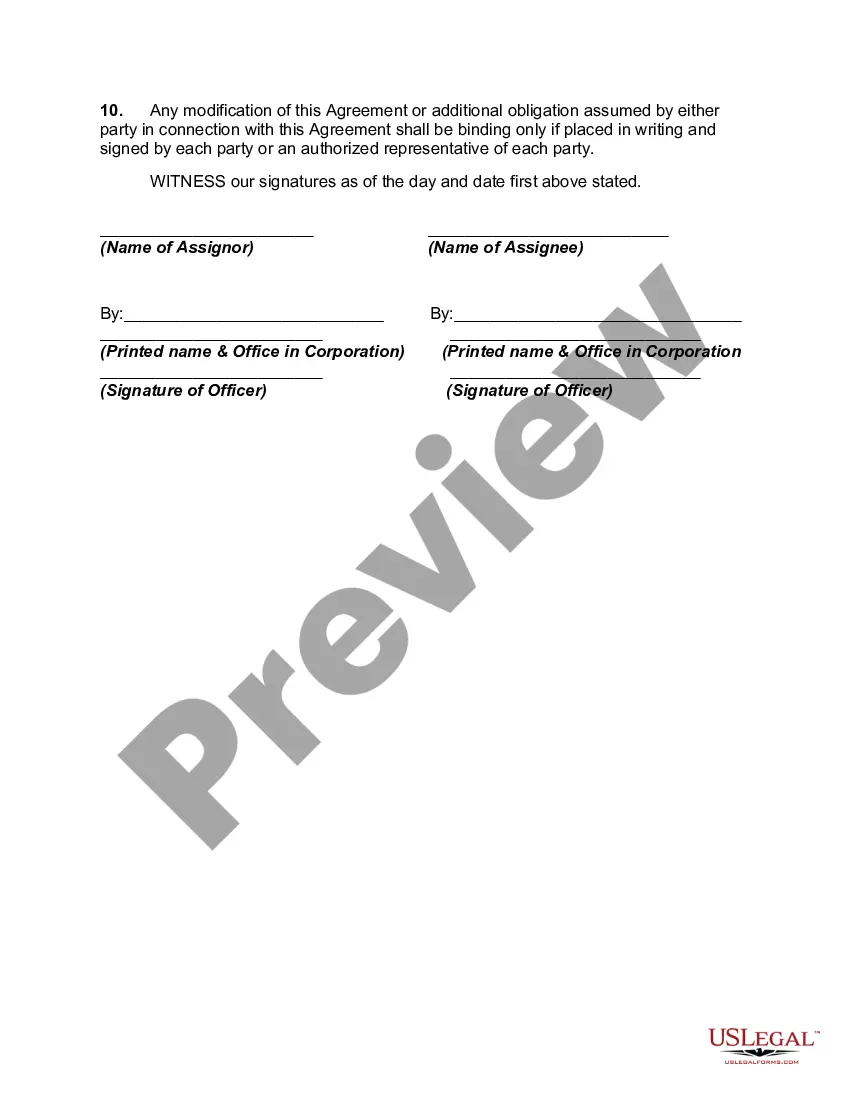
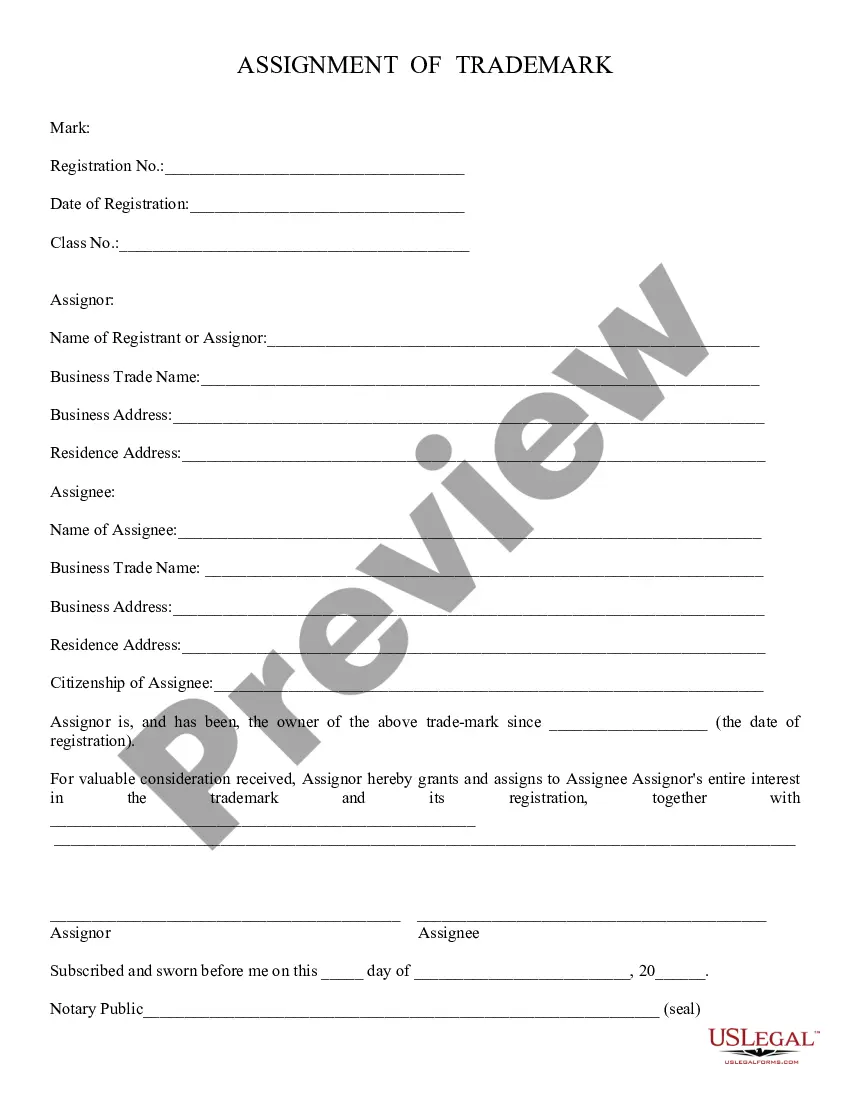
Get your form ready online
Our built-in tools help you complete, sign, share, and store your documents in one place.
Make edits, fill in missing information, and update formatting in US Legal Forms—just like you would in MS Word.
Download a copy, print it, send it by email, or mail it via USPS—whatever works best for your next step.
Sign and collect signatures with our SignNow integration. Send to multiple recipients, set reminders, and more. Go Premium to unlock E-Sign.
If this form requires notarization, complete it online through a secure video call—no need to meet a notary in person or wait for an appointment.
We protect your documents and personal data by following strict security and privacy standards.

Make edits, fill in missing information, and update formatting in US Legal Forms—just like you would in MS Word.

Download a copy, print it, send it by email, or mail it via USPS—whatever works best for your next step.

Sign and collect signatures with our SignNow integration. Send to multiple recipients, set reminders, and more. Go Premium to unlock E-Sign.

If this form requires notarization, complete it online through a secure video call—no need to meet a notary in person or wait for an appointment.

We protect your documents and personal data by following strict security and privacy standards.
Looking for another form?
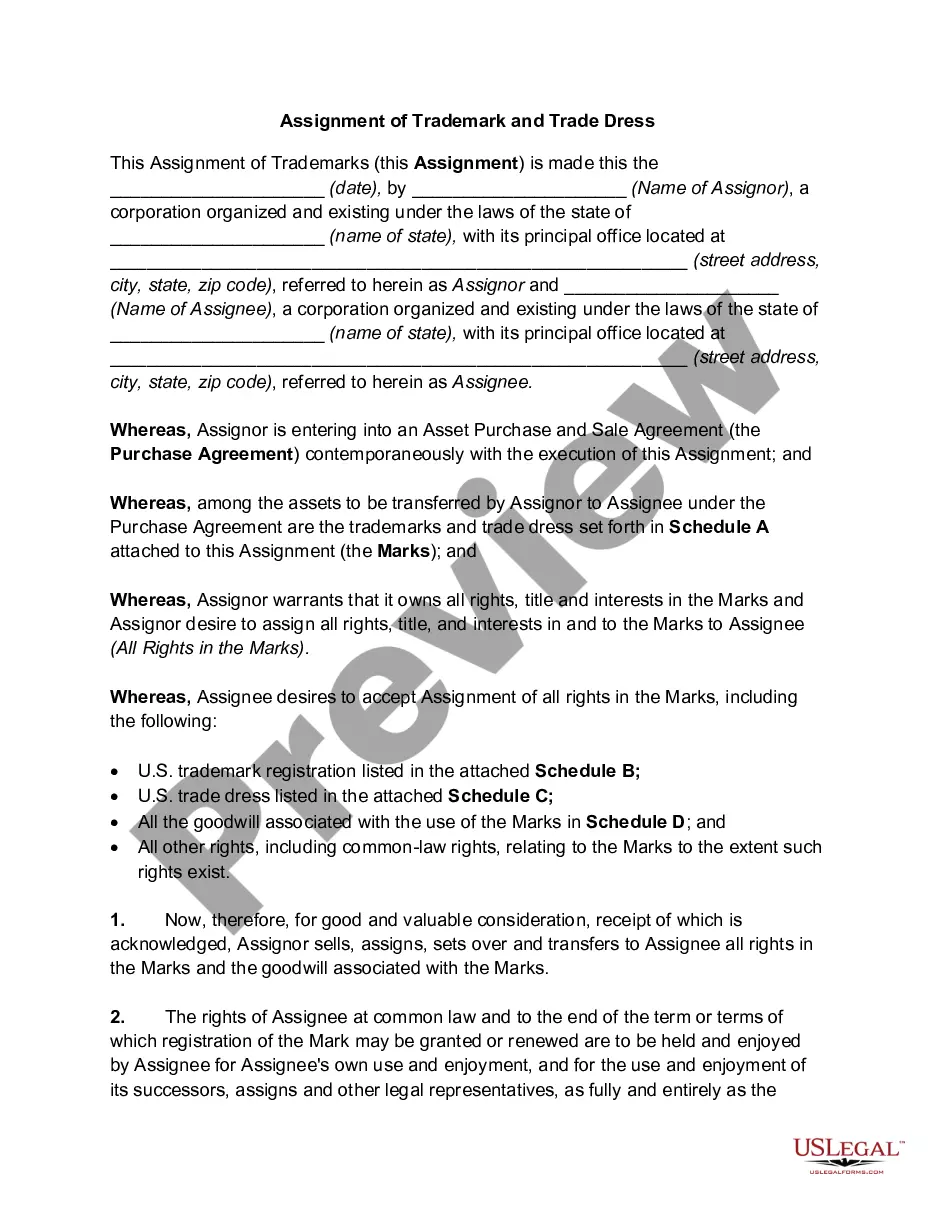
How to fill out Assignment Of Trademark And Trade Dress In Connection With Asset Purchase?
- If you are a returning user, sign in to your account and select the form you wish to download. Ensure your subscription is active; if not, renew according to your plan.
- Review the form description and preview mode to confirm it meets your specific requirements and complies with local jurisdiction standards.
- If the form isn’t suitable, utilize the Search feature to locate an alternative that aligns with your needs.
- Select the desired document and click on the Buy Now button. Choose your subscription plan and create an account to gain access to the library.
- Provide your payment information using a credit card or PayPal to purchase the subscription.
- Once purchased, download your form and save it to your device. You can access it any time from the My Forms section.
US Legal Forms stands out as a powerful tool for both individuals and attorneys. With its robust collection of legal forms and access to premium experts, you can ensure your documents are complete and legally sound.
Start your legal journey today by leveraging the US Legal Forms trademark app. Gain peace of mind knowing you have expert assistance at your fingertips!
Form popularity
FAQ
Yes, you can file your own trademark application using a trademark app. Many individuals choose to handle this process independently. However, working with a trademark app can simplify the experience and help ensure that you meet all legal requirements. With the right tool, you can navigate the application process more smoothly and reduce the risk of errors.
Certainly, you can trademark your app. This protects its name and branding elements, which are crucial in a competitive landscape. Utilizing a trademark app streamlines the application process, making it easier for you to secure your intellectual property. With trademark protection, your app can stand out as a unique offering.
Yes, you can trademark your app. This includes trademarking its name, logo, and any slogans associated with it. By using a trademark app, you ensure that your intellectual property is safeguarded from the competition. Securing a trademark is a smart strategy for establishing your app's brand in the market.
For applications, you typically use copyright rather than a patent. Copyright protects the code you write, while patenting is generally reserved for inventions. However, you can protect the app’s name and logo using a trademark app. This multi-faceted approach secures not just your app's functionality but also its brand identity.
You cannot patent an app name directly, but you can trademark it. A trademark app helps protect your app’s name and prevents others from using it in a confusing manner. By registering your app name as a trademark, you create a unique identity in the market. This process ensures strong branding for your app.
Yes, you can sell an app idea to a company. However, it's important to protect your idea first, perhaps through a non-disclosure agreement. When you approach companies, be clear about your concept and how it adds value. Selling an app idea can open doors, especially if you back it with a well-drafted trademark app that secures your brand.
Deciding whether to set up your LLC or get a trademark first depends on your immediate priorities. If you want to protect your brand identity, trademarking your app name can be your first step. However, establishing your LLC can provide legal benefits and clarity for your business structure. The optimal choice often involves evaluating your specific business needs and future goals.
Yes, you can file a trademark by yourself, but the process can be complex. Taking the time to understand the necessary steps and requirements is essential to avoid common pitfalls. A Trademark app can simplify this process with step-by-step guidance and valuable resources. Moreover, professional assistance can help ensure your application meets all legal standards.
Getting an LLC before filing for a trademark can provide a clear business framework. An LLC protects your personal assets and establishes your app as a legitimate business entity. When you trademark your app under your LLC, it strengthens your brand's legal position. Consider using uslegalforms for streamlined assistance in both forming your LLC and securing your trademark.
You should trademark your business name as soon as possible, ideally before launching your app. Early trademark registration helps prevent others from using a similar name and gives you exclusive rights to your brand. Additionally, securing your trademark enhances your business’s reputation and value from the beginning. It’s never too late to take this important step.