Trustsign Br Certification Authority (dv) 2
Description
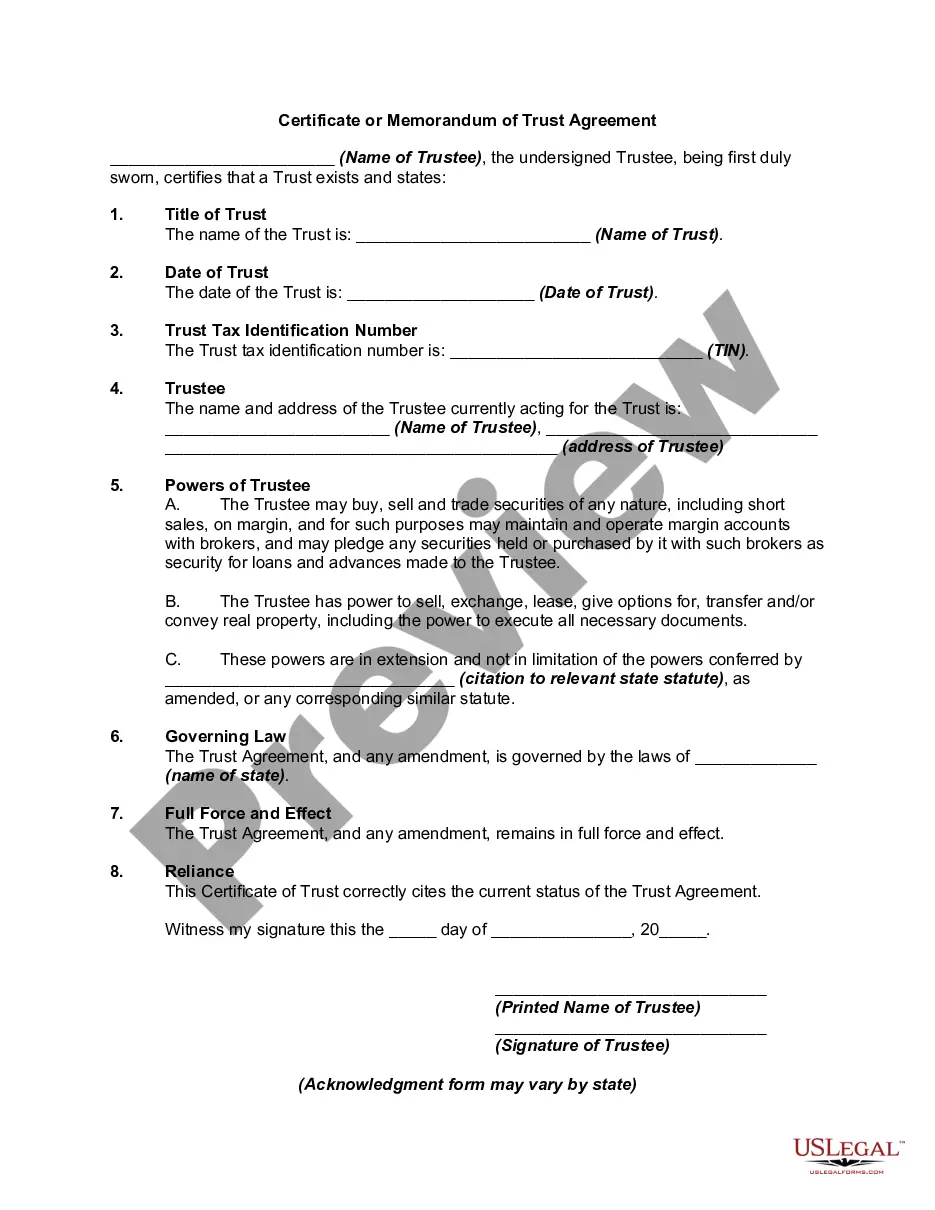
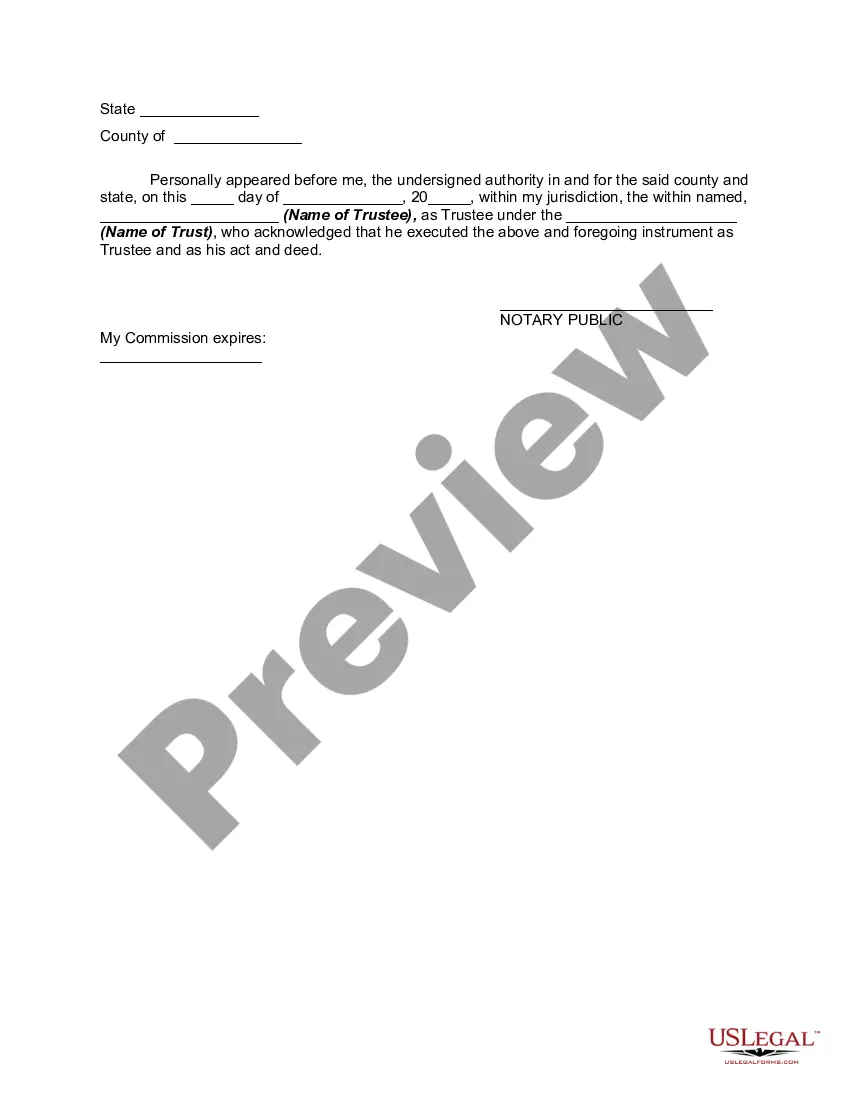
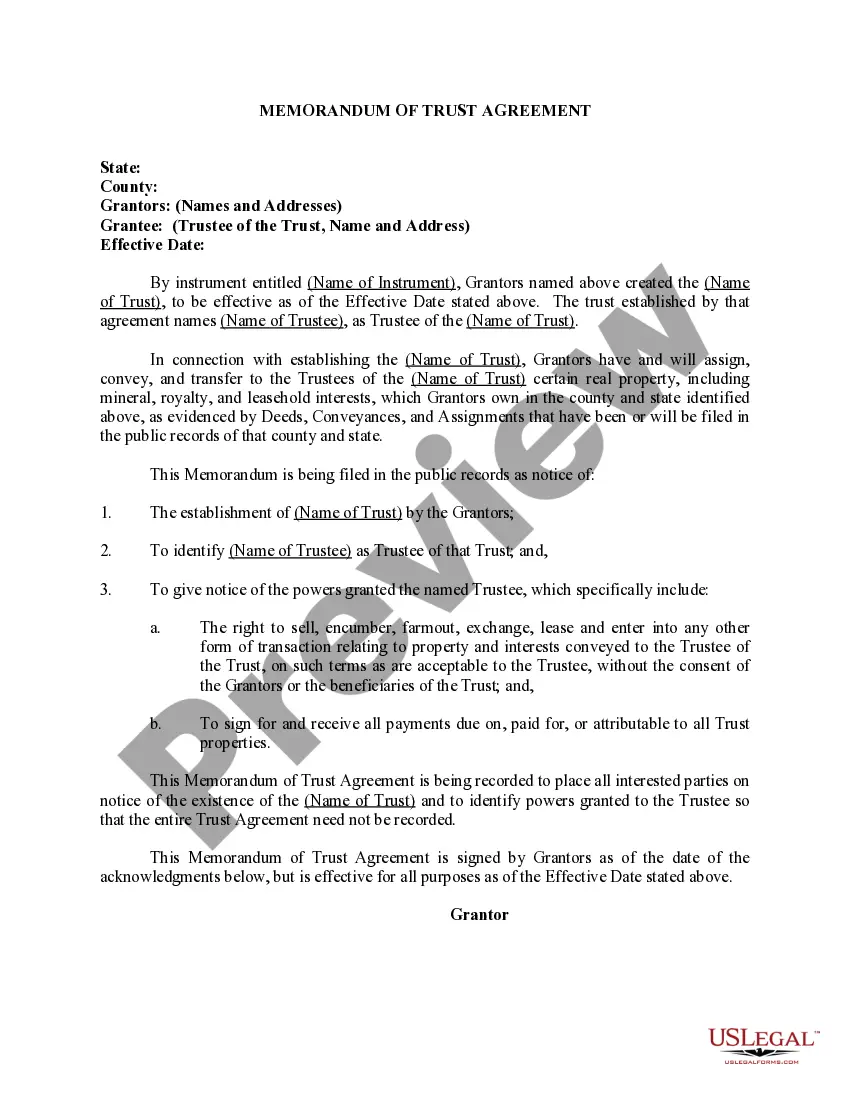
Get your form ready online
Our built-in tools help you complete, sign, share, and store your documents in one place.
Make edits, fill in missing information, and update formatting in US Legal Forms—just like you would in MS Word.
Download a copy, print it, send it by email, or mail it via USPS—whatever works best for your next step.
Sign and collect signatures with our SignNow integration. Send to multiple recipients, set reminders, and more. Go Premium to unlock E-Sign.
If this form requires notarization, complete it online through a secure video call—no need to meet a notary in person or wait for an appointment.
We protect your documents and personal data by following strict security and privacy standards.

Make edits, fill in missing information, and update formatting in US Legal Forms—just like you would in MS Word.

Download a copy, print it, send it by email, or mail it via USPS—whatever works best for your next step.

Sign and collect signatures with our SignNow integration. Send to multiple recipients, set reminders, and more. Go Premium to unlock E-Sign.

If this form requires notarization, complete it online through a secure video call—no need to meet a notary in person or wait for an appointment.

We protect your documents and personal data by following strict security and privacy standards.
Looking for another form?









How to fill out Certificate Or Memorandum Of Trust Agreement?
- If you are an existing user, log in and navigate to the Download section to retrieve your form template. Ensure your subscription is active, and if necessary, renew it based on your payment plan.
- Review the Preview mode and description of the form to ensure it meets your specific needs and local regulations. If it doesn’t, utilize the Search tab to look for a more suitable template.
- Select and purchase the appropriate document by clicking the Buy Now button. Choose a subscription plan that works best for you and create an account for access to the full library.
- Complete your purchase by entering your payment details via credit card or PayPal to secure your subscription.
- Once the transaction is confirmed, download your selected form. You can always access it later from the My Forms section of your profile.
In conclusion, US Legal Forms provides an efficient way to obtain critical legal documents with ease. Their robust library and expert assistance ensure that users are equipped with the necessary tools to succeed in their legal endeavors.
Take the first step in streamlining your legal processes and explore US Legal Forms today!
Form popularity
FAQ
To utilize the UserTrust RSA Certification Authority effectively, you need to install their root certificates on your system. Start by downloading the appropriate certificates from their website and importing them into your certificate manager. This action helps establish a secure connection with sites that rely on the UserTrust RSA certification, including those leveraging the Trustsign br certification authority (dv) 2 for enhanced document security.
In Chrome, access the security settings by going to 'Settings' and then 'Privacy and security.' From there, click on 'Security' and select 'Manage certificates.' This section allows you to view all trusted root certification authorities. You can confirm if the Trustsign br certification authority (dv) 2 appears in the list, ensuring your connection security is intact.
To find your root certificate authority server, you typically need to consult your network settings or certificate management tools. Many organizations maintain a designated root CA server that is part of their IT infrastructure. If you're using Trustsign br certification authority (dv) 2, you can contact your administrator or check any internal documentation for the exact server details.
Trusted root certification authorities are usually accessible through your device’s security settings. In most systems, you can find them in the certificate management section. This is where you can view, manage, and import certificates. If you are looking for the Trustsign br certification authority (dv) 2, it's advisable to check both your device settings and any browser-specific certificate stores.
To access trusted root certification authorities, you need to navigate to your device’s settings. On Windows, you can use the Certificate Manager by typing 'certmgr.msc' into the Run dialog. If you're using a different operating system, the process may vary slightly, but you will typically find these authorities listed within security or certificate settings. It's essential to ensure that the Trustsign br certification authority (dv) 2 is included in your trusted list.
Comodo RSA certification authority is one of the leading entities providing digital certificates for secure communications. As part of its services, it issues SSL and other types of certificates, thereby assuring users of secure web interactions. Incorporating Trustsign br certification authority (dv) 2 into your digital strategy can further enhance your online security presence.
A trusted certification authority is an organization that issues digital certificates, confirming the identity of entities online. These authorities establish a chain of trust, validating identities and securing communications. Trustsign br certification authority (dv) 2 is an example that stands out, offering reliable solutions for secure online transactions.
To obtain a trusted SSL certificate, visit a recognized certificate authority. Submit a Certificate Signing Request (CSR), which includes your public key and organization information. Trustsign br certification authority (dv) 2 can assist you in acquiring and installing your trusted SSL certificate, ensuring your communications are encrypted and secure.
Setting up a certificate authority server involves several key steps. Start by installing the certification authority software on your server, which often includes configuring its role and defining its policies. For users of Trustsign br certification authority (dv) 2, detailed documentation is available to streamline your server setup and ensure maximum security compliance.
To manage certificates in trusted root certification authorities, you first need to obtain the required certificates from a reliable source. Once obtained, you can install these certificates in the Windows certificate store or the appropriate location on your server. For businesses looking for secure solutions, Trustsign br certification authority (dv) 2 provides guidance on easily integrating these certificates into your system's trust chain.