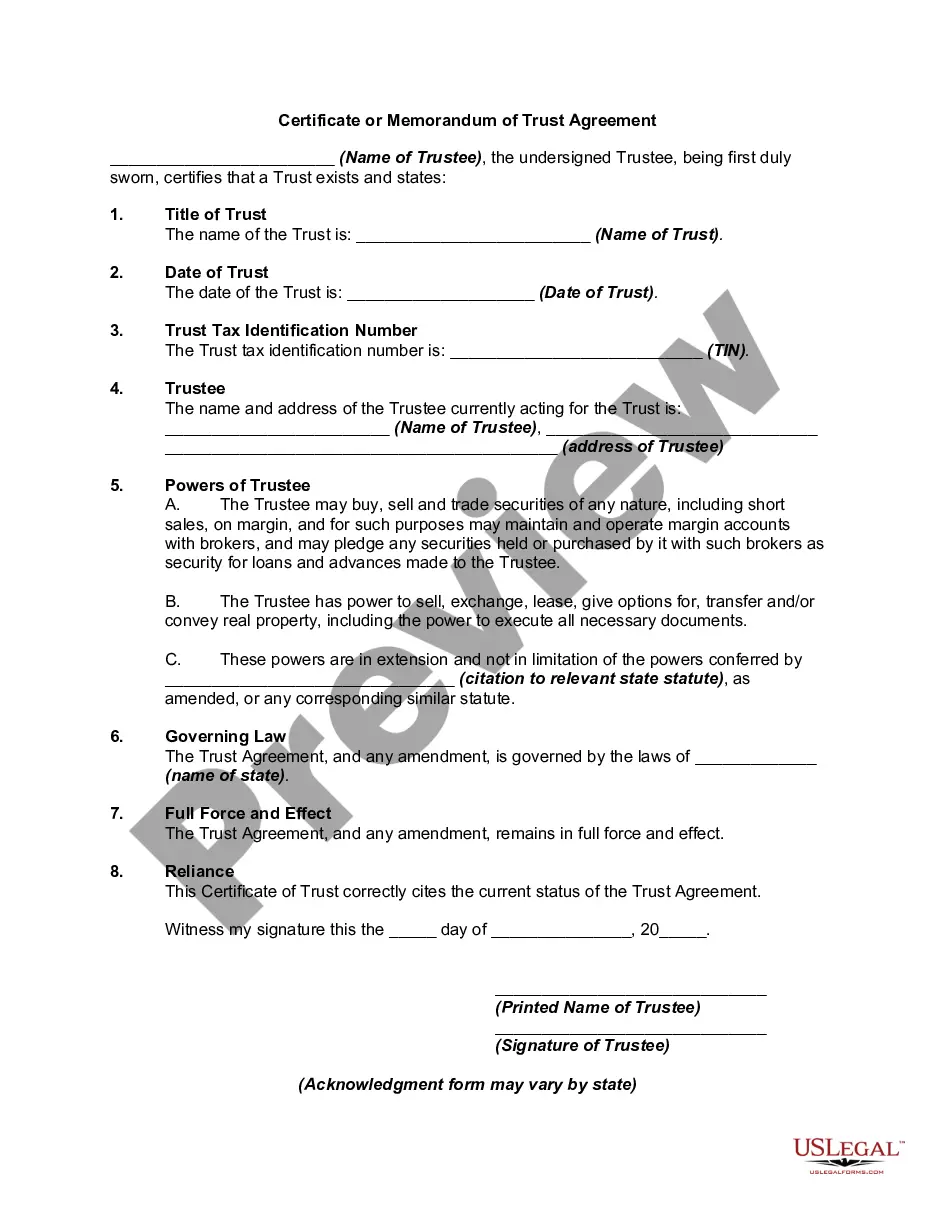
Certificate Of Trust Example For Business
Description
Get your form ready online
Our built-in tools help you complete, sign, share, and store your documents in one place.
Make edits, fill in missing information, and update formatting in US Legal Forms—just like you would in MS Word.
Download a copy, print it, send it by email, or mail it via USPS—whatever works best for your next step.
Sign and collect signatures with our SignNow integration. Send to multiple recipients, set reminders, and more. Go Premium to unlock E-Sign.
If this form requires notarization, complete it online through a secure video call—no need to meet a notary in person or wait for an appointment.
We protect your documents and personal data by following strict security and privacy standards.

Make edits, fill in missing information, and update formatting in US Legal Forms—just like you would in MS Word.

Download a copy, print it, send it by email, or mail it via USPS—whatever works best for your next step.

Sign and collect signatures with our SignNow integration. Send to multiple recipients, set reminders, and more. Go Premium to unlock E-Sign.

If this form requires notarization, complete it online through a secure video call—no need to meet a notary in person or wait for an appointment.

We protect your documents and personal data by following strict security and privacy standards.
Looking for another form?
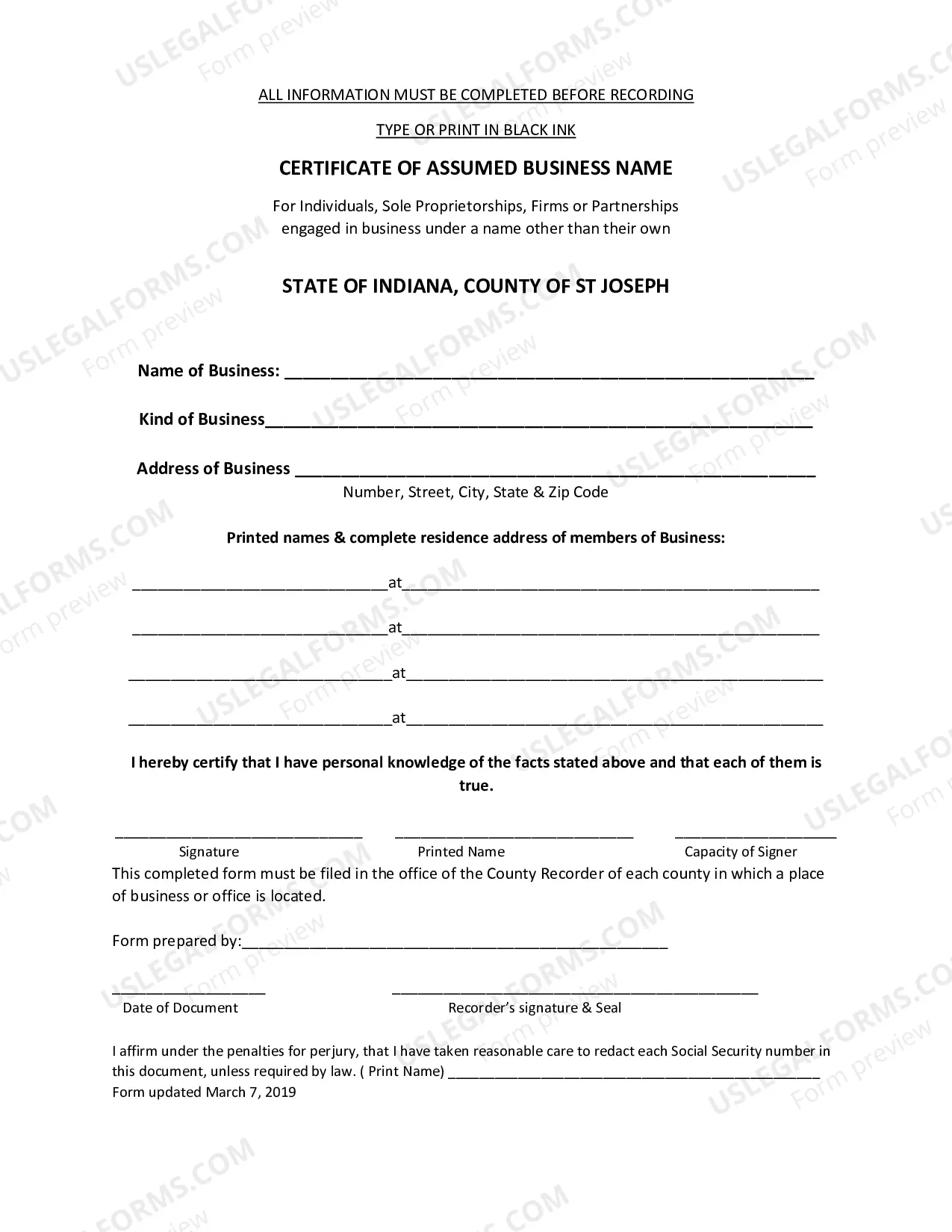
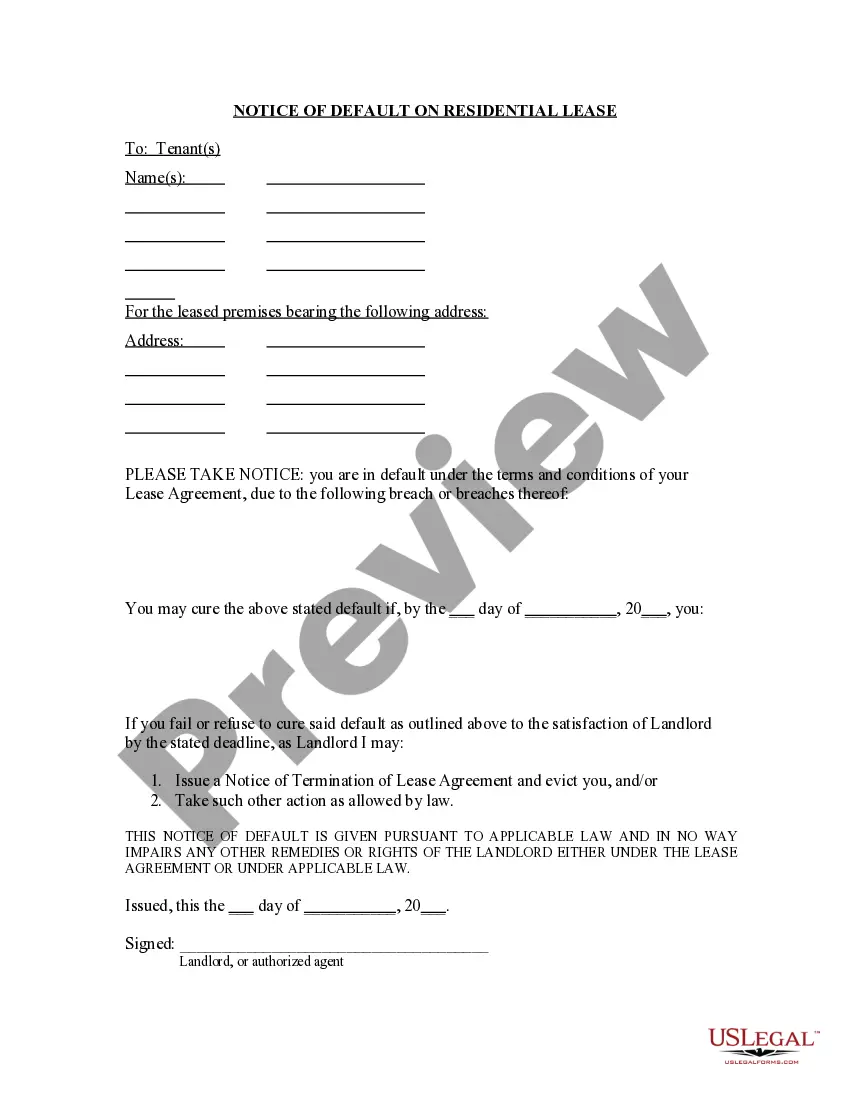
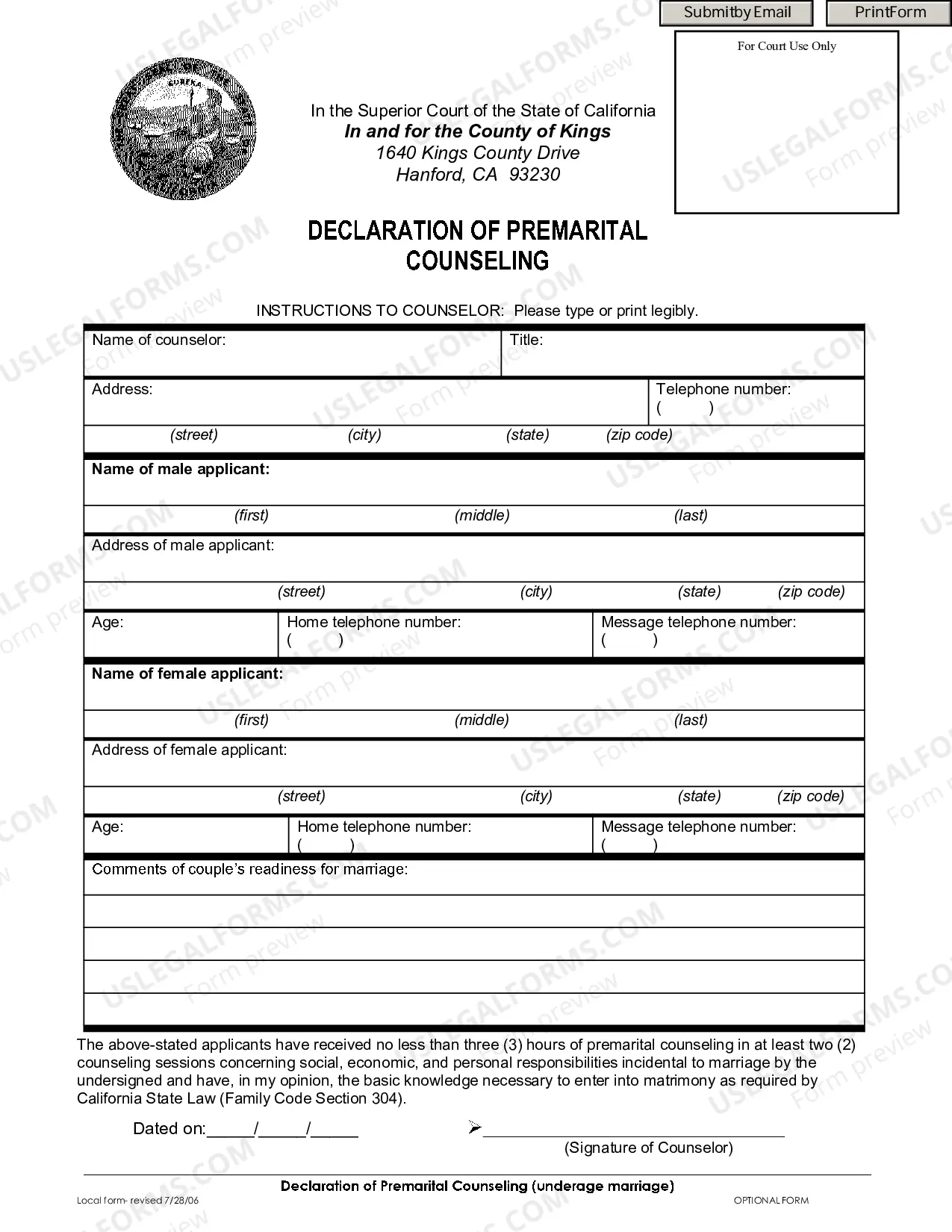
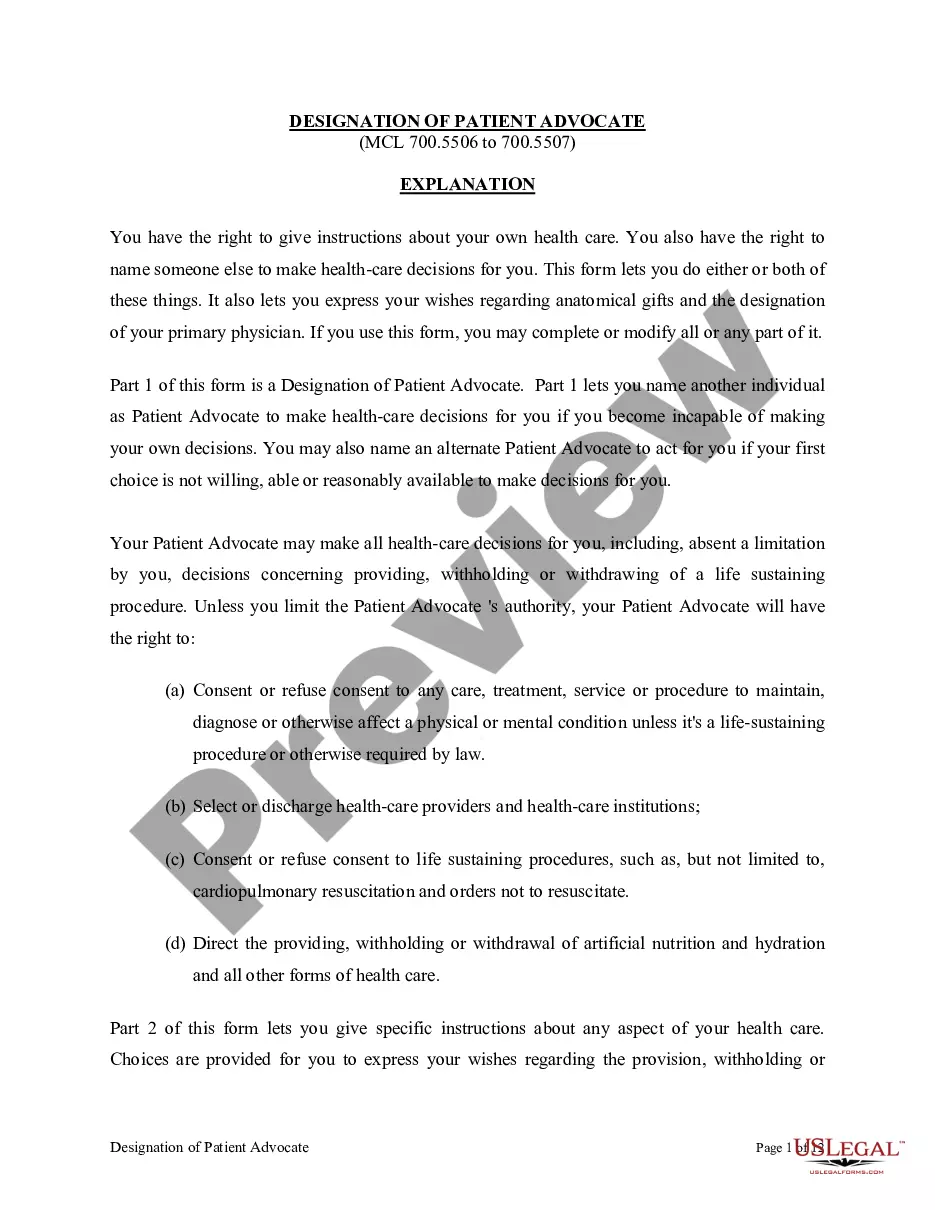
How to fill out Certificate Or Memorandum Of Trust Agreement?
It’s clear that you can’t instantly become a legal professional, nor can you swiftly acquire the ability to draft a Certificate Of Trust Example For Business without possessing a specific skill set.
Drafting legal documents is a lengthy process that necessitates specialized training and expertise. So why not entrust the creation of the Certificate Of Trust Example For Business to the experts.
With US Legal Forms, one of the most extensive collections of legal documents, you can discover everything from court filings to templates for internal business communications.
If you need any additional template, restart your search.
Create a complimentary account and select a subscription plan to acquire the form. Click Buy now. Once the payment is completed, you can procure the Certificate Of Trust Example For Business, fill it out, print it, and send or mail it to the relevant parties or organizations. You can regain access to your documents from the My documents tab at any time. If you are a returning customer, you can effortlessly Log In, and retrieve and download the template from the same section. Regardless of the purpose of your forms—whether they are financial, legal, or personal—our website caters to your needs. Give US Legal Forms a try now!
- We recognize how crucial it is to comply with federal and local regulations.
- That’s why all forms available on our site are tailored to specific locations and are current.
- Start by visiting our website to obtain the document you need in just minutes.
- Utilize the search bar at the top of the page to locate the form you require.
- Preview it (if this feature is available) and read the accompanying description to confirm whether the Certificate Of Trust Example For Business meets your needs.
Form popularity
FAQ
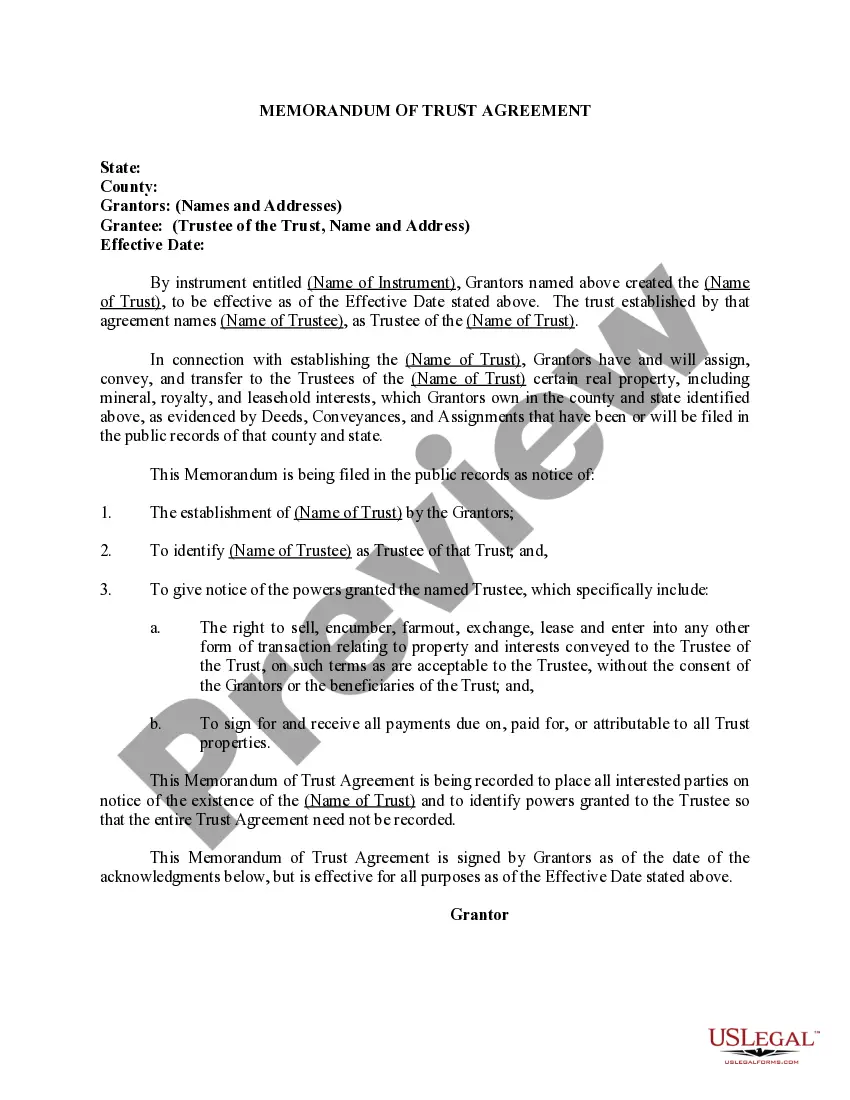
world example of trust can be seen in family estate planning, where an individual creates a trust to manage their assets for their heirs. This arrangement allows for the smooth transfer of wealth without the complications of probate. Trusts like these often utilize a certificate of trust example for business to validate the trustee's authority in managing the estate.
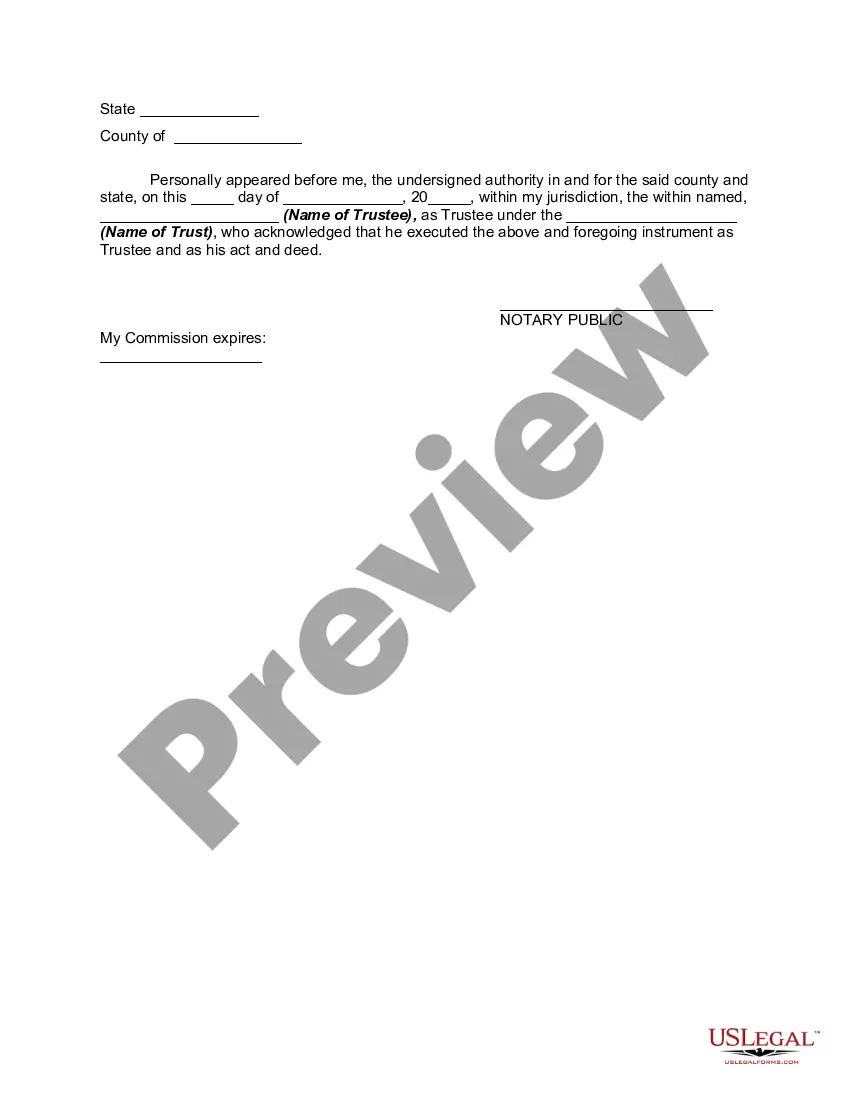
A certificate of trust serves as a summary of the trust's key details, providing proved legitimacy without disclosing all terms of the trust. It confirms the existence of the trust and identifies the trustee authorized to act on behalf of the trust. This document is often required by financial institutions and helps streamline various transactions involving the trust. For a comprehensive understanding, consider reviewing a certificate of trust example for business.
(i) Responses to motions to dismiss, for judgment on the pleadings, or for summary judgment must be filed within 21 days after the motion was filed. (ii) Responses to all other motions must be filed within 14 days after the motion was filed.
1) In writing by filing a Motion or responding to a Motion; or 2) In person at a hearing scheduled by the Judge, with both sides present.
Complaint: The Court has civil complaint forms available for you to use which include instructions that will help you explain your lawsuit to the presiding judge and to the opposing party or parties. Filing Fee: The filing fee for a complaint is $350.00 plus a $50.00 administrative fee for a total of $400.00.
A motion for summary judgment asks the court to decide a lawsuit without going to trial because there is no dispute about the key facts of the case. A case must go to trial because parties do not agree about the facts.
One of the last steps a prosecutor takes before trial is to respond to or file motions. A motion is an application to the court made by the prosecutor or defense attorney, requesting that the court make a decision on a certain issue before the trial begins.
Current members Chief JusticeTerm beganNotesLaurie McKinnon2013Elected 2012James A. Rice2014Appointed by Governor Judy Martz; elected 2002; re-elected 2006; re-elected 2014Beth Baker2011Elected 2010Jim Shea2017Appointed by Governor Steve Bullock, 2014; elected 20164 more rows
Under Montana legislation, this must be done in the following way: Both the Principal and the Agent must sign. A notary public must oversee the signing and sign too. If you are signing a Power of Attorney, you will need to have your signatured acknowledged by a notary public.
Complaint: The Court has civil complaint forms available for you to use which include instructions that will help you explain your lawsuit to the presiding judge and to the opposing party or parties. Filing Fee: The filing fee for a complaint is $350.00 plus a $50.00 administrative fee for a total of $400.00.