Medicaid Irrevocable Grantor Trust For Dummies
Description

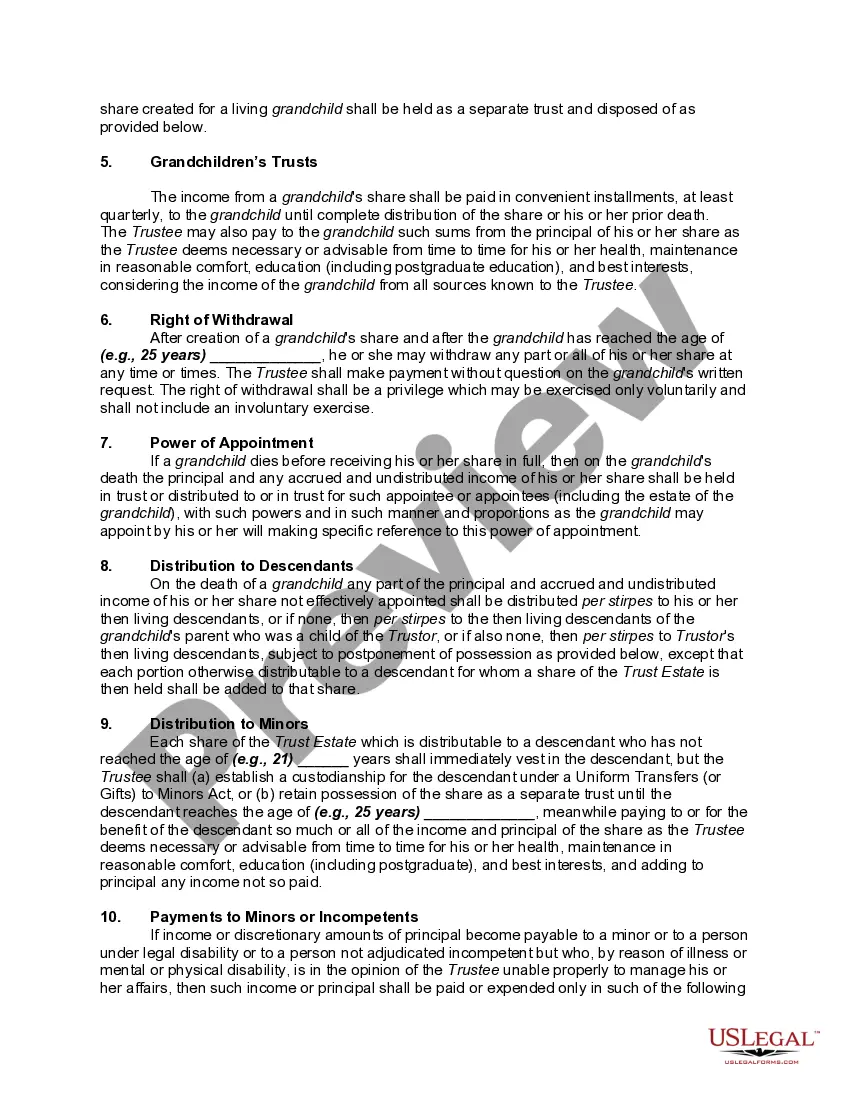
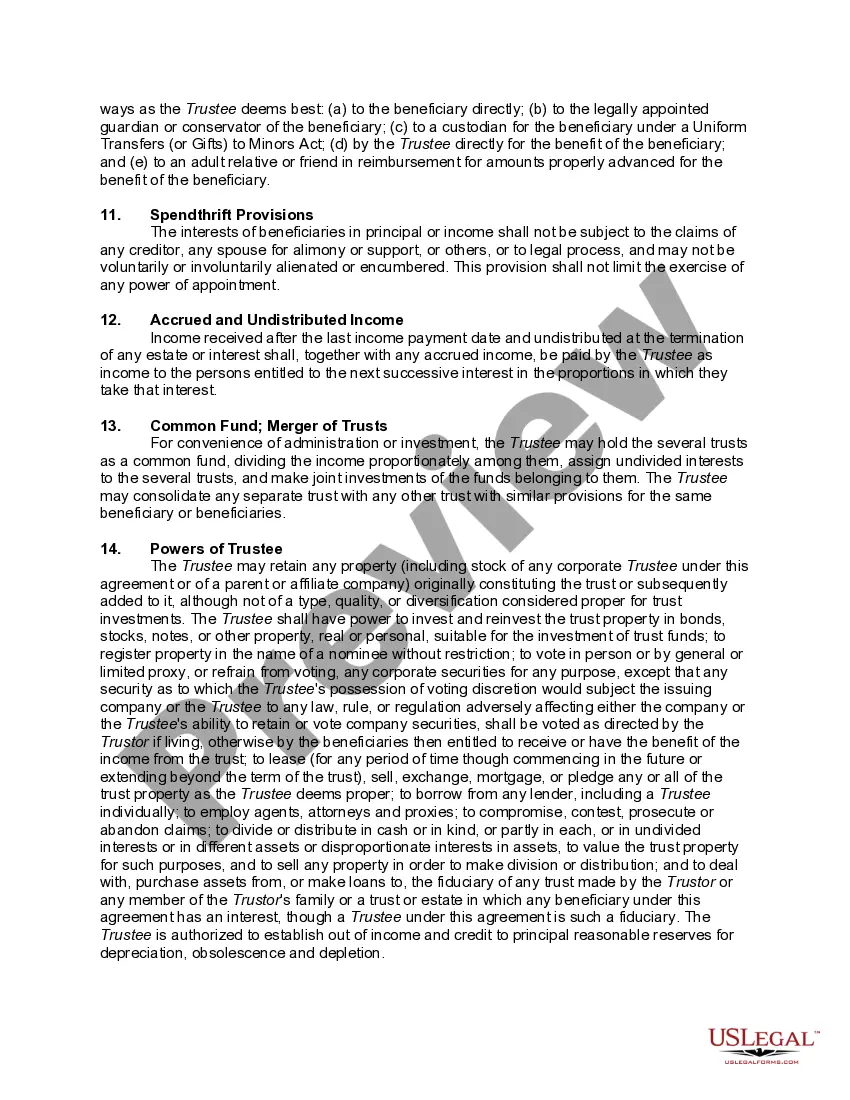
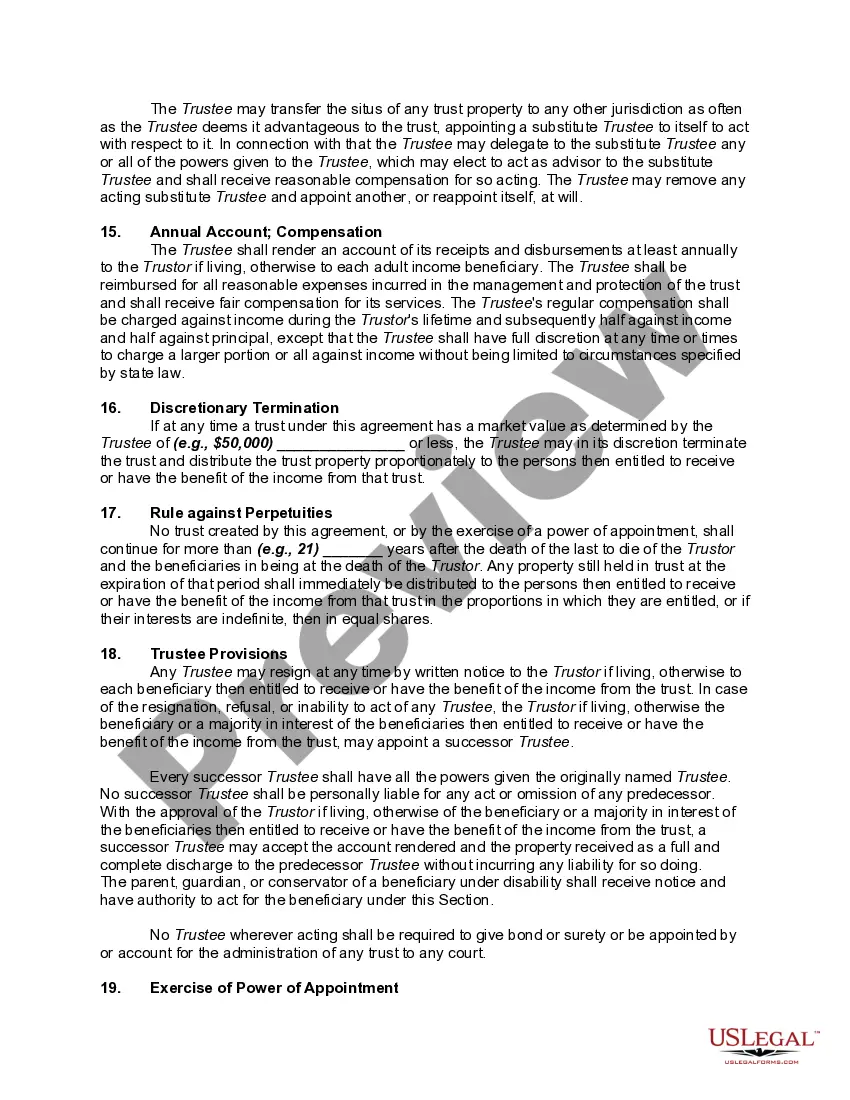
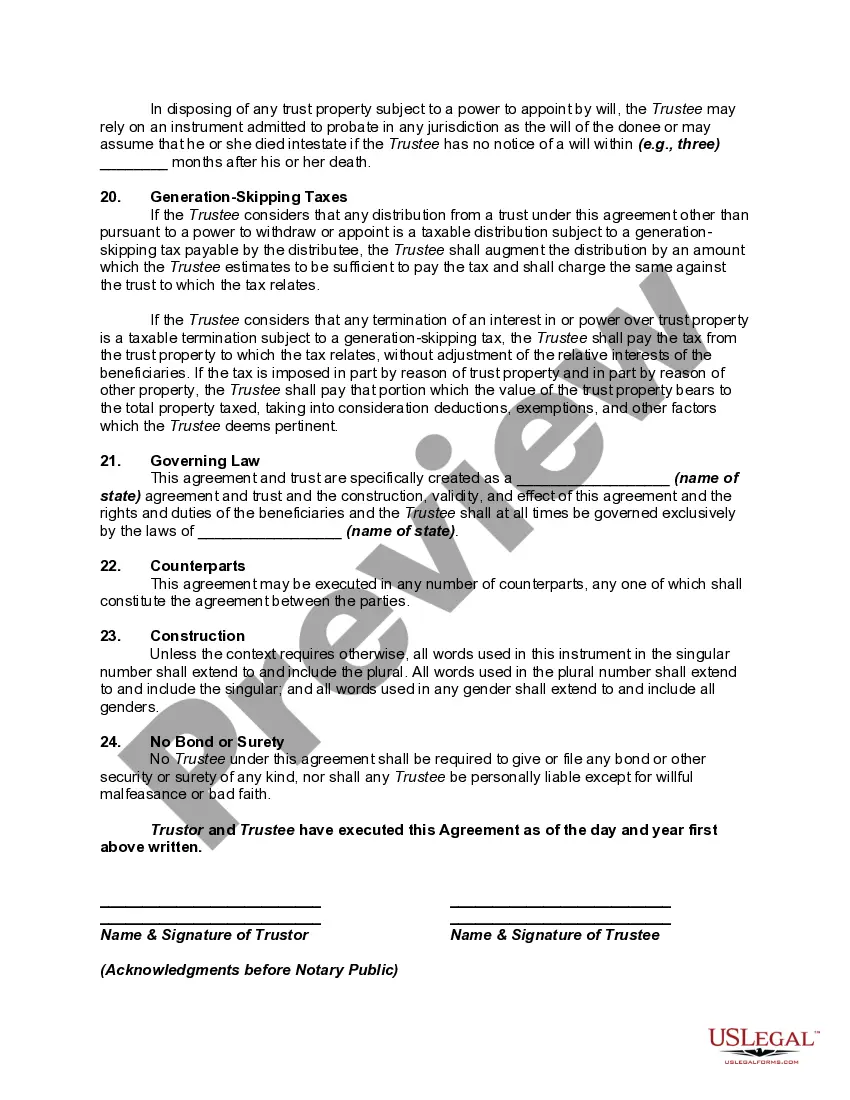



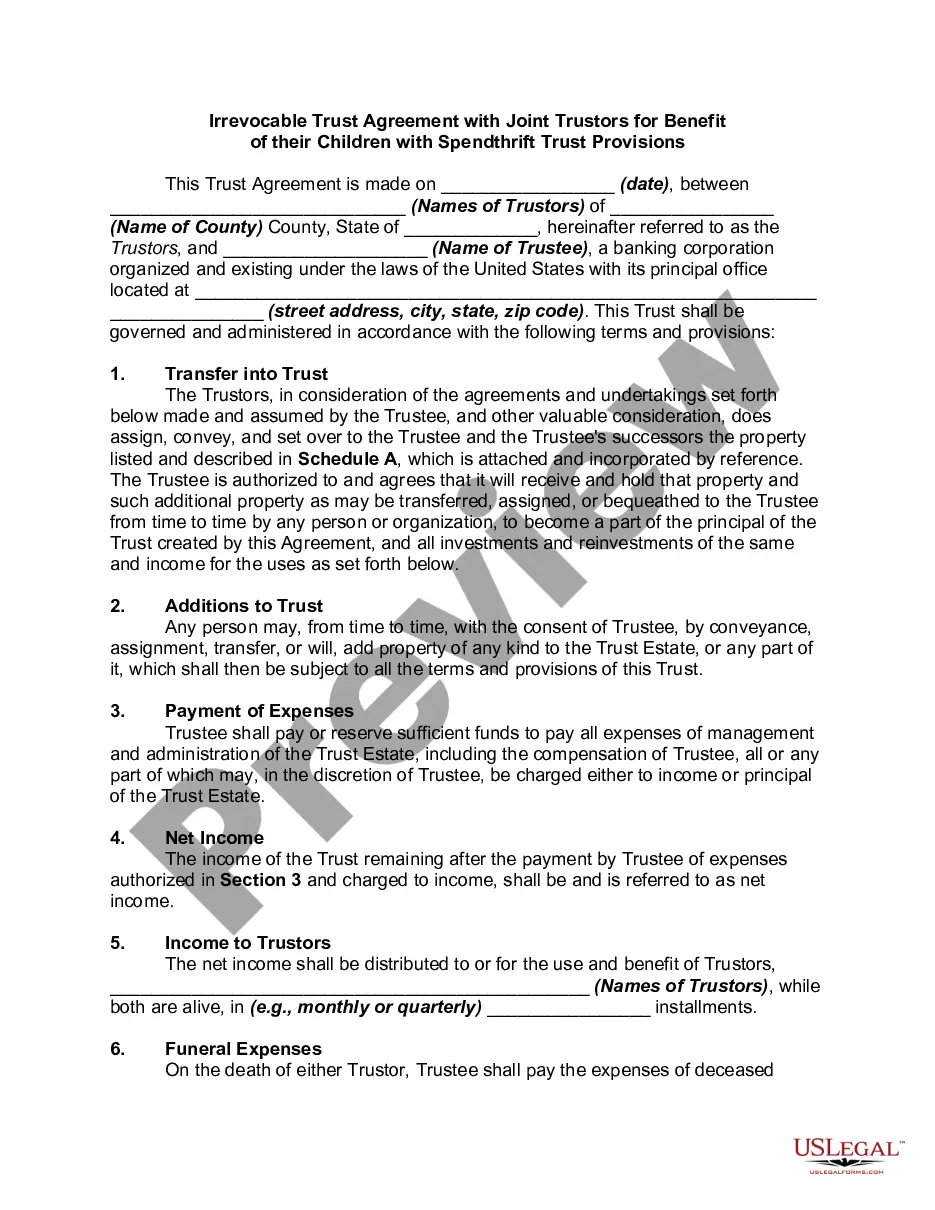

Get your form ready online
Our built-in tools help you complete, sign, share, and store your documents in one place.
Make edits, fill in missing information, and update formatting in US Legal Forms—just like you would in MS Word.
Download a copy, print it, send it by email, or mail it via USPS—whatever works best for your next step.
Sign and collect signatures with our SignNow integration. Send to multiple recipients, set reminders, and more. Go Premium to unlock E-Sign.
If this form requires notarization, complete it online through a secure video call—no need to meet a notary in person or wait for an appointment.
We protect your documents and personal data by following strict security and privacy standards.

Make edits, fill in missing information, and update formatting in US Legal Forms—just like you would in MS Word.

Download a copy, print it, send it by email, or mail it via USPS—whatever works best for your next step.

Sign and collect signatures with our SignNow integration. Send to multiple recipients, set reminders, and more. Go Premium to unlock E-Sign.

If this form requires notarization, complete it online through a secure video call—no need to meet a notary in person or wait for an appointment.

We protect your documents and personal data by following strict security and privacy standards.
Looking for another form?
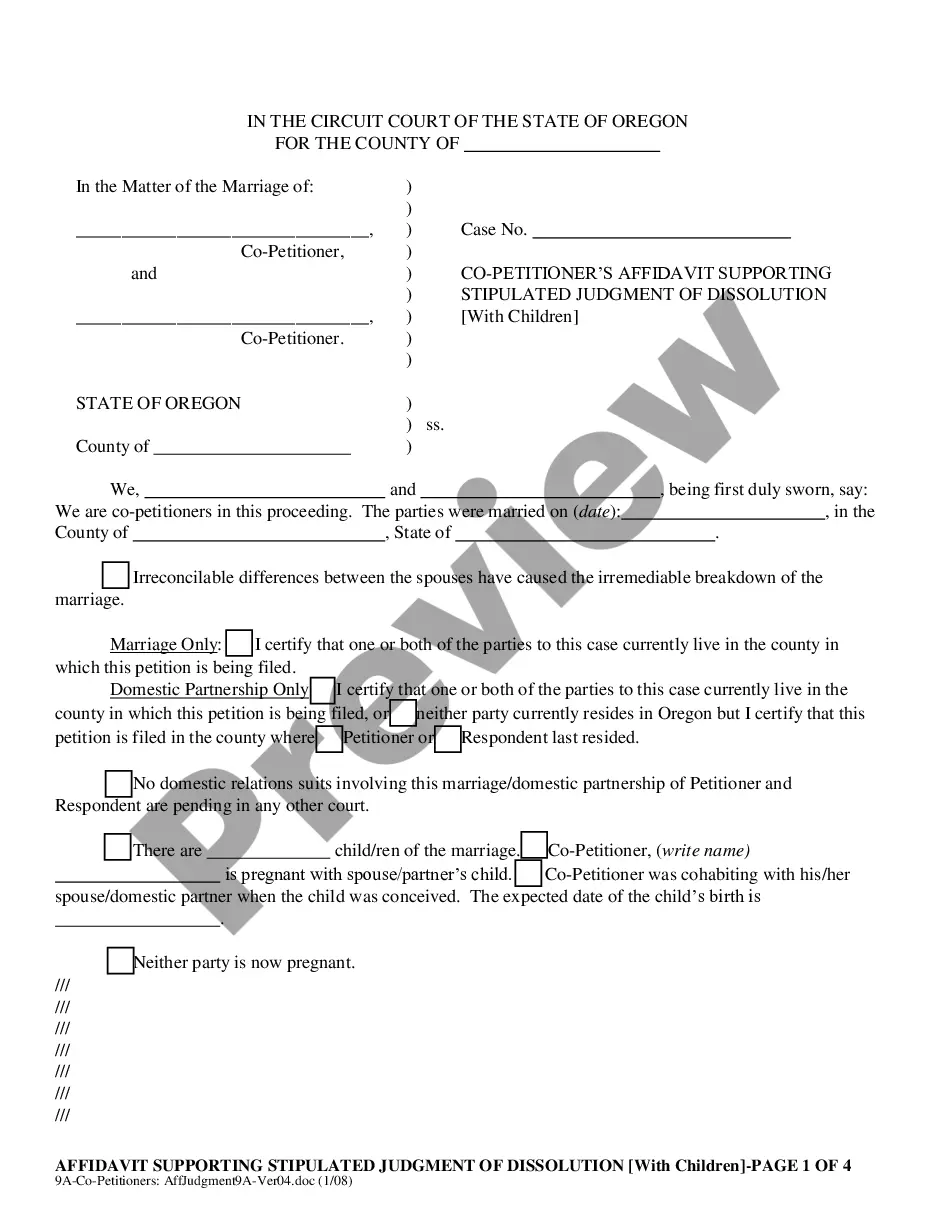




How to fill out Irrevocable Trust Agreement For Benefit Of Trustor's Children And Grandchildren With Spendthrift Trust Provisions?
It’s clear that you cannot become a legal authority instantly, nor can you easily comprehend how to swiftly create a Medicaid Irrevocable Grantor Trust For Dummies without possessing a specialized education.
Assembling legal documents is a lengthy procedure that necessitates specific training and abilities.
So why not entrust the creation of the Medicaid Irrevocable Grantor Trust For Dummies to experts.
Click Buy now. Once the purchase is finalized, you can acquire the Medicaid Irrevocable Grantor Trust For Dummies, fill it out, print it, and send or mail it to the designated recipients or organizations.
You can re-access your forms from the My documents tab whenever you wish. If you’re an existing customer, you can simply Log In, and find and download the template from the same tab.
- Visit our website and obtain the form you require in just a few minutes.
- Locate the form you require using the search bar at the upper part of the page.
- View it (if this option is available) and read the accompanying description to ascertain if Medicaid Irrevocable Grantor Trust For Dummies is what you are looking for.
- Begin your search again if you necessitate any additional form.
- Sign up for a complimentary account and select a subscription plan to purchase the template.
Form popularity
FAQ
Irrevocable trusts require an EIN. It is important to have this for tax return filings. Revocable trusts do not necessarily require an EIN as you can use the grantor's social security number, yours if you created the trust if you wish.
Insurance policies. Bank accounts: savings, checking, safe deposit boxes, money markets, certificates of deposit (CDs), mutual funds, and brokerage accounts. Bonds, stocks, and other investments. Real estate property.
Under the law a trust is considered its "own person", and may own assets. While the irrevocable trust owns the assets, it's the trustee who exercises control over them, e.g. their investment, distribution or other - while the designated beneficiaries benefit.
What Should I Avoid with My Irrevocable Trust? Use trust funds to pay for personal expenses. Use trust funds to pay for monthly bills, such as phone bills or utilities. Use trust assets to purchase vehicles. Gift assets from the trust to beneficiaries. Transfer assets into the trust without consulting your lawyer.
Irrevocable trusts are generally set up to minimize estate taxes, access government benefits, and protect assets. This is in contrast to a revocable trust, which allows the grantor to modify the trust, but loses certain benefits such as creditor protection.