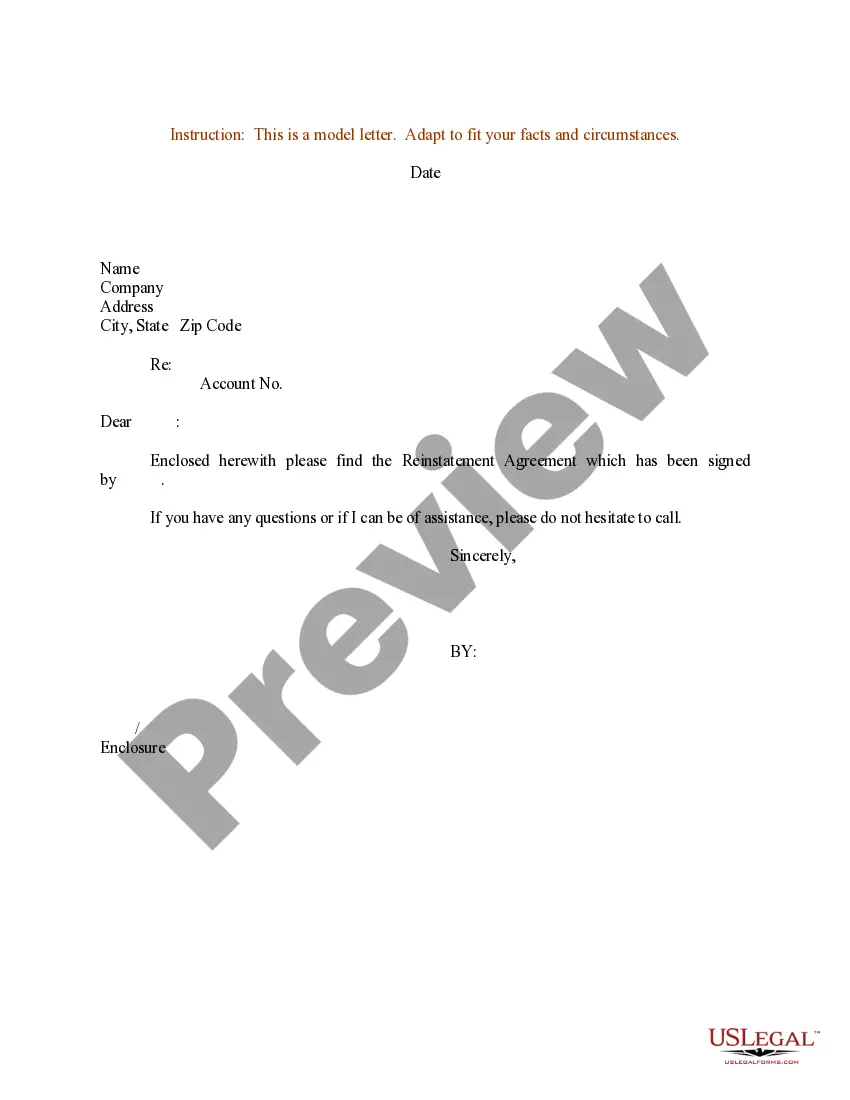
Reinstatement Letter For License Without Test
Description
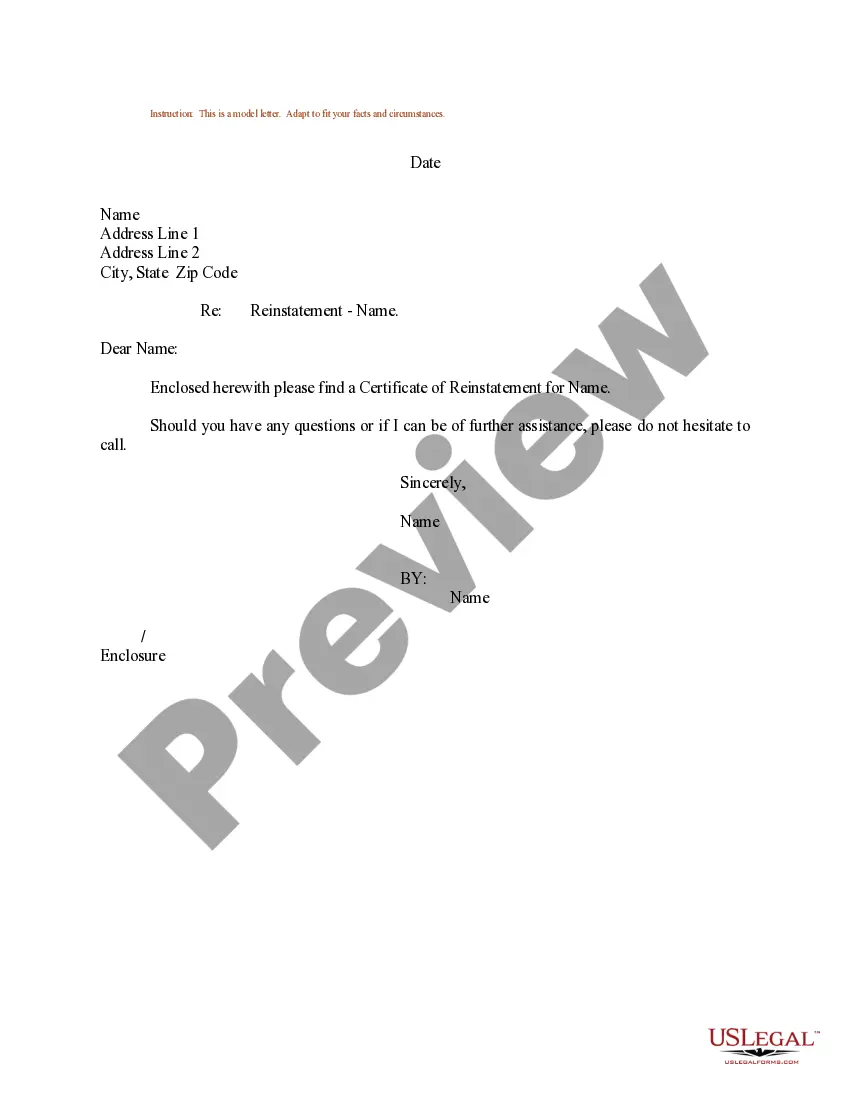
Get your form ready online
Our built-in tools help you complete, sign, share, and store your documents in one place.
Make edits, fill in missing information, and update formatting in US Legal Forms—just like you would in MS Word.
Download a copy, print it, send it by email, or mail it via USPS—whatever works best for your next step.
Sign and collect signatures with our SignNow integration. Send to multiple recipients, set reminders, and more. Go Premium to unlock E-Sign.
If this form requires notarization, complete it online through a secure video call—no need to meet a notary in person or wait for an appointment.
We protect your documents and personal data by following strict security and privacy standards.

Make edits, fill in missing information, and update formatting in US Legal Forms—just like you would in MS Word.

Download a copy, print it, send it by email, or mail it via USPS—whatever works best for your next step.

Sign and collect signatures with our SignNow integration. Send to multiple recipients, set reminders, and more. Go Premium to unlock E-Sign.

If this form requires notarization, complete it online through a secure video call—no need to meet a notary in person or wait for an appointment.

We protect your documents and personal data by following strict security and privacy standards.
Looking for another form?
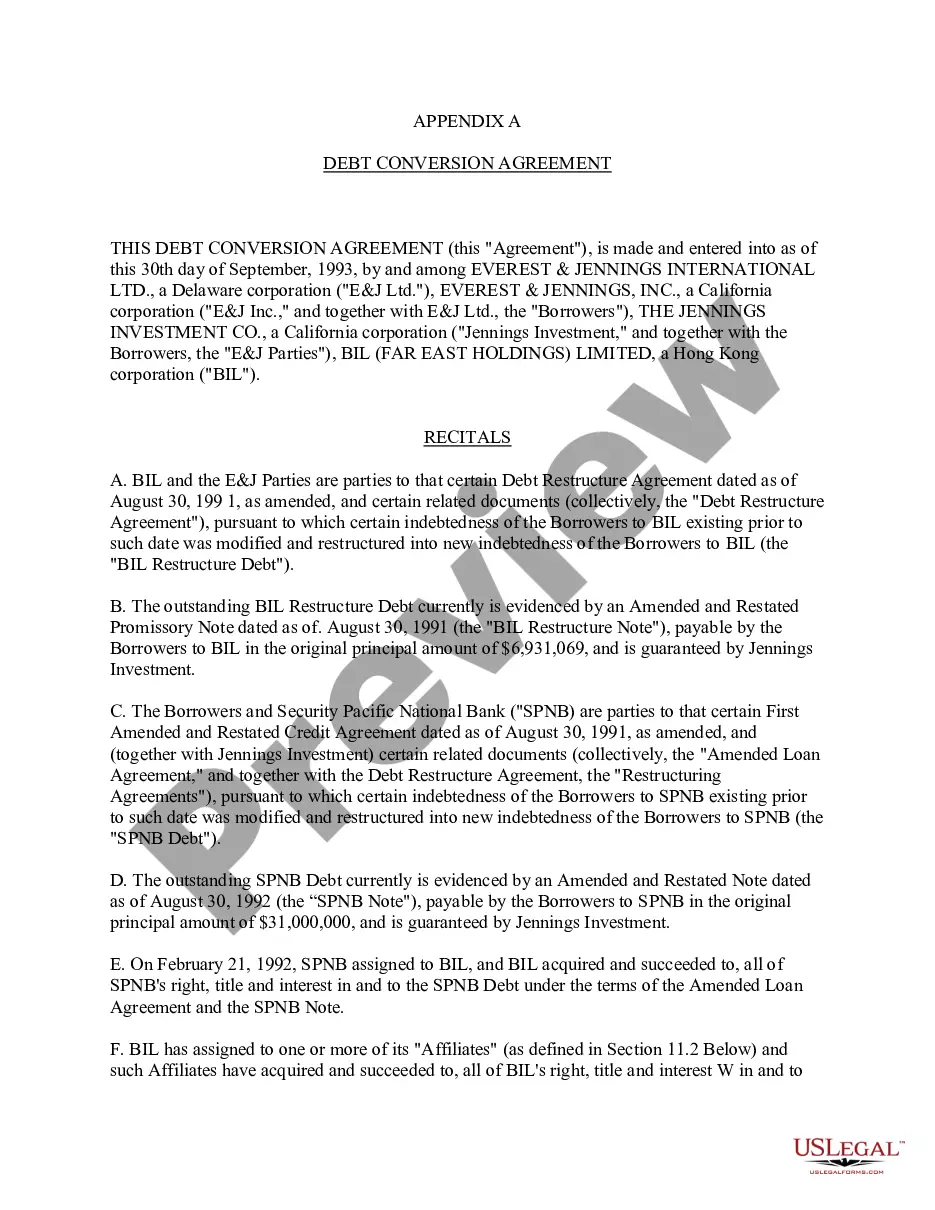

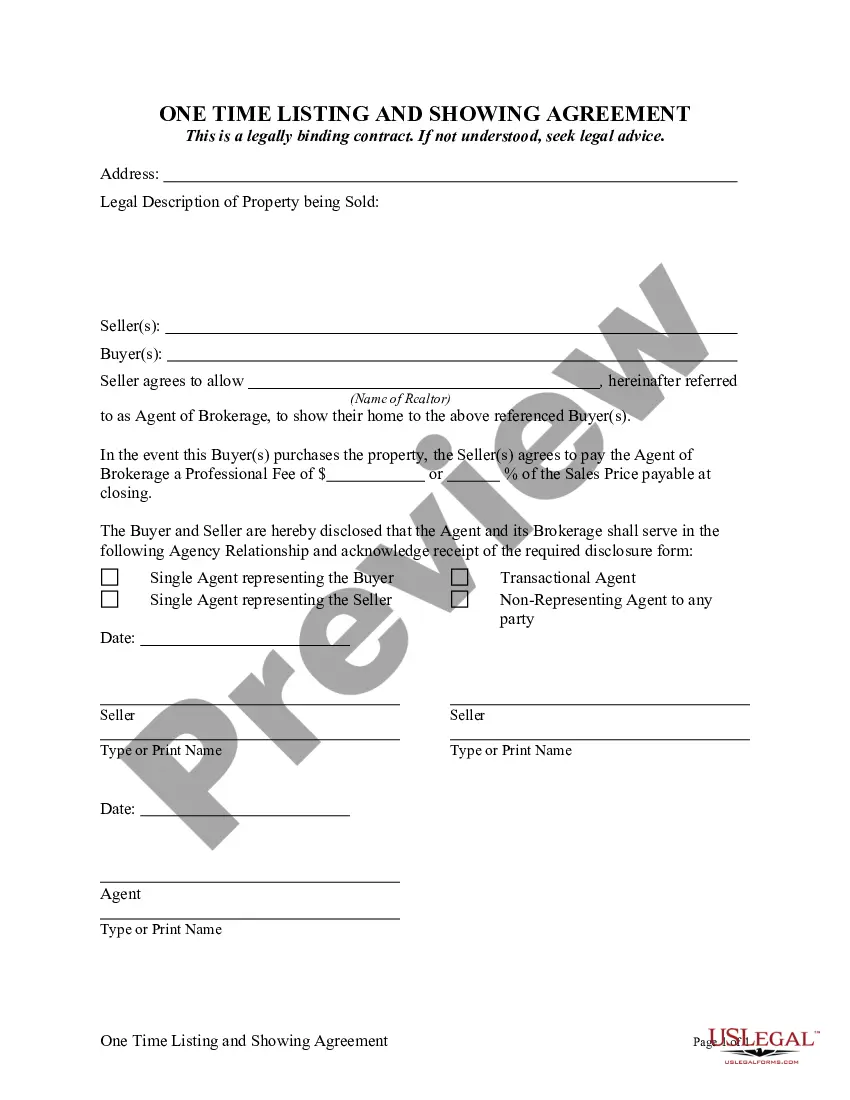
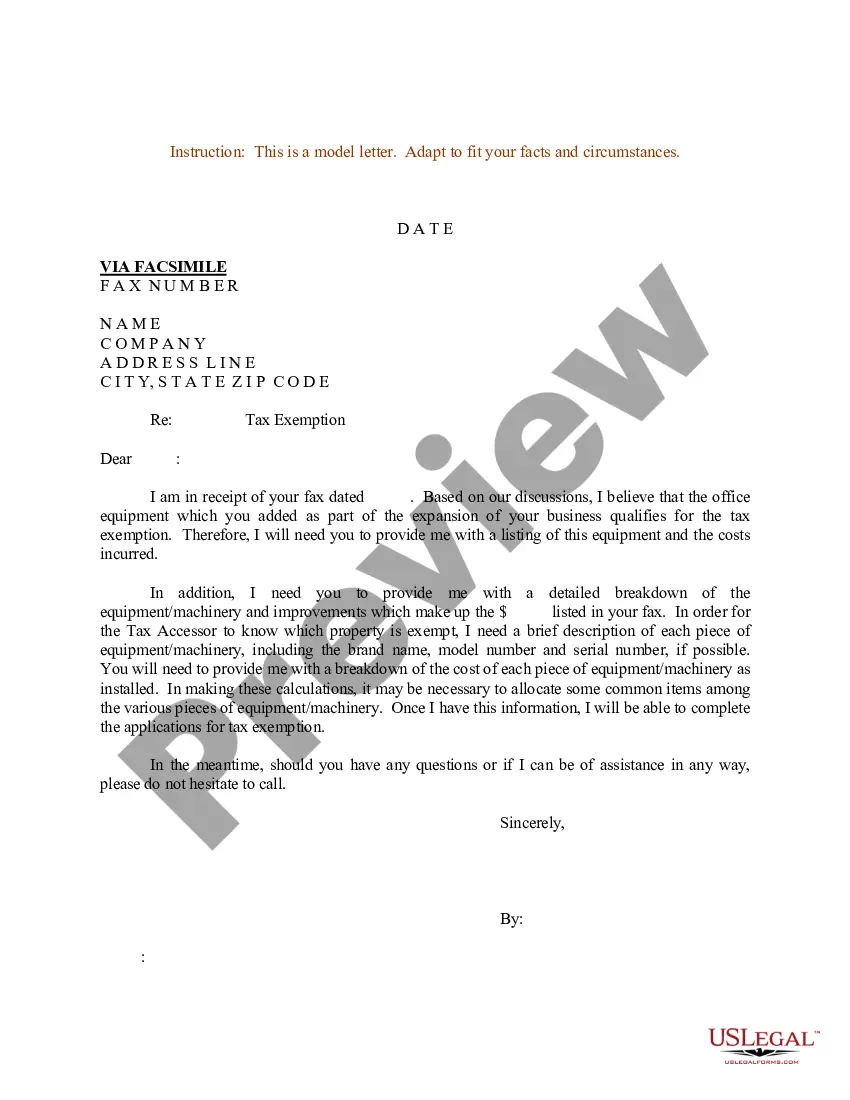
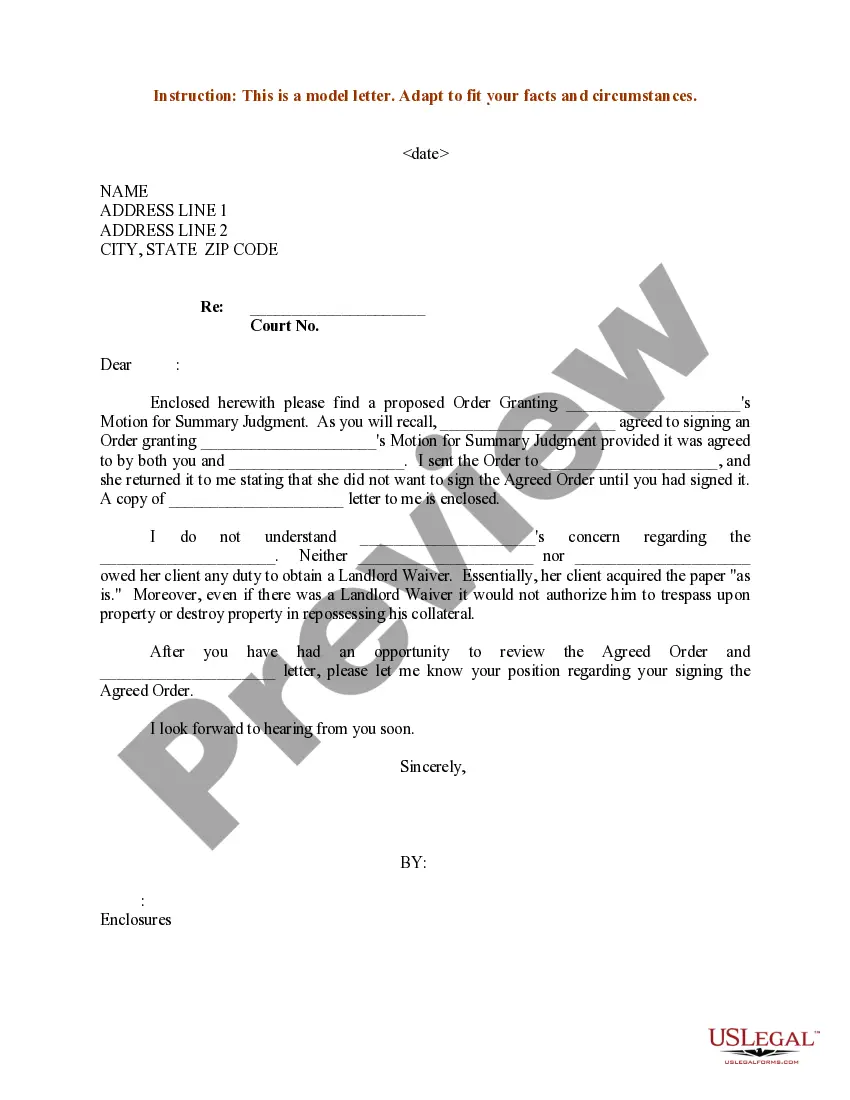
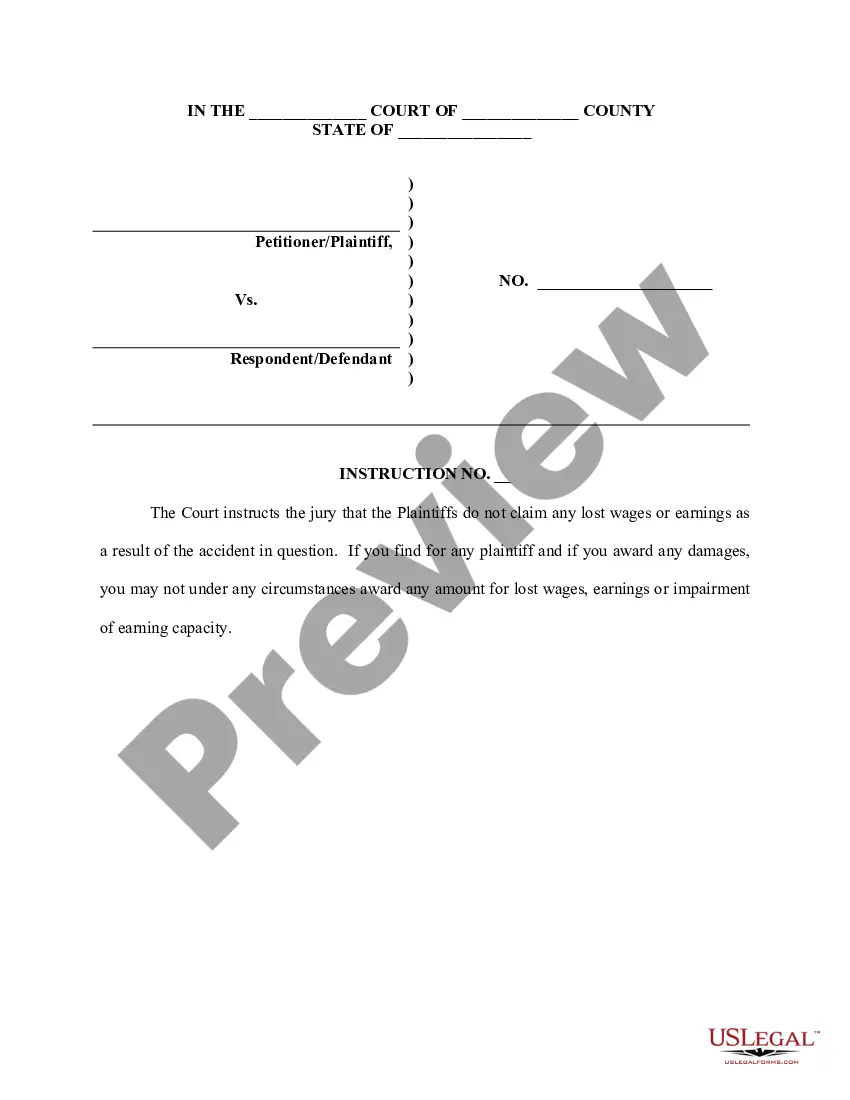
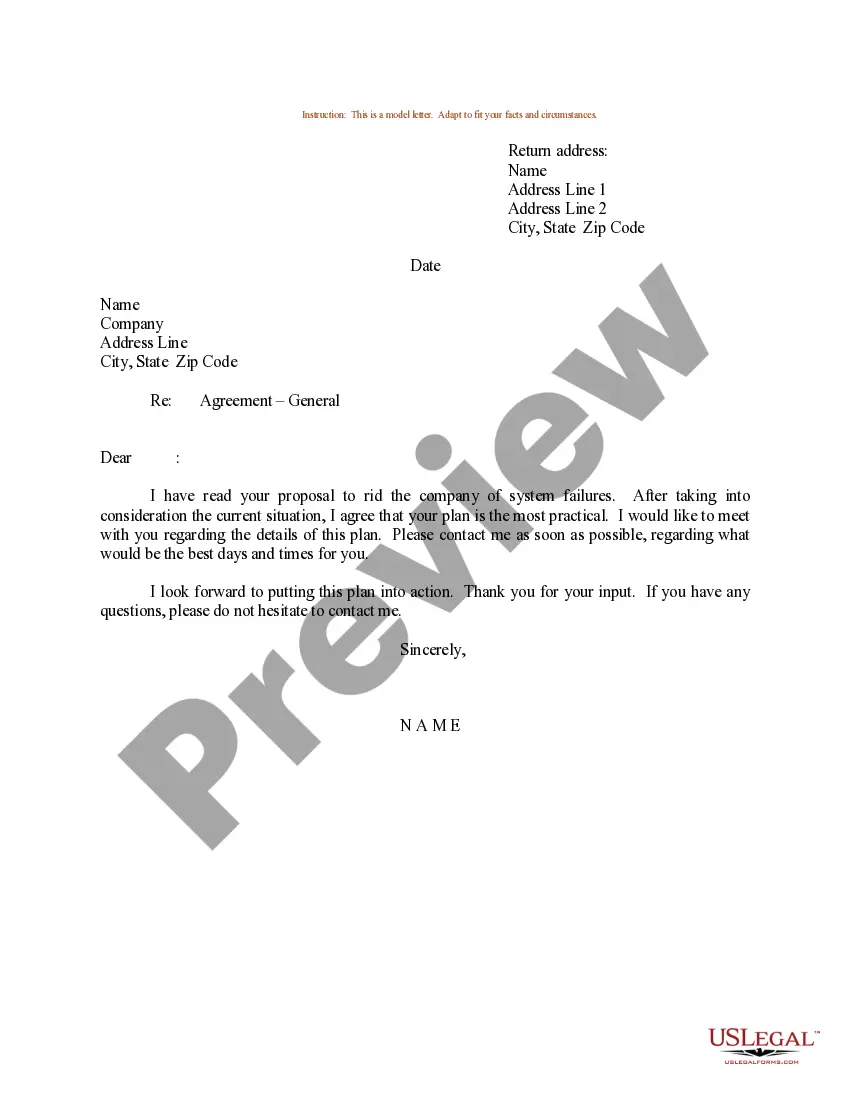
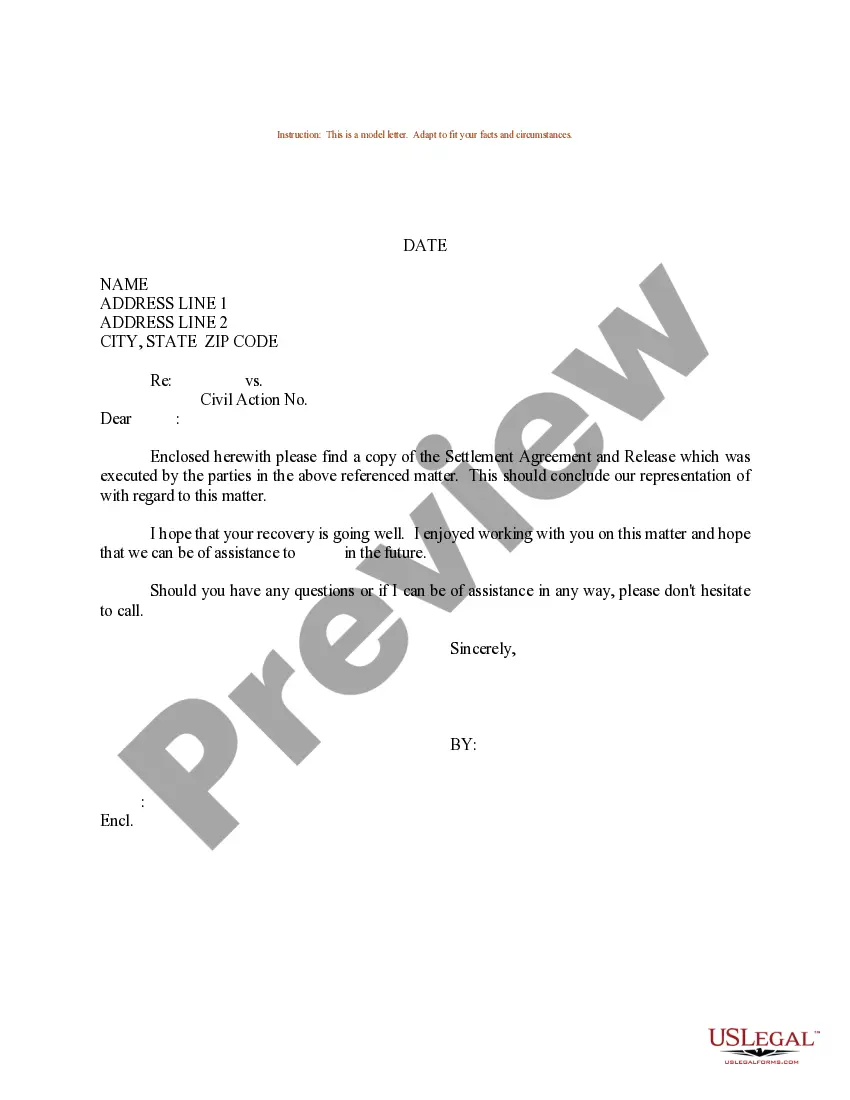
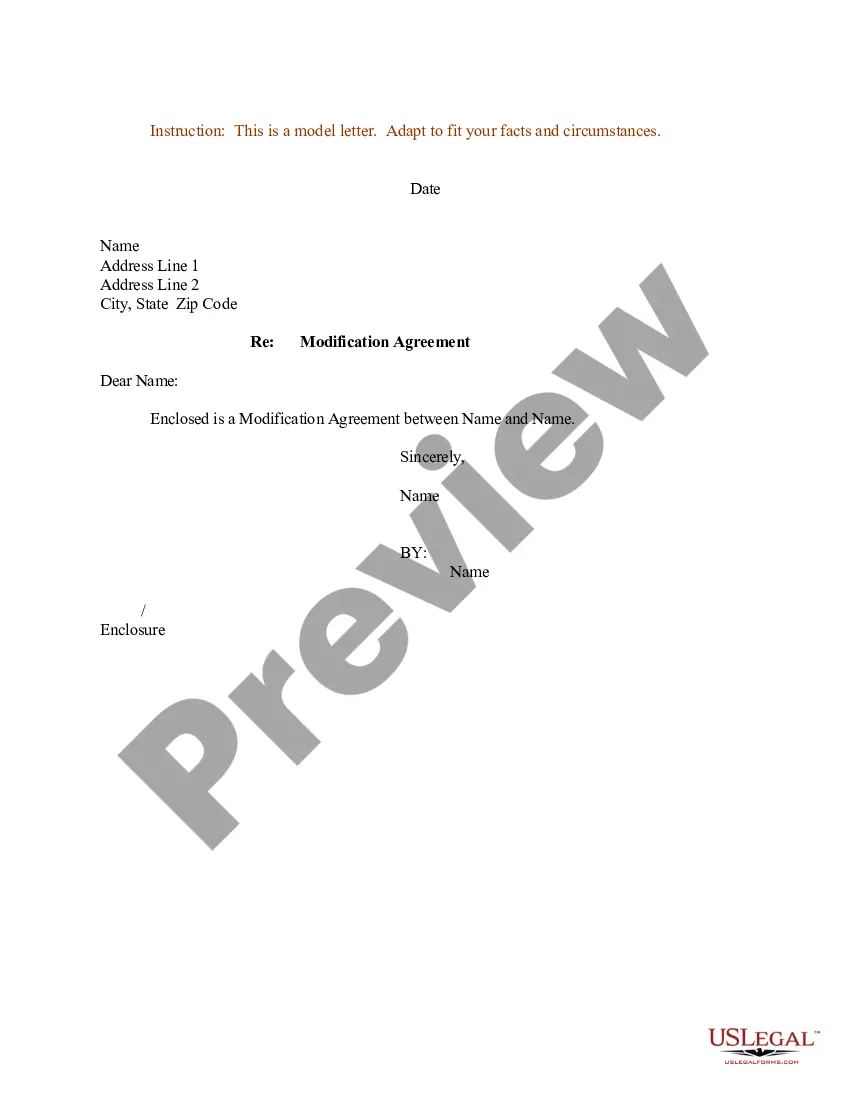
How to fill out Sample Letter For Reinstatement Agreement With Designated Signature?
Dealing with legal paperwork and processes can be a lengthy enhancement to your whole day.
Reinstatement Letter For License Without Test and similar forms frequently require you to search for them and figure out how to complete them correctly.
For this reason, whether you are managing financial, legal, or personal issues, having a thorough and accessible online collection of forms readily available will greatly assist.
US Legal Forms is the leading online resource for legal templates, featuring over 85,000 state-specific forms and a variety of tools that will ease the completion of your documents.
Is this your first experience with US Legal Forms? Sign up and create a free account in just a few minutes and you will gain entry to the form collection and Reinstatement Letter For License Without Test. Then, follow the subsequent steps to complete your form: Ensure you have the correct form using the Review function and checking the form details. Select Buy Now when ready, and choose the subscription plan that suits you best. Click Download then fill out, eSign, and print the form. US Legal Forms has twenty-five years of experience helping users manage their legal paperwork. Locate the form you need today and simplify any process without breaking a sweat.
- Examine the available documents with just a single click.
- US Legal Forms provides you state- and county-specific forms available for download at any time.
- Safeguard your document management processes using a premium service that enables you to prepare any form in minutes without extra or concealed fees.
- Simply Log In to your account, find Reinstatement Letter For License Without Test, and download it immediately from the My documents section.
- You can also access previously downloaded forms.
Form popularity
FAQ
Yes, it is possible to recover files after resetting Windows 10 if you have a backup of your files or if you use specialized data recovery software.It is crucial to prevent further use of the affected device after a reset to avoid overwriting the lost files.
Basic steps Press the Windows key, enter Windows File Recovery in the search box, and then select Windows File Recovery. When you are prompted to allow the app to make changes to your device, select Yes. There are 2 basic modes you can use to recover files: Regular and Extensive.
How to Recover Permanently Deleted Files in Windows 10 Without Software - from Backups Connect your backup storage media to your Windows PC. Press Windows + I keys and navigate to "Settings". Choose "Update & Security" > "Backup". Click "Go to Backup & Restore (Windows 7)". Click "Restore My Files".
Restore Permanently Deleted Files via Backup and Restore If you have created a backup of all valuable files and folders on an external hard drive, you could effectively restore the lost files from the backup. Or, if you have turned on Windows Backup, you still have a chance.
When you restore files deleted from the Recycle Bin, they will appear in their original location in the folder from which they were deleted. The ?Original Location? column in the Recycle Bin shows this location.
Right-click the file or folder, and then select Restore previous versions. You'll see a list of available previous versions of the file or folder. The list will include files saved on a backup (if you're using Windows Backup to back up your files) as well as restore points, if both types are available.
Here are four of the most common deleted file recovery methods. Check Your Recycle Bin. Find the File. ... Use the Control Panel. If you can't find the file in the recycling bin, it could still be stored elsewhere on your computer. ... Use a Data Recovery Software. ... Hire a Data Recovery Service.
Here are four of the most common deleted file recovery methods. Check Your Recycle Bin. Find the File. ... Use the Control Panel. If you can't find the file in the recycling bin, it could still be stored elsewhere on your computer. ... Use a Data Recovery Software. ... Hire a Data Recovery Service.