Recuse Recusal With You Tradução
Description
Get your form ready online
Our built-in tools help you complete, sign, share, and store your documents in one place.
Make edits, fill in missing information, and update formatting in US Legal Forms—just like you would in MS Word.
Download a copy, print it, send it by email, or mail it via USPS—whatever works best for your next step.
Sign and collect signatures with our SignNow integration. Send to multiple recipients, set reminders, and more. Go Premium to unlock E-Sign.
If this form requires notarization, complete it online through a secure video call—no need to meet a notary in person or wait for an appointment.
We protect your documents and personal data by following strict security and privacy standards.

Make edits, fill in missing information, and update formatting in US Legal Forms—just like you would in MS Word.

Download a copy, print it, send it by email, or mail it via USPS—whatever works best for your next step.

Sign and collect signatures with our SignNow integration. Send to multiple recipients, set reminders, and more. Go Premium to unlock E-Sign.

If this form requires notarization, complete it online through a secure video call—no need to meet a notary in person or wait for an appointment.

We protect your documents and personal data by following strict security and privacy standards.
Looking for another form?









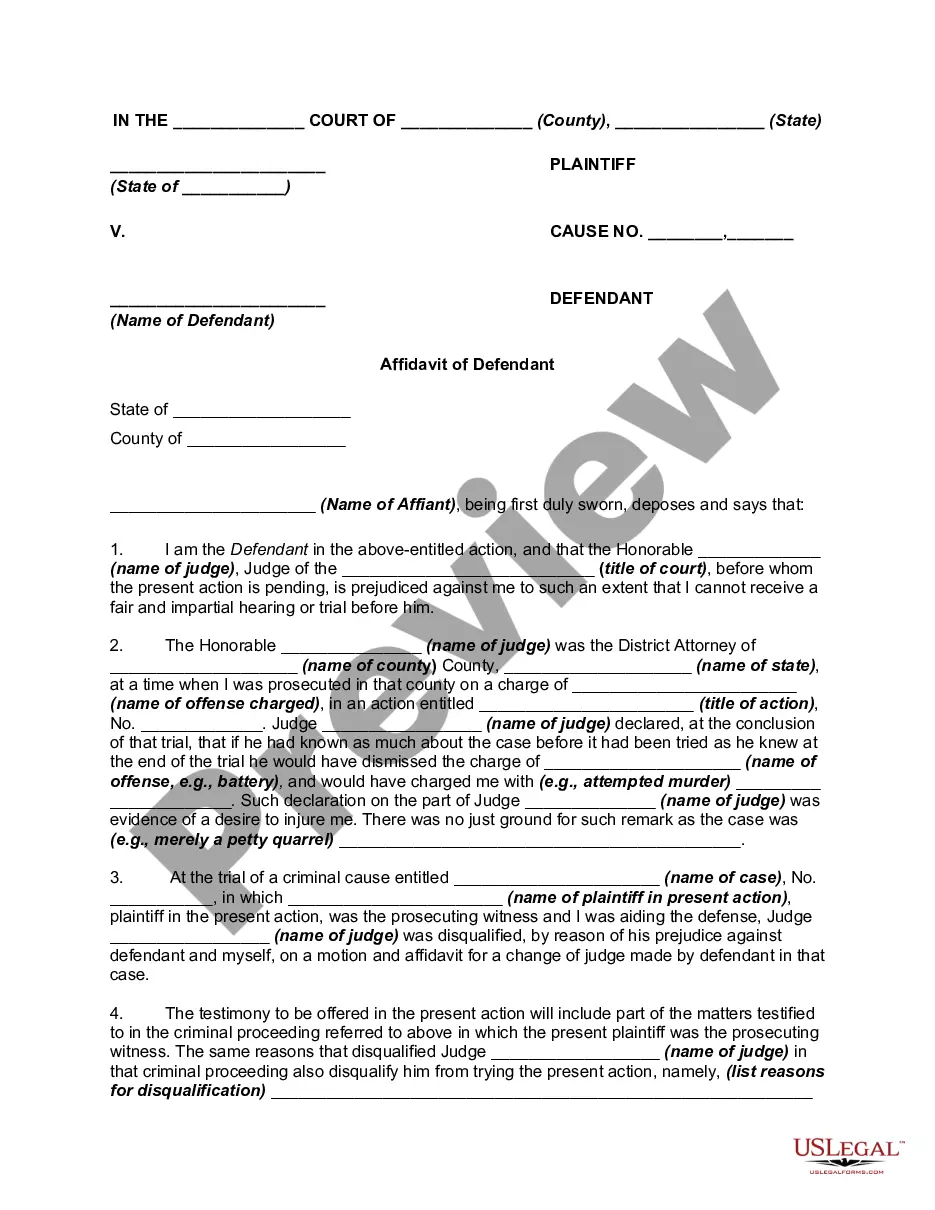
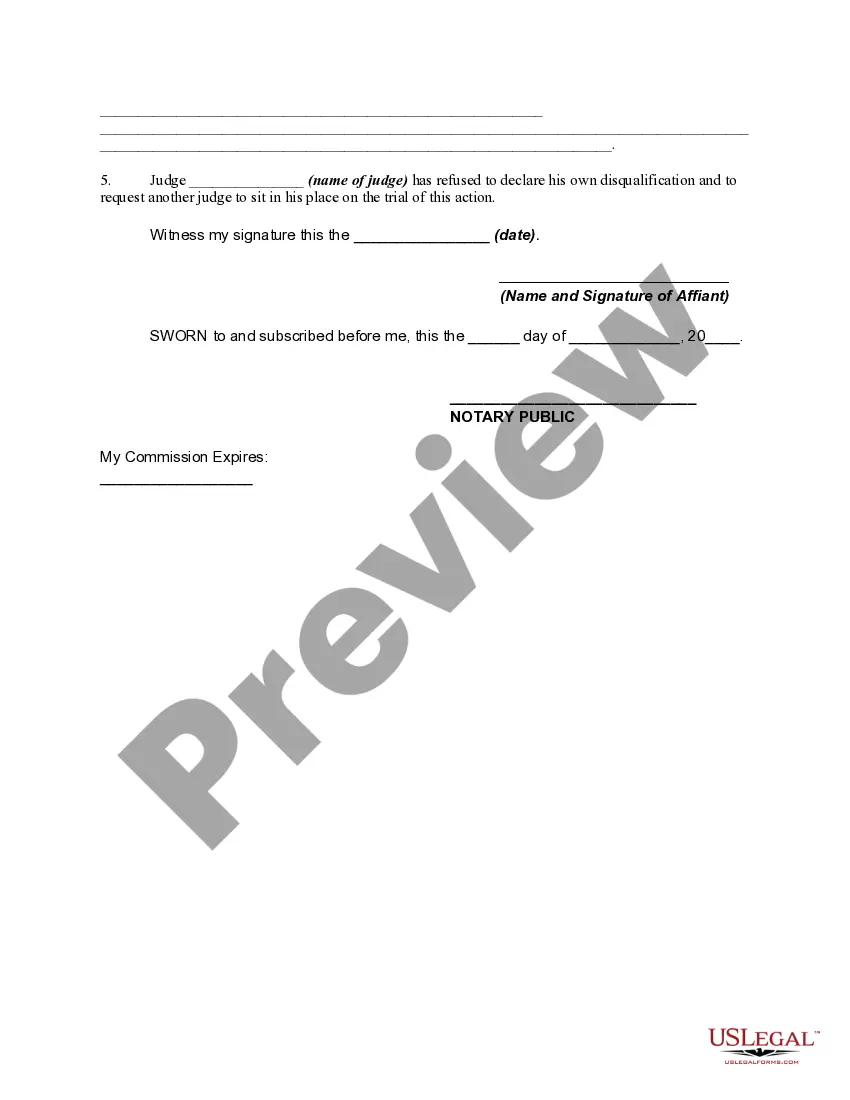
How to fill out Affidavit To Disqualify Or Recuse Judge For Prejudice - Recusal Or Removal?
- If you're already a member, log in to your account and download your template to your device using the Download button. Ensure your subscription is current; renew if necessary.
- For first-time users, start by exploring the Preview mode and form descriptions to confirm you’ve selected the appropriate document that aligns with your needs and jurisdiction.
- Utilize the Search tab to locate other templates if your initial choice doesn’t meet your requirements. Proceed with the next step if you've found the right one.
- Click on the Buy Now button to purchase your selected document and choose your desired subscription plan. You will need to create an account for access.
- Enter your payment details using a credit card or PayPal to complete your purchase.
- Once payment is confirmed, download your form and save it on your device. You can always revisit it later in the My Forms section of your profile.
By utilizing US Legal Forms, individuals and attorneys can streamline their legal paperwork and enhance their efficiency. With a robust collection of over 85,000 fillable forms, users find exactly what they need without hassle.
Don’t wait; experience the convenience of US Legal Forms today and ensure your legal documents are accurate and ready to use.
Form popularity
FAQ
The recusal process involves the judge stepping away from a case due to conflicts of interest or personal involvement. It begins with the judge identifying the conflict, followed by an official declaration and documentation submitted to the court. This ensures that the case can proceed fairly without perceived bias. Understanding the recusal process is vital for anyone engaging with the legal system and can help clarify important decisions.
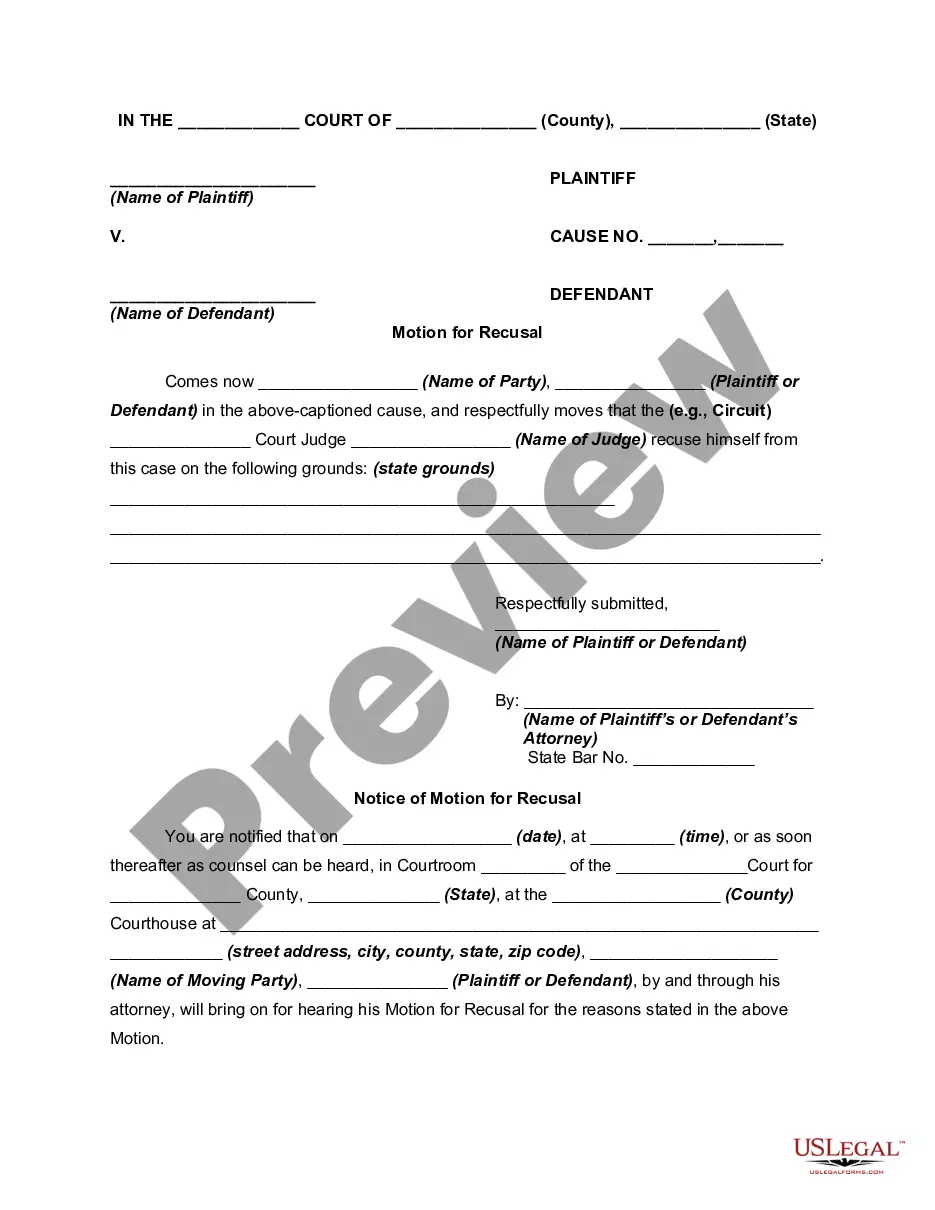
To request a judge to recuse himself, file a written motion with the court, detailing the reasons for your request. Make sure to include specific evidence that illustrates any potential bias or conflict of interest. This clarity will assist the court in making an informed decision. US Legal Forms offers templates that can be beneficial in structuring your request accurately.
You should recuse yourself when there’s a risk that your involvement might compromise your impartiality or the fairness of the proceedings. This includes situations where you have a personal connection to a party or a financial interest in the outcome. Recognizing these instances is crucial for maintaining the integrity of the legal system. Resources like US Legal Forms can provide guidance on making informed decisions regarding recusal.
To recuse oneself, a judge must acknowledge the potential conflict and voluntarily withdraw from the case. This process typically involves notifying the court and providing written documentation of the reasons for recusal. It's vital to maintain transparency to uphold trust in the legal system. Familiarizing yourself with the recusal process can enhance your understanding of this important legal concept.
A judge may recuse himself for various reasons, including personal relationships with involved parties, financial interests in the case, or prior involvement in the matter. Additionally, if public perception suggests bias, a judge may choose to recuse himself to preserve the integrity of the court. It's essential to recognize these situations to ensure justice is served.
To ask a judge to recuse themselves, submit a formal motion to the court. This motion should clearly outline the reasons for the request, supported by relevant facts. It’s beneficial to reference specific instances that may suggest bias or a conflict of interest. Utilizing resources, like US Legal Forms, can guide you in drafting this motion effectively.
A conflict of interest for a judge arises when personal relationships or financial interests could influence their decision-making. This may include close family ties to a party involved in a case or financial stakes in the outcome. In such situations, it is crucial for the judge to recuse themselves to maintain fairness. Understanding how to recuse is important for upholding justice.