Remova-os
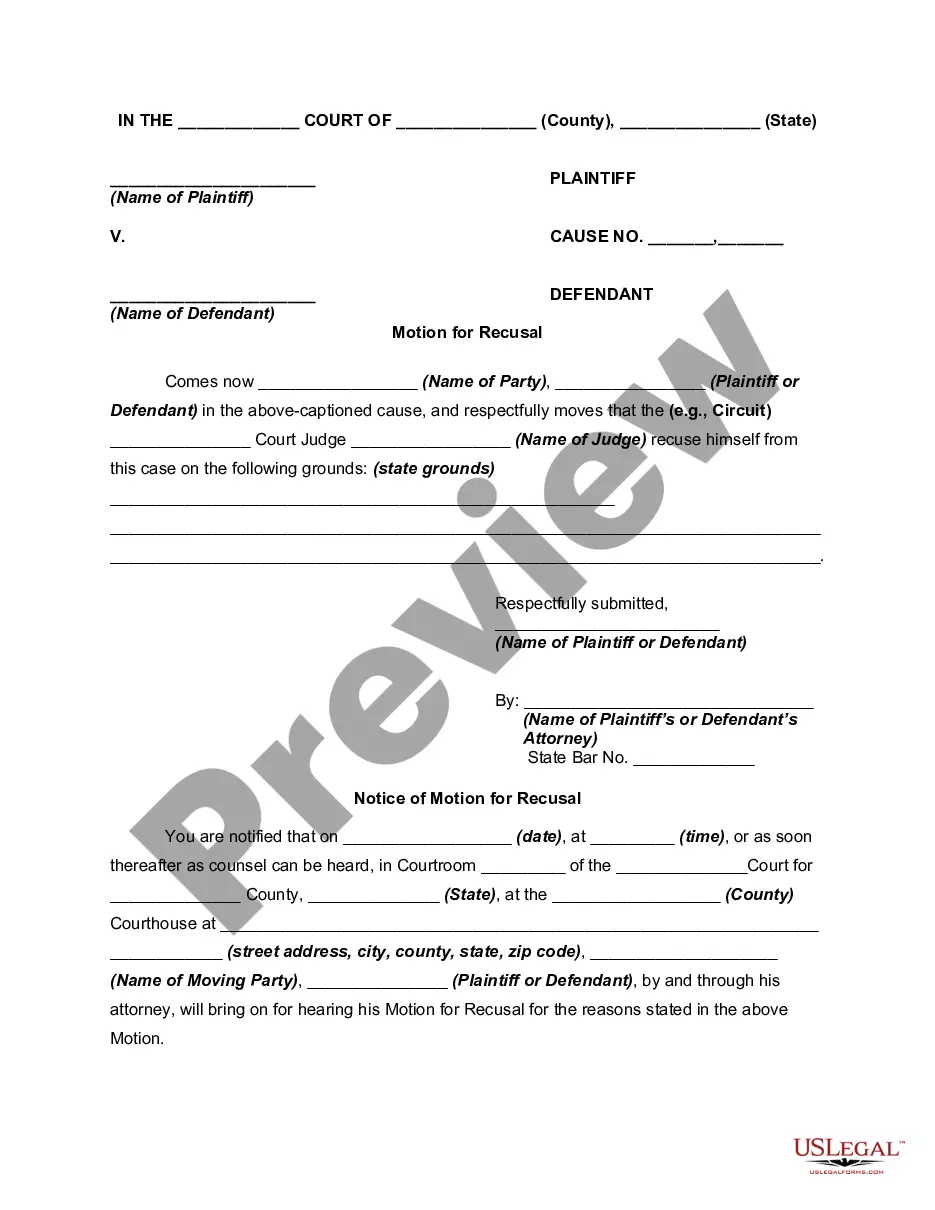
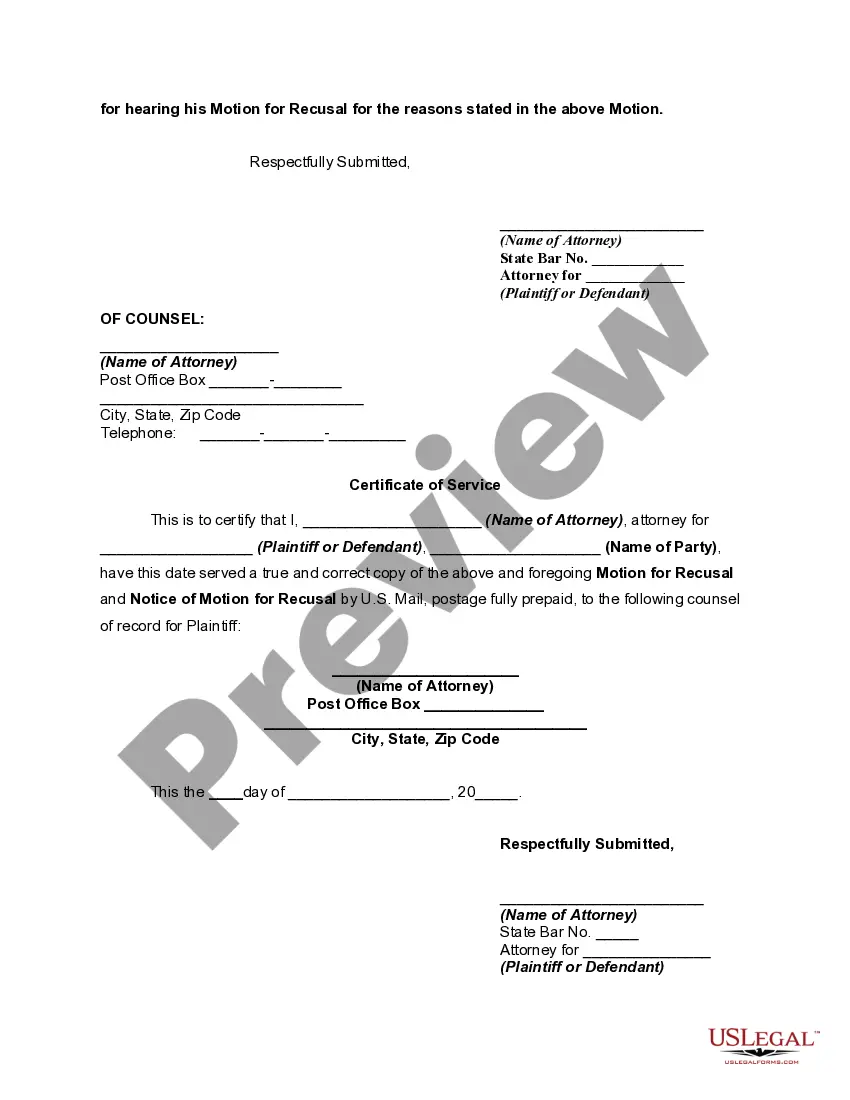
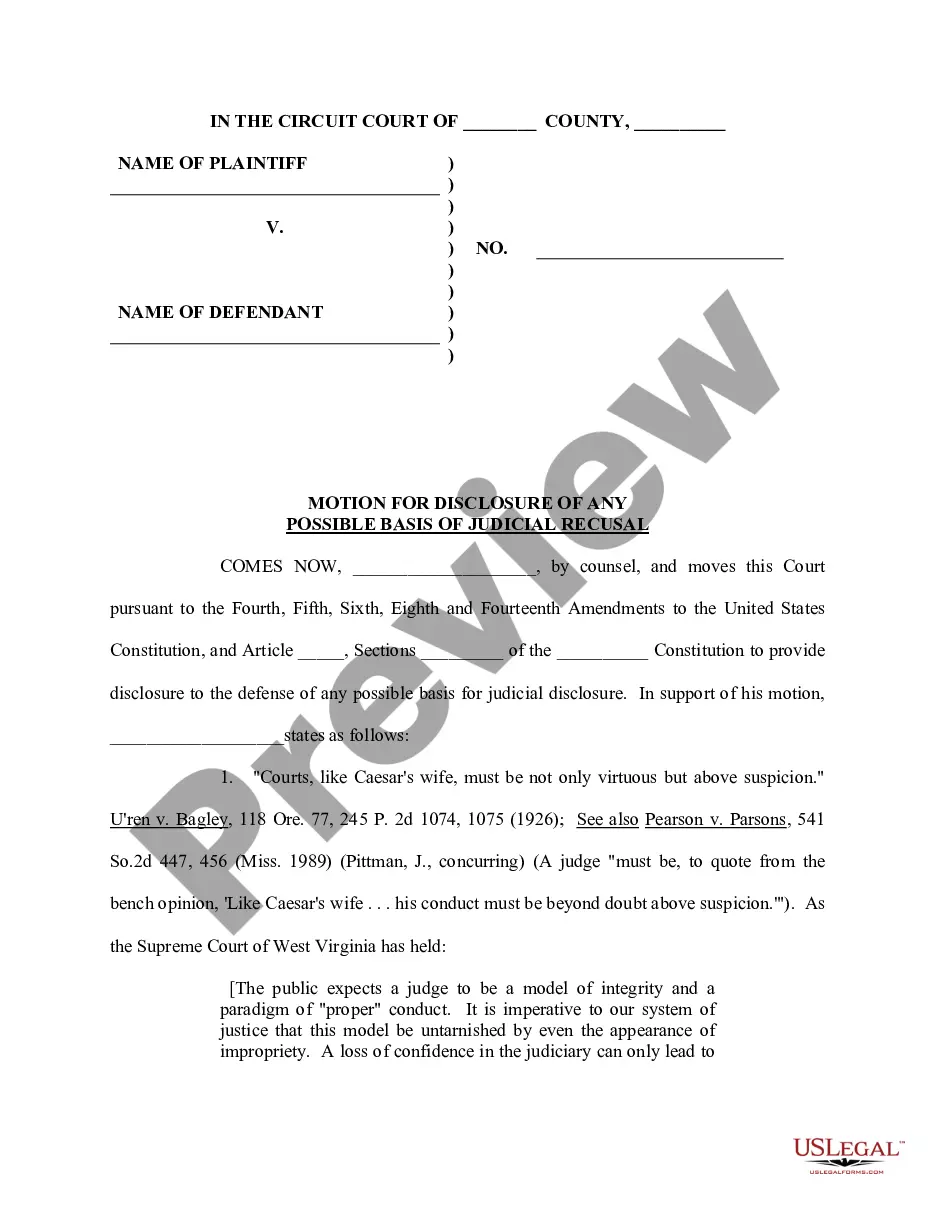
Description
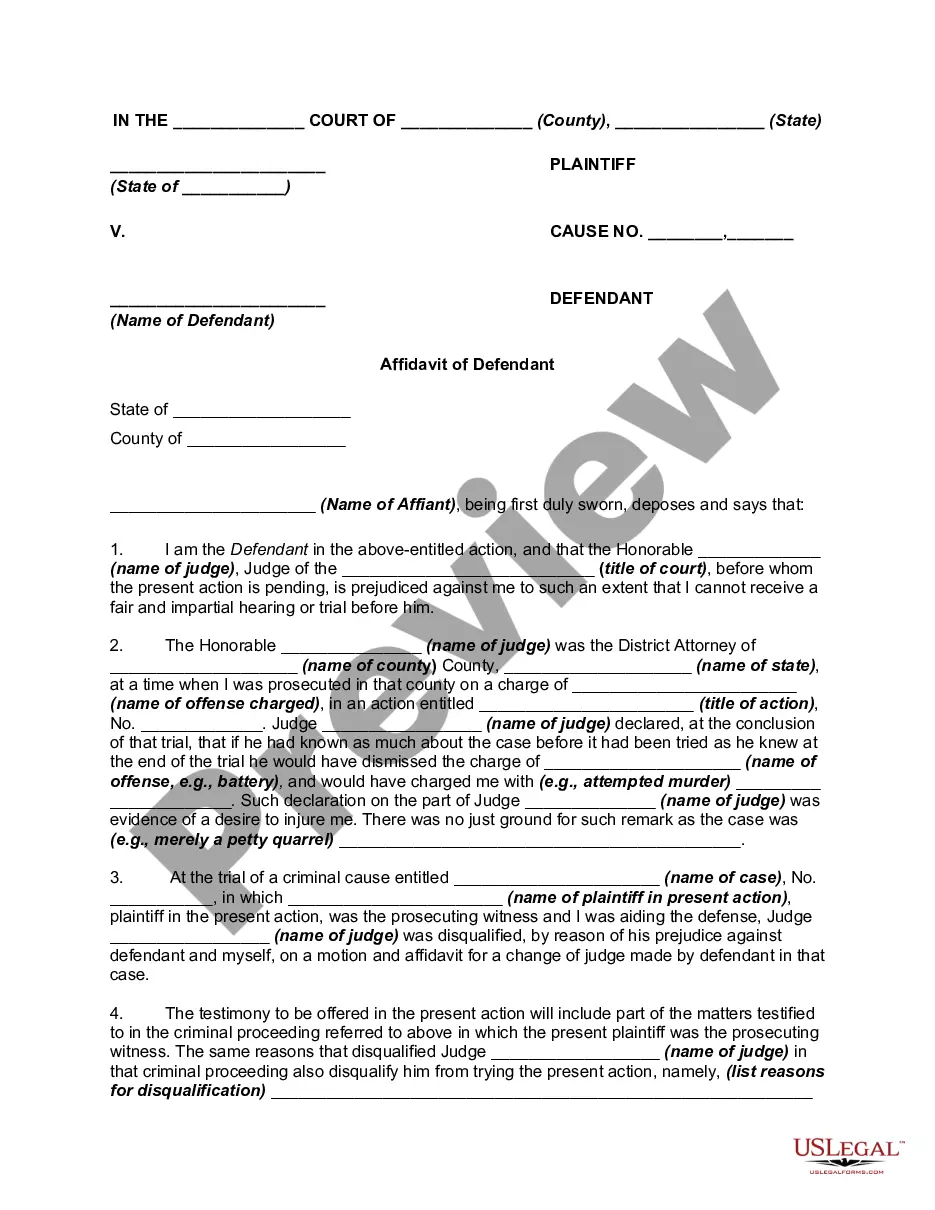

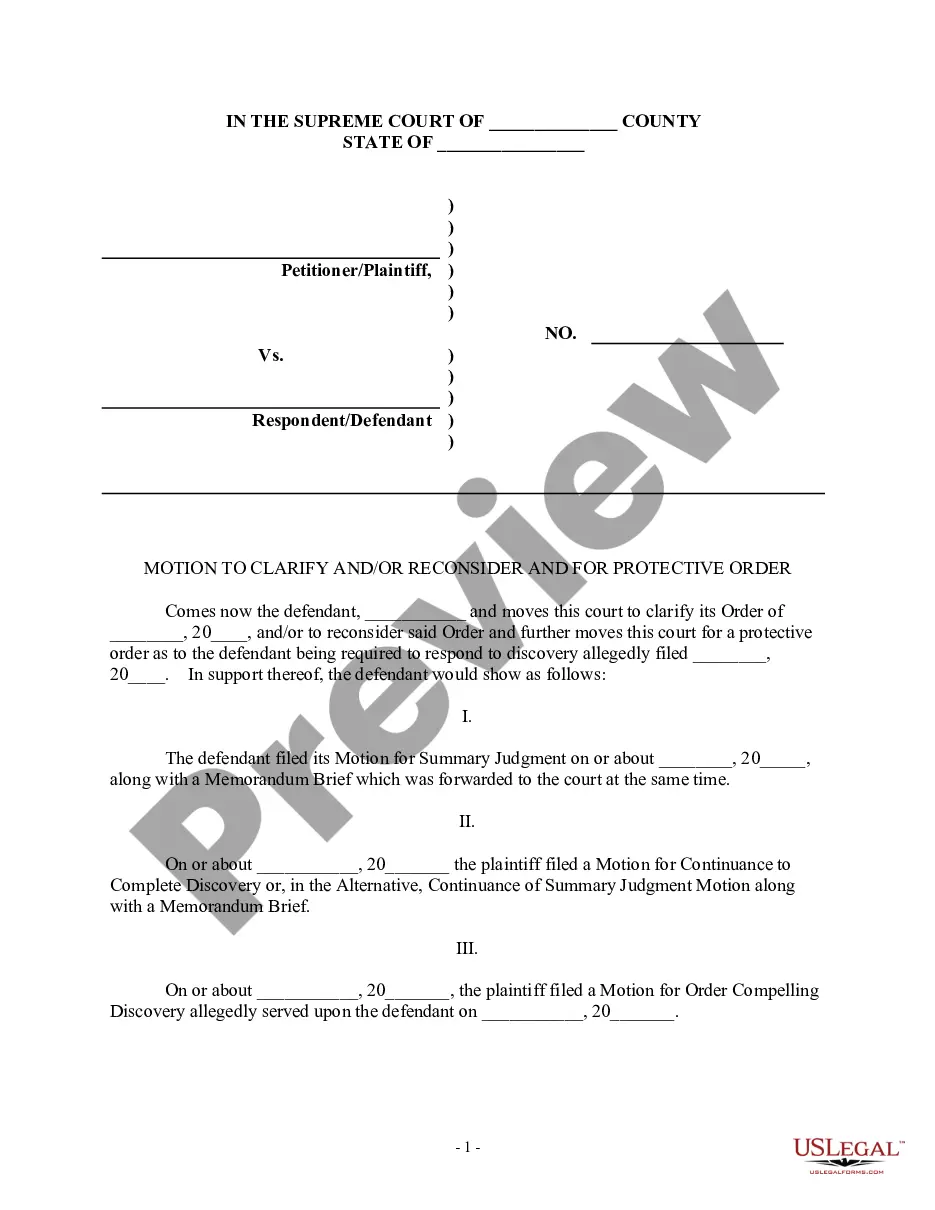
Get your form ready online
Our built-in tools help you complete, sign, share, and store your documents in one place.
Make edits, fill in missing information, and update formatting in US Legal Forms—just like you would in MS Word.
Download a copy, print it, send it by email, or mail it via USPS—whatever works best for your next step.
Sign and collect signatures with our SignNow integration. Send to multiple recipients, set reminders, and more. Go Premium to unlock E-Sign.
If this form requires notarization, complete it online through a secure video call—no need to meet a notary in person or wait for an appointment.
We protect your documents and personal data by following strict security and privacy standards.

Make edits, fill in missing information, and update formatting in US Legal Forms—just like you would in MS Word.

Download a copy, print it, send it by email, or mail it via USPS—whatever works best for your next step.

Sign and collect signatures with our SignNow integration. Send to multiple recipients, set reminders, and more. Go Premium to unlock E-Sign.

If this form requires notarization, complete it online through a secure video call—no need to meet a notary in person or wait for an appointment.

We protect your documents and personal data by following strict security and privacy standards.
Looking for another form?


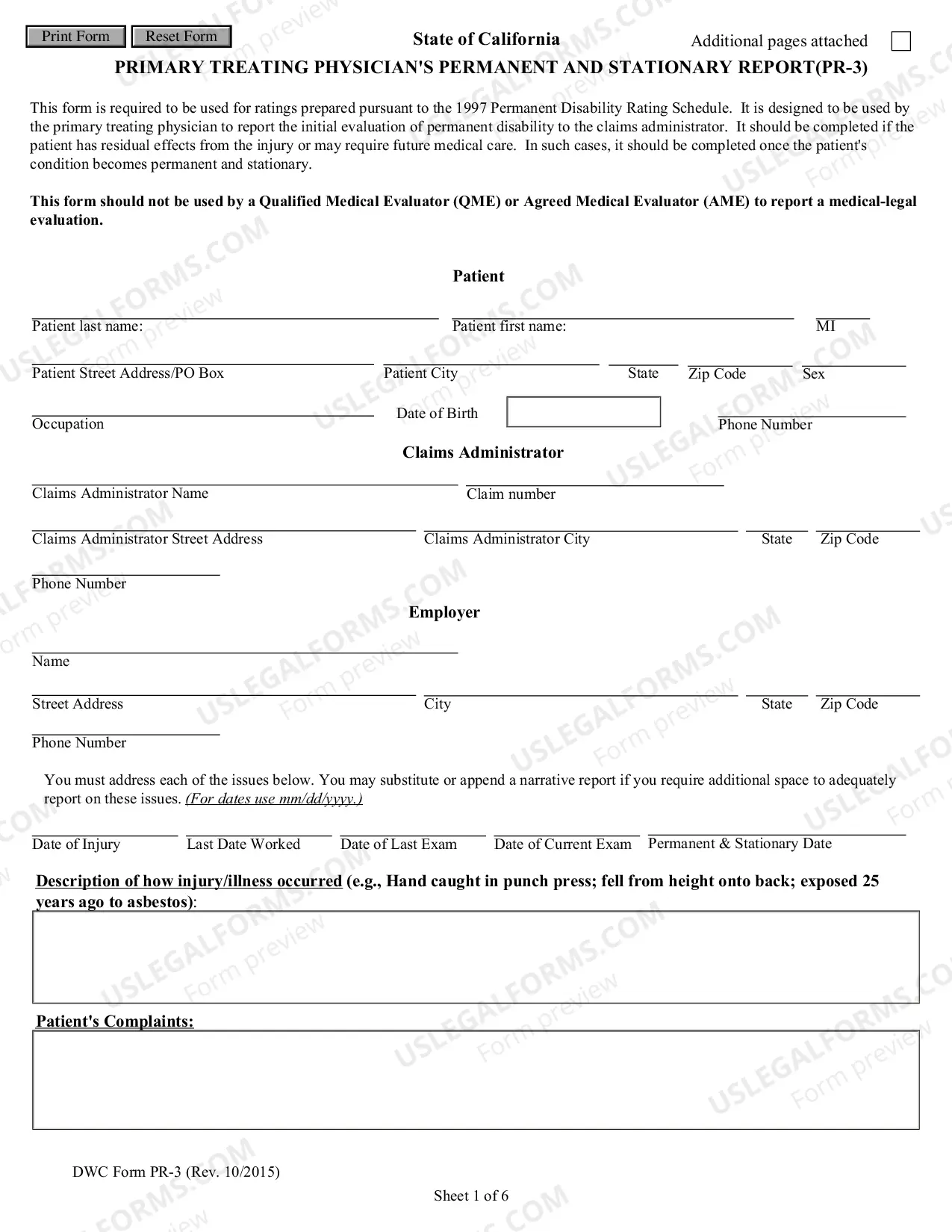


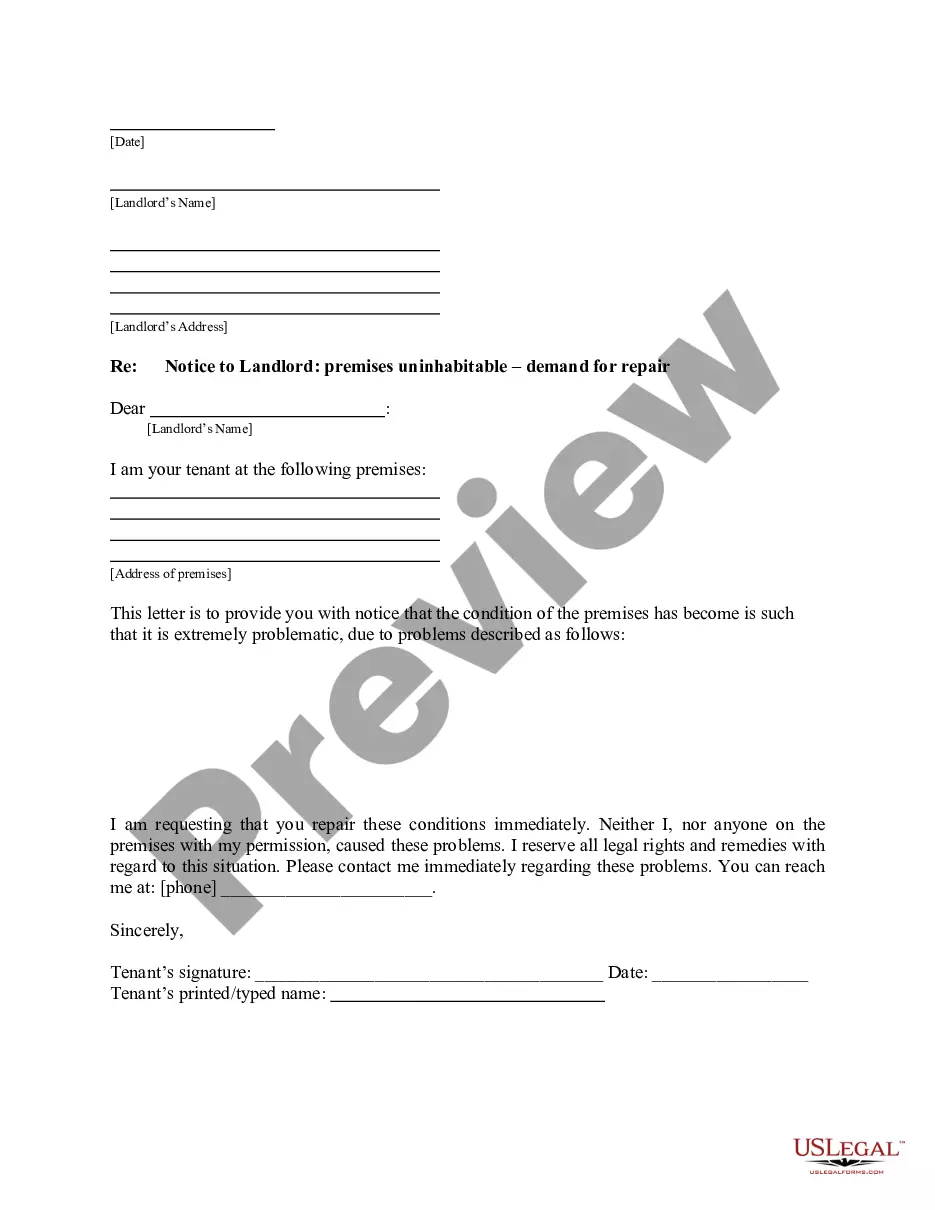




How to fill out Motion For Recusal Of Judge - Removal?
- For returning users, log in to your account and ensure your subscription is current. Click the Download button for the required template.
- If you're new to the service, begin by checking the Preview mode and form description. Make sure the form aligns with your specific needs and jurisdiction.
- Use the Search tab to find a different template if necessary. Verify it fits your requirements before proceeding.
- Purchase the document by clicking the Buy Now button and selecting your preferred subscription plan. You will need to register for an account to access the documents.
- Complete your purchase by entering your payment details via credit card or PayPal.
- Download your finalized form and save it to your device. You can also access it anytime in the My Forms section of your account.
US Legal Forms provides an extensive online library with over 85,000 fillable and editable legal documents, ensuring users have access to more forms than competitors for similar costs. Additionally, subscribers can consult with premium experts for guidance during form completion.
In conclusion, using US Legal Forms is a straightforward process that allows you to efficiently remova-os and create legally sound documents. Get started today and ensure your legal needs are met with confidence!
Form popularity
FAQ
OS 2 was officially discontinued in the late 1990s, around 2001. This marked the end of an era for a system that had once aimed to change the computing landscape. If you are looking to remove the remnants of OS 2 from your systems, UsLegalForms provides the necessary legal forms and documents to make that transition smoother.
OS 2 struggled to compete with dominant operating systems due to timing and market shifts. Despite its innovative features, it could not attract enough users, leading to its decline. If you find yourself in a similar situation, needing to remove outdated systems or transition to modern alternatives, consider UsLegalForms to help navigate your options effectively.
Some specialized industries still utilize OS 2, particularly for specific software that requires it. Though its user base is limited, these users often seek solutions to maintain compatibility. If you need guidance on how to effectively remove OS 2 from your environment, UsLegalForms can provide templates and forms to facilitate this.
To identify the operating system of your device, you can typically check the settings menu or system information section. Knowing your OS is essential when considering updates or any potential need to remove OS components. If you need assistance figuring this out, UsLegalForms offers resources to guide you through the necessary steps.
Many people wonder if OS 2 is still in use today. While the operating system has largely been phased out, certain niche users continue to rely on it, primarily for legacy applications. If you find yourself needing to remove OS features or migrate from this system, consider platforms like UsLegalForms to help streamline the process.
To completely wipe a hard drive, including the OS in Windows 7, you should use the recovery options on your installation disc. Boot from the disc, and when given the choice, select to format your drive. This method ensures that every piece of data is removed, including the operating system, giving you a clean slate.
To remove an existing OS and install a new one, boot from the installation media of the new OS. During the installation process, you will have the option to format the current drive. Accept this option and continue with the installation, subsequently replacing the old OS with the new one while ensuring complete data removal.
To wipe a Windows 7 computer clean for selling, start by backing up important files. Use the Windows installation media to format your hard drive. When prompted, select the custom installation option and format the drive to delete all previous information. This process will ensure that your data remains secure and your system is set up for the new user.
BIOS does not store operating systems itself, but it can be set to boot from specific drives that contain OS. To remove an OS from the boot options, access your BIOS settings during startup. Navigate to the Boot menu, and specify the drive order to prioritize the desired boot device. This adjustment will redirect your system to boot from the chosen OS instead.
To completely wipe your hard drive and operating system, you can perform a full format using installation media. Insert the media and boot your system. Choose the advanced installation option and format the drive where the OS is installed. This action will remove the OS along with all other data, allowing for a clean installation.