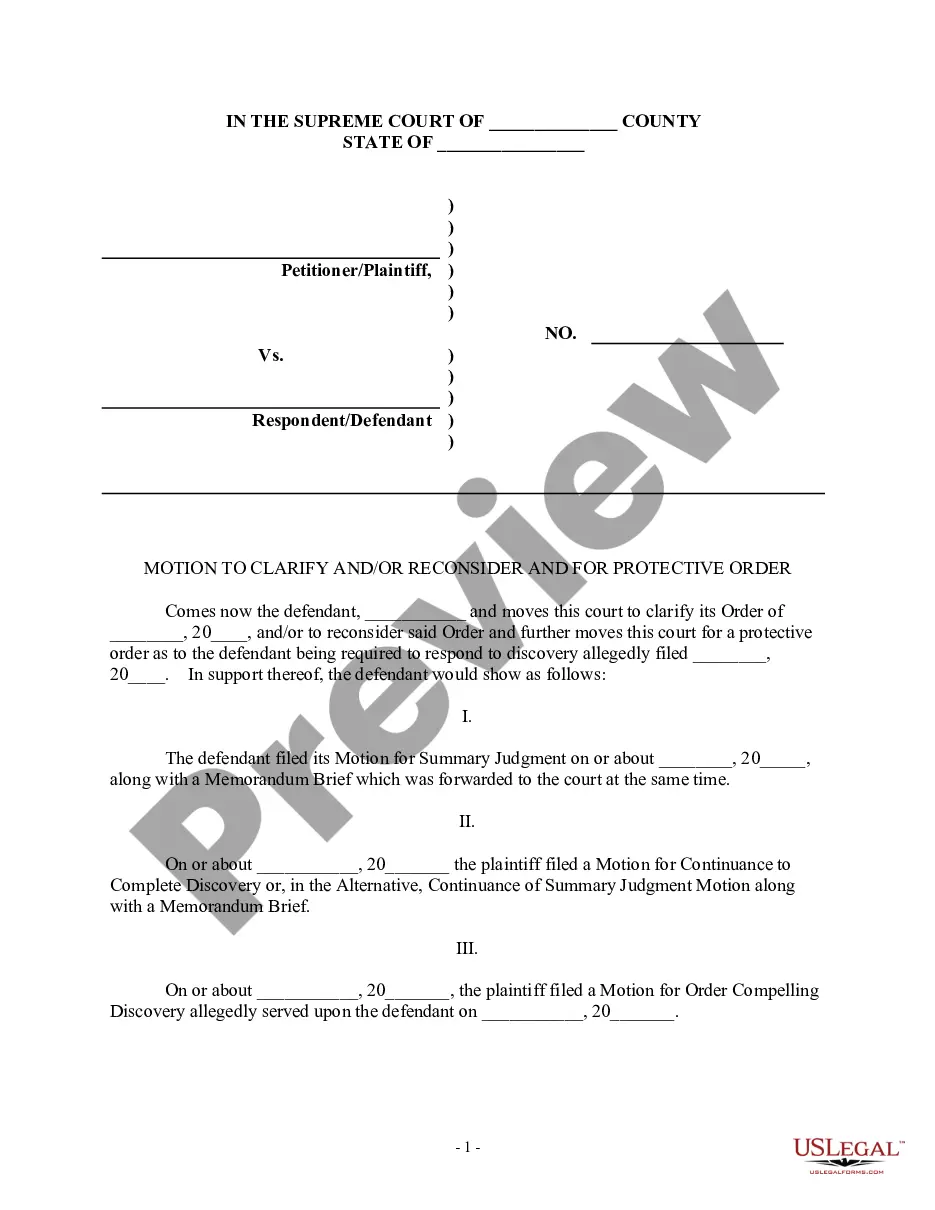
Motion Judge Form Template For Counseling
Description


Get your form ready online
Our built-in tools help you complete, sign, share, and store your documents in one place.
Make edits, fill in missing information, and update formatting in US Legal Forms—just like you would in MS Word.
Download a copy, print it, send it by email, or mail it via USPS—whatever works best for your next step.
Sign and collect signatures with our SignNow integration. Send to multiple recipients, set reminders, and more. Go Premium to unlock E-Sign.
If this form requires notarization, complete it online through a secure video call—no need to meet a notary in person or wait for an appointment.
We protect your documents and personal data by following strict security and privacy standards.

Make edits, fill in missing information, and update formatting in US Legal Forms—just like you would in MS Word.

Download a copy, print it, send it by email, or mail it via USPS—whatever works best for your next step.

Sign and collect signatures with our SignNow integration. Send to multiple recipients, set reminders, and more. Go Premium to unlock E-Sign.

If this form requires notarization, complete it online through a secure video call—no need to meet a notary in person or wait for an appointment.

We protect your documents and personal data by following strict security and privacy standards.
Looking for another form?

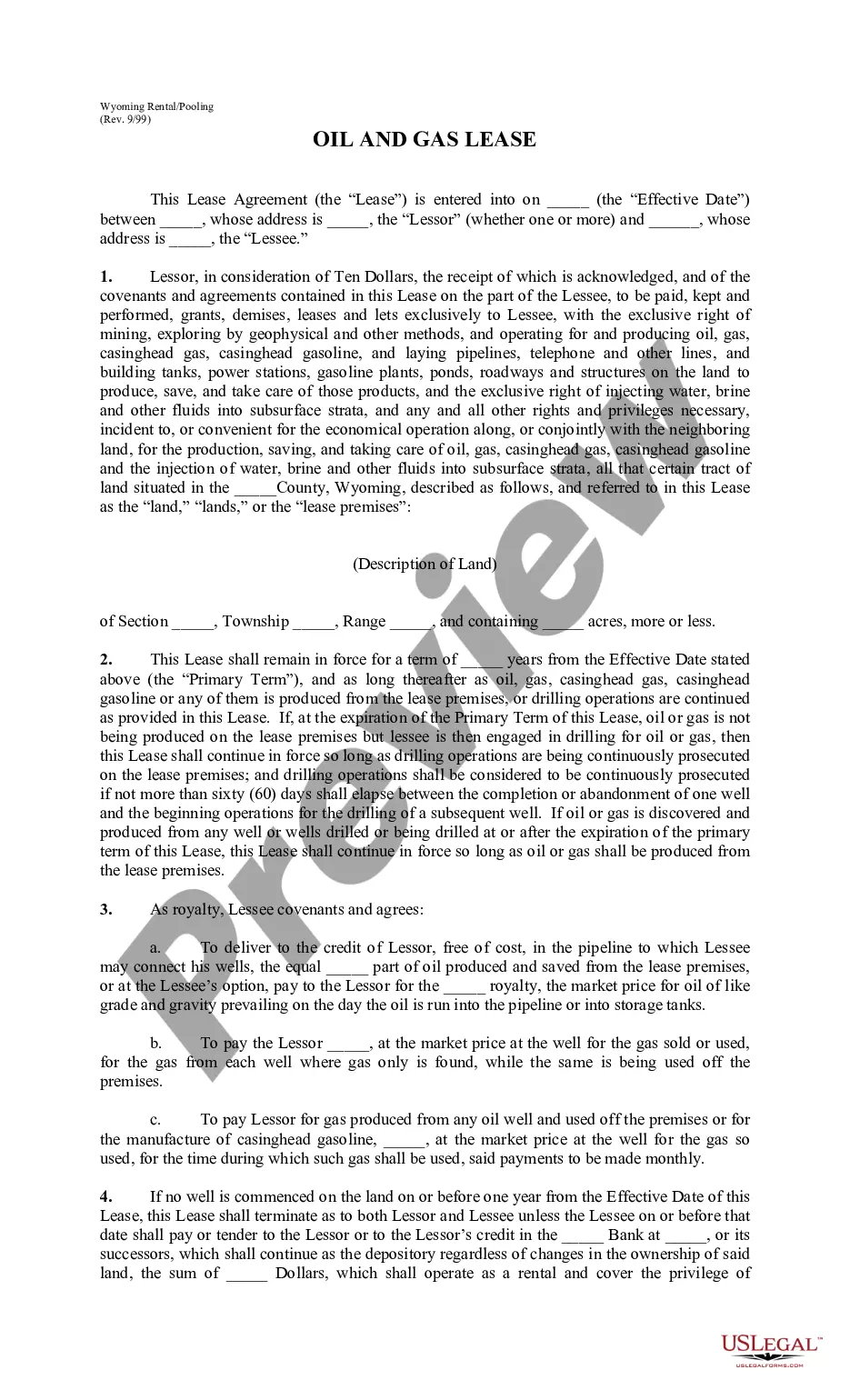



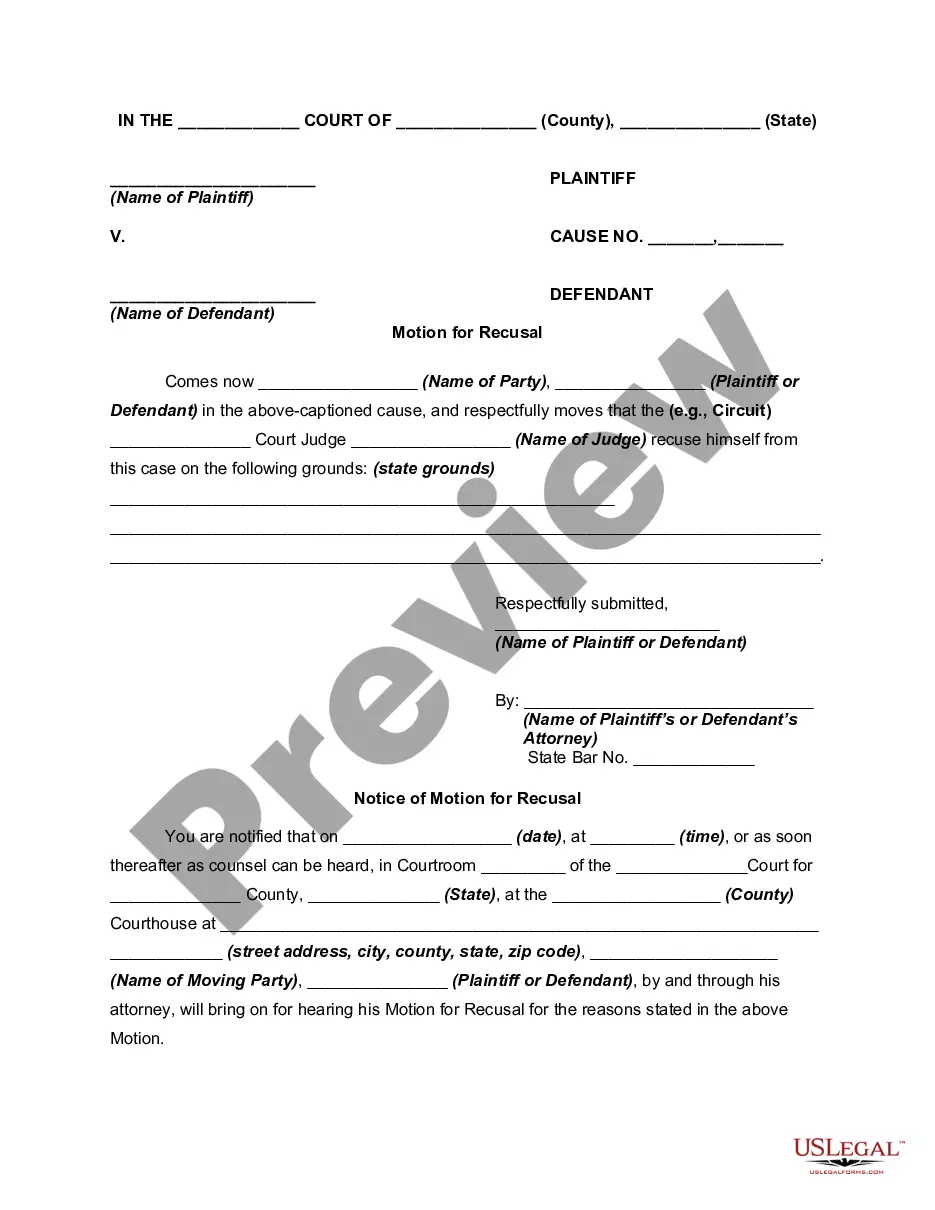
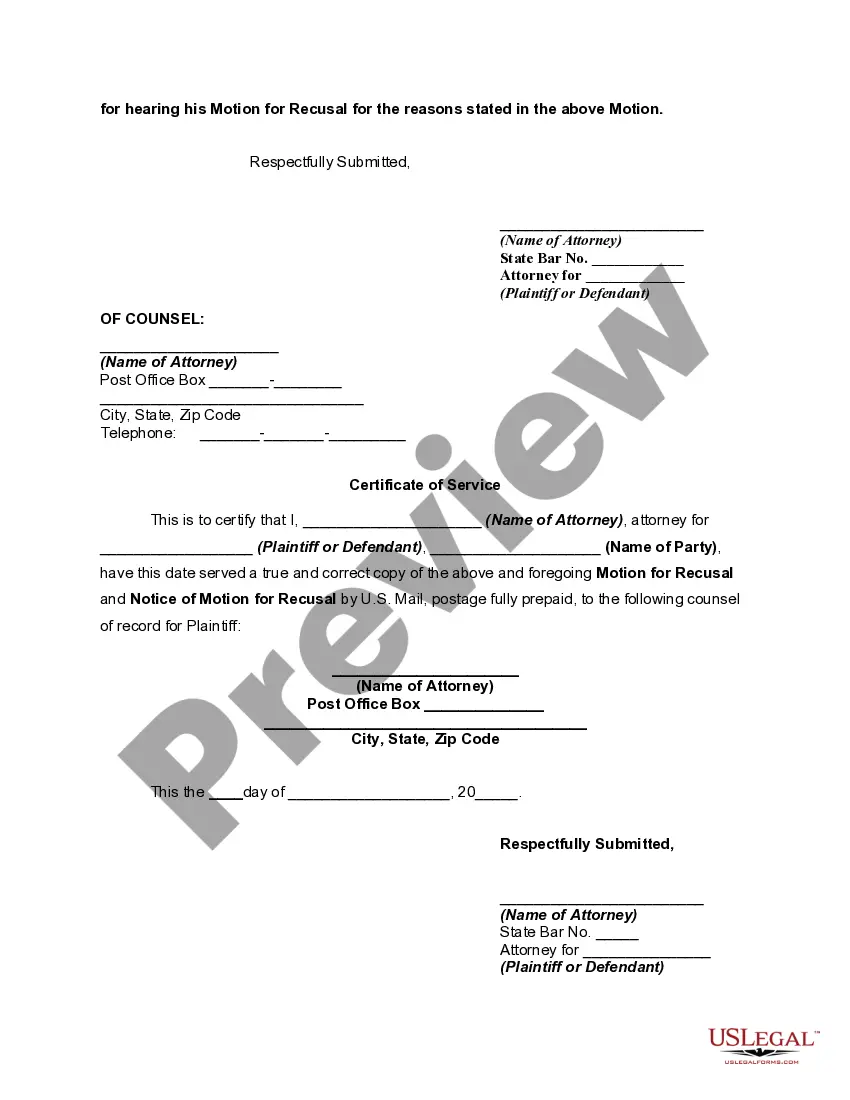
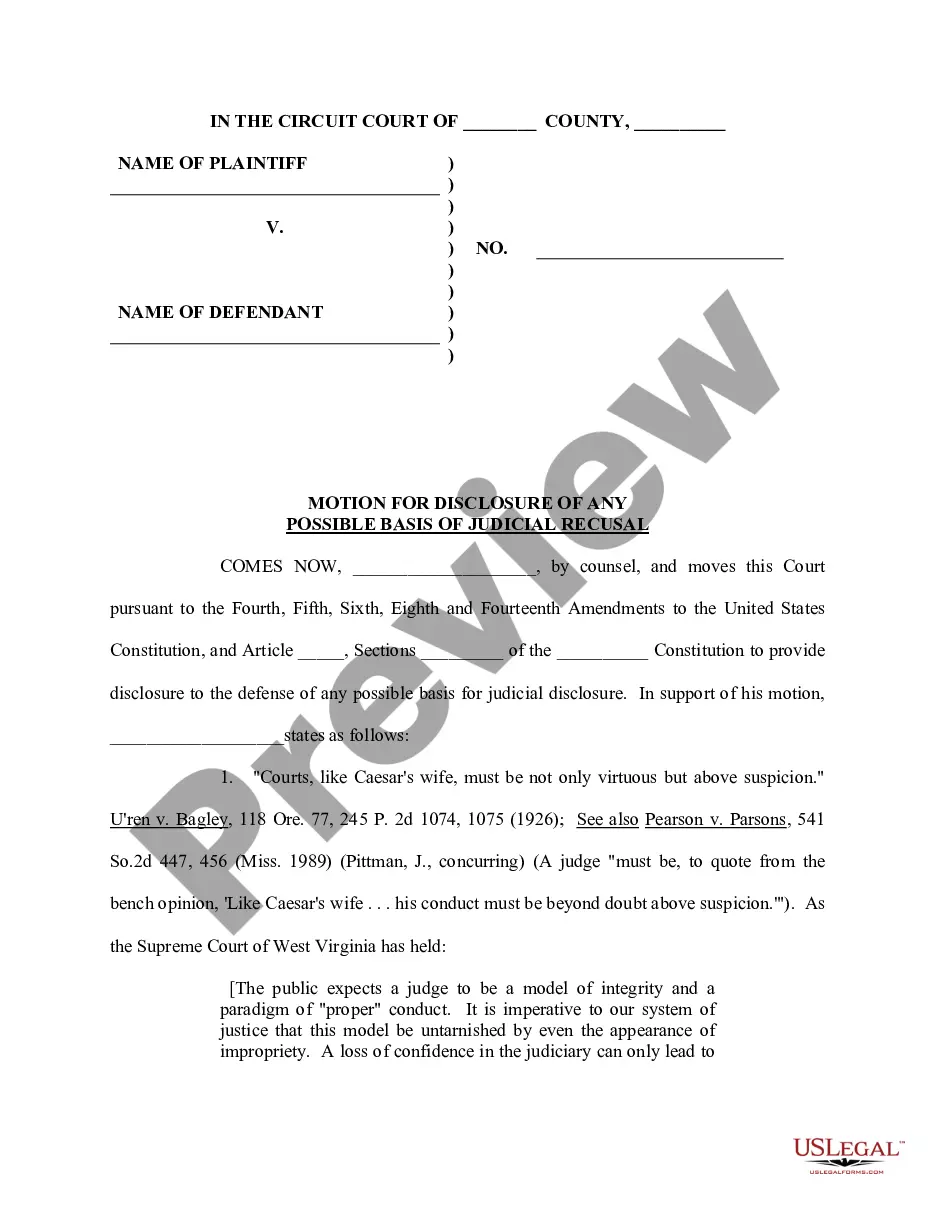
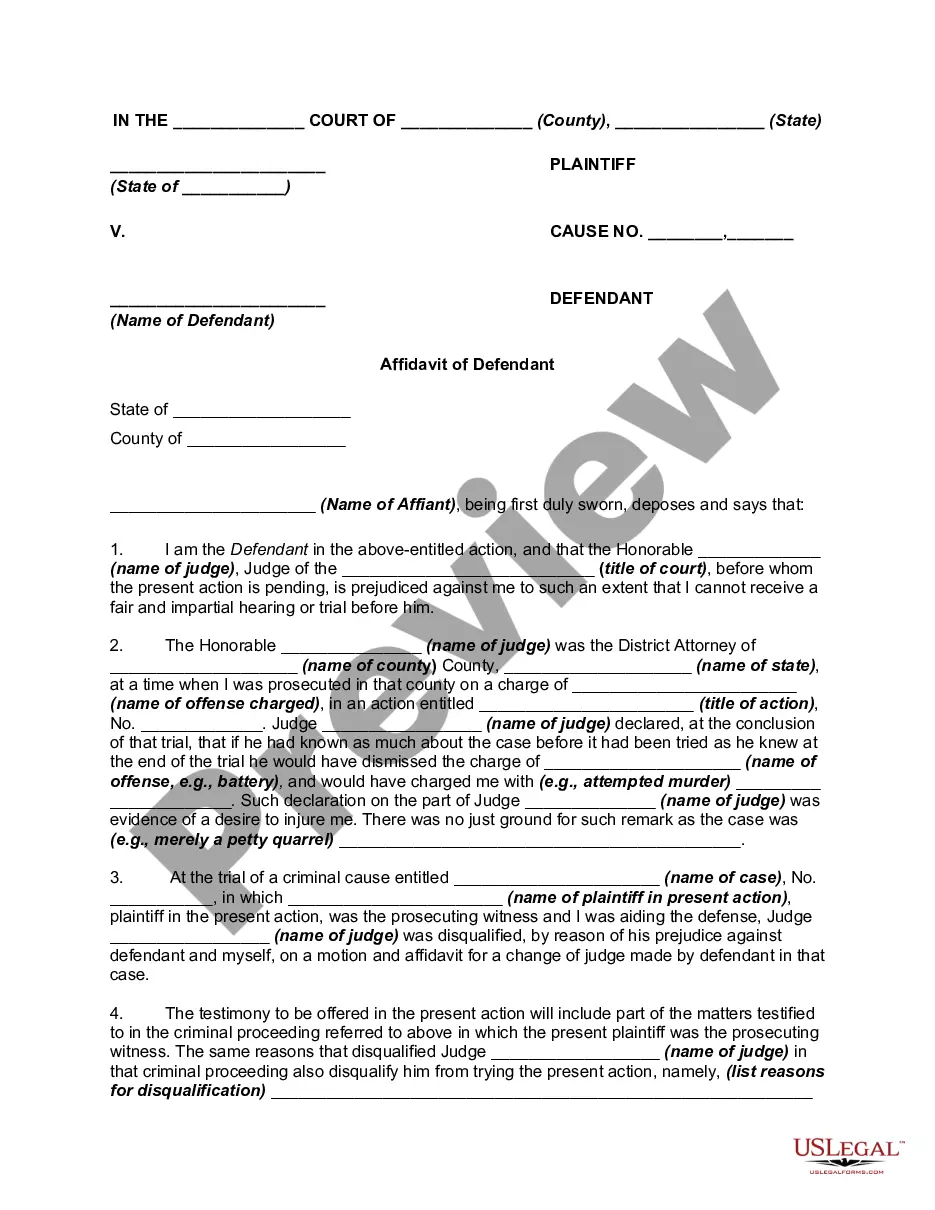
How to fill out Motion For Recusal Of Judge - Removal?
Managing legal documents can be exasperating, even for the most seasoned experts.
When you are looking for a Motion Judge Form Template For Counseling and lack the time to dedicate to finding the appropriate and current version, the tasks can be challenging.
US Legal Forms caters to all your needs, from personal to business documents, all in one place.
Utilize advanced tools to fill out and manage your Motion Judge Form Template For Counseling.
Here are the steps to follow once you access the form you need: Confirm it is the right form by previewing it and reviewing its details. Ensure that the sample is authorized in your state or county. Click Buy Now when you are ready. Select a subscription plan. Choose the file format you need, and Download, complete, sign, print, and send your documents. Take advantage of the US Legal Forms online catalog, supported by 25 years of experience and reliability. Transform your daily document management into a seamless and user-friendly process today.
- Access a repository of articles, guides, and handbooks relevant to your circumstances and needs.
- Save time and effort searching for the documents you require and use US Legal Forms' sophisticated search and Review tool to find the Motion Judge Form Template For Counseling.
- If you have a subscription, Log In to your US Legal Forms account, locate the form, and obtain it.
- Check your My documents tab to view the documents you have previously saved and manage your folders as desired.
- If this is your first time using US Legal Forms, create a free account and gain unlimited access to all platform benefits.
- An extensive online form catalog could revolutionize the way individuals handle these situations.
- US Legal Forms is a leading provider of online legal forms, offering over 85,000 state-specific legal forms accessible at any time.
- With US Legal Forms, you can access legal and organizational forms specific to your state or county.
Form popularity
FAQ
File the original and 1 copy of your Motion, and the Certification, with the clerk's office in person or by mail. o To e-file, create an account with an e-filing service provider. Visit efile.illinoiscourts.gov/service-providers.htm to select a service provider.
A motion may be accompanied by an appendix, which may include affidavits and other appropriate supporting documents not contained in the record. With the exception of motions filed pursuant to rule 9.410(b), a party may serve 1 response to a motion within 15 days of service of the motion.
Be as persuasive as possible as you write your motion in a sequential, logical format. Express your ideas clearly, and make sure you outline what steps are necessary and how they will help your case. Use facts of the case whenever you can to avoid baseless emotional appeals.
All motions/petitions and notices of motion must be filed with the Clerk of Court either in Room 802 of the Daley Center or at any of the offices located at the suburban municipal district courthouses. If your motion/petition is not filed before you come to court, the judge may not hear your motion.
What it means to file a motion: A motion, in its simplest form is a list of requests that you are asking the Court grant on your behalf. You, or your attorney on your behalf, will file a Notice of Motion which includes a list of requests for the court to rule upon.