Response Divorce Template With Time
Description
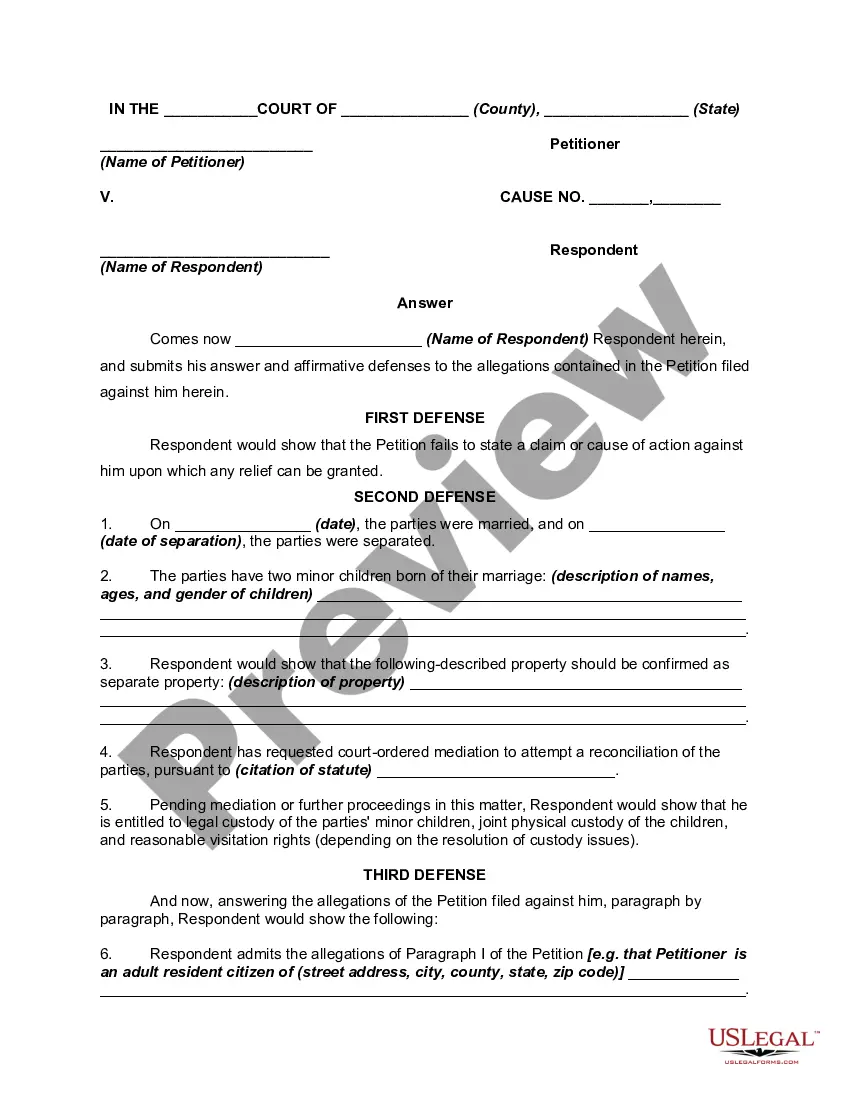
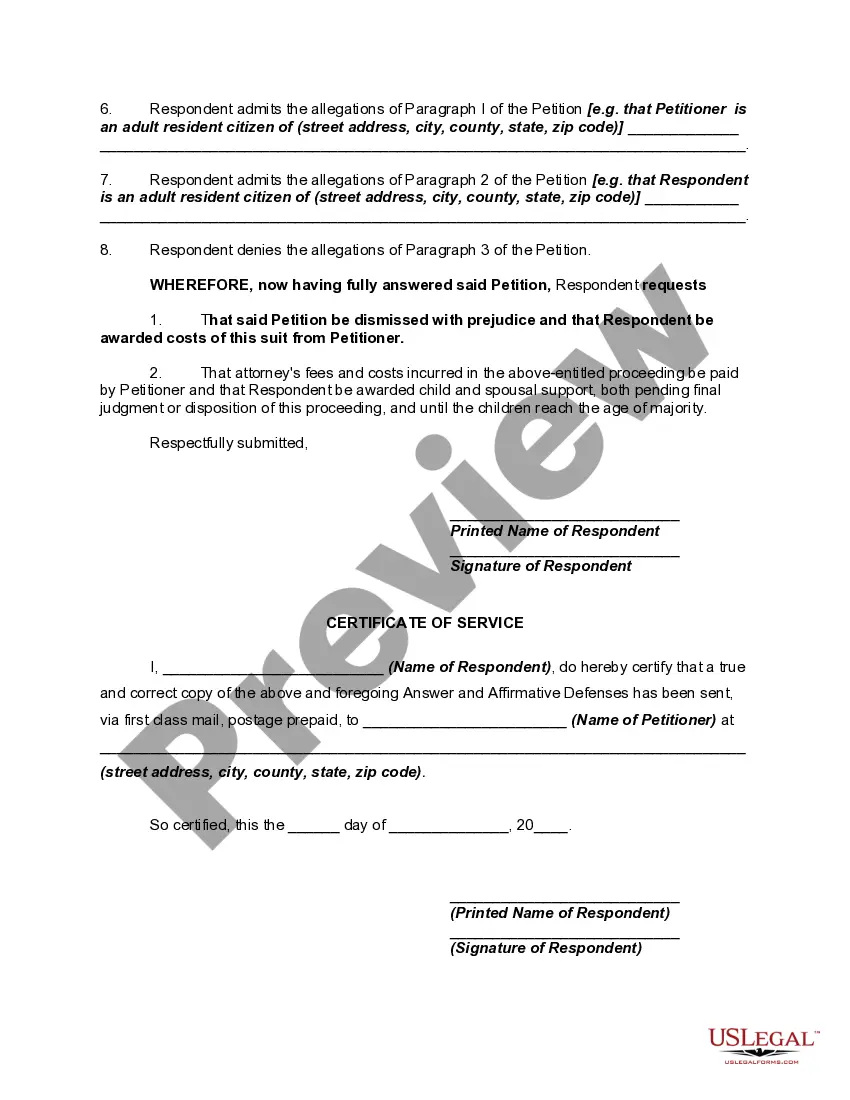

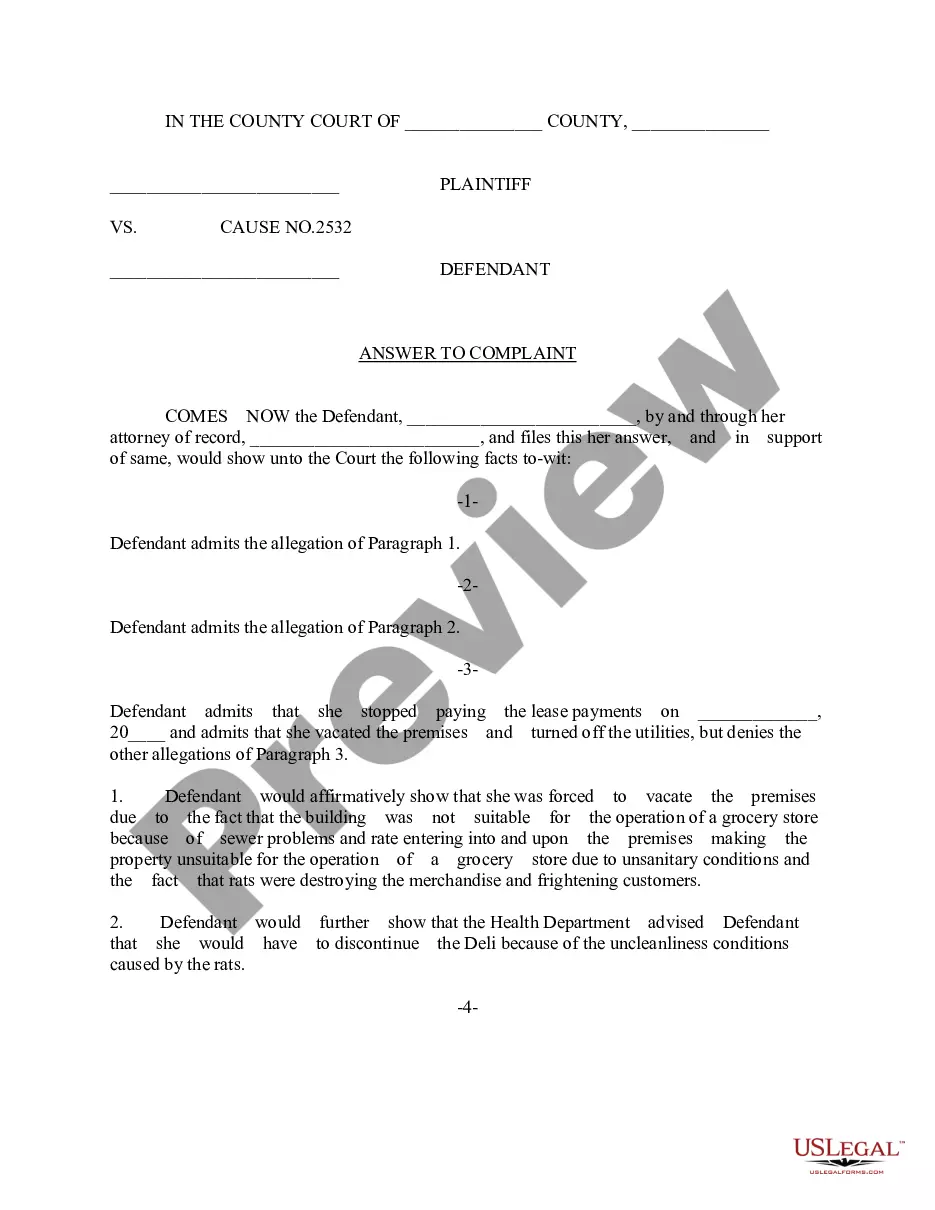
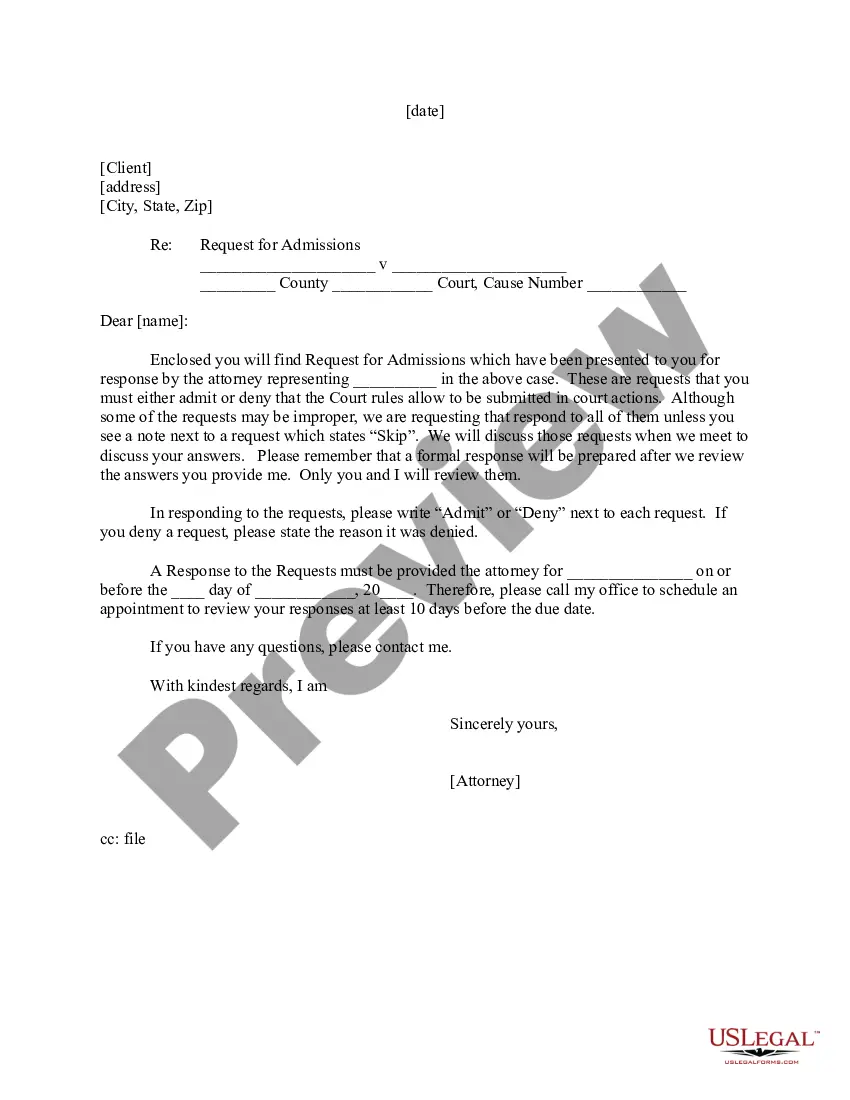
Get your form ready online
Our built-in tools help you complete, sign, share, and store your documents in one place.
Make edits, fill in missing information, and update formatting in US Legal Forms—just like you would in MS Word.
Download a copy, print it, send it by email, or mail it via USPS—whatever works best for your next step.
Sign and collect signatures with our SignNow integration. Send to multiple recipients, set reminders, and more. Go Premium to unlock E-Sign.
If this form requires notarization, complete it online through a secure video call—no need to meet a notary in person or wait for an appointment.
We protect your documents and personal data by following strict security and privacy standards.

Make edits, fill in missing information, and update formatting in US Legal Forms—just like you would in MS Word.

Download a copy, print it, send it by email, or mail it via USPS—whatever works best for your next step.

Sign and collect signatures with our SignNow integration. Send to multiple recipients, set reminders, and more. Go Premium to unlock E-Sign.

If this form requires notarization, complete it online through a secure video call—no need to meet a notary in person or wait for an appointment.

We protect your documents and personal data by following strict security and privacy standards.
Looking for another form?



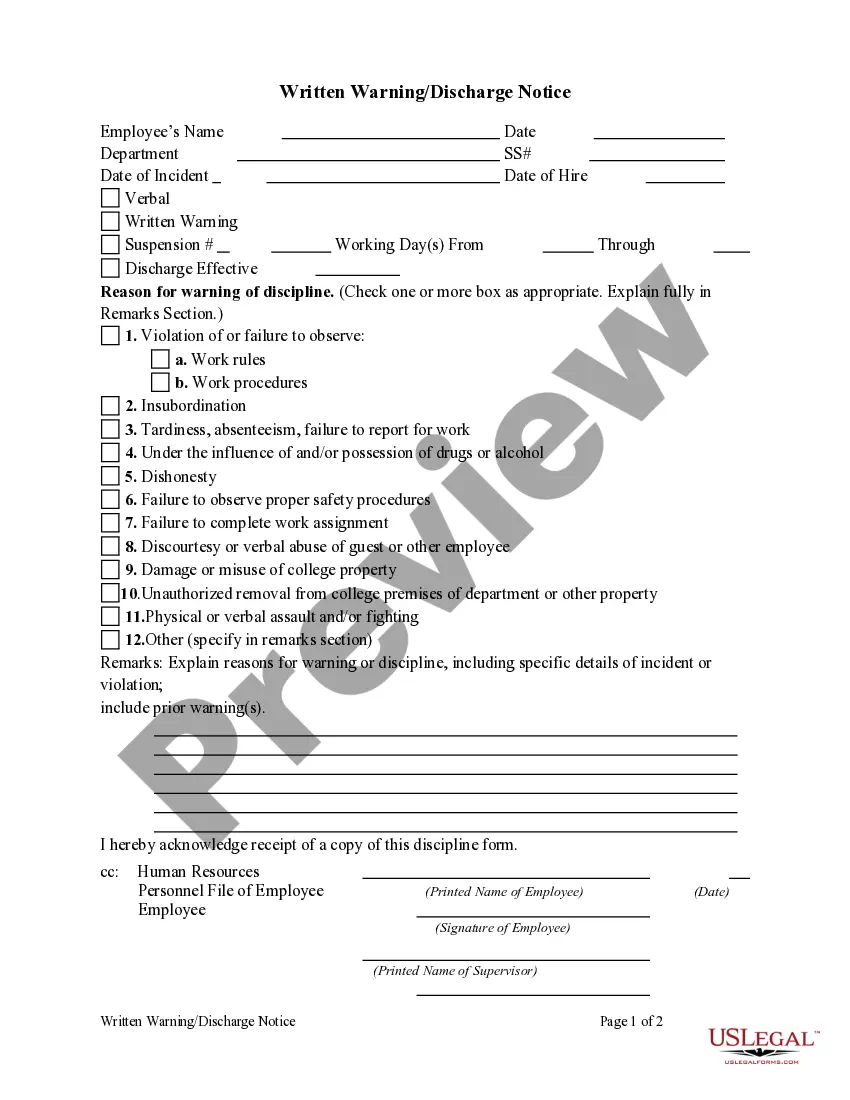





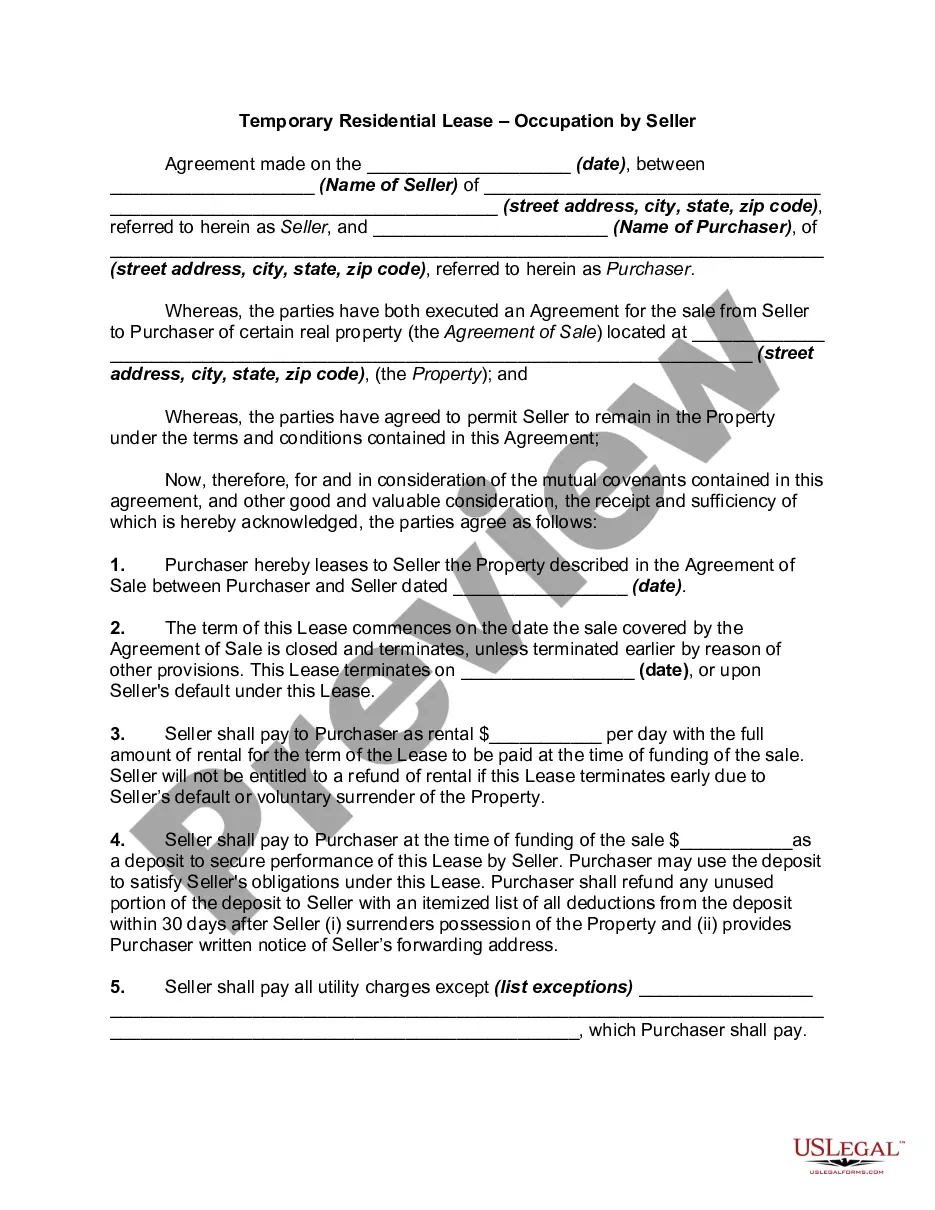
How to fill out Answer Or Response To Petition Or Complaint For Dissolution Of Marriage Or Divorce?
Handling legal documents and processes can be a laborious addition to your daily routine.
Response Divorce Template With Time and similar forms often necessitate that you locate them and comprehend how to fill them out proficiently.
Consequently, whether you are addressing financial, legal, or personal affairs, utilizing a comprehensive and efficient online repository of forms at your disposal will be beneficial.
US Legal Forms is the premier online platform for legal documents, featuring over 85,000 state-specific templates and an array of resources to help you complete your documentation effortlessly.
Is this your first experience with US Legal Forms? Register and create an account in just a few minutes, and you’ll gain access to the template library and Response Divorce Template With Time. Then, follow the instructions below to finalize your document.
- Browse the collection of relevant documents available to you with just one click.
- US Legal Forms provides you state and county-specific templates ready for download at any time.
- Protect your document management activities by utilizing a premium service that allows you to create any template within minutes without extra or concealed fees.
- Simply Log In to your account, find Response Divorce Template With Time, and obtain it instantly from the My documents section.
- You can also access previously downloaded documents.
Form popularity
FAQ
Read the complaint and decide what to do. You may agree with some, all, or none of the complaint. Write down next to each paragraph in the complaint whether you agree or disagree with what that paragraph says. If you agree with everything your spouse is asking for, you may not need to file anything.
This must be replied to with the help of an appropriate lawyer, who will then draft the reply notice and act on the receiver's behalf. The matters can be solved without legal measures if the parties decide on mutual consent.
An answer to a divorce petition must be filed within a certain timeframe. If you are served in person or by certified mail, you need to submit your answer by 10 am on the Monday after 20 days have gone by since you were served with papers.
Steps To File A Response To Contested Divorce In AZ Ask your county's Superior Court for the divorce Response packet. ... Complete the form. ... Sign the form in front of a notary public or the court clerk. Complete the Coversheet, the Parenting Plan, and the Child Support Worksheet (if applicable).
Once the petition and response have been filed, the divorce case will move into the discovery phase. Both you and your spouse are entitled to receive information from each other about your assets and other relevant factors about your case. The process for obtaining the needed information is called discovery.