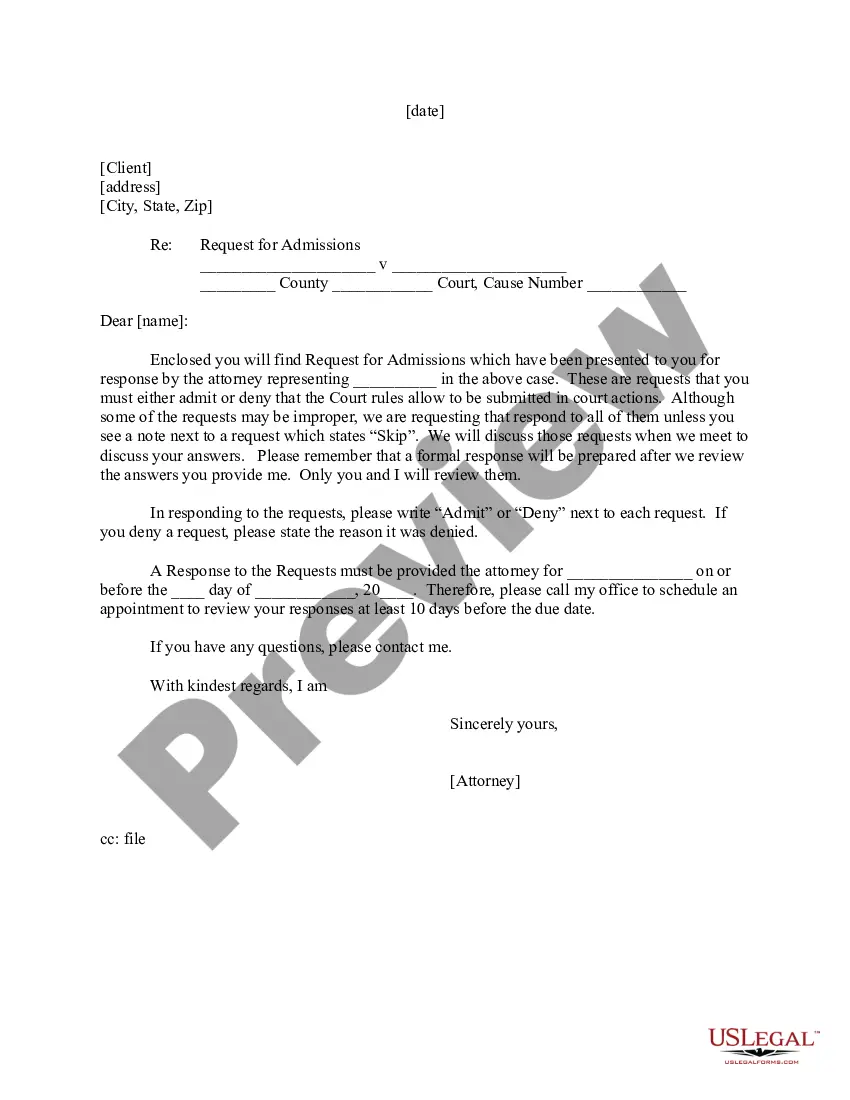
Request For Answer Email
Description

Get your form ready online
Our built-in tools help you complete, sign, share, and store your documents in one place.
Make edits, fill in missing information, and update formatting in US Legal Forms—just like you would in MS Word.
Download a copy, print it, send it by email, or mail it via USPS—whatever works best for your next step.
Sign and collect signatures with our SignNow integration. Send to multiple recipients, set reminders, and more. Go Premium to unlock E-Sign.
If this form requires notarization, complete it online through a secure video call—no need to meet a notary in person or wait for an appointment.
We protect your documents and personal data by following strict security and privacy standards.

Make edits, fill in missing information, and update formatting in US Legal Forms—just like you would in MS Word.

Download a copy, print it, send it by email, or mail it via USPS—whatever works best for your next step.

Sign and collect signatures with our SignNow integration. Send to multiple recipients, set reminders, and more. Go Premium to unlock E-Sign.

If this form requires notarization, complete it online through a secure video call—no need to meet a notary in person or wait for an appointment.

We protect your documents and personal data by following strict security and privacy standards.
Looking for another form?

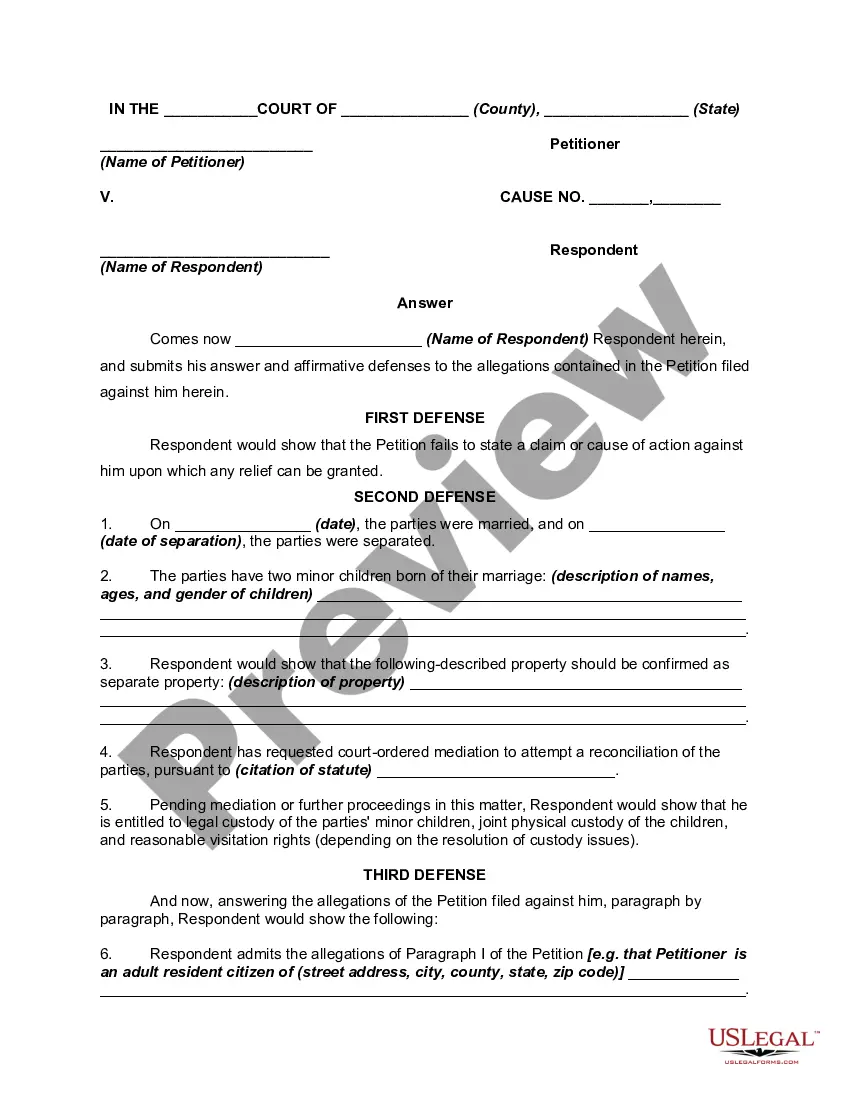
How to fill out Answer Or Response To Petition Or Complaint For Dissolution Of Marriage Or Divorce?
Regardless of whether it is for corporate needs or personal affairs, everyone must confront legal issues at some point in their lives.
Filling out legal documents demands meticulous focus, beginning with selecting the appropriate form template.
With an extensive catalog from US Legal Forms available, you need not waste time searching for the correct template online. Utilize the library's simple navigation to procure the proper form for any scenario.
- Locate the template you require using the search bar or catalog browsing.
- Review the form's details to verify it aligns with your circumstances, state, and region.
- Click on the form's preview to view it.
- If it is the wrong document, return to the search option to find the Request For Answer Email template you need.
- Obtain the template when it satisfies your needs.
- If you possess a US Legal Forms account, simply click Log in to access previously saved templates in My documents.
- If you haven't created an account yet, you can acquire the form by clicking Buy now.
- Select the appropriate pricing option.
- Complete the account registration form.
- Choose your payment method: either a credit card or PayPal account.
- Select the desired file format and download the Request For Answer Email.
- Once it is downloaded, you can fill out the form using editing software or print it for manual completion.
Form popularity
FAQ
When asking for a confirmation email, be courteous and keep your message straightforward. Begin by thanking the recipient for their help and mention the specific matter you wish to confirm. Clearly state that receiving a confirmation will help you proceed smoothly. A well-phrased request, such as 'I would appreciate a request for answer email to confirm our discussion,' can encourage prompt action.
How To Reply To Emails Professionally. ... Thank the recipient. ... State your purpose. ... Add your closing remarks. ... End with a closing. ... Begin with a greeting. ... If you are replying to a client's inquiry, you should begin with a line of thanks. ... Keep it professional and concise.
Keep it short ? just like in the opening email, or shorter if possible. Keep it simple and easy to respond to ? just like in the opening message, give them a clear instruction to the next step or a simple question to answer. Keep it coherent ? make sure the follow-up is logically connected with the previous message.
How to Reply to an Email Use a reply-to address. First and foremost, it's crucial to include a reply-to address. ... Be timely with your response. ... Show compassion when receiving negative replies. ... Forward a reply (when applicable) ... Respond to positive feedback. ... Use some of Twilio SendGrid's prepared responses.
I Appreciate That You're Busy, but I Need a Response. ... Please Respond as Soon as Possible. ... I Would Appreciate a Response as Soon as Possible. ... This Is Time-Sensitive, so We Would Appreciate a Swift Response. ... I Would Like to Move This Project on Quickly. ... Please Respond at Your Earliest Convenience.
When responding to formal emails, it's best to use formal remarks such as "Sincerely." In instances where you're responding to a semi-formal email, you can use less formal alternatives such as "Best regards" or "Regards." After your closing remark, include your full name and your job title, if applicable.