Petition Withdrawn
Description
Get your form ready online
Our built-in tools help you complete, sign, share, and store your documents in one place.
Make edits, fill in missing information, and update formatting in US Legal Forms—just like you would in MS Word.
Download a copy, print it, send it by email, or mail it via USPS—whatever works best for your next step.
Sign and collect signatures with our SignNow integration. Send to multiple recipients, set reminders, and more. Go Premium to unlock E-Sign.
If this form requires notarization, complete it online through a secure video call—no need to meet a notary in person or wait for an appointment.
We protect your documents and personal data by following strict security and privacy standards.

Make edits, fill in missing information, and update formatting in US Legal Forms—just like you would in MS Word.

Download a copy, print it, send it by email, or mail it via USPS—whatever works best for your next step.

Sign and collect signatures with our SignNow integration. Send to multiple recipients, set reminders, and more. Go Premium to unlock E-Sign.

If this form requires notarization, complete it online through a secure video call—no need to meet a notary in person or wait for an appointment.

We protect your documents and personal data by following strict security and privacy standards.
Looking for another form?






How to fill out Petition To Probate Lost Will?
Locating a primary resource to obtain the most up-to-date and suitable legal templates is part of the challenge of navigating bureaucracy.
Selecting the appropriate legal papers requires precision and meticulousness, which is why it is vital to source samples of Petition Withdrawn solely from trustworthy providers, such as US Legal Forms. An incorrect template will squanders your time and delay the matter at hand.
After you have the form on your device, you can modify it using the editor or print it out and fill it in manually. Remove the complications associated with your legal paperwork. Browse the extensive US Legal Forms collection to discover legal templates, verify their applicability to your situation, and download them right away.
- Utilize the library navigation or search option to locate your template.
- Examine the form’s description to ensure it meets the criteria of your state and county.
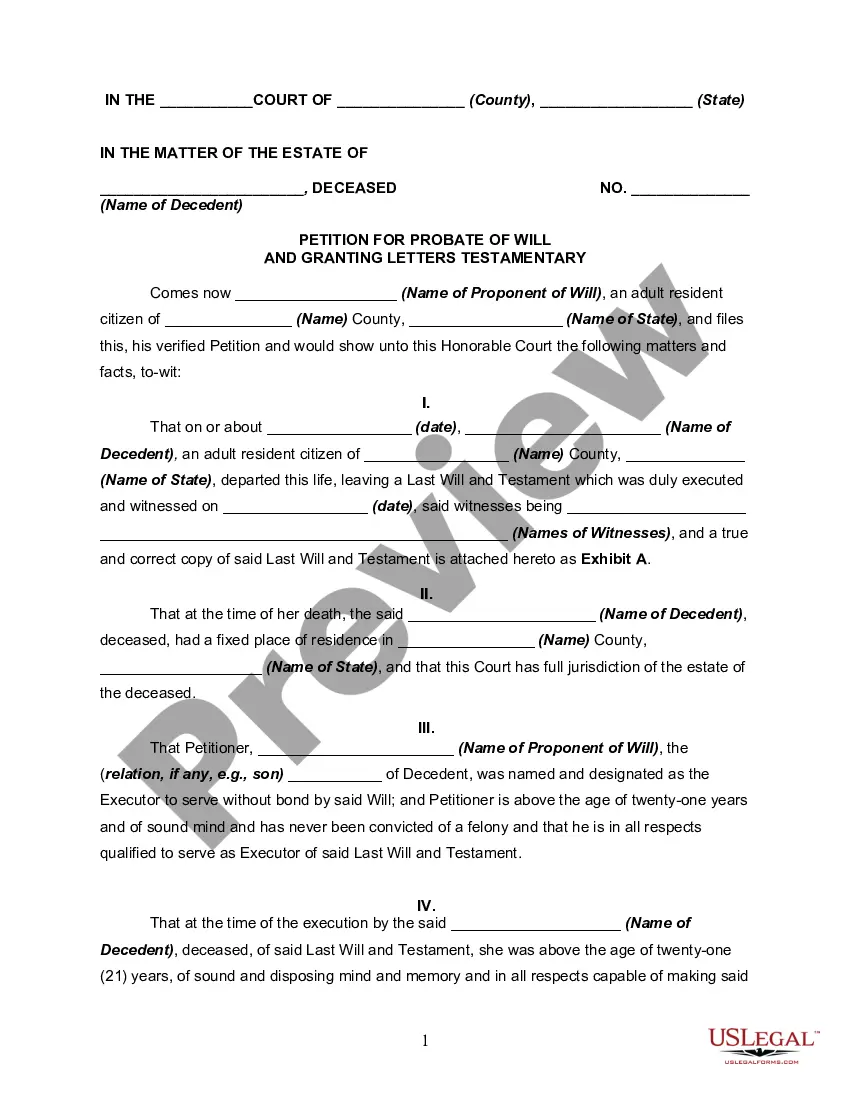
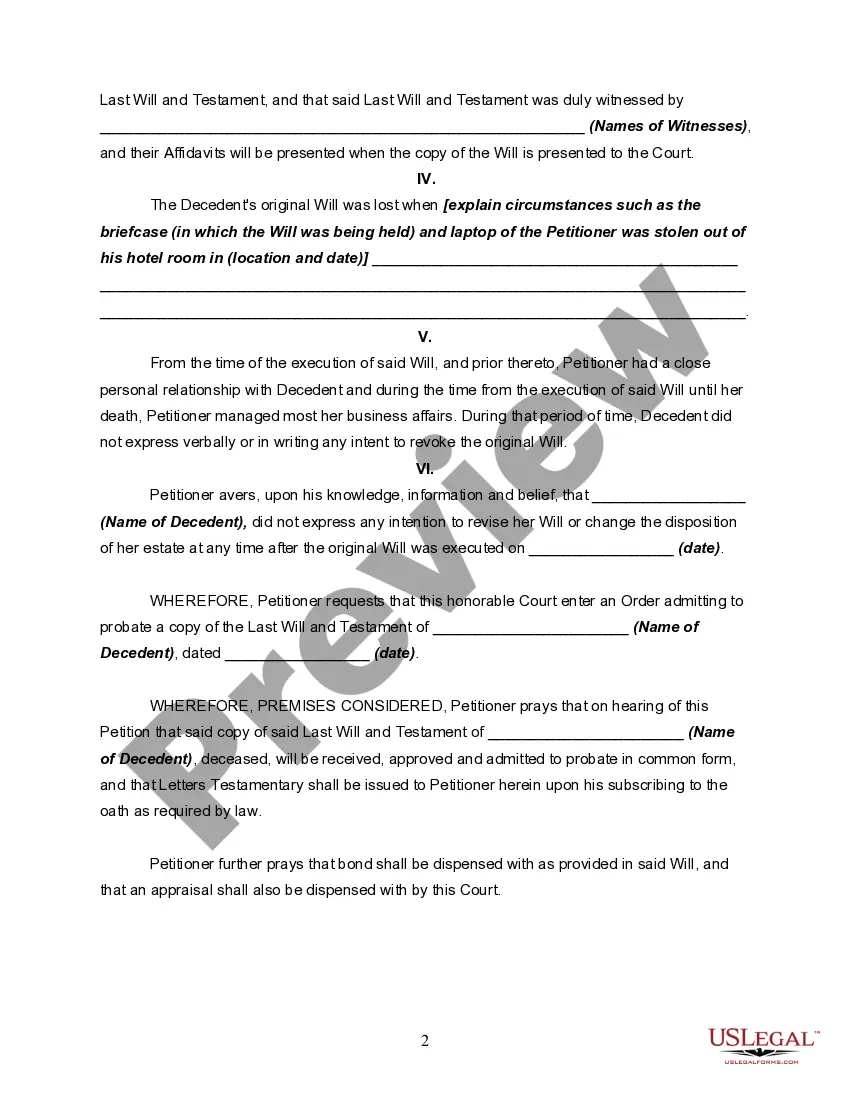
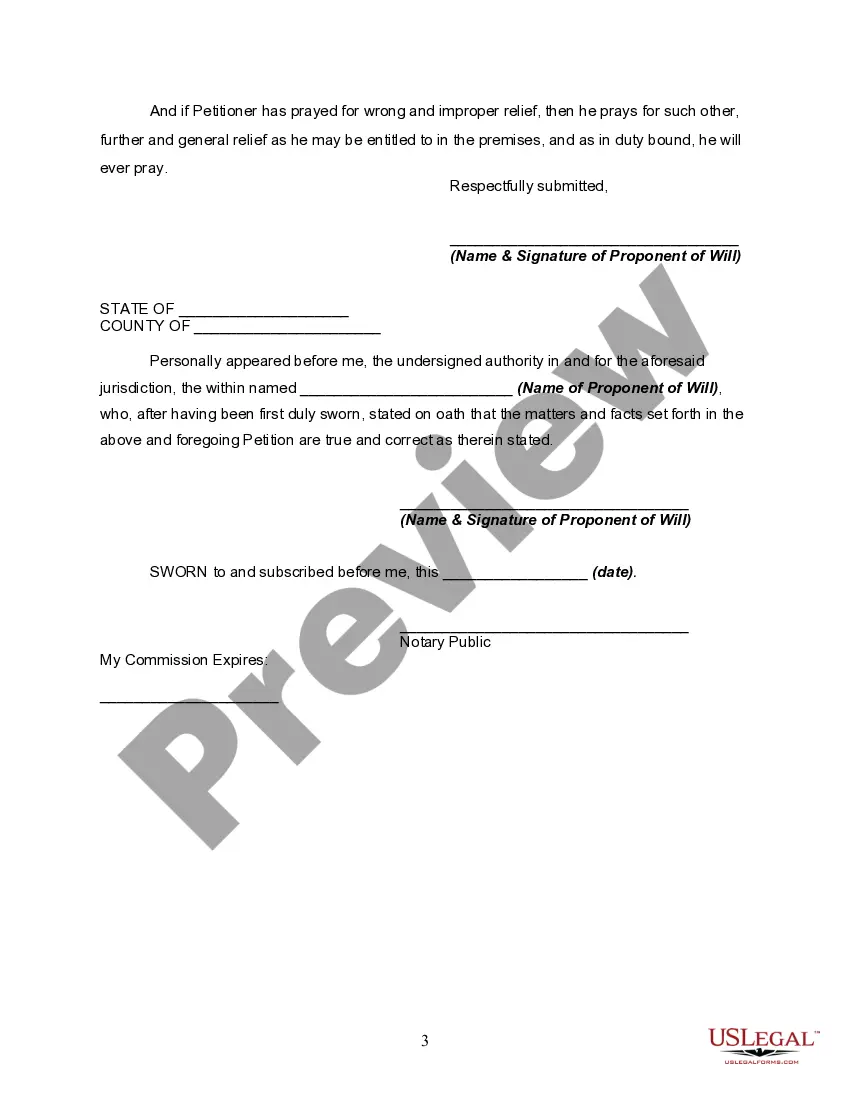
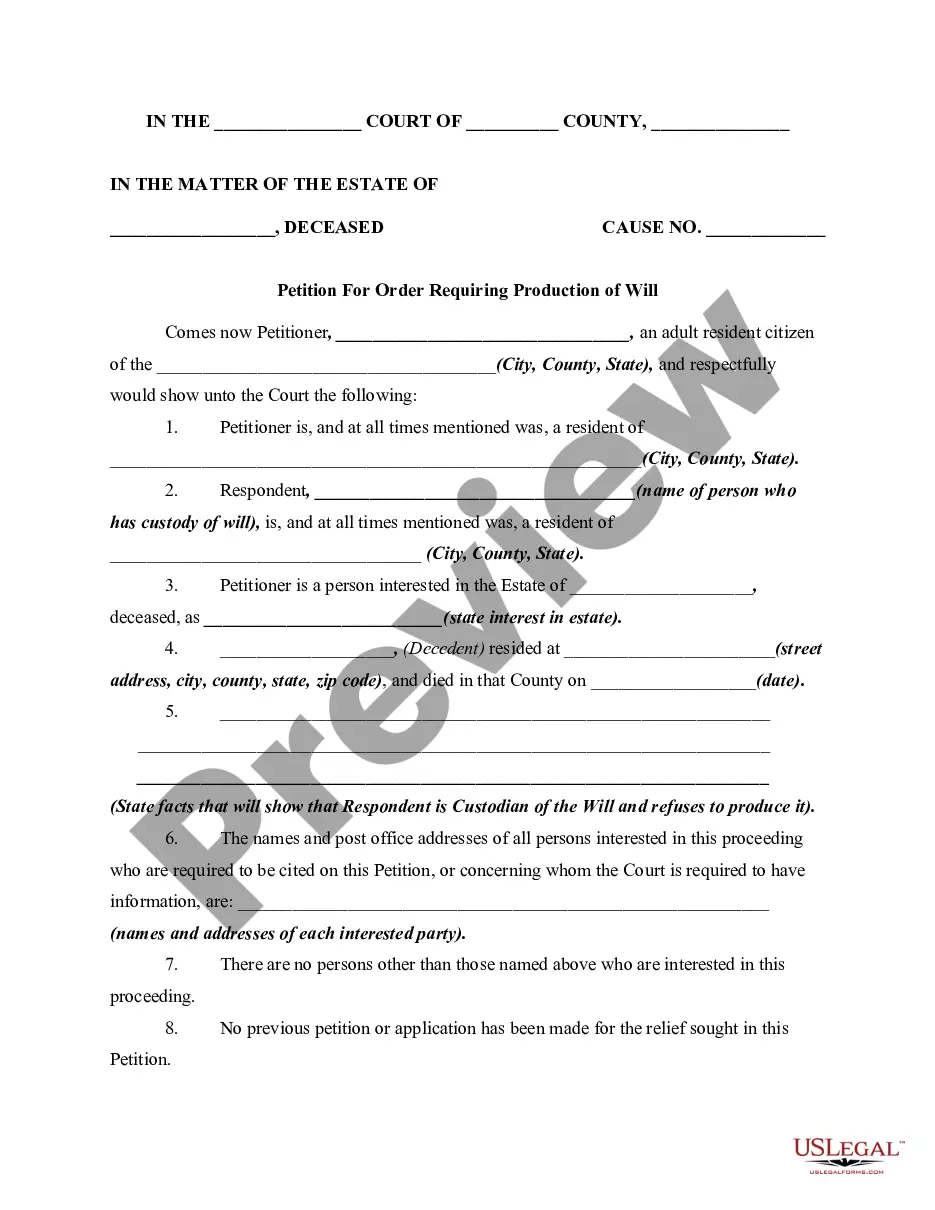
- Preview the form, if available, to confirm it's indeed the document you need.
- If the Petition Withdrawn does not meet your requirements, continue searching for the right template.
- Once you are certain of the form's relevance, proceed to download it.
- If you are a registered user, click Log in to verify and access your chosen forms in My documents.
- If you do not yet have an account, click Buy now to acquire the form.
- Select the pricing option that suits your needs.
- Proceed with registration to finalize your purchase.
- Finish your transaction by selecting a payment method (credit card or PayPal).
- Choose the document format for downloading Petition Withdrawn.
Form popularity
FAQ
You can find federally registered marks and pending applications using the USPTO's Trademark Electronic Search System (TESS). The results also tell you if a mark is still live (registration is still active), and link to more information about it in the Trademark Status & Document Retrieval System.
Intellectual Property Law includes patents, copyrights, trademarks, and trade secrets. All of these areas are related in that they deal with protecting products of the mind but in other ways they are very different.
WIPO is the world's most comprehensive source of data on the intellectual property (IP) system, as well as of empirical studies, reports and factual information on IP.
Intellectual property (IP) refers to creations of the mind, such as inventions; literary and artistic works; designs; and symbols, names and images used in commerce.
The file history and status of a US patent or published patent application can be accessed via USPTO's Patent Center at .
Registration procedure for filing the copyright registration Create a user ID and password at the official site, copyright.gov.in. File application form: An applicant can apply either manually in the copyright office or through an e-filing facility available on the official website.
Trademark Searches You can find federally registered marks and pending applications using the USPTO's Trademark Electronic Search System (TESS). The results also tell you if a mark is still live (registration is still active), and link to more information about it in the Trademark Status & Document Retrieval System.
Step 1: Visit the Trademark Registry's website at . Step 2: Click on the "Trademarks" tab on the homepage. Step 3: Click on the "Related Links" and then, choose "Public Search" option. Step 4: Choose the appropriate search type, either "wordmark" or "Vienna code."