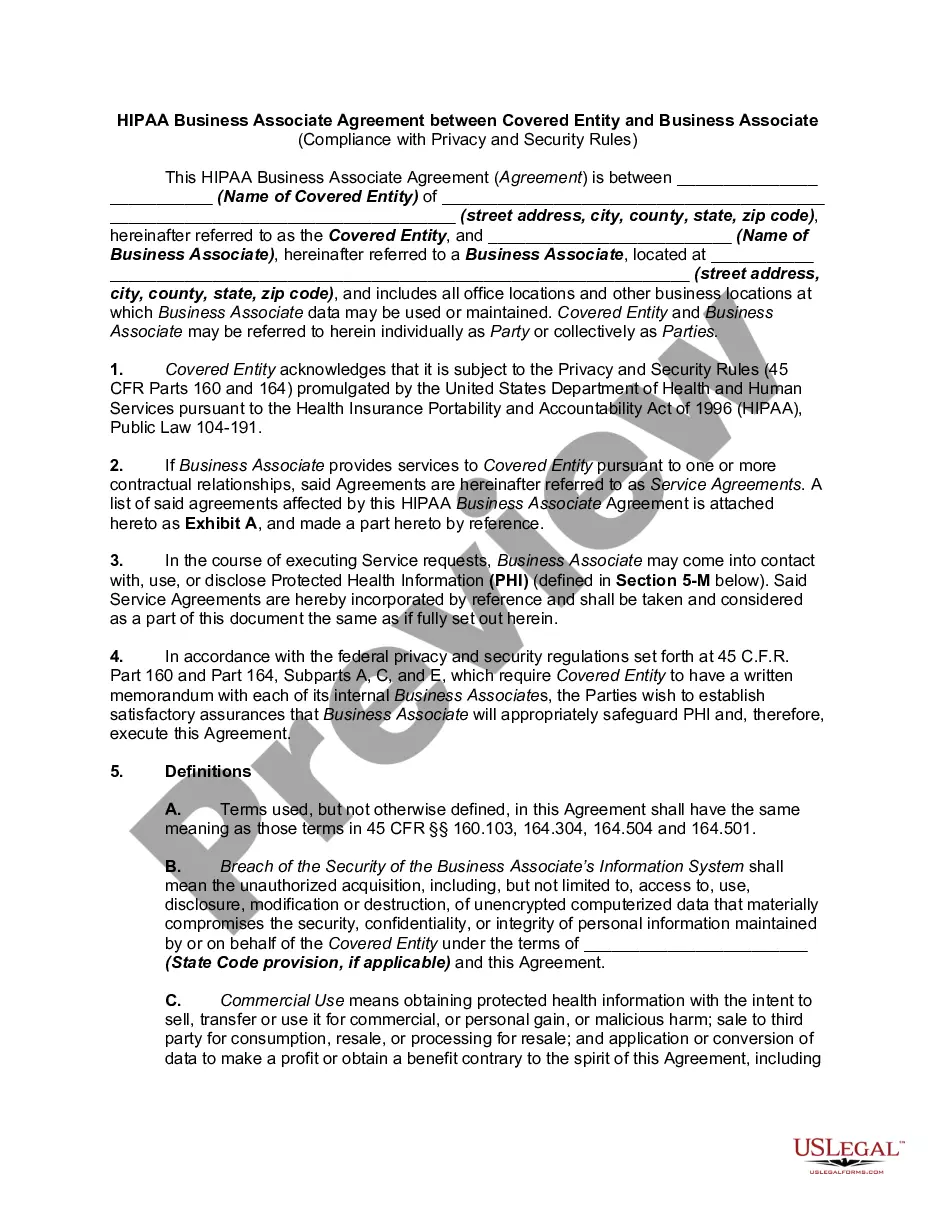
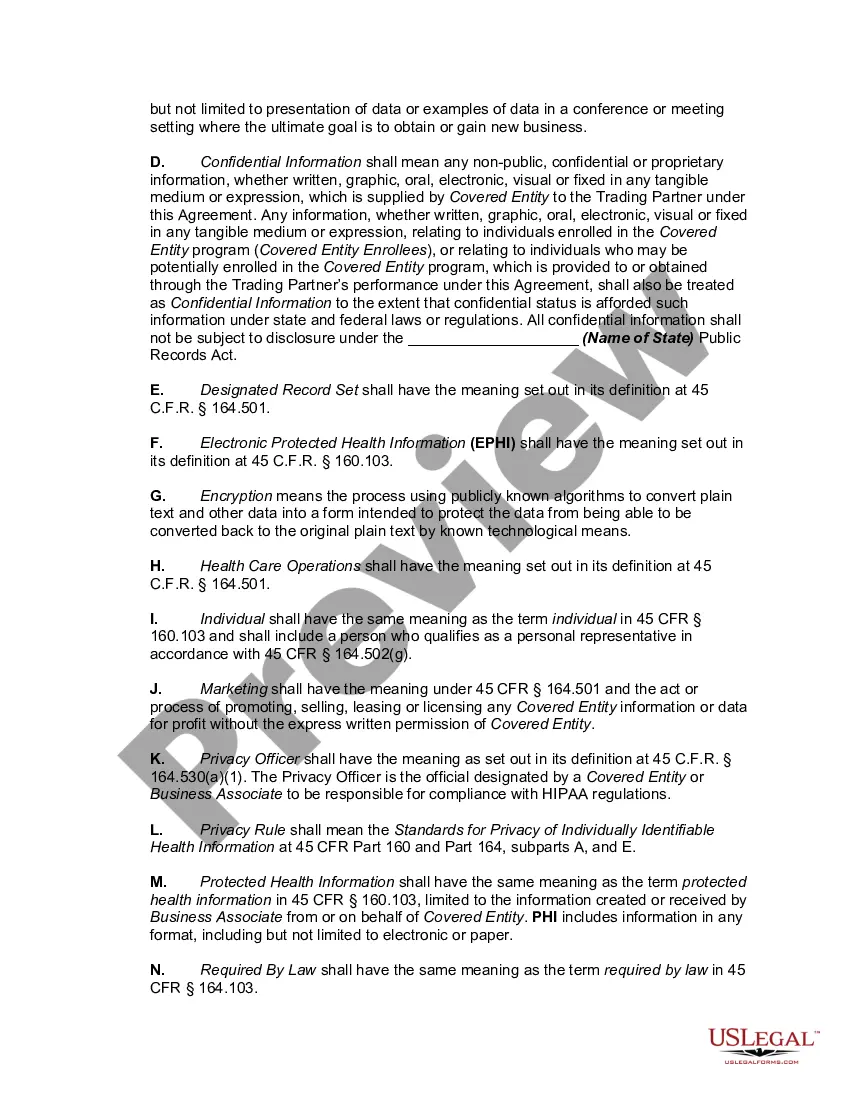
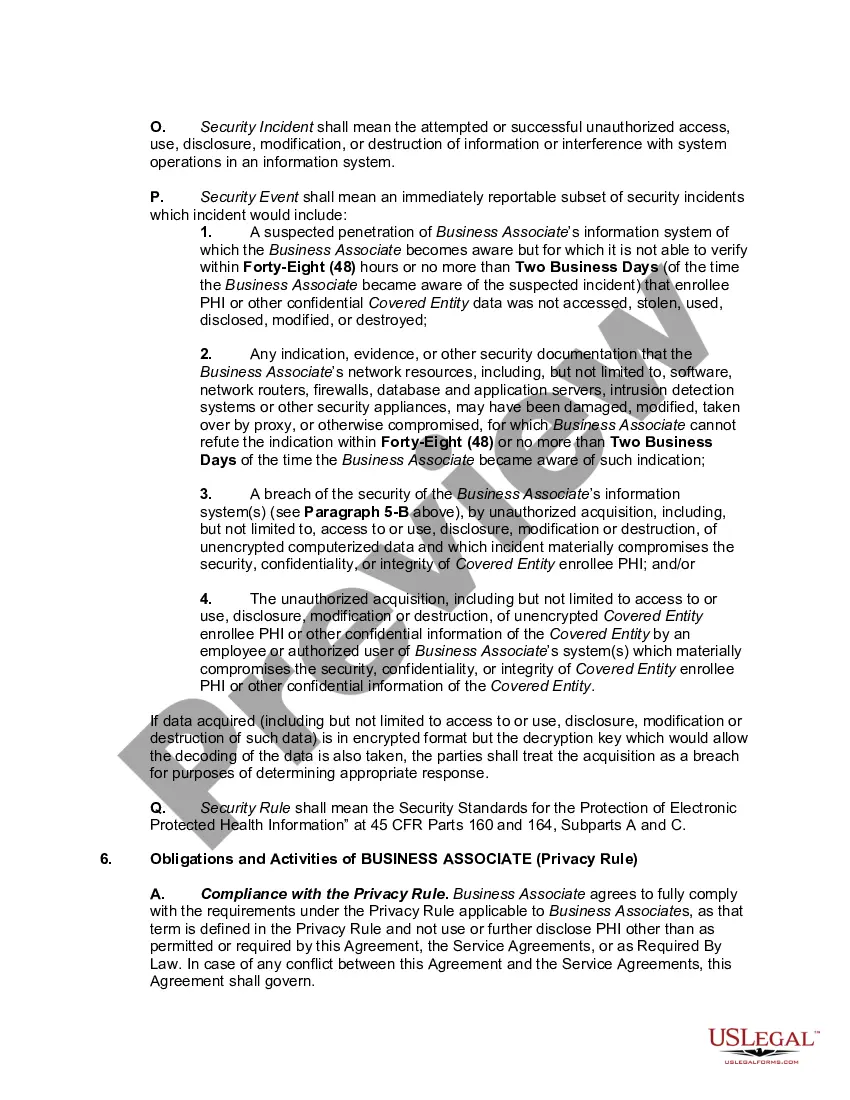
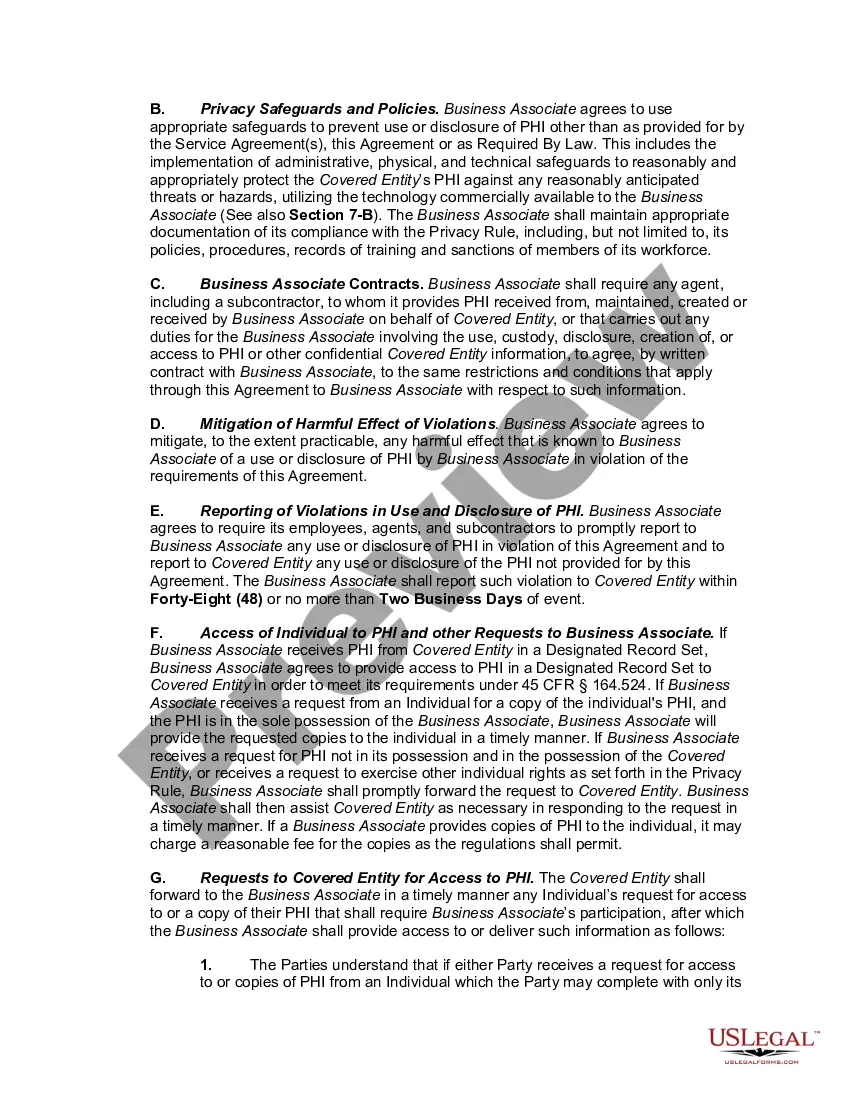
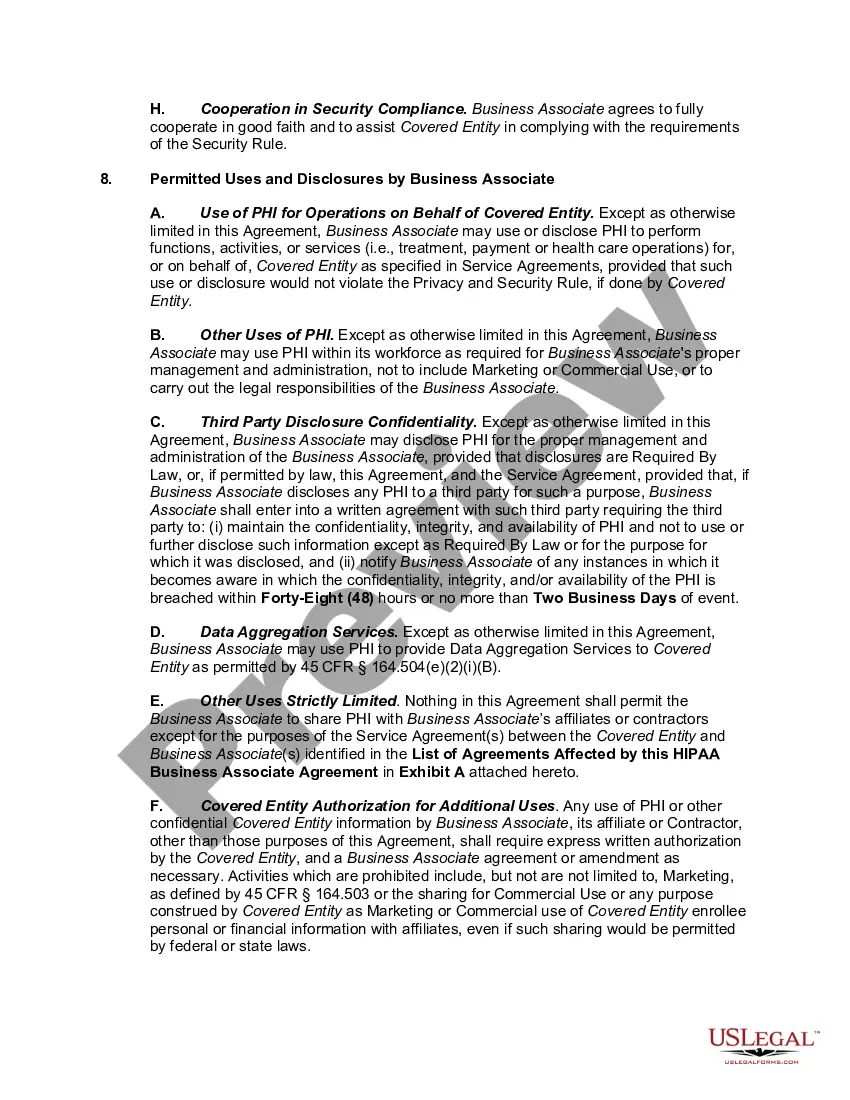
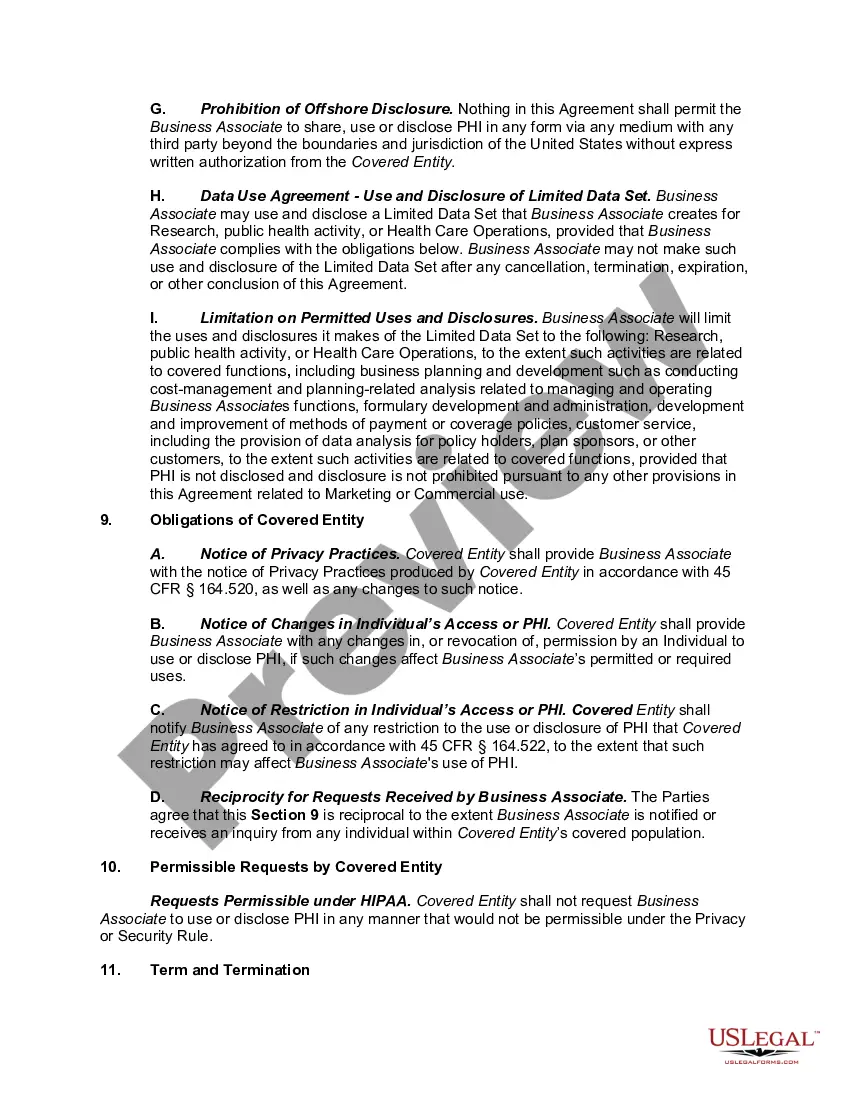
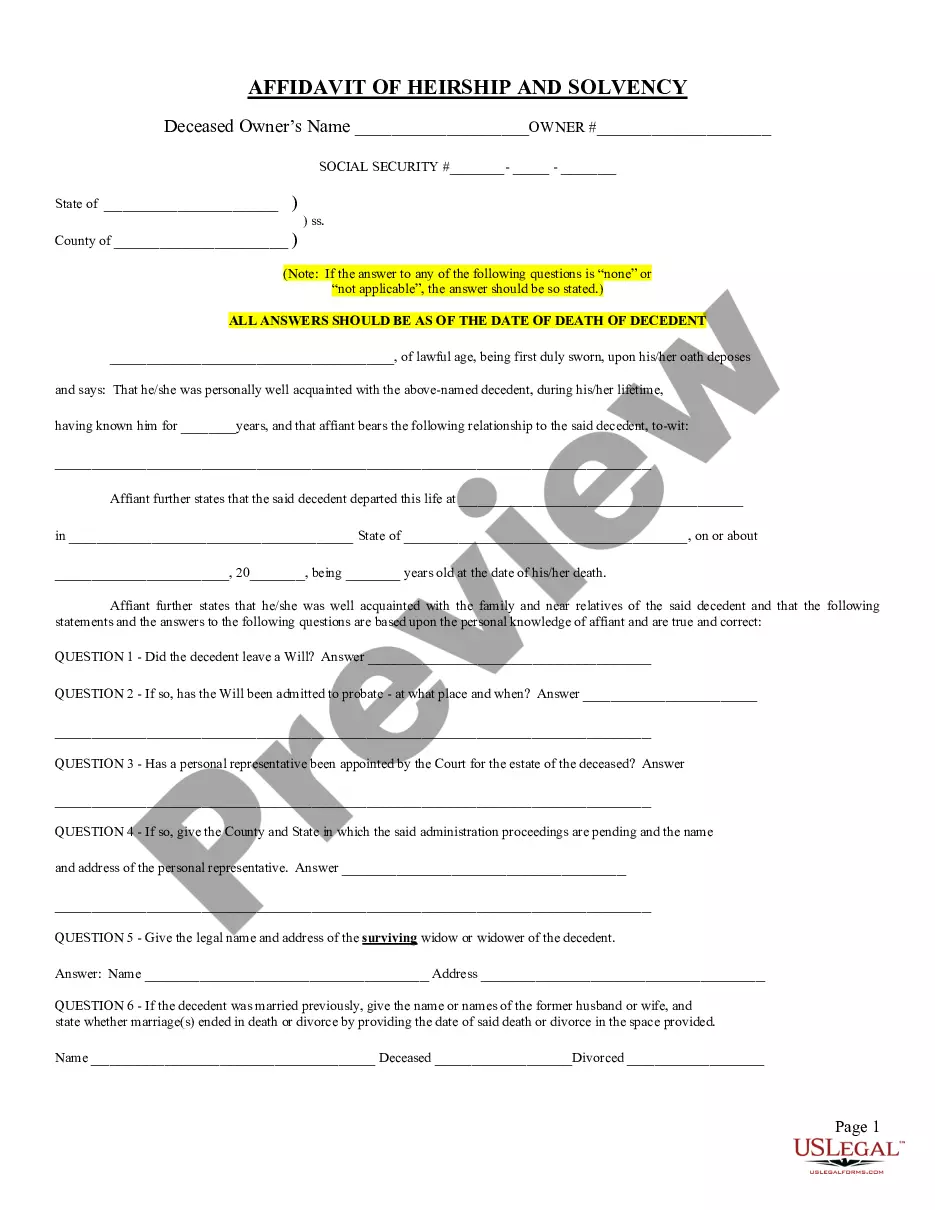
Hipaa Confidentiality Agreement For Non Employees
Description

Get your form ready online
Our built-in tools help you complete, sign, share, and store your documents in one place.
Make edits, fill in missing information, and update formatting in US Legal Forms—just like you would in MS Word.
Download a copy, print it, send it by email, or mail it via USPS—whatever works best for your next step.
Sign and collect signatures with our SignNow integration. Send to multiple recipients, set reminders, and more. Go Premium to unlock E-Sign.
If this form requires notarization, complete it online through a secure video call—no need to meet a notary in person or wait for an appointment.
We protect your documents and personal data by following strict security and privacy standards.

Make edits, fill in missing information, and update formatting in US Legal Forms—just like you would in MS Word.

Download a copy, print it, send it by email, or mail it via USPS—whatever works best for your next step.

Sign and collect signatures with our SignNow integration. Send to multiple recipients, set reminders, and more. Go Premium to unlock E-Sign.

If this form requires notarization, complete it online through a secure video call—no need to meet a notary in person or wait for an appointment.

We protect your documents and personal data by following strict security and privacy standards.
Looking for another form?
How to fill out HIPAA Business Associates Agreement?
Creating legal documents from the ground up can occasionally be overwhelming.
Certain cases may require significant research hours and substantial expenses.
If you're looking for a simpler and more economical method of generating a Hipaa Confidentiality Agreement For Non Employees or other documents without unnecessary complications, US Legal Forms is readily accessible to you.
Our online repository of over 85,000 current legal documents covers nearly every aspect of your financial, legal, and personal matters.
Before diving into downloading the Hipaa Confidentiality Agreement For Non Employees, keep these tips in mind: Review the form preview and descriptions to confirm you have located the correct form. Ensure that the template you choose complies with your state and county regulations. Select the most appropriate subscription plan to buy the Hipaa Confidentiality Agreement For Non Employees. Download the document, then fill it out, verify, and print it. US Legal Forms boasts an impeccable reputation and over 25 years of expertise. Join us today and make form processing a straightforward and efficient experience!
- With just a few clicks, you can swiftly obtain state- and county-compliant forms meticulously prepared by our legal experts.
- Utilize our platform whenever you need dependable services to quickly locate and download the Hipaa Confidentiality Agreement For Non Employees.
- If you're a returning user and already have an account with us, simply Log In to your account, choose the form, and download it or re-download it any time later in the My documents section.
- Don't have an account? No worries. Registering takes just a few minutes, allowing you to browse the catalog.
Form popularity
FAQ
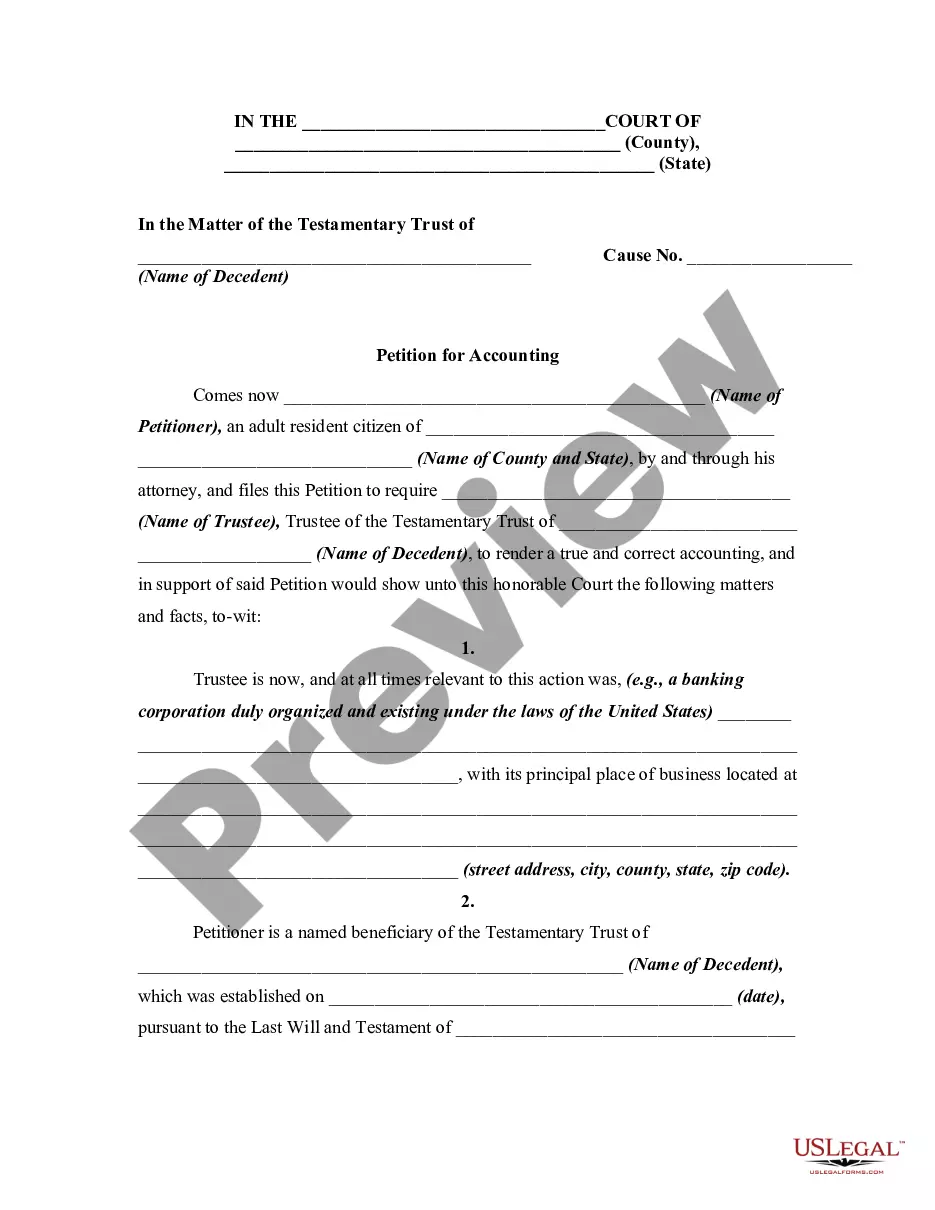
In Wisconsin, an oral trust is even valid, however best practice, we recommend the trust always in writing and signed by the settlor, signed and dated and like I said, going back to the beginning, the notary having someone notarize their signature is optional, it's not required by statute but in my opinion, it's best ...
4 Steps to Securely Transfer Real Estate into a Trust | Wisconsin Estate Planning Law Getting the Deed Ready for Transfer. To begin, your attorney will obtain a deed form. ... Making a Record of the Deed Before Transferring. ... Paying Taxes on Deed Transfers. ... Reporting Changes to Real Estate for Insurance Coverage.
You can pick yourself as trustee for now, but you'll need a successor trustee who will take over when you die or if you become incapacitated. Also take this time to decide what you want to pass on to which heirs. Draw up the trust document: You can use an online program to do it yourself or get the help of an attorney.
In Wisconsin, a trust is revocable unless it specifically states it is irrevocable in the trust document. Usually a living revocable trust becomes irrevocable (not open to changes) when you die. A trust involves three parties: The settlor or grantor is you, the person who creates the trust.
(a) Upon the request of a qualified beneficiary for a copy of the trust instrument, promptly furnish to the qualified beneficiary either a copy of the portions of the trust instrument relating to the interest of the qualified beneficiary or a copy of the trust instrument.
The amount you'll spend to create a living trust depends on the method you use. The first option is to write the document yourself, likely using an online program. This option will likely cost a few hundred dollars or so. The other option is to hire an attorney, which will probably cost more than $1,000.
Wisconsin irrevocable trusts are less flexible than their revocable cousins, as once these trusts are created, they cannot be changed.
If you are creating a trust in Wisconsin, you will need to sign the final trust document in front of a notary. Once you have the trust document complete and signed in front of a notary, you will place assets into the trust, a process known as ?funding the trust.? Once the trust is funded, it is active.