Trust Fund With Will
Description

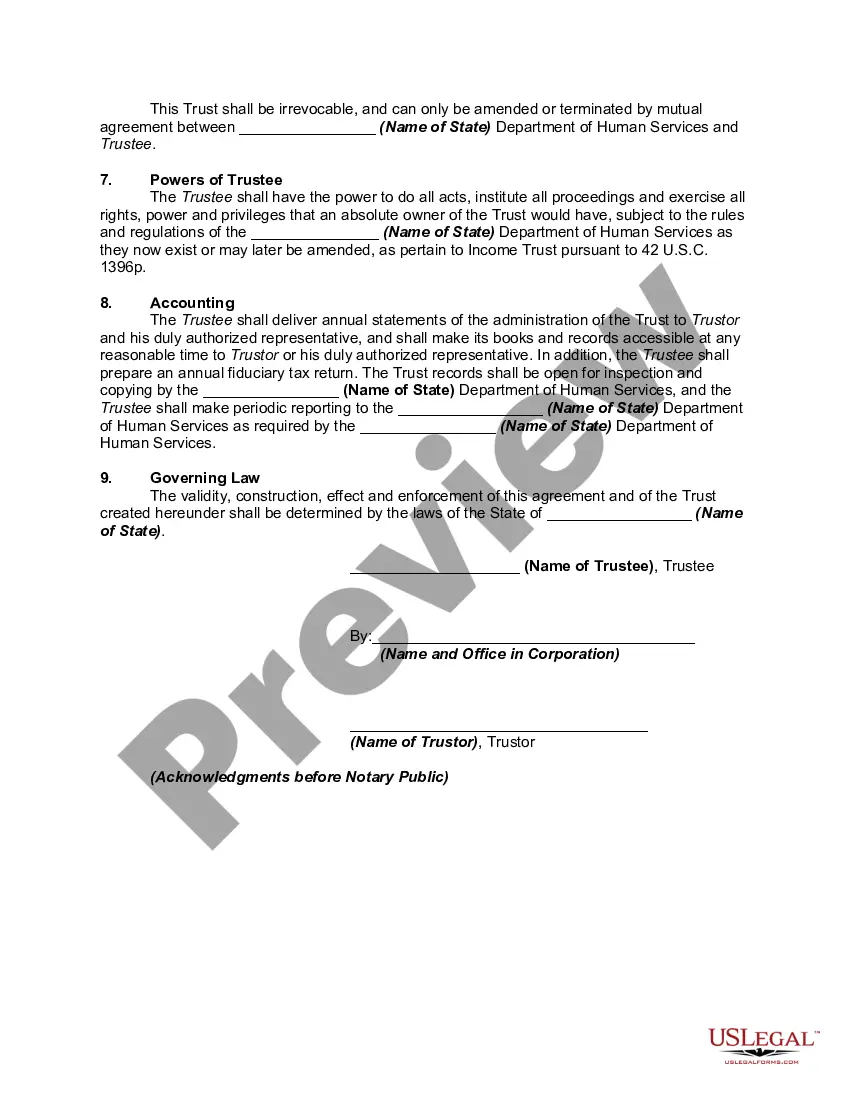
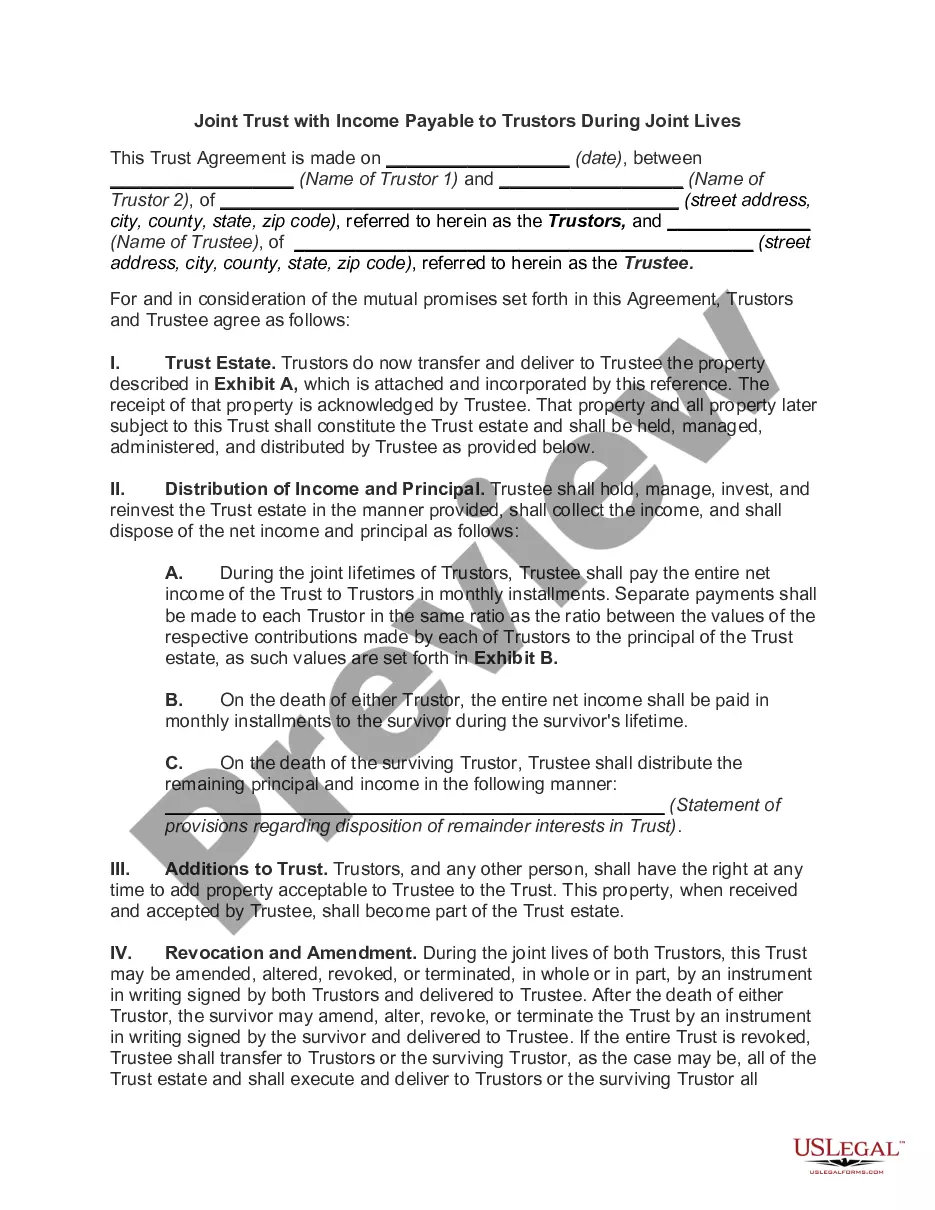
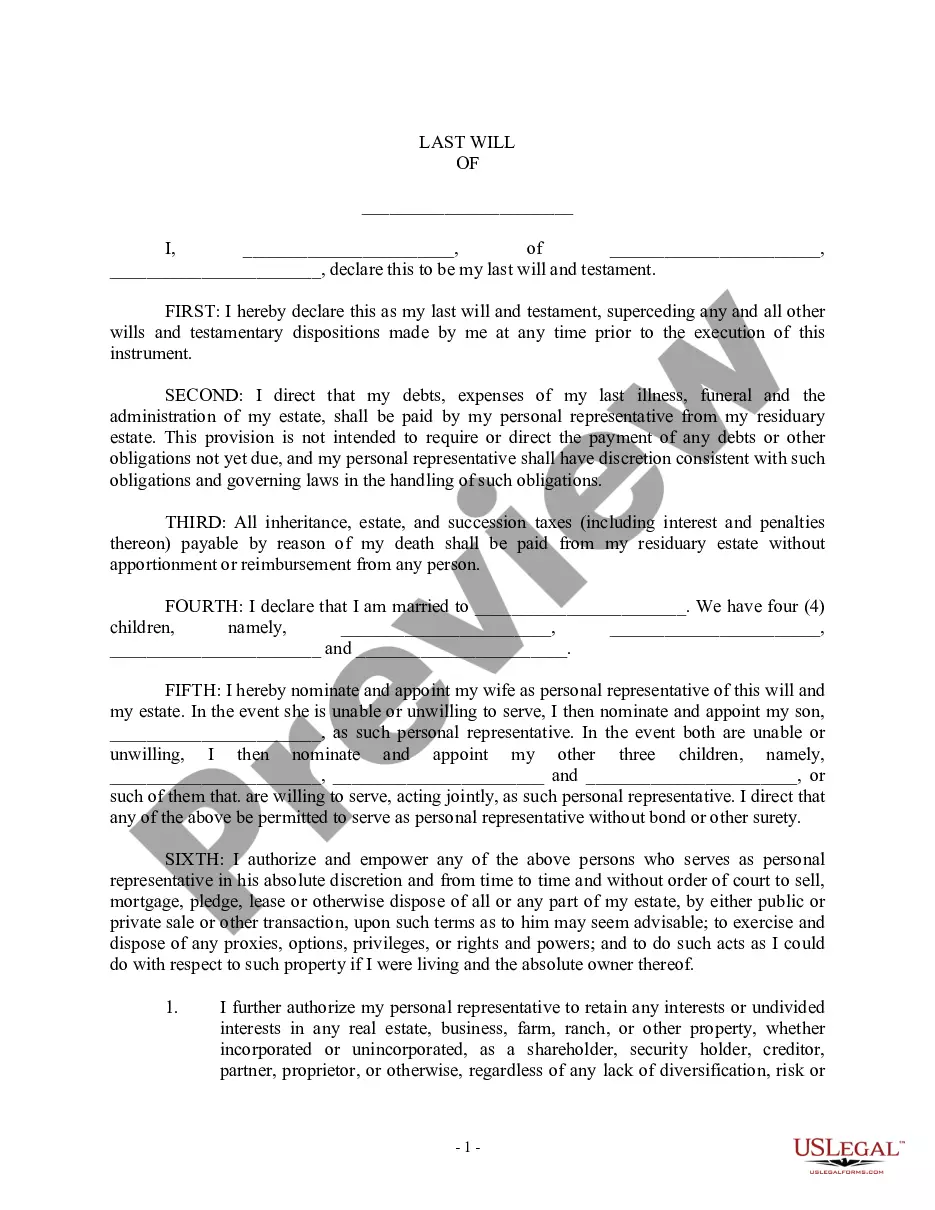
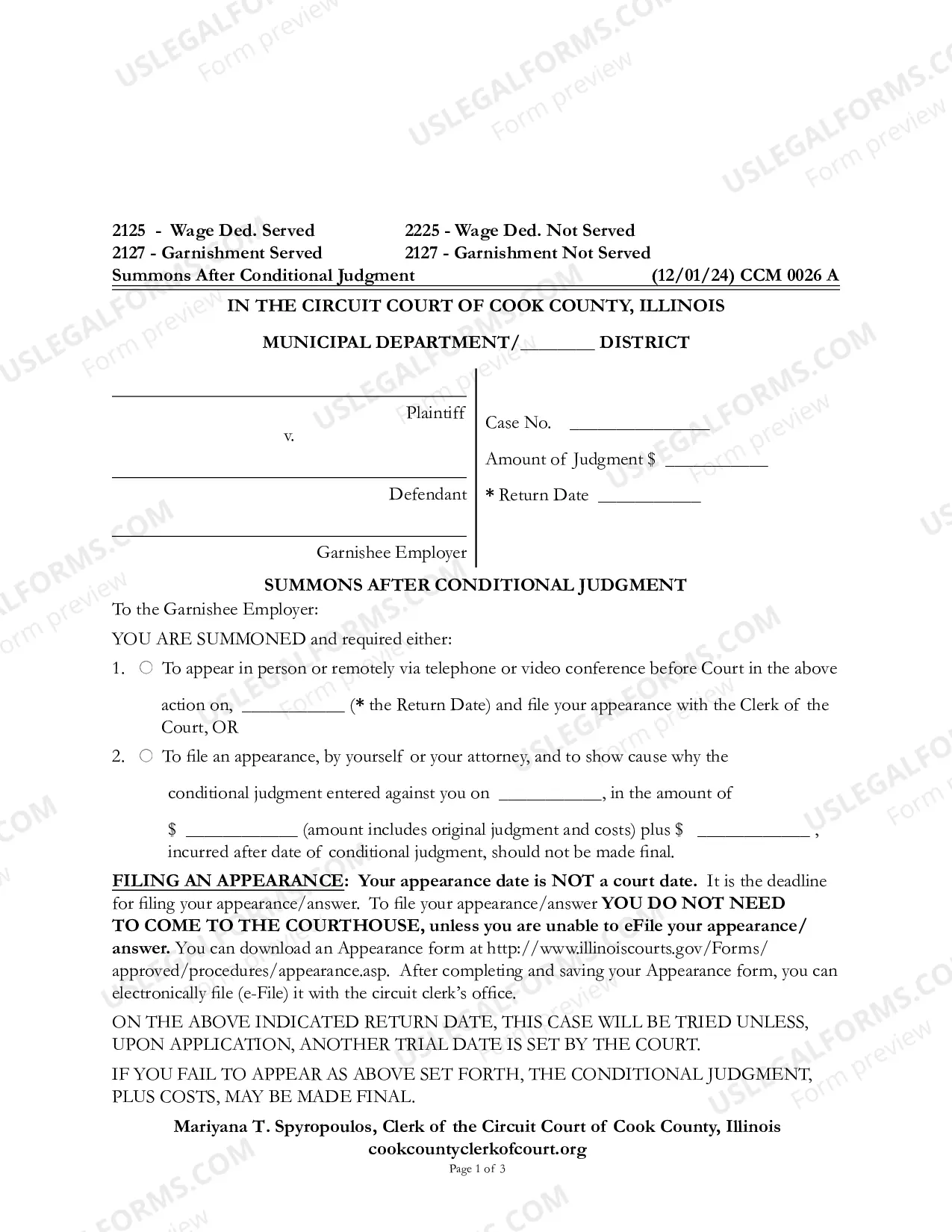
Get your form ready online
Our built-in tools help you complete, sign, share, and store your documents in one place.
Make edits, fill in missing information, and update formatting in US Legal Forms—just like you would in MS Word.
Download a copy, print it, send it by email, or mail it via USPS—whatever works best for your next step.
Sign and collect signatures with our SignNow integration. Send to multiple recipients, set reminders, and more. Go Premium to unlock E-Sign.
If this form requires notarization, complete it online through a secure video call—no need to meet a notary in person or wait for an appointment.
We protect your documents and personal data by following strict security and privacy standards.

Make edits, fill in missing information, and update formatting in US Legal Forms—just like you would in MS Word.

Download a copy, print it, send it by email, or mail it via USPS—whatever works best for your next step.

Sign and collect signatures with our SignNow integration. Send to multiple recipients, set reminders, and more. Go Premium to unlock E-Sign.

If this form requires notarization, complete it online through a secure video call—no need to meet a notary in person or wait for an appointment.

We protect your documents and personal data by following strict security and privacy standards.
Looking for another form?




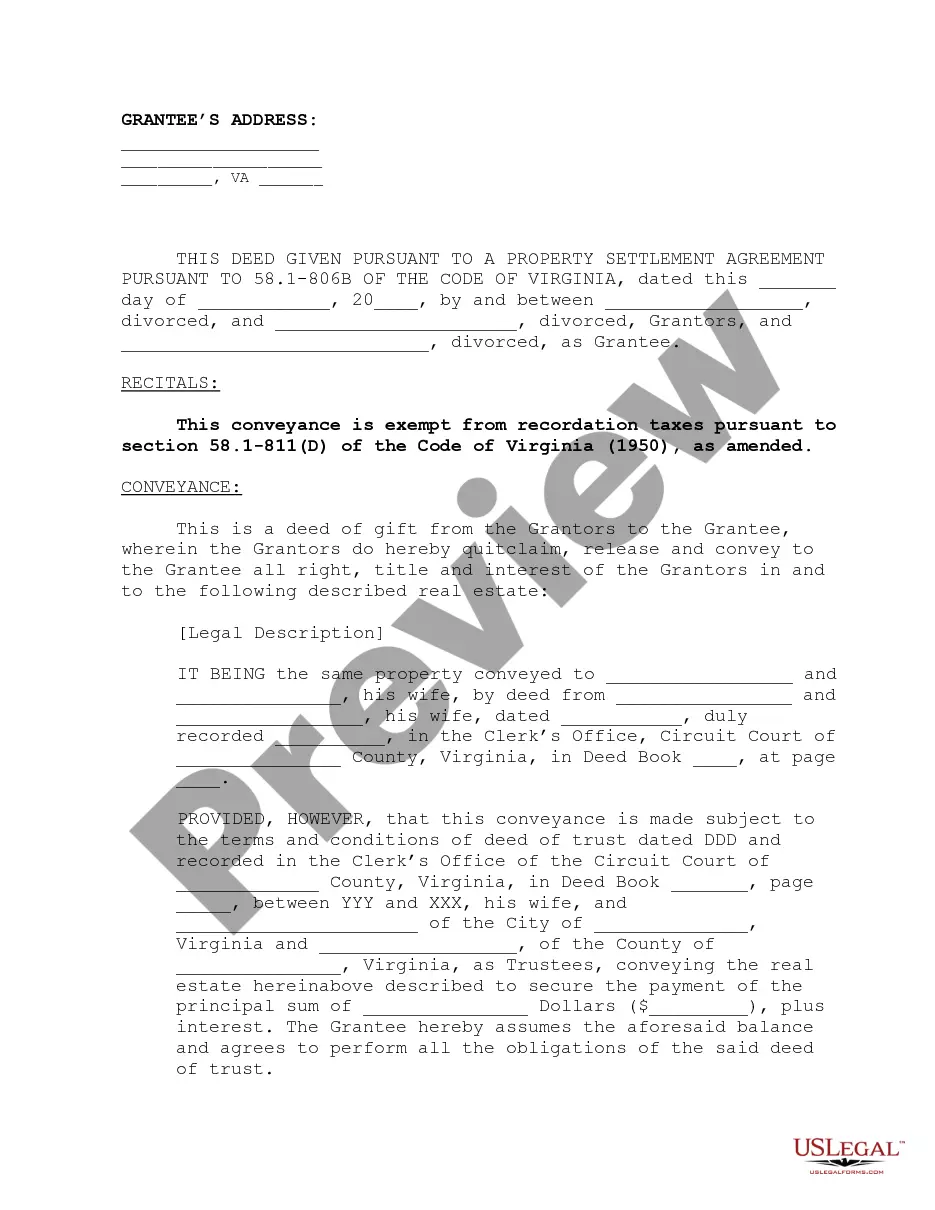


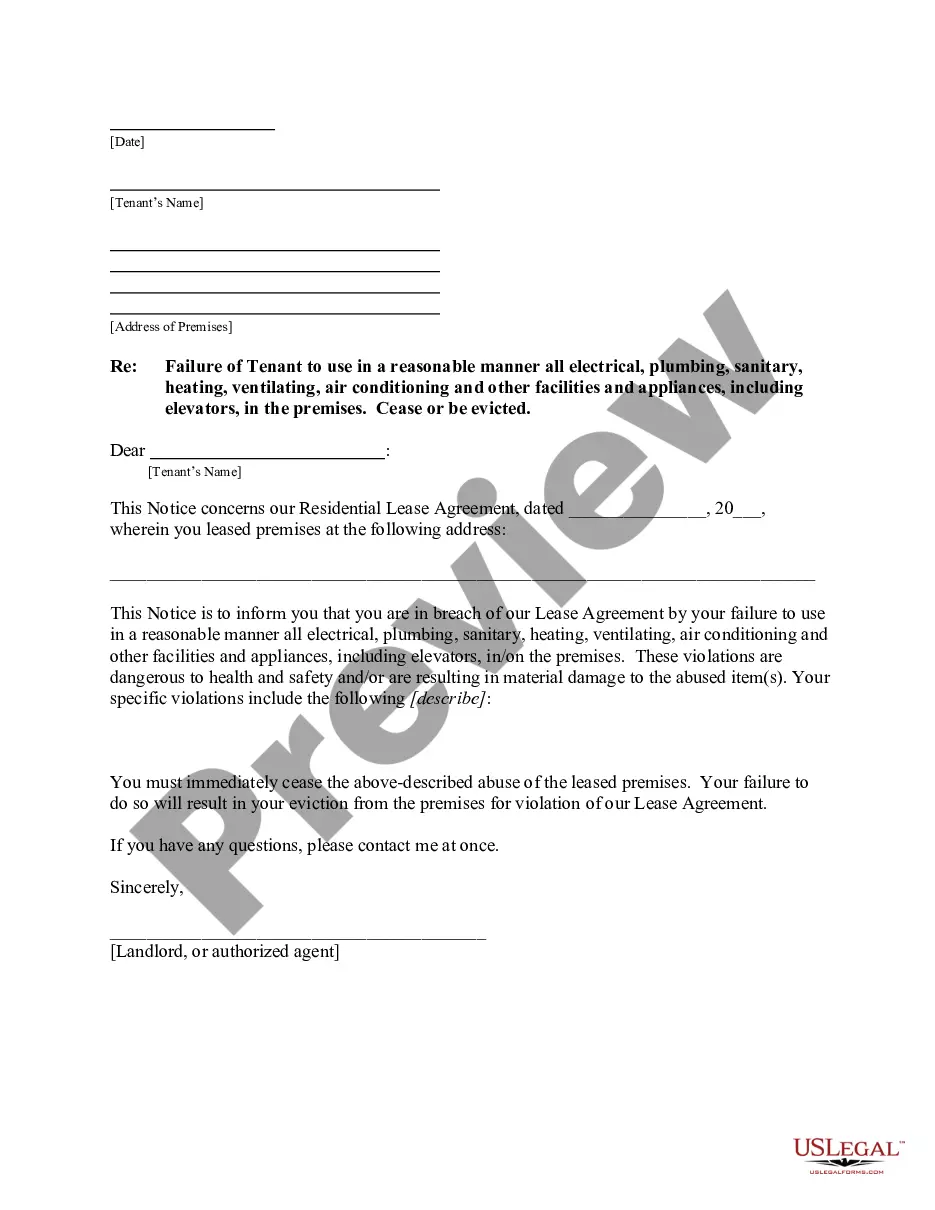
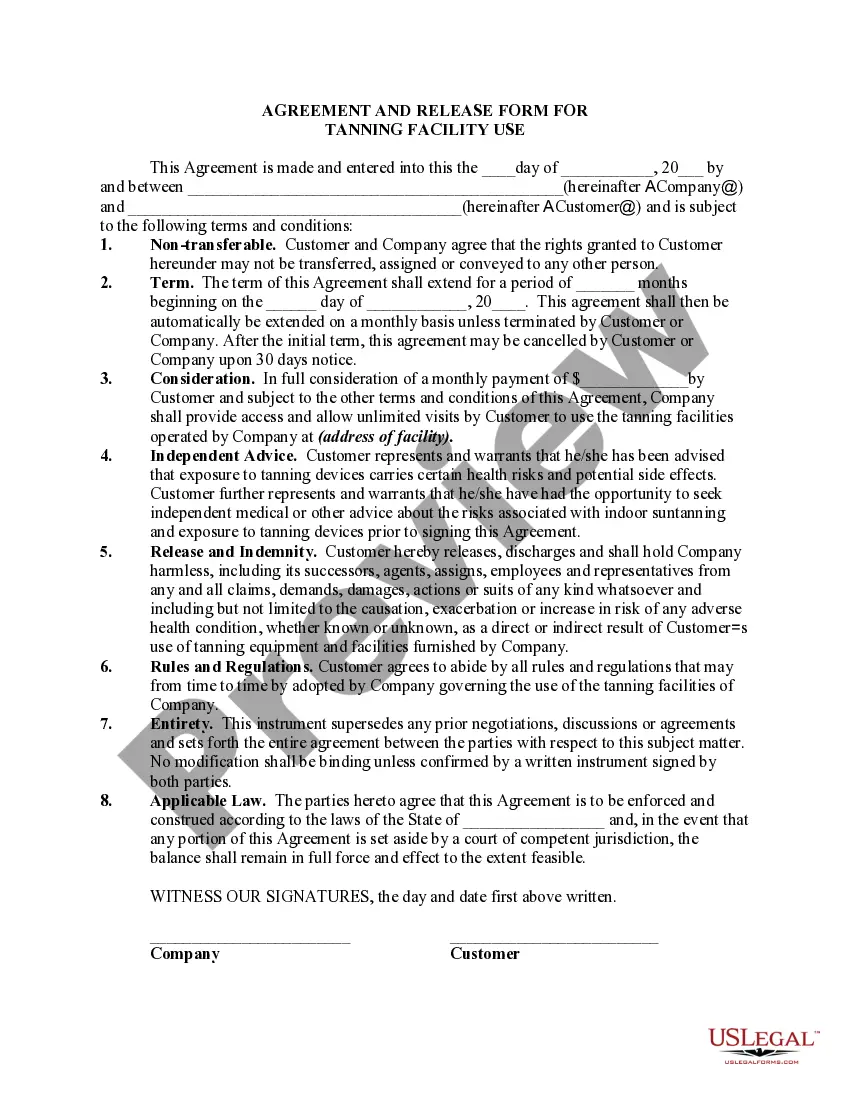
How to fill out Qualified Income Miller Trust?
Securing a reliable source to obtain the most up-to-date and pertinent legal templates is a significant part of managing bureaucracy. Locating the correct legal documents necessitates precision and diligence, which is why it is essential to procure samples of Trust Fund With Will exclusively from trustworthy providers, such as US Legal Forms. An incorrect template could squander your time and prolong the matter at hand. With US Legal Forms, your worries are minimized. You can view and access all pertinent information regarding the document’s application and relevance to your situation within your state or area.
Follow these outlined steps to complete your Trust Fund With Will.
Eliminate the complications associated with your legal paperwork. Explore the comprehensive US Legal Forms catalog where you can discover legal templates, assess their relevance to your needs, and download them instantly.
- Utilize the library navigation or search bar to locate your template.
- Examine the form’s information to confirm it aligns with the criteria of your state and area.
- Access the form preview, if available, to verify the document is the one you need.
- Return to the search to find the correct template if the Trust Fund With Will does not fulfill your prerequisites.
- If you are confident about the form’s pertinence, download it.
- As a registered user, click Log in to verify and access your chosen forms in My documents.
- If you haven't created an account yet, click Buy now to obtain the template.
- Select the pricing plan that suits your needs.
- Proceed to the registration to complete your purchase.
- Finalize your purchase by opting for a payment method (credit card or PayPal).
- Choose the document format for downloading Trust Fund With Will.
- Once the form is on your device, you can modify it using the editor or print it to complete it manually.
Form popularity
FAQ
While trusts can be beneficial, they also have disadvantages that you should consider. Setting up a trust often requires more initial effort and expenses than creating a simple will. Additionally, management of a trust fund with will requires ongoing responsibilities, which may not appeal to everyone. Being aware of these factors can help you make an informed decision about your estate planning.
Trusts often offer several advantages over wills, especially in managing your estate. With a trust, your assets may avoid probate, leading to faster distribution to beneficiaries. Additionally, a trust fund with will can provide privacy, as trusts are generally not public documents. This aspect often appeals to individuals seeking to maintain confidentiality.
Choosing between a will and a trust often depends on individual needs and goals. A trust can manage and distribute your assets during your lifetime and after your death, providing more control and flexibility. In contrast, a will serves its purpose mainly after your passing. For those considering a trust fund with will, reviewing both options through a reliable service like US Legal Forms can clarify the best route.
Google Forms: Setting an Answer Key - YouTube YouTube Start of suggested clip End of suggested clip Question you'll see when i click the answer key option here that i can go through here and set theMoreQuestion you'll see when i click the answer key option here that i can go through here and set the answers. For each of those lines. If i needed to one line could be worth more points than the other.
Does clicking submit another response overwrite your previous submission on Google Forms? No it doesn't. If you submit another response even with the same credentials and same inputs your response will be saved with a different timestamp and will be considered as an unique one.
Open Quiz. Add Extra Attempt through Student Quiz Results. Select Student. Allow this Student an Extra Attempt.
How to undo changes in Google Forms? - YouTube YouTube Start of suggested clip End of suggested clip How to undo changes in a google. Form if you want to undo the last few edits you've made. You mayMoreHow to undo changes in a google. Form if you want to undo the last few edits you've made. You may have noticed that there was no undo button in the browser. You have to click on the three dots first
Forms History lets you see if changes have been made to a Google Form, create back-up versions, and access previous copies. Use Forms History if: 1) You would like to see if someone has modified a Google Form. 2) You want to create and access back-up copies of Google Forms.
The second way to view or edit your Google Form is through the email confirmation you receive on filling out the form. It contains your form responses listed below an ?Edit response? button. You can simply see your responses here or click the Edit Response button to change your responses.
Click the attached Google Form. Click Edit your response. Scroll down and fix your answers. When you're done, scroll down and click Submit.