Microsoft Enterprise Agreement For Nonprofit
Description
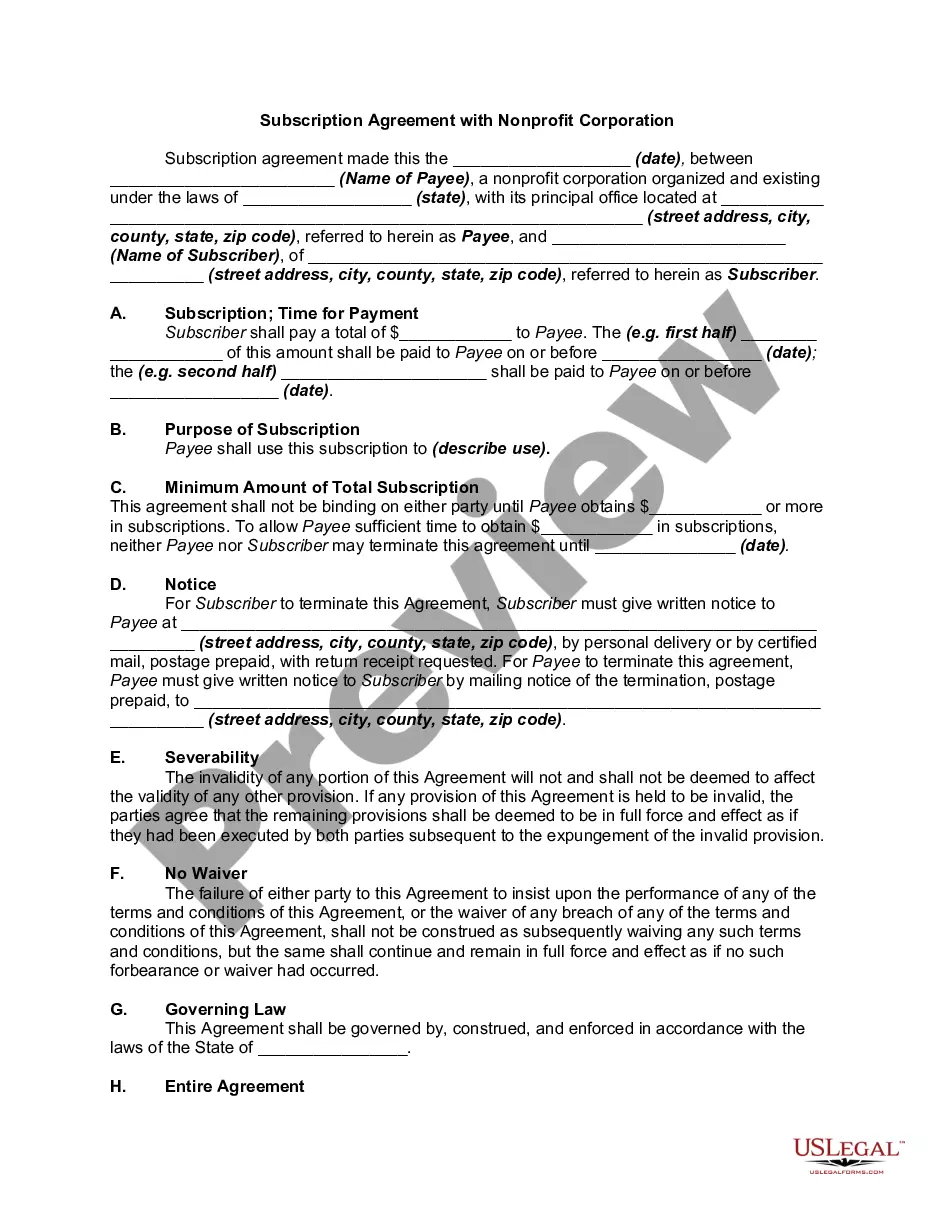
Get your form ready online
Our built-in tools help you complete, sign, share, and store your documents in one place.
Make edits, fill in missing information, and update formatting in US Legal Forms—just like you would in MS Word.
Download a copy, print it, send it by email, or mail it via USPS—whatever works best for your next step.
Sign and collect signatures with our SignNow integration. Send to multiple recipients, set reminders, and more. Go Premium to unlock E-Sign.
If this form requires notarization, complete it online through a secure video call—no need to meet a notary in person or wait for an appointment.
We protect your documents and personal data by following strict security and privacy standards.

Make edits, fill in missing information, and update formatting in US Legal Forms—just like you would in MS Word.

Download a copy, print it, send it by email, or mail it via USPS—whatever works best for your next step.

Sign and collect signatures with our SignNow integration. Send to multiple recipients, set reminders, and more. Go Premium to unlock E-Sign.

If this form requires notarization, complete it online through a secure video call—no need to meet a notary in person or wait for an appointment.

We protect your documents and personal data by following strict security and privacy standards.
Looking for another form?

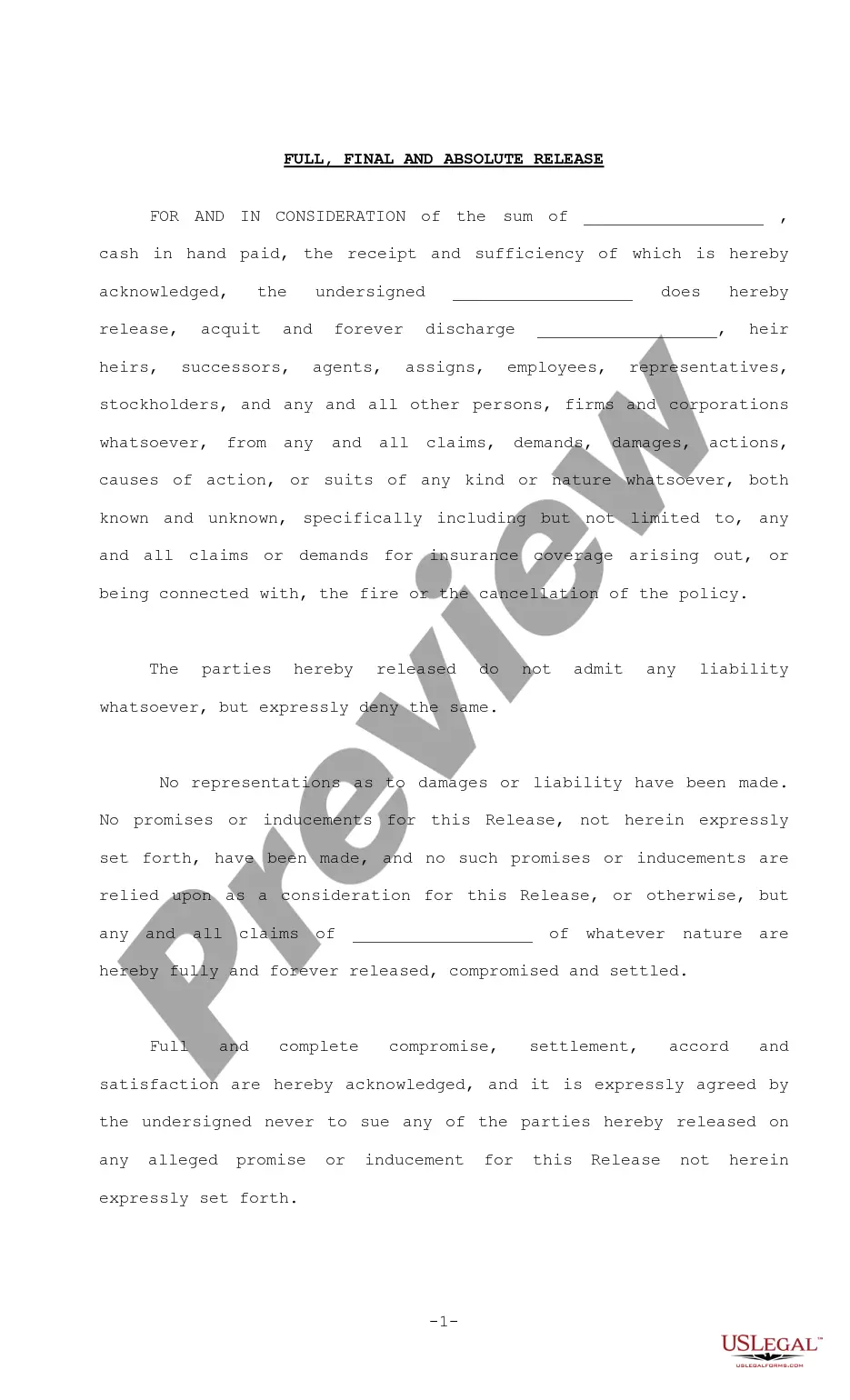

How to fill out Subscription Agreement With Nonprofit Corporation?
Creating legal documents from the ground up can sometimes be daunting.
Certain instances may require extensive research and significant financial investment.
If you're looking for a simpler and more economical method to produce a Microsoft Enterprise Agreement For Nonprofit or any other forms without the hassle of complications, US Legal Forms is conveniently accessible.
Our online repository of over 85,000 current legal documents covers nearly every aspect of your financial, legal, and personal matters. With just a few clicks, you can promptly access state- and county-compliant templates meticulously crafted for you by our legal experts.
Review the document preview and descriptions to confirm you’ve located the correct form. Ensure that the template you select complies with your state and county regulations. Choose the most appropriate subscription plan to acquire the Microsoft Enterprise Agreement For Nonprofit. Download the document, then fill it out, validate, and print it. US Legal Forms boasts an excellent reputation and over 25 years of experience. Join us today and make document execution straightforward and efficient!
- Utilize our website whenever you require trusted and dependable services to swiftly find and download the Microsoft Enterprise Agreement For Nonprofit.
- If you're already familiar with our services and have set up an account previously, simply Log In to your account, find the template, and download it or re-download it anytime in the My documents section.
- Not registered yet? No problem. It only takes a few minutes to create an account and browse the catalog.
- However, before proceeding to download the Microsoft Enterprise Agreement For Nonprofit, consider these suggestions.
Form popularity
FAQ
The Nonprofit Portal is just that, a portal to access the nonprofit offers and what-not. The nonprofit licenses to the Office products are simply 'purchased' at $0 based on your limit via the admin center.
Key differences between the licensing contracts: EA has the most flexible use rights, but only knows an annual payment structure. The SCE offers discounted pricing on Server and Cloud products. The EA, EAS, SCE contracts include mandatory Software Assurance.
Server and Cloud Enrollment (SCE) The Server and Cloud Enrollment is an enrollment under the EA and is used to license specific products on a ?wall-to-wall? basis. These products include: SQL ? must cover the full SQL footprint with Software Assurance.
Microsoft provides grants and discounts for eligible nonprofit organizations, including cloud services like Microsoft 365, Azure and Power Platform, Surface hardware, on-premises software, and digital skilling. Please note that not every program may be available in every country.
Two types of Microsoft Enterprise Agreements Namely, an Enterprise Agreement (EA), which is for perpetual licenses plus maintenance, and an Enterprise Subscription Agreement (EAS or ESA) ? also known as Microsoft Enterprise Agreement Subscription, which is essentially for subscription licenses.