Virtual Assistant Staffing Agency With Training
Description
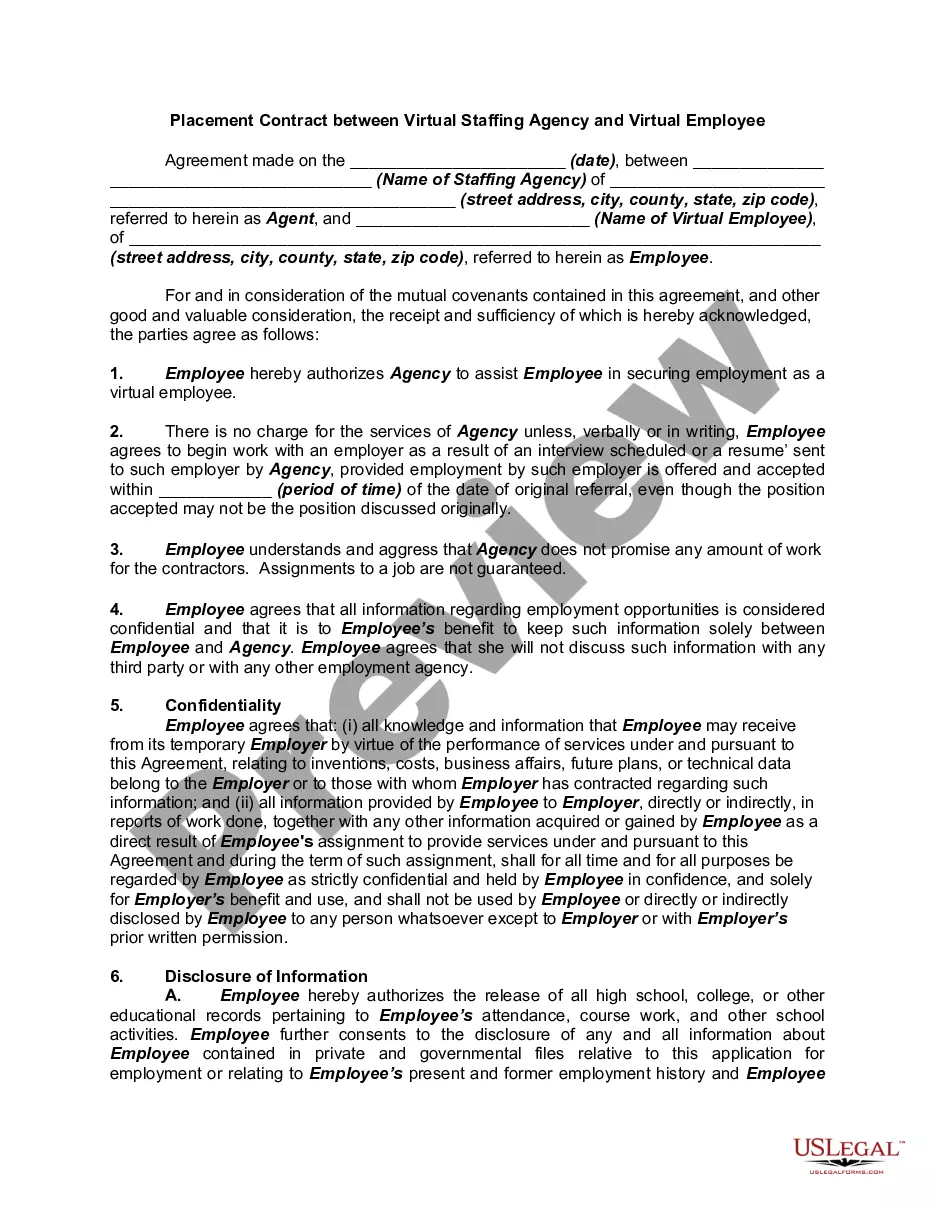
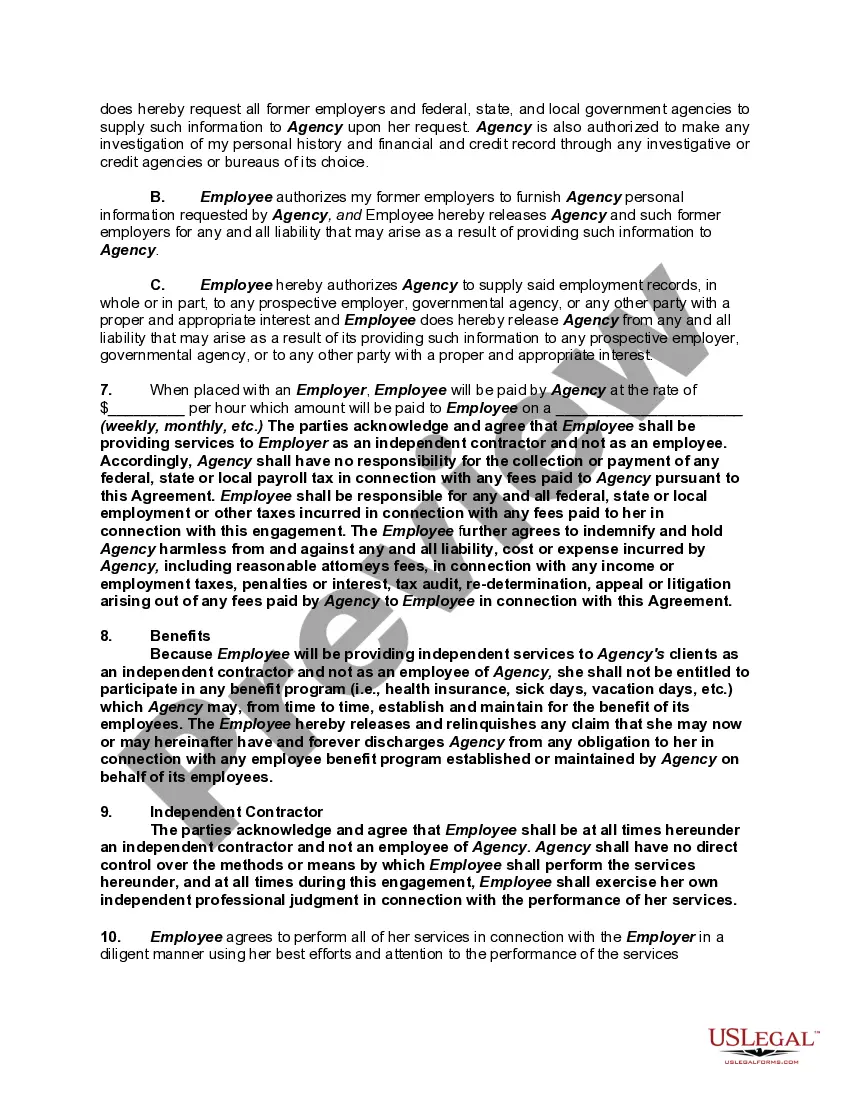
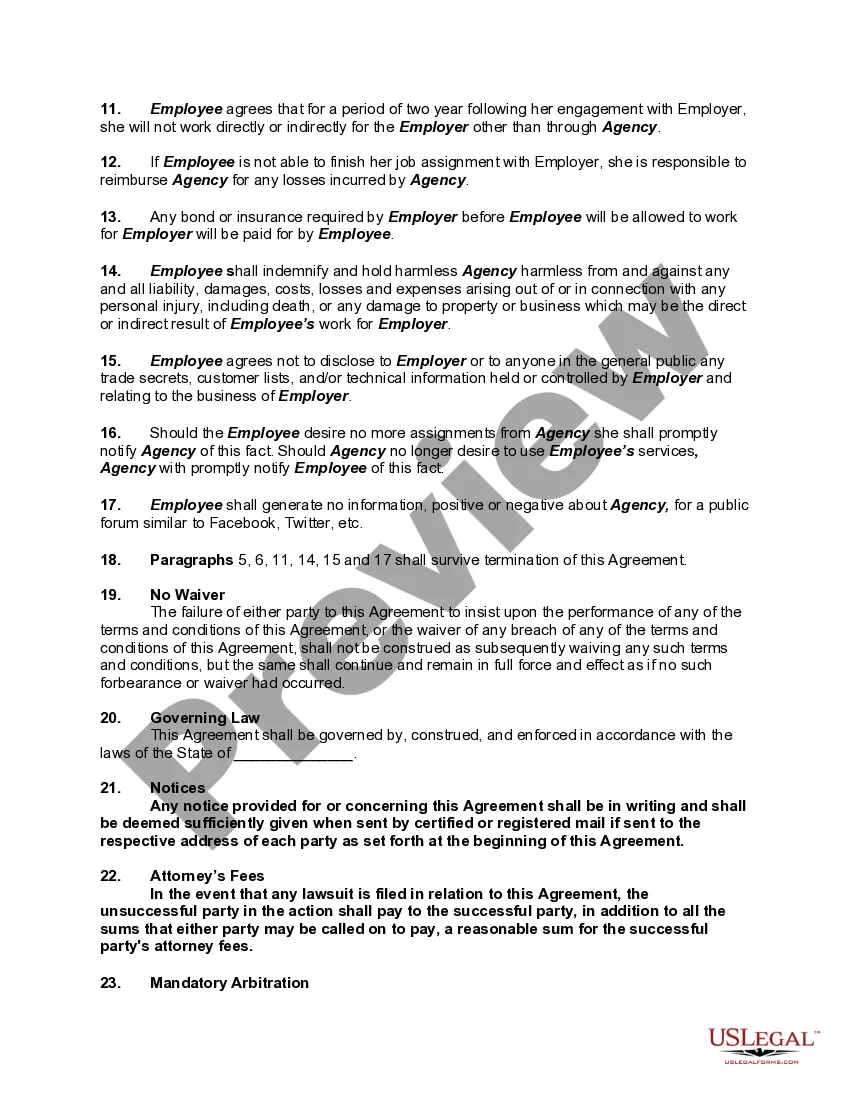
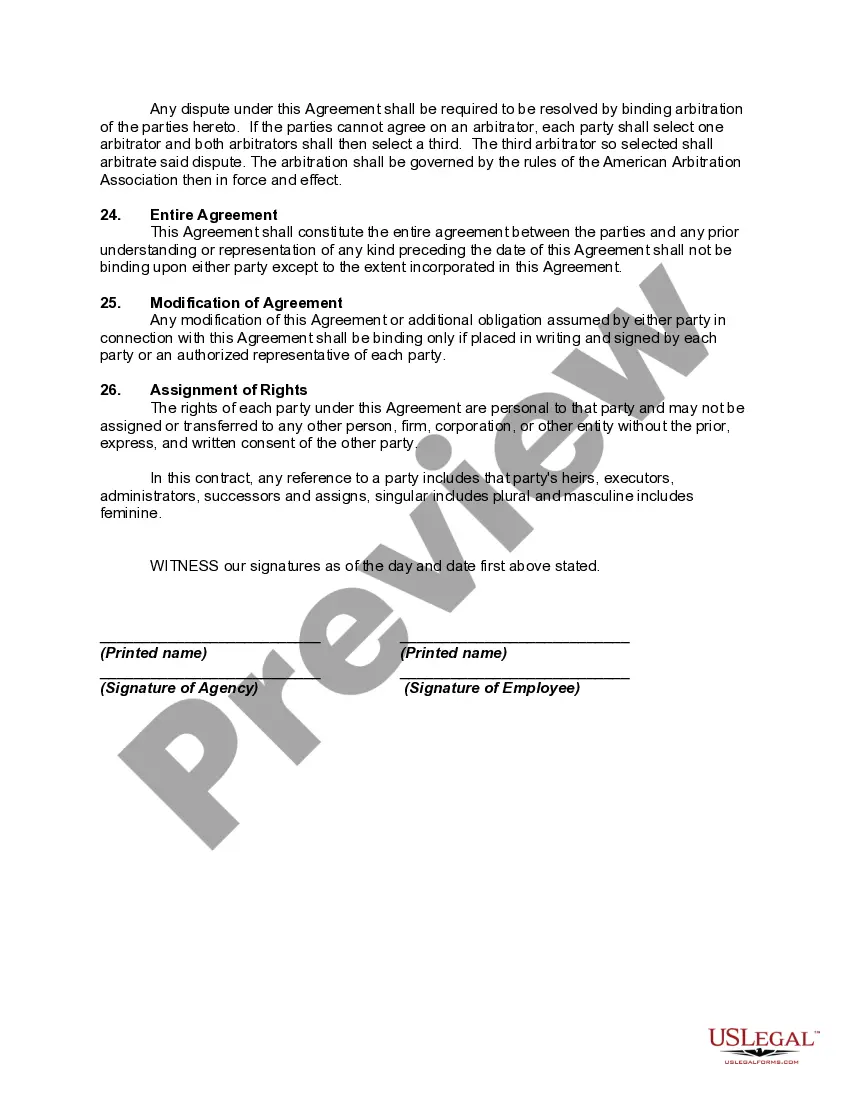
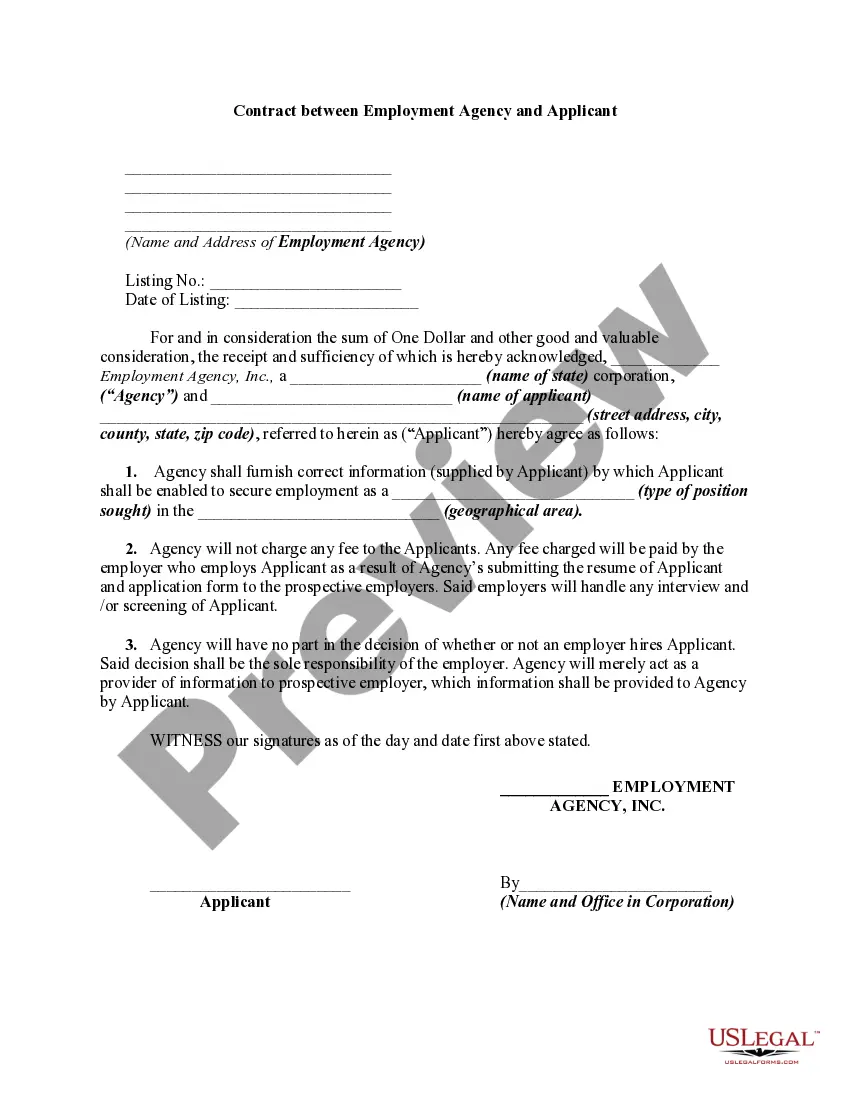
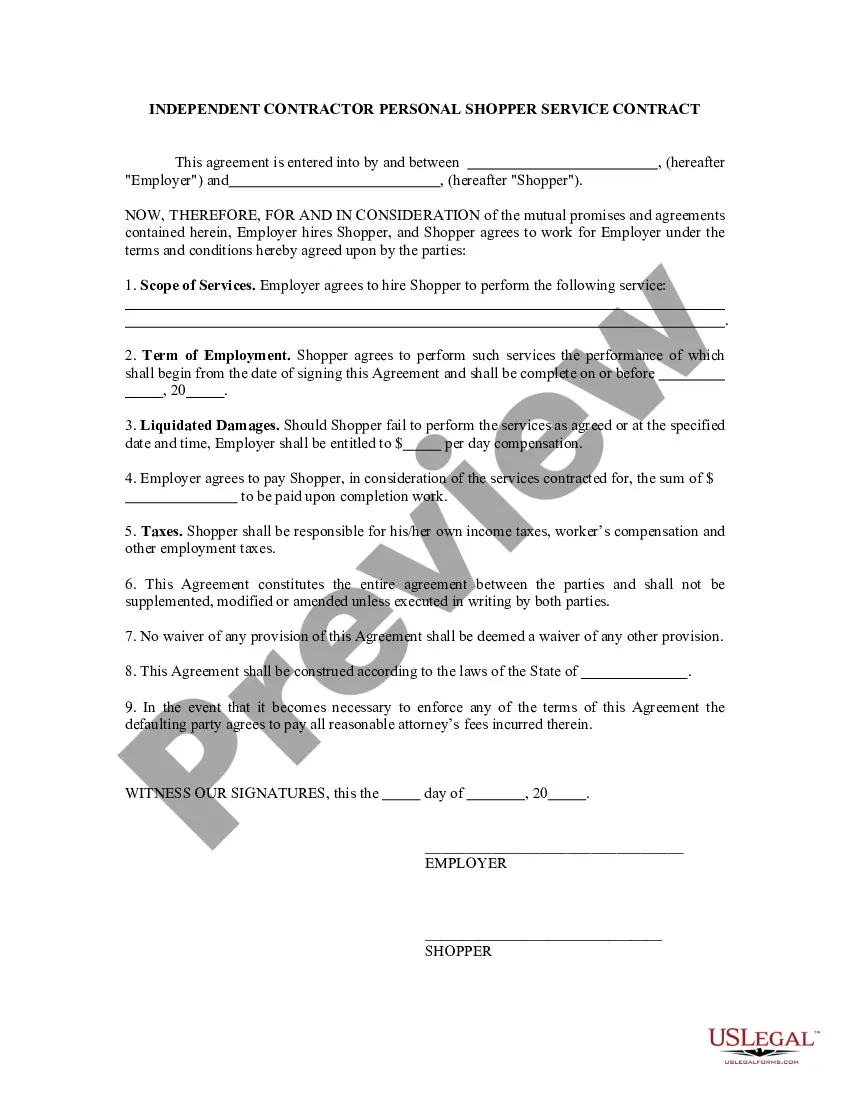
Get your form ready online
Our built-in tools help you complete, sign, share, and store your documents in one place.
Make edits, fill in missing information, and update formatting in US Legal Forms—just like you would in MS Word.
Download a copy, print it, send it by email, or mail it via USPS—whatever works best for your next step.
Sign and collect signatures with our SignNow integration. Send to multiple recipients, set reminders, and more. Go Premium to unlock E-Sign.
If this form requires notarization, complete it online through a secure video call—no need to meet a notary in person or wait for an appointment.
We protect your documents and personal data by following strict security and privacy standards.

Make edits, fill in missing information, and update formatting in US Legal Forms—just like you would in MS Word.

Download a copy, print it, send it by email, or mail it via USPS—whatever works best for your next step.

Sign and collect signatures with our SignNow integration. Send to multiple recipients, set reminders, and more. Go Premium to unlock E-Sign.

If this form requires notarization, complete it online through a secure video call—no need to meet a notary in person or wait for an appointment.

We protect your documents and personal data by following strict security and privacy standards.
Looking for another form?









How to fill out Placement Contract Between Virtual Staffing Agency And Virtual Employee?
The Virtual Assistant Staffing Agency With Training displayed on this page is a reusable official template prepared by qualified attorneys in accordance with federal and state regulations.
For over 25 years, US Legal Forms has supplied individuals, companies, and lawyers with more than 85,000 authenticated, state-specific documents for any business and personal needs.
Re-download the paperwork whenever needed. Access the My documents section in your profile to re-download any previously acquired forms.
- Search for the document you require and examine it.
- Review the file you sought and preview it or assess the form description to confirm it meets your criteria. If it doesn’t, utilize the search feature to find the suitable one. Click Buy Now when you’ve located the template you want.
- Choose and Log In.
- Select the payment plan that fits your needs and create an account. Use PayPal or a credit card to make a quick payment. If you already possess an account, Log In and verify your subscription to proceed.
- Obtain the editable template.
- Select the format you prefer for your Virtual Assistant Staffing Agency With Training (PDF, Word, RTF) and store the sample on your device.
- Finish and sign the paperwork.
Form popularity
FAQ
Yes, there are numerous training programs available for virtual assistants. Many virtual assistant staffing agencies with training offer comprehensive courses that cover essential skills, tools, and best practices for the role. These training programs are designed to equip you with the knowledge you need to excel in the industry and meet client expectations.
Start your virtual assistant career with Coursera Taking online courses and earning credentials can lead to a rewarding VA career. Check out our Professional Certificates in tech, marketing, project management, sales, and more, and start building skills today.
8 Steps to Start a Virtual Assistant Business Decide on Your Services. ... Write a Business Plan. ... Know Your Legal Obligations. ... Create an Online Portfolio. ... Determine Your Prices. ... Set Up a Payment System. ... Find Your First Clients. ... Get Working and Adjust as Needed.
Hiring a virtual assistant to do your data entry can be cost-effective. You are then able to use your time for more critical projects. Your virtual assistant can address the office tasks for less than it would have cost you to do it yourself.
How to become a virtual assistant with no experience Take training courses. You've got to prepare for working as a VA and running your online business. ... Determine the work you like and can do. ... Figure out the prices to charge. ... Create an online presence. ... Start applying to jobs. ... Learn about yourself and clients.
Data entry virtual assistant is a remote worker who enters or updates data in a computer system database or CRM. Unlike your regular employee, a data entry virtual assistant doesn't get a monthly salary. Instead, you will pay him/her on an hourly basis.