Firm Legal Law Format
Description
Get your form ready online
Our built-in tools help you complete, sign, share, and store your documents in one place.
Make edits, fill in missing information, and update formatting in US Legal Forms—just like you would in MS Word.
Download a copy, print it, send it by email, or mail it via USPS—whatever works best for your next step.
Sign and collect signatures with our SignNow integration. Send to multiple recipients, set reminders, and more. Go Premium to unlock E-Sign.
If this form requires notarization, complete it online through a secure video call—no need to meet a notary in person or wait for an appointment.
We protect your documents and personal data by following strict security and privacy standards.

Make edits, fill in missing information, and update formatting in US Legal Forms—just like you would in MS Word.

Download a copy, print it, send it by email, or mail it via USPS—whatever works best for your next step.

Sign and collect signatures with our SignNow integration. Send to multiple recipients, set reminders, and more. Go Premium to unlock E-Sign.

If this form requires notarization, complete it online through a secure video call—no need to meet a notary in person or wait for an appointment.

We protect your documents and personal data by following strict security and privacy standards.
Looking for another form?

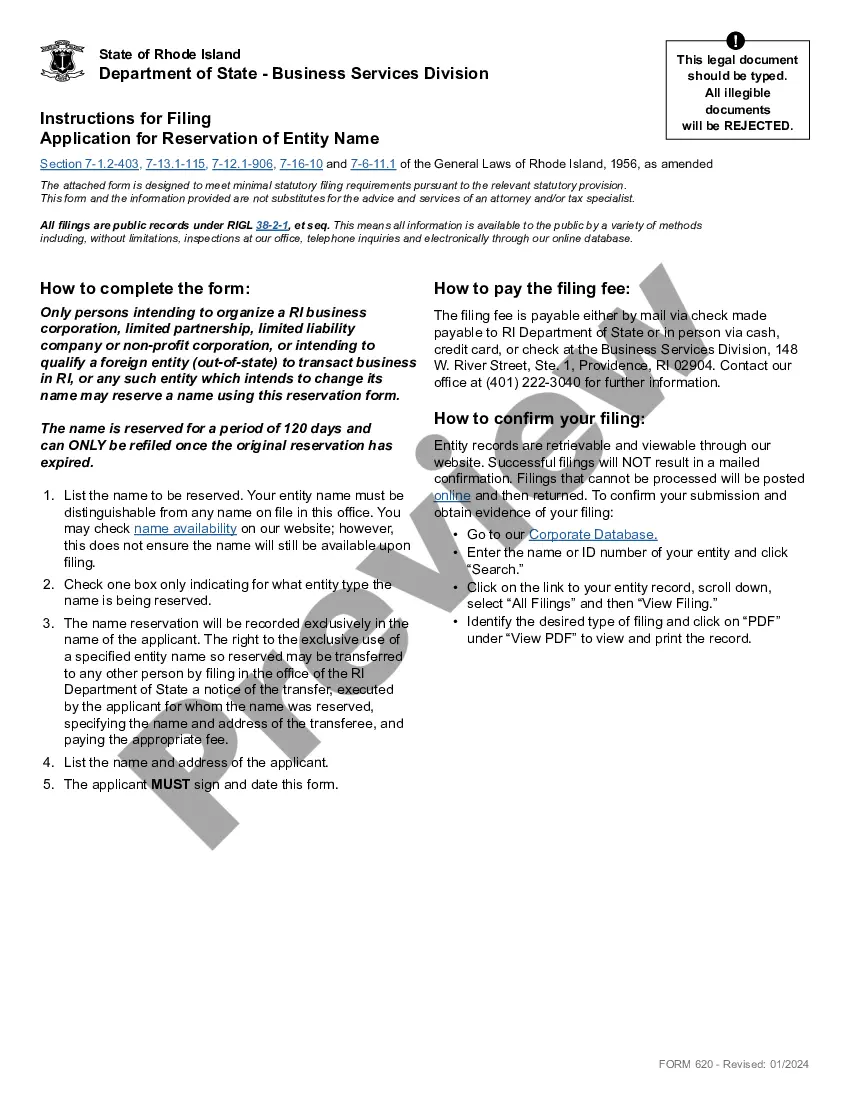

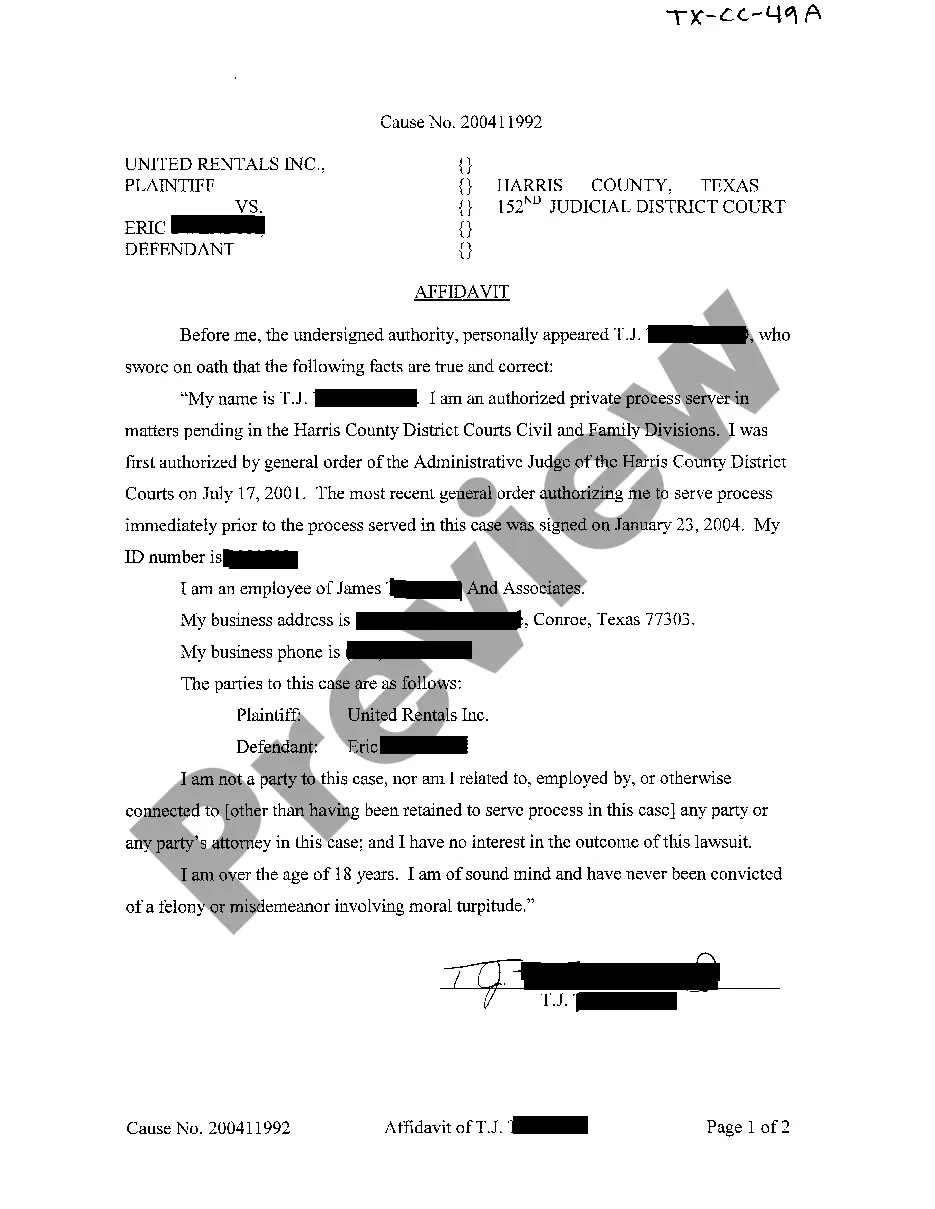




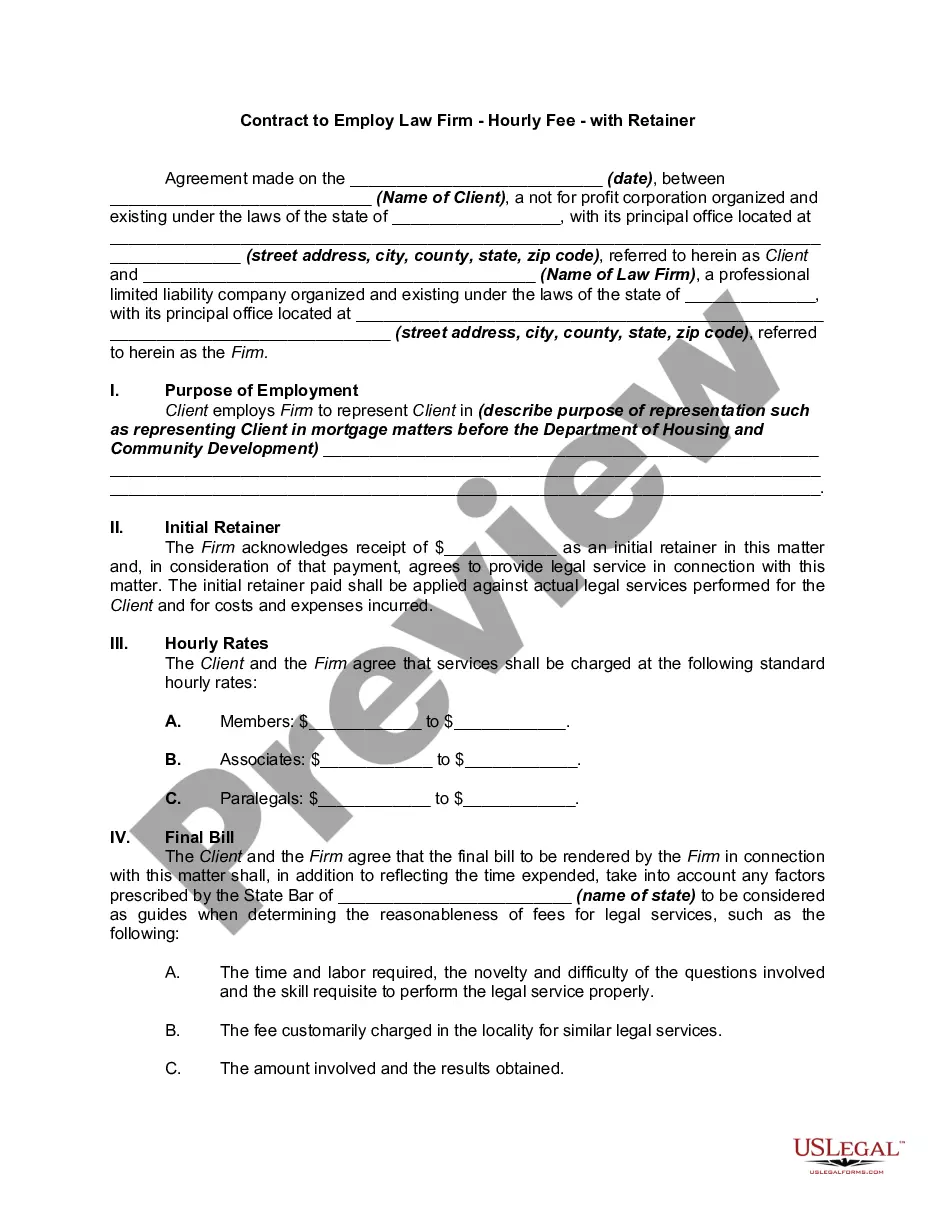
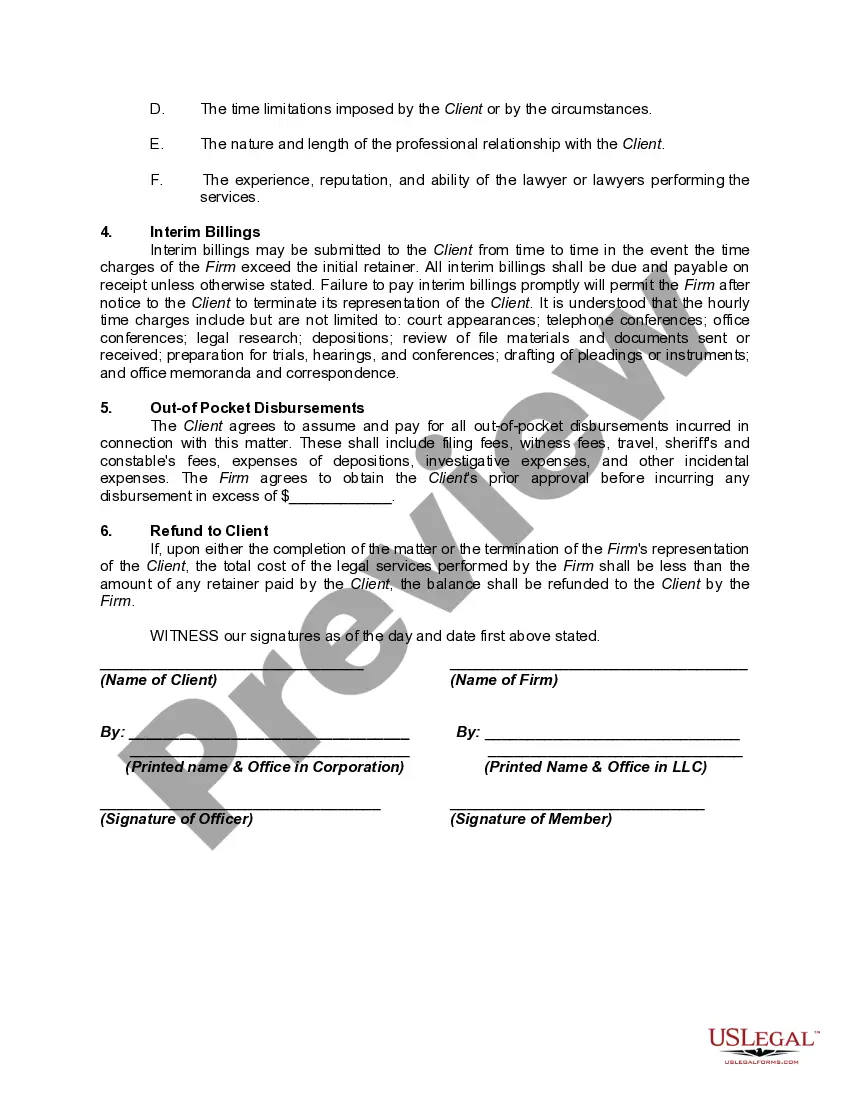
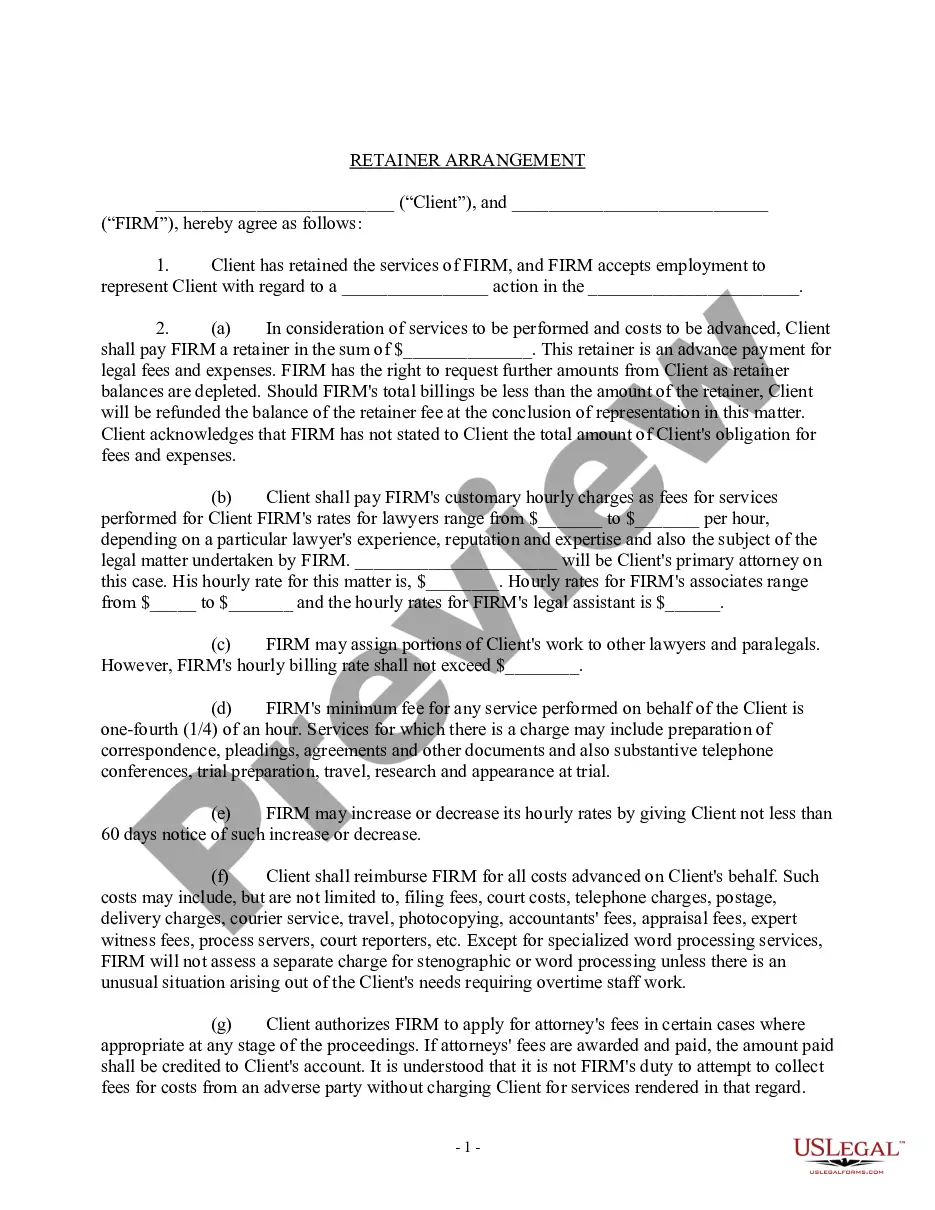
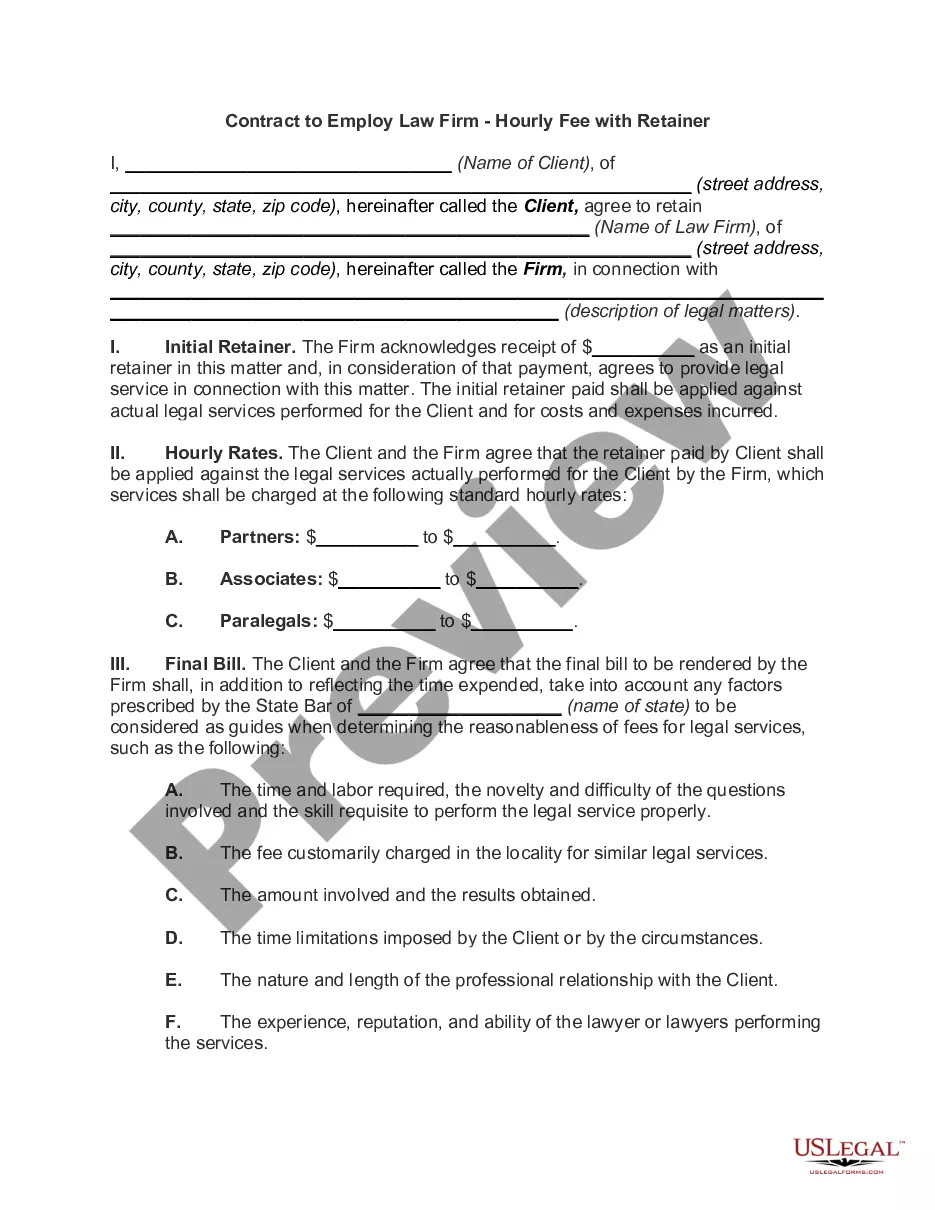
How to fill out Contract To Employ Law Firm - Hourly Fee - With Retainer?
The Firm Legal Law Format you see on this page is a multi-usable formal template drafted by professional lawyers in compliance with federal and state laws. For more than 25 years, US Legal Forms has provided individuals, businesses, and legal professionals with more than 85,000 verified, state-specific forms for any business and personal situation. It’s the fastest, simplest and most trustworthy way to obtain the paperwork you need, as the service guarantees bank-level data security and anti-malware protection.
Getting this Firm Legal Law Format will take you only a few simple steps:
- Look for the document you need and check it. Look through the file you searched and preview it or check the form description to verify it fits your needs. If it does not, use the search bar to find the appropriate one. Click Buy Now when you have located the template you need.
- Sign up and log in. Opt for the pricing plan that suits you and register for an account. Use PayPal or a credit card to make a prompt payment. If you already have an account, log in and check your subscription to continue.
- Acquire the fillable template. Pick the format you want for your Firm Legal Law Format (PDF, DOCX, RTF) and download the sample on your device.
- Complete and sign the document. Print out the template to complete it by hand. Alternatively, use an online multi-functional PDF editor to rapidly and precisely fill out and sign your form with a valid.
- Download your papers one more time. Utilize the same document once again anytime needed. Open the My Forms tab in your profile to redownload any previously downloaded forms.
Subscribe to US Legal Forms to have verified legal templates for all of life’s scenarios at your disposal.
Form popularity
FAQ
Most law reviews use the same typeface style, which includes Ordinary Times New Roman, Italics, and SMALL CAPITALS. In court documents, use Ordinary Roman, Italics, and Underlining.
Legal writing tips to help you get started Tip 1: Understand your purpose. Tip 2: Understand your audience. Tip 3: Do your research. Make your mark online in minutes with our simple legal website builder. Tip 4: Create an outline. Tip 5: Put words on the page. Tip 6: Be aware of content structure.
How to Write a Law Report Language and Structure of a Legal Report. A wise person once said: ?Good taste consists of knowing how to conceal the fact that you have any?. ... Body of the Report. ... Question Presented. ... Short Answer. ... Statement of the Facts. ... Discussion and Conclusion. ... The Bottom Line.
The most popular formats of the traditional sizes are the Letter (8.5 × 11 inches), Legal (8.5 × 14 inches) and Tabloid (11 × 17 inches) formats.
Instead of using letter size set your Word document to legal paper size. Legal paper is preferred by lawyers because it allows lengthy details like you see in contracts. To set this up, go to Layout >Size> Legal.