Website User Agreement With Google Workspace
Description
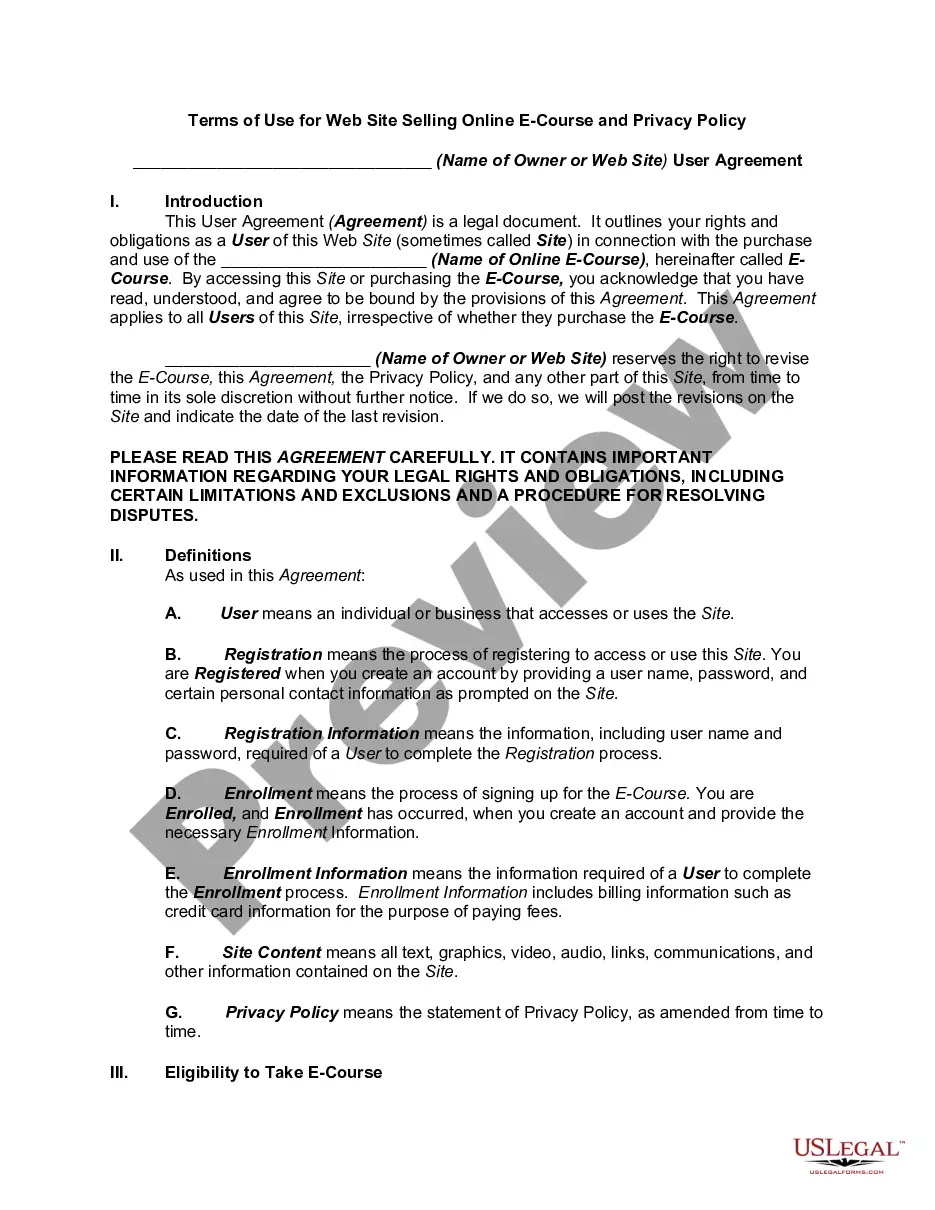
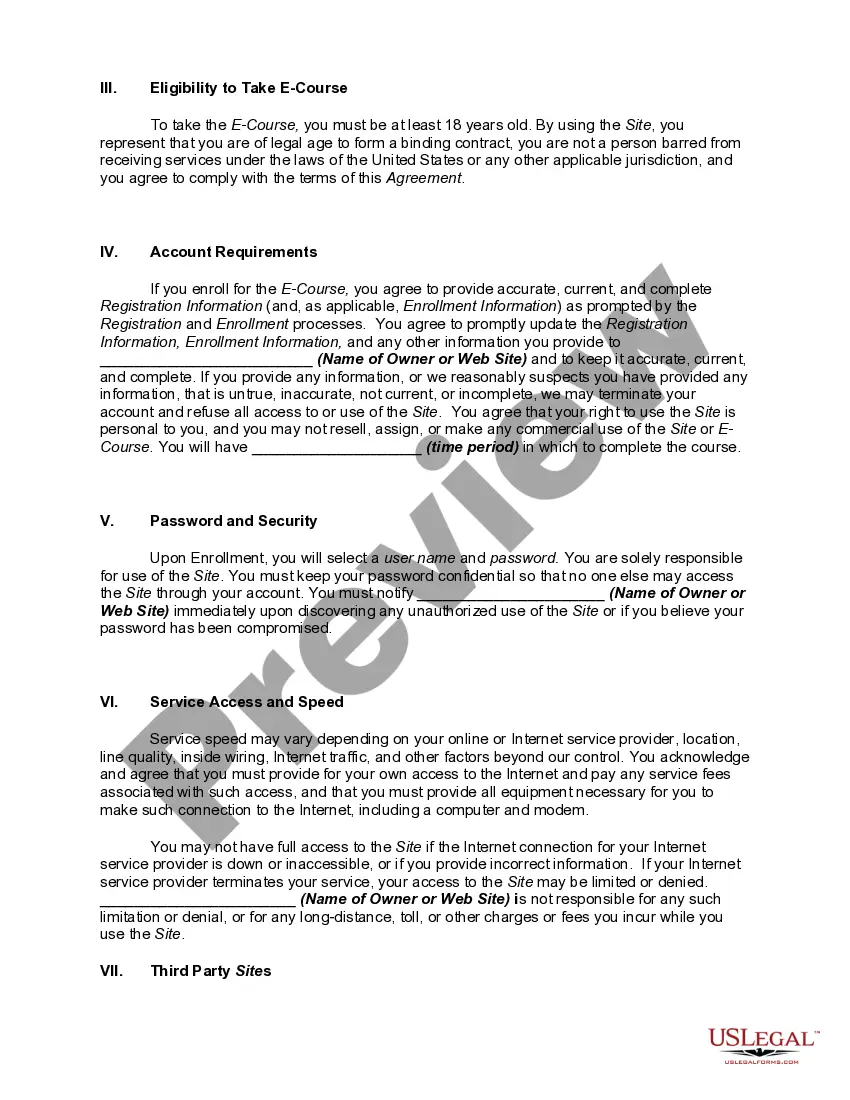
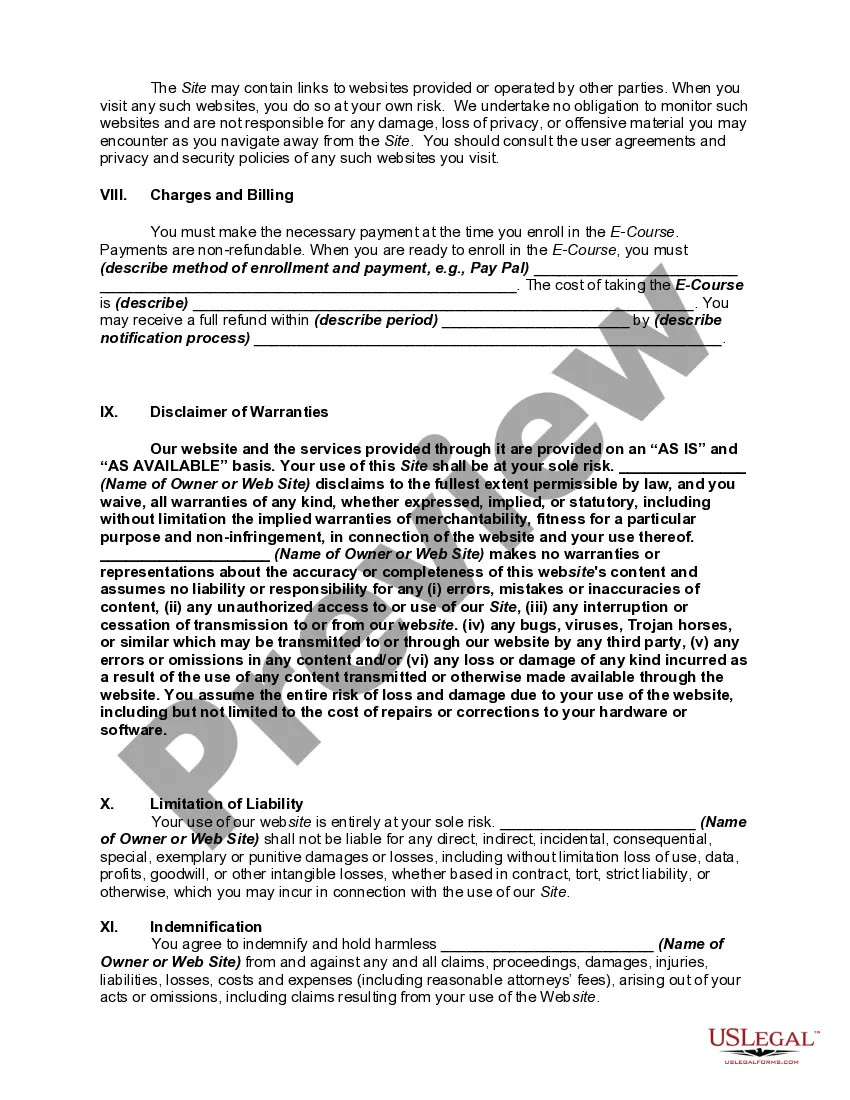
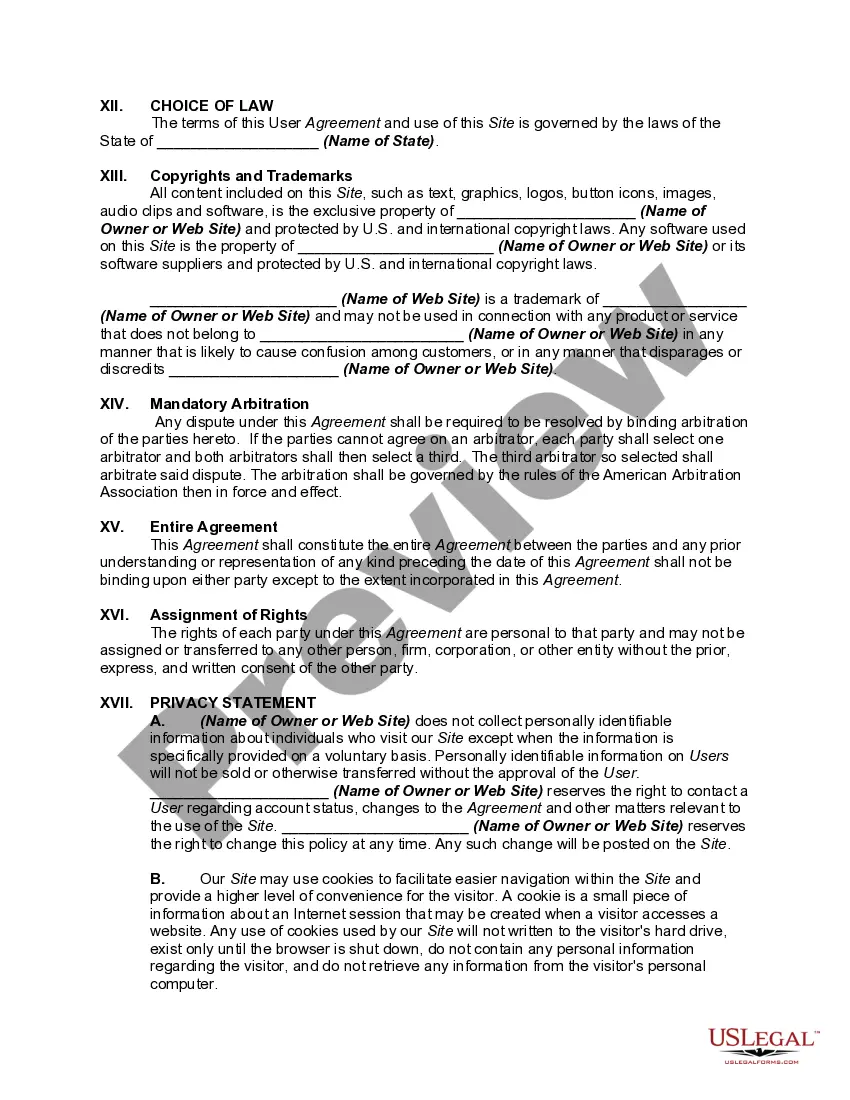
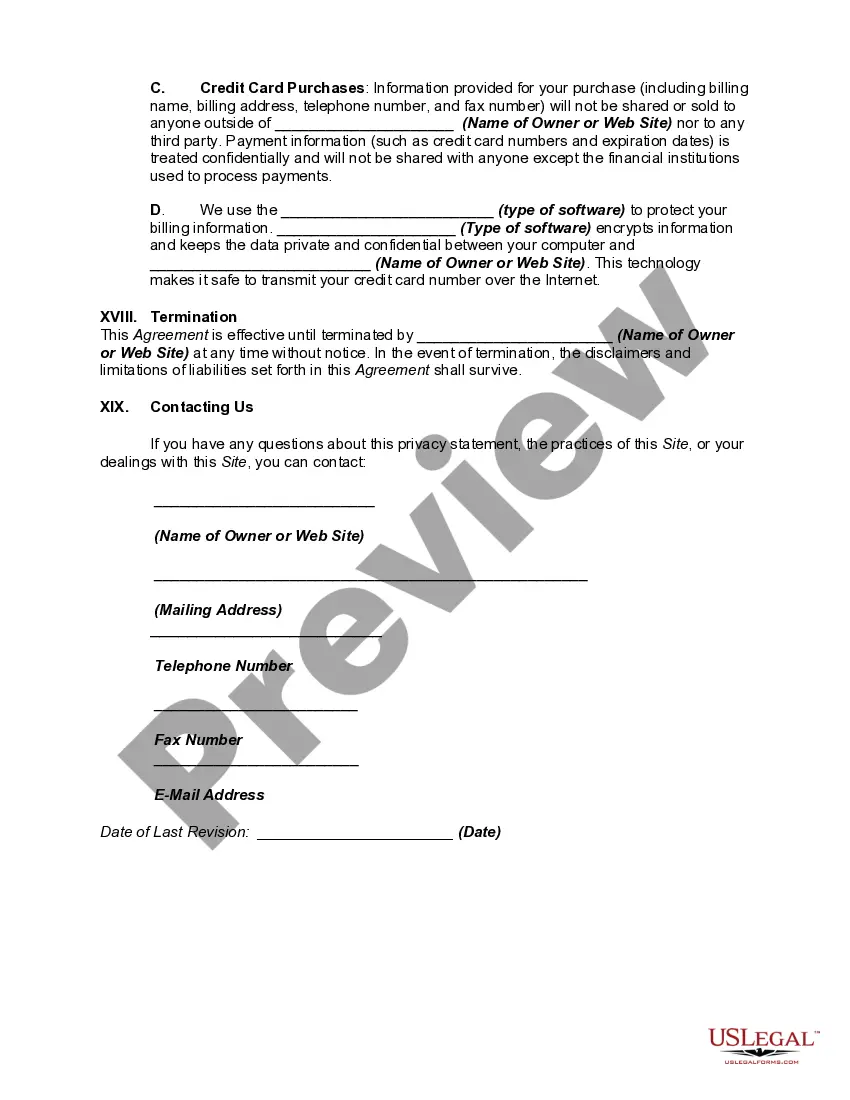
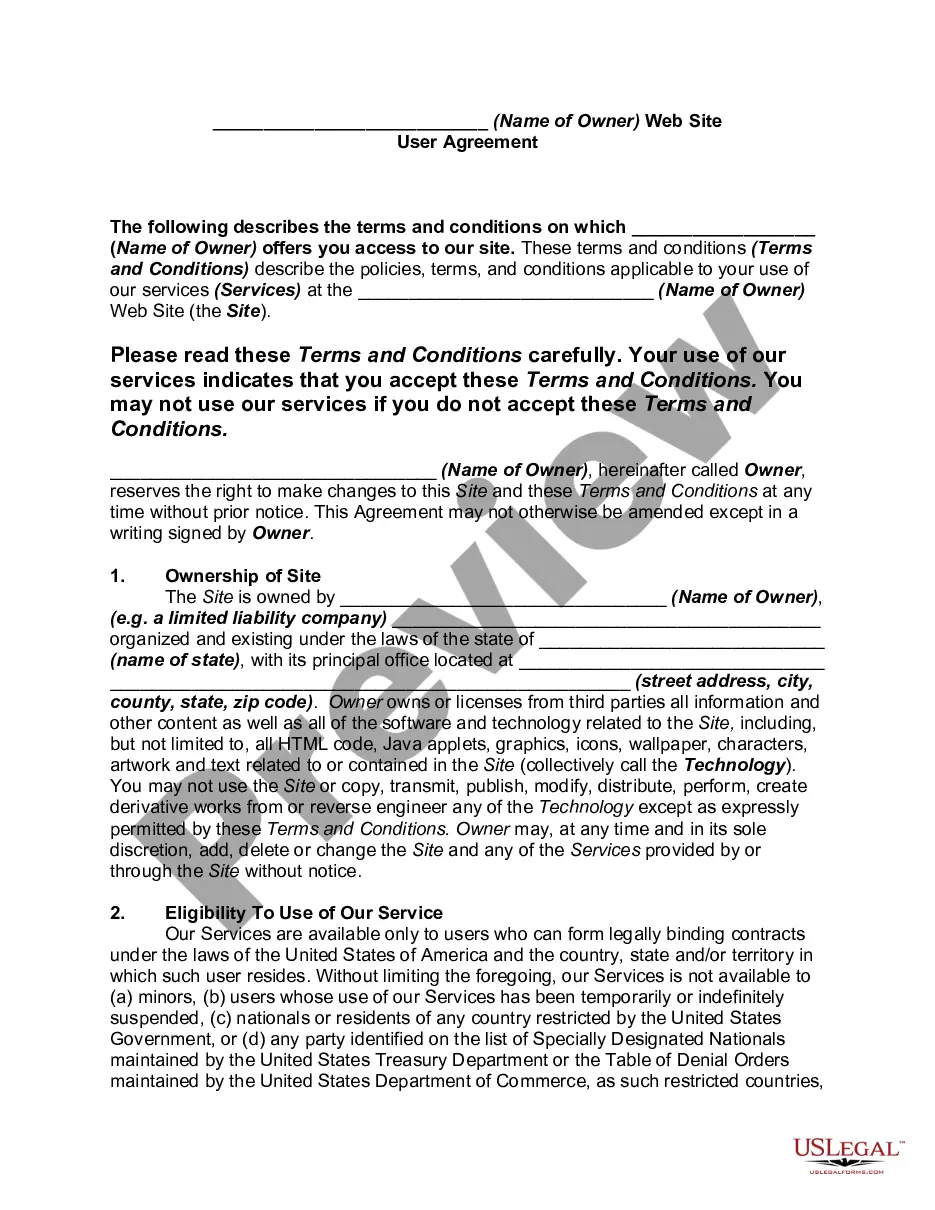
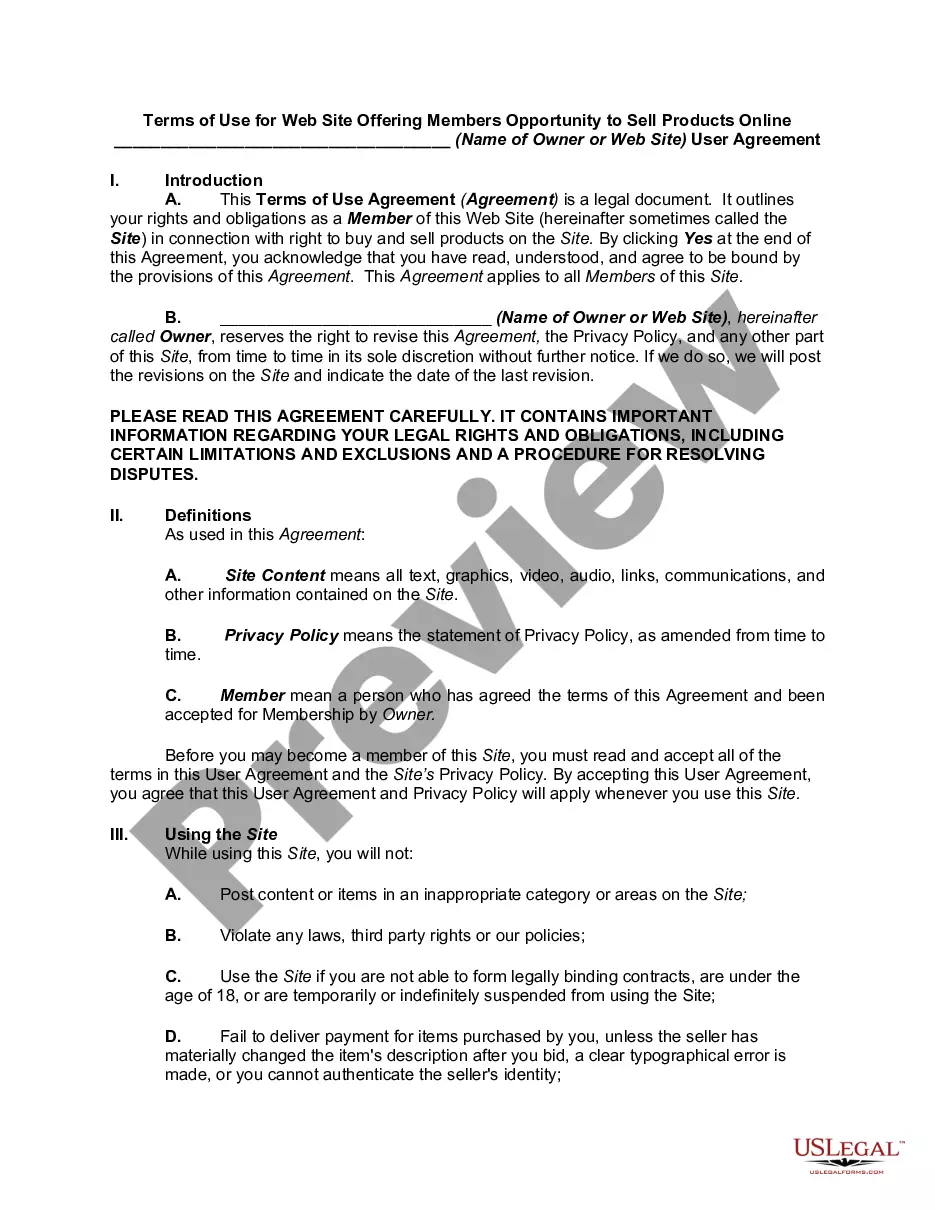
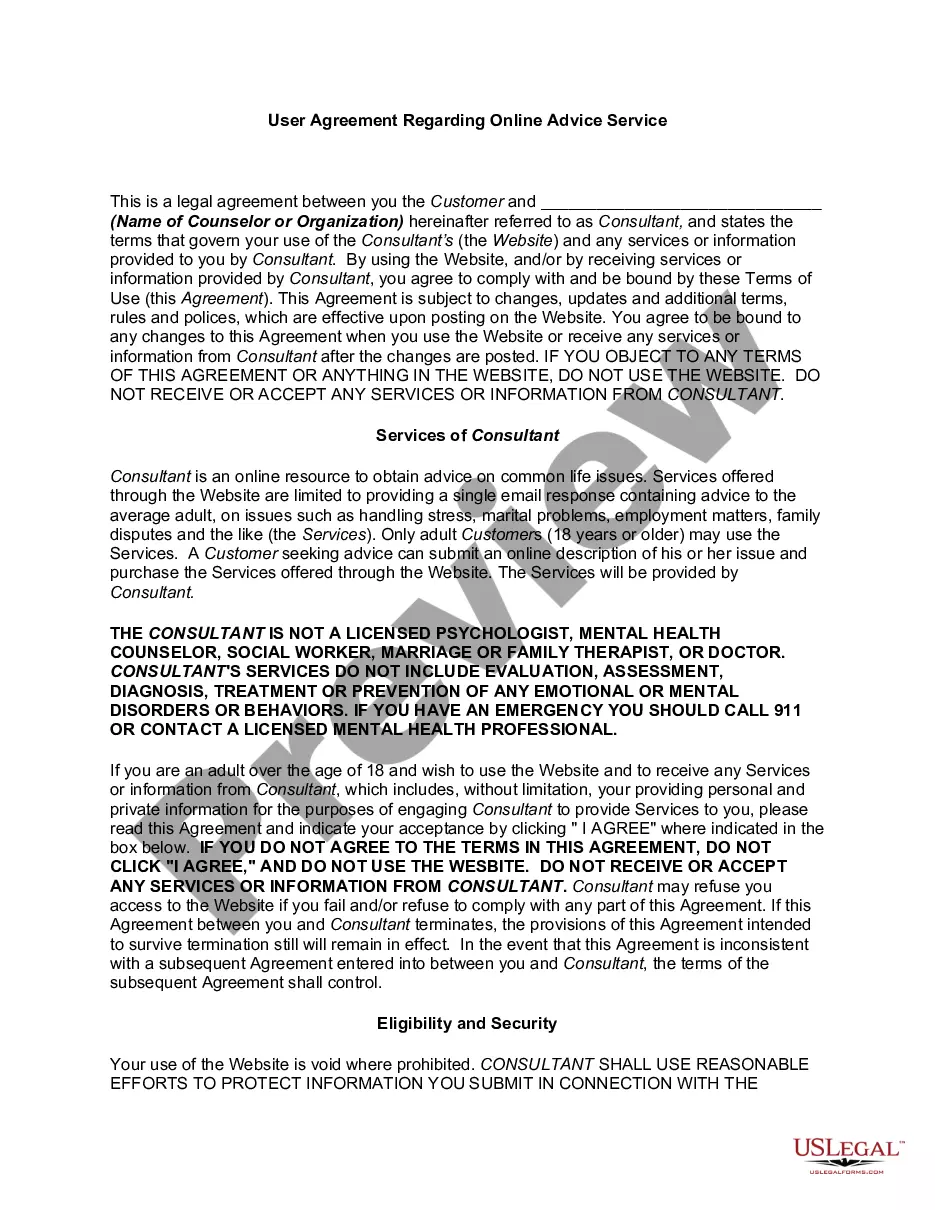
Get your form ready online
Our built-in tools help you complete, sign, share, and store your documents in one place.
Make edits, fill in missing information, and update formatting in US Legal Forms—just like you would in MS Word.
Download a copy, print it, send it by email, or mail it via USPS—whatever works best for your next step.
Sign and collect signatures with our SignNow integration. Send to multiple recipients, set reminders, and more. Go Premium to unlock E-Sign.
If this form requires notarization, complete it online through a secure video call—no need to meet a notary in person or wait for an appointment.
We protect your documents and personal data by following strict security and privacy standards.

Make edits, fill in missing information, and update formatting in US Legal Forms—just like you would in MS Word.

Download a copy, print it, send it by email, or mail it via USPS—whatever works best for your next step.

Sign and collect signatures with our SignNow integration. Send to multiple recipients, set reminders, and more. Go Premium to unlock E-Sign.

If this form requires notarization, complete it online through a secure video call—no need to meet a notary in person or wait for an appointment.

We protect your documents and personal data by following strict security and privacy standards.
Looking for another form?





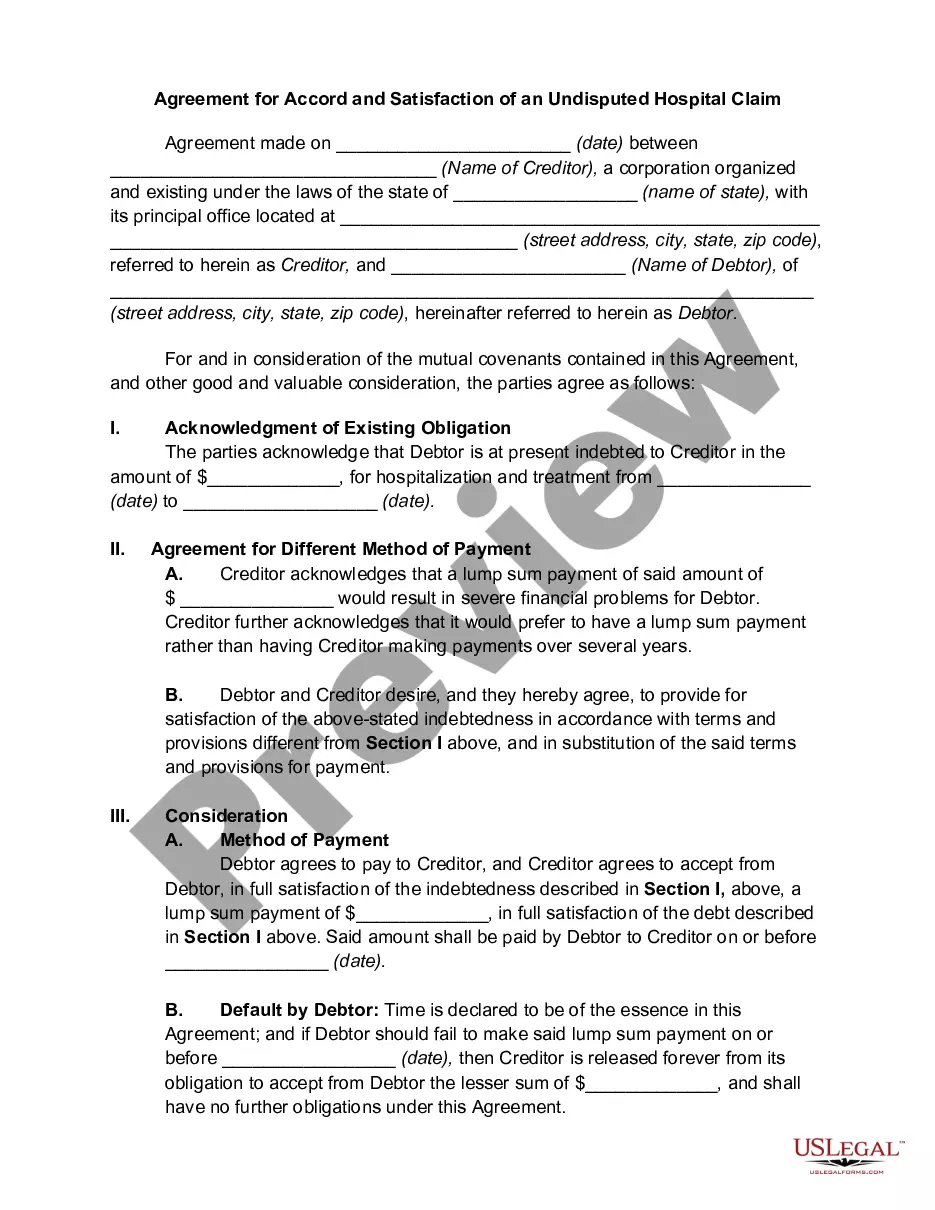



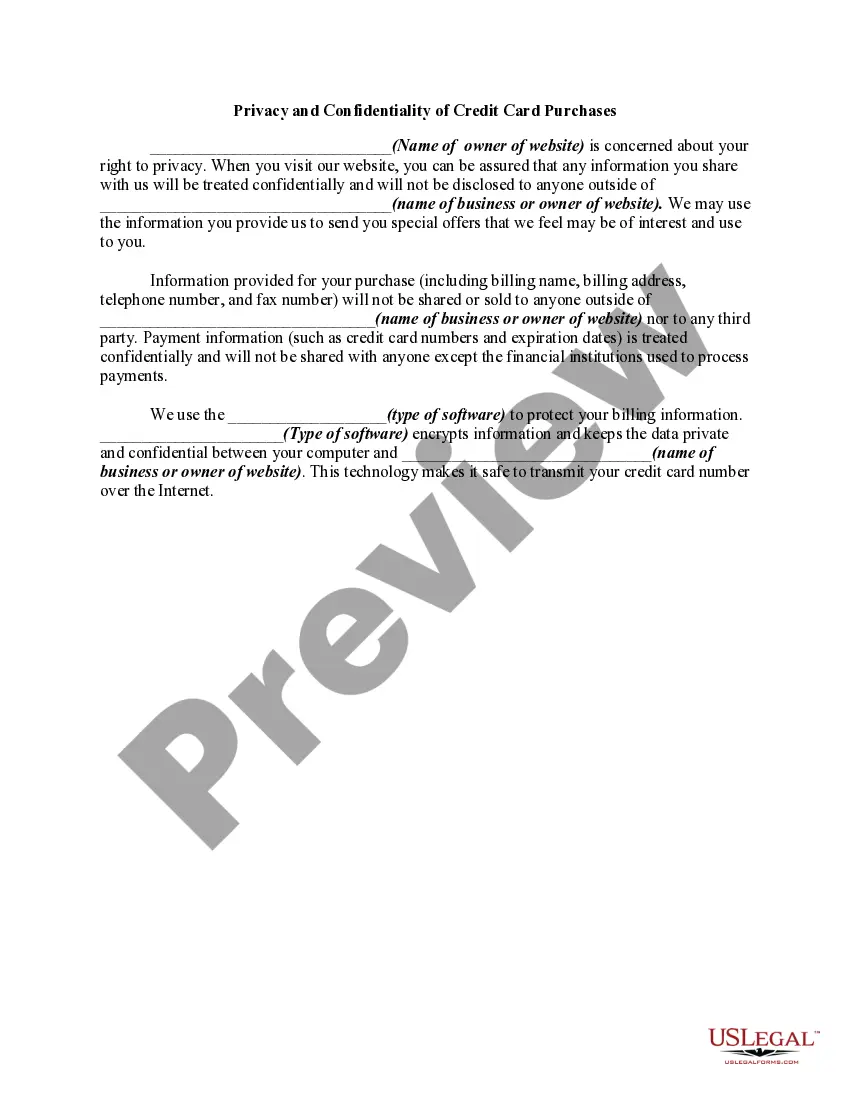
How to fill out Website Subscription User Agreement - Terms Of Use For Website Selling Online E-Course Privacy Policy?
Drafting legal paperwork from scratch can often be a little overwhelming. Some cases might involve hours of research and hundreds of dollars spent. If you’re looking for a an easier and more affordable way of preparing Website User Agreement With Google Workspace or any other documents without the need of jumping through hoops, US Legal Forms is always at your fingertips.
Our virtual library of over 85,000 up-to-date legal documents addresses almost every element of your financial, legal, and personal matters. With just a few clicks, you can instantly access state- and county-compliant forms diligently prepared for you by our legal professionals.
Use our website whenever you need a trusted and reliable services through which you can easily find and download the Website User Agreement With Google Workspace. If you’re not new to our website and have previously created an account with us, simply log in to your account, locate the form and download it away or re-download it anytime later in the My Forms tab.
Don’t have an account? No worries. It takes minutes to set it up and navigate the library. But before jumping directly to downloading Website User Agreement With Google Workspace, follow these recommendations:
- Check the document preview and descriptions to ensure that you are on the the document you are looking for.
- Check if form you select complies with the requirements of your state and county.
- Choose the right subscription option to purchase the Website User Agreement With Google Workspace.
- Download the form. Then fill out, certify, and print it out.
US Legal Forms has a spotless reputation and over 25 years of expertise. Join us today and transform document completion into something simple and streamlined!
Form popularity
FAQ
Google Workspace is a collection of cloud-based tools designed to make productivity and collaboration easier for individuals and organizations. It includes the following apps and services: Gmail ? email. Google Sheets ? spreadsheets. Google Docs ? online word processor.
Google Sites is included in the cost of your Google Workspace installation and so it is completely free to set up. It's also free in the sense that Sites, and the content you embed in sites, don't count toward your Drive storage quota.
These Google Workspace Terms of Service (together, the "Agreement") (formerly known as "Google Workspace (Online) Agreement" or "Google Workspace Agreement") are entered into by Google and the entity or person agreeing to them ("Customer") and govern Customer's access to and use of the Services.
To sign up for Google Workspace, follow these steps: Sign in to Google Domains. Select the name of your domain. Open the menu. . Click Email. Under Get a custom email address, click Get Google Workspace.
Connect a URL to your Google Site with Google Workspace Sign in to Google Domains. Select your domain. Open the Menu. click DNS. Scroll to ?Custom resource records.? In the ?@? field, enter the subdomain. ... Inside the ?A? field, click the Down arrow. ... In the ?Domain name? field, enter ?GHS.GOOGLEHOSTED.COM.? Click Add.