Website Terms Use Template Without Account
Description
Get your form ready online
Our built-in tools help you complete, sign, share, and store your documents in one place.
Make edits, fill in missing information, and update formatting in US Legal Forms—just like you would in MS Word.
Download a copy, print it, send it by email, or mail it via USPS—whatever works best for your next step.
Sign and collect signatures with our SignNow integration. Send to multiple recipients, set reminders, and more. Go Premium to unlock E-Sign.
If this form requires notarization, complete it online through a secure video call—no need to meet a notary in person or wait for an appointment.
We protect your documents and personal data by following strict security and privacy standards.

Make edits, fill in missing information, and update formatting in US Legal Forms—just like you would in MS Word.

Download a copy, print it, send it by email, or mail it via USPS—whatever works best for your next step.

Sign and collect signatures with our SignNow integration. Send to multiple recipients, set reminders, and more. Go Premium to unlock E-Sign.

If this form requires notarization, complete it online through a secure video call—no need to meet a notary in person or wait for an appointment.

We protect your documents and personal data by following strict security and privacy standards.
Looking for another form?








How to fill out Website Subscription User Agreement - Terms Of Use For Website Selling Online E-Course Privacy Policy?
Handling legal documents and processes can be a lengthy addition to your day.
Templates like Website Terms Use Without Account often necessitate searching for them and comprehending the optimal way to fill them out accurately.
Therefore, when managing financial, legal, or personal affairs, having a comprehensive and user-friendly online database of forms readily available will be extremely beneficial.
US Legal Forms is the premier online resource for legal templates, featuring over 85,000 state-specific forms and an array of utilities to help you finalize your paperwork efficiently.
Are you using US Legal Forms for the first time? Register and establish your account in just a few minutes to access the form catalog and Website Terms Use Template Without Account. Then, follow the steps outlined below to fill out your form.
- Browse the collection of relevant documents available to you with just a single click.
- US Legal Forms provides you with state- and county-specific forms available for download at any time.
- Enhance your document management processes with a high-quality service that allows you to create any form in mere minutes without incurring additional or hidden fees.
- Simply sign in to your account, search for Website Terms Use Template Without Account, and download it immediately from the My documents section.
- You can also access forms you have downloaded previously.
Form popularity
FAQ
You get terms and conditions for your website by: Using a terms and conditions generator, Customizing a terms and conditions template, Hiring a lawyer to write your terms and conditions, or. Writing your website's terms and conditions from scratch.
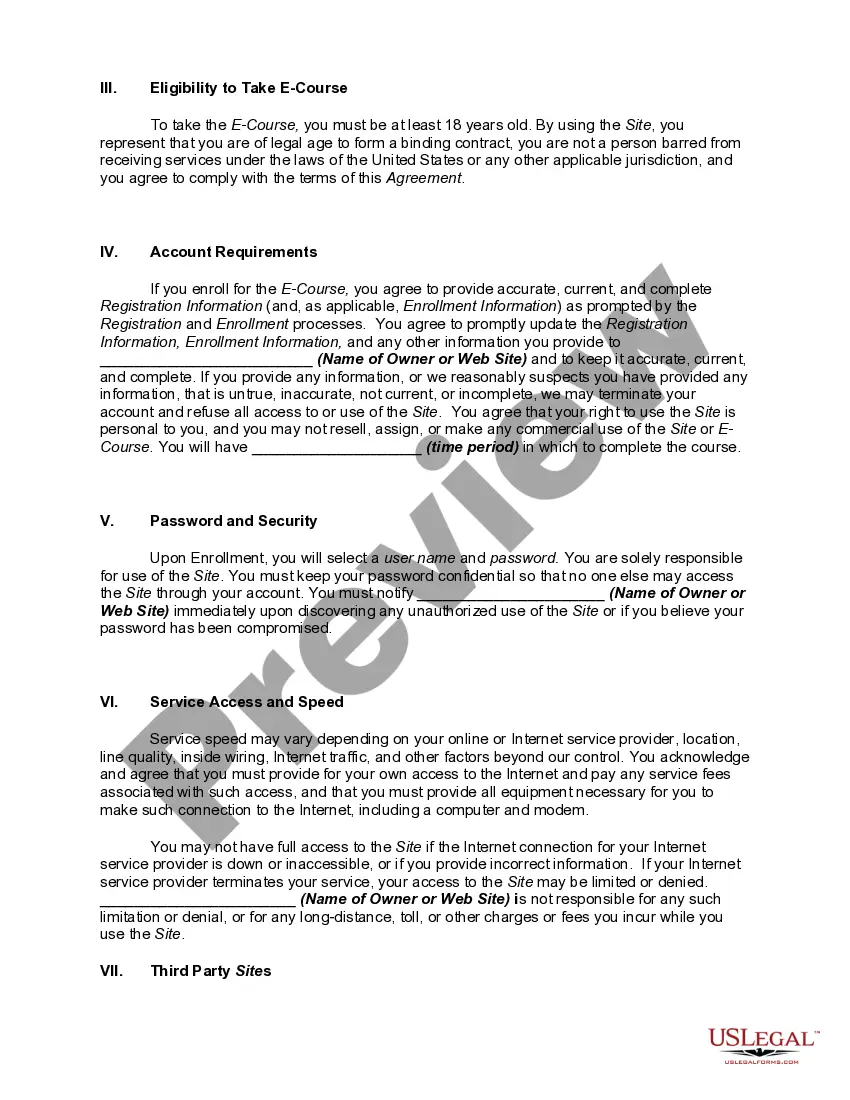
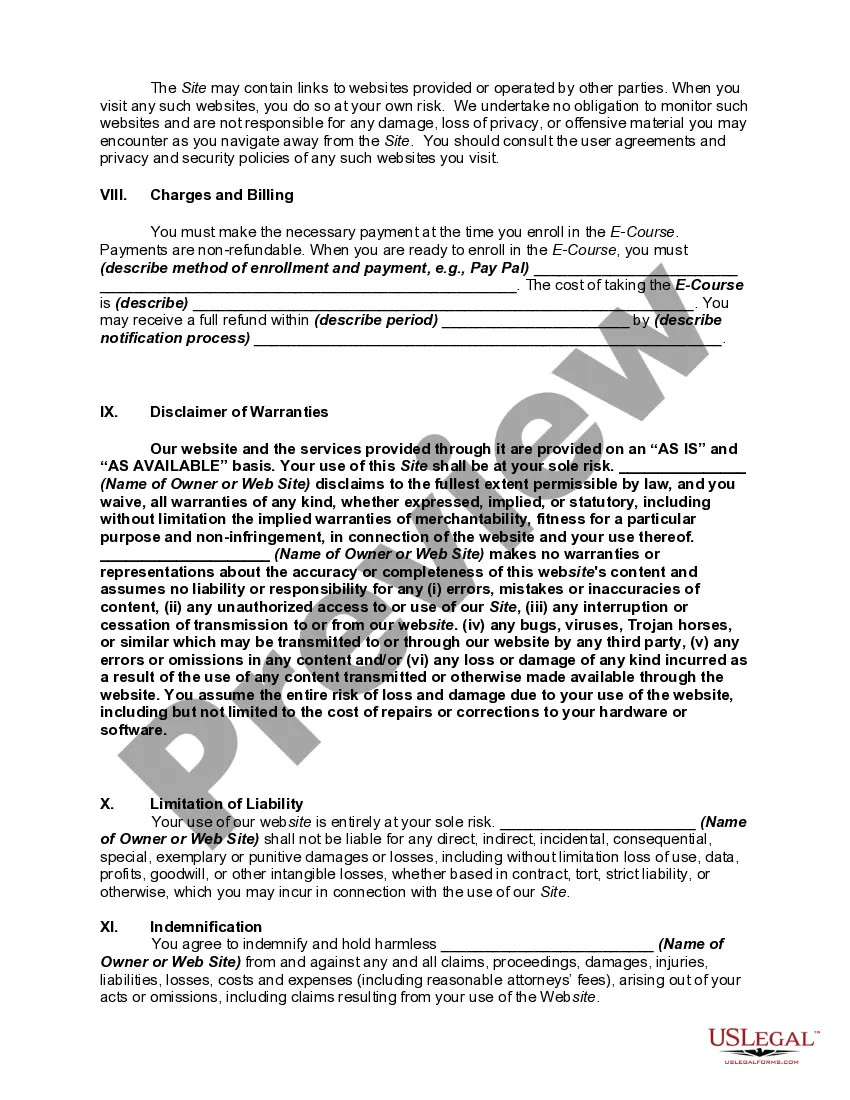
Here are a few examples of what you can include in yours: Establish and clarify your intellectual property rights. Limit your liabilities. Outline your dispute resolution options. Disclose your governing laws. Establish payment terms. Include shipping policy and return and refund details.
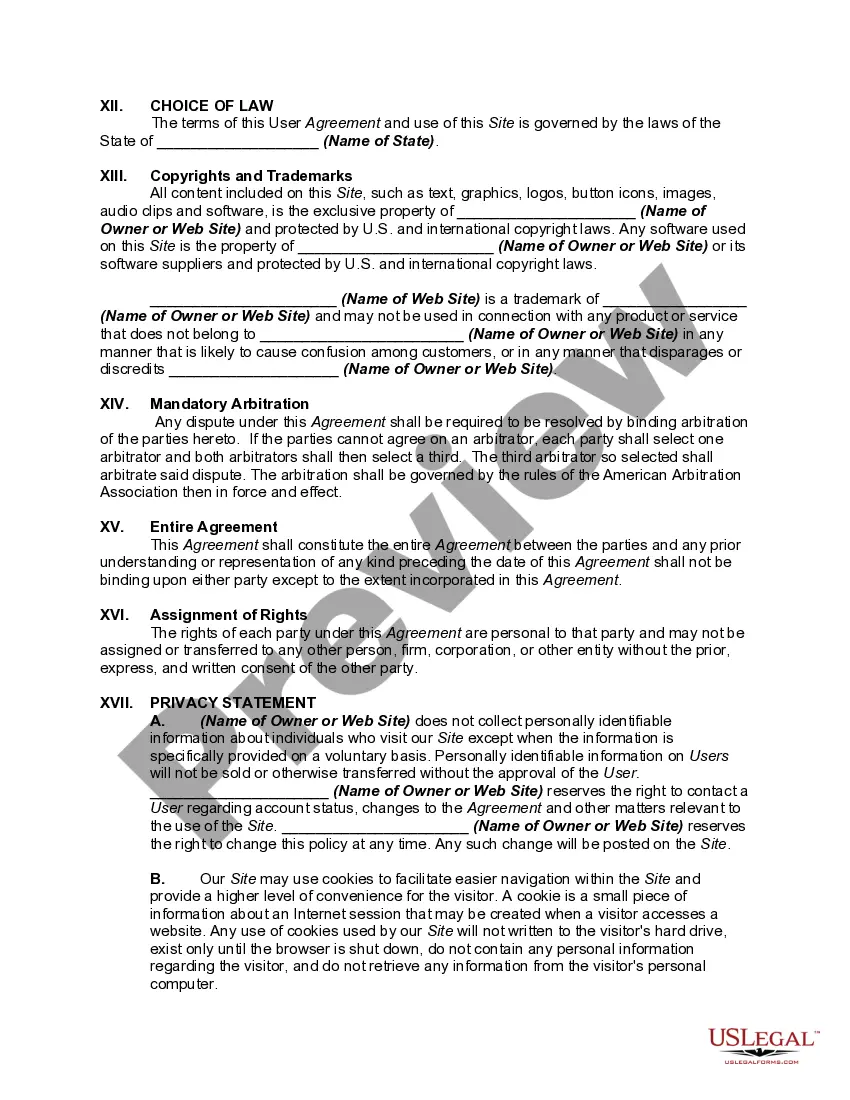
What To Include In Your Terms and Conditions Introduction. Effective Date. Changes to the Agreement. User Guidelines and Acceptable Uses. Prohibited Behaviors and Activities. User Contributions Clause. Digital Millennium Copyright Act (DMCA) Notice and Policy. Intellectual Property Disclosure.
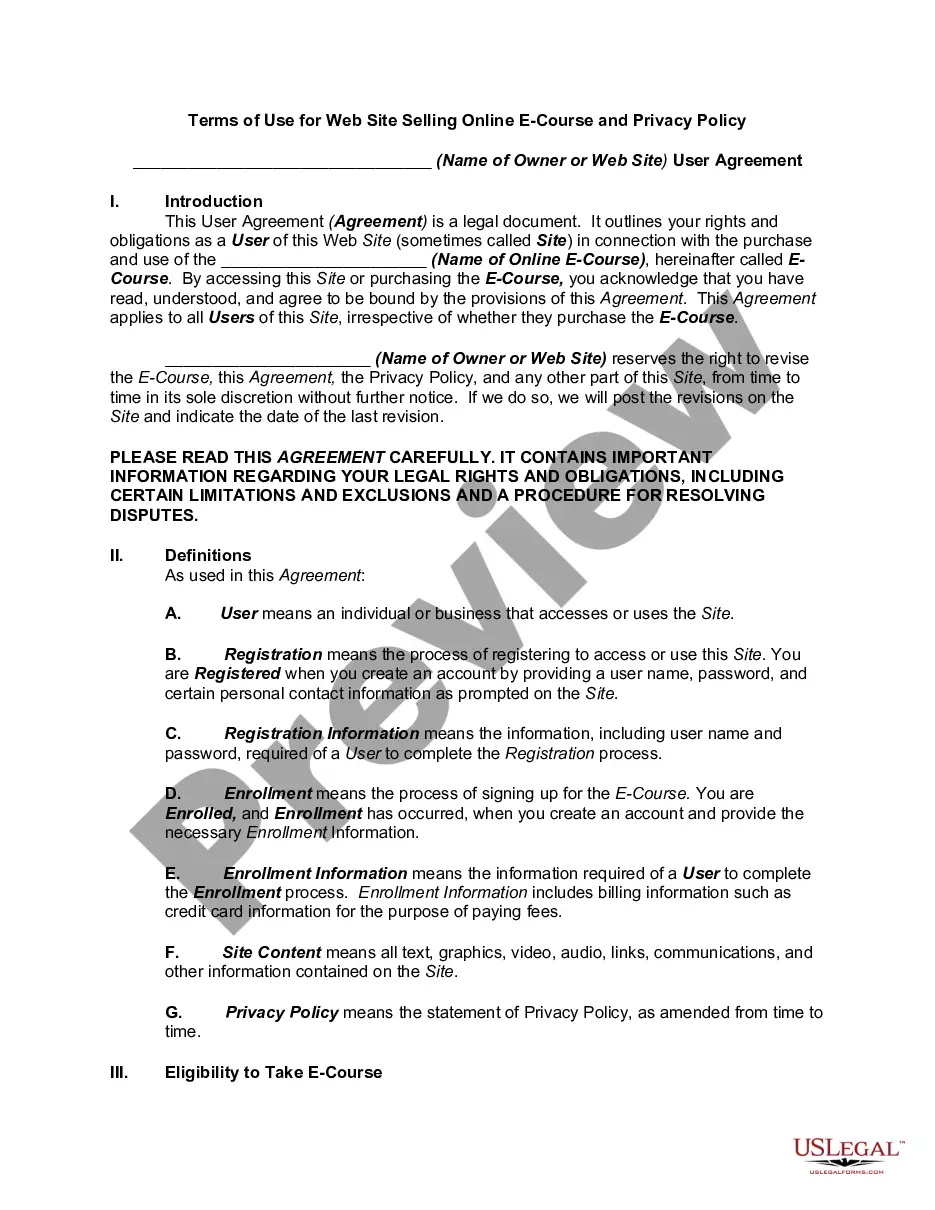
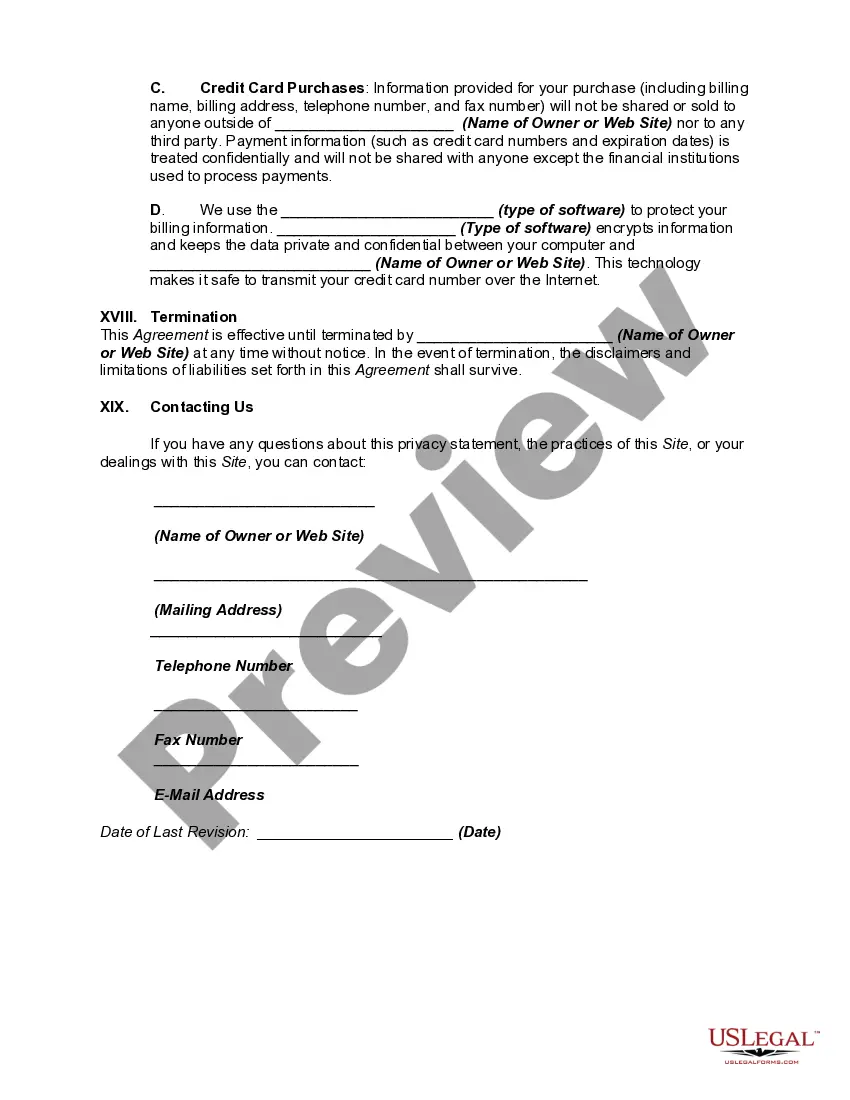
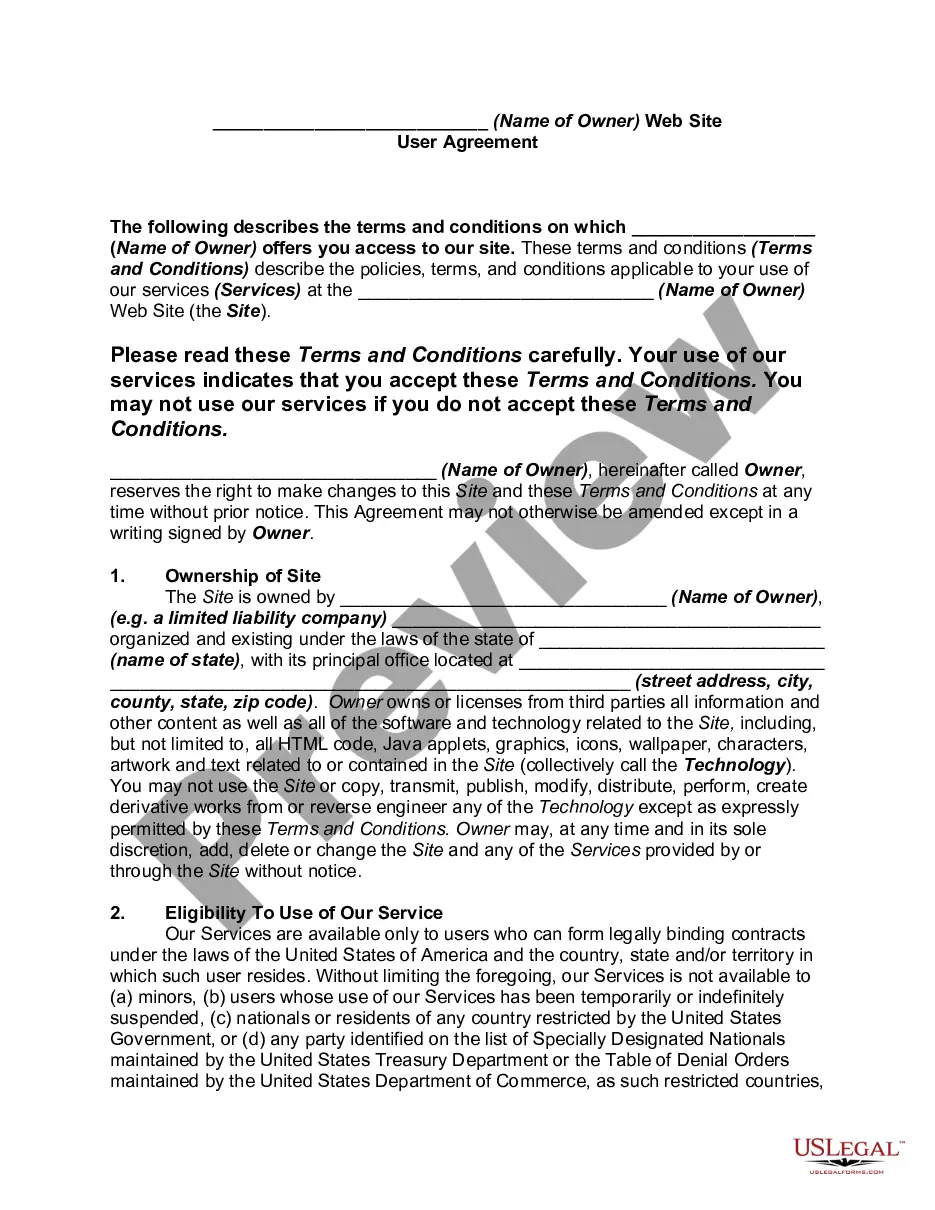
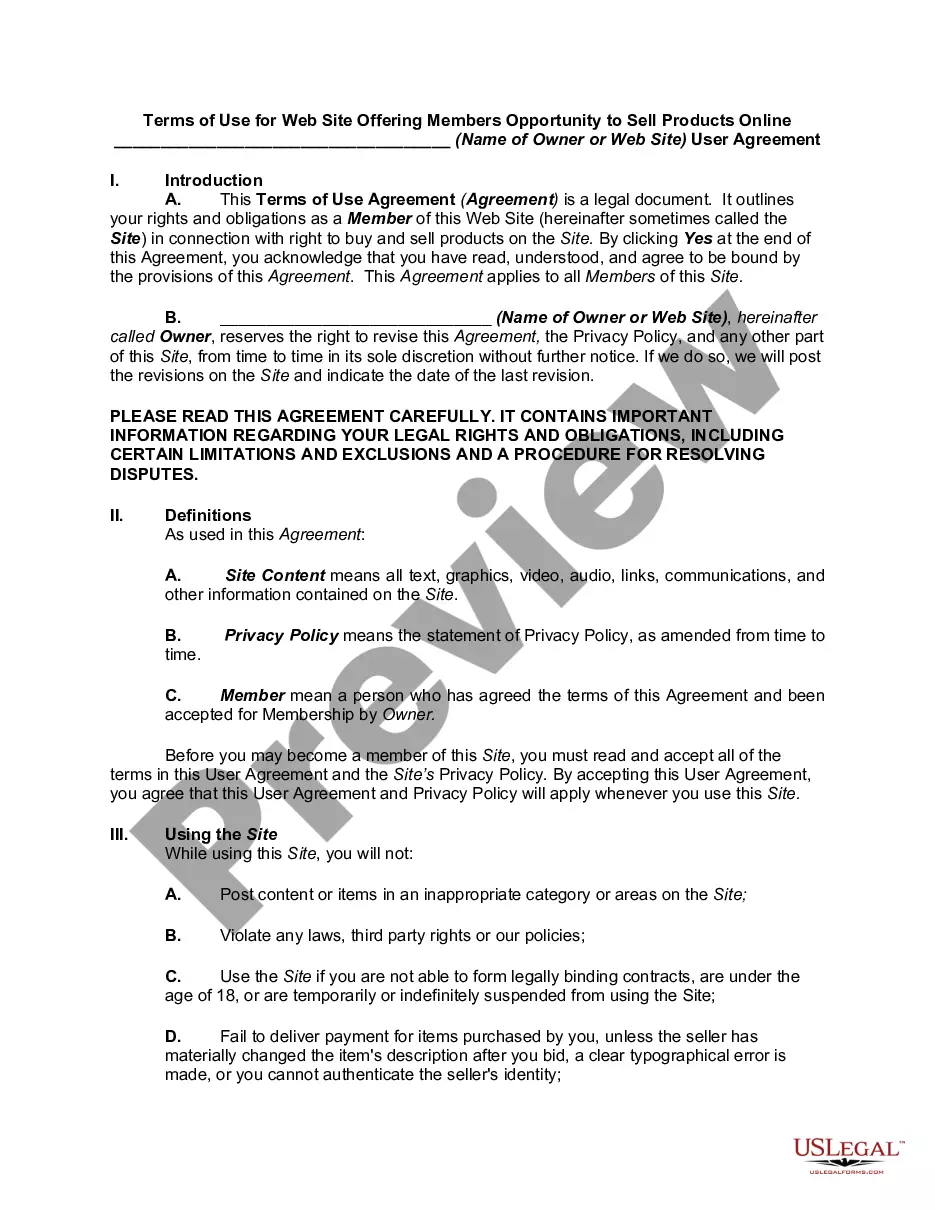
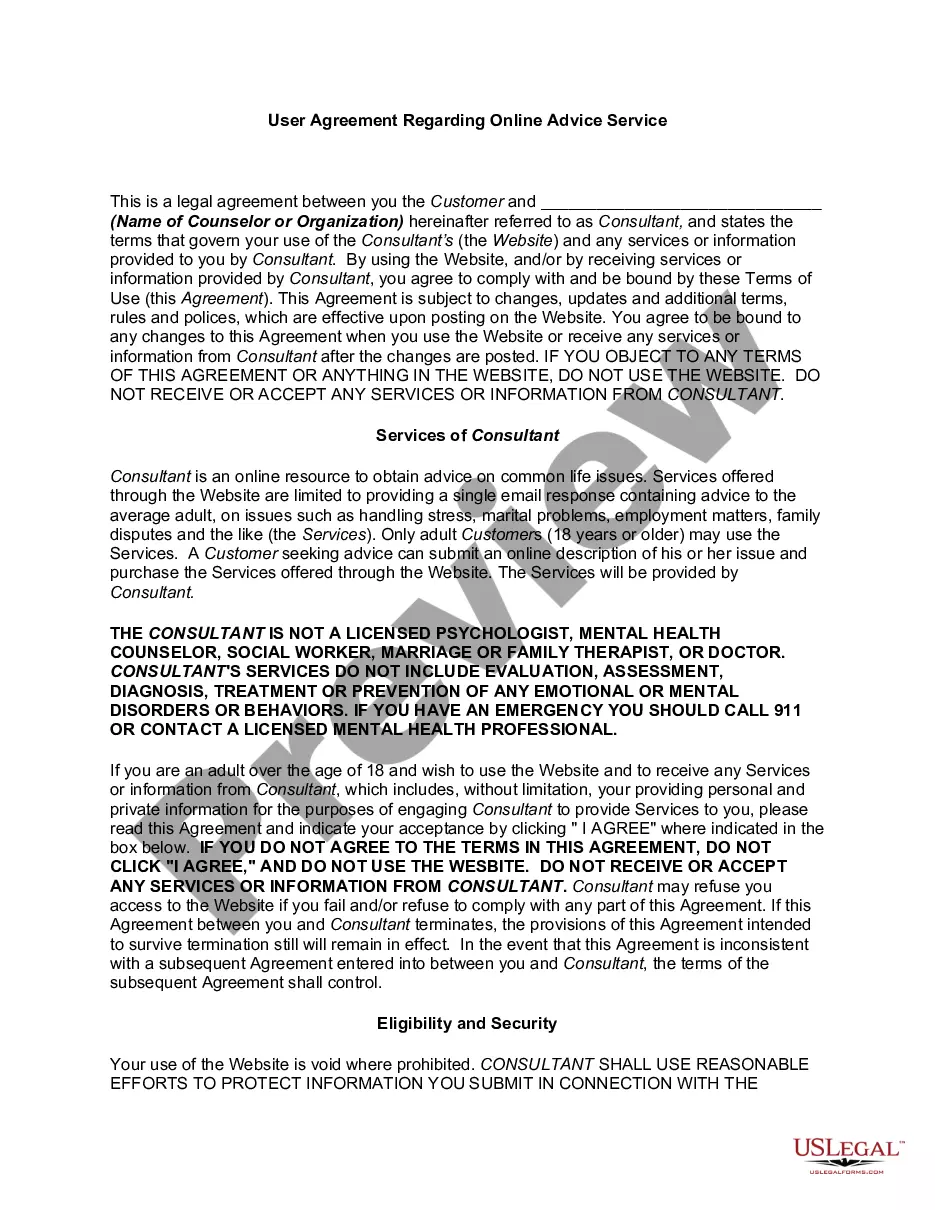
A Terms of Use agreement is a legal document that lets you set the rules of engagement with your site, explain how and why you may suspend or ban people from your service and avoid potential legal issues.
You get terms and conditions for your website by: Using a terms and conditions generator, Customizing a terms and conditions template, Hiring a lawyer to write your terms and conditions, or. Writing your website's terms and conditions from scratch.