Website Agreement Used For
Description
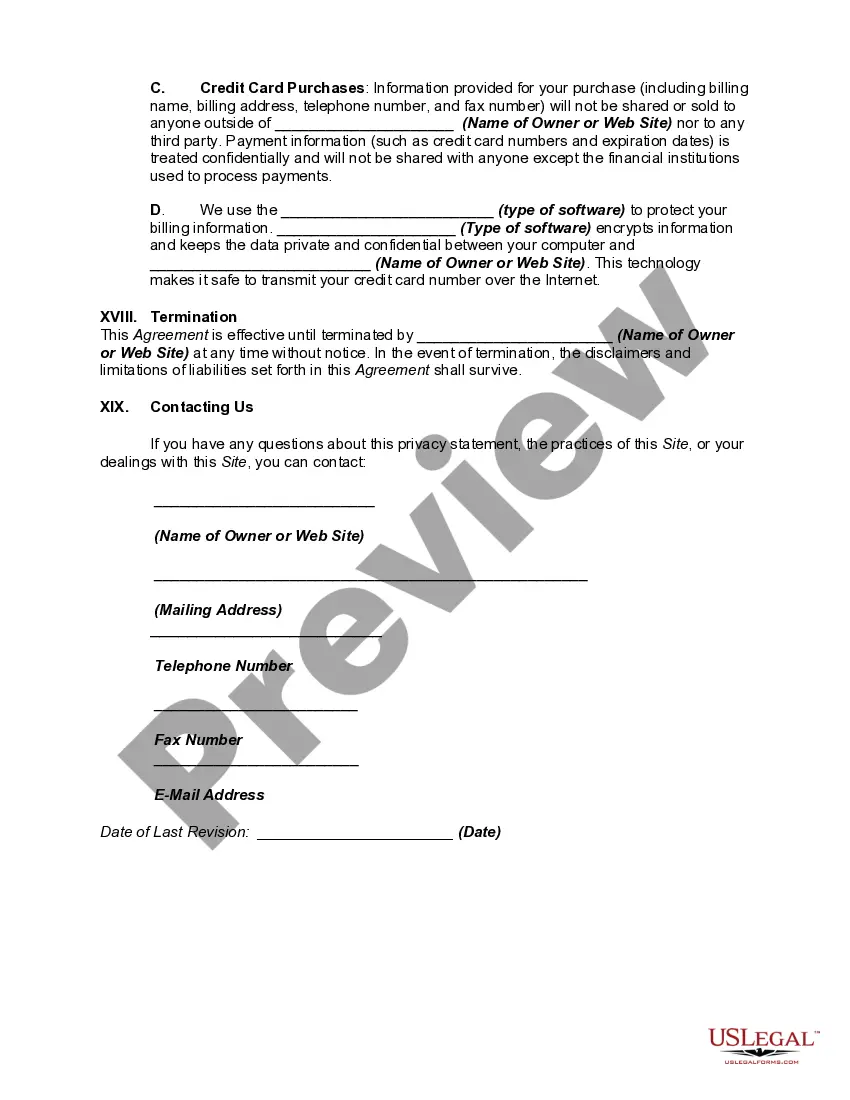
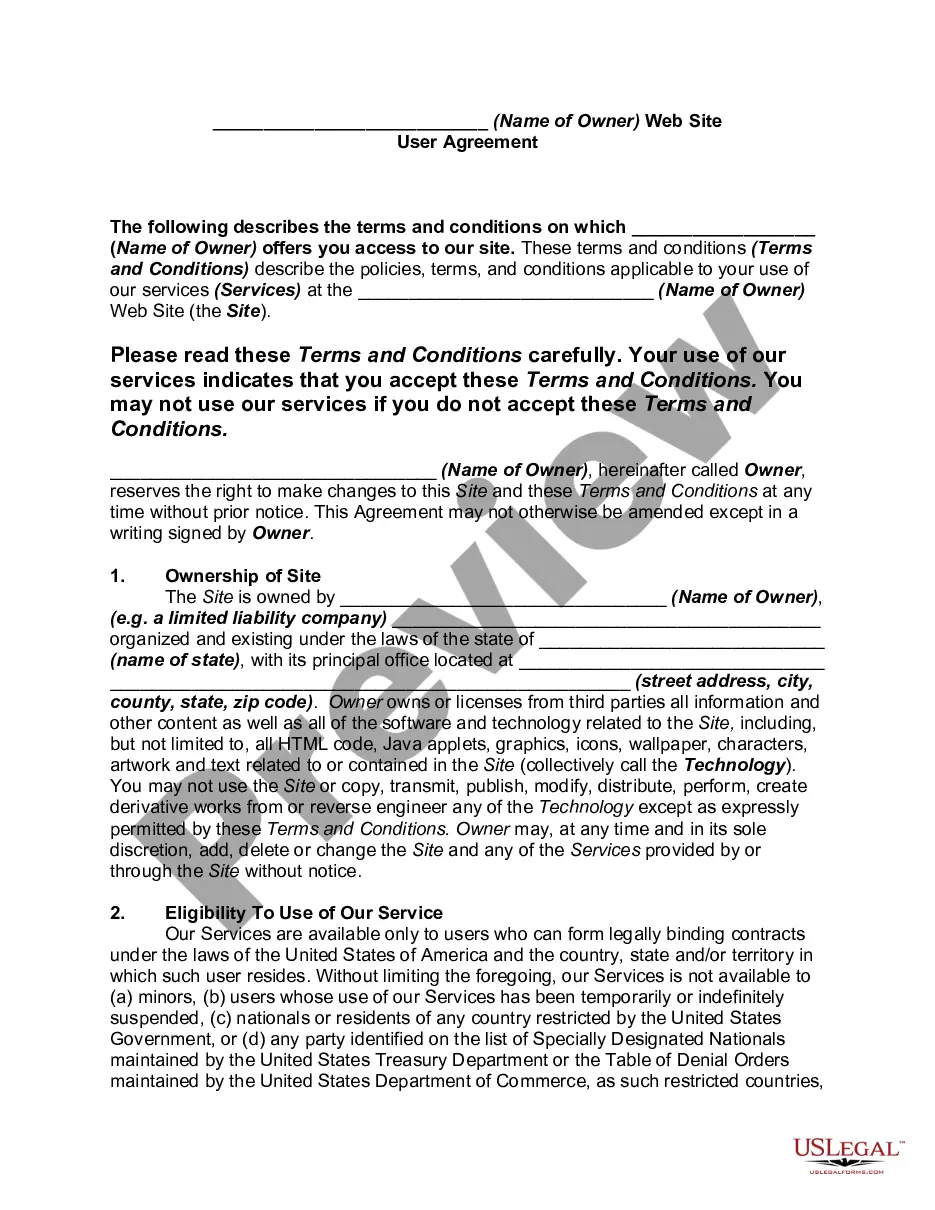
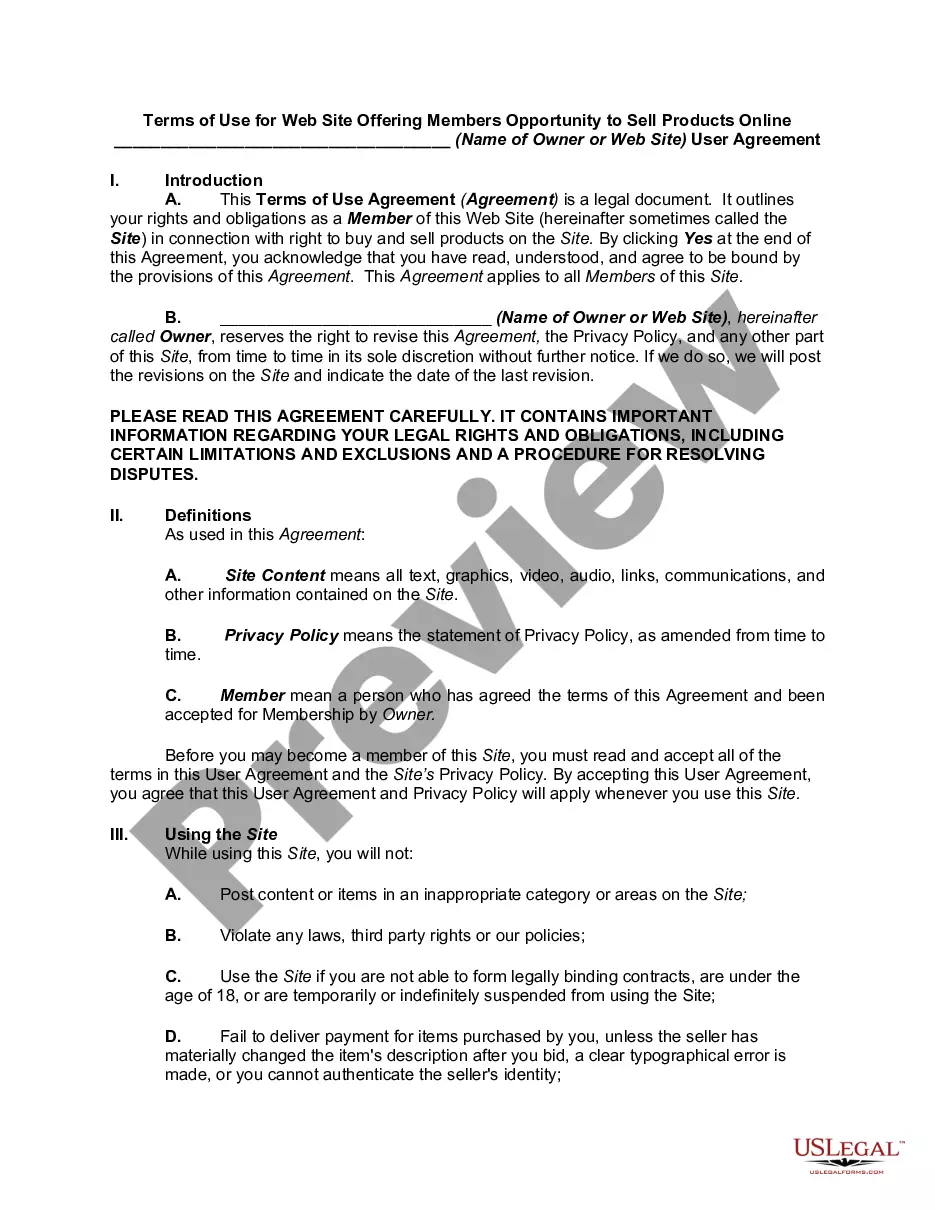
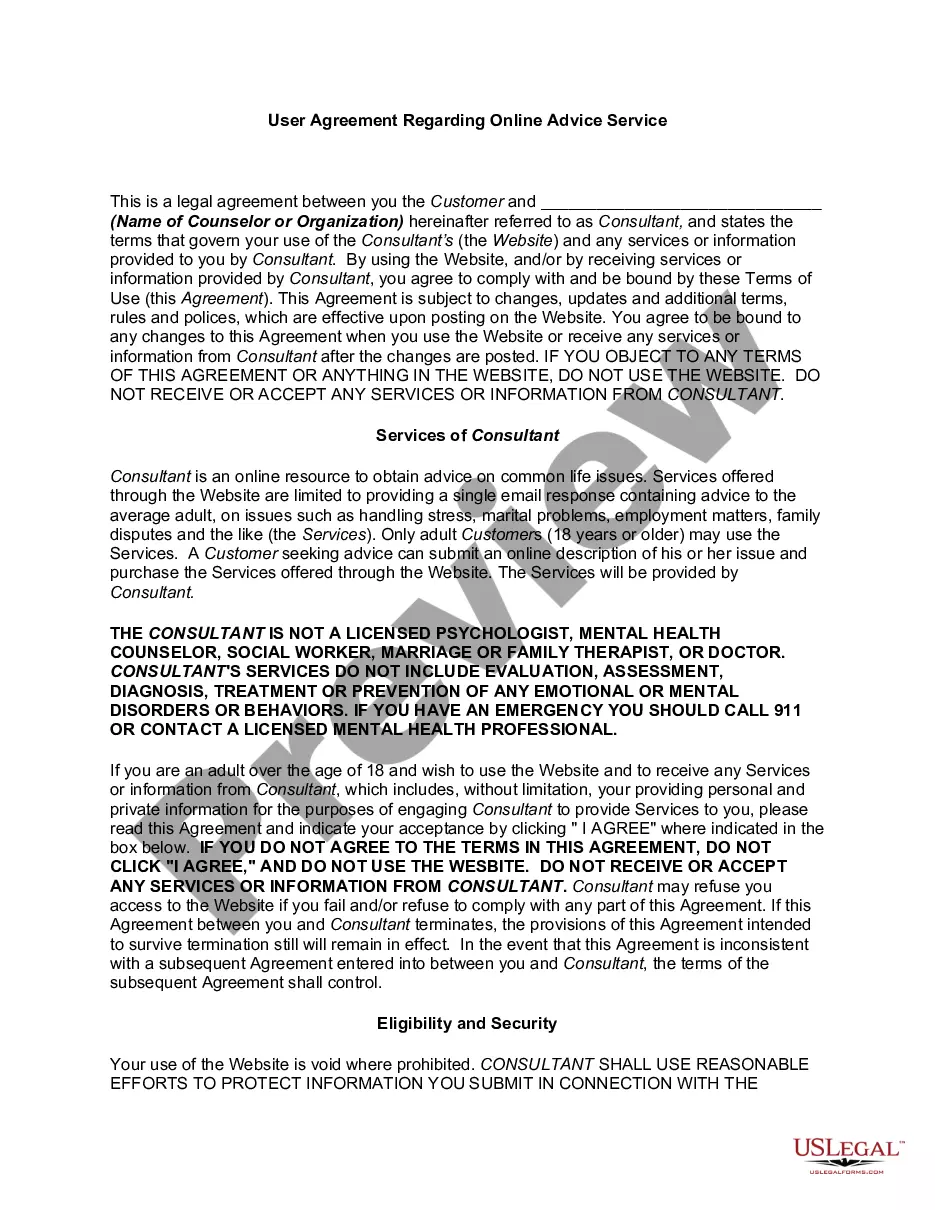
Get your form ready online
Our built-in tools help you complete, sign, share, and store your documents in one place.
Make edits, fill in missing information, and update formatting in US Legal Forms—just like you would in MS Word.
Download a copy, print it, send it by email, or mail it via USPS—whatever works best for your next step.
Sign and collect signatures with our SignNow integration. Send to multiple recipients, set reminders, and more. Go Premium to unlock E-Sign.
If this form requires notarization, complete it online through a secure video call—no need to meet a notary in person or wait for an appointment.
We protect your documents and personal data by following strict security and privacy standards.

Make edits, fill in missing information, and update formatting in US Legal Forms—just like you would in MS Word.

Download a copy, print it, send it by email, or mail it via USPS—whatever works best for your next step.

Sign and collect signatures with our SignNow integration. Send to multiple recipients, set reminders, and more. Go Premium to unlock E-Sign.

If this form requires notarization, complete it online through a secure video call—no need to meet a notary in person or wait for an appointment.

We protect your documents and personal data by following strict security and privacy standards.
Looking for another form?







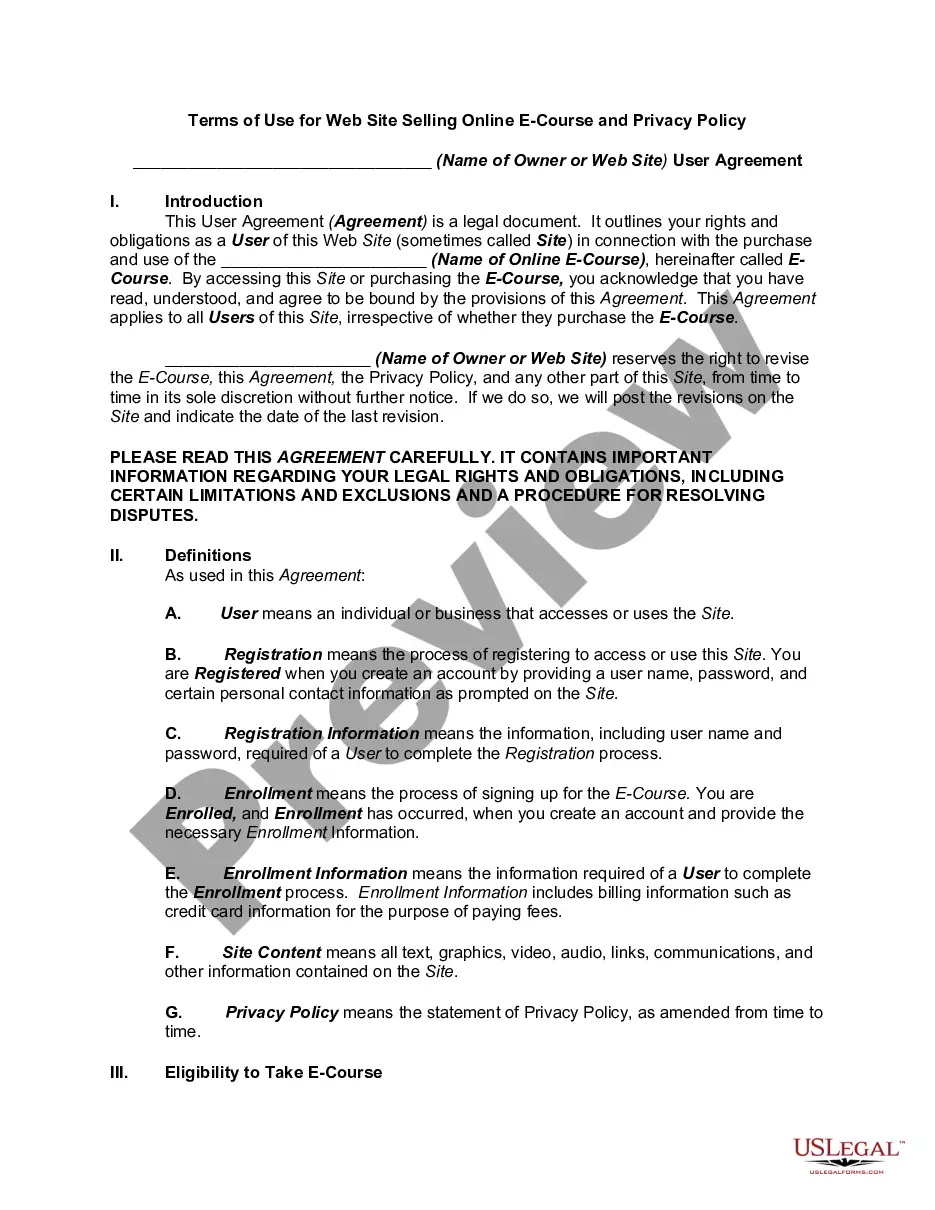
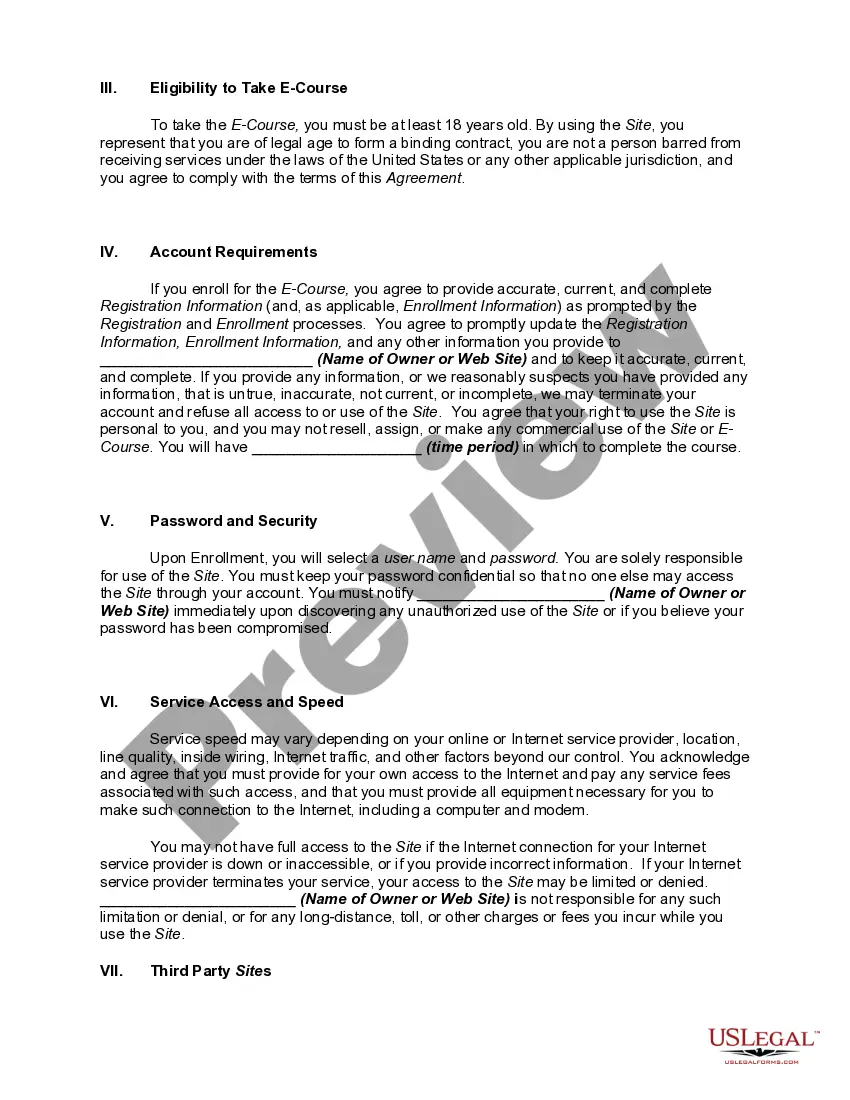
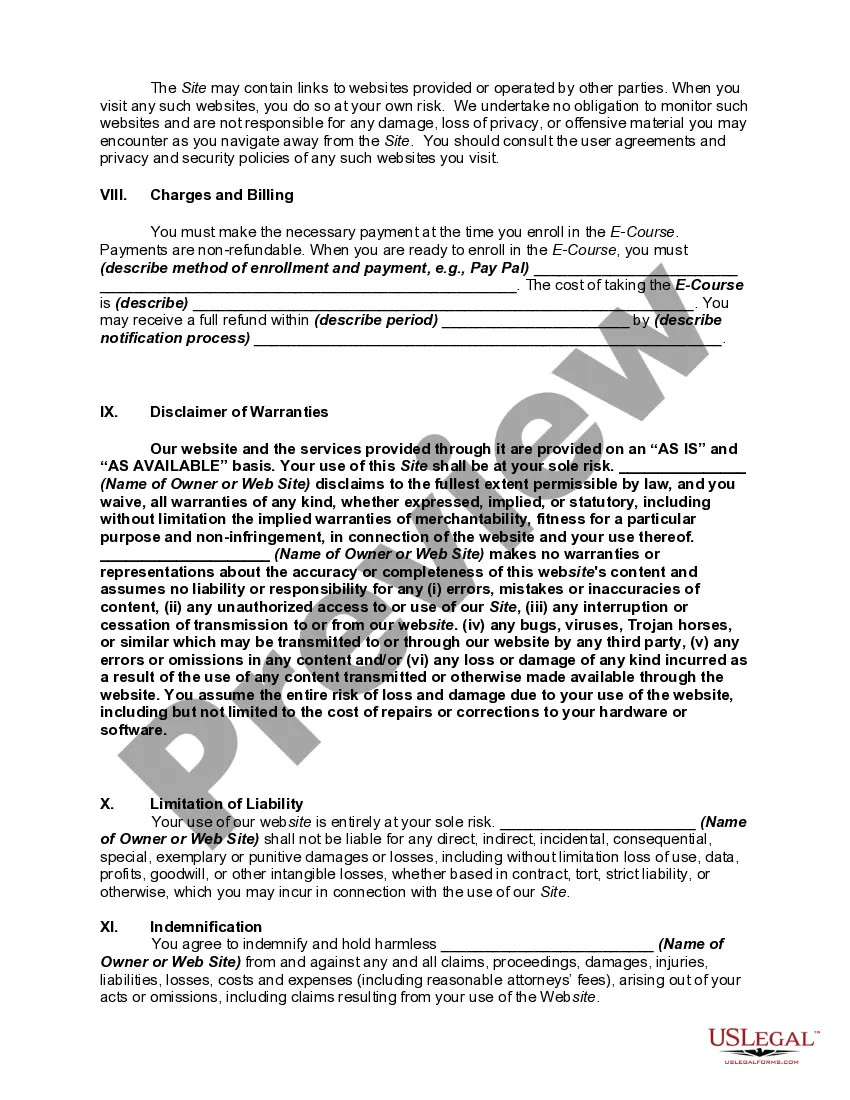
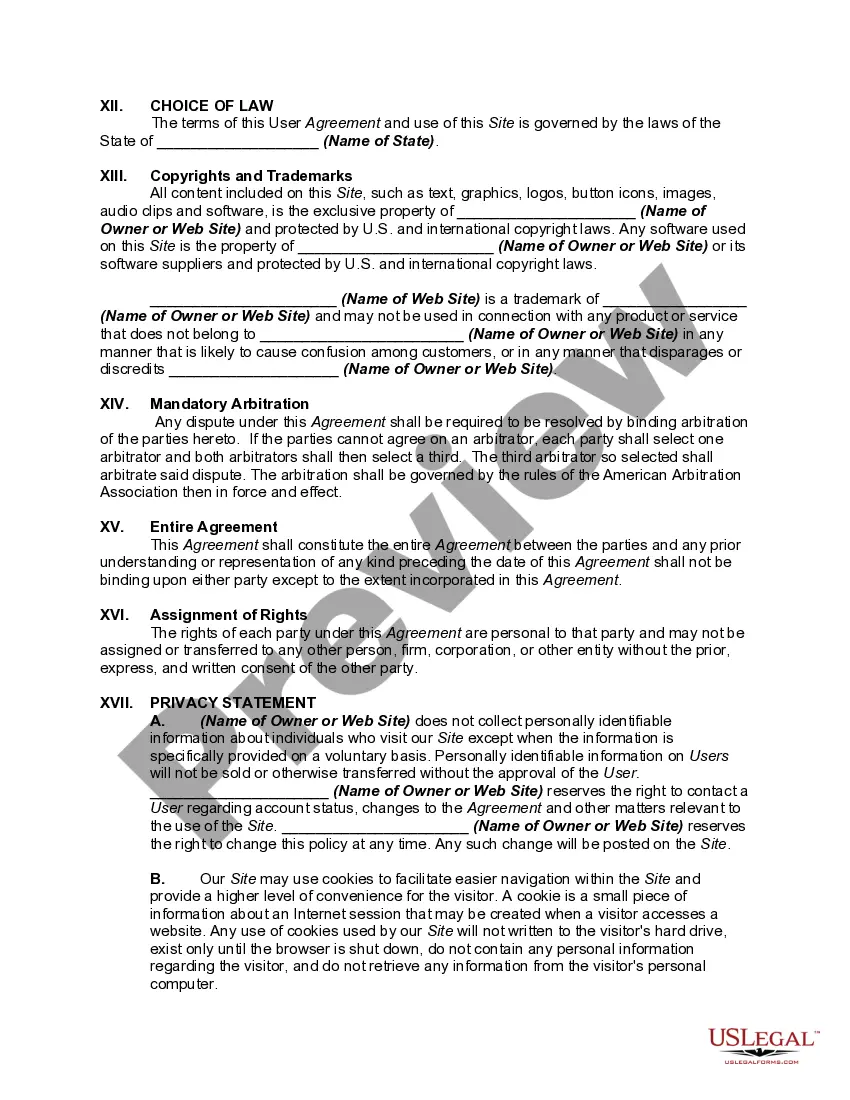
How to fill out Website Subscription User Agreement - Terms Of Use For Website Selling Online E-Course Privacy Policy?
Legal administration can be daunting, even for the most proficient professionals.
When you are looking for a Website Agreement Used For and lack the time to dedicate to finding the suitable and current version, the process can be anxiety-inducing.
US Legal Forms addresses any requirements you may have, from personal to commercial paperwork, all in one place.
Utilize advanced tools to complete and manage your Website Agreement Used For.
Here are the steps to follow after acquiring the desired form: Confirm it is the correct document by previewing it and reviewing its details. Verify that the template is accepted in your state or county. Click Buy Now when you are prepared. Choose a subscription plan. Select the file format you prefer, and Download, fill out, eSign, print, and send your document. Leverage the US Legal Forms online repository, supported by 25 years of expertise and trustworthiness. Transform your daily document management into a streamlined and user-friendly experience today.
- Access a valuable resource hub of articles, guides, and manuals pertinent to your situation and needs.
- Save time and energy looking for the documents you require, and use US Legal Forms’ sophisticated search and Review tool to obtain Website Agreement Used For.
- If you hold a monthly subscription, Log In to your US Legal Forms account, search for the form, and acquire it.
- Check the My documents tab to review the documents you have previously downloaded and to organize your folders as you wish.
- If it is your initial experience with US Legal Forms, create an account and gain unlimited access to all the advantages of the library.
- A robust online form repository can transform the way you handle these scenarios efficiently.
- US Legal Forms is a frontrunner in online legal documents, offering over 85,000 state-specific legal forms available to you at any time.
- With US Legal Forms, you can access state- or county-specific legal and business documents.
Form popularity
FAQ
The most common clauses that every Terms of Use agreement should include are: User guidelines (your rules and restrictions on use) The right to terminate abusive accounts. How users can terminate accounts. Warranty disclaimer. Limitation of liability. Governing law and legal disputes. Contact information.
Examples of What To Include in a Terms of Use Agreement Limitation of liability. Website use guidelines. Definition of impermissible conduct/abuse and termination clause. Governing law clause. Privacy policy, if necessary. Intellectual property clause. Permitted use clause. Information on the use of cookies.
While most websites seem to have one, there's actually no legal requirement for defining terms and conditions. (NOTE: If you are gathering users' personal data, you are required by law to have a formal privacy policy?even if you don't have a terms and conditions page.)
How to Write Terms and Conditions Detail Your Introduction. ... Talk About Updates to Your Terms of Service. ... Inform Users of the Agreement. ... Outline Your Responsibilities. ... Detail Prohibited Activities. ... Discuss Website and Content Ownership. ... Talk About Rights to Access. ... Write Your Company's Rights.
Those seven elements are: Identification (Defining all the parties involved) Offer (The agreement) Acceptance (Agreement mirrored by other parties) Mutual consent (Signatory consent of all parties) Consideration (The value exchanged for the offer) Capacity (Legal/mental competence of all parties)