Termination Statement Document Without Comments
Description
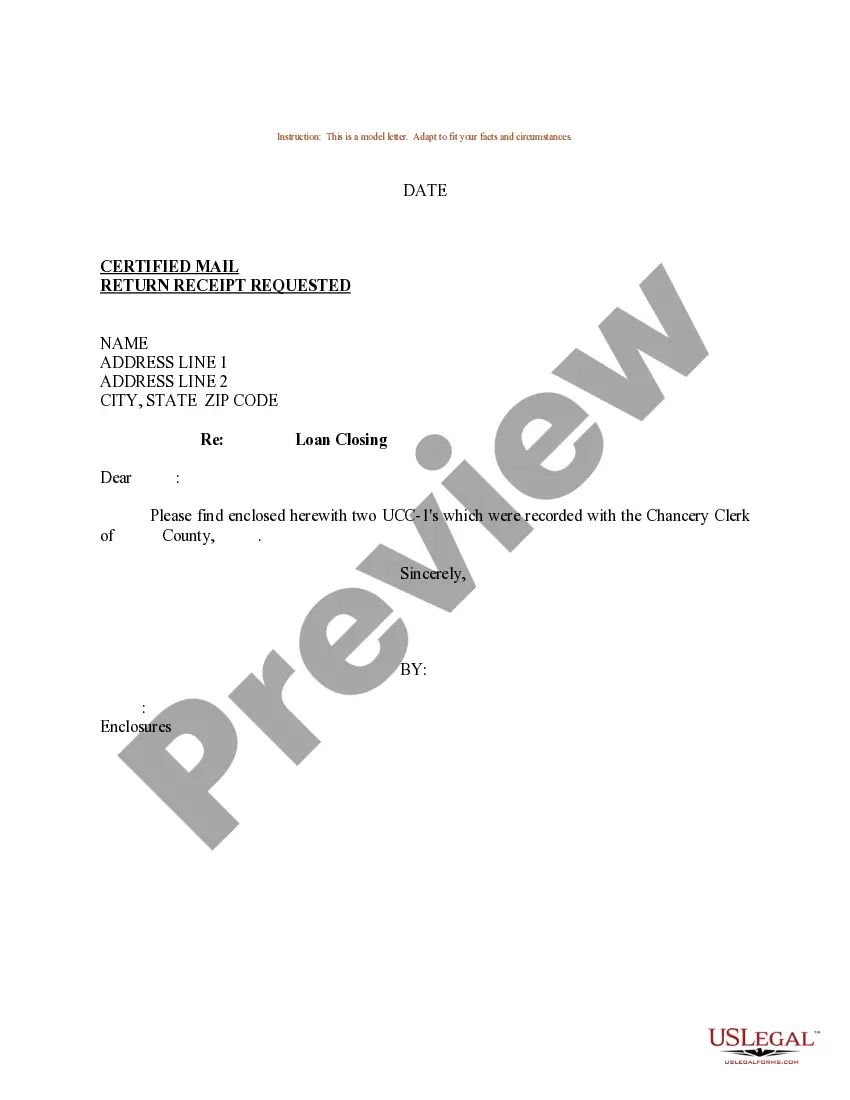

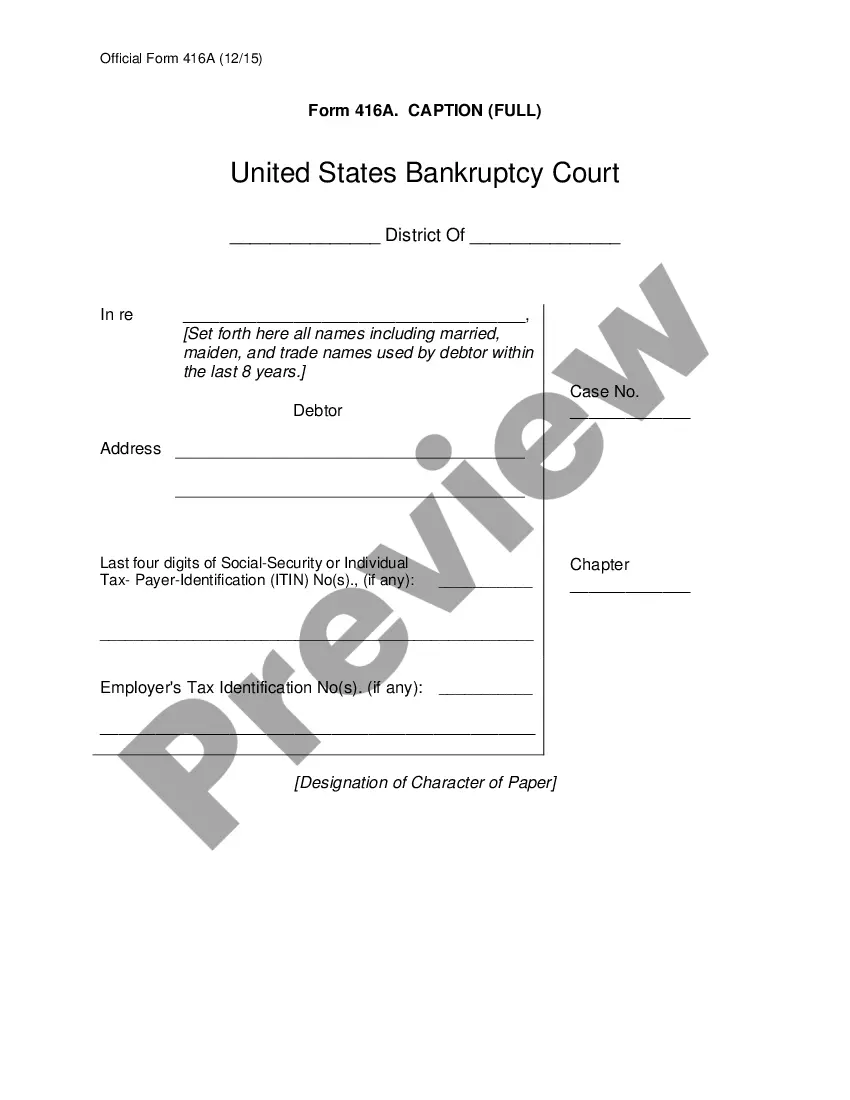
How to fill out Sample Letter For UCC-3 Termination Statement?
Managing legal documents and procedures can be a lengthy addition to your daily routine.
Termination Statement Document Without Comments and similar forms frequently require you to search for them and figure out how to fill them out correctly.
For this reason, whether you are handling financial, legal, or personal issues, utilizing a comprehensive and user-friendly online repository of forms when needed will greatly assist.
US Legal Forms is the leading online platform of legal templates, boasting over 85,000 state-specific forms and a range of resources to help you complete your documentation effortlessly.
Is this your first time using US Legal Forms? Register and create your account in a few minutes to gain access to the form library and the Termination Statement Document Without Comments. Then, follow the steps outlined below to complete your document: Ensure you have located the correct form by utilizing the Review feature and reading the form details. Select Buy Now when ready, and choose the monthly subscription plan that fits you. Click Download then complete, sign, and print the document. US Legal Forms has twenty-five years of experience helping clients manage their legal paperwork. Obtain the document you need today and streamline any process without hassle.
- Explore the collection of relevant documents available to you with just one click.
- US Legal Forms provides you with state- and county-specific documents accessible anytime for download.
- Safeguard your document management processes by using a high-quality service that allows you to prepare any form in just a few minutes without extra or hidden fees.
- Simply Log In to your account, locate Termination Statement Document Without Comments, and download it immediately from the My documents section.
- You can also access previously saved documents.
Form popularity
FAQ
Viewing a termination statement document without comments is simple. Open the document in your chosen software and look for a view or display option that hides comments or markup. This allows you to focus solely on the main text. USLegalForms provides a user-friendly platform that helps you easily access and review your documents without distractions.
To print a termination statement document without comments, first, open the document in your preferred application. Next, navigate to the print settings and select the option to exclude comments or annotations. This ensures that only the main content prints clearly. By using USLegalForms, you can easily create and manage your documents, ensuring they remain clean and professional.
For termination, you typically need the original security agreement, any amendments, and proof of payment showing that the obligation has been fulfilled. You may also require a government-issued ID for verification purposes. It’s essential to gather all relevant documents to ensure a smooth termination process. US Legal Forms offers a straightforward way to create a termination statement document without comments, making this task easier.
Common mistakes in a termination letter include failing to include the correct parties' names and not specifying the collateral involved. Additionally, it is crucial to ensure that all required signatures are present; missing signatures can lead to complications. Lastly, avoid vague language that might confuse the reader. To streamline this process, you can use a termination statement document without comments available on US Legal Forms.
If you don't want to permanently delete your comments, but you also don't want to have any on display, you can hide all your comments in Word: Click Review to show all the options. Under Tracking, click Show Markup. Click on comments to deselect and hide your comments.
To review changes one at a time, click Review then Accept or Reject. To finalize the document all at once, click Accept All Changes or Reject All Changes. On the Review tab, in the Comments group, click the arrow below Delete, then click Delete All Comments in Document.
Go to File > Options > Trust Center > Trust Center Settings > Privacy Options. Under the "Document-specific settings" heading, uncheck the box for "Make hidden markup visible when opening or saving". (Despite the heading, this option applies to all documents you open.)
To paste text without the comment in your document, paste it using Ctrl + Shift + V (instead of just Ctrl + V).
Click Review to show all the options. Under Tracking, click Show Markup. Click on comments to deselect and hide your comments.