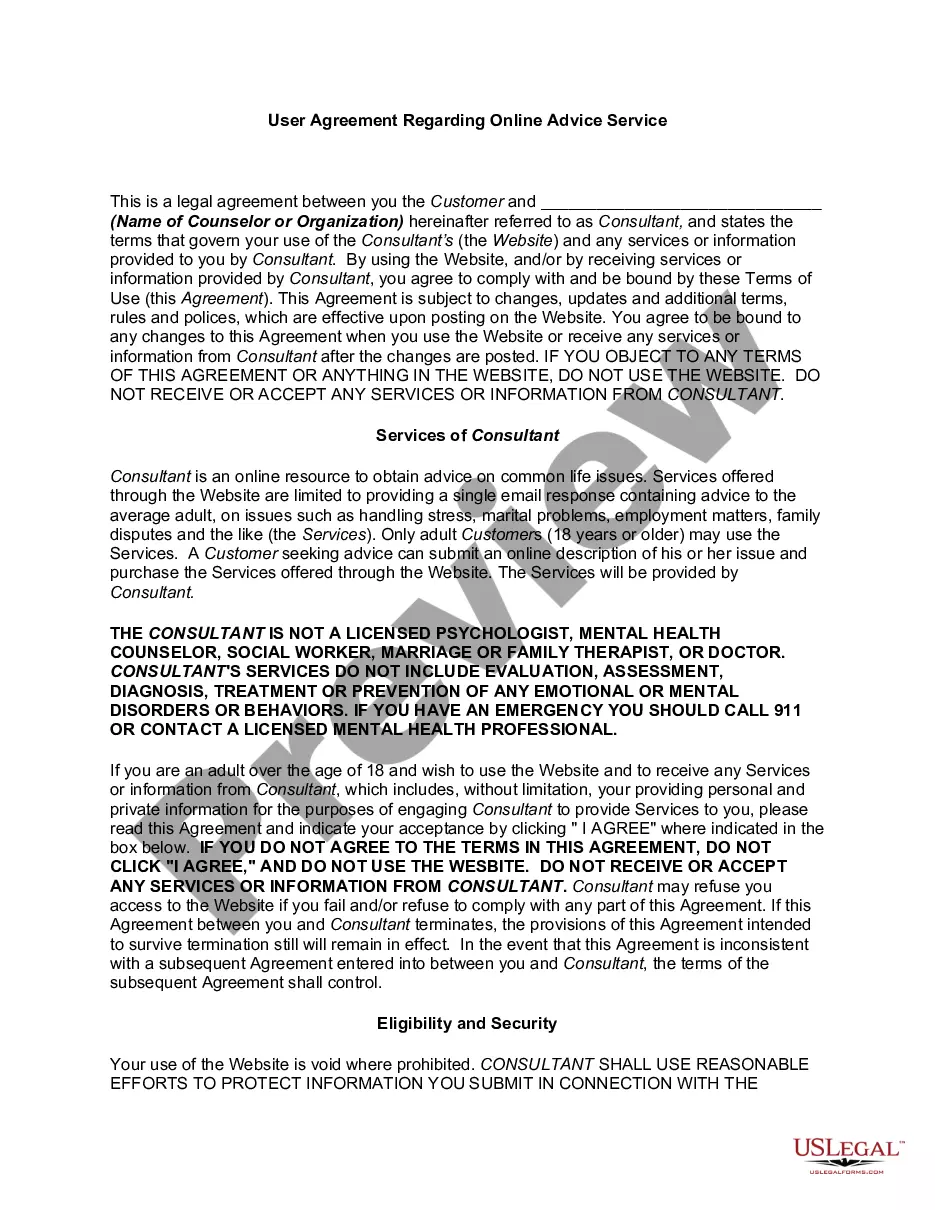
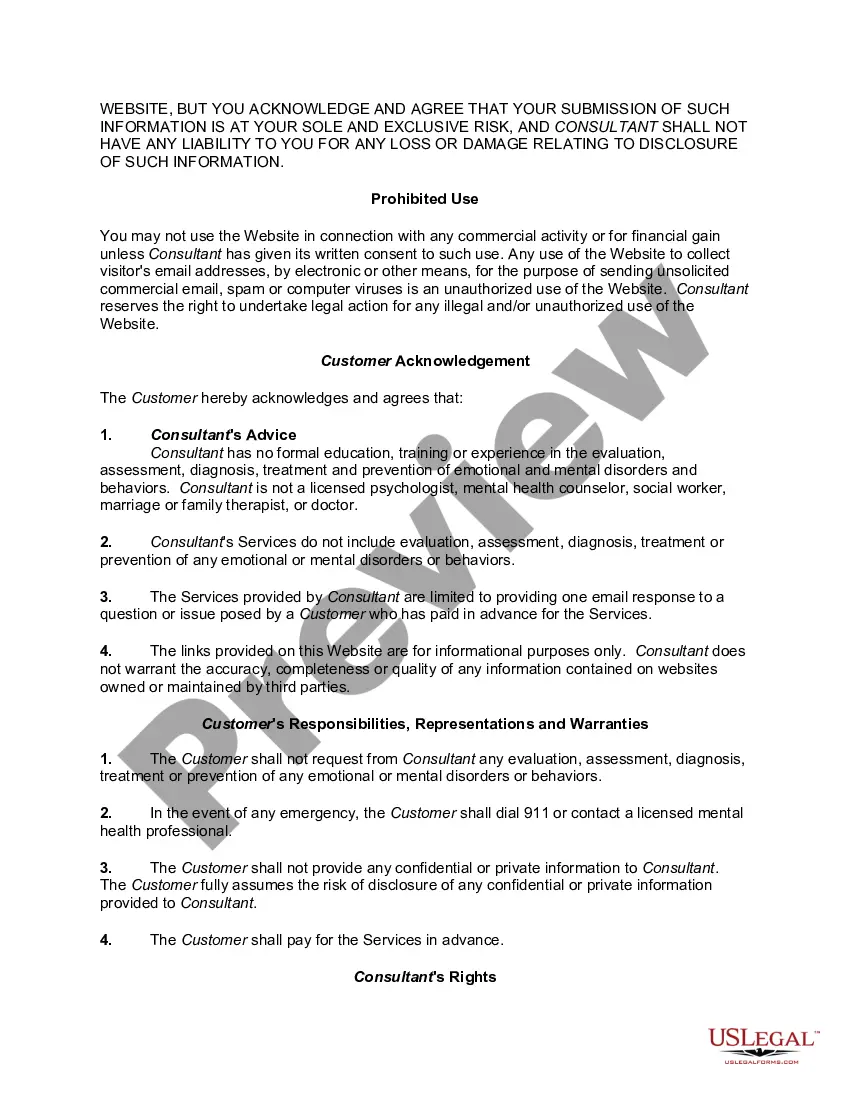
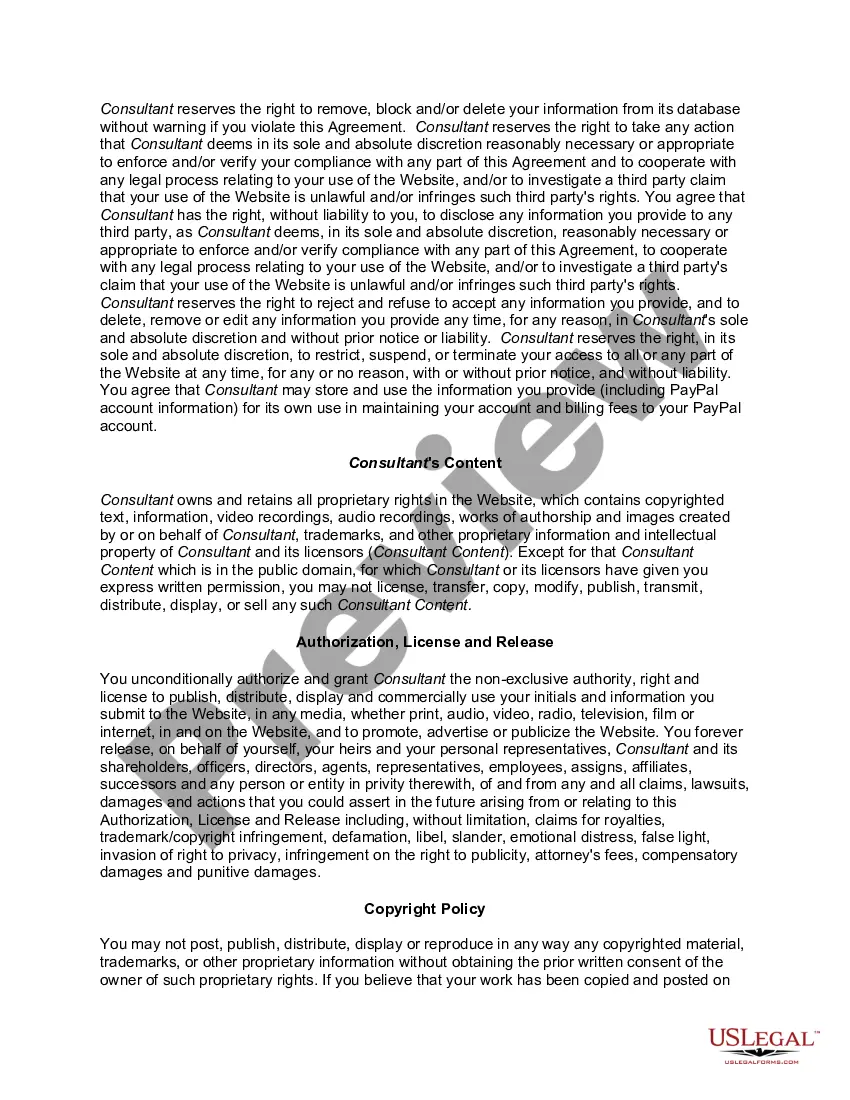
Agreement Online Service Without Website
Description
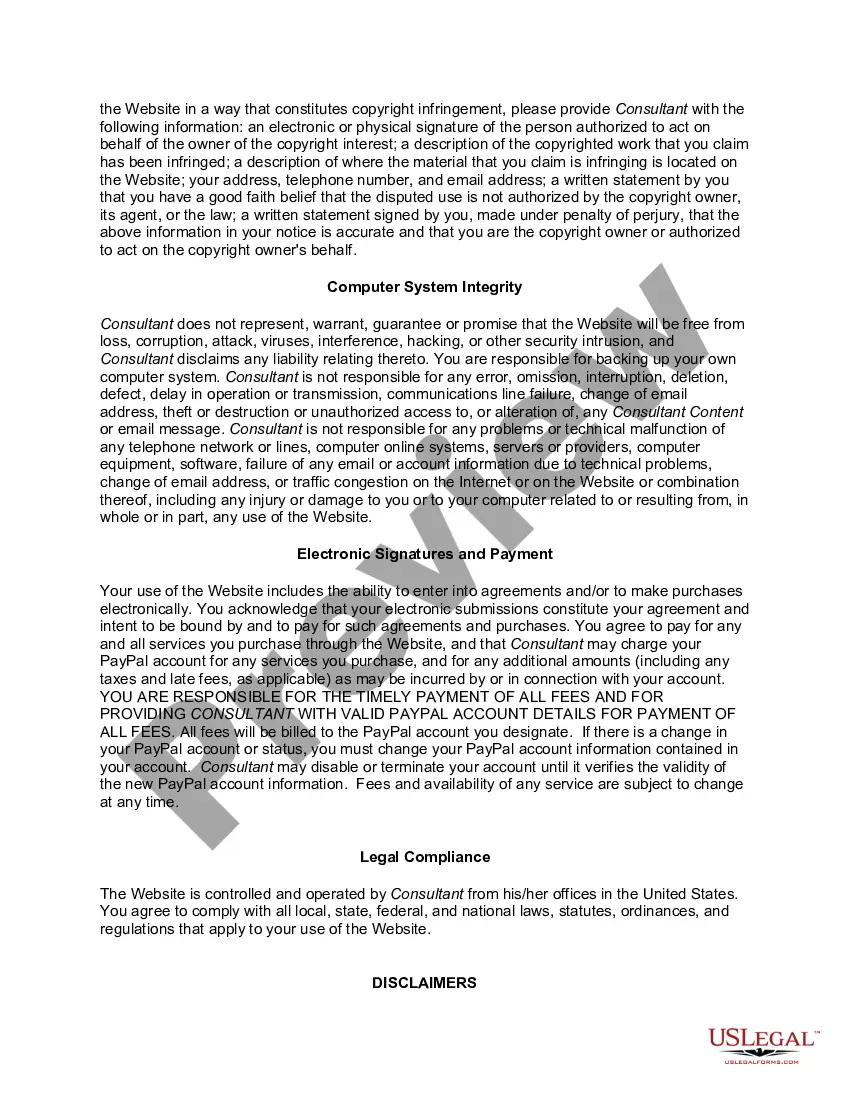
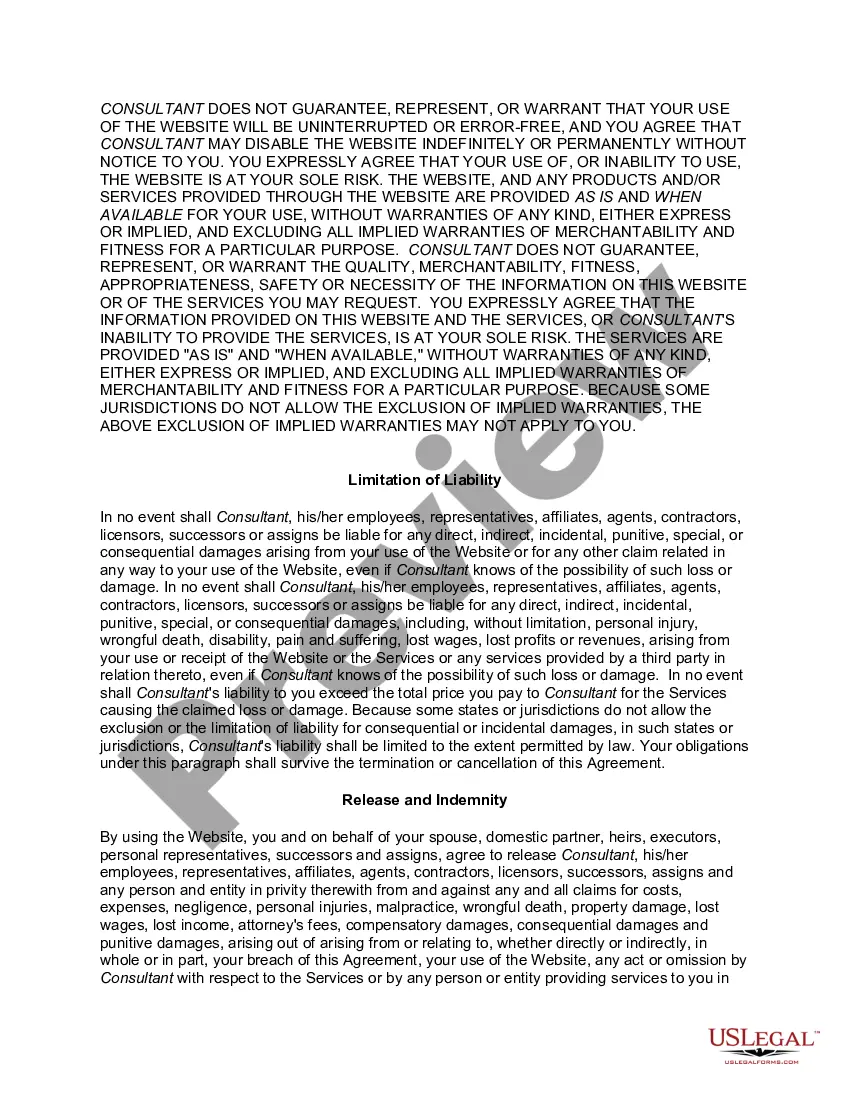
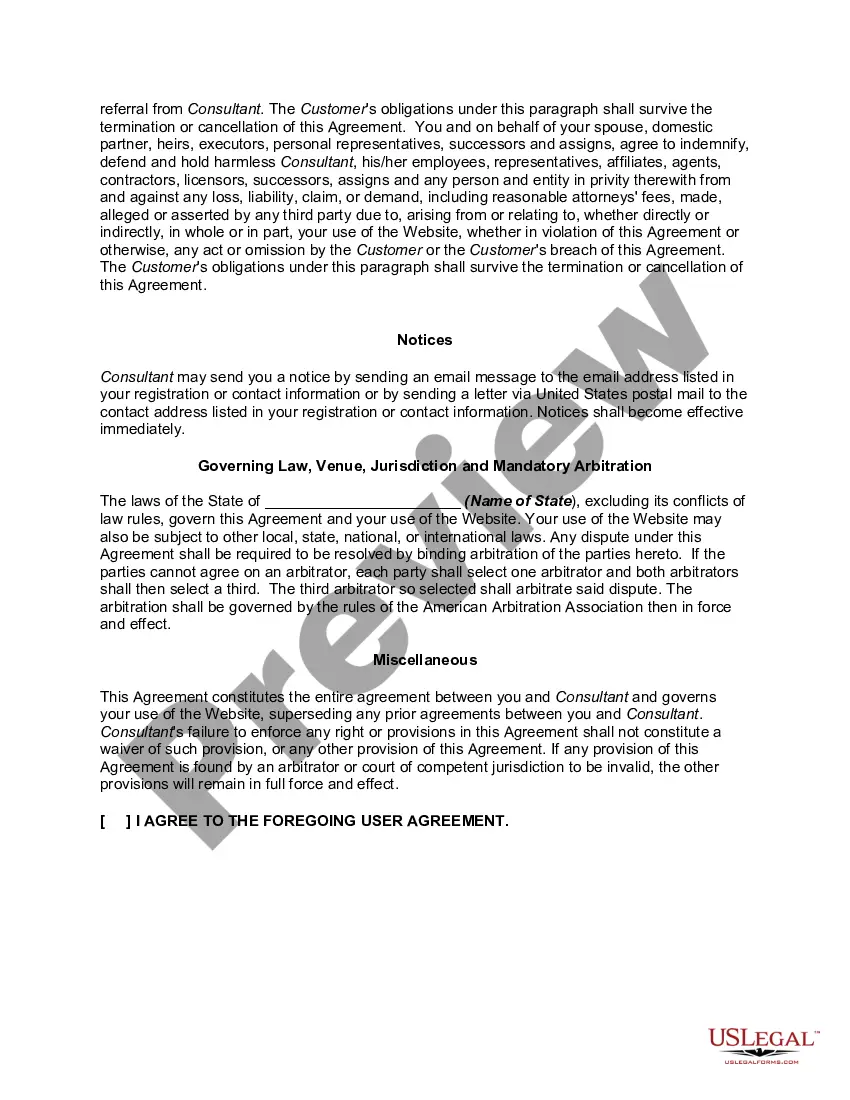
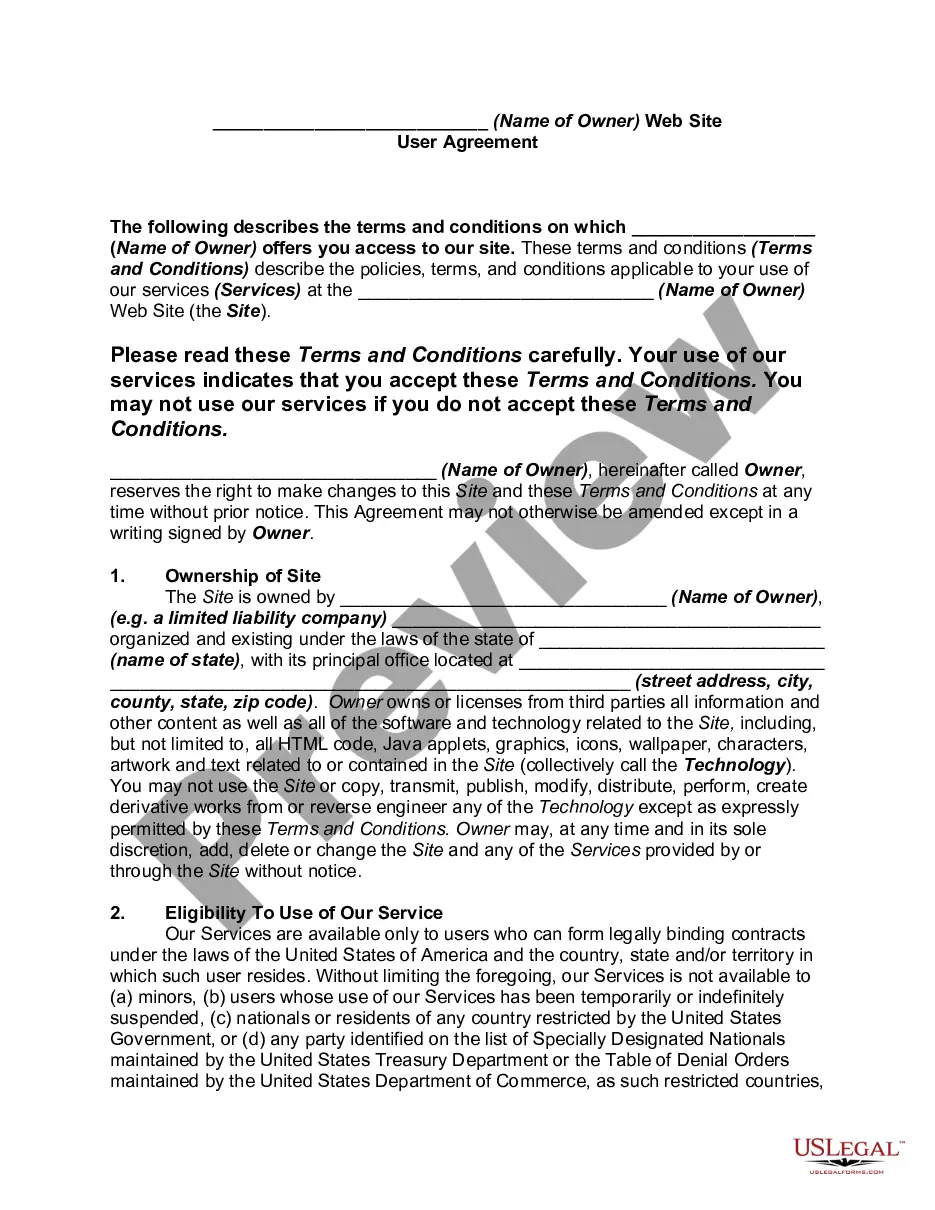
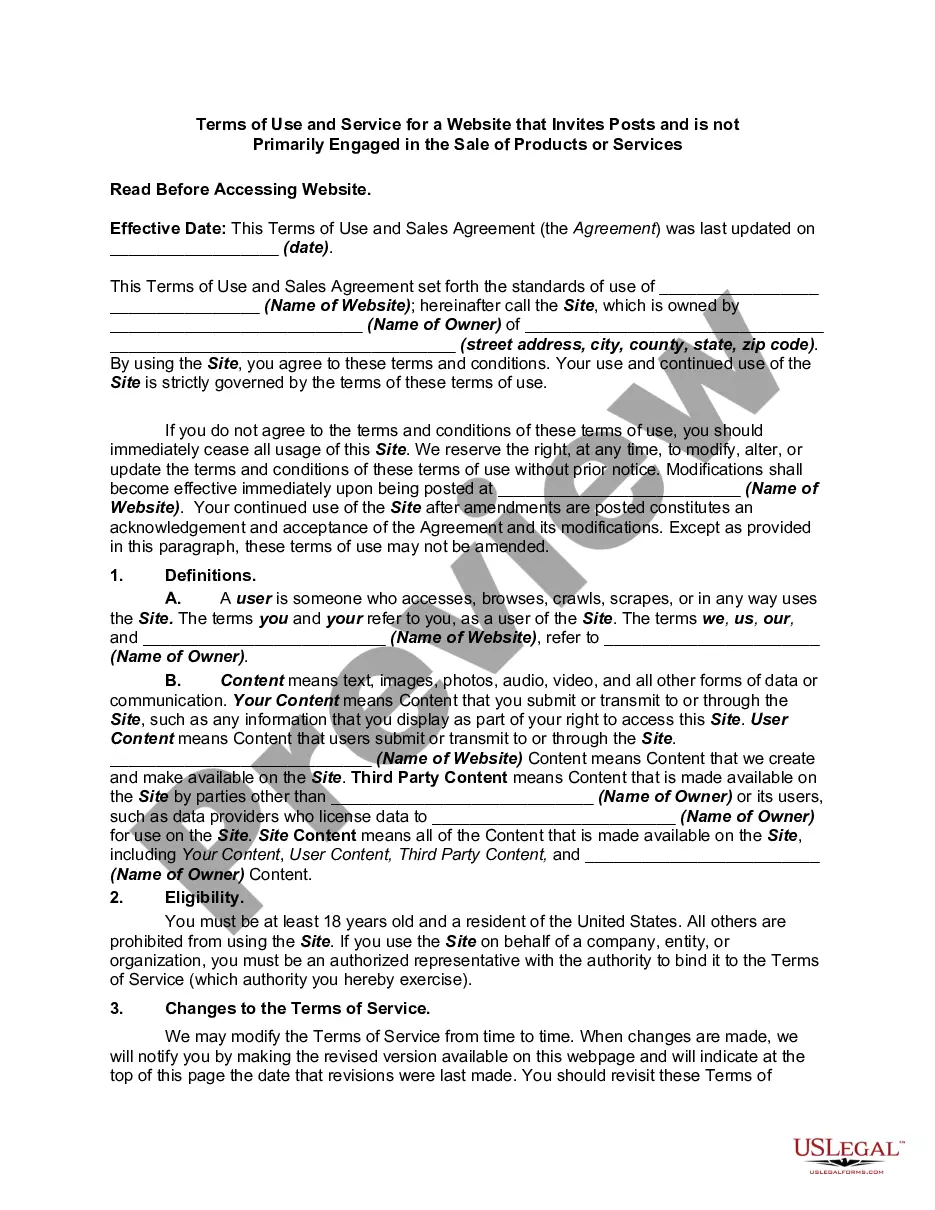
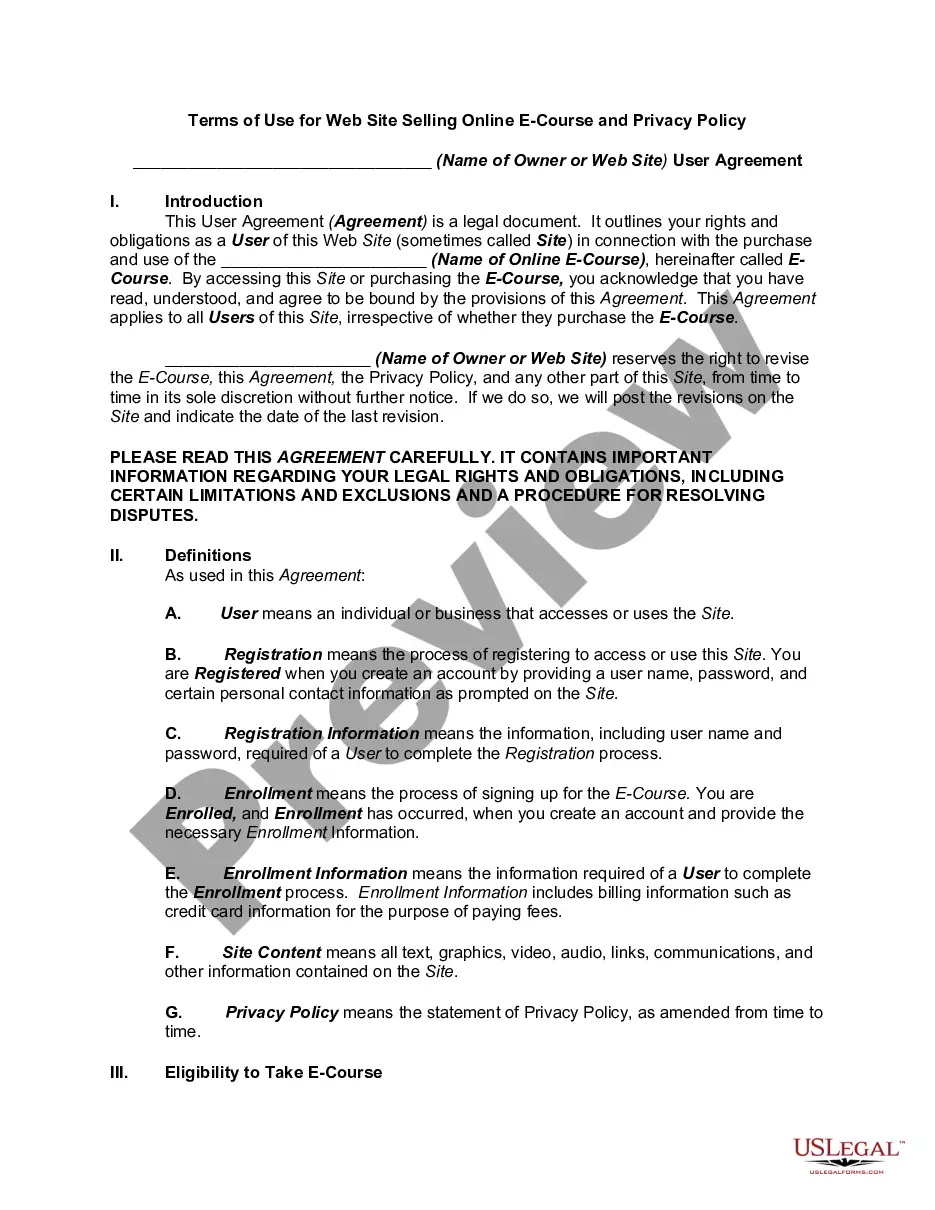
Get your form ready online
Our built-in tools help you complete, sign, share, and store your documents in one place.
Make edits, fill in missing information, and update formatting in US Legal Forms—just like you would in MS Word.
Download a copy, print it, send it by email, or mail it via USPS—whatever works best for your next step.
Sign and collect signatures with our SignNow integration. Send to multiple recipients, set reminders, and more. Go Premium to unlock E-Sign.
If this form requires notarization, complete it online through a secure video call—no need to meet a notary in person or wait for an appointment.
We protect your documents and personal data by following strict security and privacy standards.

Make edits, fill in missing information, and update formatting in US Legal Forms—just like you would in MS Word.

Download a copy, print it, send it by email, or mail it via USPS—whatever works best for your next step.

Sign and collect signatures with our SignNow integration. Send to multiple recipients, set reminders, and more. Go Premium to unlock E-Sign.

If this form requires notarization, complete it online through a secure video call—no need to meet a notary in person or wait for an appointment.

We protect your documents and personal data by following strict security and privacy standards.
Looking for another form?


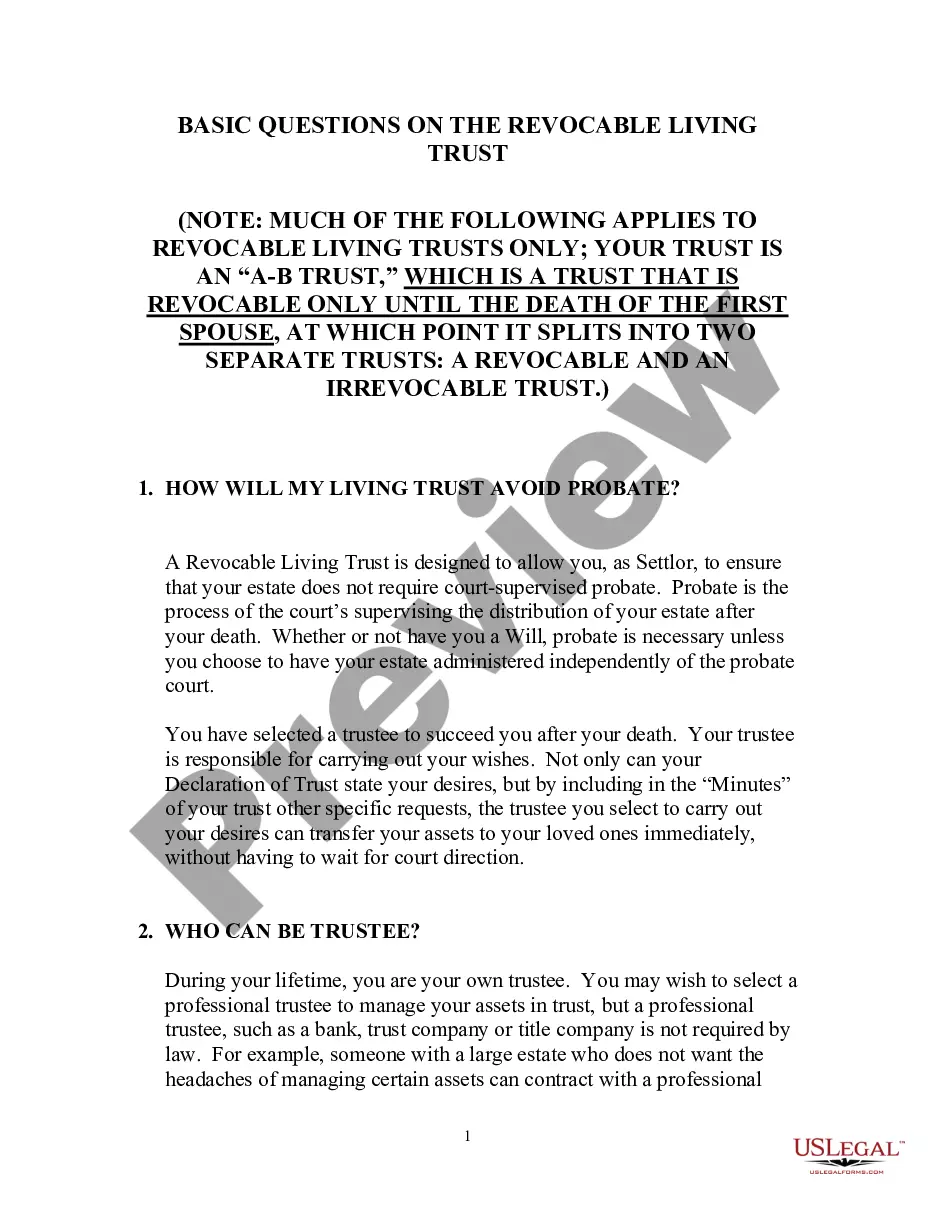
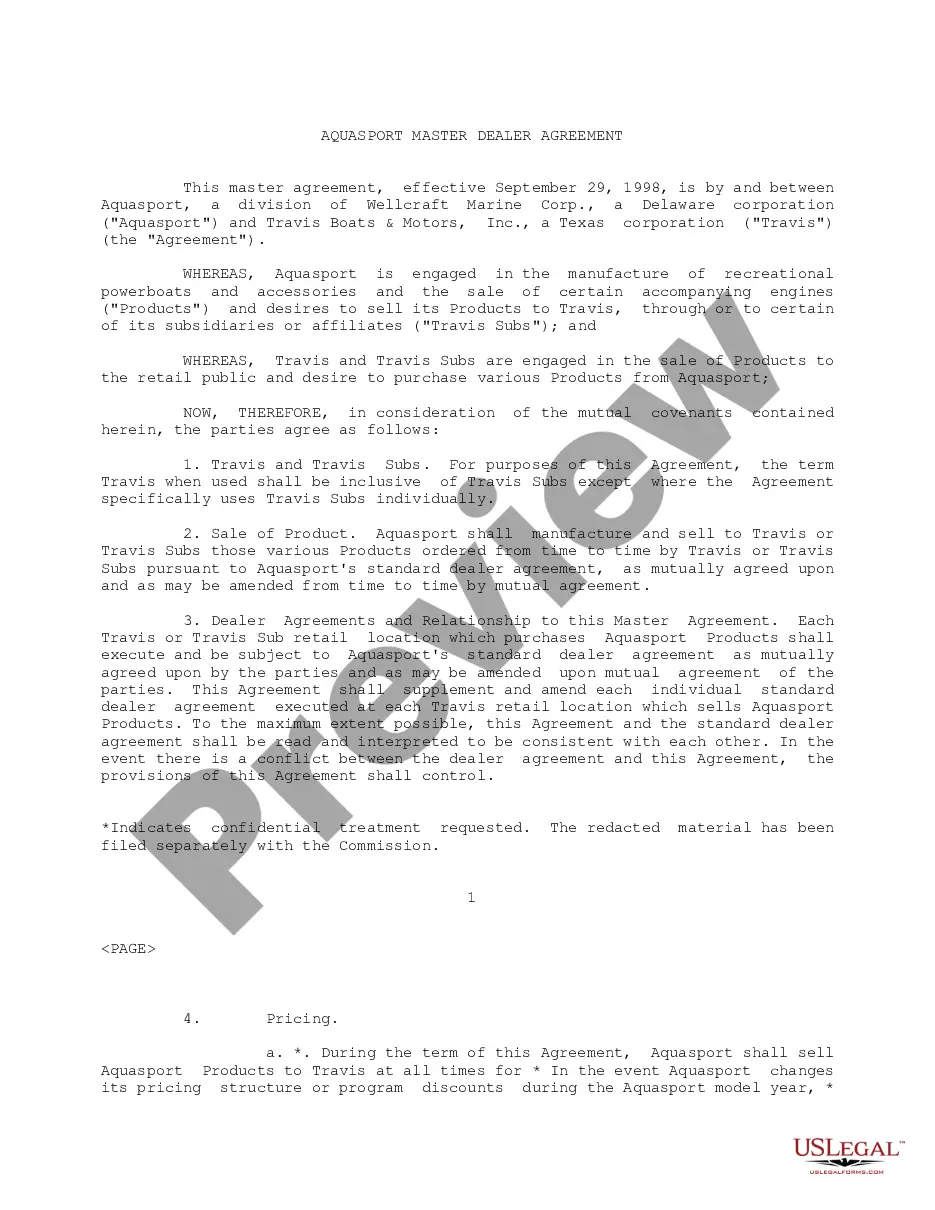
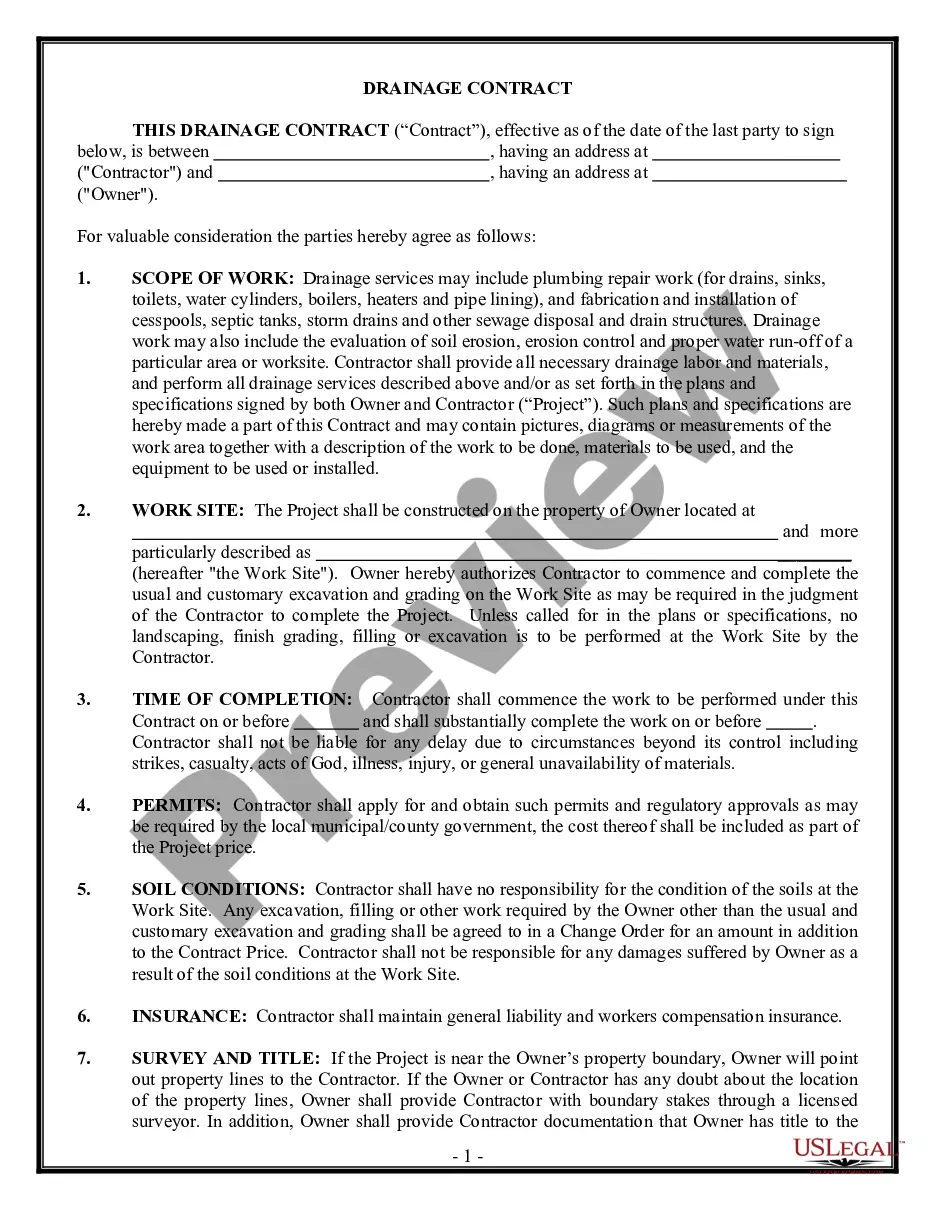




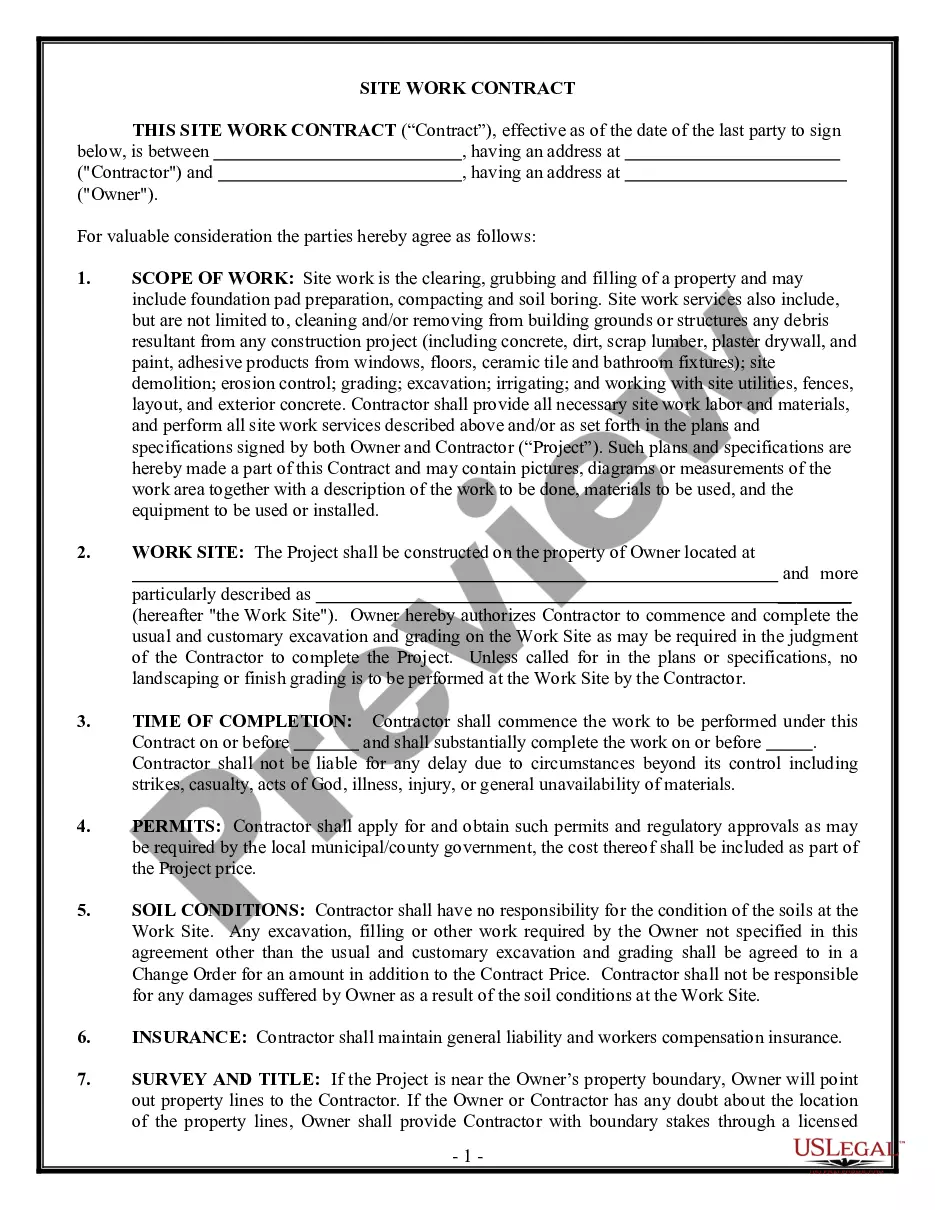
How to fill out Website Subscription User Agreement For Online Advice Service?
Well-crafted official paperwork serves as a key safeguard against issues and lawsuits, but obtaining it without an attorney's assistance may require time.
Whether you need to swiftly locate a current Agreement Online Service Without Website or any other forms for employment, family, or business purposes, US Legal Forms is always ready to assist.
The procedure is even more straightforward for current users of the US Legal Forms database. If your subscription is active, you simply need to Log In to your account and click the Download button beside the selected file. Additionally, you can retrieve the Agreement Online Service Without Website at any time, as all documents acquired on the platform remain accessible within the My documents section of your profile. Conserve time and resources on creating official paperwork. Test US Legal Forms today!
- Confirm that the form fits your situation and location by reviewing the description and preview.
- Search for an additional sample (if necessary) using the Search bar in the page header.
- Hit Buy Now once you find the suitable template.
- Select the pricing plan, Log In to your account or create a new one.
- Choose your preferred payment method to acquire the subscription (via credit card or PayPal).
- Select PDF or DOCX format for your Agreement Online Service Without Website.
- Click Download, and then print the template to complete it or upload it to an online editor.
Form popularity
FAQ
Here's how to sign a contract online:Upload the contract you'd like to sign or send into your HelloSign account.Use text boxes, signature or date boxes to format the appropriate fields in your document. Enter in recipient contact info (email) and add a personal message to recipients.Click "Request Signature."
Ten Tips for Making Solid Business Agreements and ContractsGet it in writing.Keep it simple.Deal with the right person.Identify each party correctly.Spell out all of the details.Specify payment obligations.Agree on circumstances that terminate the contract.Agree on a way to resolve disputes.More items...
Are contracts signed online legally binding? Yes, most contracts signed online are legally binding worldwide. However, there are some exceptions for specific documents based on the country where you live.
Yes, electronic signatures are valid in all U.S. states and are granted the same legal status as handwritten signatures under state laws. In other industrialized countries, electronic signatures carry the same weight and legal efficiency as handwritten signatures and paper documents.
All business contracts must contain the essential elements of an agreement. The essential elements include consideration, offer and acceptance, a legal purpose, capable parties and mutual assent. Consideration means something of value must be exchanged.