Email Service Agreement For Employees
Description
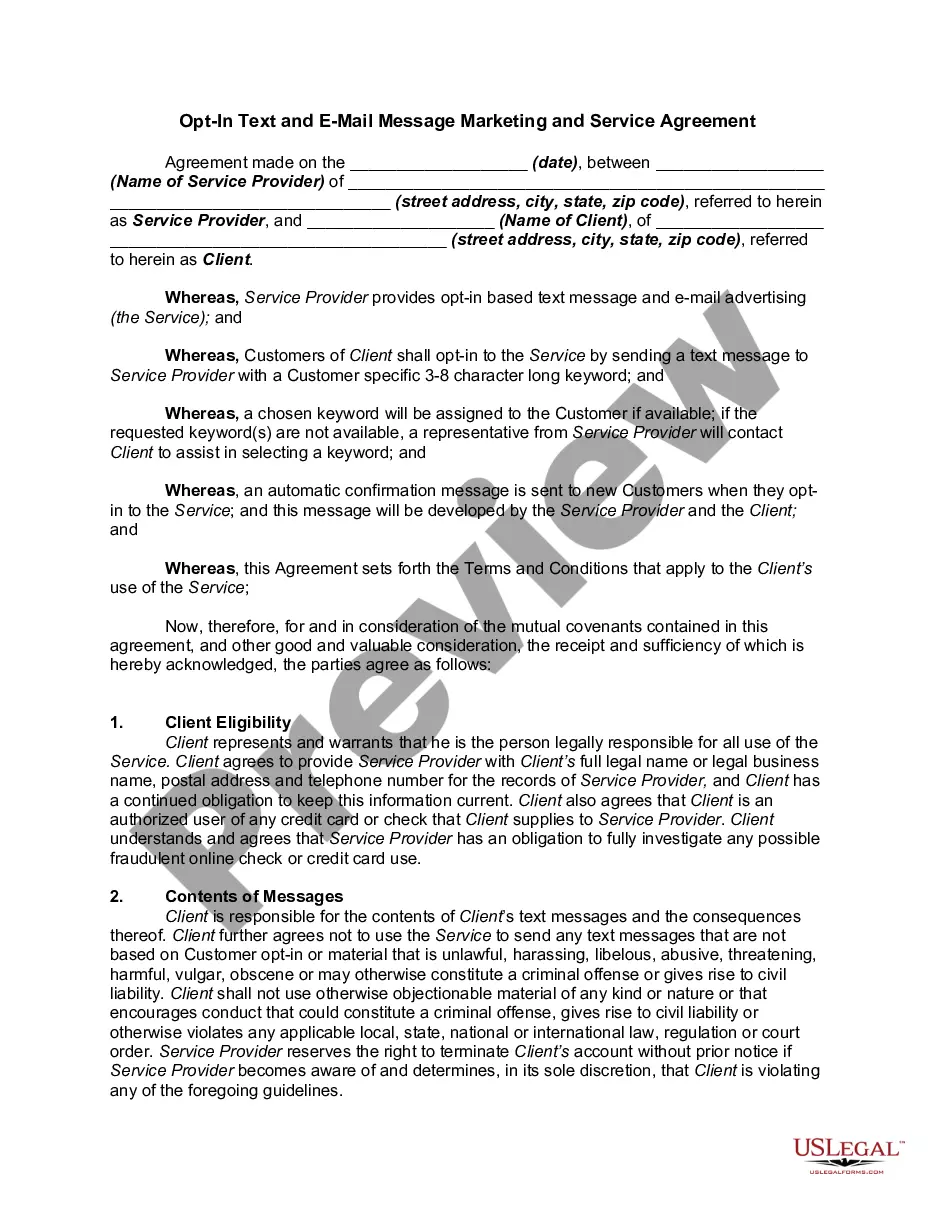
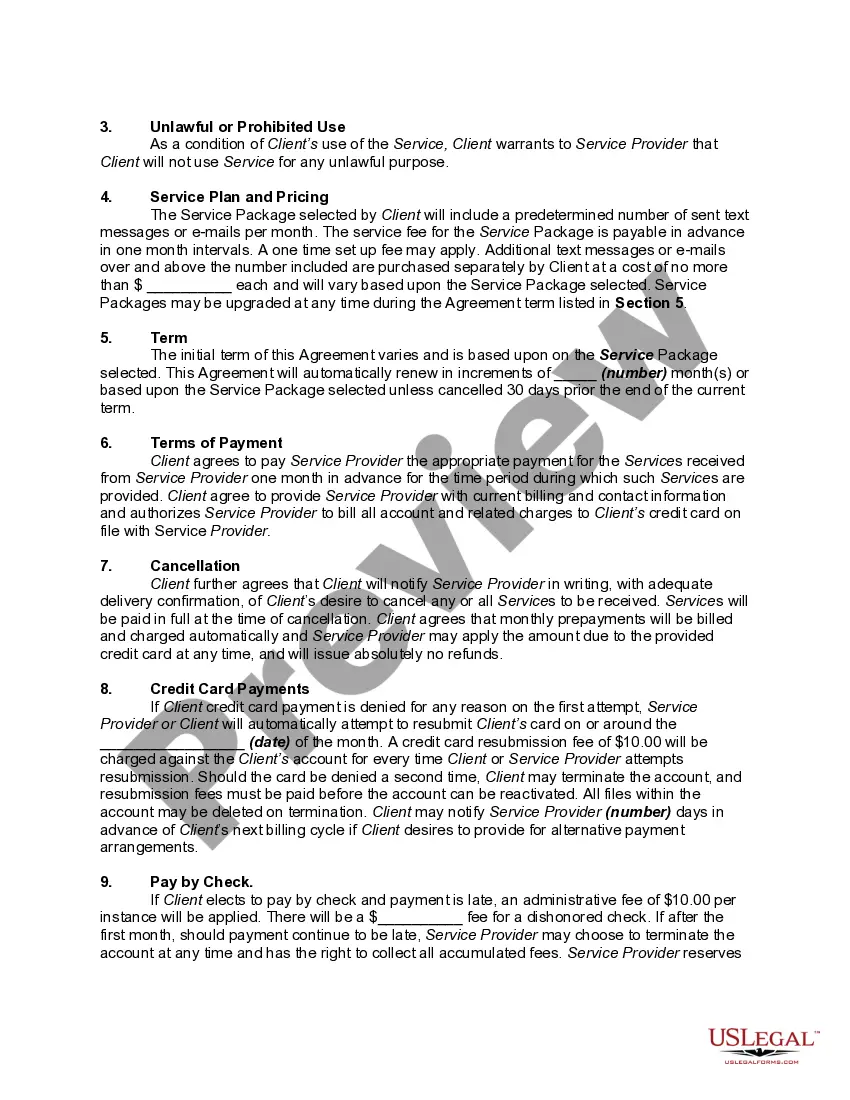
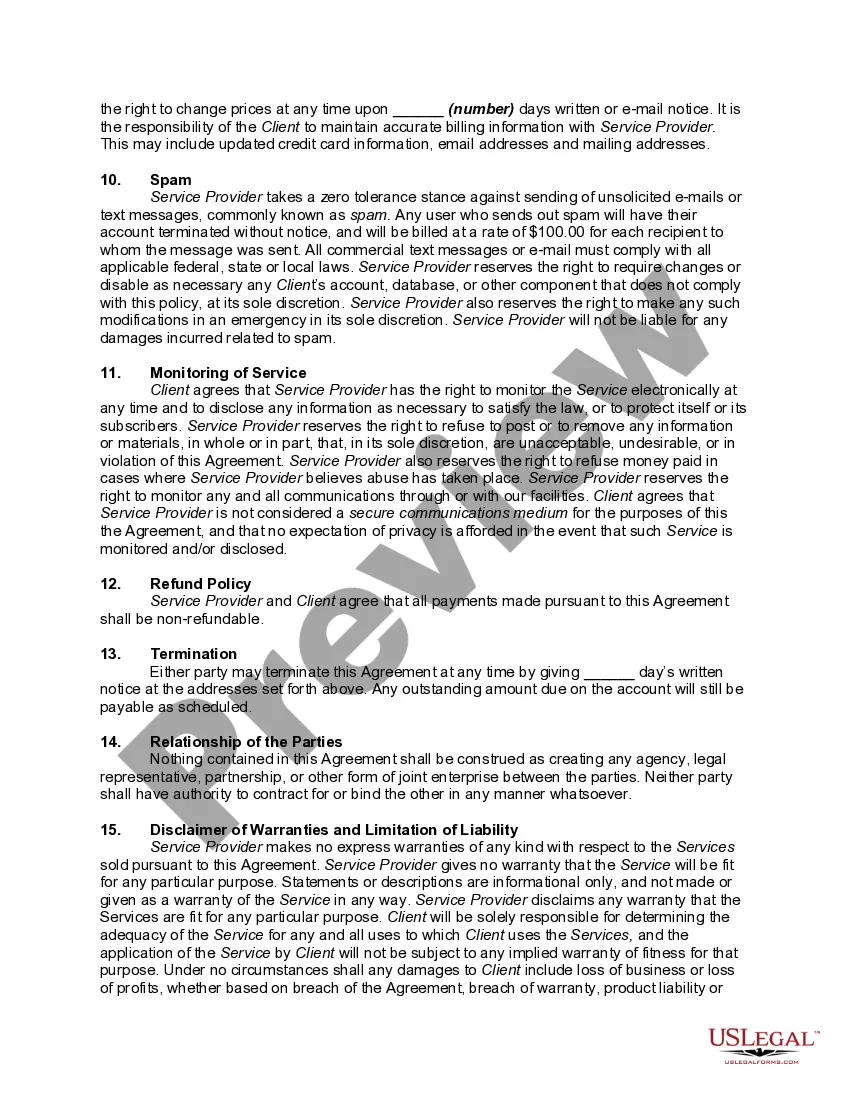
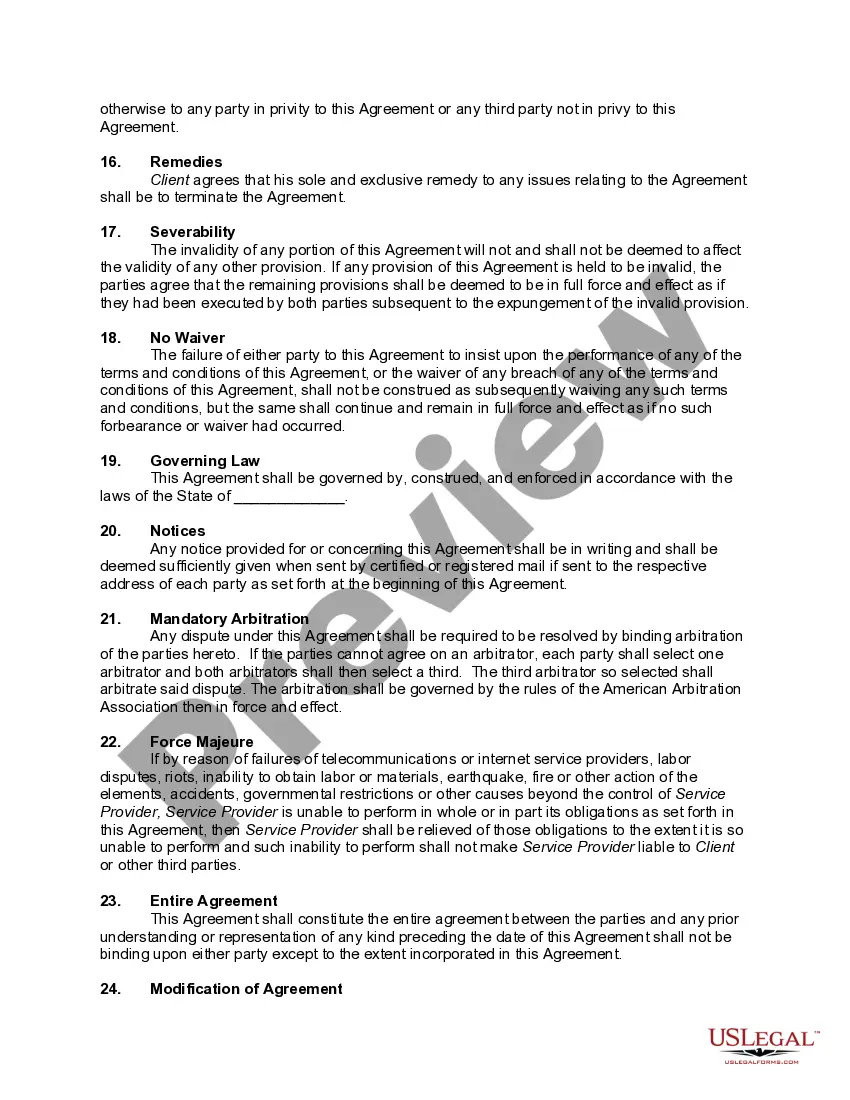
Get your form ready online
Our built-in tools help you complete, sign, share, and store your documents in one place.
Make edits, fill in missing information, and update formatting in US Legal Forms—just like you would in MS Word.
Download a copy, print it, send it by email, or mail it via USPS—whatever works best for your next step.
Sign and collect signatures with our SignNow integration. Send to multiple recipients, set reminders, and more. Go Premium to unlock E-Sign.
If this form requires notarization, complete it online through a secure video call—no need to meet a notary in person or wait for an appointment.
We protect your documents and personal data by following strict security and privacy standards.

Make edits, fill in missing information, and update formatting in US Legal Forms—just like you would in MS Word.

Download a copy, print it, send it by email, or mail it via USPS—whatever works best for your next step.

Sign and collect signatures with our SignNow integration. Send to multiple recipients, set reminders, and more. Go Premium to unlock E-Sign.

If this form requires notarization, complete it online through a secure video call—no need to meet a notary in person or wait for an appointment.

We protect your documents and personal data by following strict security and privacy standards.
Looking for another form?








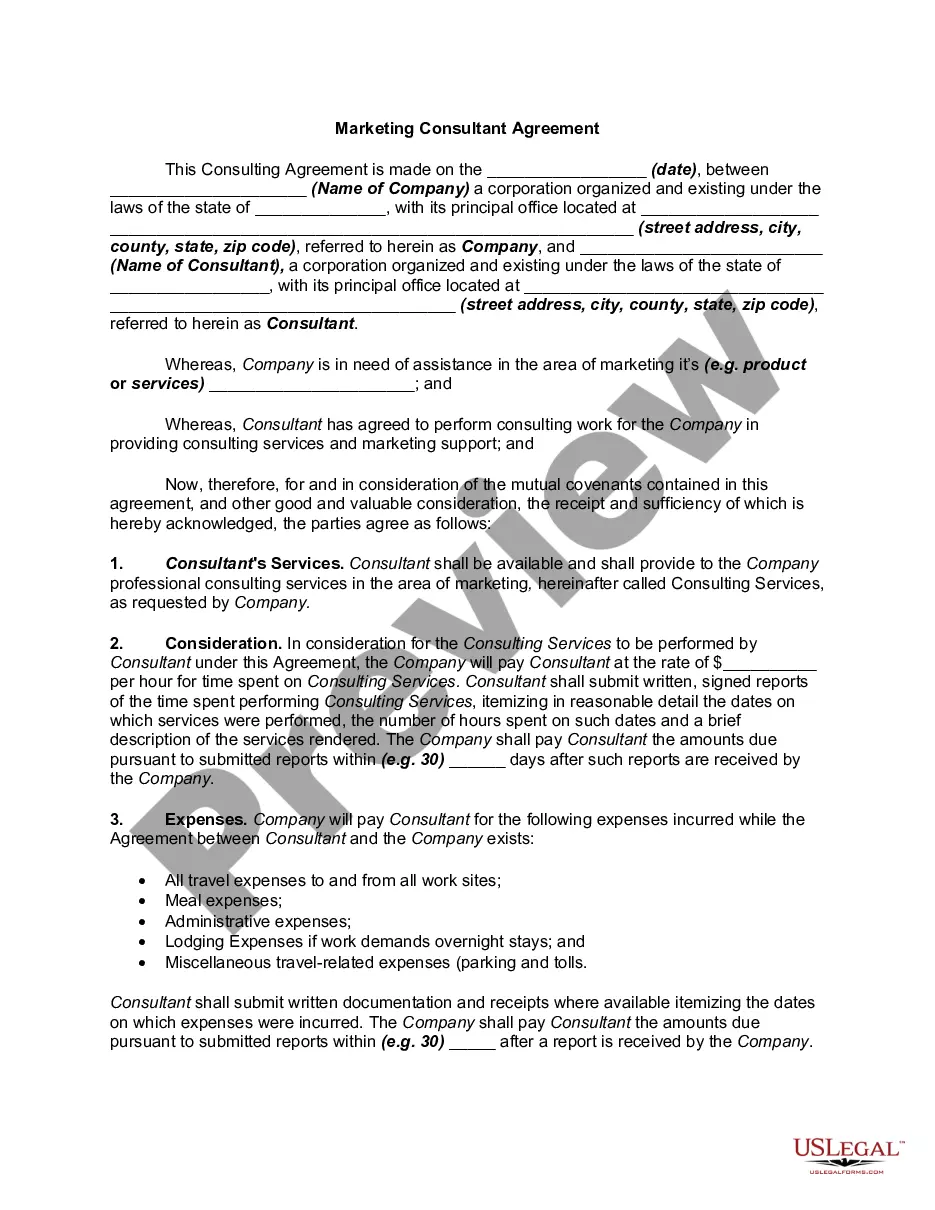
How to fill out Opt-In Text And Email Message - Marketing Consultant Service Agreement?
Maneuvering through the red tape of official records and templates can be challenging, particularly for those who do not engage in such tasks professionally.
Even selecting the appropriate template for the Email Service Agreement For Employees will consume a significant amount of time, as it must be valid and accurate down to the very last number.
However, you will find yourself investing much less time obtaining a suitable template from a source you can trust.
US Legal Forms will save you considerable time in verifying whether the form you discovered online suits your requirements. Create an account and gain unlimited access to all the templates you need.
- US Legal Forms serves as a single destination for acquiring the latest document samples, consulting their usage, and downloading them for completion.
- It boasts a repository of over 85,000 forms relevant to various domains.
- When searching for an Email Service Agreement For Employees, you will not have to question its authenticity, as all forms are verified.
- Having an account with US Legal Forms guarantees that you will have all the essential samples at your fingertips.
- You can store them in your history or add them to the My documents catalog.
- Your saved forms can be accessed from any device by clicking Log In on the library site.
- If you do not have an account yet, you can always conduct a new search for the template you are seeking.
- Obtain the correct form in a few straightforward steps.
Form popularity
FAQ
How do I write a Service Agreement?State how long the services are needed.Include the state where the work is taking place.Describe the service being provided.Provide the contractor's and client's information.Outline the compensation.State the agreement's terms.Include any additional clauses.More items...?
How to Create Your Own Service AgreementIdentify the customer and the service provider.Add both parties' contact information.Describe the services that will be provided.Outline a schedule for payments.Establish any necessary legal terms.If the services are creative, decide who owns the creative product.More items...
How to sign a document on Gmail in 5 easy steps:Install Signeasy's Gmail Inbox add-on.Link it to your email account.Open the email with attachments that need to be signed.Click on the 'Sign' button and then click on 'Sign Yourself'.Choose whether you want to draw, type or upload your a signature image.
Dear (Hiring Manager or Supervisor's Name), Please accept this email as my formal acceptance of the offered position as (position) with (company). I thank you for the opportunity, and I look forward to applying my skills to the position. I look forward to starting work and meeting the team on (begin date).
Kindly sign and return the attached document(s).Please sign the attached copy(ies).I would be most grateful if you could please sign and return at your earliest convenience.Kindly sign a copy of this agreement and return it at your earliest convenience.Please sign both copies.More items...?