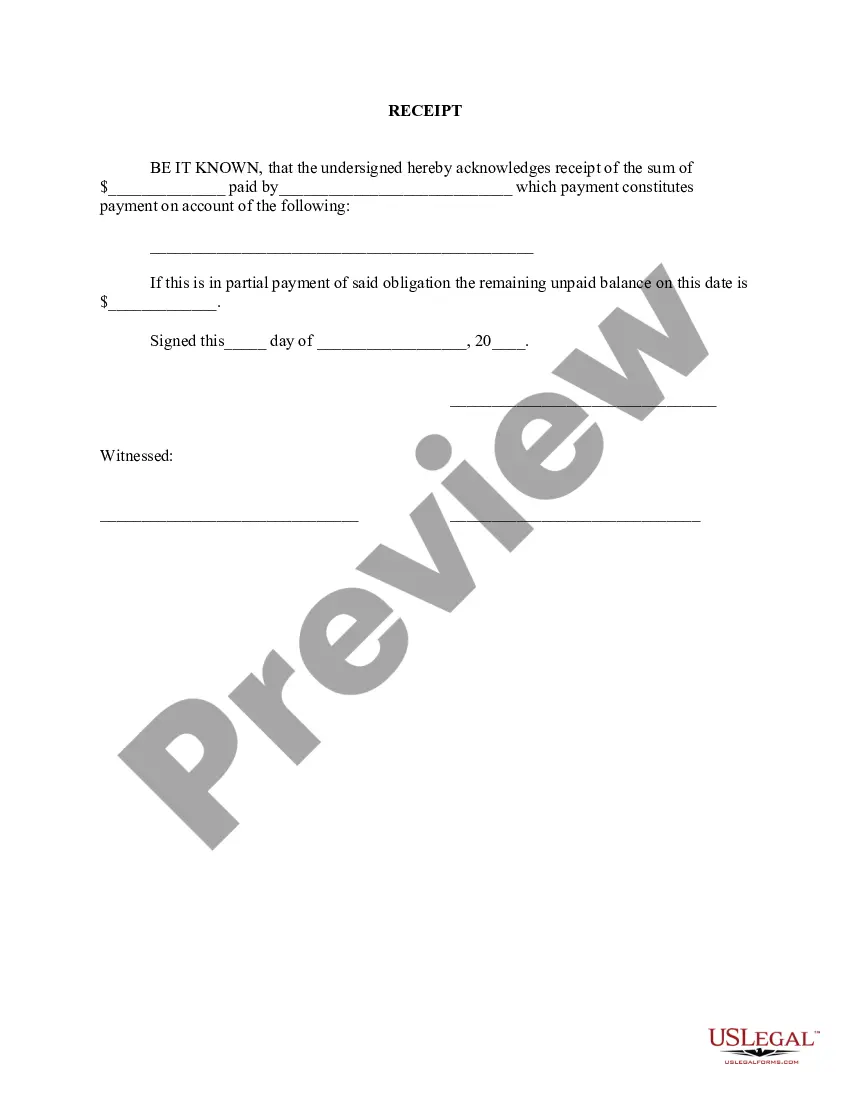
Pay Receipt Pay With Qr Code
Description


Get your form ready online
Our built-in tools help you complete, sign, share, and store your documents in one place.
Make edits, fill in missing information, and update formatting in US Legal Forms—just like you would in MS Word.
Download a copy, print it, send it by email, or mail it via USPS—whatever works best for your next step.
Sign and collect signatures with our SignNow integration. Send to multiple recipients, set reminders, and more. Go Premium to unlock E-Sign.
If this form requires notarization, complete it online through a secure video call—no need to meet a notary in person or wait for an appointment.
We protect your documents and personal data by following strict security and privacy standards.

Make edits, fill in missing information, and update formatting in US Legal Forms—just like you would in MS Word.

Download a copy, print it, send it by email, or mail it via USPS—whatever works best for your next step.

Sign and collect signatures with our SignNow integration. Send to multiple recipients, set reminders, and more. Go Premium to unlock E-Sign.

If this form requires notarization, complete it online through a secure video call—no need to meet a notary in person or wait for an appointment.

We protect your documents and personal data by following strict security and privacy standards.
Looking for another form?



How to fill out Receipt For Payment Of Account?
Whether for commercial objectives or personal issues, everyone must handle legal matters at some stage in their life.
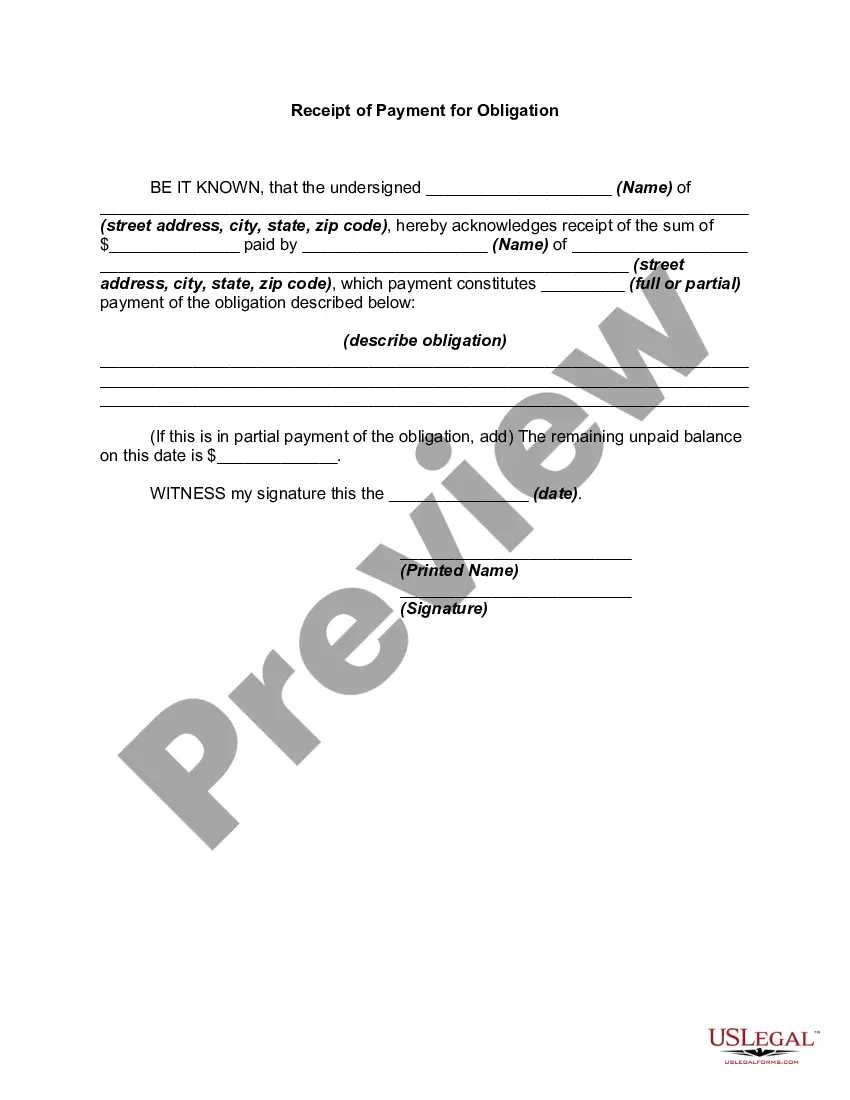
Completing legal paperwork requires meticulous care, starting with selecting the appropriate form example. For example, if you select an incorrect version of a Pay Receipt Pay With Qr Code, it will be denied once you submit it. Thus, it is crucial to obtain a reliable source of legal documents like US Legal Forms.
With a vast US Legal Forms catalog available, you don’t need to waste time searching for the appropriate template online. Utilize the library’s easy navigation to find the right template for any occasion.
- Obtain the template you require by using the search box or catalog browsing.
- Review the form’s description to confirm it suits your circumstance, state, and area.
- Click on the form’s preview to view it.
- If it is the incorrect form, return to the search tool to locate the Pay Receipt Pay With Qr Code template you need.
- Download the template when it aligns with your requirements.
- If you possess a US Legal Forms account, click Log in to access previously saved documents in My documents.
- If you do not have an account yet, you may acquire the form by clicking Buy now.
- Choose the suitable pricing option.
- Complete the account registration form.
- Select your payment method: use a credit card or PayPal account.
- Choose the document format you desire and download the Pay Receipt Pay With Qr Code.
- Once it is downloaded, you can fill out the form with the assistance of editing software or print it and complete it manually.
Form popularity
FAQ
To accept payments via QR code, you need a suitable payment processing system that supports QR code transactions. First, generate a QR code linked to your payment account, ensuring it states 'Pay receipt pay with QR code.' Then, display this code prominently where customers can scan it easily. This method streamlines your payment process and offers a quick, secure option for your clients.
To generate a QR code for a receipt, start by using a reliable QR code generator tool. Input the relevant payment details, including the total amount and transaction information, ensuring you specify 'Pay receipt pay with QR code.' Once you create the code, download it and print or share it digitally with your customers. This process simplifies transactions and enhances customer convenience.
Creating a QR code for payments is a straightforward process. Start by using a QR code generator linked to your payment platform, such as US Legal Forms, which simplifies the process. Enter the necessary payment details, generate the code, and share it with your customers. With this approach, you enable quick and seamless transactions where customers can easily pay receipts by scanning the QR code.
To take payments with a QR code, first choose a payment processing service that supports QR code transactions. Once you set up your account, generate a unique QR code linked to your payment receipt. Share this code with your customers, allowing them to scan it using their mobile devices to complete the payment. This method enhances convenience and security, making it easier for you to receive payments.
Yes, you can make a payment with a QR code. When you encounter a QR code linked to a payment, simply use your mobile device's camera or a QR code scanning app. This action will direct you to the payment page where you can enter the required details. This method is efficient and secure, enabling you to pay receipt pay with QR code conveniently.
To accept payment with a QR code, you first need to generate a unique QR code linked to your payment system. Many platforms, including US Legal Forms, offer tools that easily create these codes. Once you have the QR code, display it at your point of sale or share it digitally. Customers can then scan the code with their mobile devices to complete the transaction, making it simple to pay receipt pay with QR code.
Setting up a QR code to receive payments starts with choosing a reliable payment platform that offers QR code functionality. After creating your account, you can generate a QR code linked to your payment methods. This allows you to quickly receive payments, making it easier for customers to pay receipt pay with QR code, thus improving your overall transaction efficiency.
Creating a QR code to accept payments involves selecting a payment processor that supports this feature. Once you have an account, you can generate a QR code that links directly to your payment page or account. This enables customers to pay receipt pay with QR code easily, enhancing their shopping experience and streamlining your payment process.
To receive payments with a QR code, you first need to generate a unique code linked to your payment gateway or account. After creating the QR code, you can print it on invoices or display it at your point of sale. Customers can then scan the code with their mobile device, allowing them to pay receipt pay with QR code instantly and securely.
A QR code on a receipt to pay is a two-dimensional barcode that allows customers to make payments quickly and securely by scanning it with their mobile device. This technology simplifies the payment process, enabling users to pay receipt pay with QR code without needing to enter card details manually. It is especially beneficial for businesses looking to enhance customer convenience and reduce transaction times.