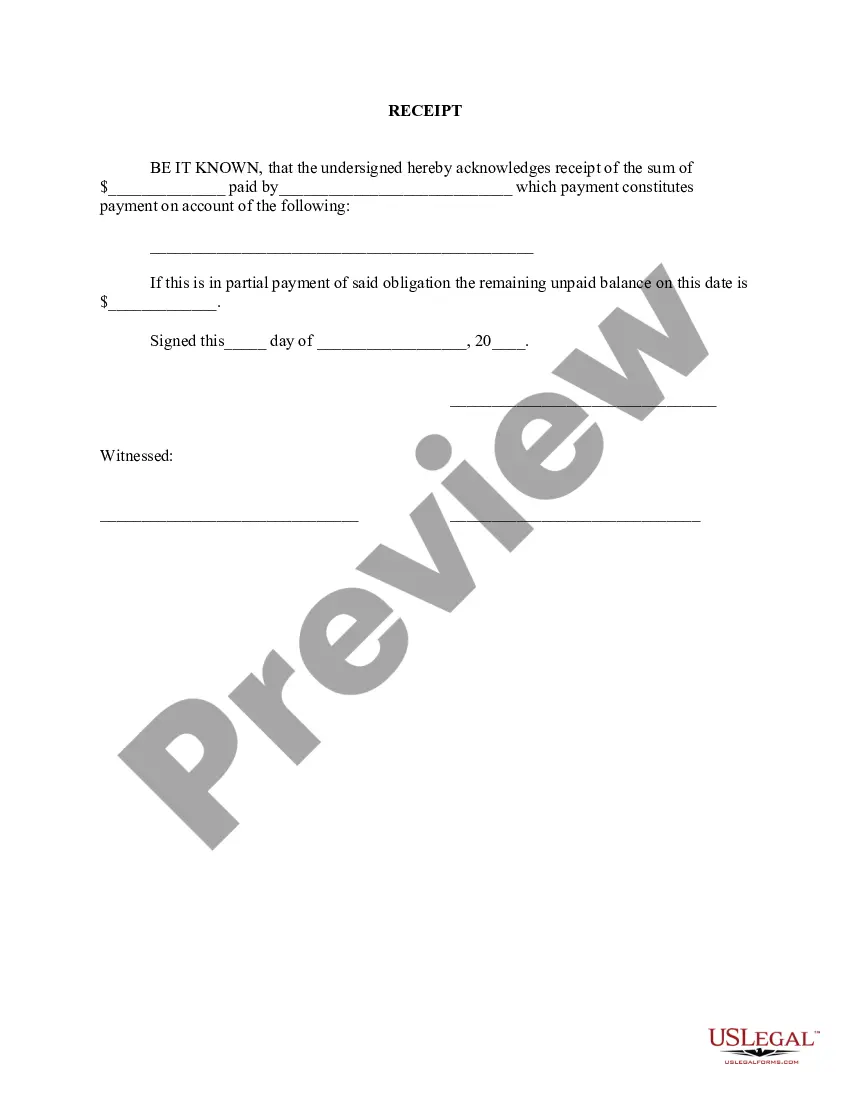
Pay Receipt Pay With Credit Card
Description


Get your form ready online
Our built-in tools help you complete, sign, share, and store your documents in one place.
Make edits, fill in missing information, and update formatting in US Legal Forms—just like you would in MS Word.
Download a copy, print it, send it by email, or mail it via USPS—whatever works best for your next step.
Sign and collect signatures with our SignNow integration. Send to multiple recipients, set reminders, and more. Go Premium to unlock E-Sign.
If this form requires notarization, complete it online through a secure video call—no need to meet a notary in person or wait for an appointment.
We protect your documents and personal data by following strict security and privacy standards.

Make edits, fill in missing information, and update formatting in US Legal Forms—just like you would in MS Word.

Download a copy, print it, send it by email, or mail it via USPS—whatever works best for your next step.

Sign and collect signatures with our SignNow integration. Send to multiple recipients, set reminders, and more. Go Premium to unlock E-Sign.

If this form requires notarization, complete it online through a secure video call—no need to meet a notary in person or wait for an appointment.

We protect your documents and personal data by following strict security and privacy standards.
Looking for another form?







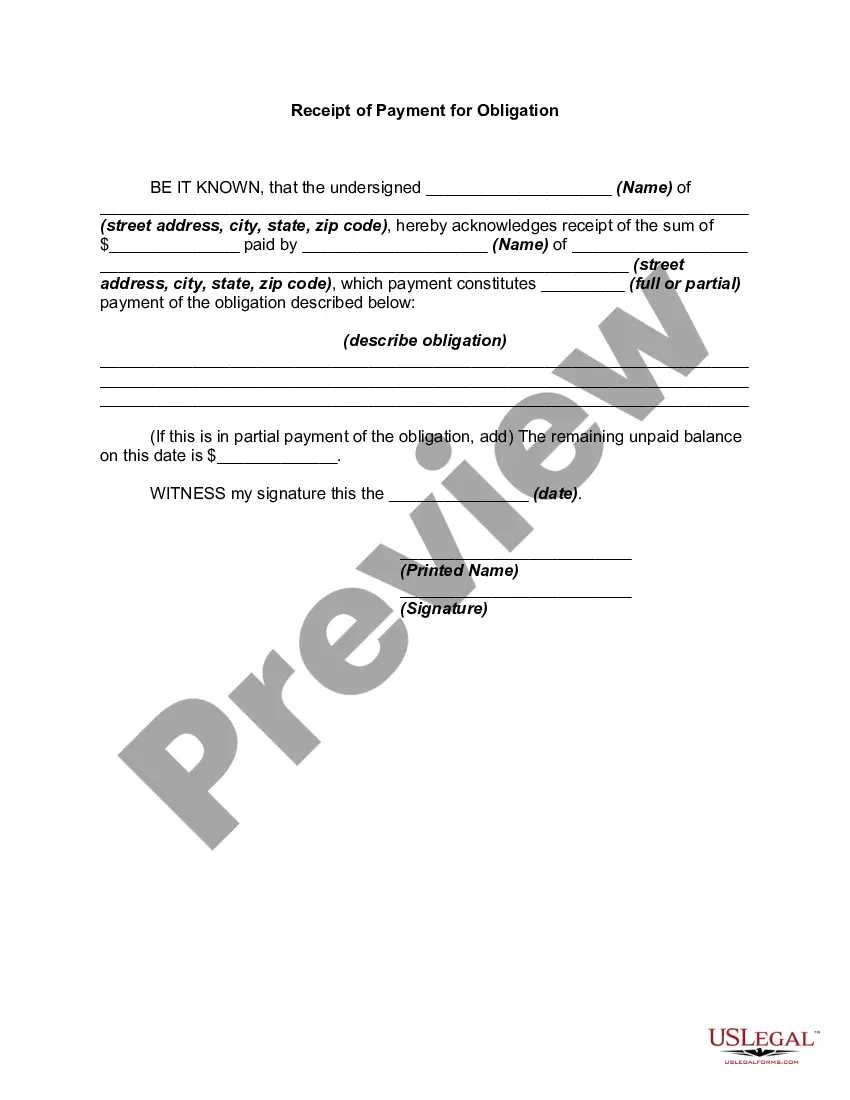
How to fill out Receipt For Payment Of Account?
Regardless of whether it's for professional reasons or personal matters, everyone must deal with legal circumstances at some point in their lives. Completing legal documents requires meticulous attention, beginning with selecting the correct form template. For example, if you choose an incorrect version of the Pay Receipt Pay With Credit Card, it will be rejected upon submission. Thus, it is essential to have a trustworthy source for legal documents such as US Legal Forms.
If you need to obtain a Pay Receipt Pay With Credit Card template, adhere to these simple steps.
With a vast US Legal Forms catalog available, you never need to waste time searching for the right template online. Utilize the library’s easy navigation to find the suitable form for any situation.
- Acquire the template you require using the search bar or catalog navigation.
- Review the form’s description to confirm it suits your circumstance, state, and area.
- Click on the form’s preview to view it.
- If it is the incorrect document, return to the search feature to find the Pay Receipt Pay With Credit Card example you need.
- Obtain the file when it aligns with your specifications.
- If you already possess a US Legal Forms account, click Log in to access previously stored files in My documents.
- In case you do not have an account yet, you can download the form by clicking Buy now.
- Choose the appropriate pricing option.
- Fill out the account registration form.
- Select your payment method: you can utilize a credit card or PayPal account.
- Choose the file format you prefer and download the Pay Receipt Pay With Credit Card.
- Once it is downloaded, you can fill out the form using editing software or print it and complete it manually.
Form popularity
FAQ
The IRS requires receipts to include specific details, such as the date of payment, amount, merchant name, and a description of the goods or services provided. This information is crucial for substantiating your deductions. When you pay receipt pay with credit card, maintaining organized records can make it easier to comply with IRS requirements and simplify your tax preparation.
The IRS does accept credit card statements as receipts, provided they contain detailed information about the transaction. Ensure that your statement includes the date, amount, and name of the merchant. When you pay receipt pay with credit card, keeping these statements will help you stay organized and prepared for tax time.
Yes, paying an invoice with a credit card is a common practice and often a convenient option. Many businesses now accept credit cards for invoice payments, making transactions quick and easy. If you're looking for a simple solution to manage these payments, US Legal Forms can assist you in generating invoices that accommodate credit card transactions.
Yes, a credit card statement can count as proof of payment, as long as it clearly shows the transaction details. Ensure that the statement includes the date of the payment, the amount, and the merchant's name. When you pay receipt pay with credit card, retaining these statements can help you substantiate your expenses to the IRS.
The IRS accepts various forms of proof of payment, including receipts, bank statements, and credit card statements. To ensure your documentation is adequate, make sure it clearly shows the payment date, the amount, and the recipient. When you pay receipt pay with credit card, keep your confirmation emails and transaction records as they can serve as useful proof.
The 15 3 credit card trick is a strategy to boost your credit score quickly. It involves making a payment of three times your minimum payment due on your credit card by the 15th of the month, and then paying off the remaining balance by the due date. This method shows creditors that you manage your credit responsibly. By using this trick, you can enhance your credit profile, making it easier to pay receipt pay with credit card in the future.
It's pretty simple. And much needed. So the next time you receive an invoice from one of your vendors, you now have the option to pay them with your credit card?to earn rewards and defer payments to better manage your cash flow.
Then, type the 16-digit Debit Card number which is on the front side of your Debit Card. You will also have to enter the expiration date of the card. Once you've entered the Debit Card details, you may be asked for a CCD, CVV, or similar security code.
How to Use a Debit Card Online? Once you are at the payment checkout, you need to choose ?Pay Using Debit/ Credit Card. ... Then, type the 16-digit Debit Card number which is on the front side of your Debit Card. ... Once you've entered the Debit Card details, you may be asked for a CCD, CVV, or similar security code.
If you want to pay a vendor with a credit card, you will either need to set up an account or provide your credit card details into their invoicing software. If a vendor does not accept credit cards, you may be able to use a third-party service to make a credit card payment on your behalf.