Sample Email With Errors
Description
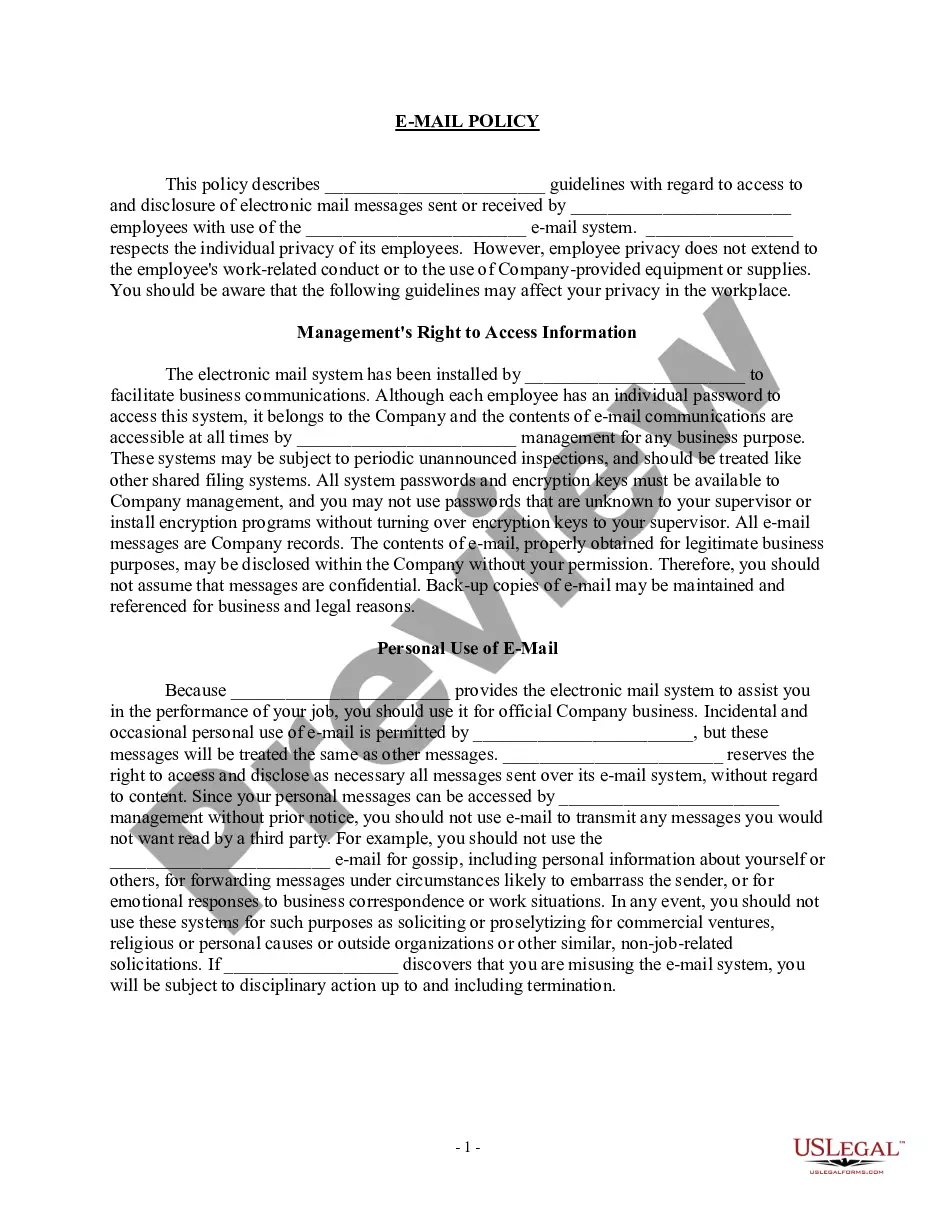
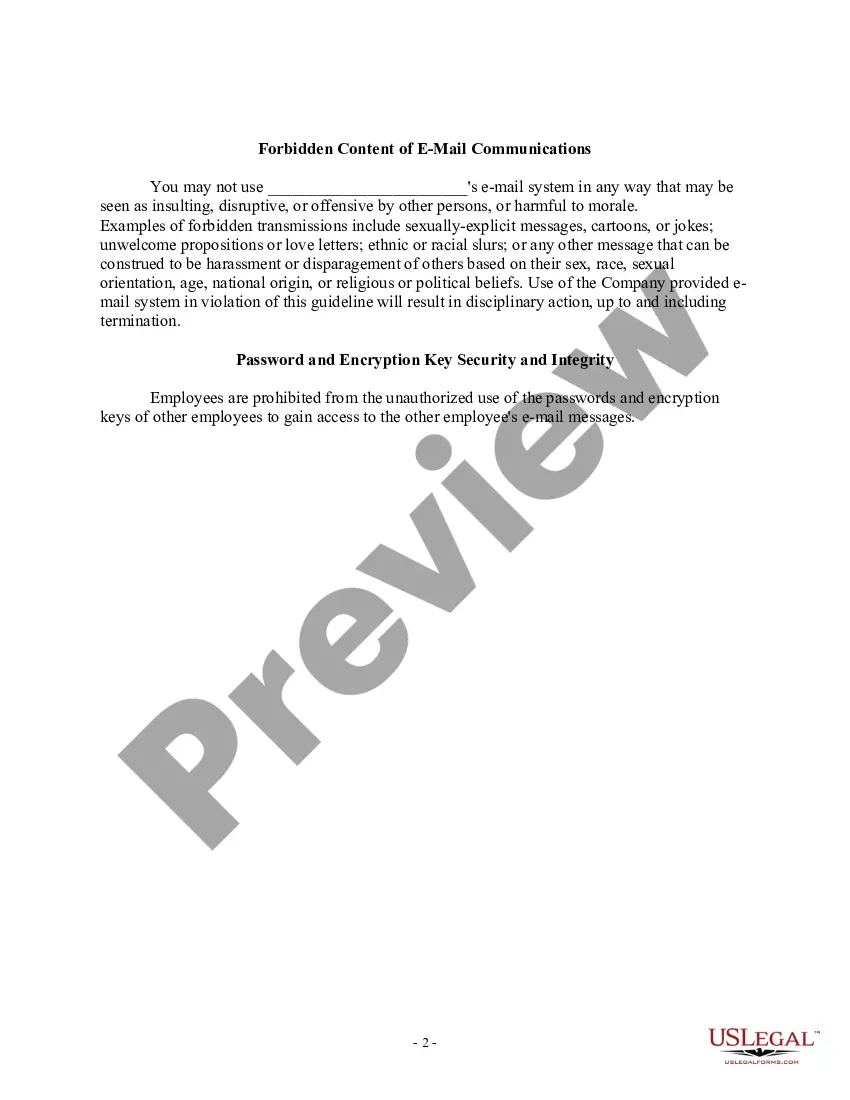
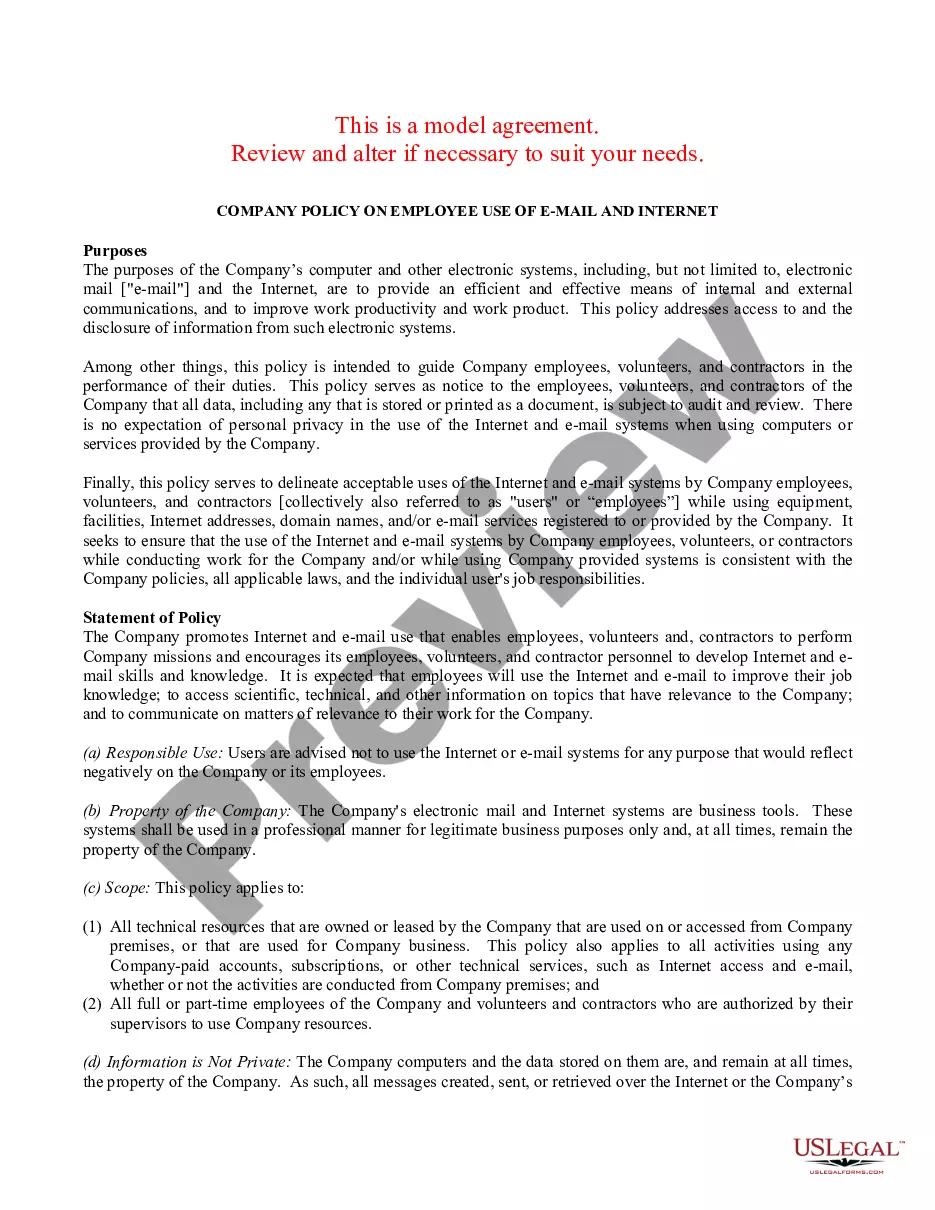
Get your form ready online
Our built-in tools help you complete, sign, share, and store your documents in one place.
Make edits, fill in missing information, and update formatting in US Legal Forms—just like you would in MS Word.
Download a copy, print it, send it by email, or mail it via USPS—whatever works best for your next step.
Sign and collect signatures with our SignNow integration. Send to multiple recipients, set reminders, and more. Go Premium to unlock E-Sign.
If this form requires notarization, complete it online through a secure video call—no need to meet a notary in person or wait for an appointment.
We protect your documents and personal data by following strict security and privacy standards.

Make edits, fill in missing information, and update formatting in US Legal Forms—just like you would in MS Word.

Download a copy, print it, send it by email, or mail it via USPS—whatever works best for your next step.

Sign and collect signatures with our SignNow integration. Send to multiple recipients, set reminders, and more. Go Premium to unlock E-Sign.

If this form requires notarization, complete it online through a secure video call—no need to meet a notary in person or wait for an appointment.

We protect your documents and personal data by following strict security and privacy standards.
Looking for another form?
How to fill out Sample EMail Policy?
The Sample Email With Errors you observe on this page is a reusable formal template created by experienced lawyers in accordance with federal and state laws and regulations.
For over 25 years, US Legal Forms has supplied individuals, companies, and lawyers with more than 85,000 authenticated, state-specific documents for any business and personal situation. It’s the fastest, simplest, and most reliable method to acquire the paperwork you require, as the service ensures bank-level data security and anti-malware safeguards.
Register for US Legal Forms to have verified legal templates for all of life’s situations at your fingertips.
- Search for the document you require and examine it. Browse through the file you looked up and preview it or review the form description to ensure it meets your needs. If it does not, utilize the search bar to find the correct one. Click Buy Now once you have identified the template you need.
- Register and Log In. Choose the pricing plan that works for you and set up an account. Use PayPal or a credit card for a quick payment. If you already possess an account, Log In and verify your subscription to proceed.
- Acquire the editable template. Choose the format you desire for your Sample Email With Errors (PDF, Word, RTF) and download the sample onto your device.
- Complete and sign the documents. Print the template to finish it manually. Alternatively, use an online multifunctional PDF editor to swiftly and accurately complete and sign your form with a valid signature.
- Download your documents once again. Use the same document again whenever necessary. Access the My documents tab in your profile to redownload any previously saved forms.
Form popularity
FAQ
Dear [partner's name], Our apology; we made a mistake and put the wrong [type of information] in the last email. The correct [type of information] should be [correct information]. We sincerely apologize for making such a mistake and hope it does not cause any confusion or inconvenience.
Correcting a mistake someone else has made involves following this message structure: Politely point out the mistake ? Describe what they've done that's wrong. Provide context ? Explain the impact of the error. ... Offer a solution ? If you can offer a solution, now's the time to do it.
What is the best way to respond to someone who corrects spelling? If their correction is correct, thank them. If their correction is wrong, or is merely an alternative spelling, thank them and drop the subject. Don't correct them back.
Best Practices for Writing Correction Letters Timeliness: Address the error promptly to minimize any potential consequences. Clarity: Use clear and concise language to explain the error and the corrective actions taken. Professional Tone: Maintain a formal and professional tone throughout the letter.
Here are some ideas: ?Oops! Something went wrong.? ?Did our last email confuse you? Let's provide some explanations.? ?Apologies for the mistake. We're so sorry.? ?We made a wrong move! Here's what happened.? ?Sorry for the mishap.? ?Please accept our warmest and most sincere apologies.? ?Oops! ... ?Here's what went wrong.