Deed Trust Agreement Without
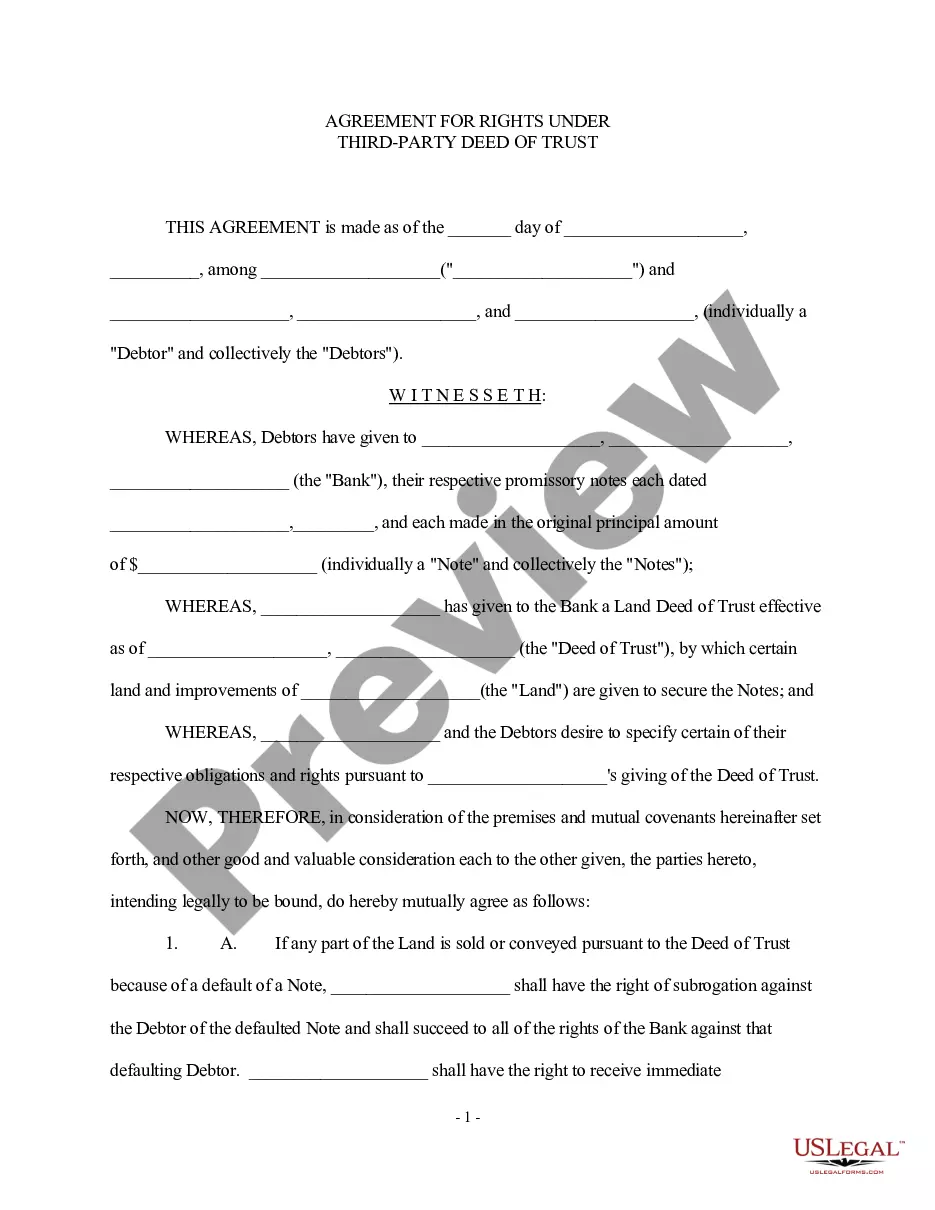
Description
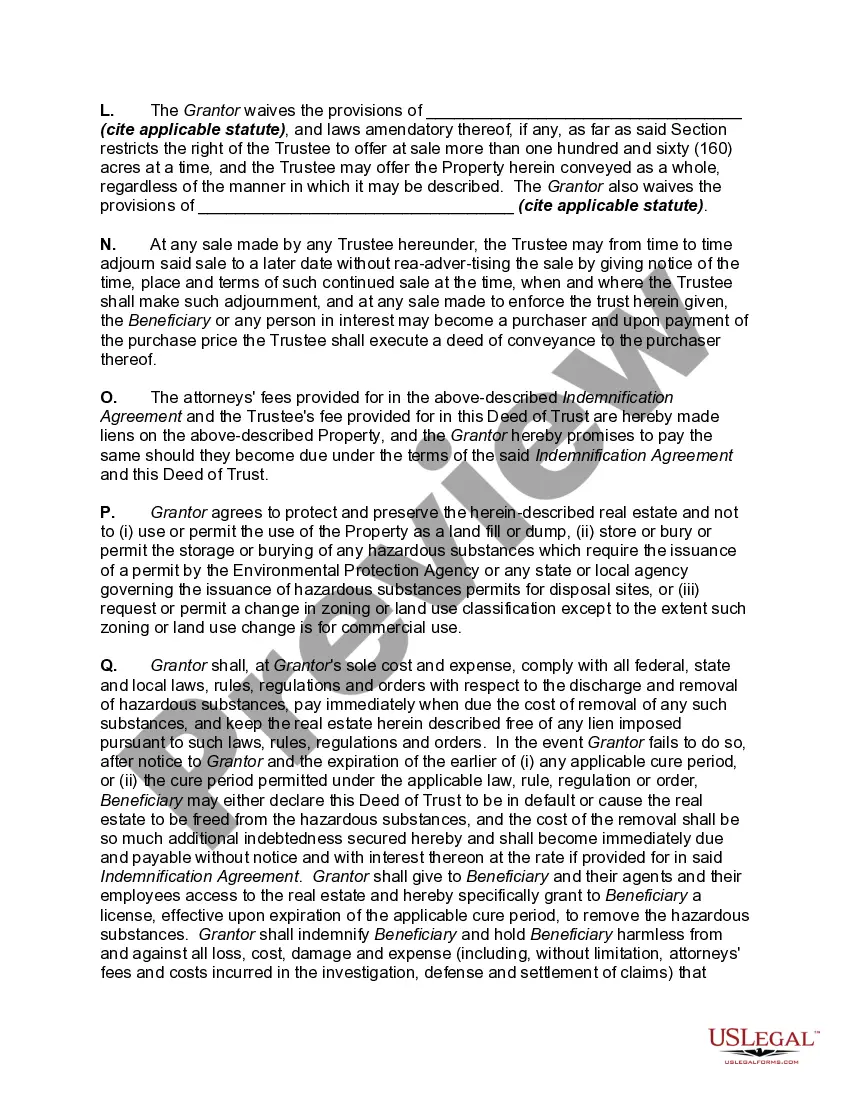
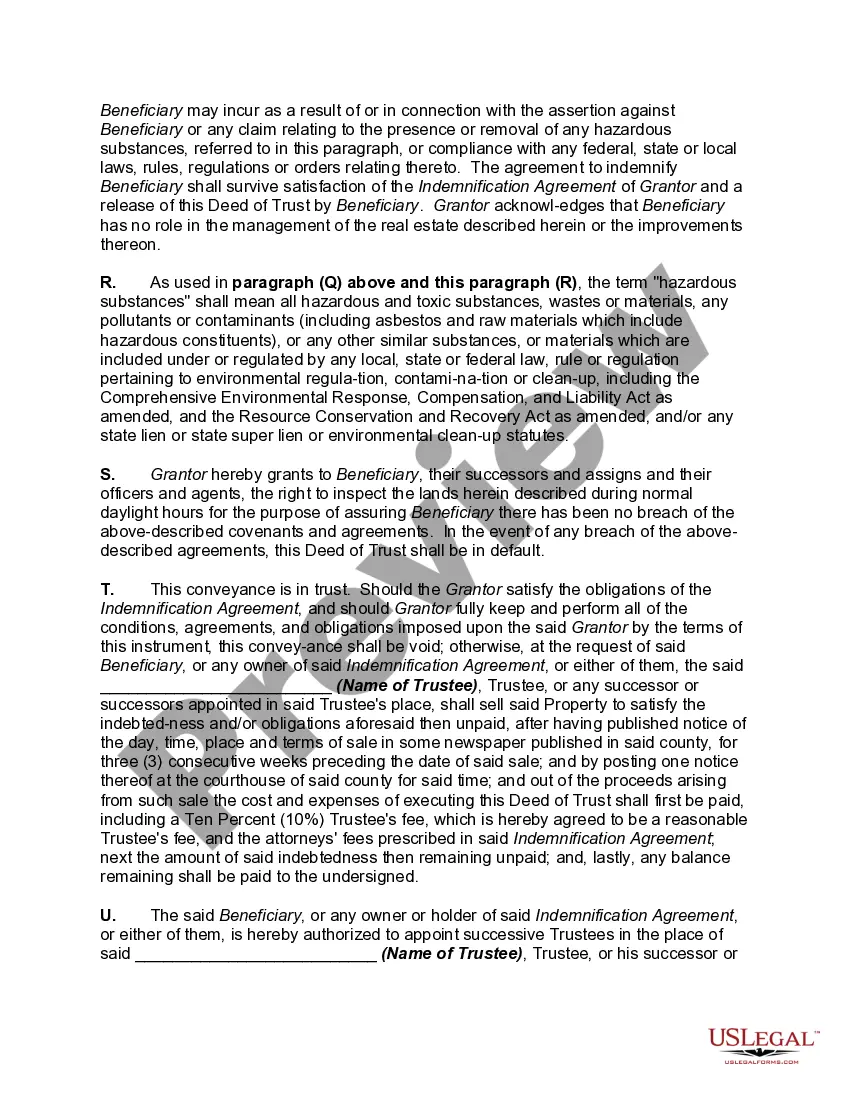
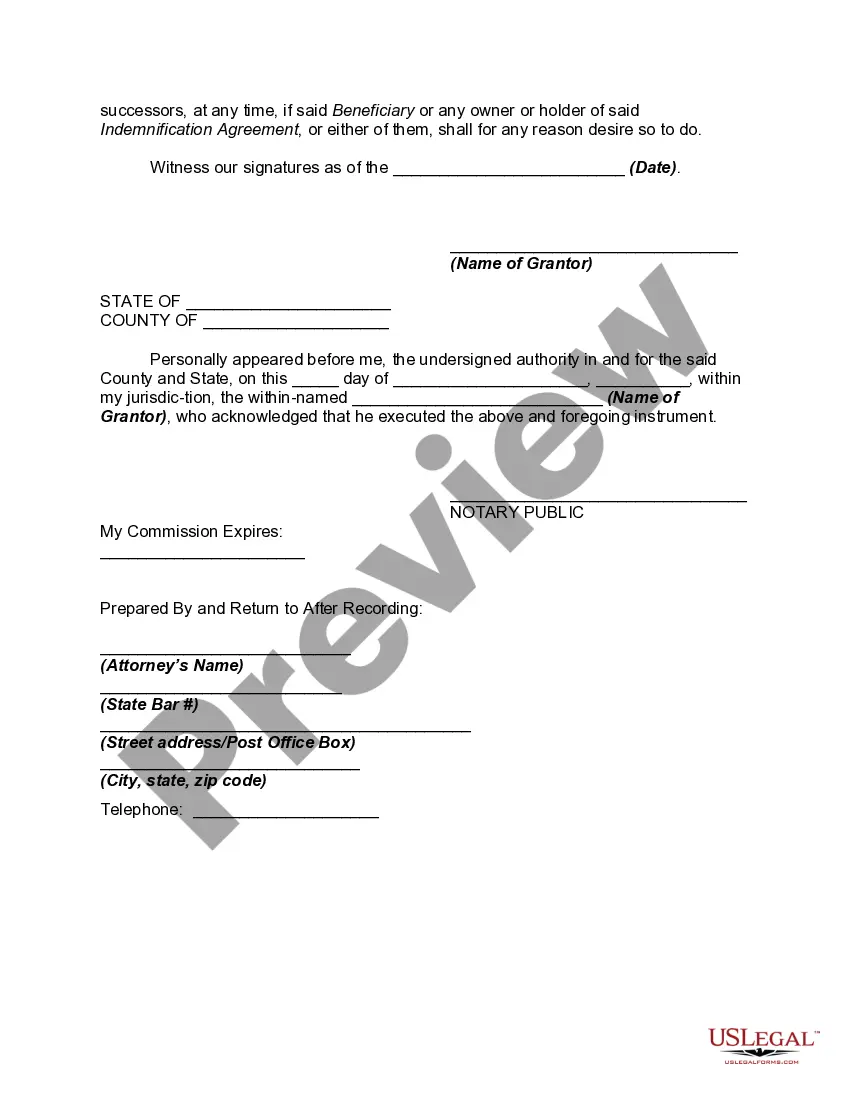
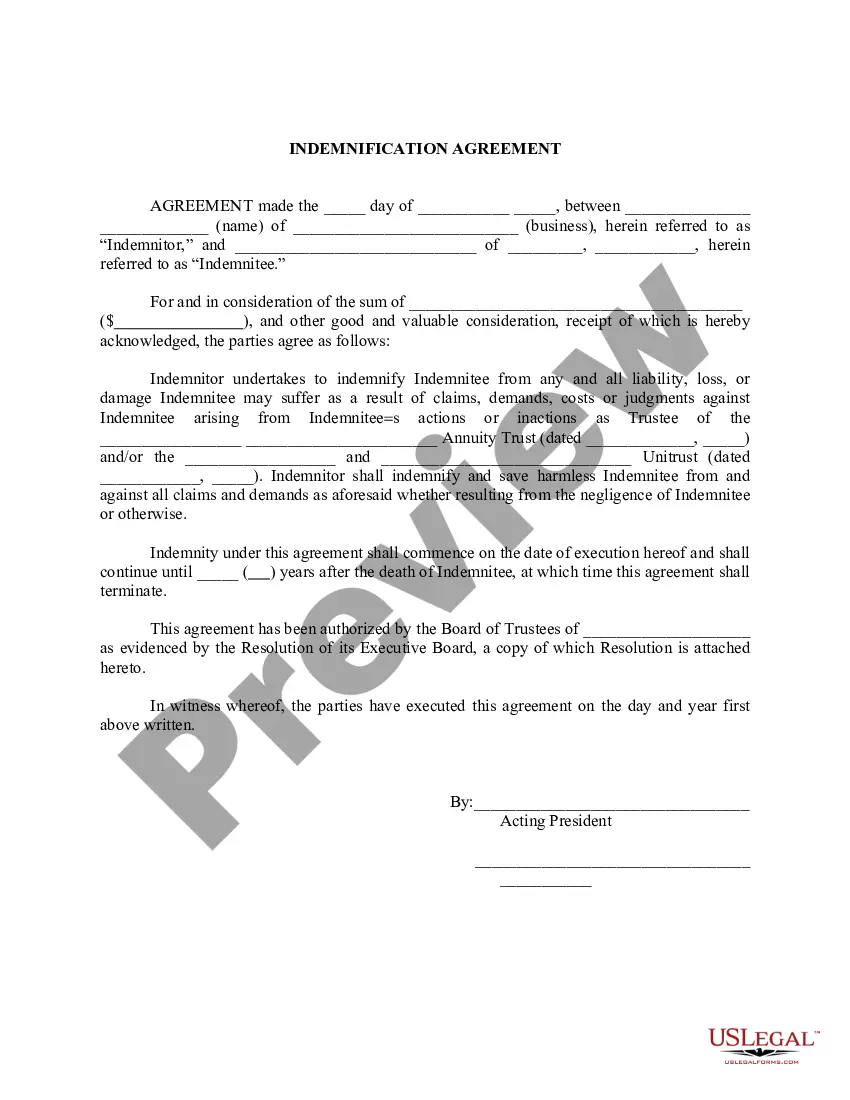
Get your form ready online
Our built-in tools help you complete, sign, share, and store your documents in one place.
Make edits, fill in missing information, and update formatting in US Legal Forms—just like you would in MS Word.
Download a copy, print it, send it by email, or mail it via USPS—whatever works best for your next step.
Sign and collect signatures with our SignNow integration. Send to multiple recipients, set reminders, and more. Go Premium to unlock E-Sign.
If this form requires notarization, complete it online through a secure video call—no need to meet a notary in person or wait for an appointment.
We protect your documents and personal data by following strict security and privacy standards.

Make edits, fill in missing information, and update formatting in US Legal Forms—just like you would in MS Word.

Download a copy, print it, send it by email, or mail it via USPS—whatever works best for your next step.

Sign and collect signatures with our SignNow integration. Send to multiple recipients, set reminders, and more. Go Premium to unlock E-Sign.

If this form requires notarization, complete it online through a secure video call—no need to meet a notary in person or wait for an appointment.

We protect your documents and personal data by following strict security and privacy standards.
Looking for another form?


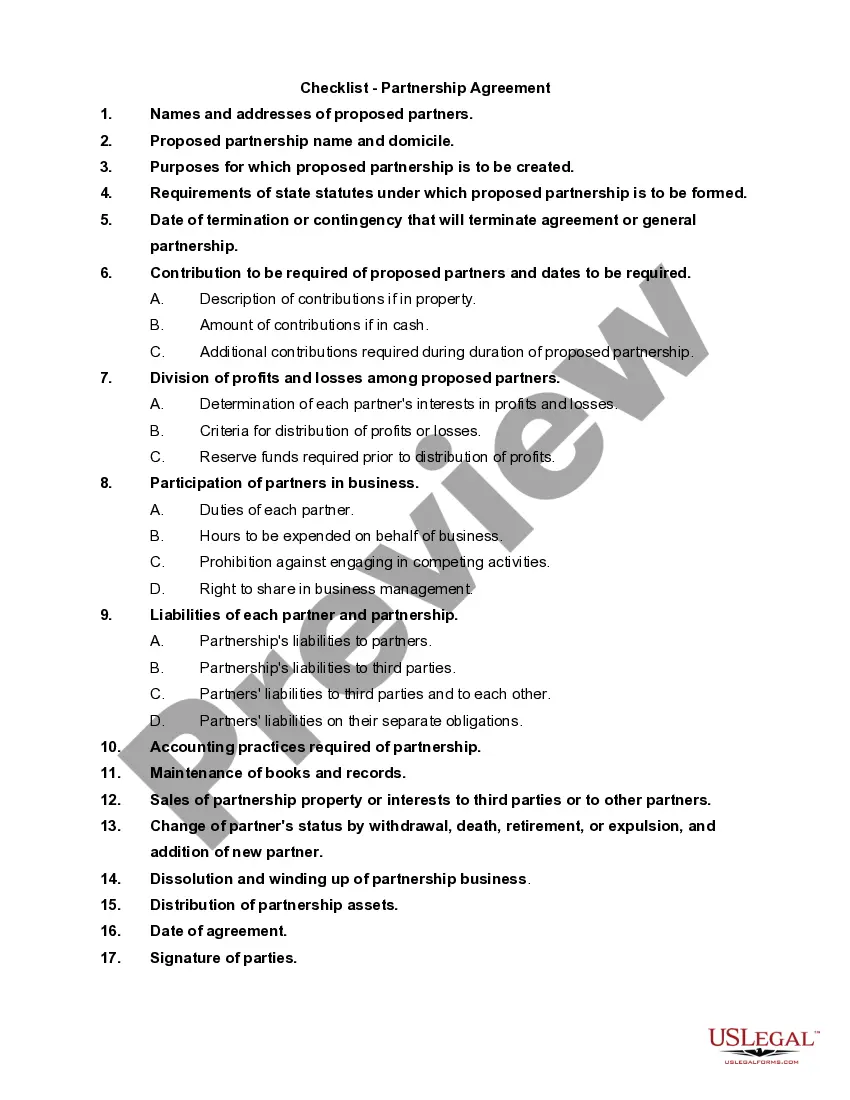






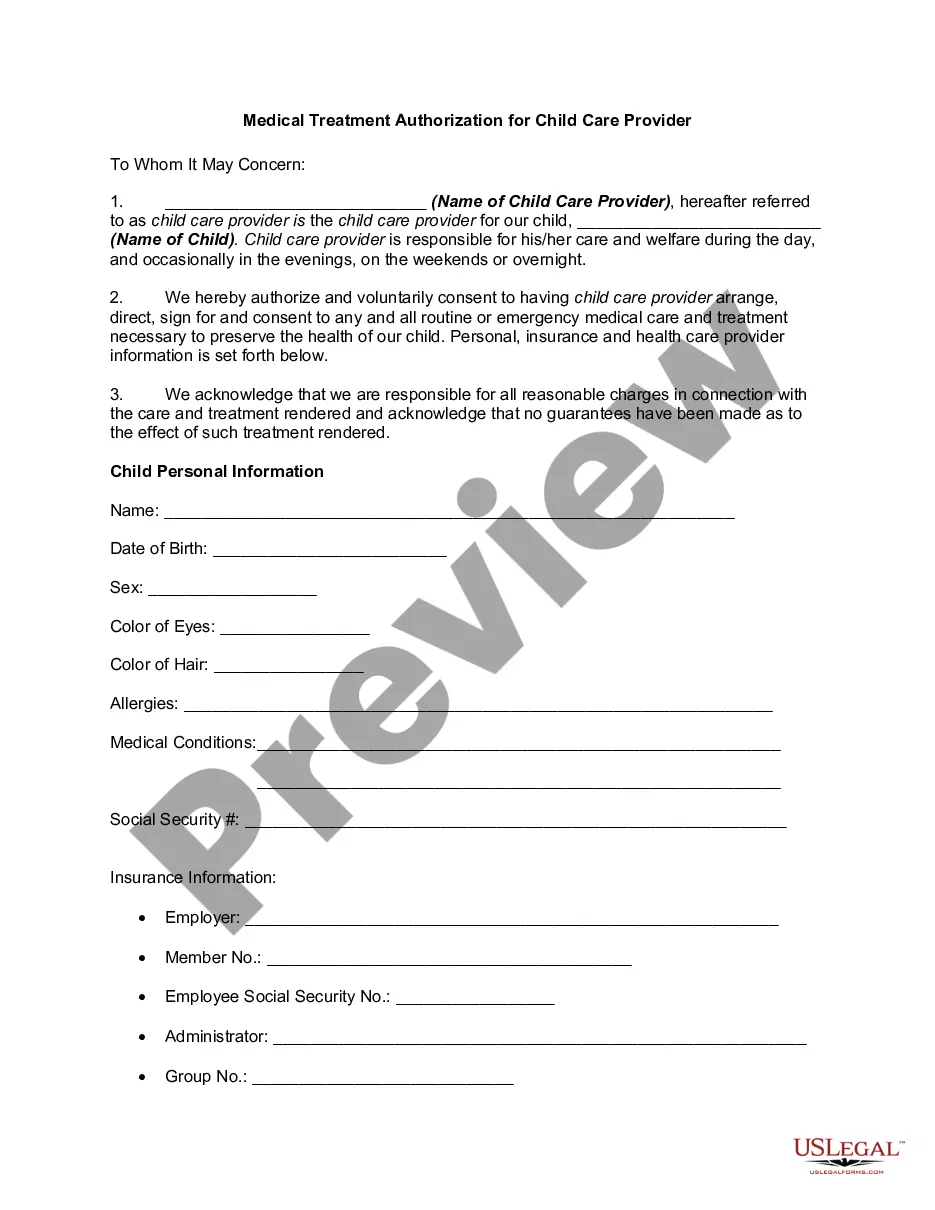
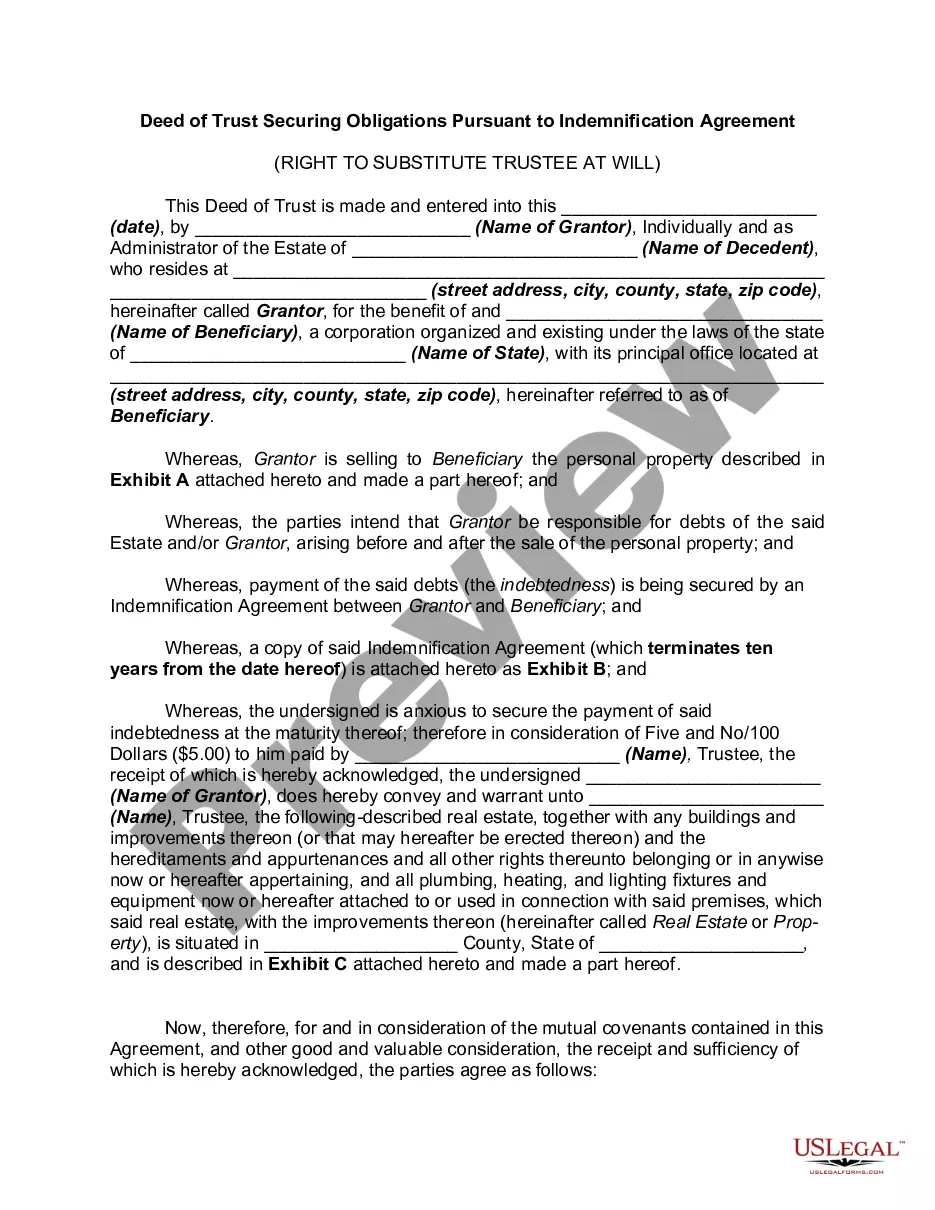
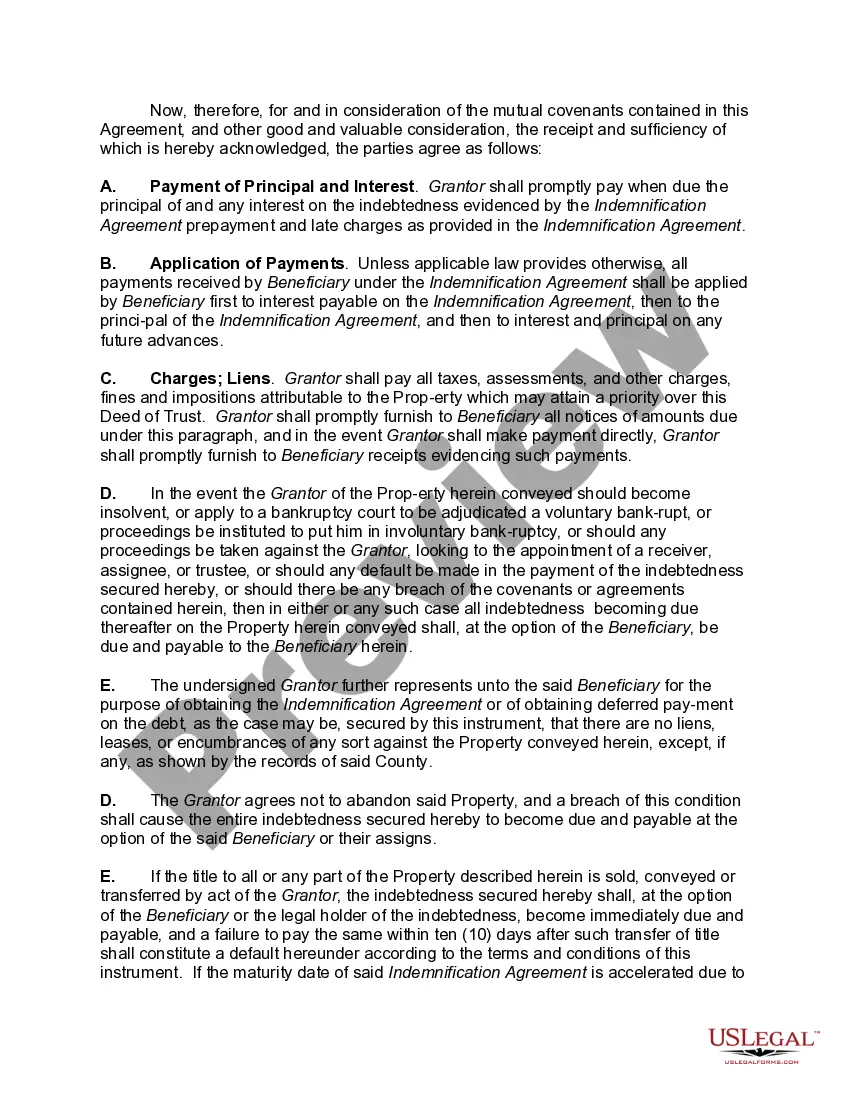
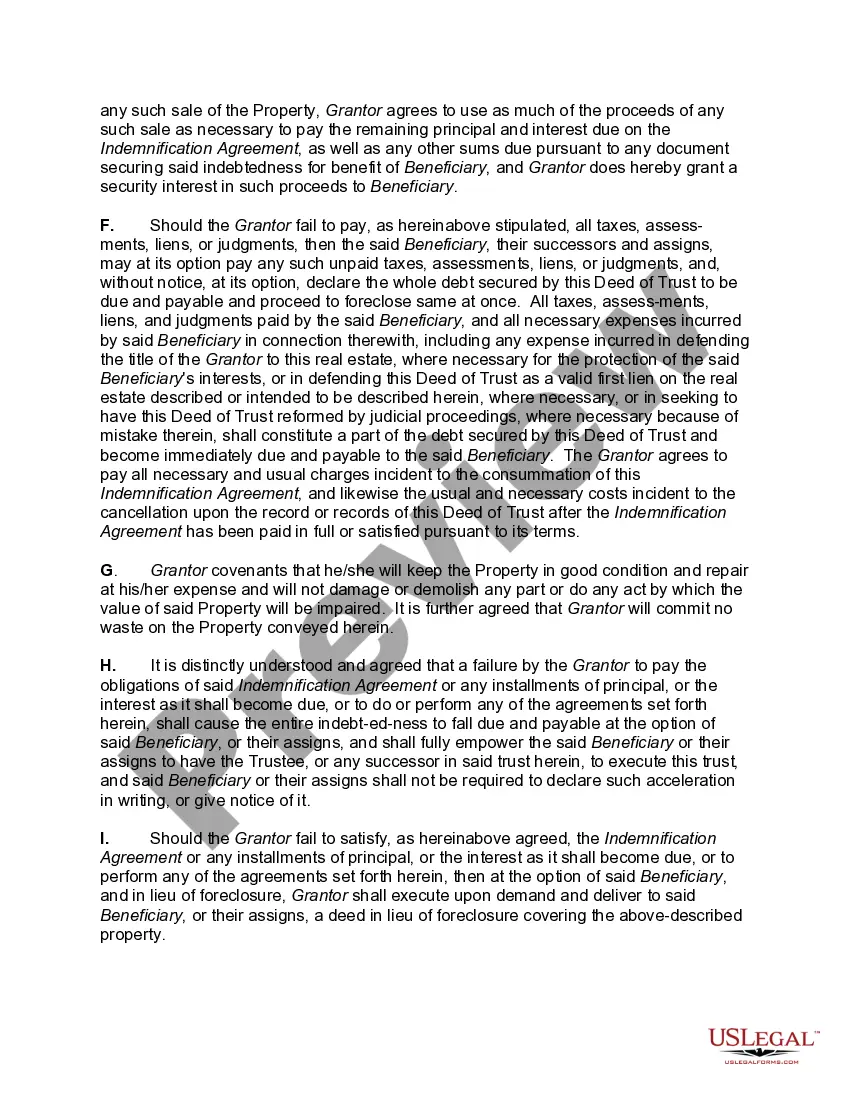
How to fill out Deed Of Trust Securing Obligations Pursuant To Indemnification Agreement?
Navigating through the red tape of official documents and templates can be challenging, particularly if one does not engage in that professionally.
Even locating the appropriate template for a Deed Trust Agreement Without will be labor-intensive, as it must be valid and precise to the final digit.
Nonetheless, you will have to invest significantly less time in sourcing a suitable template from a provider you can trust.
Acquire the appropriate form in a few easy steps: Enter the name of the document in the search field. Choose the correct Deed Trust Agreement Without from the list of results. Review the description of the example or open its preview. If the template meets your needs, click Buy Now. Proceed to select your subscription plan. Utilize your email and create a password to register an account at US Legal Forms. Select a credit card or PayPal payment option. Save the template file on your device in the format of your preference. US Legal Forms will save you considerable time in verifying whether the form you found online suits your requirements. Establish an account and gain unrestricted access to all the templates you need.
- US Legal Forms is a platform that streamlines the task of seeking the right forms online.
- US Legal Forms is a single destination you require to obtain the latest examples of documents, verify their application, and download these examples to complete them.
- This is a repository with over 85K forms applicable in various professional areas.
- When searching for a Deed Trust Agreement Without, you will not need to doubt its authenticity, as all forms are validated.
- Having an account at US Legal Forms will guarantee you access to all the essential examples at your fingertips.
- Store them in your history or add those to the My documents directory.
- You can retrieve your saved forms from any device by clicking Log In on the library website.
- If you do not yet possess an account, you can always search again for the template you need.
Form popularity
FAQ
How to WriteStep 1 Obtain The California Deed Of Trust Form For Your Use.Step 2 Determine And Present Where This Deed Must Be Returned.Step 3 Report The Assessor's Parcel Number.Step 4 Record The Effective Date Of This Deed.Step 5 Produce The Debtor's Identity As The Trustor.More items...?
A mortgage involves only two parties: the borrower and the lender. A deed of trust has a borrower, lender and a trustee. The trustee is a neutral third party that holds the title to a property until the loan is completely paid off by the borrower.
A deed of trust addresses three parties: The trustor, or obliger, who is the borrower1. The trustee, who holds "bare or legal" title (usually a title company) The beneficiary, who is the lender2.
A deed of trust is an agreement between a home buyer and a lender at the closing of a property. It states that the home buyer will repay the loan and that the mortgage lender will hold the legal title to the property until the loan is fully paid.
The Deed of Trust must be in writing, signed by the property owner, and filed in the County Clerk property records. The Deed of Trust should describe the loan amount, name a Trustee, and describe the collateral securing the loan. A correct legal description of the property is essential for a valid Deed of Trust.